Screenshot of Wp AI Chat

Wp AI Chat

Discover what WP AI Chat is and learn how to use it effectively in 2025. We'll explore its features and see how it stacks up against other chatbots.

Screenshot

What is WP AI Chat?

WP AI Chat is a really neat chat plugin designed to give your website some smart conversational abilities. It was created by Dr. Harlan Kilstein, who’s a big name in online marketing, and Valentin Jed. Together, they developed WPCHAT.AI, a tool that aims to totally change how we create and organize content by using artificial intelligence. What’s cool about this plugin is that it has a membership area where you can train the chat specifically for your own website. This makes it a powerful, yet easy-to-use, tool for anyone who owns a website and wants to boost how much people interact with it.

Who created WP AI Chat?

Dr. Harlan Kilstein is the mastermind behind WP AI Chat. He’s been a fixture online since 2001 and is known as an “A List” Copywriter, having worked with some major players in the industry. Back in 2014, Dr. Kilstein teamed up with Valentin Jed to create Viral Curation, an app that actually brought in a lot of traffic on Facebook. Then, in 2022, they decided to integrate AI technology into Viral Curation. This led to the creation of WPCHAT.AI, which is essentially a cutting-edge tool for making and curating content.

Who is WP AI Chat for?

  • Content marketers
  • Copywriters
  • Social media managers
  • Website Owners
  • Online business owners

How to use WP AI Chat?

Getting started with WP AI Chat is pretty straightforward. Here’s a breakdown of the steps:

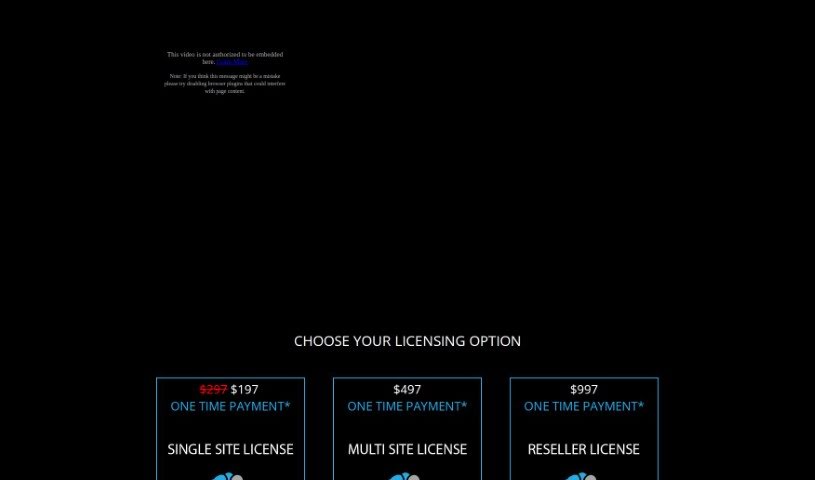
  1. Pick Your License: First, you’ll need to choose the licensing option that best fits what you need. You can get it for a single website for $197, for multiple websites at $497, or if you plan to resell it, that’s $997. There’s also an optional monthly fee of $67 if you want ongoing support and updates.
  2. Understand the Rules: Make sure you follow the conditions for using the tool. It’s important not to use it for anything illegal or unethical. If you run into technical issues, you can get a refund within 30 days. The team is also available via Zoom if you need help with customization or have questions.
  3. Why the Monthly Fee? Paying the monthly fee means you’ll get continuous updates and new features added to the plugin. If you have ideas for new features, feel free to send them over to [email protected].
  4. Need Custom Programming? If you have specific or more complex programming needs, you should reach out to [email protected]. Just a heads-up, these kinds of services might come with extra charges.
  5. What Happens if You Cancel? If you decide to cancel your monthly payments, you won’t receive critical updates anymore. However, the plugin itself will keep working just fine.
  6. Training and Support: Don’t forget to check out the membership area for specific training on how to use the chat feature on your site. Honestly, with just about 10-15 minutes of training, you can really start using WPCHAT.AI effectively.

By following these steps, you’ll be able to use WP AI Chat to make your website work better and connect with your visitors smoothly.

Related AI Tools

Discover more tools in similar categories that might interest you

Stay Updated with AI Tools

Get weekly updates on the latest AI tools, trends, and insights delivered to your inbox

Join 25,000+ AI enthusiasts. No spam, unsubscribe anytime.