Top AI Assistants

AI Tools for AI Assistants

Discover the best AI Assistants AI tools to enhance your productivity and creativity.

Page 18 of 34 • 407 total tools
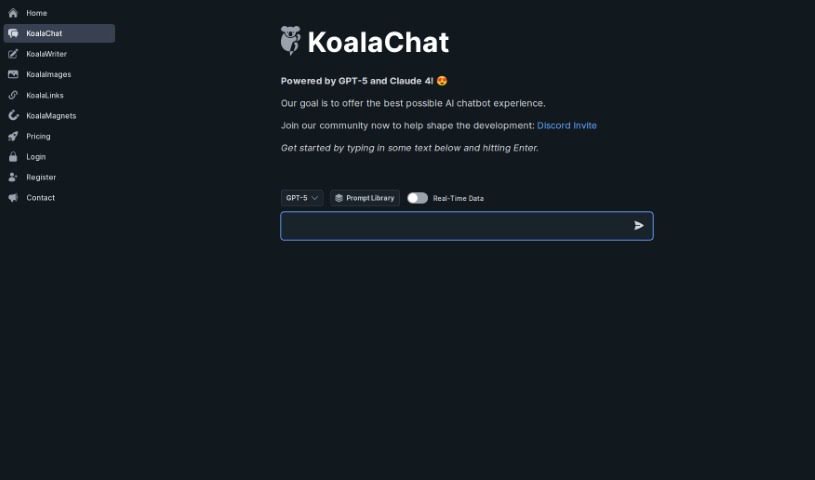
Screenshot of Koalachat

Koalachat

Freemium

Koalachat is an online chat platform built around simple, approachable communication. Public details about its full feature set are limited, but the product centers on helping people chat and message online.

AI Assistants View Tool →
Screenshot of Kompas AI

Kompas AI

Freemium

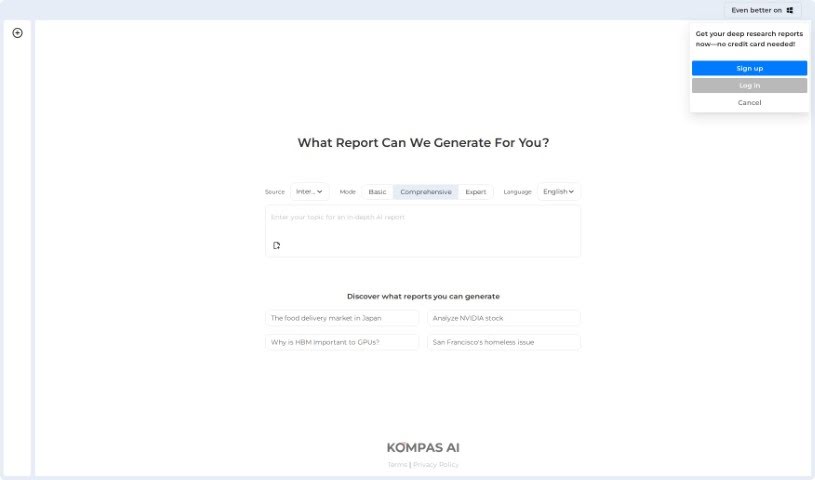
Kompas AI is a conversational AI platform designed to help professionals and teams get work done. It positions itself as an alternative to tools like ChatGPT, with a focus on productivity through AI agents that support communication and collaboration.

AI Assistants View Tool →
Screenshot of Kuizu

Kuizu

Freemium

Kuizu is a platform built to help couples connect through open, meaningful conversations. It offers a personalized, AI-guided experience shaped by how each couple interacts. Features include daily questions designed to spark conversation, quizzes covering topics from conflict resolution to sexual wellness, a "Relationship Score" that reflects affection levels, and an AI Advisor offering tips to strengthen your bond. Kuizu aims to turn everyday interactions into opportunities for couples to connect, grow, and celebrate their relationship together.

AI Assistants View Tool →
Screenshot of Labelgpt

Labelgpt

Freemium

LabelGPT is an image annotation tool that automatically labels images using a generative AI model. You provide a text prompt with the names of the classes or objects you're looking for, and the AI finds and outlines them in your images. Data can be pulled from your local machine or cloud services like AWS, GCP, and Azure.

AI Assistants View Tool →
Screenshot of Labophase

Labophase

Freemium

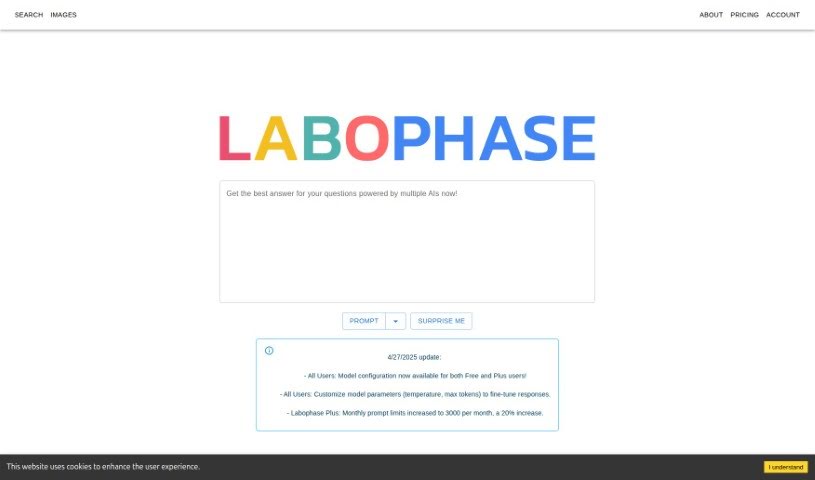
Labophase is a platform that brings multiple AI models together in one place. It acts as a central hub for generating text responses from models including GPT4-turbo, ClaudeV2, and OpenOrca: pick a model, enter a prompt, and receive a response. A 'Surprise Me' button selects a model at random, which can produce unexpected results. The platform is straightforward to use, uses cookies to personalize your experience, and offers a free tier, with paid plans unlocking access to more models.

AI Assistants View Tool →
Screenshot of Layla

Layla

Freemium

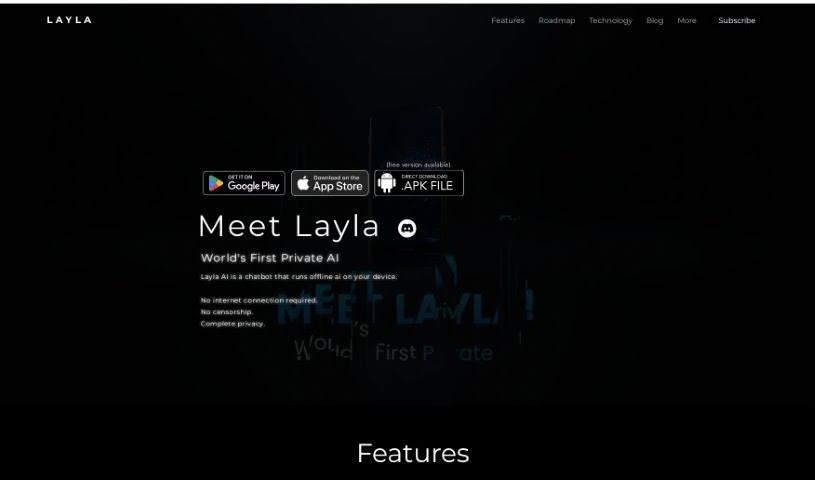
Layla is a personal AI assistant that runs directly on your phone or device, so it works without an internet connection. Because everything happens locally, conversations stay private and uncensored, and you control how you interact with the assistant. The app is available on the Google Play Store, requires no account for everyday use, and runs on everyday hardware. You can customize the experience by choosing from different personalities.

AI Assistants View Tool →
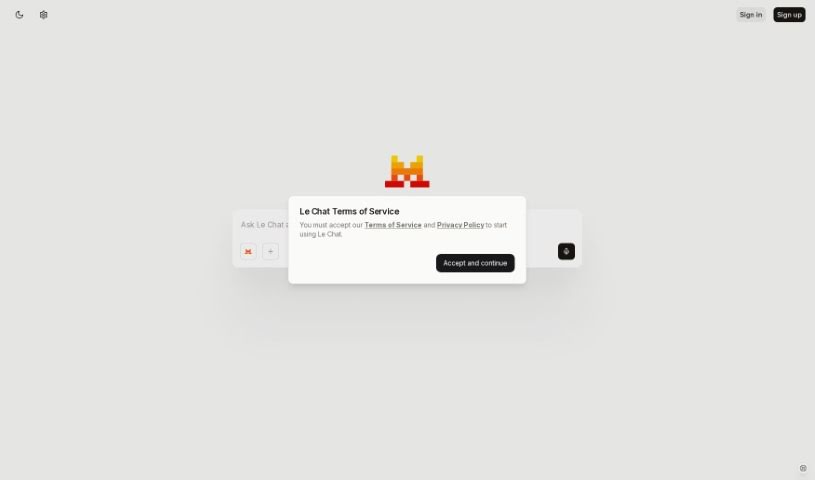
Screenshot of Le Chat by Mistral AI

Le Chat by Mistral AI

Freemium

Le Chat is Mistral AI's chatbot, giving direct access to the company's language models. It supports tasks ranging from casual conversation to professional work like writing code and analyzing data, and it handles multiple languages. Mistral AI offers several models, each suited to specific tasks, and the tool is in beta, with development shaped by user feedback.

AI Assistants View Tool →
Screenshot of Legacyai

Legacyai

Freemium

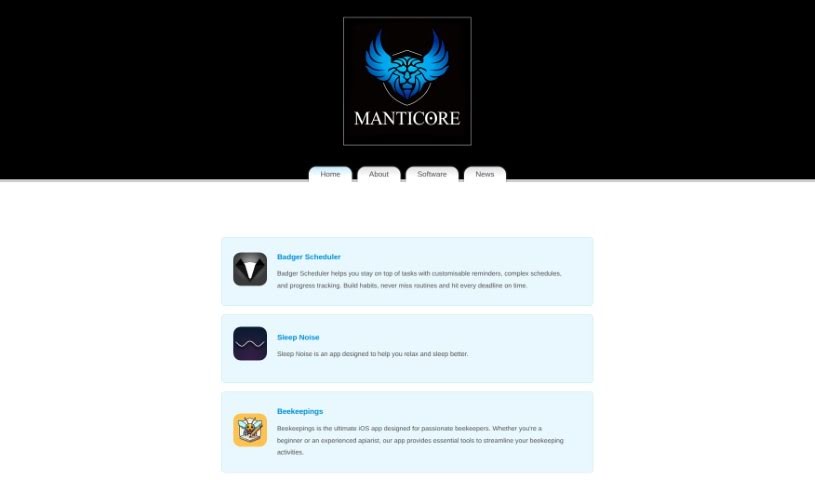
LegacyAI is a ChatGPT client built specifically for older Mac systems, supporting Macintosh computers running anything from System 7 up to 10.11 (El Capitan). It brings an AI assistant to classic Macs, connecting vintage Apple hardware — dating back as far as 1988 — to OpenAI's ChatGPT.

AI Assistants View Tool →
Screenshot of Lemon Squeezy AI Chatbot

Lemon Squeezy AI Chatbot

Freemium

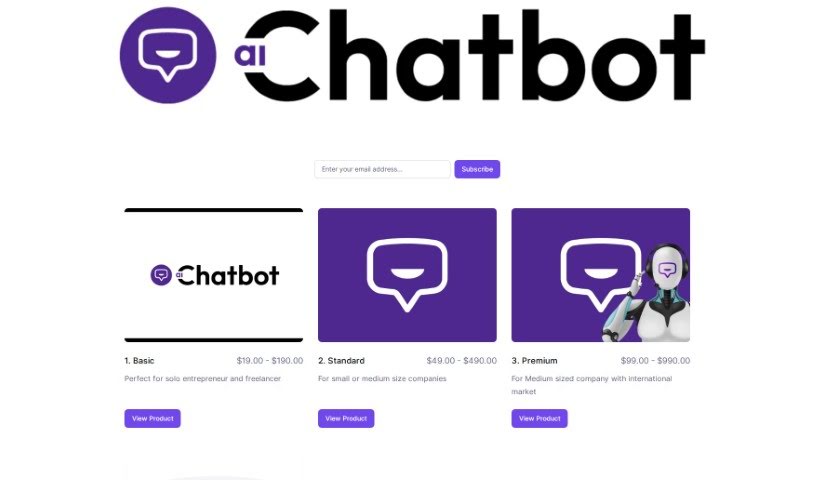
Lemon Squeezy AI Chatbot is an AI-powered chatbot built to converse with people via text or voice. It uses natural language processing and machine learning to interpret questions, provide answers, and handle everyday tasks. AI chatbots like this typically appear on websites, in messaging apps, and in customer service workflows, where they streamline communication and automate routine jobs. As they interact with more people, they learn and deliver more personalized responses over time.

AI Assistants View Tool →
Screenshot of Lennybot

Lennybot

Freemium

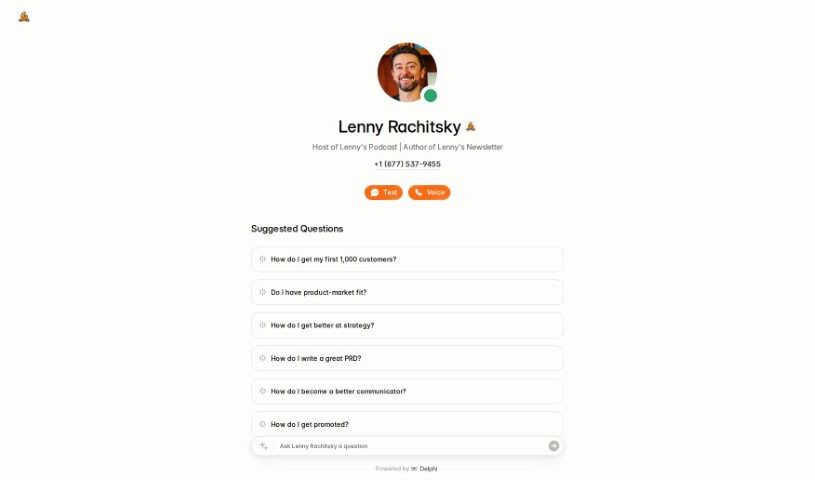
Lennybot is a chatbot trained on Lenny's Newsletter, Lenny's Podcast, and selected writings on product development, growth strategies, and career advice. Its answers come from that specific body of work, making it a direct line to the insights in Lenny's content.

AI Assistants View Tool →
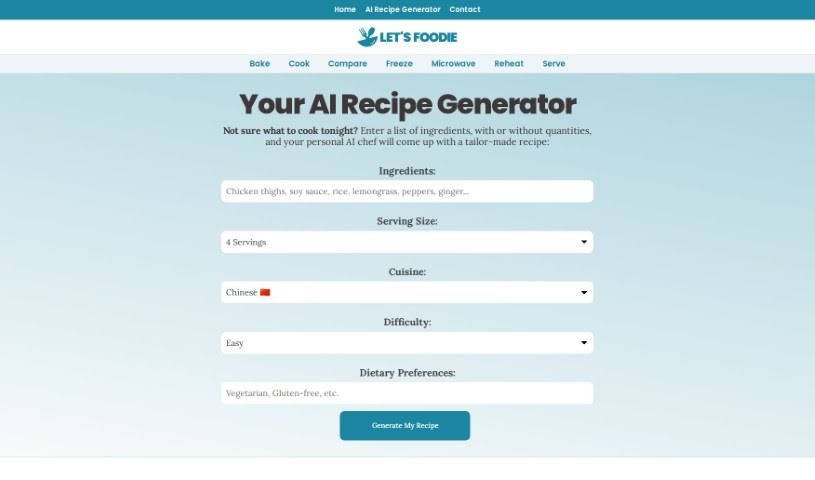
Screenshot of Let's Foodie AI Recipe Generator

Let's Foodie AI Recipe Generator

Freemium

Let's Foodie's AI Recipe Generator is a platform that launched in 2021. Its main goal is to help people find answers to cooking questions, whether common or obscure. The AI-powered tool creates personalized recipes based on the ingredients you have on hand, your dietary needs, and any restrictions you might have.

AI Assistants View Tool →
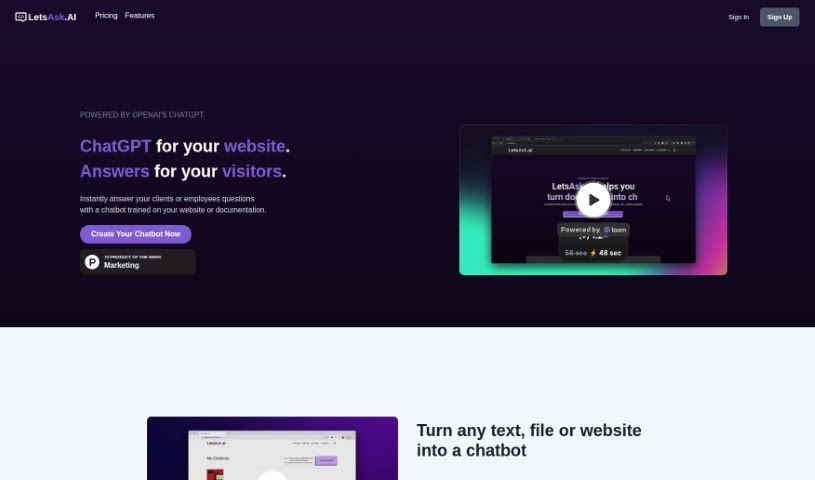
Screenshot of Letsask.ai

Letsask.ai

Freemium

LetsAsk.AI is a platform built on OpenAI's ChatGPT technology that lets you create custom chatbots for your website. These chatbots answer visitor questions instantly, without requiring any coding knowledge. Features include customizable chatbots, simple website embedding, multilingual support, strong security, and GDPR compliance. The platform offers intuitive design tools and ready-made templates, with plans suited to different business needs.

AI Assistants View Tool →

About AI Assistants tools

We’ve all had days where the to-do list feels completely overwhelming. Between replying to urgent emails, rescheduling meetings, summarizing notes, and jumping across a dozen open browser tabs, there’s rarely enough energy left for actual deep work. It often feels like you need a full-time assistant just to keep up with daily operational noise.

Modern digital assistants go far beyond basic chatbots that answer trivia questions. These applications handle calendar scheduling, draft email replies, summarize lengthy reports, and keep your projects moving while you stay focused on the bigger picture.

How a Digital Assistant Fits Into Your Routine

The biggest benefit of a digital helper is how much friction it removes from routine tasks. Coordinating a single meeting, for instance, used to take four or five back-and-forth emails just to find an open time slot. Smart scheduling tools connect directly to your calendar, coordinate with other participants, and lock in a time that works for everyone.

Handling information overload is another area where these platforms excel. If you get dropped into a massive email thread or handed a fifty-page PDF, an AI assistant can digest the material in seconds. You get a clear summary of core decisions, outstanding questions, and action items before your morning coffee gets cold.

There’s also a major shift in how these applications work. Older tools only responded when you asked direct questions. Newer assistants act more like proactive teammates. They can flag overdue tasks, prepare draft responses for your review, or update your project management board automatically after a sales call wraps up.

Key Capabilities to Look For:

  • Integration depth: Tools that link directly into your existing inbox, calendar, and task management apps without extra steps.
  • Action capabilities: Systems that complete real tasks like booking events or updating records, rather than just generating plain text.
  • Contextual memory: Software that remembers your preferences, communication style, and past interactions so you don’t have to repeat instructions.
  • Customization options: Features that let you set custom rules, persona voices, and explicit instructions for routine tasks.
  • Privacy controls: Strong security measures that ensure personal communications and internal business data remain strictly confidential.

No software can replace human judgment or genuine empathy. While an assistant handles routine scheduling or drafts a quick project update, you still bring creative direction, build relationships, and make final decisions. The ideal setup is a partnership where software handles background busywork while you maintain full control.

Take a look through the options below to find an assistant that matches your daily routine.

The Best AI Assistants

  1. Monica: Great for easy chats with AI chatbots.
  2. Sider: Perfect for personalized virtual assistant conversations.
  3. Abacus.ai: Offers smart responses for users.
  4. Yeschat: Helps with smart scheduling and reminders.
  5. You.com: Streamlines everyday tasks with AI help.
  6. Merlin AI: Simplifies daily task management.
  7. MaxAI.me: Provides personalized virtual scheduling assistance.
  8. Chatgpt Online: Good for smart scheduling and task management.
  9. Casetext: Streamlines legal document review.
  10. Hume AI: Offers personalized customer support chatbots.
  11. Tavus: Features personalized AI assistant video interactions.
  12. AI Power: WordPress plugin that brings GPT-3.5 and GPT-4 to content, images and chat.
  13. Retell AI: Provides smart voice control for daily tasks.
  14. Runway Research: Enhances AI assistant training data.
  15. Alexa Translations: Legal-focused translation, interpretation and localization services.
New tools, in your inbox.

Weekly picks of the best AI tools we've researched and added — no spam, unsubscribe anytime.

Join 25,000+ AI enthusiasts. No spam, unsubscribe anytime.