Discover LabelGPT, an AI-powered image annotation tool. Learn its features, how it works, and how it compares to other AI assistants in 2025. We cover everything from data import to ML pipeline integration.

LabelGPT is a smart tool that automatically annotates images using a generative AI model. It like this: you give it a text prompt with the names of classes or objects you’re looking for, and its AI then finds and outlines those things in your images. It’s pretty neat because it can pull data from all sorts of places – your own computer, or cloud services like AWS, GCP, and Azure. What really speeds things up is its zero-shot label generation engine. This means it can create labels automatically without needing any prior examples, making the whole process much more efficient and faster. LabelGPT is a real help for your Machine Learning pipeline, too, is it lets you export these generated labels straight into your ML models, which is super useful for training and development.
LabelGPT also makes reviewing labels much easier. You can filter them by confidence scores to quickly see the best ones and visually check the results. It uses generative AI models and simple text prompts to detect and segment labels, which means you can annotate images quickly and get high-quality results. By automating the labeling, LabelGPT cuts down on manual work and saves you money on annotation costs. You can then use these annotations to train your vision models, and it works seamlessly with cloud platforms like AWS, GCP, and Azure.
Plus, LabelGPT comes packed with features like automated annotation, smart automation based on active learning, support for different data types, built-in quality checks, smooth integration with ML operations, detailed analytics for managing projects, and round-the-clock technical support. They also take security and privacy seriously, using encryption, authentication, access controls, and monitoring to keep your data safe and confidential.
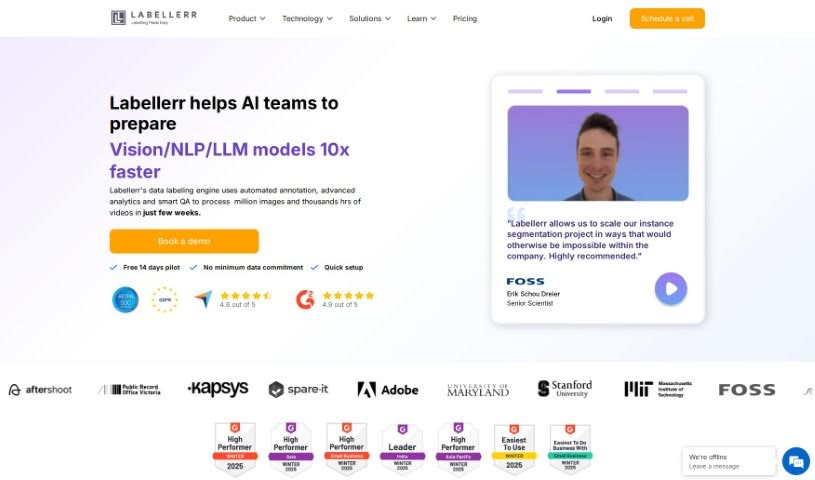
Puneet, the Co-founder & CEO of Labellerr, is the mind behind LabelGPT. He launched Labellerr back in 2018. Before that, Puneet spent seven years leading ML teams and noticed that preparing data was a major hurdle in computer vision AI projects. His goal with Labellerr is to automate every step of the computer vision workflow. The platform is designed for enterprise ML teams, helping them work together, ensure data quality, and shorten project timelines across industries like automotive, medical imaging, and manufacturing.
LabelGPT is a great tool for anyone involved in image annotation and machine learning. Specifically, it’s designed for:
Using LabelGPT is straightforward. Just follow these simple steps:
What really makes LabelGPT stand out is its ability to automate image annotation, use powerful foundation models, generate labeled data super fast, check quality efficiently, and integrate smoothly into your Machine Learning workflows. By using its features like direct ML pipeline integration, zero-shot label generation, and support for different kinds of data, LabelGPT really helps streamline and speed up the labeling process. Plus, it cuts down on costs and boosts your overall productivity.
Discover more tools in similar categories that might interest you
Get weekly updates on the latest AI tools, trends, and insights delivered to your inbox
Join 25,000+ AI enthusiasts. No spam, unsubscribe anytime.