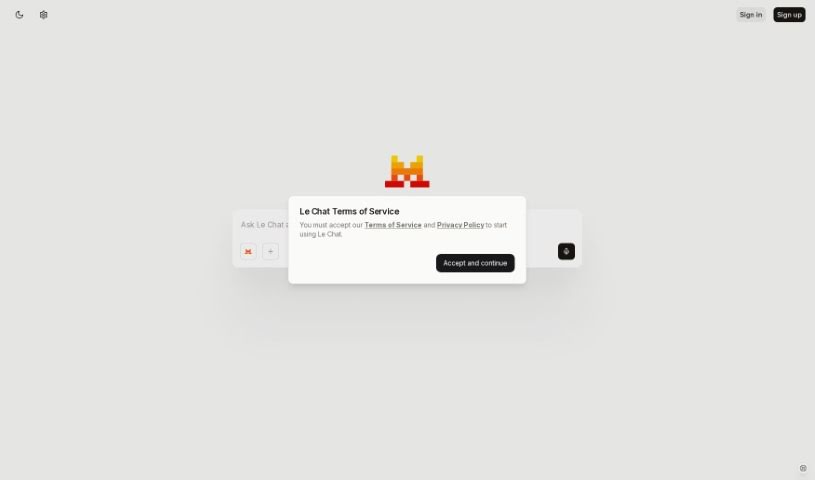
Discover Le Chat by Mistral AI in 2025! Learn what it is, how to use its features effectively, and how it stacks up against other chatbots.

Le Chat is your direct line to Mistral AI’s powerful language models. It’s designed for everything from just chatting to tackling big professional jobs, like writing code or digging into data. Since it handles multiple languages, people all over the world can use it. Mistral AI offers different models, each good for specific things, and the tool is still in beta, meaning they’re actively working on making it even better based on what users like you say.
Getting started with Le Chat is pretty straightforward. You can just hop onto their website at chat.mistral.ai using your web browser. You’ll need to sign up, which you can do with your email, or by linking your Google or Microsoft account. After that, you’ll just need to verify your email to make sure everything’s secure. If you prefer using your phone, Le Chat is available as an app for both iOS and Android. You can find it on the App Store here: apps.apple.com/us/app/le-chat-by-mistral-ai/id6740410176, and on the Google Play Store here: play.google.com/store/apps/details?id=ai.mistral.chat. Having it on multiple platforms really makes it easy to use wherever you are.
Once you’re logged in, you’ll see a clean chat interface with a message bar right at the bottom. Just type whatever you want to ask or say, and hit Enter or click the send arrow. You can even edit your messages! If you hover over a message you’ve sent, you’ll see a little pencil icon. Click it, make your changes, and send it again. When you want to start a new topic, just type in the bar. Le Chat remembers what you’ve talked about before, so your conversations flow naturally.
Got a response you like? Give it a thumbs up! If it’s not quite right, use the thumbs down. If you choose thumbs down, you can explain why, which really helps them improve the assistant. You can also ask Le Chat to try again with a different response by clicking the regenerate icon. Need to share a response? Just click the copy icon or the share icon (that’s the up arrow), and it’ll give you a special link to share with others.
Le Chat gives you a few different models to choose from, and each one is great for different kinds of tasks:
| Model | Best For |
|---|---|
| Mistral Large 2 | Tackling complex problems and advanced tasks |
| Codestral | Writing code, supporting over 80 programming languages |
| Mistral Nemo | Quick, cost-effective work on everyday tasks |
| Pixtral | Analyzing both text and images (multimodal) |
To pick a model, just click the model icon at the bottom of your chat screen and select the one that fits what you’re doing. For instance, if you’re working on code, choosing Codestral will give you the best performance. This kind of flexibility means you can really tailor your experience to what you need at the moment.
Le Chat does more than just basic chatting; it’s packed with useful features:
Le Chat offers a few different plans to suit everyone:
| Plan | Price/Month | Key Features |
|---|---|---|
| Free | $0 | Limited access to models, web browsing, news, file uploads, data analysis, image generation, flash answers |
| Pro | $14.99 | All Free features, plus unlimited web browsing and messages, more news access (subject to fair use) |
| Pro (Student) | $5.99 | Same as Pro, but for eligible students. Valid for up to 12 months, and you can’t have used Pro before. |
| Team | $24.99/seat | All Pro features, plus more journalism usage, central billing, and dedicated support (minimum 2 members) |
| Enterprise | Custom | All Team features, plus secure deployment, enhanced support, and granular controls |
You can find more details and upgrade options at chat.mistral.ai/upgrade/plans. If you’re interested in an Enterprise plan, you can reach out through their contact page.
Your feedback is really important for making Le Chat better! You can simply use the thumbs up or thumbs down icons right in the chat interface after a response. For more in-depth support, especially if you’re on a Team or Enterprise plan, it’s best to get in touch with Mistral AI directly through their contact page. This way, you can get help with any issues or share your ideas for improvements, which directly helps shape the tool’s future.
Want to get the absolute most out of Le Chat? Keep these tips in mind:
By using Le Chat with these practices in mind, you can really boost your productivity and creativity for all sorts of personal and professional tasks.
Discover more tools in similar categories that might interest you
Get weekly updates on the latest AI tools, trends, and insights delivered to your inbox
Join 25,000+ AI enthusiasts. No spam, unsubscribe anytime.