04-X
Text Generation Chatbots
Learn more
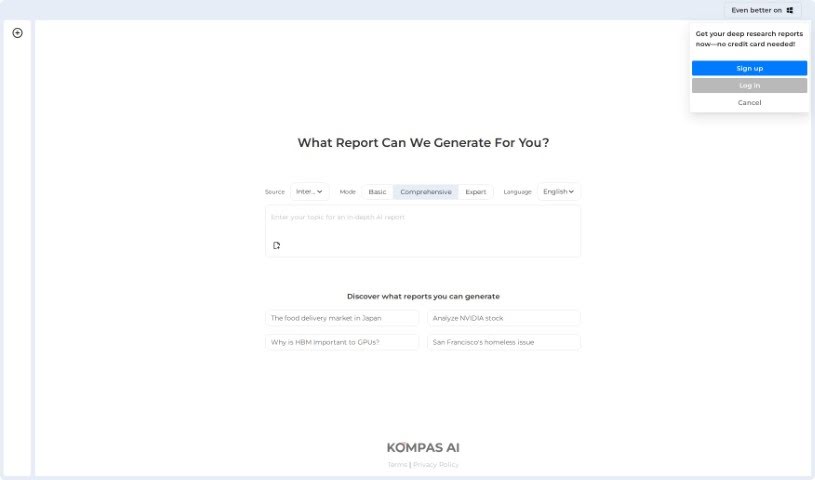
Discover what Kompas AI is, its features, and how it compares to other chatbots for professional productivity.
Kompas AI is a conversational AI platform designed to help professionals and teams get work done. It positions itself as an alternative to tools like ChatGPT, with a focus on productivity through AI agents that support communication and collaboration.
The company also offers custom AI development, building solutions tailored to the specific needs of an industry. Data security is a stated priority: Kompas AI emphasizes protecting sensitive information and intellectual property, making it relevant for businesses with strict confidentiality requirements.
Kompas AI was developed to improve how professionals interact using conversational AI. The company focuses on productivity, smoother collaboration, and custom AI solutions for different industries, with data security treated as a core concern.
Kompas AI targets professionals across many different industries, particularly teams that want AI assistance combined with custom development options and strong data protection.
Related
Discover more tools in similar categories
Weekly picks of the best AI tools we've researched and added — no spam, unsubscribe anytime.
Join 25,000+ AI enthusiasts. No spam, unsubscribe anytime.