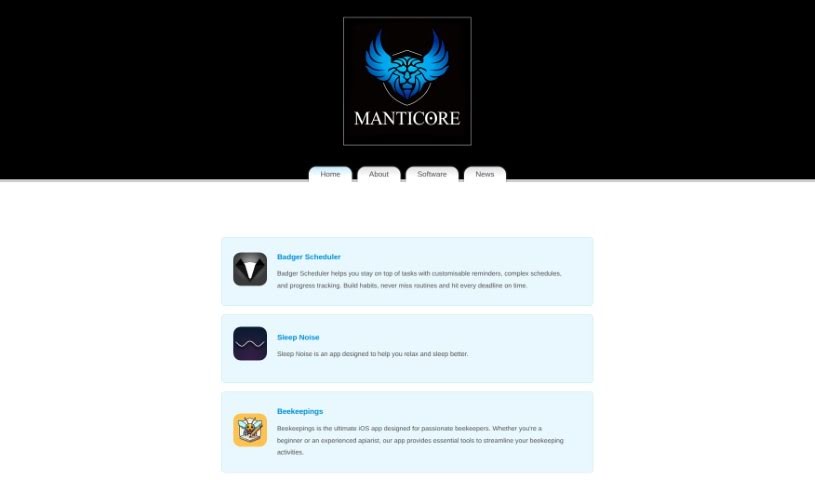
Screenshot of Legacyai

Legacyai

Discover LegacyAI in 2025! Learn what this unique ChatGPT client for older Macs is, how to use its features like DALL-E, and how it stacks up against other chatbots.

Screenshot

What is LegacyAI?

LegacyAI is a special kind of ChatGPT client, built specifically for older Mac systems. Think Macintosh computers running anything from System 7 all the way up to 10.11 (El Capitan). It essentially gives you an AI personal assistant right on your classic Mac, bringing the power of today’s AI to Apple’s vintage technology. You can even generate images with DALL-E, save and load your chats, tweak the AI models to your liking, and use your own proxy servers. Plus, it’s designed with security in mind, especially when sending information over older Mac OS versions like 7-9. The software itself is free to use; donations help cover API access and proxy server costs, which keeps some of these features running.

Who created LegacyAI?

Jordan Trbuhovic, the founder of Manticore Software, is the one behind LegacyAI. He’s a software developer based in New Zealand and the sole creator of this innovative tool. It’s pretty cool because it lets vintage Mac fans connect with OpenAI’s ChatGPT on classic Apple hardware that dates back as far as 1988! LegacyAI really focuses on making AI accessible and customizable for everyone, offering its core features for free while letting users personalize their experience and pay attention to security, particularly on Mac OS 7-9.

What is LegacyAI used for?

  • It’s a ChatGPT client made just for older Mac systems, from System 7 up to El Capitan.
  • It brings AI interactions to those beloved vintage Macintosh computers.
  • You can easily chat with OpenAI’s ChatGPT.
  • It lets you experience the latest in AI right on older Macs.
  • You can generate images using DALL-E.
  • Community donations and subscriptions help keep it going.
  • You can save and load conversations, customize AI models, and set up your own proxy servers.
  • The basic version is free, with donations covering API and proxy costs.
  • It also looks out for security when sending data over Mac OS 7-9, reminding users to be careful.

Who is LegacyAI for?

  • People who love and use vintage Mac computers.

How to use LegacyAI?

Getting started with LegacyAI is pretty straightforward. Here’s a quick rundown:

  1. Check Compatibility: First off, LegacyAI works on Macs running System 7 all the way through 10.11 (El Capitan). This means you can bring modern AI power to your classic Apple machines.
  2. Try DALL-E: You can also generate images using DALL-E right within LegacyAI. It’s a neat way to expand what you can do with AI.
  3. Make It Yours: Want to save your chats or tweak the AI? You can save and load conversations, customize the AI models, and even set up your own proxy servers to fit how you like to work.
  4. It’s Free to Start: The core features of LegacyAI are free to use. If you want to help keep things running, especially API access and proxy servers, donations are greatly appreciated by the community.
  5. Stay Secure: LegacyAI is mindful of security, particularly for transmissions on Mac OS 7-9. It’s always a good idea to be cautious when using vintage systems, but LegacyAI helps ensure your data is handled with care.

Basically, LegacyAI is built for anyone who loves heritage Macs. It makes it super easy to connect and interact with AI on those nostalgic machines, bridging the gap between old-school Apple tech and the exciting world of artificial intelligence. It’s a really unique and engaging experience!

Related AI Tools

Discover more tools in similar categories that might interest you

Stay Updated with AI Tools

Get weekly updates on the latest AI tools, trends, and insights delivered to your inbox

Join 25,000+ AI enthusiasts. No spam, unsubscribe anytime.