AI Tools - Page 159

AI Tool Directory

Discover the best AI tools to enhance your productivity and creativity.

Page 159 of 446 • 18 tools
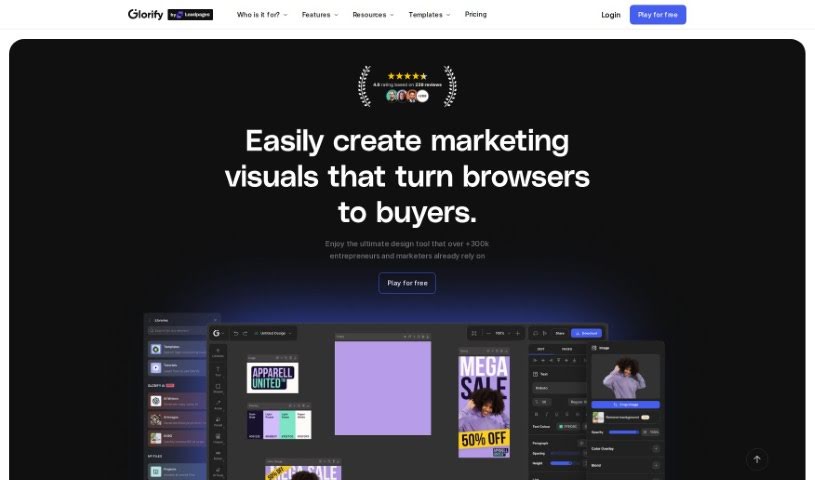
Screenshot of Glorify App

Glorify App

Freemium

Glorify App is a design tool built for e-commerce businesses. It functions as an online graphic design studio for creating social media posts, ads, infographics, presentations, and product graphics. Its AI features let you generate visuals from a text prompt, place products into AI-created scenes, and get help writing copy for your designs. It also includes a Background Remover, batch editing tools, premium stock photos, and team collaboration features. Planned additions include a video editor, live collaboration, more batch processing options, a plugin marketplace, and additional AI tools.

Screenshot of Glosa

Glosa

Freemium

Glosa is an AI-powered language learning app that creates personalized, adaptive courses. Lessons adjust to your learning style and pace, with instant feedback during practice. An object recognition feature builds vocabulary by letting you point your camera at objects to learn their names and translations. You can learn multiple languages at once — such as Chinese, Spanish, and French — and track progress in each one.

Education View Tool →
Screenshot of Glov

Glov

Freemium

Glov is a Conversational AI tool built specifically for online stores. It acts like a virtual salesperson, using natural, back-and-forth conversations to make shopping more engaging. Glov aims to boost sales and reduce abandoned carts through personalized shopping experiences, and reports improvements in conversion rates, customer engagement, and support volume across millions of monthly conversations. The AI uses conversational shopping to understand what customers are asking for and suggest suitable products.

E-Commerce View Tool →
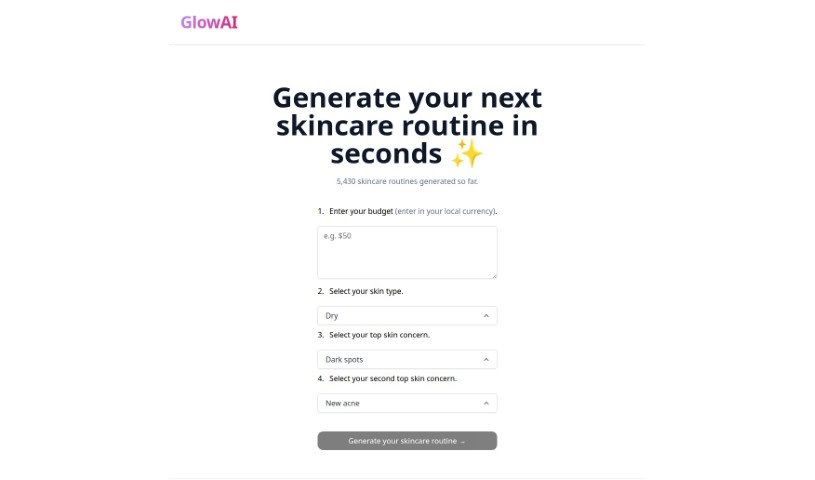
Screenshot of Glowai

Glowai

Freemium

GlowAI is a skincare tool that creates personalized skincare routines. It uses AI to analyze your skin type, concerns, and goals, then recommends products such as cleansers, moisturizers, and serums. It accounts for details like skin sensitivity, hydration, and issues such as acne or wrinkles to make the routine as effective as possible. GlowAI keeps its product database updated with new skincare trends, ingredients, and products, and also provides insights on skincare topics.

Professionals View Tool →
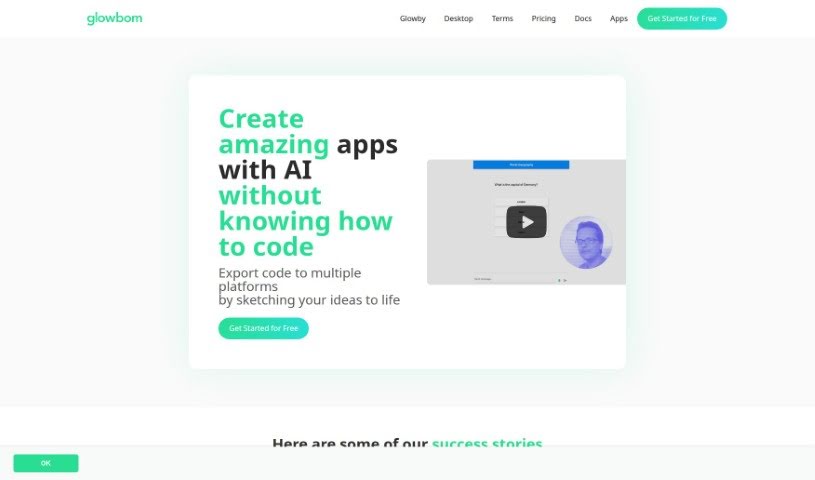
Screenshot of Glowbom

Glowbom

Freemium

Glowbom is a no-code platform for building apps and games that run across multiple platforms without writing code. It supports a wide range of targets, including Flutter, iOS, Android, web apps, native Android, Kotlin, Jetpack Compose, React, TypeScript with Redux, and watchOS, plus game development for Android and the Web using Unity.

Web Development View Tool →
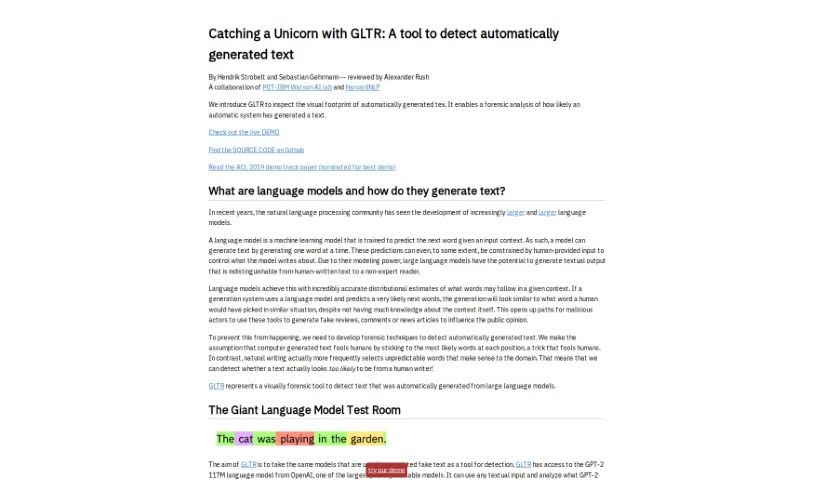
Screenshot of GLTR

GLTR

Freemium

GLTR, or "Catching Unicorns With GLTR," is a tool developed by the MIT-IBM Watson AI Lab and HarvardNLP. Its purpose is to spot text generated automatically, specifically by OpenAI's GPT-2 language model. It works like a highlighter for AI-written words, showing how likely each word in a text was generated by a computer using a color-coded system. The goal is to make it easier for non-experts to tell artificial text apart from human writing, supporting transparency and trust in the information we read.

Education View Tool →
Screenshot of Glyf

Glyf

Freemium

Glyf is a mobile app for 3D design that uses artificial intelligence to turn basic sketches and simple designs into high-quality 3D artwork. Everything happens on your smartphone — no complicated desktop software or powerful computer required. The interface is designed to be easy to use, so both professionals and beginners can start creating right away.

Screenshot of Glyf.space

Glyf.space

Freemium

Glyf.space is an AI tool that converts SVG files into 3D design assets. It turns flat designs into 3D models while giving you control over the result: you can adjust how closely the model follows or deviates from the original SVG shape, customize the color palette, and apply artistic effects such as a 'glass' style. The tool runs in an interactive interface and includes a model strength setting and a seed feature for generating design variations.

Screenshot of Glyphic AI

Glyphic AI

Freemium

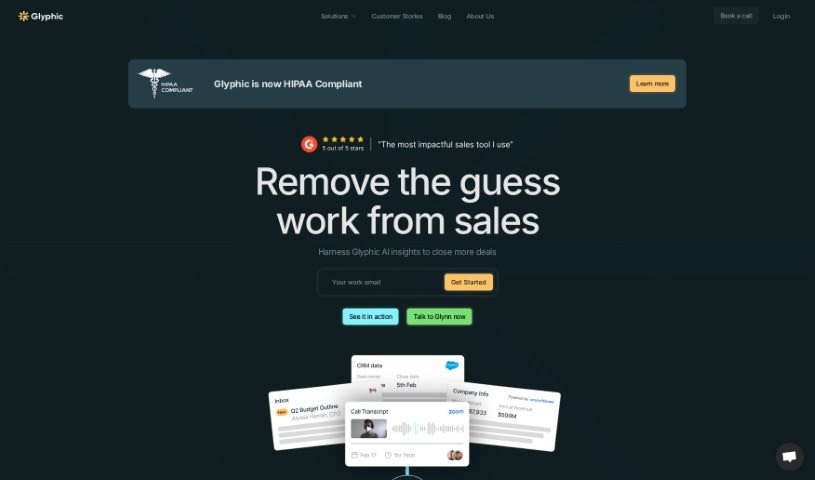
Glyphic AI is an AI assistant for sales teams. It analyzes customer conversations to surface insights about your sales pipeline, helps you prepare for calls, and offers perspectives on your deals. It automates repetitive sales tasks, qualifies leads automatically, and keeps your CRM up to date — from call prep to personalized follow-up emails.

Sales & Marketing View Tool →
Screenshot of GMTech

GMTech

Freemium

GMTech is a privately owned company building advanced AI tools. Its platform is a central hub for comparing AI language models and image generators in one place. It connects with popular language models like OpenAI's ChatGPT, Google Gemini, and Anthropic's Claude, plus image generators such as Stable Diffusion.

Screenshot of Gnbly

Gnbly

Freemium

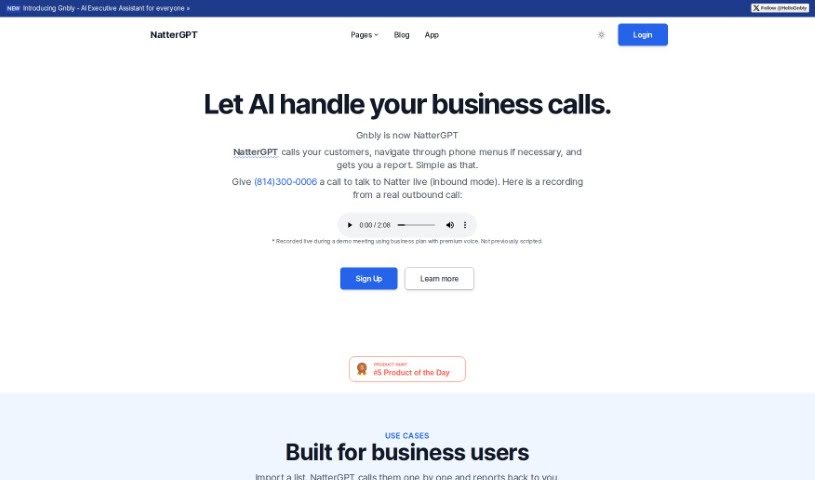
Gnbly, now known as NatterGPT, is an AI assistant built to help businesses manage communication tasks. It can schedule appointments automatically, provide customer service, answer business questions, assist with outbound sales calls, and manage calls generally. NatterGPT handles call navigation, call transfers, and conversation summaries, freeing you to focus on higher-priority work. Multiple pricing plans are available, from individual use to enterprise-level support.

Screenshot of Gnod

Gnod

Freemium

Gnod, short for the Global Network Of Discovery, is a project by Marek Gibney that combines artificial intelligence with user-friendly interfaces. It attracts over 300,000 monthly users who use it to discover new content tailored to their tastes across music, books, products, art, and movies.

Screenshot of Gnothi

Gnothi

Freemium

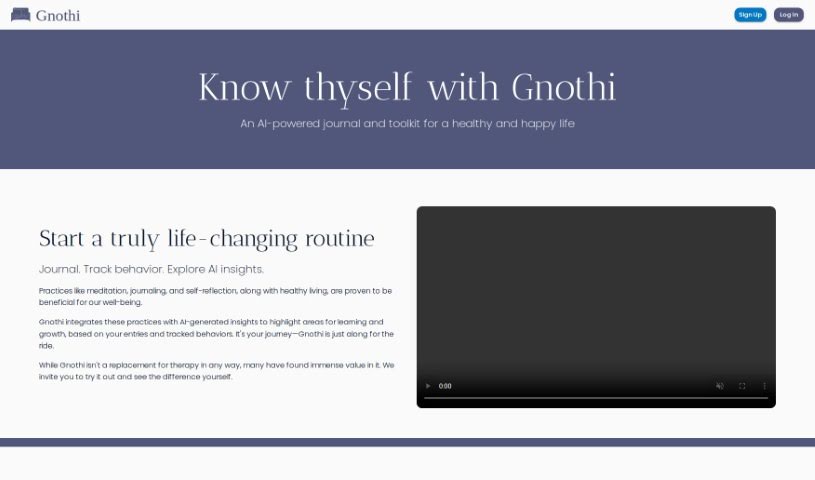
Gnothi is an online journal that uses artificial intelligence to provide insights and resources to its readers. It covers topics ranging from personal growth to technology and education, helping readers understand complex subjects, spot trends, and make informed choices.

Sales & Marketing View Tool →
Screenshot of Goalfocus

Goalfocus

Freemium

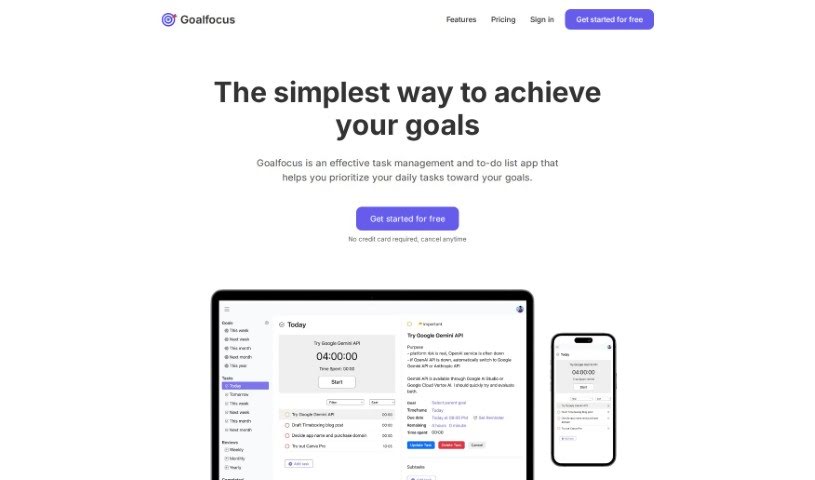
Goalfocus is a task and to-do list management app that connects daily tasks to larger objectives. Instead of treating your day as a flat list of activities, it ties each task back to a defined goal so you can decide where your time goes.

Productivity View Tool →
Screenshot of Goastvs

Goastvs

Freemium

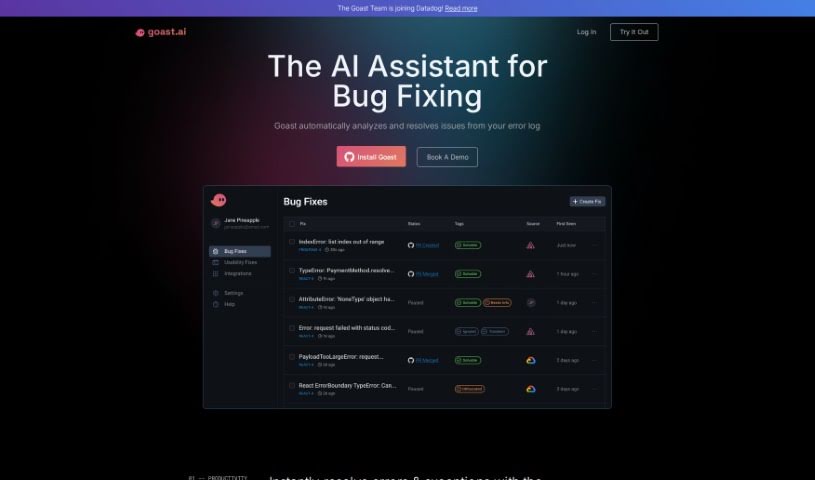
Goastvs is a coding productivity tool that automates many development tasks. It offers instant error fixes, AI-generated pull requests, and a deep understanding of your entire project. It can suggest code, find and fix bugs, resolve merge conflicts, and integrate external code. Goastvs works with popular frameworks and languages including React, Flutter, TypeScript, Go, JavaScript, and Python. Users report coding faster and reducing manual work with the tool. Note that Goastvs is still in Beta, so it has some limitations—particularly with certain languages and framework dependencies. It requires tokens to use and may not always grasp complex requirements. Despite these caveats, its goal is to streamline the coding process and improve efficiency for development teams. It also handles backend infrastructure configuration and supports all major coding frameworks. You can watch the AI fix a real product in real-time, and it helps categorize incidents using AI. It connects to your error monitoring platform and can send fixes automatically as pull requests to your repositories. You can also refine pull requests based on feedback and sort issues by impact and severity. It even offers proactive fixes for issues you haven't noticed yet. Access is available from wherever you work, and you can simply ask Goast to fix specific issues. It's a broad toolkit for reducing repetitive coding work and speeding up development cycles. For teams shipping quickly, that combination of automation and context awareness is the core value proposition. It aims to cut down the time between discovering a bug and shipping the fix. The tool is designed to fit into existing workflows rather than replace them. Overall, Goastvs positions itself as an AI pair that handles the busywork so developers can focus on harder problems. Its Beta status is worth keeping in mind when evaluating it for critical production workflows, but the feature set is already substantial for teams willing to try it. As with any early-stage tool, testing it on lower-risk projects first is a sensible approach before rolling it out more widely across your engineering organization. That way you can evaluate its accuracy and fit on your own codebase before committing to it as part of your standard workflow. It's a practical way to de-risk adoption while still capturing the productivity gains the tool promises. Teams that rely heavily on observability tooling will likely find the integrations especially useful since Goast can pull context directly from those platforms. This makes root-cause analysis faster and reduces the back-and-forth typically needed to reproduce and diagnose errors. For teams without such tooling, the value may be lower since the AI has less context to work from. Evaluating your existing stack is therefore a good first step before adopting Goastvs. If your team already uses Sentry, Datadog, or BugSnag, the integration path is straightforward and the onboarding effort is minimal. If not, you may still benefit from the core bug-fixing and PR-generation features, though the experience will be less automated. Either way, the tool is worth a trial for teams looking to reduce time spent on debugging and routine fixes. Its pricing is token-based, so costs scale with usage. This makes it easy to start small and expand as you see value. Check the website for current pricing details. The founders have positioned the product around speed: faster time-to-resolution and more accurate fixes are the stated goals. Early adopters seem to agree that it delivers on that promise for common error classes. More complex, architectural bugs remain a challenge for any automated tool, and Goastvs is no exception. Setting realistic expectations will lead to a better experience with the product. Use it for the routine work and keep humans in the loop for the hard problems. That hybrid approach is where the tool shines today. As the product matures out of Beta, its capabilities are likely to expand, but even now it offers meaningful time savings for everyday debugging tasks. For engineering teams under pressure to ship, that alone can justify giving it a try. Its compatibility with major languages and frameworks means most teams can adopt it without changing their stack. That low-friction adoption path is a practical advantage worth noting. Combined with its automation features, Goastvs is a solid option for teams looking to boost coding productivity with AI assistance. Its focus on real-world workflows—error triage, PR generation, and observability integration—sets it apart from more generic coding assistants. For teams already invested in those workflows, it's a natural fit worth evaluating. As always, test it against your own codebase to see how well it handles your specific error patterns and frameworks before making it a standard part of your toolchain. That hands-on evaluation will tell you more than any review can. Start with a small project, measure the time saved on bug fixes, and decide from there whether it earns a place in your team's workflow. That measured approach is the best way to assess any AI developer tool, including this one. Its Beta status means features and pricing may change, so keep an eye on updates from the team as the product evolves. Staying informed will help you get the most value from the tool over time. Overall, Goastvs is a promising option for teams seeking AI-powered bug-fixing help. Its combination of automation, integrations, and broad language support makes it a practical choice for many development teams today. Give it a try and see how it fits into your workflow. You may find it saves meaningful time on routine fixes. That's the core promise, and for many teams, it delivers. Evaluate it on your own terms and decide if it's right for your team. The tool is available now, and getting started is straightforward. Visit the website to learn more and sign up. Good luck with your evaluation, and happy coding. We hope this overview helps you decide whether Goastvs belongs in your toolkit. Thanks for reading, and best of luck with your projects. Goastvs may be exactly the productivity boost your team has been looking for. Only you can decide, but now you have the facts to make an informed choice. That's the goal of this overview. We hope it helped. If you have questions, the Goastvs team is reachable through their website. They're responsive and happy to help new users get started. That's a good sign for any early-stage tool. Reach out and see for yourself. The team's responsiveness is a positive signal for a Beta product. Don't hesitate to contact them with questions about your specific use case. They can tell you whether Goastvs is a good fit before you invest time in setup. That kind of direct support is valuable when adopting new developer tooling. Take advantage of it. It costs nothing to ask, and it could save you significant setup time. A quick conversation with the team is often the fastest way to evaluate fit. Do that first, then run a trial on a real project. That two-step approach is the most efficient path to a decision. Good luck.
Web Development View Tool →
Screenshot of GoatChat

GoatChat

Freemium

GoatChat is a mobile app for exploring artificial intelligence in creative ways. You can set up your own AI character and use it to create AI art, music, videos, and stories, get AI-powered advice, and build text-based AI games. The app is designed to make AI creation accessible to anyone and is available on both the AppStore and Google Play.

Text Generation View Tool →
Screenshot of Goatstack

Goatstack

Freemium

GoatStack delivers personalized newsletters covering scientific papers. Its AI agent reads more than 4,000 papers daily, selects those most relevant to your stated preferences, and condenses them into newsletters designed to be read in under three minutes. Coverage spans AI breakthroughs, new techniques, open challenges in the field, and different AI models.

Education View Tool →
Screenshot of God In A Box

God In A Box

Freemium

God In A Box is an AI assistant that runs directly through WhatsApp, letting you chat with GPT-3.5 without installing a separate app. Setup only requires connecting the service to your WhatsApp account via the official website, after which you can start chatting immediately. It handles quick answers and conversations on topics ranging from practical advice to philosophy.

Text Generation View Tool →

New tools, in your inbox.

Weekly picks of the best AI tools we've researched and added — no spam, unsubscribe anytime.

Join 25,000+ AI enthusiasts. No spam, unsubscribe anytime.