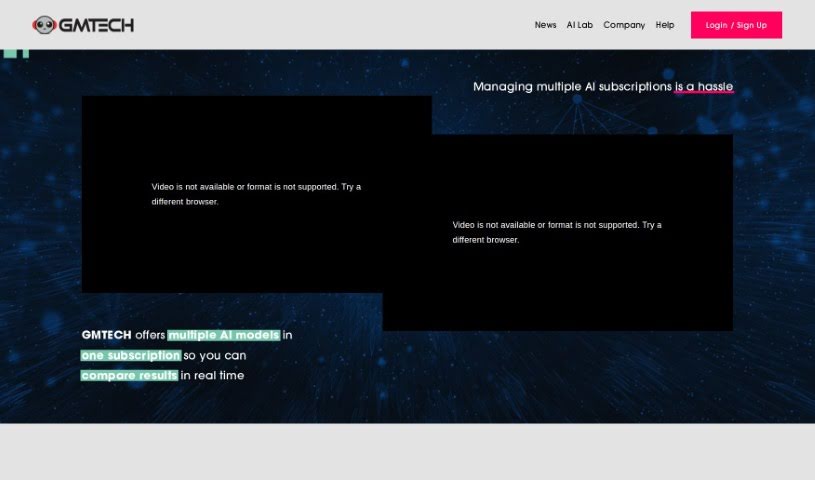
Screenshot of GMTech

GMTech

Discover GMTech in 2025! Learn what this platform is, how to use its features for comparing AI language models and image generators, and how it stacks up against others.

Screenshot

What is GMTech?

GMTech is a privately owned company that’s really focused on building advanced AI tools. Their platform is a central hub where you can easily compare different AI language models and image generators all in one place. It’s pretty neat because it connects with popular language models like OpenAI’s ChatGPT, Google Gemini, and Anthropic’s Claude, plus image generators such as Stable Diffusion. This means you can conveniently compare how different AI models perform side-by-side, switch between them mid-conversation without losing your place, and even create images directly from text you’re chatting about. GMTech’s goal is to make your AI interactions smoother and more powerful by offering a whole suite of tools. They’re also running a special offer: your first month is free if you’re a new user! They’re a small, dedicated team committed to pushing the boundaries of AI technology. If you want to learn more, you can check out their website or get in touch with the team directly.

Who created GMTech?

We don’t have specific details about who founded GMTech, as that information isn’t publicly available right now. What we do know is that it’s a privately owned company. They have a small, dedicated team working hard to create advanced AI tools designed to improve how people use artificial intelligence.

Who is GMTech for?

  • People who research language models
  • Developers working with image generators

How to use GMTech?

Getting started with GMTech is pretty straightforward. Here’s a quick rundown:

  1. Explore Integrations: GMTech connects you with a variety of language models, including those from OpenAI, Google, and Anthropic, as well as image generators like Stable Diffusion. You can see and compare all these different models right next to each other in a single interface.
  2. Use the Chat Lab: This is a really cool feature. You can switch between different AI models while you’re in the middle of a conversation, and it keeps the context. It makes moving between models super smooth, giving you a much richer chat experience.
  3. Try the AI Tools: GMTech lets you pick text from your conversation and then generate images from it. Instead of just talking to one AI, you can actually work with multiple AI models at once to get even better results.
  4. Look for Promo Codes: Keep an eye on GMTech’s social media! They often share promo codes for a free first month. It’s a great way to try out the tool and see what it can do without any initial cost.
  5. Get in Touch: Remember, GMTech is a privately owned company with a team that’s really committed to developing advanced AI tools. If you have any questions or need help, you can find their contact details on their website.

By following these steps, you can really make the most of GMTech’s various AI capabilities and boost your overall AI experience.

Related AI Tools

Discover more tools in similar categories that might interest you

123RF AI Image Generator

Creative Image Generation
Learn More

Stay Updated with AI Tools

Get weekly updates on the latest AI tools, trends, and insights delivered to your inbox

Join 25,000+ AI enthusiasts. No spam, unsubscribe anytime.