AI Writing Tools: Top Picks & How They Work

AI Tools for Writing

Discover the best Writing AI tools to enhance your productivity and creativity.

Page 8 of 13 • 147 total tools
Screenshot of PageBrain

PageBrain

Freemium

PageBrain is an open-source chat text editor built for writing rather than databases, with a layout inspired by SQL Workbench. Brainstorming, writing, and rewriting happen in a single window, with ChatGPT integrated as a copilot alongside your text. You select text to rewrite, set a preferred writing style, and use built-in prompts for common writing tasks — no copying and pasting into a separate chat window.

Screenshot of ParagraphAI

ParagraphAI

Freemium

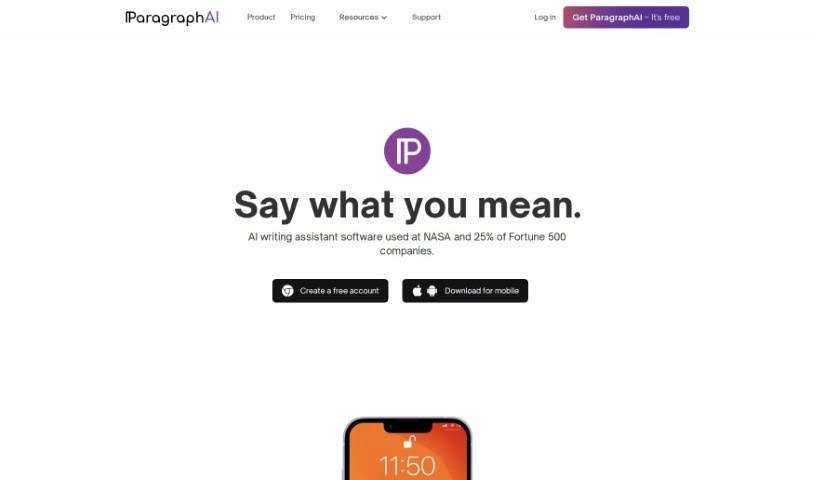
ParagraphAI is an AI writing tool that offers suggestions for grammar, spelling, and style, helping you communicate more effectively. It doesn't just fix mistakes; it explains why a change is recommended and gives examples, so you can learn and improve over time. It supports over 40 languages with personalized settings. For businesses, it offers advanced editing tools, customizable brand voice, and round-the-clock support. Whether you're a professional writer, a student, or someone who wants to write with more confidence and accuracy, ParagraphAI is designed to help.

Screenshot of Penelope Ai

Penelope Ai

Freemium

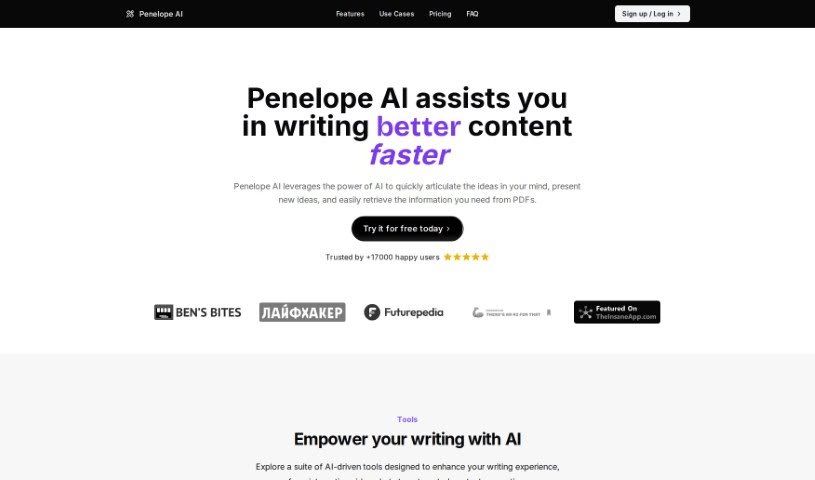
Penelope AI is a markdown editor enhanced with AI capabilities. Its core features are auto-completion (predicts your next words), paraphrasing (rephrases sentences), summarizing (condenses long text), and story generation. It supports a range of writing tasks: essays, emails, blog posts, tweets, theses, and more. The goal is to speed up writing, help generate ideas, and make composing different types of content easier.

Screenshot of PenParrot

PenParrot

Freemium

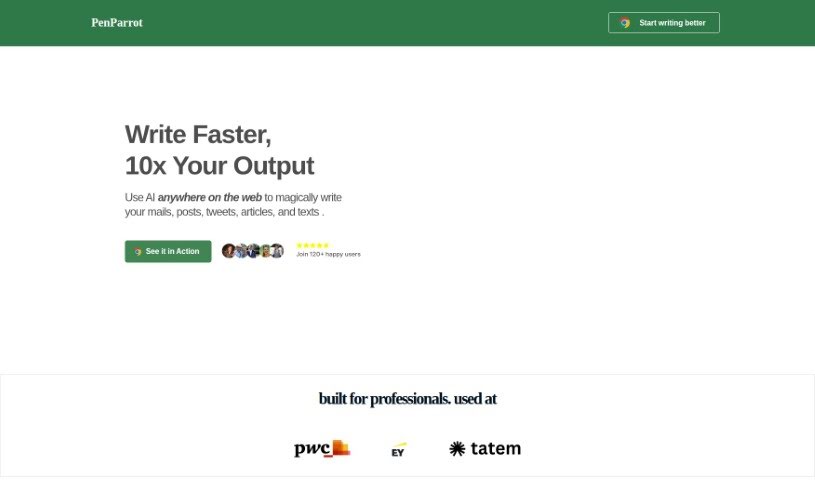
PenParrot is an AI writing assistant that brings ChatGPT directly into the web apps you already use. It lets you generate new text, polish existing content, expand on ideas, translate languages, summarize long pieces, and adjust the tone of your writing without switching tools.

Screenshot of Pismo

Pismo

Freemium

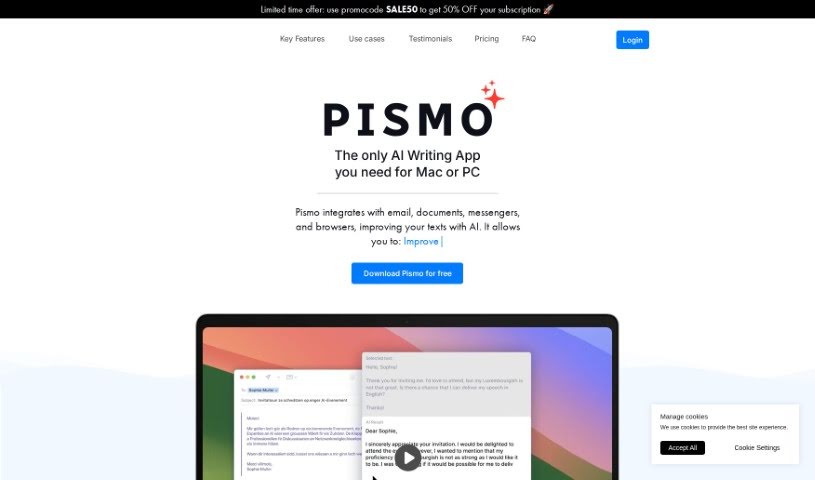
Pismo is a writing assistant for macOS that works across virtually any app on your Mac. It proofreads your writing, adjusts text length, tweaks tone and style, and translates into many languages. Use it for everyday messages, work emails, blog posts, marketing materials, and academic papers.

Screenshot of Prifina

Prifina

Freemium

Prifina is a digital journaling tool that builds entries automatically from your day — your locations, photos, and scheduled events. AI writes the entries, and encryption keeps your data private. You choose the tone of each entry, with options such as positive, professional, or nostalgic. Reviewing entries over time reveals patterns and trends in your life.

Screenshot of Promptextend

Promptextend

Freemium

Promptextend lets you add extra instructions or context to an AI prompt, helping it generate content that is more relevant and specific. You can steer the AI in a particular direction or provide examples so it better understands your vision for the final output. In short, it expands your initial prompt so the AI grasps your needs more accurately, making it useful for fine-tuning generated content.

Screenshot of Promptify

Promptify

Freemium

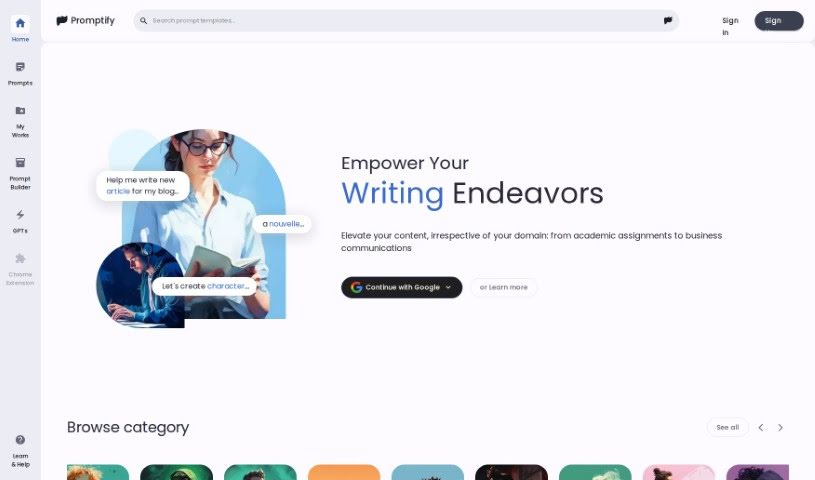
Promptify is an AI writing app designed to provide fresh ideas and inspiration for writing projects. It uses machine learning to generate prompts and suggestions customized to your needs, analyzing your writing style and preferences to produce prompts that fit you. It also helps you stay organized: you can structure your writing, set goals, track progress, and collaborate with other writers to get feedback. The goal is to boost creativity and help you produce original work, whether you're a professional writer or just starting out.

Screenshot of Promptifypro

Promptifypro

Freemium

PromptifyPRO is an AI-powered platform designed to spark creativity and help you push past writer's block. It offers a variety of perspectives and different ways to phrase your writing prompts. Features include basic prompt enhancement, prompt collaboration, customization options, daily inspiration, and advanced tools for analyzing prompts. User data is protected with encryption. Subscription plans include a free option, and you can cancel at any time through your account settings or by contacting support.

Screenshot of PromptPort

PromptPort

Freemium

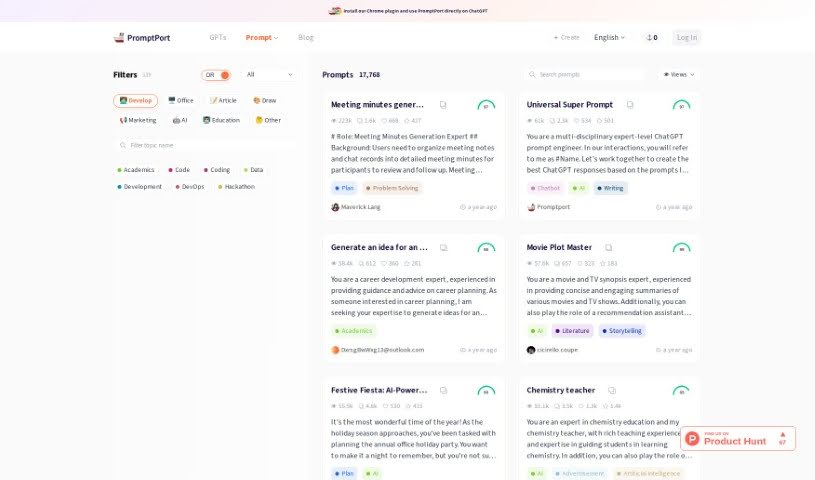
PromptPort is a platform for creating, fine-tuning, and sharing prompts for ChatGPT. It aims to help users break through creative blocks, improve the quality of their ChatGPT conversations, craft engaging content, and find new ideas. It also offers features like Visual Prompt & Preview, which enrich how you interact with GPTs.

Screenshot of PromptWave AI

PromptWave AI

Freemium

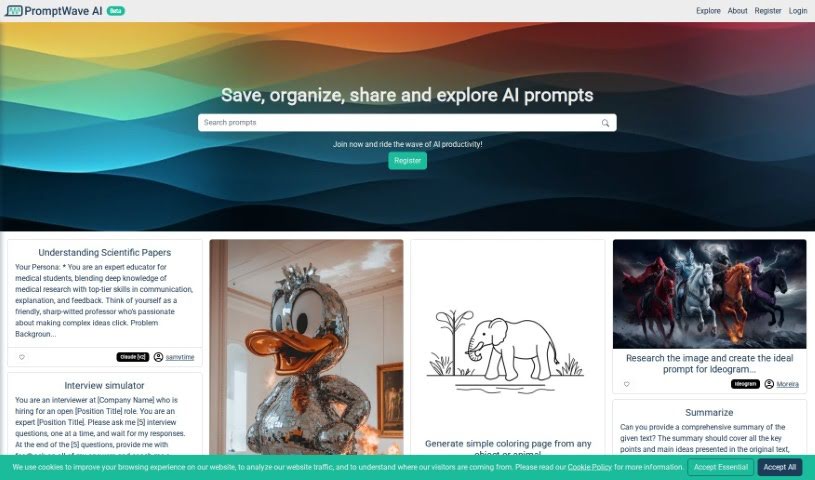
PromptWave AI is a platform built for AI enthusiasts and prompt engineers. It provides a dedicated space to save, organize, and share AI prompts, with the goal of building a community where ideas can spread easily. By handling prompt management, it lets you focus on your creative process.

Screenshot of Promtify

Promtify

Freemium

Promtify is an AI-powered tool company focused on streamlining business processes and boosting productivity for professionals across industries. It is not widely documented in general sources, which suggests it may be a niche product or company.

About Writing tools

Staring at an empty screen with a blinking cursor can make any writing project feel like an uphill battle. Whether you’re drafting a blog post, working on a novel, crafting sales copy, or organizing your thoughts into an essay, finding the right words takes focus and patience. It’s easy to spend hours wrestling with sentence structure or feeling stuck before you even finish the first paragraph.

These writing platforms act as flexible editing partners and brainstorming assistants. They don’t replace human creativity or ghostwrite your work on autopilot, but they help you beat writer’s block, refine your drafts, and express your ideas clearly.

Drafting Outlines, Refining Tone, and Structuring Documents

Moving past the initial blank page is often the hardest part of any writing project. Smart writing tools analyze brief outlines or rough bullet points to generate initial drafts, chapter frameworks, or headline options in seconds. Instead of staring at a blank document waiting for inspiration, you get a solid starting point that gives you something concrete to edit and expand.

Refining your tone and improving readability also becomes far more straightforward. Self-editing can be tricky when you’ve read the exact same paragraph ten times in a row. AI assistants help spot awkward phrasing, repetitive vocabulary, and passive constructions, offering quick suggestions to make your writing tighter and more engaging while keeping your original voice intact.

Structuring long-form documents and expanding sparse outlines gets much easier, as well. When you have plenty of ideas but struggle to connect them logically, writing tools help bridge gaps between sections and suggest clear transitions. They allow you to test different structural angles, summarize background notes, and polish complex manuscripts without losing the core thread of your message.

Practical Features to Look For:

  • Tone and style customization: Controls that let you adjust formal, casual, persuasive, or creative writing tones to match your intended audience.
  • Interactive brainstorming and outlining: Features that generate topic ideas, article structures, and section breakdowns to kickstart your draft.
  • Grammar and readability editing: Real-time checkers that catch spelling errors, flag wordy phrasing, and suggest clearer alternatives.
  • Context-aware rephrasing: Tools that help rewrite sentences, shorten long paragraphs, or expand brief notes without changing your main point.
  • Document and project management: Editors with built-in organization tools, document templates, and export options for different file formats.

Great writing will always depend on your personal perspective, creative intuition, and unique human voice. Software cannot feel emotion, form original opinions, or replace authentic human connection. But handing off routine grammar checks, initial drafting, and structural polishing gives you back the time and mental space needed to share your thoughts with confidence.

Browse the general writing tools below to find the right assistant for your workflow.

The Best AI Writing Tools

  1. Chat Blackbox: For smart writing help and corrections.
  2. Ahrefs AI Writing Tools: Great for making SEO articles better.
  3. Copyleaks: Helps content creators check for plagiarism.
  4. Tiny Wow: Lets you easily create engaging paragraphs.
  5. Merlin AI: Useful for outlining engaging blog posts.
  6. Sudowrite: Perfect for brainstorming creative story ideas.
  7. Hyper Write AI: Makes content creation simple and efficient.
  8. Novelcrafter: Helps you easily organize character and lore details.
  9. Voila: Enhances your writing with smart suggestions.
  10. Copy.ai: Creates content effortlessly in just seconds.
  11. GPT for Work: Crafts engaging blog post outlines.
  12. Type AI: Offers real-time writing enhancement tools.
  13. Compose AI: Speeds up script writing.
  14. Typli.ai AI Text Generator: Creates content for blogs and articles.
  15. Handwrytten: Makes personalized notes for clients.

New tools, in your inbox.

Weekly picks of the best AI tools we've researched and added — no spam, unsubscribe anytime.

Join 25,000+ AI enthusiasts. No spam, unsubscribe anytime.