AI Writing Tools: Top Picks & How They Work

AI Tools for Writing

Discover the best Writing AI tools to enhance your productivity and creativity.

Page 10 of 13 • 147 total tools
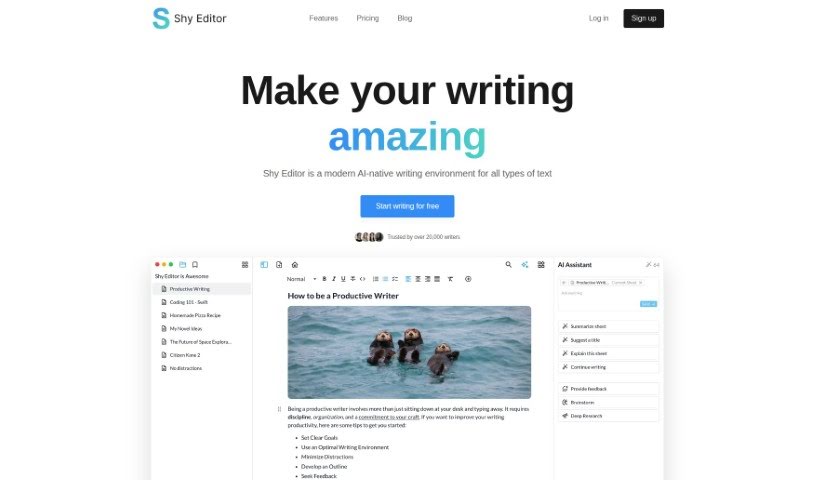
Screenshot of Shy Editor

Shy Editor

Freemium

Shy Editor is an AI-powered writing platform for novelists, students, academics, bloggers, and journalists. It pairs a markdown editor with an AI assistant for brainstorming and feedback, alongside note-taking, research organization, citation management, version control, smart search, and grammar checking. Formatting is customizable — lists, toggles, markdown, and blocks — and you can mix text, images, media, and tables. The platform is built to preserve your personal writing style.

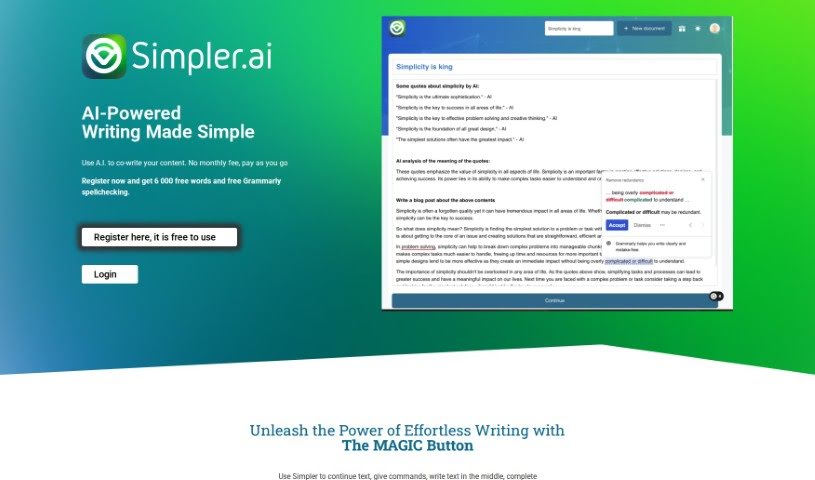
Screenshot of Simpler.ai

Simpler.ai

Freemium

Simpler.ai is an AI writing tool for co-writing content. It offers a clean, distraction-free editor styled like Google Docs, plus a Magic Button that continues or enhances your text at the cursor. It works as a writing assistant for notes, emails, blog posts, taglines, and product descriptions. New users get 6,000 free words, and pricing is pay-as-you-go with no monthly subscriptions.

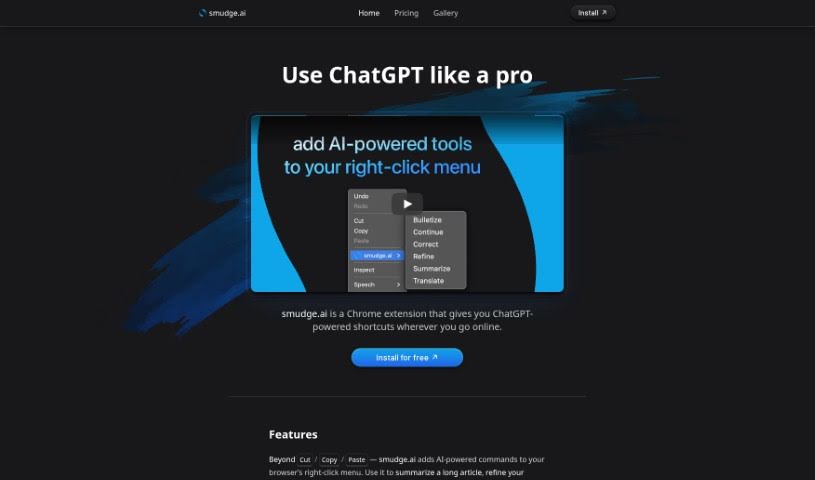
Screenshot of Smudge.ai

Smudge.ai

Freemium

Smudge.ai is a Chrome extension that adds ChatGPT-powered shortcuts to your browser. AI commands are available directly from the right-click menu, so you can summarize articles, polish your writing, or translate text without switching tabs or apps. It's aimed at professionals, students, or anyone who spends time online and needs help with summarizing, fixing text, and translating.

Screenshot of Speedwrite

Speedwrite

Freemium

Speedwrite is an AI writing platform that creates original text content with solid grammar and style while avoiding plagiarism. Unlike many AI writing tools that produce generic output, Speedwrite starts from any creative-commons source you provide, so the writing it produces is distinctive and reflects your input and research.

Screenshot of Storypitch

Storypitch

Freemium

Storypitch is a platform designed to simplify creating prompts for creative projects. Its Free Form feature lets you type in whatever you need, then tweak it with a rich text editor. The platform also has built-in prompting based on the agency's expertise: it guides you by asking questions about your project, helping you nail down your ideas.

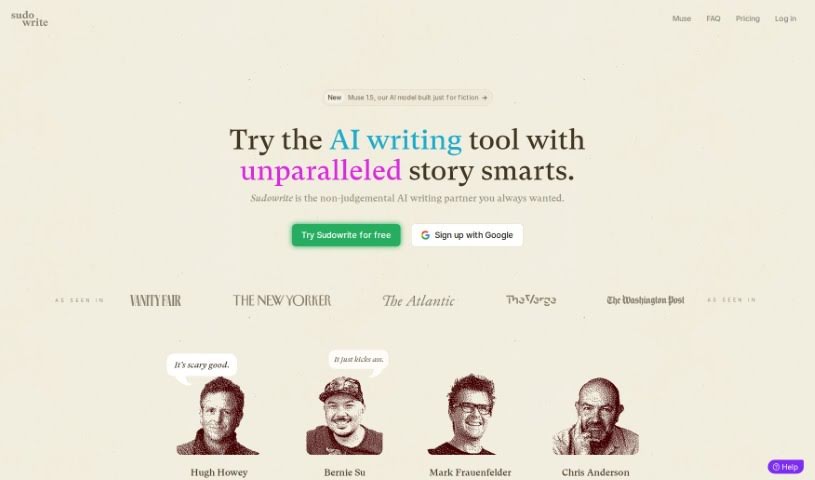
Screenshot of Sudowrite

Sudowrite

Freemium

Sudowrite is an AI-powered writing assistant designed to help writers create content more efficiently. It offers personalized writing suggestions, grammar and vocabulary refinement, creative idea generation, and help organizing your thoughts so your writing flows smoothly. The goal is to enhance your own creative process rather than churn out words for you.

Screenshot of Text Generator

Text Generator

Freemium

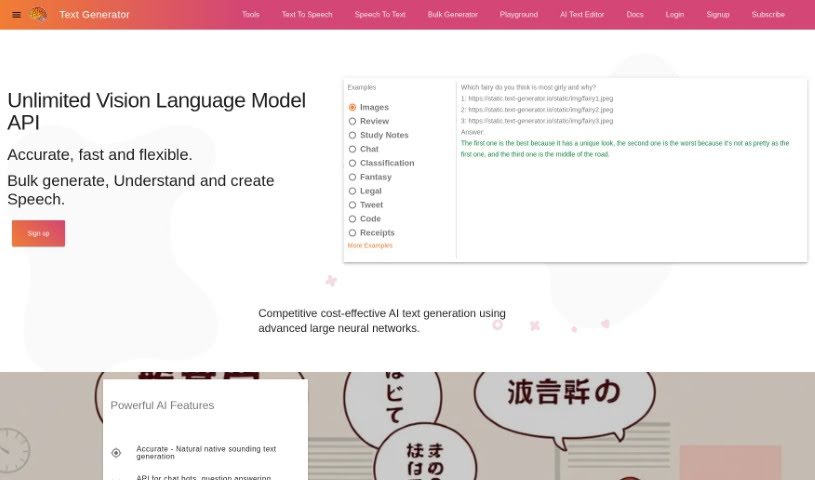
Text Generator is a startup founded by Lee Penkman, based in Thames Coromandel, New Zealand. Its goal is to provide text generation and AI systems that are accurate, dependable, and affordable. The company builds on current machine learning and AI research and runs on Google Cloud hardware.

Screenshot of TextGen

TextGen

Freemium

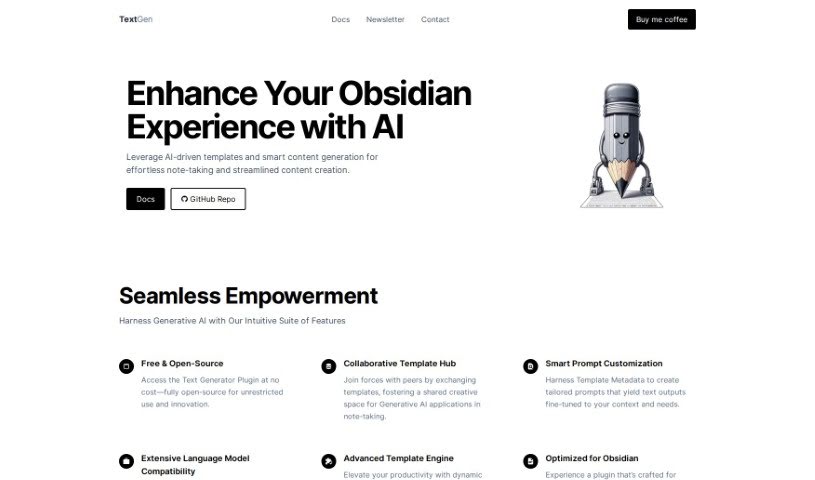
TextGen is a free, open-source plugin that adds AI-powered templates and smart content generation to Obsidian. It integrates directly into your note-taking workflow and includes collaborative template hubs for sharing templates with other users, prompt customization via Template Metadata, broad compatibility with different language models, and an advanced template engine for dynamic templates. It is designed to streamline note-taking and content creation within your personal knowledge base, and it works seamlessly with Obsidian.

Screenshot of Textmetrics

Textmetrics

Freemium

Textmetrics is an AI writing tool designed to improve communication for individuals and organizations. It helps you write more clearly and inclusively, with subscription plans tailored to Recruitment, Diversity & Inclusion (D&I), or General Content. The software uses AI to give pointers on text structure, SEO improvement, and content creation. Its goal is to break down communication barriers and help everyone express themselves clearly and effectively.

Screenshot of Thankyounote.app

Thankyounote.app

Freemium

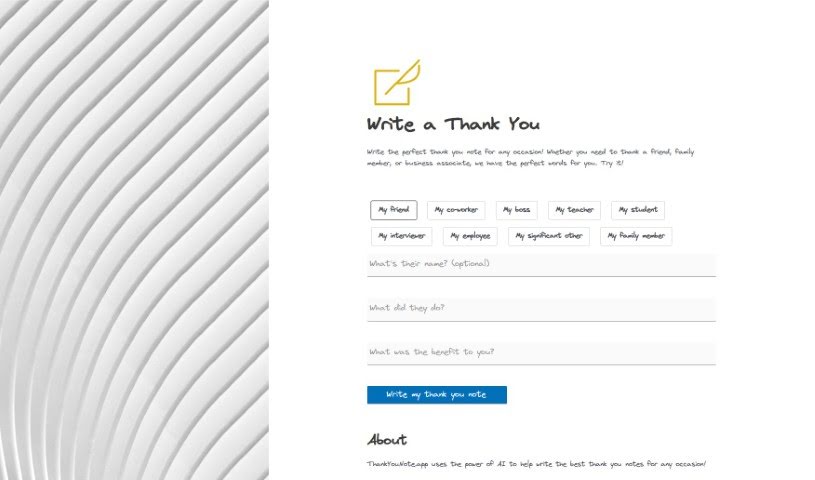
ThankYouNote.app uses AI to write personalized thank you notes for a wide range of occasions. You specify who the note is for, why you're thanking them, and how their action helped you, and the app generates a custom note that's ready to send.

Screenshot of These Lyrics Do Not Exist

These Lyrics Do Not Exist

Freemium

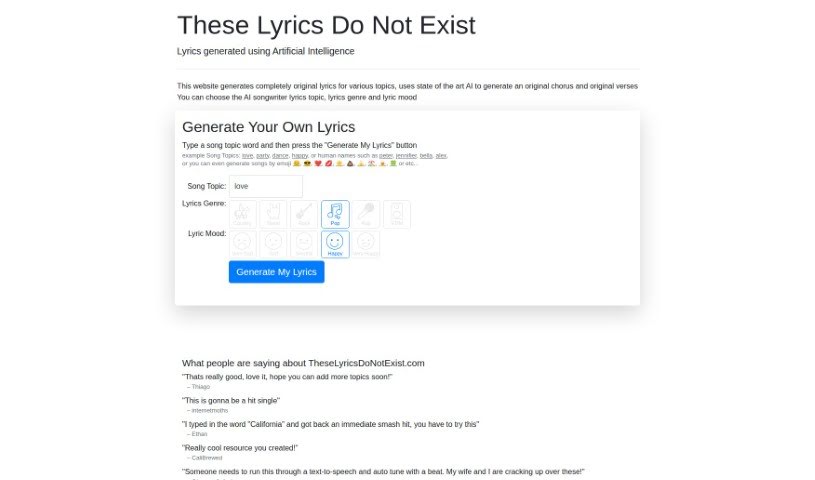
'These Lyrics Do Not Exist' is an AI Songwriter tool that generates entirely original lyrics based on themes you choose. You select a genre — Country, Metal, Rock, Pop, Rap, or EDM — and set an emotional tone ranging from very happy to very sad. The AI then produces both choruses and verses tailored to your input.

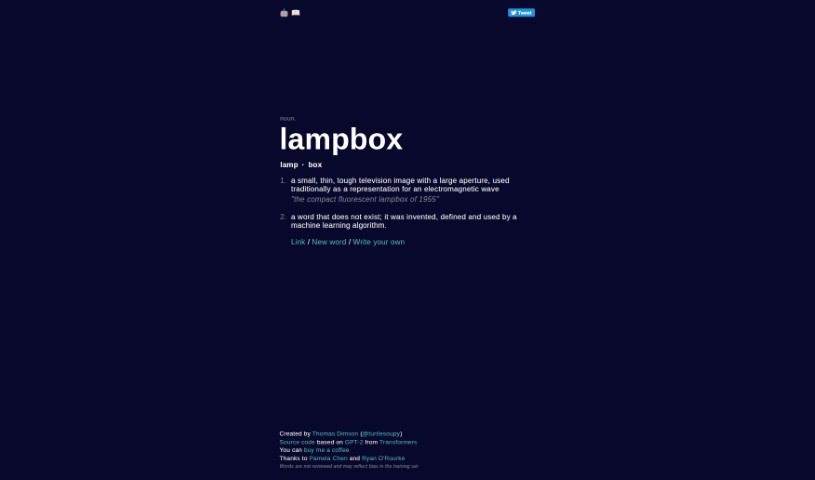
Screenshot of Thisworddoesnotexist

Thisworddoesnotexist

Freemium

'Thisworddoesnotexist' is a word invented by a machine learning algorithm — it appears in no dictionary. The term combines the prefix "This" with a phrase noting that the word itself doesn't exist. Models like GPT-2 generate these creations, which you can see in action at thisworddoesnotexist.com. The generated words demonstrate how language models can invent new terms that still follow the patterns and structures of English. In this case, "Thisworddoesnotexist" is a product of automated linguistic creativity rather than an established word with a long-standing meaning.

About Writing tools

Staring at an empty screen with a blinking cursor can make any writing project feel like an uphill battle. Whether you’re drafting a blog post, working on a novel, crafting sales copy, or organizing your thoughts into an essay, finding the right words takes focus and patience. It’s easy to spend hours wrestling with sentence structure or feeling stuck before you even finish the first paragraph.

These writing platforms act as flexible editing partners and brainstorming assistants. They don’t replace human creativity or ghostwrite your work on autopilot, but they help you beat writer’s block, refine your drafts, and express your ideas clearly.

Drafting Outlines, Refining Tone, and Structuring Documents

Moving past the initial blank page is often the hardest part of any writing project. Smart writing tools analyze brief outlines or rough bullet points to generate initial drafts, chapter frameworks, or headline options in seconds. Instead of staring at a blank document waiting for inspiration, you get a solid starting point that gives you something concrete to edit and expand.

Refining your tone and improving readability also becomes far more straightforward. Self-editing can be tricky when you’ve read the exact same paragraph ten times in a row. AI assistants help spot awkward phrasing, repetitive vocabulary, and passive constructions, offering quick suggestions to make your writing tighter and more engaging while keeping your original voice intact.

Structuring long-form documents and expanding sparse outlines gets much easier, as well. When you have plenty of ideas but struggle to connect them logically, writing tools help bridge gaps between sections and suggest clear transitions. They allow you to test different structural angles, summarize background notes, and polish complex manuscripts without losing the core thread of your message.

Practical Features to Look For:

  • Tone and style customization: Controls that let you adjust formal, casual, persuasive, or creative writing tones to match your intended audience.
  • Interactive brainstorming and outlining: Features that generate topic ideas, article structures, and section breakdowns to kickstart your draft.
  • Grammar and readability editing: Real-time checkers that catch spelling errors, flag wordy phrasing, and suggest clearer alternatives.
  • Context-aware rephrasing: Tools that help rewrite sentences, shorten long paragraphs, or expand brief notes without changing your main point.
  • Document and project management: Editors with built-in organization tools, document templates, and export options for different file formats.

Great writing will always depend on your personal perspective, creative intuition, and unique human voice. Software cannot feel emotion, form original opinions, or replace authentic human connection. But handing off routine grammar checks, initial drafting, and structural polishing gives you back the time and mental space needed to share your thoughts with confidence.

Browse the general writing tools below to find the right assistant for your workflow.

The Best AI Writing Tools

  1. Chat Blackbox: For smart writing help and corrections.
  2. Ahrefs AI Writing Tools: Great for making SEO articles better.
  3. Copyleaks: Helps content creators check for plagiarism.
  4. Tiny Wow: Lets you easily create engaging paragraphs.
  5. Merlin AI: Useful for outlining engaging blog posts.
  6. Sudowrite: Perfect for brainstorming creative story ideas.
  7. Hyper Write AI: Makes content creation simple and efficient.
  8. Novelcrafter: Helps you easily organize character and lore details.
  9. Voila: Enhances your writing with smart suggestions.
  10. Copy.ai: Creates content effortlessly in just seconds.
  11. GPT for Work: Crafts engaging blog post outlines.
  12. Type AI: Offers real-time writing enhancement tools.
  13. Compose AI: Speeds up script writing.
  14. Typli.ai AI Text Generator: Creates content for blogs and articles.
  15. Handwrytten: Makes personalized notes for clients.
New tools, in your inbox.

Weekly picks of the best AI tools we've researched and added — no spam, unsubscribe anytime.

Join 25,000+ AI enthusiasts. No spam, unsubscribe anytime.