Tracking down elusive bugs, writing endless test scripts, and fixing broken test suites every time code changes can make software testing feel like constant firefighting. Whether you’re running manual regression checks, writing unit tests for a new feature, or managing complex integration pipelines, keeping up with fast release cycles takes serious time. It’s easy to waste hours updating flaky test scripts instead of focusing on overall software quality.
These specialized testing assistants handle routine script creation, repair broken test paths, and catch hidden edge cases before your users do—without replacing human QA engineers or writing code on autopilot.
Test Case Generation, Self-Healing Scripts, and Coverage Gaps
Drafting comprehensive test cases from user stories or technical specs often takes hours of manual work. Smart testing assistants scan requirements, user flows, or code changes to generate clear test scenarios and unit test boilerplate in seconds. Instead of starting with a blank file for every sprint, you get a solid framework covering both standard user paths and unexpected edge cases.
Maintaining automated UI and end-to-end test suites gets much easier, as well. Minor interface updates often break traditional automation scripts, leaving QA teams with a mountain of test failures to inspect. AI-driven testing tools monitor application changes and automatically update element selectors when layout positions or button labels shift. These self-healing scripts drastically reduce maintenance overhead, keeping your build pipelines green and reliable.
Creating realistic test data and analyzing code coverage also becomes far less painful. Specialized tools generate privacy-compliant synthetic datasets that mimic real user traffic without exposing sensitive customer data. They can also analyze test runs to pinpoint untested code paths, security vulnerabilities, or performance bottlenecks that need extra attention.
Key Capabilities to Look For:
- Automated script generation: Systems that turn natural language prompts, user stories, or code files into executable unit and end-to-end test scripts.
- Self-healing test execution: Settings that automatically adjust broken element selectors and test steps when interface layouts change.
- Synthetic data generation: Tools that create realistic, privacy-safe datasets for testing edge cases and complex user flows.
- Visual regression scanning: Features that compare UI screenshots across multiple browsers and devices to flag subtle layout glitches.
- Coverage and gap analysis: Analytics tools that highlight untested code paths, risky changes, and missing scenario coverage.
Building reliable software will always depend on human problem-solving, critical thinking, and a deep understanding of user expectations. Software can’t evaluate real user experience or understand complex business logic for you. But handing off repetitive script writing, data generation, and test suite maintenance gives you back the time needed to deliver high-quality applications.
Take a look through the QA tools below to streamline your testing process.
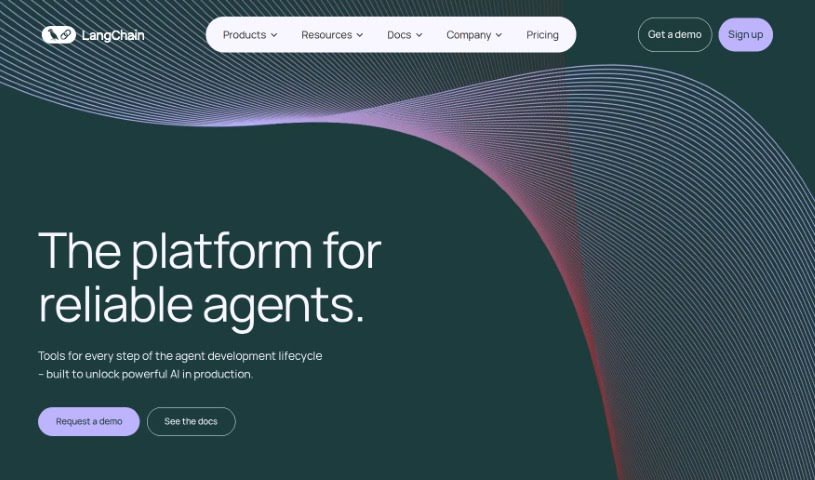
- LangChain: for validating LLM responses automatically
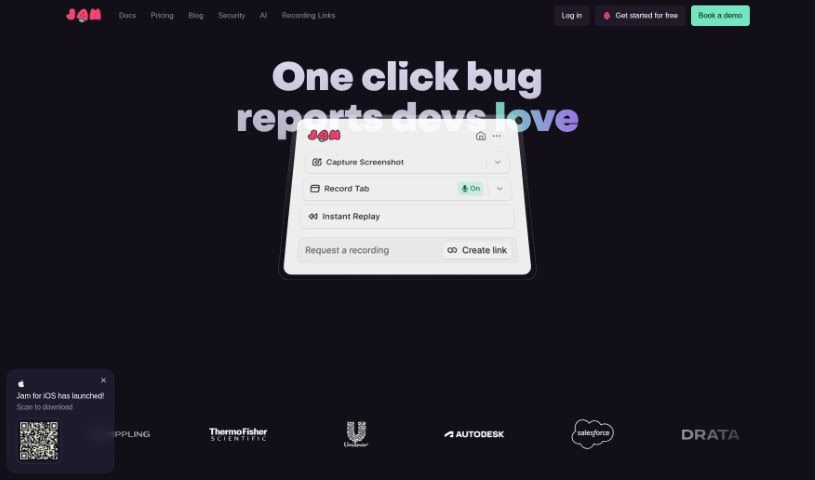
- Jam: for automatic bug tracking and reporting
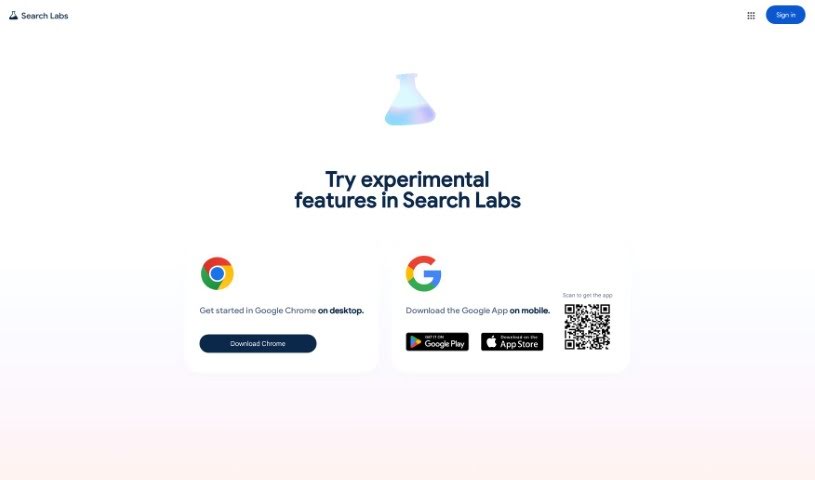
- Google Search Labs: for evaluating new search features
- Testsigma: for automating web app regression testing
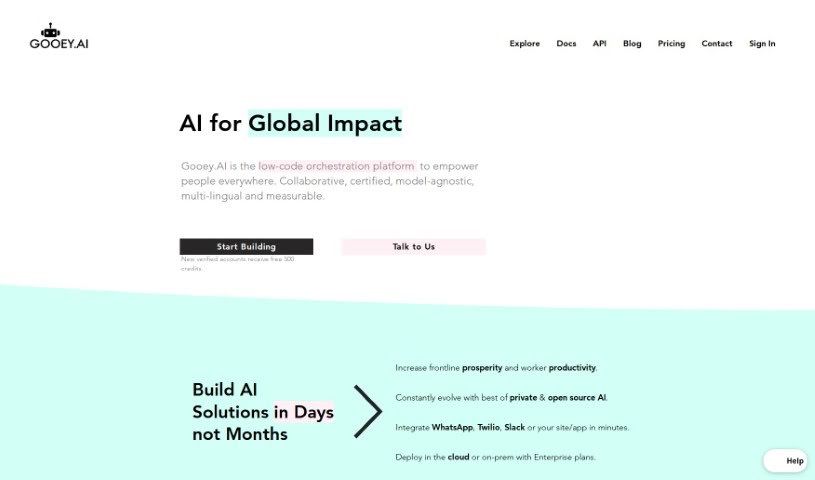
- Gooey.ai: for simplifying testing with AI-driven analytics
- VWO: for A/B testing to optimize websites
- Applitools: for visual regression testing on web apps
- Testim: for AI-driven web testing automation
- Eden AI: for testing voice commands in applications
- Layer AI: for helping teams quickly test concepts
- Promptfoo: for generating test cases automatically
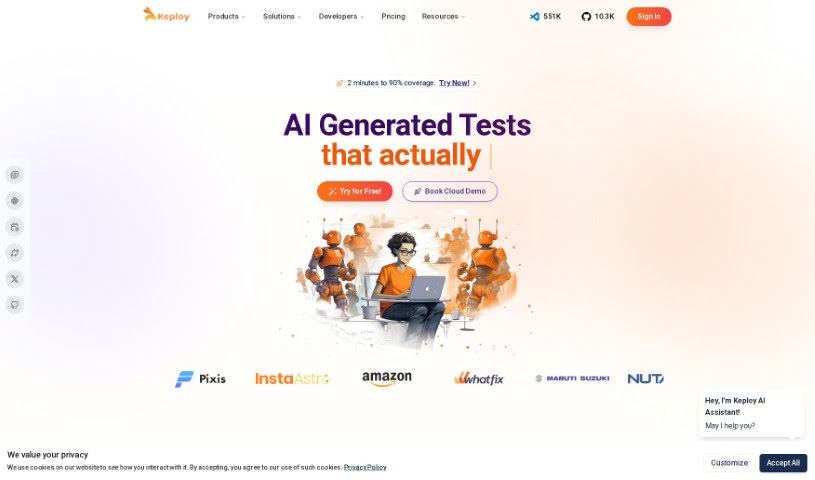
- Keploy: for automating API test case generation
- Mabl: for automating UI tests for faster releases
- ACCELQ: for smooth API and web test automation
- AgentOps: for testing and optimizing agent performance