Juggling lesson plans, stacks of grading, administrative paperwork, and classroom management can make teaching feel like a constant race against the clock. Between tailoring materials for different learning levels and writing progress updates, finding time to focus on actual instruction often feels impossible.
These teaching assistants handle routine prep work, generate fresh activity ideas, and simplify administrative chores without replacing human instruction or automating your personal teaching style.
Lesson Planning, Differentiated Instruction, and Parent Communications
Crafting engaging lesson plans and interactive activities from scratch takes hours of unpaid evening time. AI assistants generate customizable rubrics, structured unit outlines, and reading passages tailored to specific grade levels in seconds. Instead of starting with a blank document on Sunday night, you get a solid framework to adapt to your curriculum and teaching style.
Supporting a classroom full of diverse learning needs becomes far less overwhelming, as well. Creating multiple versions of an assignment, translating notices for non-native English speakers, or simplifying complex articles normally takes hours of tedious editing. Educational AI platforms let you adjust text complexity, build targeted practice sets, or draft personalized accommodations for students who need extra support with a few clicks.
Managing feedback and parent communication also takes far less energy. AI tools help streamline essay grading by organizing constructive commentary, generating exit tickets, and identifying common student errors. You can send home clear, professional progress notes and email updates to families without spending your whole evening staring at a screen.
Practical Capabilities for Educators:
- Automated lesson generation: Systems that draft detailed lesson plans, learning objectives, and discussion prompts tied to educational standards.
- Differentiated learning controls: Settings that let you quickly adjust reading levels, vocabulary lists, and assignment complexity for different student needs.
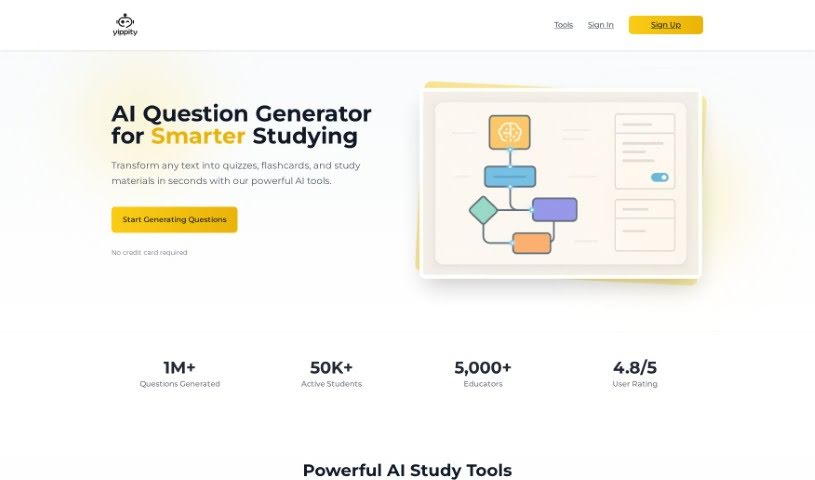
- Interactive quiz creation: Tools that turn text passages, notes, or web pages into ready-to-use quizzes, flashcards, and exit tickets.
- Assessment and feedback assistance: Features that provide structured feedback templates and help summarize student performance trends.
- Parent communication tools: Generators that help draft professional emails, newsletters, and behavior updates for families in multiple languages.
Great teaching will always rely on empathy, intuition, and personal connection with your students. Software cannot mentor a struggling reader, foster a positive classroom culture, or replace the human element of education. But letting smart tools handle repetitive paperwork and lesson formatting gives you back the time and energy needed to focus on your students.
Check out the teaching tools below to streamline your classroom prep.
- Gradescope: Automates grading and feedback for assignments.
- Smodin: Offers feedback on students’ writing skills.
- Magic School AI: Helps streamline lesson creation and management.
- Study Fetch: Provides automated grading and feedback for assessments.
- Quizgecko: Efficiently creates classroom quizzes.
- Formative: Turns PDFs into auto-graded quizzes.
- Revisely: Gives personalized feedback on essays.
- Microsoft Reading Coach Preview: Improves reading engagement in the classroom.
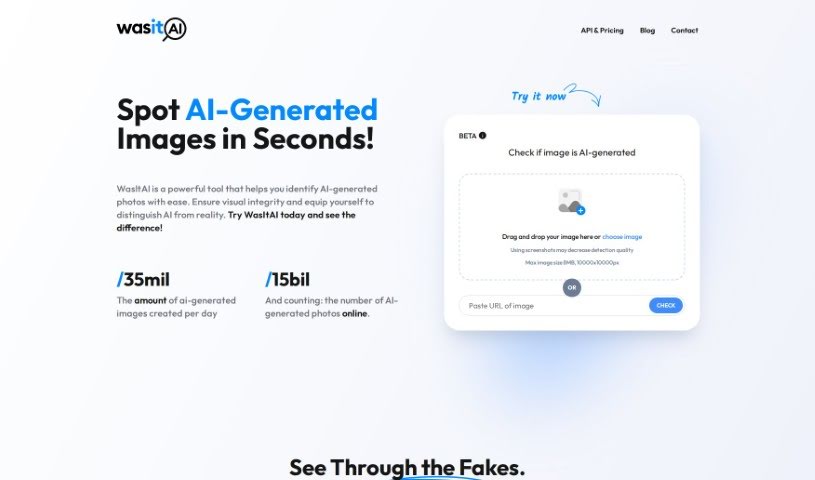
- Wasitai: Aids classroom engagement and lesson planning.
- Brisk Teaching: Customizes curriculum for different learners.
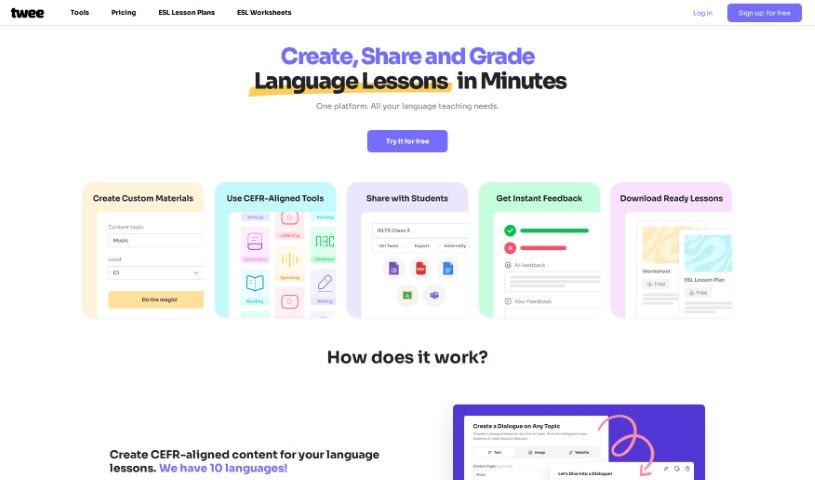
- Twee: Creates adaptable lesson plans for various topics.
- Lumos Learning: Makes class assignments effortless.
- AILessonPlan: Creates lesson plans, worksheets, quizzes and rubrics.
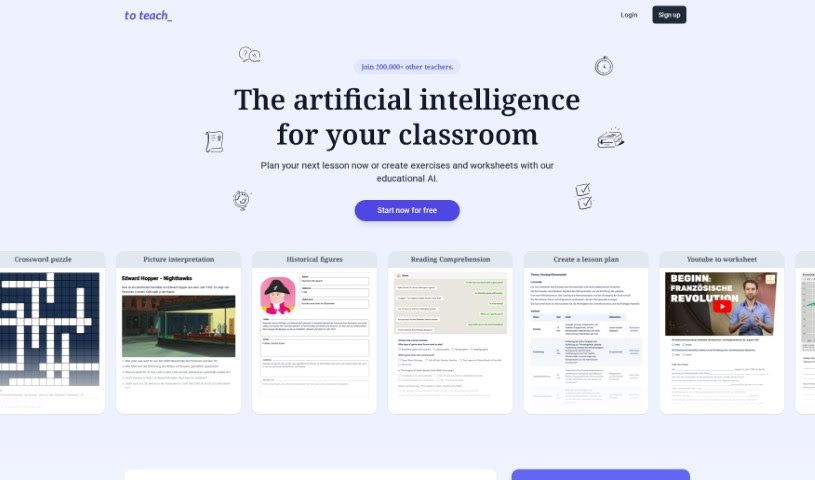
- To Teach AI: Streamlines lesson planning using AI tools.
- Curipod: Boosts lesson planning efficiency.