AI Software Development Tools

AI Tools for Software Development

Discover the best Software Development AI tools to enhance your productivity and creativity.

Page 3 of 23 • 269 total tools
Screenshot of Binanalysis

Binanalysis

Freemium

Binanalysis is an AI-powered assistant for finding security weaknesses in binary files. It decompiles an executable with Ghidra, cleans up the resulting code, and compares it against a database of over 20,000 historical vulnerabilities.

Software Development View Tool →
Screenshot of Bloop

Bloop

Freemium

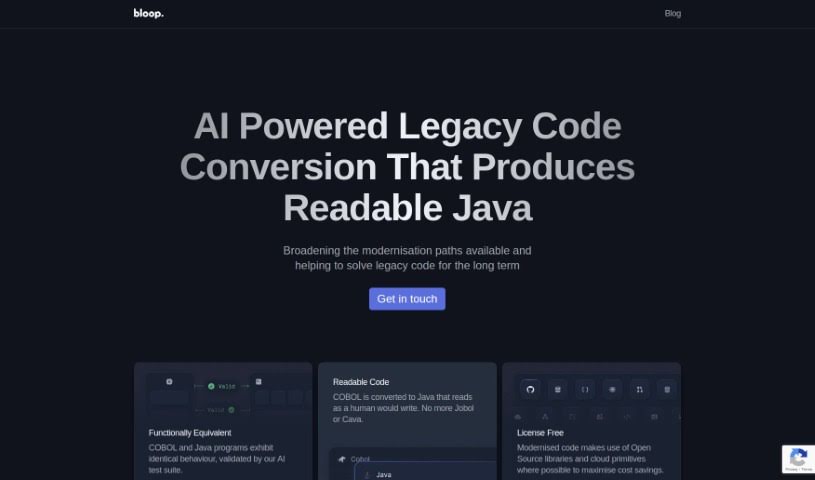
Bloop is an open-source, AI-powered code assistant built to help developers navigate and understand their codebases. Its core feature is natural language search: you can ask questions about your code in plain English and find what you need quickly. It also identifies internal libraries and common patterns, showing how a codebase fits together and helping you avoid unnecessary dependencies. For more specific searches, Bloop supports regex matching and precise code navigation.

Software Development View Tool →
Screenshot of Bongocat

Bongocat

Freemium

Bongocat is an interactive tool that responds to MIDI input with animations and sounds. It is designed for music-making and visual performance.

Software Development View Tool →
Screenshot of Bria

Bria

Freemium

BRIA 2.0 is a visually generative AI solution for commercial use. It provides foundation models, APIs, SDKs, and web integration. The platform emphasizes responsible AI: it takes full liability for generated output, trains on licensed data, and compensates data contributors through its attribution engine. This approach is designed to provide commercial safety and quality while protecting against copyright, trademark, and privacy issues.

Software Development View Tool →
Screenshot of Bugasura

Bugasura

Freemium

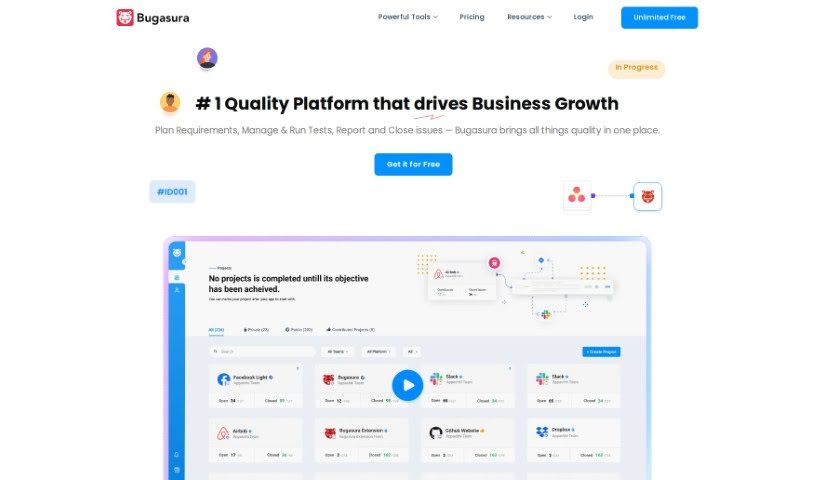
Bugasura is a bug management tool for teams that move fast. It uses AI-powered bug reporting and issue tracking to help developers, testers, and product managers find and fix issues more efficiently. More than 50,000 developers, testers, and product managers in over 25 countries use Bugasura to deliver quality features.

Software Development View Tool →
Screenshot of Build Easy AI

Build Easy AI

Freemium

Build Easy AI offers a suite of AI services for businesses:

Software Development View Tool →
Screenshot of Butterfish Shell

Butterfish Shell

Freemium

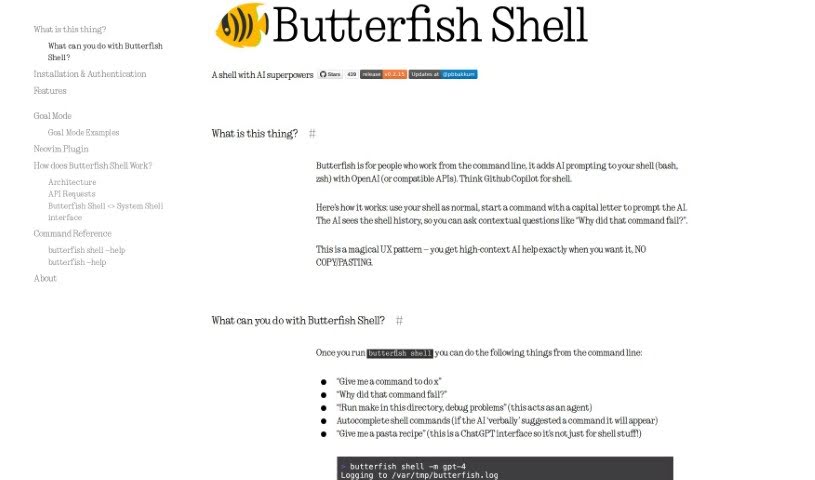
Butterfish Shell is a command-line tool that integrates OpenAI-powered AI prompting directly into bash and zsh. It provides context-aware help, suggests commands, and supports high-context AI conversations without ever leaving the terminal.

Software Development View Tool →
Screenshot of C3 AI

C3 AI

Freemium

C3 AI provides enterprise AI applications for businesses. Its platform lets organizations develop and run AI applications, with more than 40 pre-built applications ready to deploy. These target challenges across industries including manufacturing, financial services, government, utilities, and oil and gas. Use cases include money laundering detection, customer relationship management (CRM) improvement, decision support, and demand forecasting. The company's Generative AI acts as a central hub for company knowledge, surfacing deeper insights across an organization. The platform is built to work with major enterprise systems.

Software Development View Tool →
Screenshot of Camel AI

Camel AI

Freemium

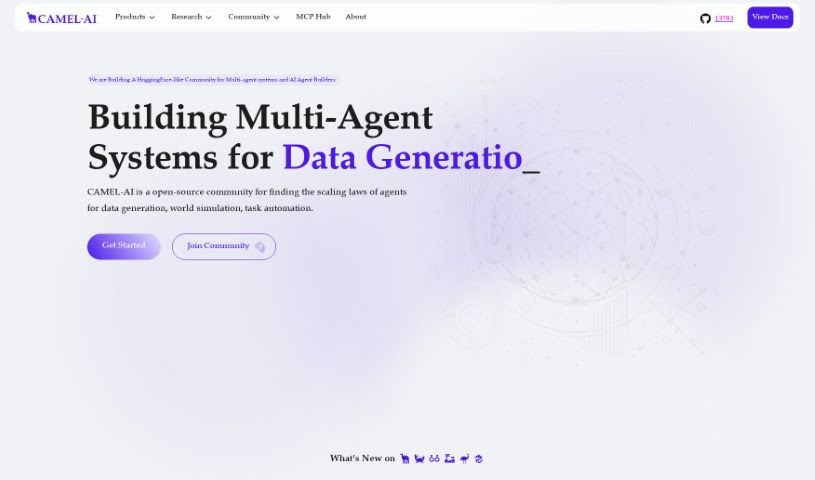
Camel AI is the first multi-agent framework built around Large Language Models (LLMs) and an open-source community dedicated to studying how these agents scale. It is designed for building systems in which multiple AI agents collaborate to generate data, automate tasks, or simulate entire worlds.

Software Development View Tool →
Screenshot of CeoBEE

CeoBEE

Freemium

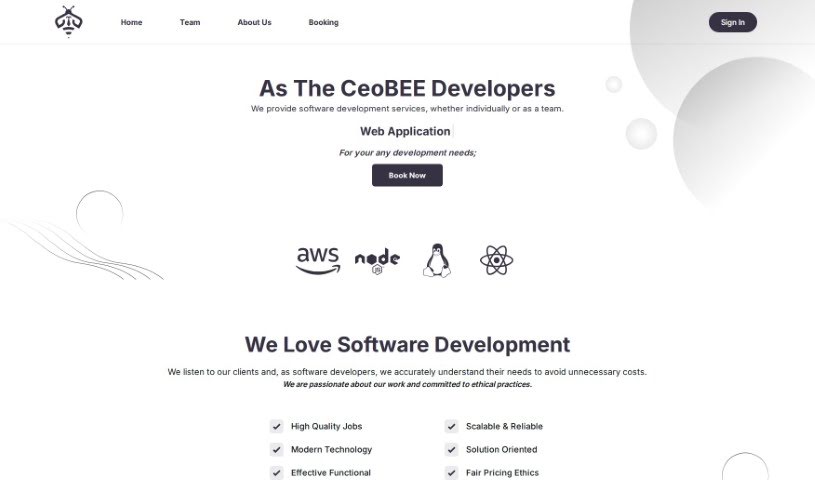
CeoBEE is a software development company, CeoBEE Developers, made up of a team of seasoned developers with over 12 years of experience. They offer complete software solutions and support throughout the development process, with expertise in scaling projects and handling complex technical challenges. Their goal is to empower businesses and entrepreneurs by delivering high-quality, scalable software, and their vision is to be the go-to partner for any business looking to turn ideas into successful software products.

Software Development View Tool →
Screenshot of Cerebras

Cerebras

Freemium

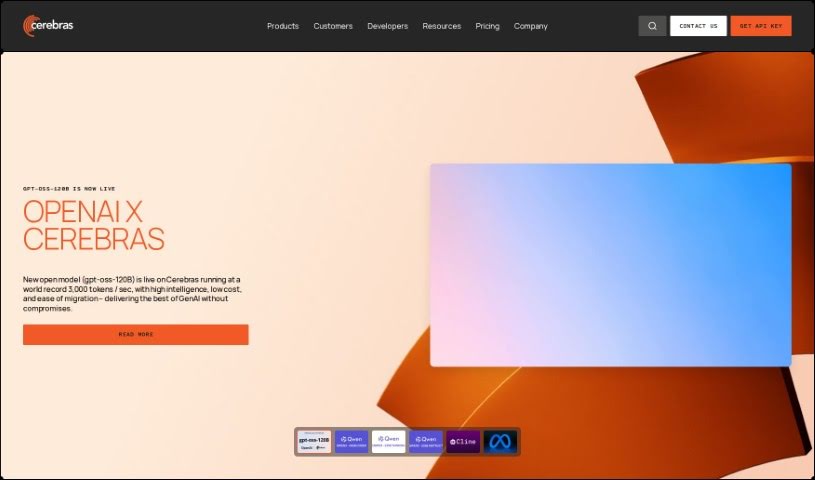
Cerebras is a company that builds advanced computing solutions designed to speed up AI training and AI model development. Its main products include the Condor Galaxy 1 and Andromeda AI Supercomputers — powerful machines built for large-scale AI projects such as training massive language models (LLMs) and running high-performance computing (HPC) applications. Cerebras also offers the CS-2 system and a suite of software tools for building custom AI models, applicable across fields including healthcare, energy, government, and finance.

Software Development View Tool →
Screenshot of Cerebrium AI

Cerebrium AI

Freemium

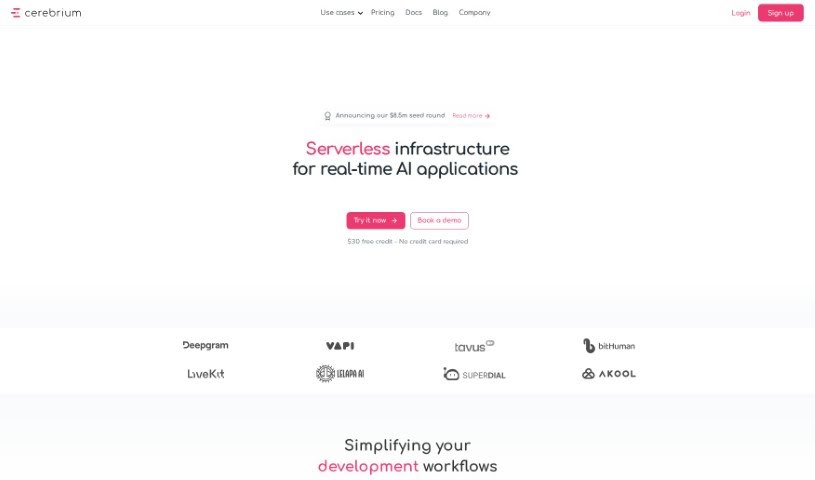
Cerebrium AI is a platform that provides developers with the computing power needed for machine learning projects. It is built to scale from hobbyist projects to larger ML applications managed by teams.

Software Development View Tool →

About Software Development tools

Staring at a terminal screen at two in the morning while trying to trace a subtle memory leak or decipher a cryptic build stack trace can test any developer’s patience. (I once spent four straight hours hunting down a bug in an API integration, only to discover a missing comma in a JSON config file.) Between writing repetitive boilerplate, untangling legacy codebases, updating dependencies, and building out test coverage, everyday coding tasks often keep you away from solving core logic problems.

These development platforms act as high-speed pair programmers for software engineers, web developers, system architects, and open-source contributors. They write routine code, catch edge cases, and explain unfamiliar syntax in seconds without replacing human logic, algorithmic thinking, or system design choices.

Code Completion, Legacy Refactoring, and Automated Tests

Accelerating daily coding tasks and generating boilerplate code turns ideas into working software much faster. Writing repetitive CRUD endpoints, database schemas, or API wrapper functions by hand eats up valuable sprint hours. Modern AI coding assistants auto-complete functions, suggest context-aware logic based on your existing codebase, and turn plain English comments into tested functions right inside your favorite editor.

Debugging complex errors and refactoring legacy systems becomes far less tedious. Trying to trace how a massive legacy module works or figuring out why a specific build failed often leads to endless web searches. Intelligent development agents scan your repository structure, pinpoint failing lines of code, explain the root cause in simple terms, and offer clean refactoring suggestions that preserve your application’s original intent.

Writing unit tests and generating documentation keeps codebases healthy without extra overhead. Most developers love building features, but few enjoy writing test suites or updating API docs. AI development tools analyze your code pathways, generate comprehensive test cases that cover tricky edge cases, and auto-generate inline documentation, ensuring your project remains maintainable for your entire team.

Key Capabilities to Look For:

  • Context-aware code completion: Systems that read your entire project repository to suggest code that matches your existing patterns and conventions.
  • Interactive terminal and chat assistants: Tools that let you ask questions about your codebase, debug stack traces, and run terminal commands directly from your IDE.
  • Automated test and doc generation: Features that automatically create unit tests, integration scenarios, and inline docstrings for your functions.
  • Multi-language and framework support: Software that works smoothly across Python, JavaScript, TypeScript, Rust, Go, SQL, and popular web frameworks.
  • Privacy and repository security controls: Platforms built with strict security models that ensure your proprietary code remains private and is never used to train external models.

Building great software will always depend on human problem-solving, architectural vision, and a deep understanding of user needs. Software can suggest a function, flag a syntax error, or draft a unit test, but designing scalable architecture and making core system choices requires your developer brain.

Browse the software development tools below to upgrade your engineering stack.

The Best AI Software Development Tools

  1. Continue.dev: Open source assistant that brings ChatGPT into VS Code for code generation and editing.
  2. Sourcegraph Cody: AI coding assistant for writing and understanding code across a repository.
  3. CodeAssist: Works inside JetBrains IDEs and VS Code, so it fits an editor you already use.
  4. Aider Chat: Pair programming tool that edits code directly in your local git repository.
  5. Bloop: Open source assistant for searching, navigating and understanding an existing codebase.
  6. Greptile: Ask plain questions about any GitHub repository and get direct answers.
  7. Wolfia: Finds answers in codebases from plain-English questions, with automated search.
  8. DoWhile AI: Browser-based assistant for searching and understanding large codebases.
  9. CodeAnt AI: Finds and fixes code issues and reviews pull requests automatically.
  10. Codereviewbot: Reviews GitHub pull requests and flags bugs and security issues.
  11. What The Diff: Writes pull request descriptions and summaries for reviewers.
  12. Metabob: Code review tool that detects, explains and fixes coding problems.
  13. CodeThreat: SAST analysis that finds and fixes security weaknesses in code.
  14. Snyk Deepcode AI: Security engine that finds, fixes and prioritises vulnerabilities.
  15. Pixee AI: Pixeebot automatically finds and fixes code vulnerabilities.

New tools, in your inbox.

Weekly picks of the best AI tools we've researched and added — no spam, unsubscribe anytime.

Join 25,000+ AI enthusiasts. No spam, unsubscribe anytime.