AI Product Design Tools: Top Picks & How They Work

AI Tools for Product Design

Discover the best Product Design AI tools to enhance your productivity and creativity.

Page 4 of 5 • 60 total tools
Screenshot of Niia.ai

Niia.ai

Freemium

Niia.ai is a platform for fashion and eCommerce businesses that uses Generative AI to speed up the design process. It generates apparel designs in seconds, previews them on different fabrics, and creates studio-quality photoshoot images using AI-powered fashion models. Additional tools include print generation, 3D previews, mannequin-to-studio-photo conversion, automated cataloging, and face generation from images.

Product Design View Tool →
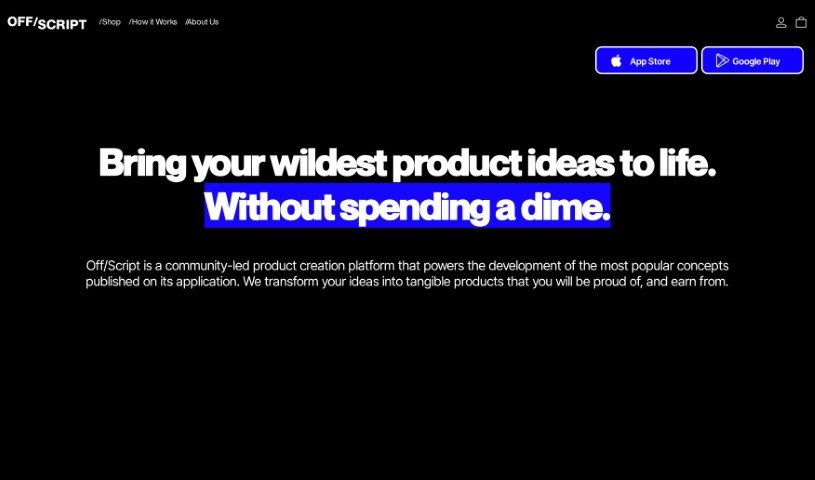
Screenshot of Off/Script

Off/Script

Freemium

Off/Script is a community-led product creation platform that helps creators turn popular concepts into real products. Designs are shared with the community, and the platform handles product creation and logistics.

Product Design View Tool →
Screenshot of Osmoai

Osmoai

Freemium

OsmoAI combines artificial intelligence with the science of smell to digitize the human sense of smell. It reads odor molecules and converts them into digital signals, maps those signals to understand what makes each scent distinct, then converts the digital signals back into actual scents — turning atoms into bits and bits back into perceivable scents. The goal is to improve health and well-being through smell, while also streamlining fragrance creation by digitizing scents.

Product Design View Tool →
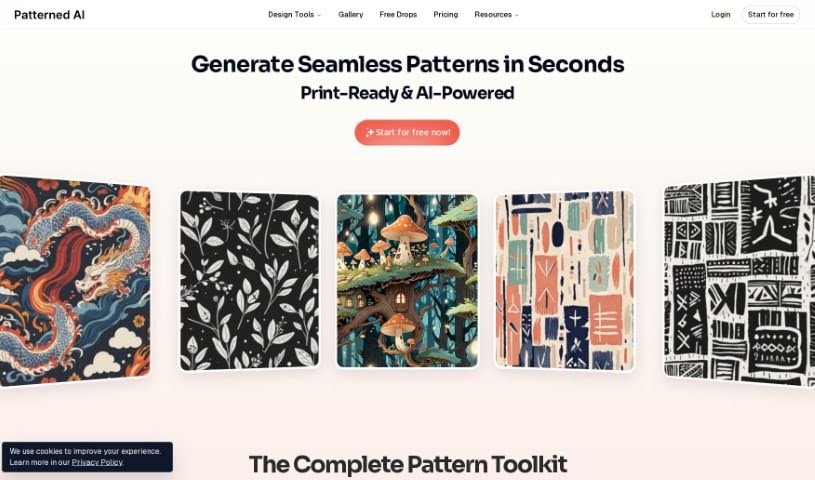
Screenshot of Patterned AI

Patterned AI

Freemium

PatternedAI is an AI tool that helps businesses generate unique patterns for their products. It can create thousands of royalty-free patterns for a range of surfaces, including fabrics, textiles, and wallpapers. Patterns are generated seamlessly in seconds, with no visible seams. You can also turn text into unique patterns, create variations of existing patterns or images, and download results in high resolution for printing.

Product Design View Tool →
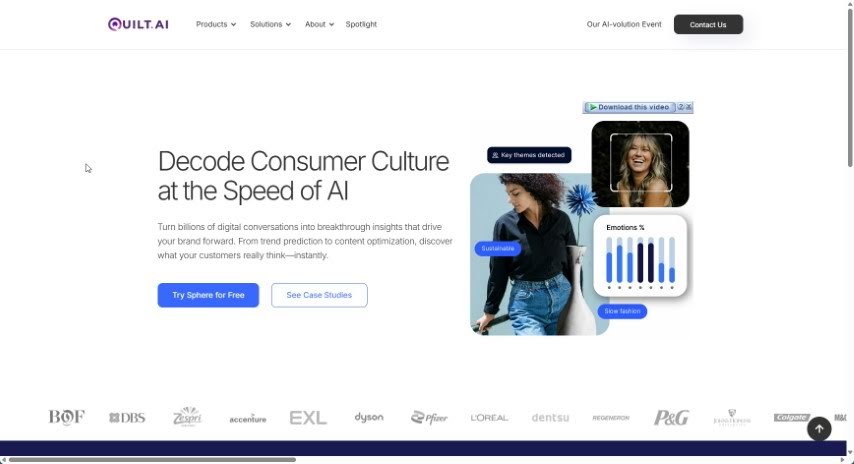
Screenshot of Quilt.AI

Quilt.AI

Freemium

Quilt & Create is an online platform for quilters and creative makers. Details about its specific functions are limited, so checking the site directly is the best way to see what it currently offers.

Product Design View Tool →
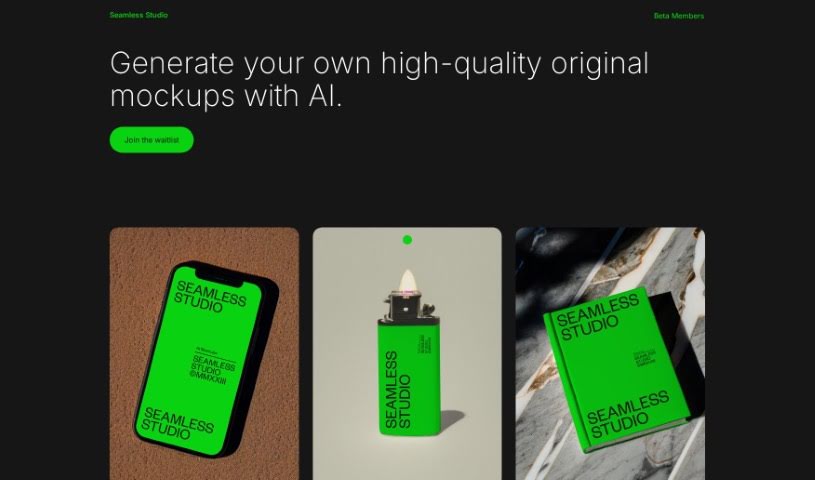
Screenshot of Seamless Studio

Seamless Studio

Freemium

Seamless Studio is a platform that uses artificial intelligence to help you create original, professional-looking mockups. The goal is to make mockup creation a smooth, efficient process, letting you design and customize mockups exactly how you need them.

Product Design View Tool →
Screenshot of Secur3D

Secur3D

Freemium

Secur3D is an AI-powered technology that protects 3D content across online spaces. It analyzes, checks, and verifies user-generated 3D content to help stop intellectual property theft and copyright violations. It is built for environments where 3D assets are common, such as games, online shops, and communities. The platform analyzes and moderates content in real time, automating checks that would otherwise require manual review. This makes protection faster and more efficient than manual methods, reducing the workload for human moderators while helping creators and platforms keep their digital spaces secure and compliant.

Product Design View Tool →
Screenshot of Six Atomic

Six Atomic

Freemium

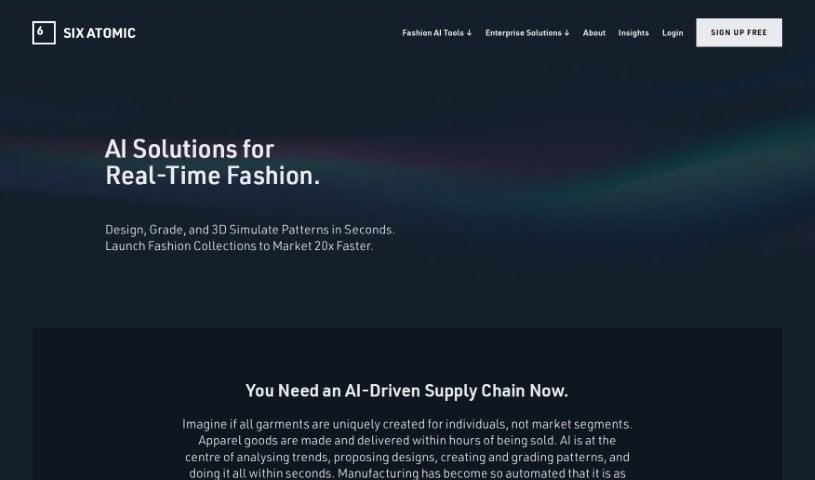
Six Atomic is an AI-powered tool for the apparel supply chain. It offers AI features for designing fashion in real time, grading patterns, and simulating them in 3D. Its focus is on creating unique, personalized garments for individuals rather than mass-market segments. The platform also supports on-demand manufacturing, meaning garments are produced only after they're sold, which cuts down on unsold stock.

Product Design View Tool →
Screenshot of Sizzlepop.ai

Sizzlepop.ai

Freemium

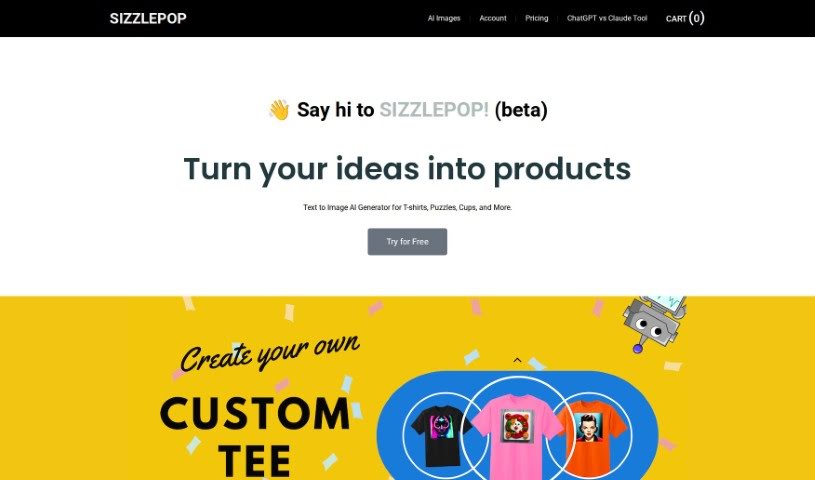
Sizzlepop.ai is a platform that turns AI-generated images into physical products. You enter a text prompt, the AI creates a unique design, and you can have it printed on items such as t-shirts, mouse pads, canvas prints, puzzles, and mugs.

Product Design View Tool →
Screenshot of Sketchpro.ai

Sketchpro.ai

Freemium

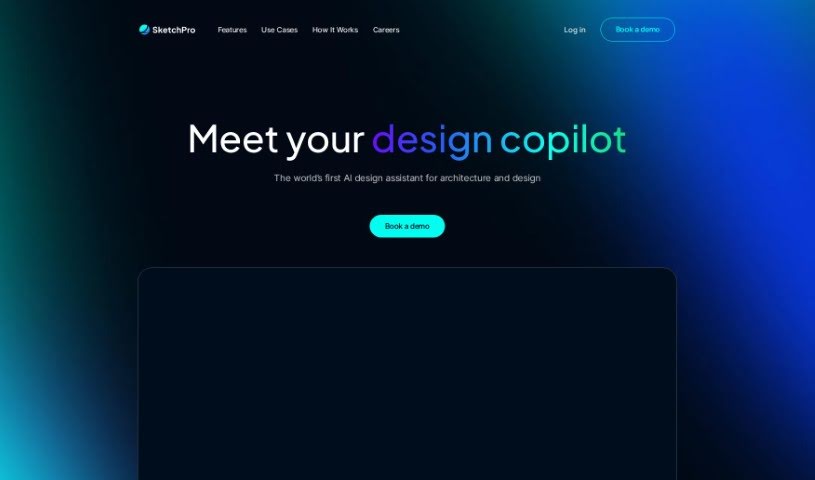
SketchPro.ai is an AI assistant built specifically for architects and designers. It provides real-time, AI-powered rendering that turns sketches, models, and images into visualized designs. It serves professionals in architecture, interior design, real estate, and product and furniture design. The company positions itself as the first AI assistant dedicated to architecture and design, and currently offers access via a waitlist and private beta.

Product Design View Tool →
Screenshot of Skingenie

Skingenie

Freemium

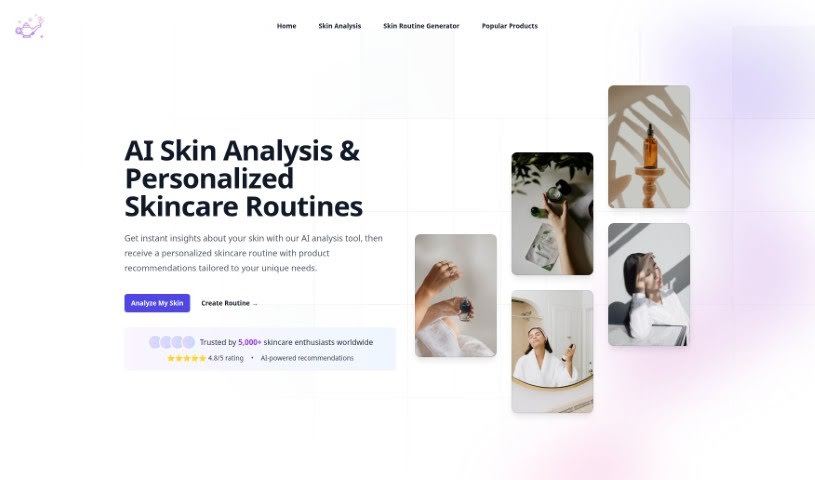
Skingenie is an AI tool that builds personalized skincare routines. It analyzes your skin type, concerns, and goals, then creates a tailored plan that adapts as your skin changes. It works for all skin types, including sensitive skin, and can recommend gentle products where appropriate.

Product Design View Tool →
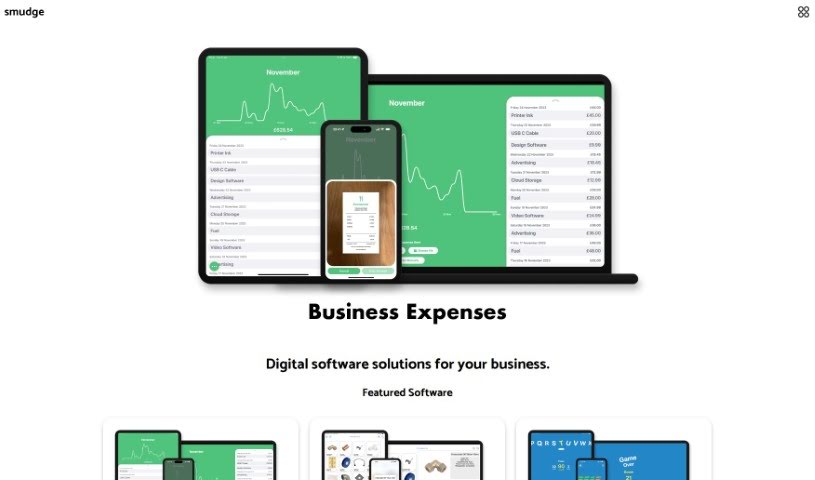
Screenshot of Smudge

Smudge

Freemium

Smudge is a color palette app built for developers. It converts colors to HEX, RGB, and Swift codes, keeps palettes organized, and lets you share them with teammates or clients. It uses AI to extract colors from images and to generate custom palettes based on objects or scenes you describe. It's available for iPhone, iPad, and Mac. Learn more at <https://smudge.app/developer-colour-palette>.

Product Design View Tool →

About Product Design tools

Translating user needs into intuitive digital products requires constant iteration. Balancing user research, visual polish, component variants, and handoff specs can easily drain your team’s creative focus. When administrative tasks and repetitive pixel-pushing slow down your design sprints, staying focused on core user experience problems gets tough.

The product design tools in this collection act as high-speed design partners. They won’t replace human empathy, deep user research, or critical problem-solving skills, but they can draft wireframes, synthesize customer feedback, and build component libraries in moments.

Wireframing, Research Synthesis, and Developer Handoffs

Generating rapid interface ideas turns rough concepts into interactive mockups in minutes. Turning user stories into visual layouts usually means staring at a blank canvas and dragging basic shapes around for hours. Modern prompt-to-UI platforms take text descriptions or hand-drawn whiteboarding sketches and generate editable vector layouts, giving you quick layout options to test and refine.

Synthesizing user research and customer feedback takes far less manual effort, too. Digging through dozens of recorded interview transcripts, survey responses, and usability test clips can stall an entire design sprint. AI research assistants parse customer feedback, spot common pain points, and organize recurring feature requests, letting you base design choices on real user data rather than guesswork.

Automating design system components and developer handoffs keeps production moving forward. Creating light and dark mode color tokens, responsive layout variants, and accessibility-compliant UI elements by hand gets tedious fast. Intelligent design tools build UI variations automatically, check color contrast ratios, and export clean code specs for engineering teams without breaking component rules.

Capabilities Worth Exploring:

  • Prompt-to-UI generation: Systems that turn text descriptions or rough sketches into editable vector layouts and UI components.
  • Automated user research synthesis: Software that scans research transcripts, tags user pain points, and organizes findings into actionable insights.
  • Design system token management: Features that generate consistent typography scales, color palettes, and component states across large libraries.
  • Accessibility and contrast checking: Tools that review visual layouts for color compliance, readable font sizes, and screen reader compatibility.
  • Developer handoff and code export: Applications that convert design frames into clean CSS, React, or Swift code for engineering teams.

Designing digital products people love will always depend on human empathy, thoughtful problem-solving, and a deep understanding of user needs. Algorithms can generate wireframes and export tokens, but building meaningful user experiences requires your human perspective.

Check out the product design tools below to sharpen your sprint workflow.

The Best AI Product Design Tools

  1. Meshy: Great for quickly creating 3D product models.
  2. Kittl: Makes logo creation a breeze, often in just minutes.
  3. Tripo AI: Ideal for developing prototypes fast.
  4. Maze: Helps you test prototypes and gather feedback efficiently.
  5. Uizard IO: Perfect for rapidly prototyping app interfaces.
  6. Sprig: A tool to help you improve your product design process.
  7. Supademo: Lets you create interactive prototypes for user testing.
  8. Magic Patterns: Quickly prototype product ideas using AI.
  9. Color Magic: Get inspiration for colors based on keywords.
  10. Creatie: Easily design high-fidelity prototypes.
  11. Clarifai: Offers automated visual style analysis.
  12. Fireworks.ai: Provides AI-driven enhancements for prototyping.
  13. Brilliant Labs: Supports collaborative prototyping and feedback.
  14. Patterned AI: Elevate your product designs with unique patterns.
  15. Leo.ai: Speeds up CAD modeling from your sketches.

New tools, in your inbox.

Weekly picks of the best AI tools we've researched and added — no spam, unsubscribe anytime.

Join 25,000+ AI enthusiasts. No spam, unsubscribe anytime.