AI Tools for Product Design

Discover the best Product Design AI tools to enhance your productivity and creativity.

Page 5 of 6 • 63 total tools

Designing products today can feel both exciting and a bit daunting. With trends changing so fast and users expecting more than ever, designers have a lot on their plate. Luckily, a new wave of AI tools is changing the game for product design, offering smart solutions that can speed up your work and spark creativity.

These tools aren’t just fancy extras; they really help with tasks like coming up with ideas, building prototypes, and even analyzing user feedback. Some apps use AI to spot design trends, while others handle boring, repetitive jobs. This lets designers focus on what really matters—their creative vision.

I’ve spent a good amount of time trying out different AI-driven design tools, and I’ve found a few that really stand out for what they can do. Whether you’re a seasoned pro or just starting out, these tools can make your workflow better and help you create amazing products.

Let’s explore the best AI tools for product design. Each one offers something unique to help you innovate and create more effectively. Ready to dive in?

The Best AI Product Design Tools

  1. Meshy: Great for quickly creating 3D product models.
  2. Kittl: Makes logo creation a breeze, often in just minutes.
  3. Tripo AI: Ideal for developing prototypes fast.
  4. Maze: Helps you test prototypes and gather feedback efficiently.
  5. Uizard IO: Perfect for rapidly prototyping app interfaces.
  6. Sprig: A tool to help you improve your product design process.
  7. Supademo: Lets you create interactive prototypes for user testing.
  8. Magic Patterns: Quickly prototype product ideas using AI.
  9. Color Magic: Get inspiration for colors based on keywords.
  10. Creatie: Easily design high-fidelity prototypes.
  11. Clarifai: Offers automated visual style analysis.
  12. Fireworks.ai: Provides AI-driven enhancements for prototyping.
  13. Brilliant Labs: Supports collaborative prototyping and feedback.
  14. Patterned AI: Elevate your product designs with unique patterns.
  15. Leo.ai: Speeds up CAD modeling from your sketches.

How Do AI Product Design Tools Work?

AI product design tools use smart algorithms and artificial intelligence to help designers create and prototype products. Basically, these tools look at tons of data from different design projects, user comments, and market trends. They do this to find patterns that can lead to better design choices.

Many of these tools use machine learning models to automate tasks that designers do over and over, like creating different versions of a design or suggesting layouts. By studying how users act and what they like, these tools can offer insights into how a design might perform in the real world.

A big part of AI in product design is simulating user testing. Tools can actually predict how people will use a product based on certain settings. This lets designers spot potential issues and improve usability even before the product is made.

Plus, AI design tools make teamwork smoother. They allow for feedback in real-time and help designers, engineers, and others involved communicate easily. This keeps everyone on the same page throughout the development process.

Finally, some AI tools include generative design. This means the software suggests many different design options based on what the user asks for. This approach lets designers explore more possibilities, leading to a more innovative and user-friendly final product.

All in all, these technologies are changing how product design is done. They allow for quicker changes, encourage creativity, and ultimately make design teams more effective. As AI keeps getting better, we can expect even more cool features to show up in product design.

Our Top AI Product Design Tools at a Glance

RankNameBest ForPlans and PricingRating
1MeshyRapid prototyping of 3D product modelsPaid plans start at $1.60/100 credits (billed yearly).4.58 (12 reviews)
2KittlEffortless logo creation in minutes.Paid plans start at $120/annually.4.80 (10 reviews)
3Tripo AIRapid prototype developmentN/A4.42 (12 reviews)
4MazeEfficient prototype testing and feedbackPaid plans start at $99/month.4.81 (27 reviews)
5Uizard IORapid prototyping for app interfaces.N/A4.74 (31 reviews)
6SprigOptimize product design processN/A4.82 (11 reviews)
7SupademoInteractive prototypes for user testingN/A4.75 (12 reviews)
8Magic PatternsPrototype product ideas quickly with AIN/A4.83 (12 reviews)
9ColorMagicInspiration from keywordsN/A4.20 (10 reviews)
10CreatieDesigning high-fidelity prototypes easily.N/A4.83 (12 reviews)
11ClarifaiAutomated visual style analysis.N/A4.73 (11 reviews)
12Fireworks.aiAI-driven prototyping enhancementsN/A4.83 (23 reviews)
13Brilliant LabsCollaborative prototyping and feedback.N/A3.91 (11 reviews)
14Patterned AIElevate product designs with unique patterns.N/A4.09 (11 reviews)
15Leo.aiSpeedy CAD modeling from sketchesN/A4.79 (24 reviews)
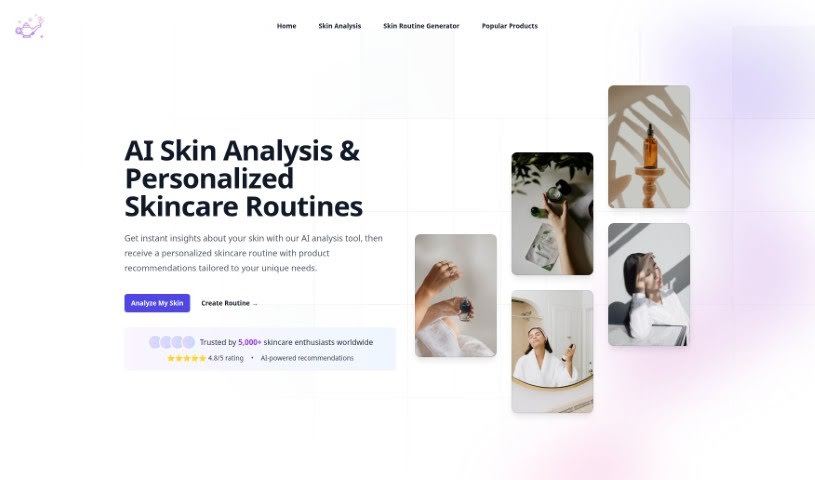
Screenshot of Skingenie

Skingenie

Freemium

Skingenie is an AI tool that creates personalized skincare routines just for you. It figures out your unique skin type and any concerns you have, then builds a tailored plan. This smart technology uses AI to look at your skin data and give you recommendations that actually grow with you as your skin changes. It's pretty cool because you can even share your success stories to help inspire others on their own skincare journeys. SkinGenie is designed to work for everyone, no matter your skin type – it even recommends gentle products that are great for sensitive skin. To get the best advice, it’s a good idea to update your routine with SkinGenie every 4-6 weeks, or whenever you notice your skin changing significantly. Plus, SkinGenie can even look at the products you're already using and suggest ways to improve your routine or recommend complementary items to make it even better. Lots of people have already seen amazing results and transformed their skin health with SkinGenie's custom routines, and you can too!

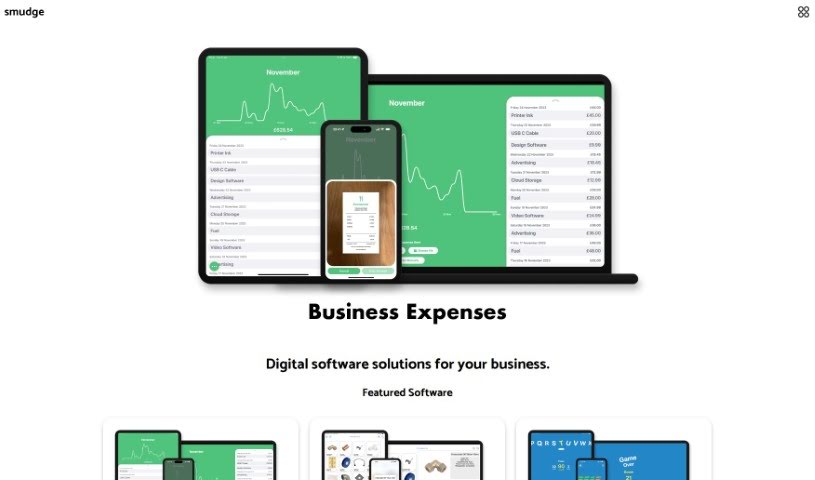
Screenshot of Smudge

Smudge

Freemium

Smudge is a really handy color palette app built specifically for developers. It's packed with features to make your design work smoother. You can easily convert colors to HEX, RGB, and even Swift codes. Plus, it helps you keep all your color palettes organized, and you can share them with your teammates or clients. What's pretty cool is that it uses AI to pull colors right from images, or it can even generate custom palettes based on objects or scenes you describe. The whole idea is to speed up your design process and make teamwork much better. You can grab it for your iPhone, iPad, and Mac. Want to learn more or download it? Check out their website at <https://smudge.app/developer-colour-palette>.

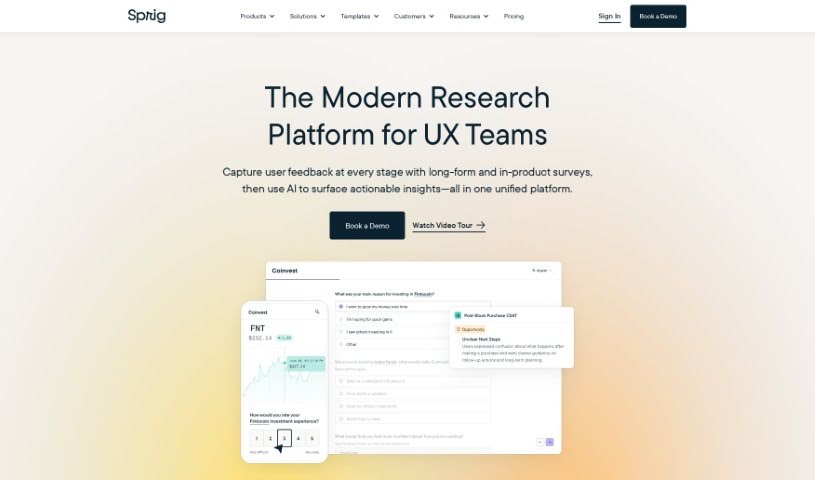
Screenshot of Sprig

Sprig

Freemium

Sprig AI is a really helpful tool for user research. It's designed to help teams get feedback from their users so they can make their products even better. With Sprig, you can easily create surveys that ask exactly what you need to know, record how people use your product, and even test out prototypes. What's super cool is that Sprig's AI can automatically find the key insights for you, pointing out both problems and chances to improve your product. Lots of big tech companies are already using it to make their products shine.

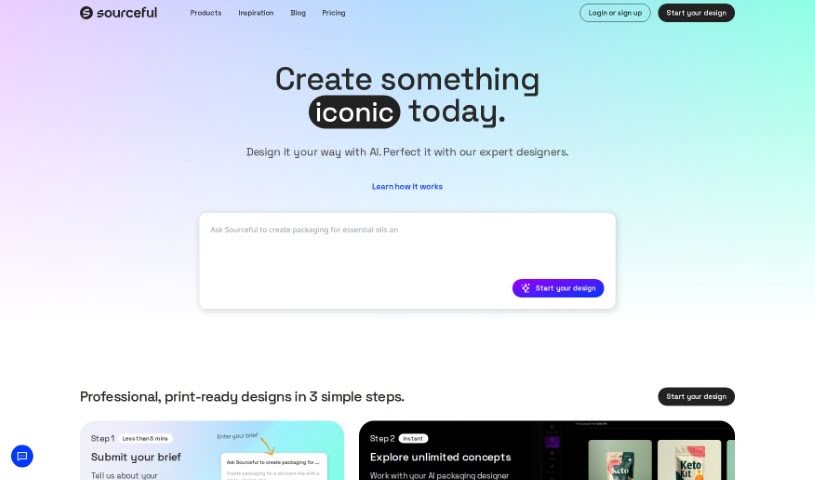
Screenshot of Spring by Sourceful

Spring by Sourceful

Freemium

Spring by Sourceful is a really neat platform that uses AI to help you come up with unique packaging design ideas, and it does it all for free in just a few minutes. You can quickly generate artwork, share what you've created, and then actually have those designs produced in real life through Sourceful's services.

Screenshot of Stylar AI Design Sketch

Stylar AI Design Sketch

Freemium

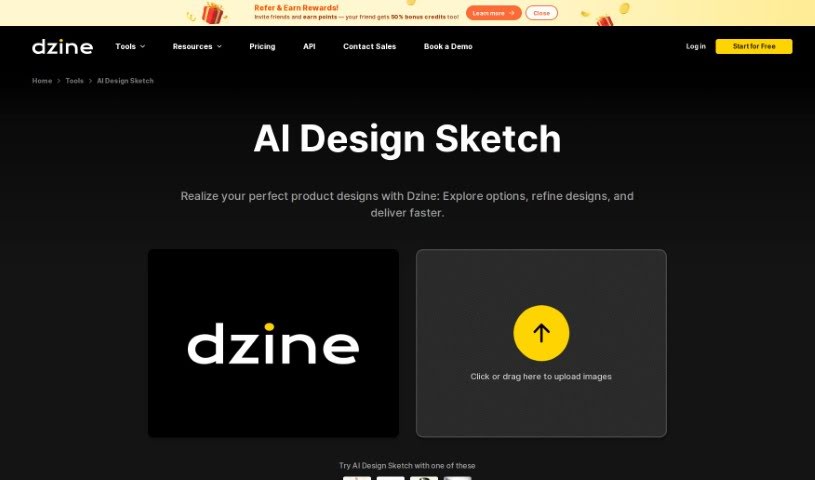
Design Sketch, especially when we're talking about AI Design Sketch from Dzine, is a really neat tool. It lets you create product renderings with just a single click – super easy! This platform is pretty innovative because it gives you high-quality images for your products and a whole bunch of different style options to play around with. This means you can really nail down unique, polished designs that fit exactly what you need and what you like. With AI Design Sketch, you can upload your product sketches, no matter how rough or detailed they are, and turn them into professional-looking product images. Plus, you get to pick from different artistic styles to really match your design vision and business goals, making the whole design process smoother and way more visually appealing.

Screenshot of Stylemyride

Stylemyride

Freemium

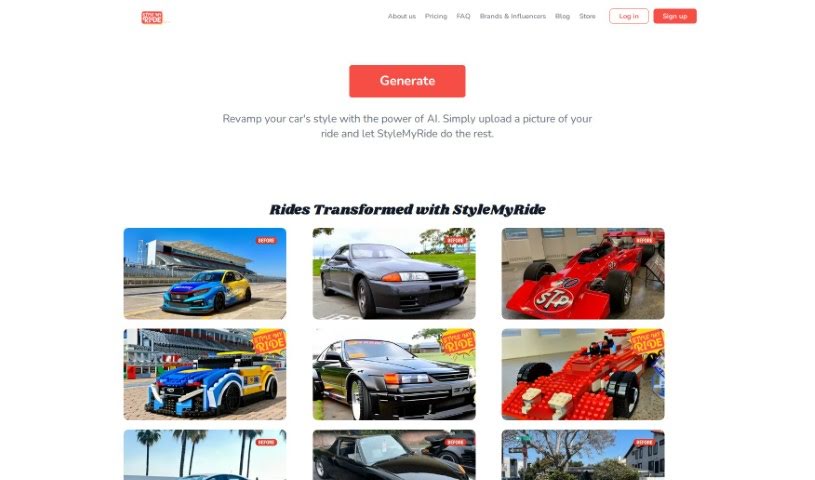
StyleMyRide.ai is a web-based platform designed for car enthusiasts. It uses AI technology to let you customize your car's look. You simply upload a clear picture of your car, pick a tuning style you like, and the AI gets to work. It'll generate several design options for you, covering things like body kits, rims, and paint jobs. The platform is really easy to use, making it simple to visualize and compare different customization ideas. It’s all about making it easy for you to turn your car into something truly unique and enjoy the whole car tuning process.

Screenshot of Supademo

Supademo

Freemium

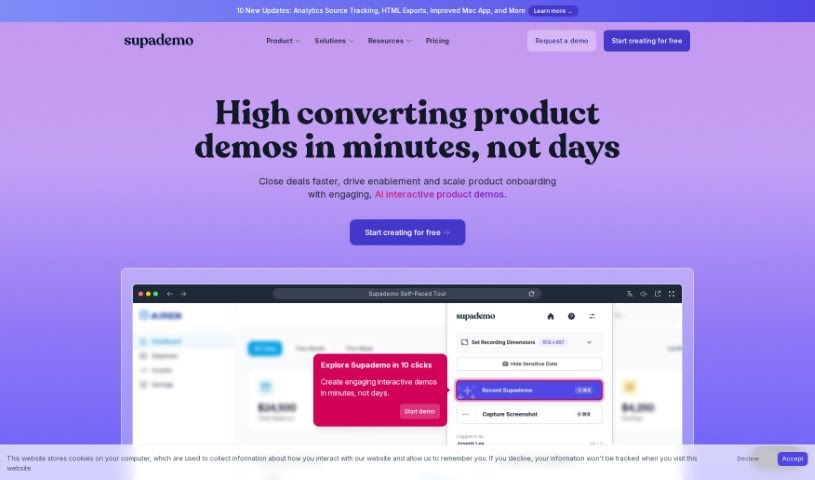
Supademo is your go-to tool for quickly building interactive product demos. It’s designed to make it super simple to show off how your product works, guide new users through onboarding, or explain tricky workflows for support or training. You know how tough it can be for software companies to really communicate, demonstrate, and document their products effectively? Supademo tackles those exact challenges head-on. It comes packed with features like branching (so you can create different paths within a demo), showcases, advanced analytics to see how your demos are performing, team workspaces for collaboration, in-app tours for seamless guidance, AI voiceovers to add narration, and even auto-translation into many languages. Basically, Supademo helps teams create demos that are not only engaging and personalized but also quick and easy to put together.

Screenshot of Terapulse

Terapulse

Freemium

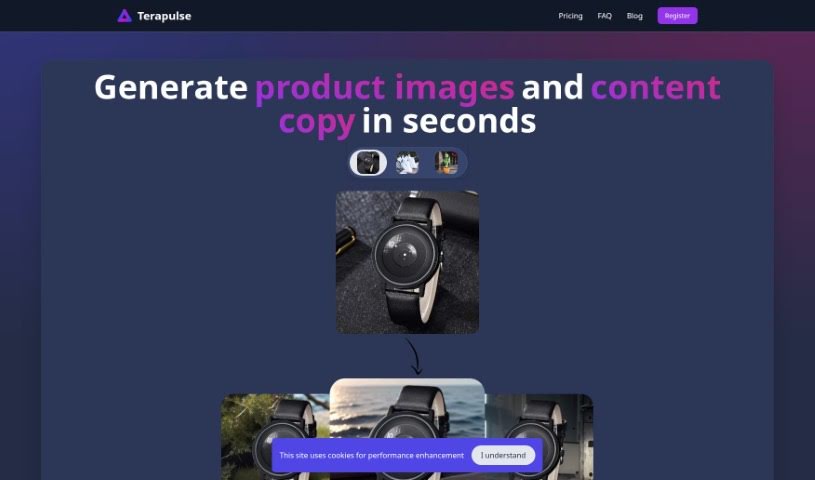
Terapulse is a really neat AI-powered platform designed to create super high-quality, hyperrealistic product images. It is your go-to for making websites look amazing. It’s especially good at handling those tricky details like reflections and shadows, using its AI smarts to craft visuals that really pop. You get tons of design variations to play with, which is fantastic for exploring different looks. If you're an individual or a business wanting to boost your online presence with eye-catching images that make you stand out from the crowd, Terapulse is a great fit. It's also a big help for e-commerce, providing those attractive product shots that can draw in customers and, hopefully, lead to more sales. Plus, for digital marketing, those high-quality images can really help with SEO, keep people on your site longer, and improve your conversion rates. Honestly, Terapulse shines because it can create unique, top-notch visuals quickly and efficiently.

Screenshot of Thisautomobiledoesnotexist

Thisautomobiledoesnotexist

Freemium

"Thisautomobiledoesnotexist" is a creative cousin to the well-known "Thispersondoesnotexist." Just like that site uses AI to create realistic images of people who aren't real, this tool does the same but for cars. It leverages artificial intelligence, specifically generative adversarial networks (GANs), to dream up entirely new, never-before-seen automobile designs. It’s a fantastic tool for anyone interested in entertainment, exploring creative possibilities, or simply seeing how advanced AI can get when it comes to crafting believable, yet fictional, automotive styles. It really brings together technology and artistic vision, giving us a peek into what AI might do for car design in the future by conjuring up unique and imaginative vehicles.

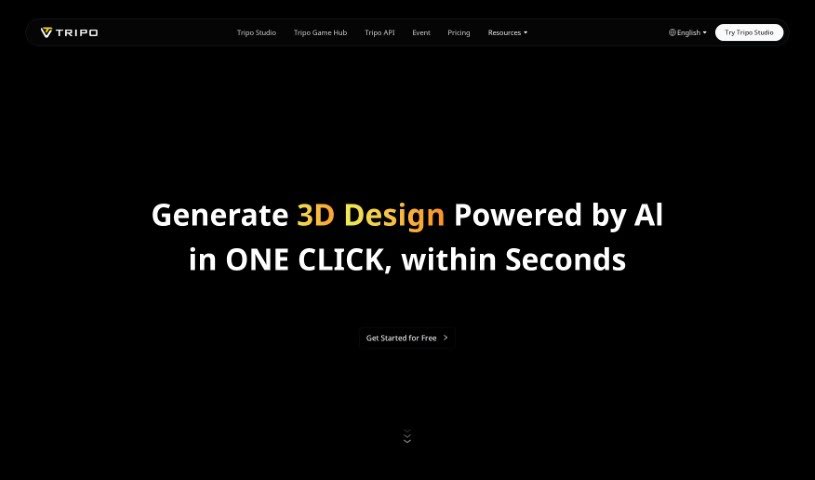
Screenshot of Tripo AI

Tripo AI

Freemium

Tripo AI is a handy web application that uses its own AI technology to create really good 3D models, whether you start with text or an image. You've got three choices for how you want to use it: Basic, Professional, and Premium. Each plan gives you different features and a set number of credits for making those 3D models. It's super simple to get started – just type in what you want or upload a picture, and the AI gets to work, quickly generating the models for you. What really makes Tripo AI stand out is its knack for turning 2D images into detailed 3D models and how fast you can try out different versions. The whole idea is to make things easier for you, offering quick model creation and even letting premium users get a sneak peek at new features before anyone else.

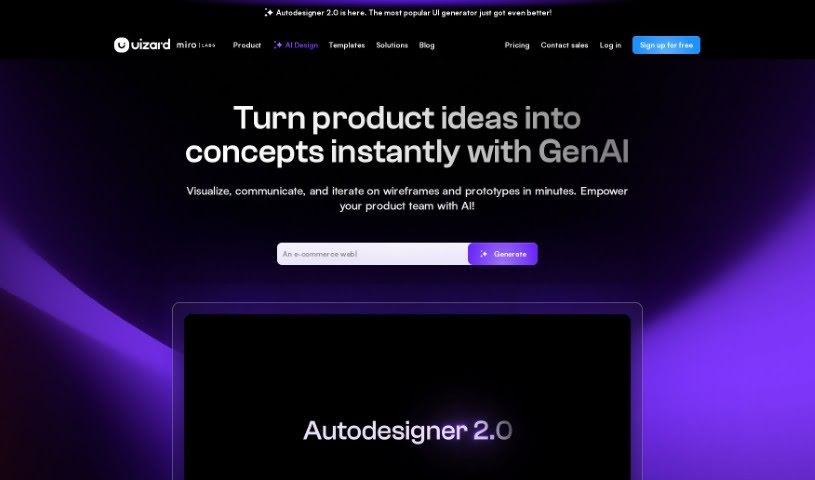
Screenshot of Uizard IO

Uizard IO

Freemium

Uizard IO is a really neat AI-powered design tool that lets you create mockups for apps and websites with multiple screens, all from a simple text description. You just describe your project idea in plain English, and its Autodesigner feature quickly brings your vision to life. Plus, you get full customization options in an easy-to-use drag-and-drop editor, making it simple to tweak things, add new components, or even import different themes.

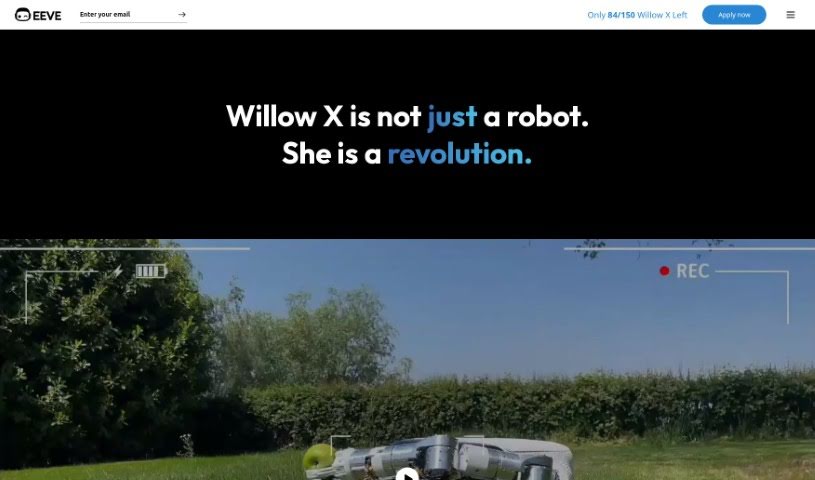
Screenshot of Willow X

Willow X

Freemium

Willow X is a groundbreaking robotic and AI product from EEVE, first introduced back in 2019. What's really neat about this robot is its vision-based Artificial Intelligence. It can mow your lawn and handle weeding without you needing to lay down any perimeter wire. Honestly, it's a super convenient and efficient way to keep your garden looking great. People who've used Willow X seem to really love it, often mentioning how likeable the robot is and how well it performs, even without that pesky wire installation. With Willow X, you can actually look forward to gardening, making it a more personal and enjoyable experience. It saves you a ton of time and effort, all while giving you a beautifully maintained lawn.

Stay Updated with AI Tools

Get weekly updates on the latest AI tools, trends, and insights delivered to your inbox

Join 25,000+ AI enthusiasts. No spam, unsubscribe anytime.