AI Tools for Product Design

Discover the best Product Design AI tools to enhance your productivity and creativity.

Page 3 of 6 • 63 total tools

Designing products today can feel both exciting and a bit daunting. With trends changing so fast and users expecting more than ever, designers have a lot on their plate. Luckily, a new wave of AI tools is changing the game for product design, offering smart solutions that can speed up your work and spark creativity.

These tools aren’t just fancy extras; they really help with tasks like coming up with ideas, building prototypes, and even analyzing user feedback. Some apps use AI to spot design trends, while others handle boring, repetitive jobs. This lets designers focus on what really matters—their creative vision.

I’ve spent a good amount of time trying out different AI-driven design tools, and I’ve found a few that really stand out for what they can do. Whether you’re a seasoned pro or just starting out, these tools can make your workflow better and help you create amazing products.

Let’s explore the best AI tools for product design. Each one offers something unique to help you innovate and create more effectively. Ready to dive in?

The Best AI Product Design Tools

  1. Meshy: Great for quickly creating 3D product models.
  2. Kittl: Makes logo creation a breeze, often in just minutes.
  3. Tripo AI: Ideal for developing prototypes fast.
  4. Maze: Helps you test prototypes and gather feedback efficiently.
  5. Uizard IO: Perfect for rapidly prototyping app interfaces.
  6. Sprig: A tool to help you improve your product design process.
  7. Supademo: Lets you create interactive prototypes for user testing.
  8. Magic Patterns: Quickly prototype product ideas using AI.
  9. Color Magic: Get inspiration for colors based on keywords.
  10. Creatie: Easily design high-fidelity prototypes.
  11. Clarifai: Offers automated visual style analysis.
  12. Fireworks.ai: Provides AI-driven enhancements for prototyping.
  13. Brilliant Labs: Supports collaborative prototyping and feedback.
  14. Patterned AI: Elevate your product designs with unique patterns.
  15. Leo.ai: Speeds up CAD modeling from your sketches.

How Do AI Product Design Tools Work?

AI product design tools use smart algorithms and artificial intelligence to help designers create and prototype products. Basically, these tools look at tons of data from different design projects, user comments, and market trends. They do this to find patterns that can lead to better design choices.

Many of these tools use machine learning models to automate tasks that designers do over and over, like creating different versions of a design or suggesting layouts. By studying how users act and what they like, these tools can offer insights into how a design might perform in the real world.

A big part of AI in product design is simulating user testing. Tools can actually predict how people will use a product based on certain settings. This lets designers spot potential issues and improve usability even before the product is made.

Plus, AI design tools make teamwork smoother. They allow for feedback in real-time and help designers, engineers, and others involved communicate easily. This keeps everyone on the same page throughout the development process.

Finally, some AI tools include generative design. This means the software suggests many different design options based on what the user asks for. This approach lets designers explore more possibilities, leading to a more innovative and user-friendly final product.

All in all, these technologies are changing how product design is done. They allow for quicker changes, encourage creativity, and ultimately make design teams more effective. As AI keeps getting better, we can expect even more cool features to show up in product design.

Our Top AI Product Design Tools at a Glance

RankNameBest ForPlans and PricingRating
1MeshyRapid prototyping of 3D product modelsPaid plans start at $1.60/100 credits (billed yearly).4.58 (12 reviews)
2KittlEffortless logo creation in minutes.Paid plans start at $120/annually.4.80 (10 reviews)
3Tripo AIRapid prototype developmentN/A4.42 (12 reviews)
4MazeEfficient prototype testing and feedbackPaid plans start at $99/month.4.81 (27 reviews)
5Uizard IORapid prototyping for app interfaces.N/A4.74 (31 reviews)
6SprigOptimize product design processN/A4.82 (11 reviews)
7SupademoInteractive prototypes for user testingN/A4.75 (12 reviews)
8Magic PatternsPrototype product ideas quickly with AIN/A4.83 (12 reviews)
9ColorMagicInspiration from keywordsN/A4.20 (10 reviews)
10CreatieDesigning high-fidelity prototypes easily.N/A4.83 (12 reviews)
11ClarifaiAutomated visual style analysis.N/A4.73 (11 reviews)
12Fireworks.aiAI-driven prototyping enhancementsN/A4.83 (23 reviews)
13Brilliant LabsCollaborative prototyping and feedback.N/A3.91 (11 reviews)
14Patterned AIElevate product designs with unique patterns.N/A4.09 (11 reviews)
15Leo.aiSpeedy CAD modeling from sketchesN/A4.79 (24 reviews)
Screenshot of Idesigns AI Witty

Idesigns AI Witty

Freemium

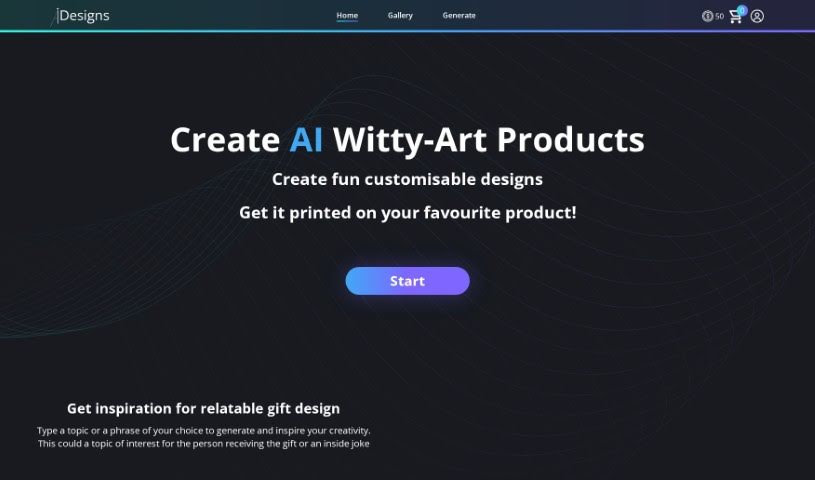
IDesigns AI Witty is a really neat AI tool that helps you create personalized designs. It uses some pretty advanced technology to make it super easy and efficient to come up with and tweak your own designs. Whether you're a seasoned pro or just starting out, you'll find its interface straightforward and its features quite comprehensive, making the whole design process feel smooth. What really sets this platform apart are its smart algorithms, all the ways you can customize things, how well it works with other design tools, and how it helps speed up your workflow. If you want to learn more, you can check out their website: [IDesigns AI Witty](https://www.idesigns.shop/?ref=aitools.fyi&utm_source=aitools.fyi).

Screenshot of Imajinn AI

Imajinn AI

Freemium

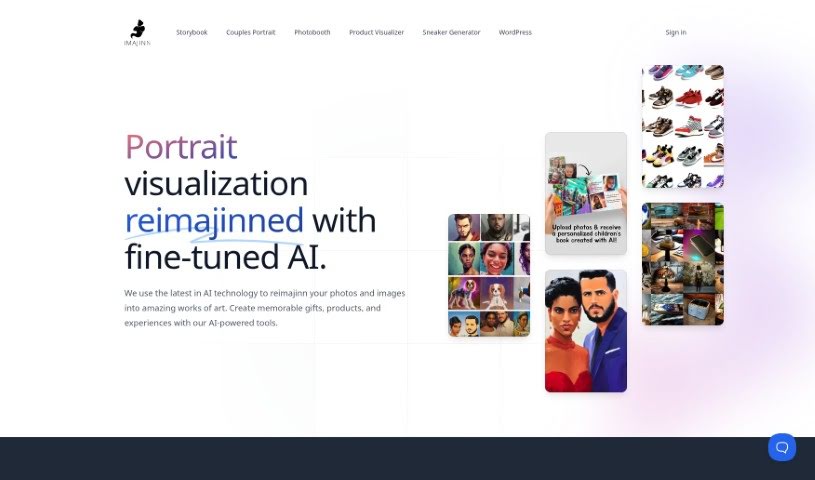
Imajinn AI offers a really cool Sneaker Generator tool. It uses AI to help you create custom sneaker designs based on exactly what you like – think colors, styles, and even specific details like logos and laces. You just type in your design ideas, and the AI figures out what you want to create visual mockups of your dream sneakers, and it does it pretty fast. This tool gives you complete control over the design process. You can pick out all sorts of things, like themes inspired by popular brands, movies, or even historical moments.

Screenshot of Industrial Render AI

Industrial Render AI

Freemium

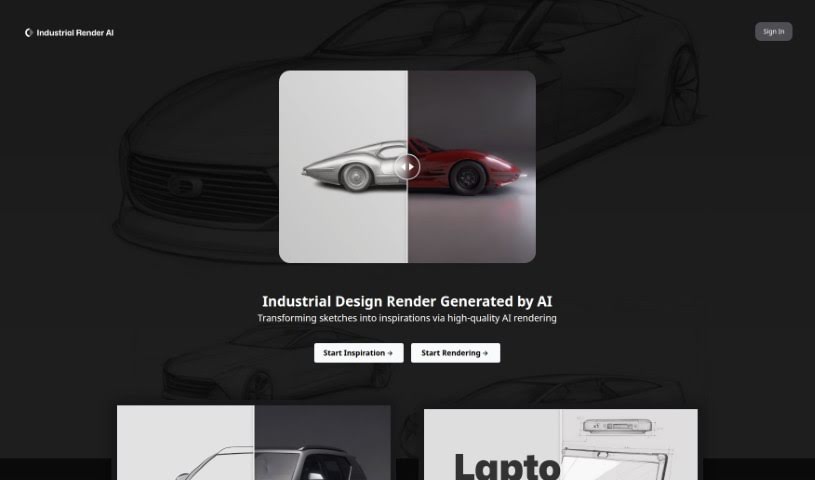
Industrial Render AI is a specialized tool for industrial design. It takes your conceptual product design sketches and turns them into high-quality renderings. It uses technology inspired by Generative Pretraining Transformer (GPT) models. The goal here is to really boost creativity, make communication smoother during the design process, and generally improve the quality and efficiency of your designs. You can upload your hand-drawn drafts, tweak some settings, and then generate all sorts of renders, perfect for your portfolio. By understanding and improving your sketches with GPT-based tech, Industrial Render AI is changing the game for industrial design, making it much faster to get great-looking renders.

Screenshot of Kittl

Kittl

Freemium

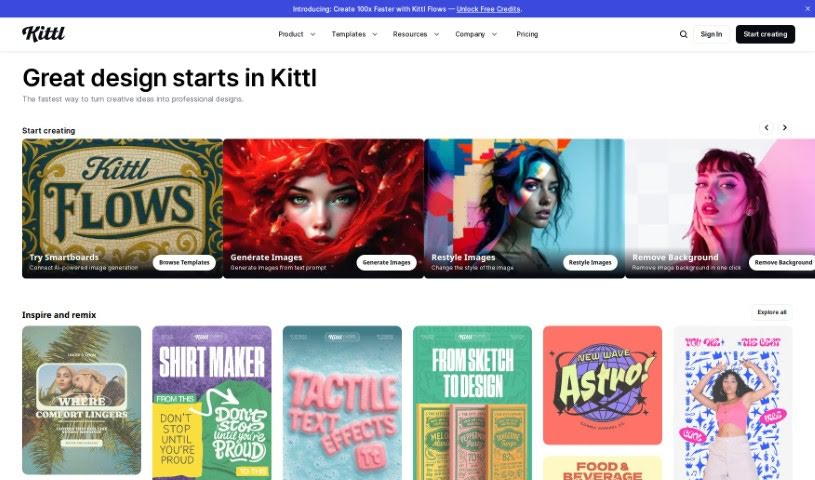
Kittl is a design platform that really makes creating stunning graphics easy and fast, thanks to its AI-powered tools. You can generate vector logo icons and clipart just by typing what you want. Plus, it's packed with features like advanced text editing, a 'Magic Recoloring' tool that lets you swap colors instantly with trending palettes, and tons of ready-to-use templates. You get unlimited access to content, a huge illustration library, some really great fonts, and a photo catalog. It's super simple to customize professional design templates, grab millions of free photos, and play around with texture clipping and other design elements like shapes, banners, and frames. Kittl offers different plans for individuals and teams, giving you access to vector files, advanced editing, high-res downloads, and premium features depending on what you choose. And don't worry, you can always cancel or upgrade your plan if your needs change.

Screenshot of Layerpath

Layerpath

Freemium

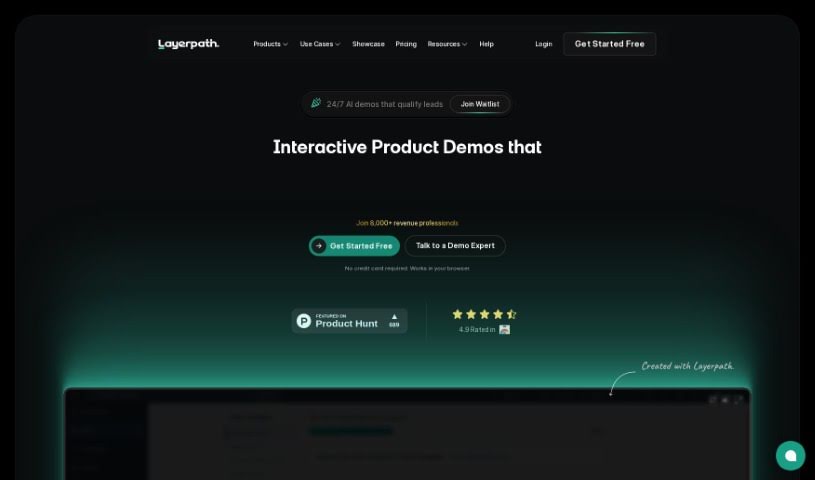
Layerpath is a really neat platform that makes creating interactive product demos—think tours, guides, and videos—super simple. You can quickly record your screen and turn those recordings into engaging, interactive product experiences without all the usual fuss that comes with making high-quality demo assets. Layerpath also gives you tools to organize and really understand how users are interacting with your demos. Features like Playlists, Lead Forms, and Analytics make it easy to track performance and fine-tune how your audience engages. Whether you're a solo creator or part of a large team, Layerpath offers scalable solutions with different pricing plans, including custom options for enterprises. Plus, its AI capabilities are a big help in crafting detailed, step-by-step guides and professional how-to videos right from your browser, ensuring your products really shine.

Screenshot of Leo.ai

Leo.ai

Freemium

Leo.AI is a smart engineering design copilot. It uses generative AI to help engineers turn their ideas into real products much faster. It is a helpful assistant that can take your sketches, specifications, or even CAD constraints and turn them into fully assembled 3D CAD models, all optimized for Design for Manufacturing and Assembly (DFMA). Leo.AI is built to boost engineer productivity, not to replace them. It makes tasks like brainstorming, sketching, and designing complex 3D mechanical parts much simpler. This not only saves time and money on projects but can also help increase revenue by making the whole design process smoother. If you're interested in trying out early versions of Leo, engineers and designers can get early access to the software to test it out and provide feedback, according to their website.

Screenshot of Lionvaplus.com

Lionvaplus.com

Freemium

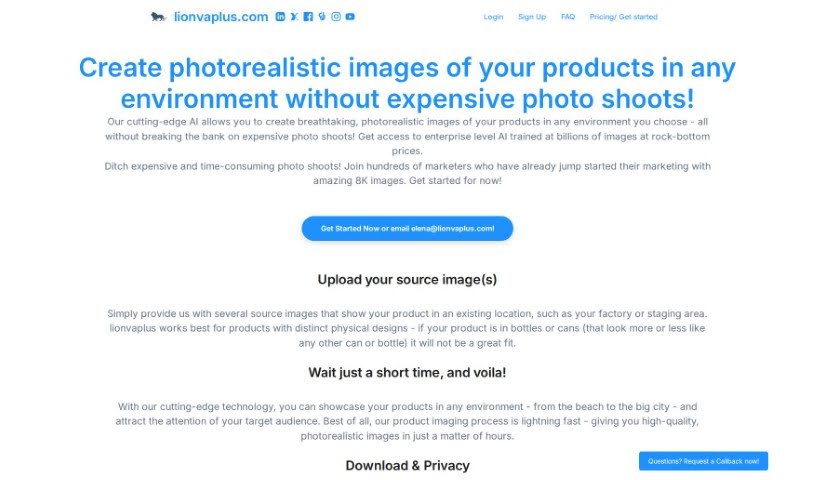
Lionvaplus.com is a platform that's really changing the game for product visualization. It uses AI-powered technology to create incredibly realistic images of your products in all sorts of different settings. Think about it – no more expensive, time-consuming photo shoots! The AI smoothly blends your product images into new environments, producing high-quality 8K images that are perfect for marketing. Plus, you get them back quickly, your data stays private, and nothing is shared with third parties. It's designed to be super user-friendly and cost-effective, making it a really smart choice for anyone needing professional product shots.

Screenshot of Lucid Beads

Lucid Beads

Freemium

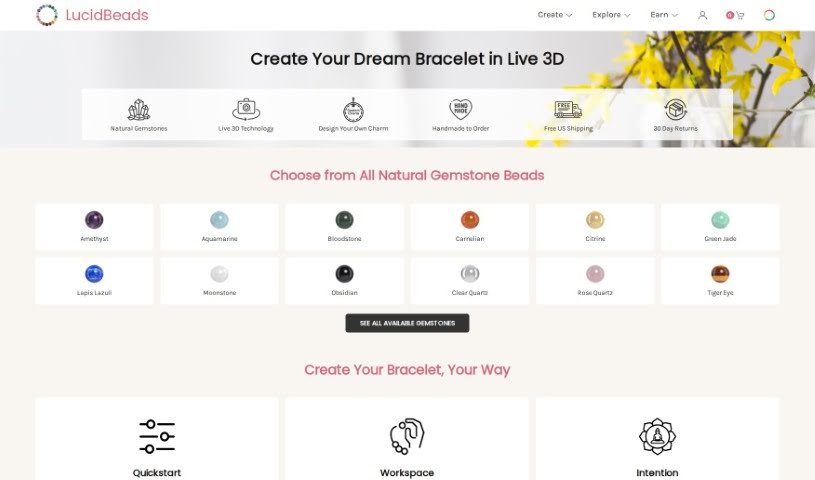
Lucid Beads is a really cool platform that lets you design your own custom gemstone bracelets. It uses some pretty advanced tech, like a 3D design tool you can use in real-time, plus an AI Assistant to help you out. Basically, it makes it super easy to turn your ideas into unique, wearable art. They're all about using high-quality, natural gemstones and materials that won't irritate your skin, so your bracelet looks great and feels comfortable. Plus, they encourage you to get creative and share your designs! When other people buy what you've designed, you get rewarded – it's their way of saying thanks for being part of the community.

Screenshot of Lumiere3D

Lumiere3D

Freemium

Lumiere3D is a platform designed to help you create 3D product videos using AI. You can whip up product animation videos with its easy-to-use editor in just a few clicks. What's really neat is that you can turn everyday objects into 3D models using a 3D scanning app, and then continue working on them in a web-based app. Lumiere3D gives you the tools to make really eye-catching content, complete with dynamic camera moves, custom effects, and unique transitions. It also features a smart scanner that transforms ordinary items into virtual 3D masterpieces, and you get a 3D environment to build captivating product scenes. They offer different pricing plans, including a free demo, a starter plan, and a pro plan, each with varying features like daily scribes, render resolutions, and storage. Lumiere3D is perfect for showcasing a wide range of products, from cosmetics and accessories to shoes and electronics, providing everything you need to create engaging videos that really highlight what makes each product special.

Screenshot of Magic Patterns

Magic Patterns

Freemium

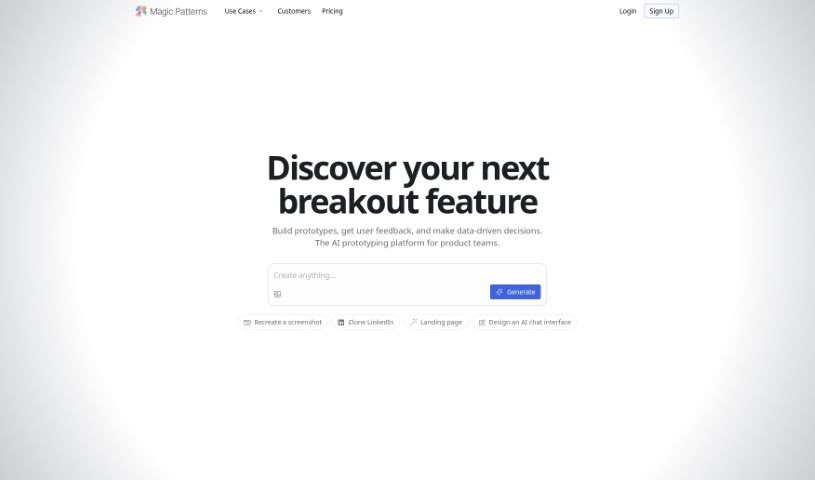
Magic Patterns is a really handy tool built to help you generate components for your design systems. It is your frontend assistant, designed to make finding the perfect component for whatever you're building super easy. It plays nicely with a bunch of popular frameworks and libraries, including Radix Themes, Mantine, Shadcn, Chakra UI, and even plain HTML, Tailwind, and Inline CSS. You can dive into over 10,000 community-created patterns, and each one comes with a preview so you can actually see what it looks like in action. Plus, Magic Patterns is great for connecting with others; you'll find links to their Twitter, GitHub, and a Slack channel where you can chat, collaborate, and share ideas. They also really welcome your feedback through a submission form, which helps make the tool even better for everyone.

Screenshot of Magic Prints

Magic Prints

Freemium

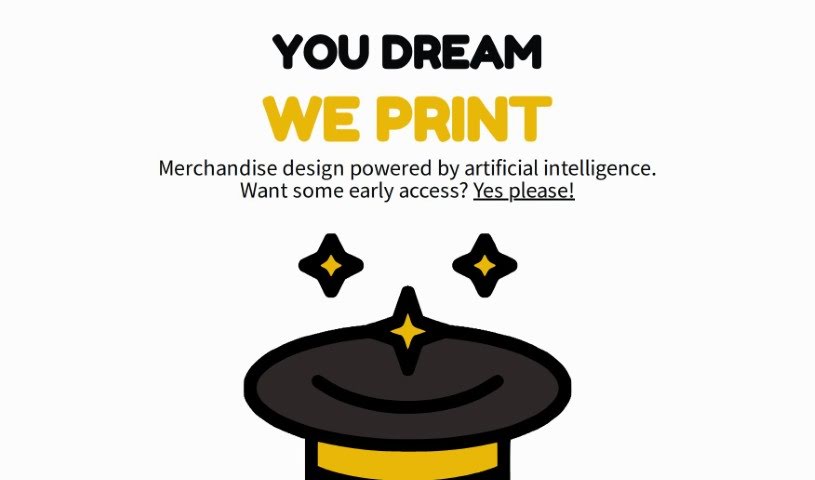
Magic Prints is a service that uses artificial intelligence to create custom merchandise designs. It offers a really unique way for you to bring your ideas to life on various products, all with a little help from AI. Whether you're a business owner wanting branded items, an artist looking to put your work on different materials, or just someone who loves personalized, one-of-a-kind things, Magic Prints has you covered. They're aiming to completely change how merchandise is designed by blending your creativity with smart technology. You'll find features like AI-generated designs, lots of ways to customize, a chance to get early access through a waitlist, printing on all sorts of items, and some genuinely new printing techniques.

Screenshot of Maze

Maze

Freemium

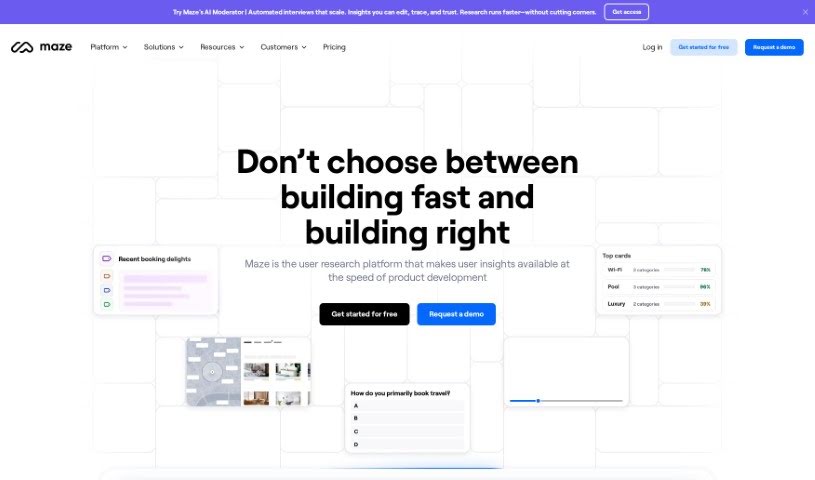
Maze is an AI-powered platform designed to make product discovery and research much smoother. It is a smart assistant for your product research workflow, offering intuitive tools that use AI to help you build and analyze. It really shines when it comes to creating reports that are not only visually appealing and customizable but also packed with automated analytics. This means you can get to informed decisions much faster. Maze lets you run all sorts of tests, like Prototype Testing, Live Website Testing, and Feedback Surveys. Plus, it makes finding participants easier and plays nicely with tools you probably already use, such as Figma, Sketch, and Amplitude. At its core, Maze is all about speed, great design, trying things out, making data-driven choices, listening to feedback, and always keeping the human user at the center of product development.

Stay Updated with AI Tools

Get weekly updates on the latest AI tools, trends, and insights delivered to your inbox

Join 25,000+ AI enthusiasts. No spam, unsubscribe anytime.