AI Brainstorming Tools: Top Picks & How They Work

AI Tools for Brainstorming

Discover the best Brainstorming AI tools to enhance your productivity and creativity.

Page 3 of 5 • 59 total tools
Screenshot of imaranda

imaranda

Freemium

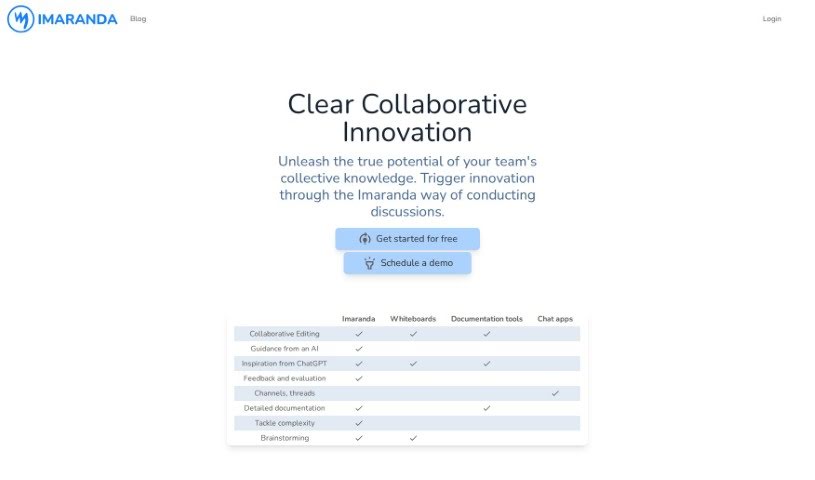
Imaranda is a collaborative tool that helps teams map out questions and their answers in a shared space. By working through questions together, teams build shared understanding and avoid unproductive, circular conversations. The goal is to cut down on endless back-and-forth chats and get to real results faster.

Brainstorming View Tool →
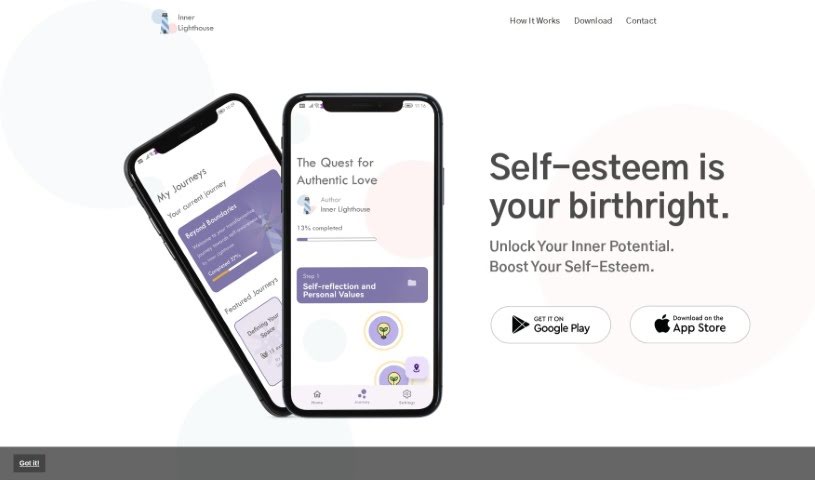
Screenshot of Inner Lighthouse

Inner Lighthouse

Freemium

Inner Lighthouse is a digital platform for self-improvement and personal growth, focused on building self-esteem. It offers daily 10-minute self-reflection sessions created by professional psychologists, designed to boost self-worth without overwhelming users. You choose from different "journeys" — such as overcoming anxiety, becoming more mindful, or learning to set personal boundaries — and the app tailors cognitive exercises to your needs. The platform emphasizes privacy and security, and its short sessions are designed to fit easily into a daily routine.

Brainstorming View Tool →
Screenshot of Lampi AI

Lampi AI

Freemium

Lampi AI is an AI copilot for businesses. It searches company knowledge bases, generates content, supports brainstorming, and produces insights and summaries from meetings. It works in over 80 languages, learns from user feedback to improve over time, and emphasizes data security and privacy.

Brainstorming View Tool →
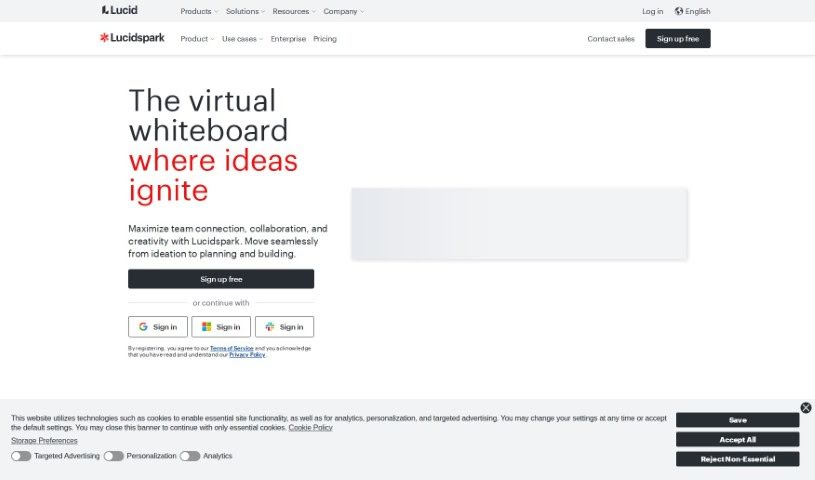
Screenshot of Lucidspark

Lucidspark

Freemium

Lucidspark is a virtual whiteboard built for real-time team collaboration. It provides an unlimited visual canvas where everyone can contribute ideas regardless of location, making it useful for brainstorming sessions, strategy mapping, and project planning. The platform includes collaborative AI features, mind maps, ready-to-use templates, customer support, and resources for educators, and it helps turn raw ideas into structured plans.

Brainstorming View Tool →
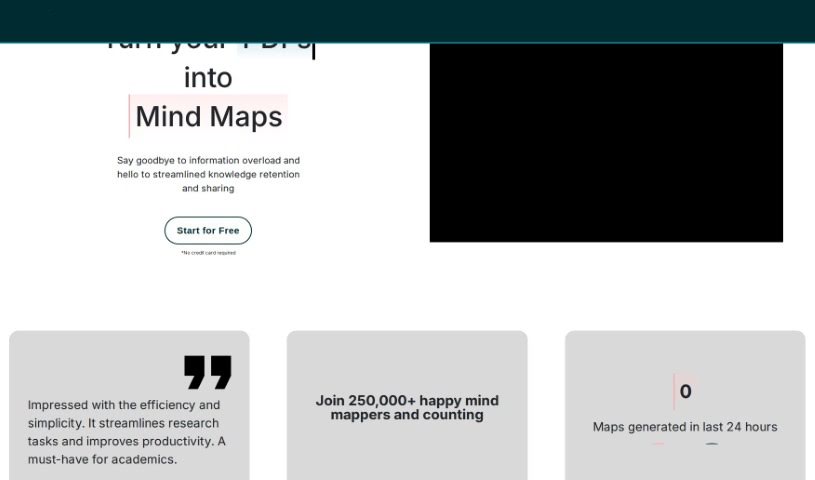
Screenshot of Map This

Map This

Freemium

Map This is an AI tool that creates mind maps from your PDFs or notes. It is designed to help you manage information overload, making it easier to remember and share what you're learning. You can upload PDFs, paste in notes, or give the AI a prompt to build a mind map for you. Users report it is efficient and easy to use, particularly for academics looking to speed up research. More than 250,000 mind maps have been created with the tool. There is a free version with a limited number of monthly credits, and a pro version that adds more credits, PDF uploads, and priority support.

Brainstorming View Tool →
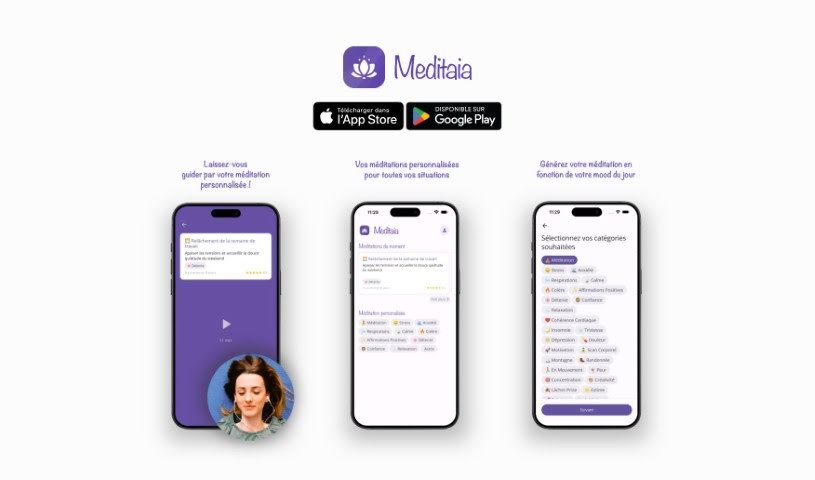
Screenshot of Meditaia

Meditaia

Freemium

Meditaia offers personalized meditation sessions crafted to fit your needs and preferences. It uses technology to customize each meditation based on your goals, your current mood, and what's going on in your life. Whether you're a complete beginner or an experienced meditator, Meditaia aims to help you find a deeper sense of calm and improve your focus. The service adapts as your practice develops, so the sessions stay relevant as your needs change over time.

Brainstorming View Tool →
Screenshot of MindmapAI

MindmapAI

Freemium

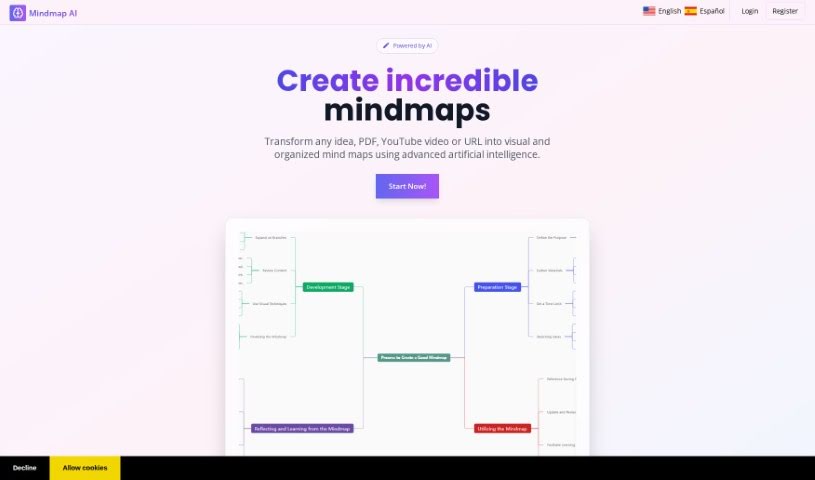
MindmapAI is a platform that uses artificial intelligence to simplify and speed up mind map creation. Users can start a mind map from scratch and customize it with custom notes, linked ideas, icons, and connections to other pages, organizing everything with custom tags. Completed mind maps can be shared with others in real time or exported as PDF, PNG, or JPEG files. The tool was developed by a founder who prefers to remain anonymous.

Brainstorming View Tool →
Screenshot of Mynd

Mynd

Freemium

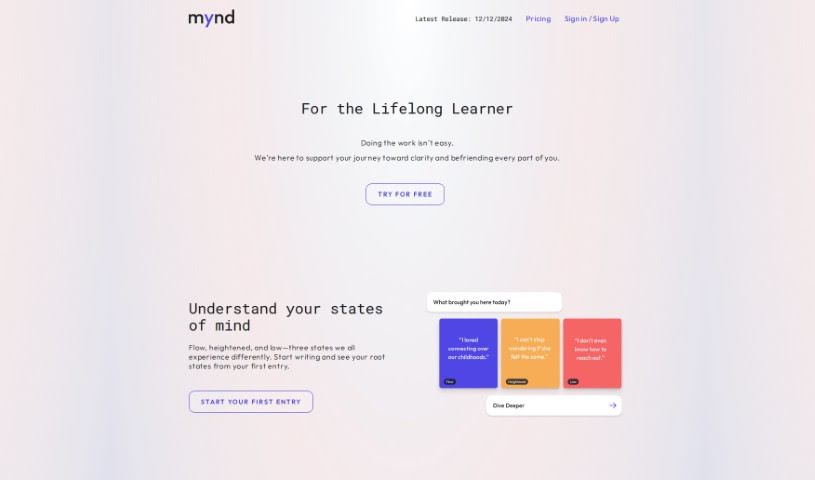
Mynd is an AI-powered journaling app built for self-care and personal growth. It analyzes your journal entries to surface patterns and insights you might otherwise miss, helping you track emotions and themes over time and gain a clearer understanding of yourself.

Brainstorming View Tool →
Screenshot of Nintee

Nintee

Freemium

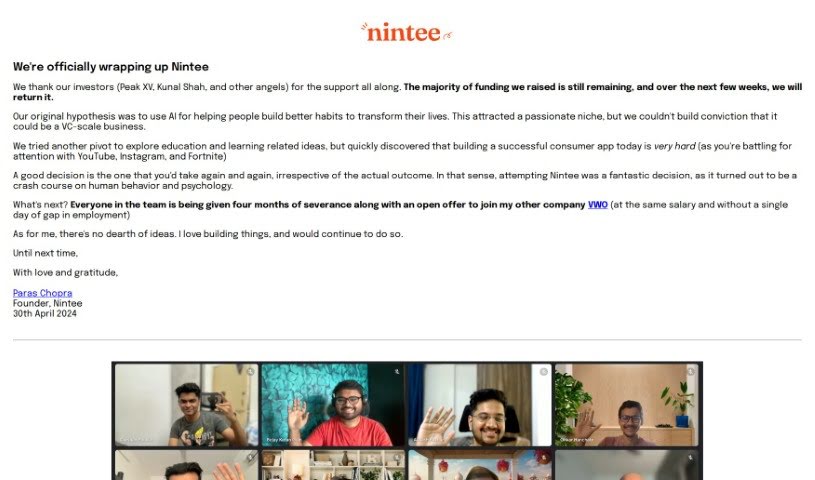
Nintee was a project by Paras Chopra with a clear mission: to use AI to help people build better habits and improve their lives. While it attracted a dedicated group of users, it never grew large enough to become a sustainable business. The team tried a pivot, exploring ideas around education and learning, but ultimately decided to close Nintee. They found that building a successful consumer app in a crowded market was very difficult.

Brainstorming View Tool →
Screenshot of NotePD

NotePD

Freemium

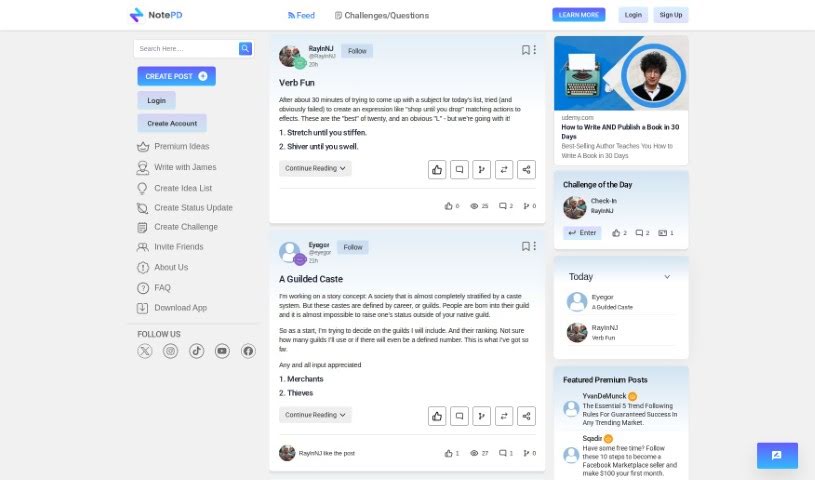
NotePD is a platform built around an AI-powered idea generator modeled on James Altucher's creative style. You provide a title and a few extra details, and it generates ideas based on training from a large collection of idea lists from NotePD. The platform supports both personal and professional use.

Brainstorming View Tool →
Screenshot of Olle

Olle

Freemium

Olle is a desktop toolbar app that puts AI-powered features a click away, letting you work across websites and apps without interruption. It acts as an AI assistant that can write emails, answer questions, and generate responses. An offline prompt library lets you securely save your favorite prompts locally, and you can customize how it responds to match your personal style. Privacy is a core focus: all conversations and data stay on your device.

Brainstorming View Tool →
Screenshot of ProductPlan

ProductPlan

Freemium

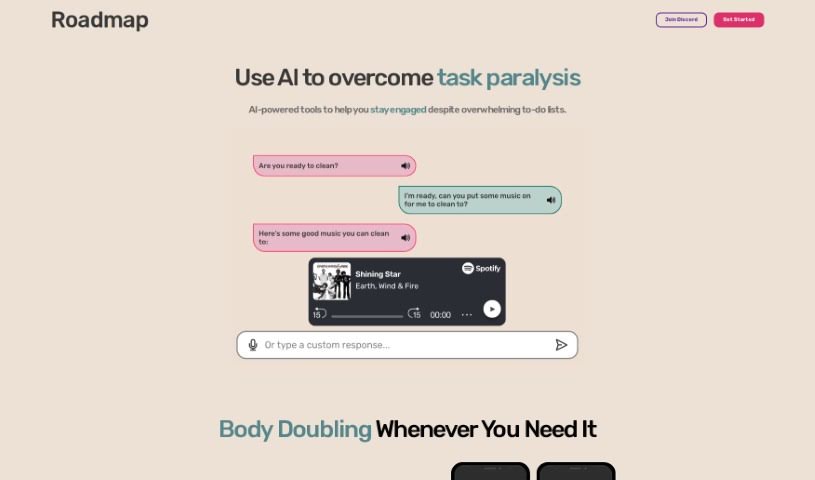
ProductPlan is a task-management tool built around a roadmap — a personal guide to getting things done. It helps you kickstart tasks with tailored strategy recommendations, particularly when you feel stuck or overwhelmed.

Brainstorming View Tool →

About Brainstorming tools

We’ve all sat through meetings where everyone stares silently at a blank whiteboard waiting for inspiration. Or sat solo at a desk, watching the cursor blink as a deadline creeps closer. Generating fresh, original ideas on command is tough—especially when your brain is already drained.

These platforms don’t replace human imagination or pick your final strategy. Instead, they act like a low-stakes sounding board that never runs out of fresh angles or unexpected takes.

Expanding Creative Ideation

Fear of judgment often kills group brainstorming before it even starts. People hesitate to share unpolished thoughts in front of colleagues. Talking to an AI assistant removes that pressure completely. You can throw out half-baked ideas or messy bullet points, and the software builds on them immediately, pointing out related angles you might have missed.

For visual thinkers, mind-mapping engines turn scattered notes from a quick voice memo or chat thread into clear diagrams. They cluster related topics, draw connections between distant themes, and break general concepts into concrete subtopics. Instead of spending an hour organizing sticky notes, you keep your momentum while the tool structures the board.

These platforms also excel at shifting perspectives. If you’re stuck looking at a problem from a single angle, an ideation assistant can evaluate your challenge through the lens of different customer personas, industry roles, or budget limits.

Key Features to Consider:

  • Interactive mind mapping: Software that turns messy notes into structured visual diagrams.
  • Sticky note clustering: Tools that automatically group workshop notes and user feedback by topic or sentiment.
  • Persona simulation: Features that let you test how different target audiences might view your concept.
  • Multi-angle prompt engines: Systems that take a single core problem and generate dozens of distinct problem-framing statements.
  • Action plan generation: Tools that convert high-level brainstormed concepts straight into actionable project tasks.

Coming up with a hundred ideas is only half the battle. Software can spit out endless concepts in seconds, but your intuition and real-world experience determine which ones are actually worth pursuing.

Explore the ideation tools below to jumpstart your next creative session.

The best AI Brainstorming Tools

  1. Whimsical: for team brainstorming sessions
  2. AIPRM: for quick idea generation for projects.
  3. GitMind: for working together on ideas.
  4. Creately: for mapping ideas in real-time
  5. Xmind AI: for brainstorming ideas together
  6. Boardmix: for coming up with creative ideas
  7. Eraser Diagramgpt: for mapping ideas collaboratively
  8. Walling: for a team hub to share ideas.
  9. Ideamap: for brainstorming together
  10. AI Toolbox For Innovators: for brainstorming product ideas as a team
  11. Treemind: for real-time brainstorming together
  12. Map This: for coming up with creative ideas
  13. Vital: for coming up with creative ideas
  14. Rocky.ai: for help with creative idea generation
  15. 6000 thoughts: Turns spoken reflection into clearer thinking.
New tools, in your inbox.

Weekly picks of the best AI tools we've researched and added — no spam, unsubscribe anytime.

Join 25,000+ AI enthusiasts. No spam, unsubscribe anytime.