AI Art Generation Tools

AI Tools for Art Generation

Discover the best Art Generation AI tools to enhance your productivity and creativity.

Page 19 of 19 • 225 total tools
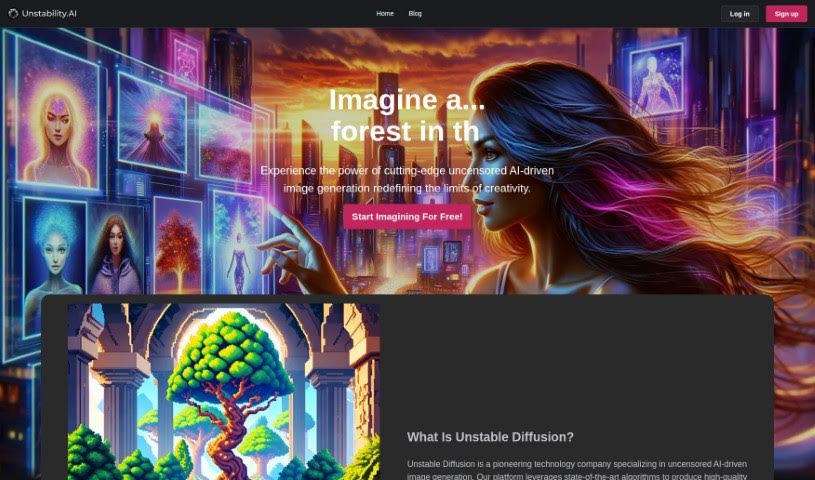
Screenshot of Unstable Diffusion

Unstable Diffusion

Freemium

Unstable Diffusion is an AI art platform that generates unique visual content from user ideas. It works across devices with an adaptive, responsive design and features a bright interface with a pink color scheme. The tool is aimed at users of all skill levels, from beginners to experienced artists, and supports image creation for personal projects, digital art, and commercial work through a simple, intuitive interface.

Art Generation View Tool →
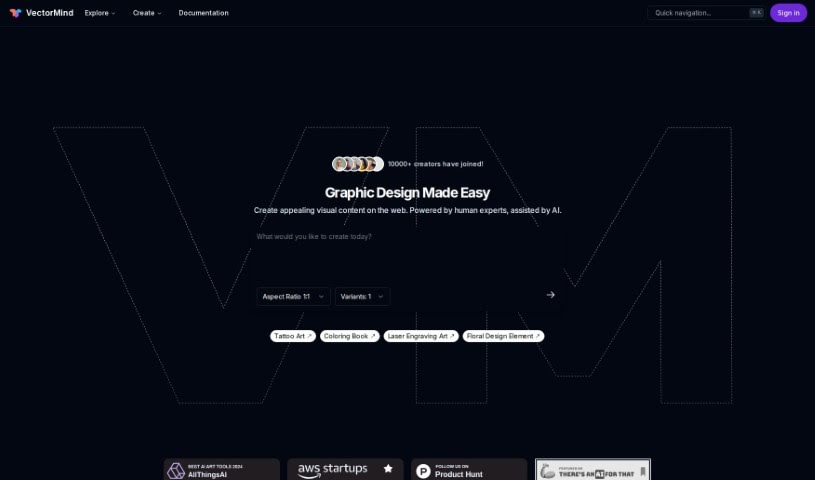
Screenshot of Vectormind

Vectormind

Freemium

Vectormind is a generative AI tool for vector graphics. Its AI Vector Graphic Generator turns text descriptions into high-quality vector assets across a range of art styles, including vector illustrations, abstract pieces, watercolor designs, and hand-drawn doodles. A Prompt Template Library offers pre-made templates for different styles, and users can browse collections of vector graphics created by others.

Art Generation View Tool →
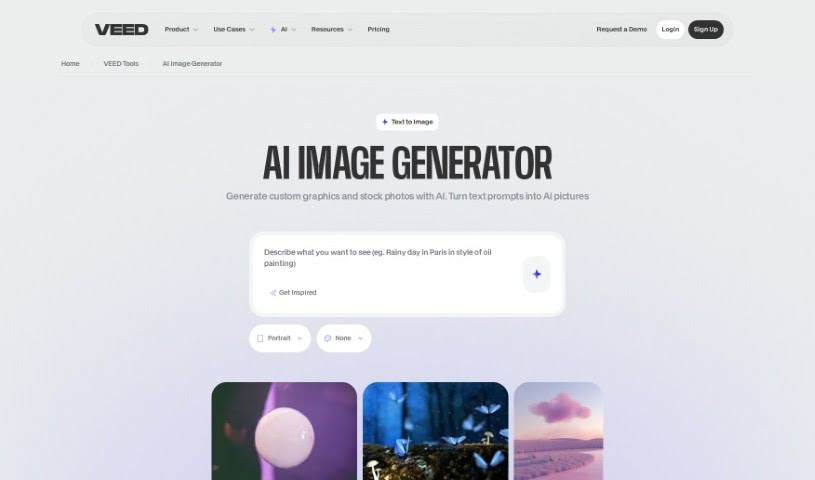
Screenshot of VEED AI Image Generator

VEED AI Image Generator

Freemium

VEED's AI Image Generator is a browser-based tool that creates images from text descriptions. Type what you want to see, click 'Generate Image', and the tool produces images based on your words almost instantly. It works for AI art, drawings, and text art, and you can adjust your prompts to steer the art style.

Art Generation View Tool →
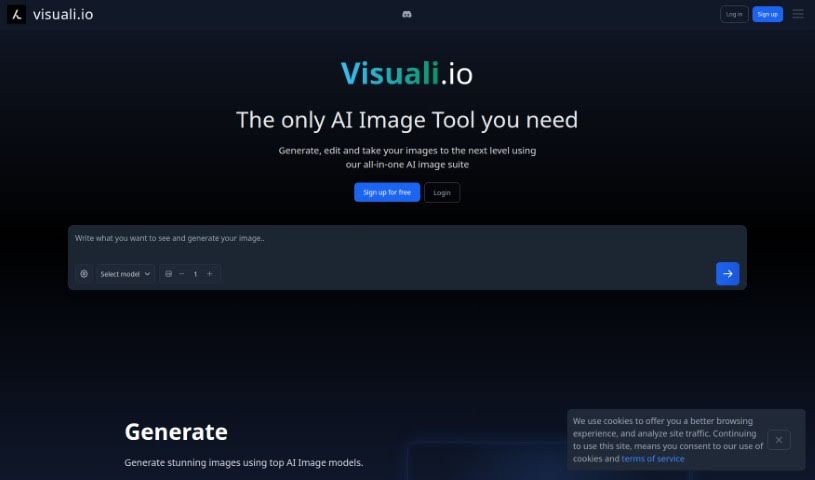
Screenshot of Visuali

Visuali

Freemium

Visuali is an AI-powered platform for turning text ideas into visuals. Getting started is simple: you can sign up for an account or try it out right away. Features include image editing with layers, a prompt helper, customizable styles, image animation, resolution upscaling, and variation generation. Projects and edited images are saved in the cloud, so you can access them from anywhere. It suits artists, designers, or anyone who wants to use AI for visual design work.

Art Generation View Tool →
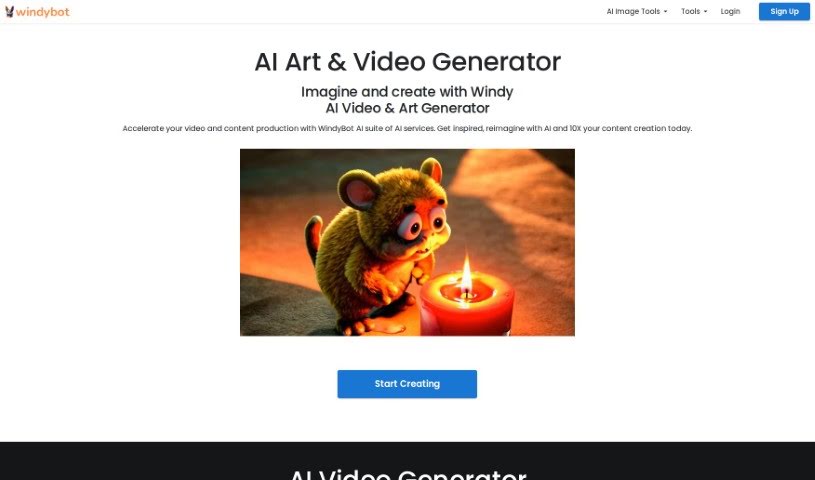
Screenshot of Windy AI

Windy AI

Freemium

WindyBot is an AI service that bundles several creative and productivity tools into one platform, including:

Art Generation View Tool →
Screenshot of Writesonic Photosonic AI

Writesonic Photosonic AI

Freemium

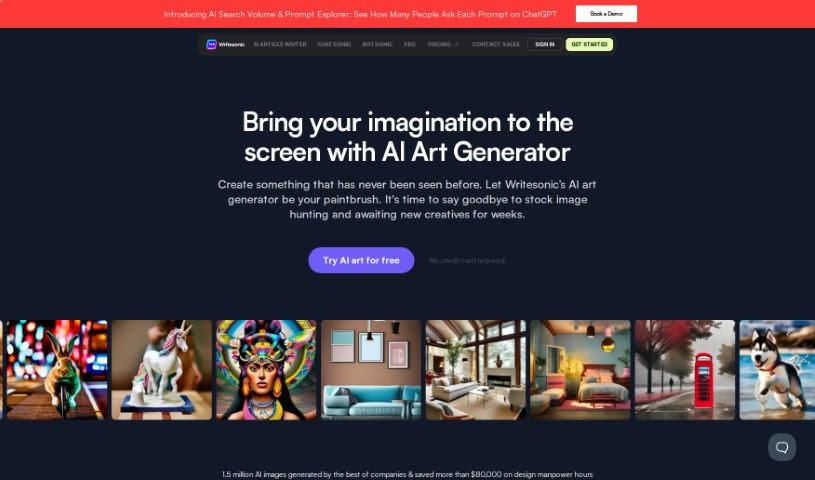
Photosonic AI is an AI art generator from Writesonic that turns text descriptions into digital artwork. It supports a range of styles, including oil paintings, cyberpunk, 3D images, photorealistic portraits, and abstract art. Images are generated in HD quality, and algorithms interpret prompts into the chosen art style.

Art Generation View Tool →
Screenshot of Yodayo

Yodayo

Freemium

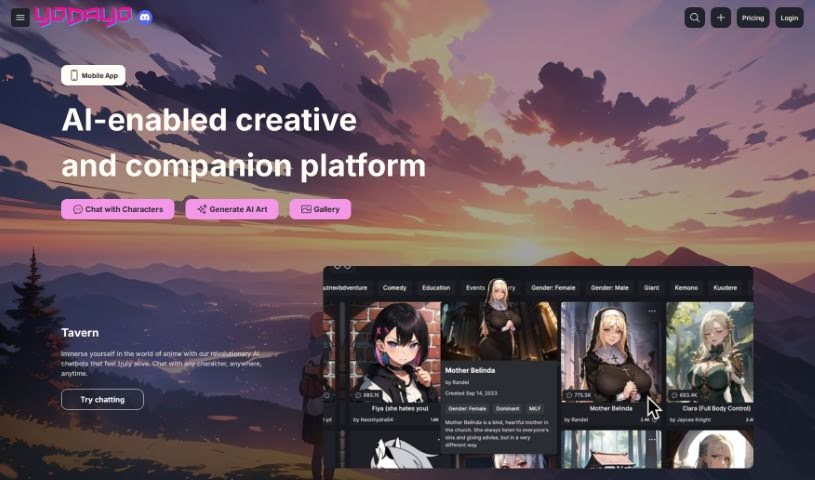
Yodayo is an AI-powered tool designed to boost productivity. Founded by Oisin O'Connor, the company aims to offer users advanced solutions that make everyday tasks simpler, using artificial intelligence.

Art Generation View Tool →
Screenshot of Zazow

Zazow

Freemium

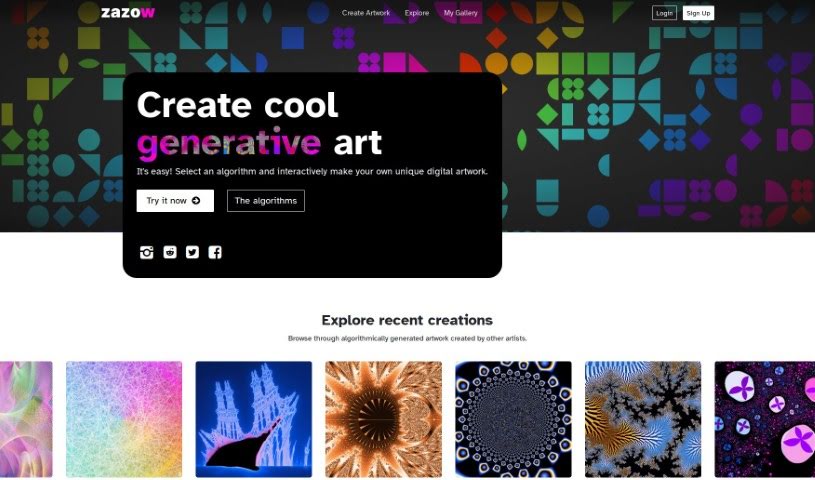
Zazow is a platform for making and exploring algorithmic generative art. It lets you build unique digital artwork using different algorithms and art styles, including Mandelbrot fractals, Plasma, Spiro patterns, and Bauhaus Shapes. You can save your work, share it, and connect with others in the Zazow community. The platform receives regular updates with new tools and features, including NFT options.

Art Generation View Tool →
Screenshot of Zizoto

Zizoto

Freemium

Zizoto is a platform for creating and interacting with digital art. It uses AI to generate images from your own ideas, and it doubles as a social network: users can collaborate by morphing and remixing images together, making art creation a shared experience. Zizoto also offers high-quality poster printing, so digital creations can be turned into physical pieces to display.

Art Generation View Tool →
Previous 19 of 19 Next

About Art Generation tools

Staring at a blank canvas is intimidating, whether you’re a professional concept artist or someone who struggles with basic sketches. Traditionally, turning a visual idea into a finished piece meant hours of line work, color mixing, and lighting adjustments. If a client requested a style change mid-project, you often had to start over from scratch.

AI art generators act like digital sketchbooks, turning plain text descriptions or rough doodles into detailed visuals in seconds. They don’t replace artistic vision or genuine human emotion, but they make testing visual ideas incredibly fast.

Testing Visual Directions in Seconds

The biggest advantage of visual generators is how quickly they let you iterate. Imagine you’re designing a character for an indie game. Rather than spending days sketching dozens of hairstyles, outfits, and color palettes, you can type a brief prompt into an image generator. Within moments, you get several distinct visual directions to evaluate, pick your favorite elements from, and refine.

Different engines excel at different tasks:

  • Some models focus on painterly, cinematic artwork that mimics oil paintings or fantasy concept art.
  • Others specialize in photorealism, capturing camera angles, skin textures, and natural lighting with remarkable precision.
  • Newer models focus specifically on rendering readable text within logos, posters, and graphic design assets.

Image editing features have evolved just as quickly. Inpainting tools let you highlight a specific area of an image—like a plain backdrop or a character’s jacket—and swap it out using a simple text command. You don’t need complex layer masking skills just to adjust a color or fix a minor detail.

Key Capabilities to Look For:

  • Style and character consistency: Features that let you reuse character models or color palettes across multiple generations for cohesive storytelling.
  • Inpainting and canvas expansion: Tools that let you edit specific regions inside an image or extend borders to fit different aspect ratios.
  • Typography rendering: Generators built to render clear, readable text within graphic designs and banners.
  • Image-to-image conversion: Systems that transform rough pencil sketches or 3D blockouts into rendered artwork.
  • Custom model training: Software that accepts custom image datasets to match a specific brand voice or personal aesthetic.

Meaningful art will always depend on human taste, composition, and emotional intent. While generators handle computational rendering, your creative choices are what turn an image into something worth sharing.

Take a look through the tools below to find the right fit for your creative workspace.

The Best AI Art Generators

  1. Leonardo AI: Great for creating custom artwork for brands.
  2. Openart: Offers tools for making AI-powered fan art.
  3. Tensor.art: Ideal for creating abstract art.
  4. Pix AI: Perfect for designing custom anime characters.
  5. Yodayo: Use this for creating unique digital art styles.
  6. Night Cafe Creator: Lets you make unique art from text prompts.
  7. Artguru AI: Good for creating anime art from descriptions.
  8. Imagine AI Art Generator: Offers endless artistic possibilities.
  9. Playground: Useful for custom artwork for digital projects.
  10. Dezgo: Helps you generate high-quality art from text.
  11. Deep Dream Generator: Transforms photos into detailed art.
  12. Autodraft AI: Turns text into unique artworks.
  13. Apob AI: Create unique art styles for your projects.
  14. Starry AI: Focuses on digital art creation.
  15. Meta Imagine: Lets you create unique art from text prompts.
New tools, in your inbox.

Weekly picks of the best AI tools we've researched and added — no spam, unsubscribe anytime.

Join 25,000+ AI enthusiasts. No spam, unsubscribe anytime.