AI Art Generation Tools

AI Tools for Art Generation

Discover the best Art Generation AI tools to enhance your productivity and creativity.

Page 12 of 19 • 225 total tools
Screenshot of Kidscoloringpage

Kidscoloringpage

Freemium

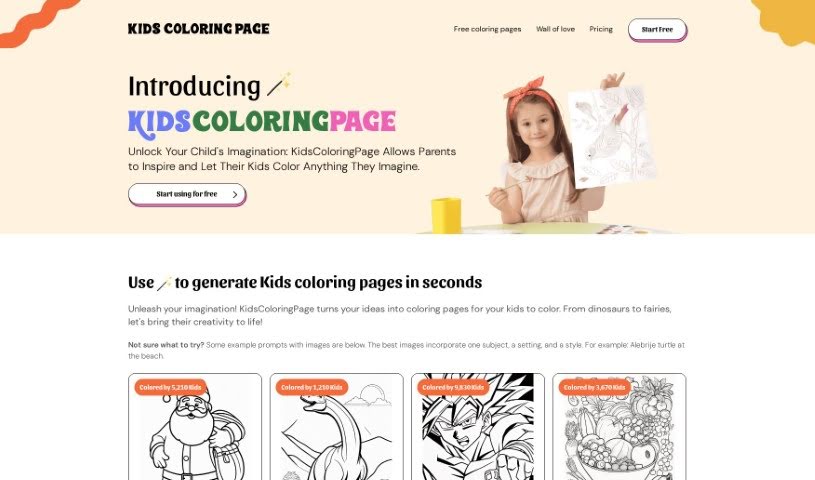
KidsColoringPage is a tool for creating custom coloring pages, aimed at kids, parents, teachers, and anyone who enjoys a creative outlet. You type in a prompt describing what you want, generate the page, and download it to print. The site offers a wide variety of themes, from dragons and fairies to dinosaurs and fairy tales, so pages can match a child's interests or a lesson plan.

Art Generation View Tool →
Screenshot of Kiri.art

Kiri.art

Freemium

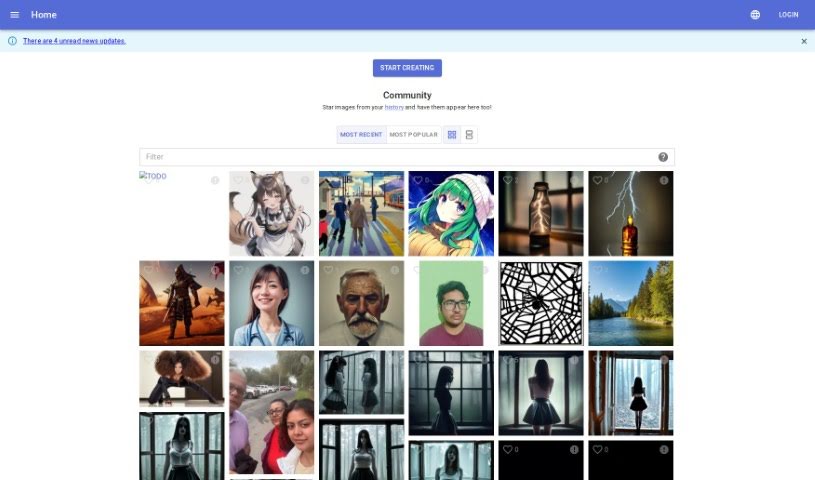
Kiri.art is a platform built on Diffusion Image Generation technology. It uses diffusion models and algorithms to generate detailed, personalized images, with each result designed to be unique and high-quality. The interface is easy to use, so both beginners and experienced users can create visuals without needing a background in graphic design.

Art Generation View Tool →
Screenshot of Leonardo AI

Leonardo AI

Freemium

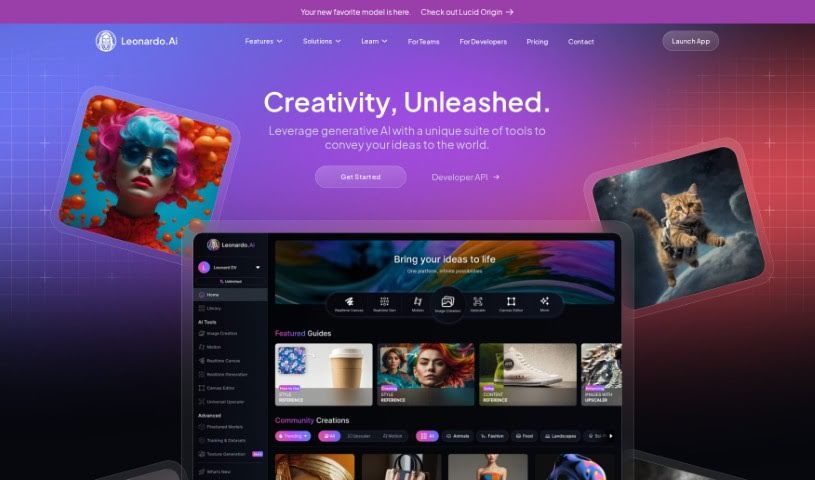
Leonardo.Ai is an AI platform for creating professional-quality creative assets. It uses AI algorithms to generate high-quality visuals tailored to the user's needs, whether for graphic design, photography, or film. Beyond images, it supports video generation and audio production, with an emphasis on speed, ease of use, and consistent style across assets.

Art Generation View Tool →
Screenshot of LifecastVR

LifecastVR

Freemium

LifecastVR is a platform for immersive volumetric experiences. It offers volumetric VR180 videos and photos, plus 3D stable diffusion, and works with Quest and WebVR devices. Users can take regular 2D photos or text descriptions and turn them into "Holo" — a holographic-like visual format for virtual reality. The platform also hosts a collection of AI-generated art, ranging from realistic paintings to imaginative pieces, organized into categories like Trending, Most Viewed, and Newest. Your own creations are stored in "My Creations" for easy access.

Art Generation View Tool →
Screenshot of Little Artist

Little Artist

Freemium

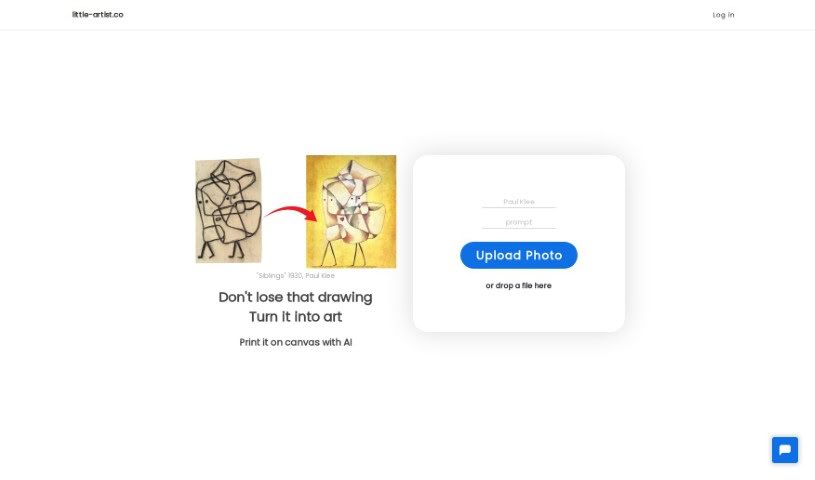
Little Artist is an AI platform that transforms children's drawings into professional-looking art while preserving the child's original creativity. Sign in with a Google account, upload a photo or scan of a drawing, and the AI enhances it into a polished piece. Finished artwork can be saved to a digital collection or ordered as a canvas print.

Art Generation View Tool →
Screenshot of Looksounique

Looksounique

Freemium

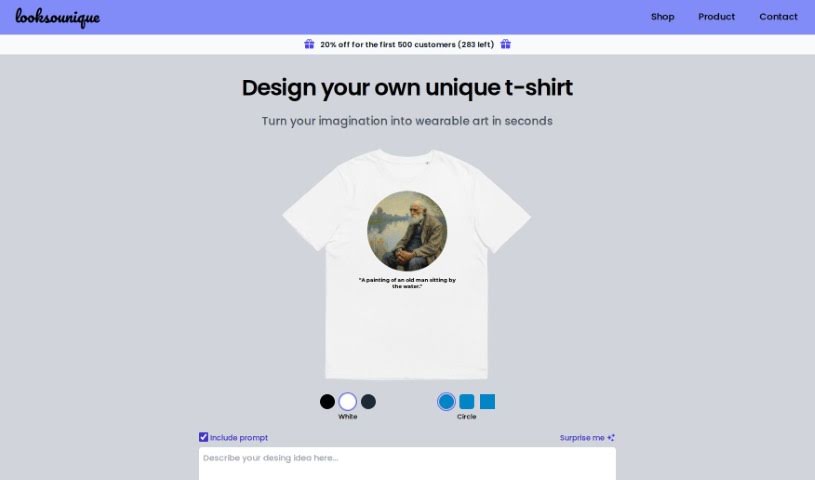
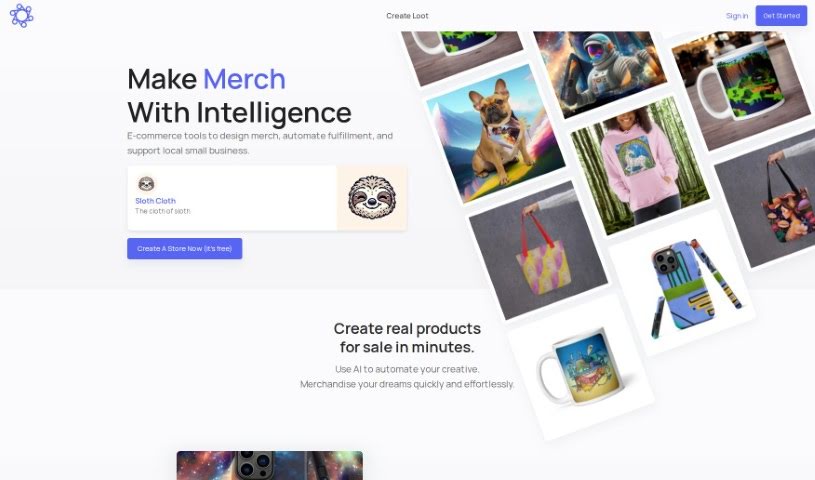
Looksounique is an AI tool for designing and shopping for custom t-shirts. You type in a design idea — or hit the "Surprise Me" button for inspiration — and the AI generates unique designs in seconds. You then refine the result by choosing colors and shapes. Once you're satisfied, the Looksounique team prints your design on a comfortable, unisex 100% cotton t-shirt and ships it to your door.

Art Generation View Tool →
Screenshot of Lootgod

Lootgod

Freemium

Lootgod is a platform for artists that combines a digital gallery and shop in one place. It blends physical and digital art experiences — an approach known as "phygital publishing" — helping artists share and sell their work online and reach a wider audience. It supports many types of art and is designed to be easy to use.

Art Generation View Tool →
Screenshot of Makeayo

Makeayo

Freemium

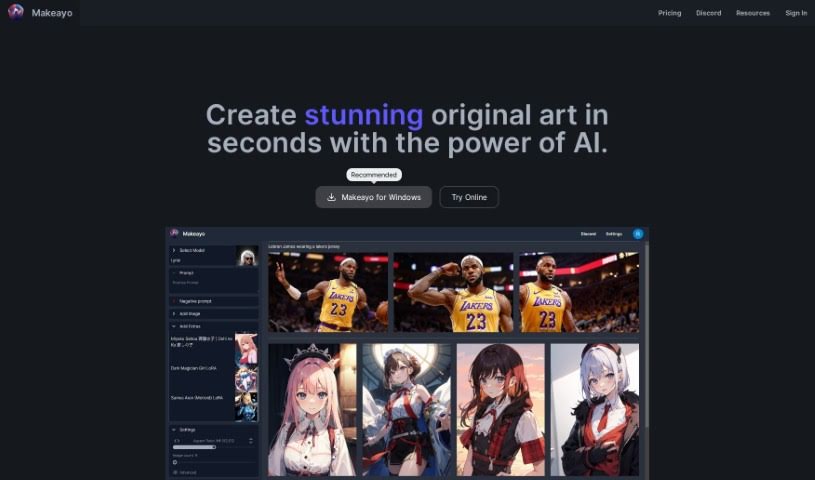
Makeayo is a free AI art generator that creates original artwork from a base image and a text description. It supports unlimited generations, transformation of existing images into different styles, HD upscaling, pose matching from reference pictures, and a range of art models. It runs on Windows 10 and 11, with Mac and Linux support planned, and an active community surrounds the tool for inspiration and collaboration.

Art Generation View Tool →
Screenshot of Maze Guru

Maze Guru

Freemium

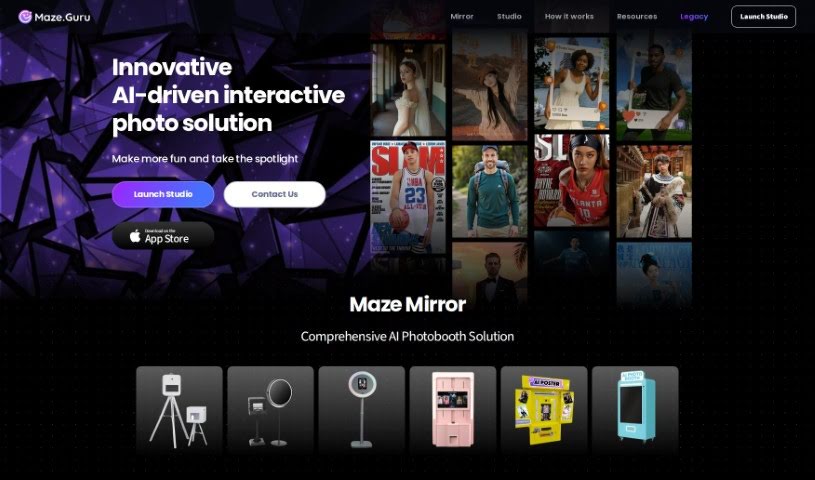
Maze Guru is an AI-powered platform for creating art. Its algorithms simplify the creation process, letting you generate detailed, dynamic, and realistic artwork in a wide range of styles and techniques — from digital paintings and illustrations to vector art and simple doodles. Alongside generation tools, the platform offers themed challenges, community feedback, and support for high-resolution images, in an environment aimed at artists of any skill level.

Art Generation View Tool →
Screenshot of MeBoom

MeBoom

Freemium

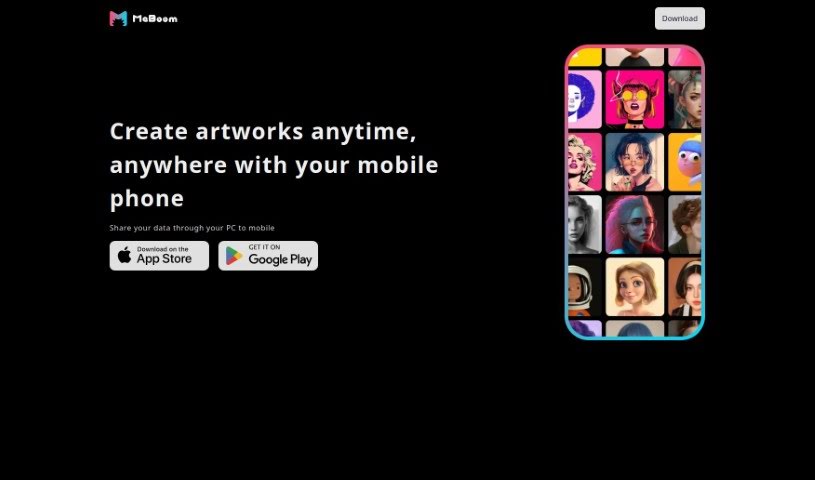
MeBoom is an AI art generation tool that lets you create art anytime, anywhere, right from your phone. It also supports sharing data between your PC and your mobile device.

Art Generation View Tool →
Screenshot of Meta Imagine

Meta Imagine

Freemium

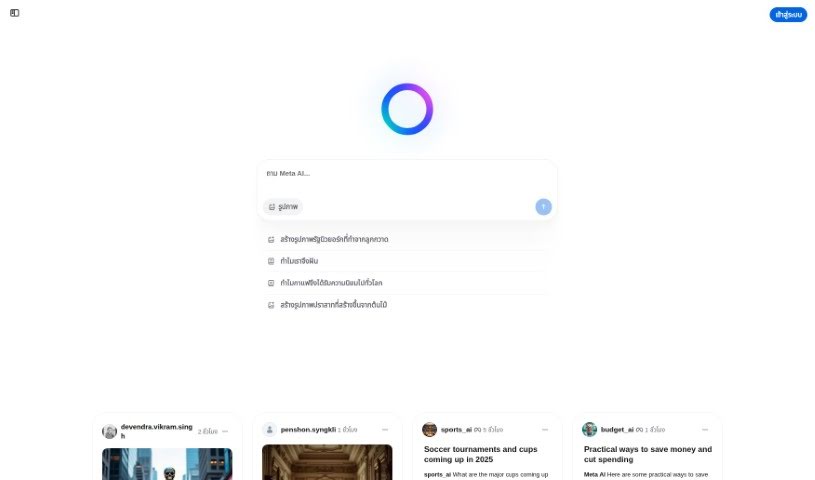
Meta Imagine is a text-to-image tool that generates images from written descriptions. Sample prompts — a comic-style detective in a fedora and trench coat, a hippie robot walking a dog down an empty street, an aquarium filled with sharks and turtles — show the range of what a prompt can produce and offer inspiration for art and storytelling.

Art Generation View Tool →
Screenshot of Moonlightai

Moonlightai

Freemium

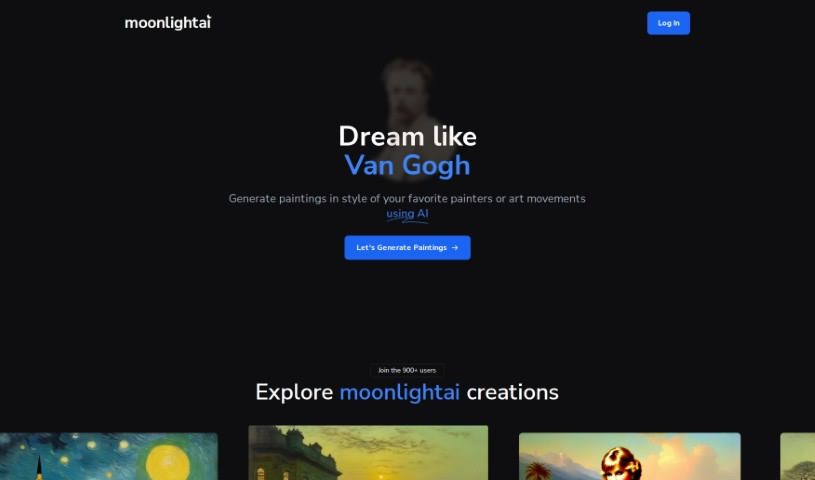
MoonlightAI is a platform that uses artificial intelligence to generate paintings in the style of famous artists or entire art movements. Its gallery features AI-generated pieces such as "İstanbul" and "Mona Lisa" in the style of John Atkinson Grimshaw, "The Persistence of Memory" reimagined by Van Gogh, and "The Starry Night" as Ivan Aivazovsky might have painted it. The styles span art history from the Renaissance to the 21st century.

Art Generation View Tool →

About Art Generation tools

Staring at a blank canvas is intimidating, whether you’re a professional concept artist or someone who struggles with basic sketches. Traditionally, turning a visual idea into a finished piece meant hours of line work, color mixing, and lighting adjustments. If a client requested a style change mid-project, you often had to start over from scratch.

AI art generators act like digital sketchbooks, turning plain text descriptions or rough doodles into detailed visuals in seconds. They don’t replace artistic vision or genuine human emotion, but they make testing visual ideas incredibly fast.

Testing Visual Directions in Seconds

The biggest advantage of visual generators is how quickly they let you iterate. Imagine you’re designing a character for an indie game. Rather than spending days sketching dozens of hairstyles, outfits, and color palettes, you can type a brief prompt into an image generator. Within moments, you get several distinct visual directions to evaluate, pick your favorite elements from, and refine.

Different engines excel at different tasks:

  • Some models focus on painterly, cinematic artwork that mimics oil paintings or fantasy concept art.
  • Others specialize in photorealism, capturing camera angles, skin textures, and natural lighting with remarkable precision.
  • Newer models focus specifically on rendering readable text within logos, posters, and graphic design assets.

Image editing features have evolved just as quickly. Inpainting tools let you highlight a specific area of an image—like a plain backdrop or a character’s jacket—and swap it out using a simple text command. You don’t need complex layer masking skills just to adjust a color or fix a minor detail.

Key Capabilities to Look For:

  • Style and character consistency: Features that let you reuse character models or color palettes across multiple generations for cohesive storytelling.
  • Inpainting and canvas expansion: Tools that let you edit specific regions inside an image or extend borders to fit different aspect ratios.
  • Typography rendering: Generators built to render clear, readable text within graphic designs and banners.
  • Image-to-image conversion: Systems that transform rough pencil sketches or 3D blockouts into rendered artwork.
  • Custom model training: Software that accepts custom image datasets to match a specific brand voice or personal aesthetic.

Meaningful art will always depend on human taste, composition, and emotional intent. While generators handle computational rendering, your creative choices are what turn an image into something worth sharing.

Take a look through the tools below to find the right fit for your creative workspace.

The Best AI Art Generators

  1. Leonardo AI: Great for creating custom artwork for brands.
  2. Openart: Offers tools for making AI-powered fan art.
  3. Tensor.art: Ideal for creating abstract art.
  4. Pix AI: Perfect for designing custom anime characters.
  5. Yodayo: Use this for creating unique digital art styles.
  6. Night Cafe Creator: Lets you make unique art from text prompts.
  7. Artguru AI: Good for creating anime art from descriptions.
  8. Imagine AI Art Generator: Offers endless artistic possibilities.
  9. Playground: Useful for custom artwork for digital projects.
  10. Dezgo: Helps you generate high-quality art from text.
  11. Deep Dream Generator: Transforms photos into detailed art.
  12. Autodraft AI: Turns text into unique artworks.
  13. Apob AI: Create unique art styles for your projects.
  14. Starry AI: Focuses on digital art creation.
  15. Meta Imagine: Lets you create unique art from text prompts.
New tools, in your inbox.

Weekly picks of the best AI tools we've researched and added — no spam, unsubscribe anytime.

Join 25,000+ AI enthusiasts. No spam, unsubscribe anytime.