AI Art Generation Tools

AI Tools for Art Generation

Discover the best Art Generation AI tools to enhance your productivity and creativity.

Page 11 of 19 • 225 total tools
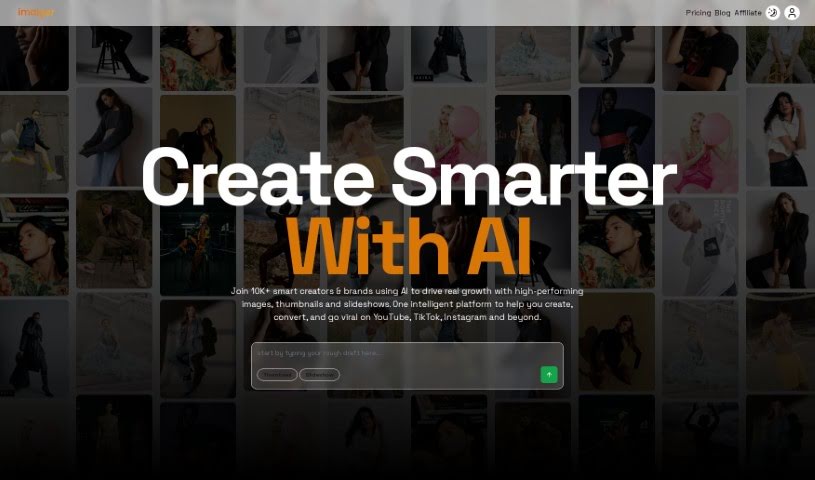
Screenshot of Imaiger

Imaiger

Freemium

Imaiger is a platform for creating and analyzing images for your website. It uses machine learning algorithms to generate unique images from simple text inputs. Its AI can understand the contents of an image, giving you deeper control and customization so you can produce high-quality visuals that fit your brand.

Art Generation View Tool →
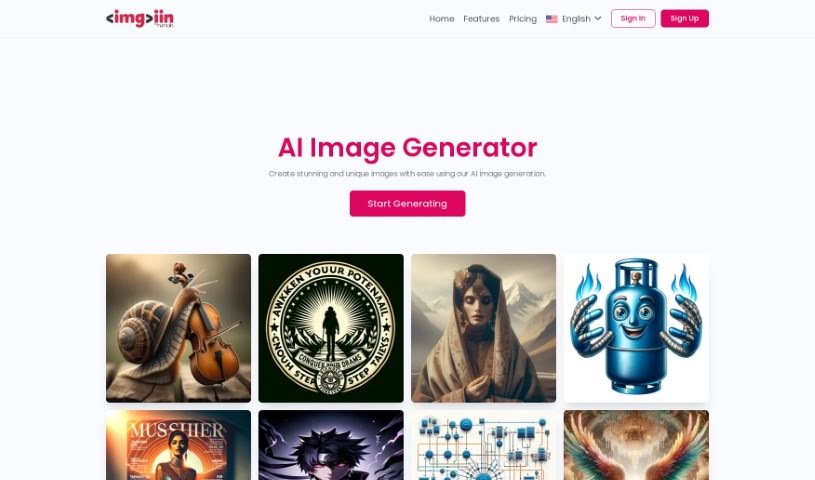
Screenshot of Imgi.in

Imgi.in

Freemium

Imgi.in is a generative AI platform for creating a wide range of images, from fantasy art to hyper-realistic depictions of characters and scenes. It supports distinctive styles including perfect symmetry, psychedelic art, neo-mosaics, and neo-shamanism figures. Output is paired with substantial creator control: fine-tunable models, accurate prompt adherence, and photorealistic rendering, whether wide-angle views or detailed close-ups. No coding knowledge is required, so creators at any skill level can use it — sign up with a name and email address, verify the account through the emailed confirmation link, and start generating.

Art Generation View Tool →
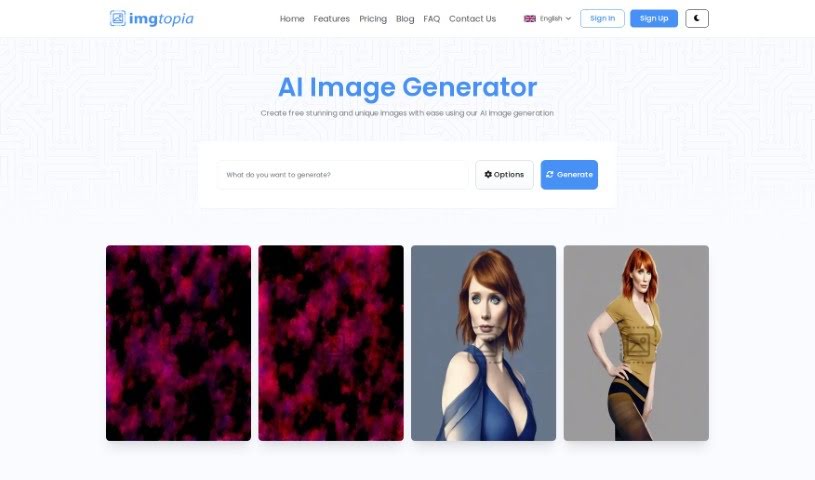
Screenshot of imgtopia

imgtopia

Freemium

Imgtopia is an AI tool that generates custom images from text prompts. It combines computer vision, natural language processing, and deep learning to produce images across a range of styles: abstract art, landscapes, realistic portraits, animal pictures, geometric images, comic characters, village scenes, dreamlike settings, and business logos.

Art Generation View Tool →
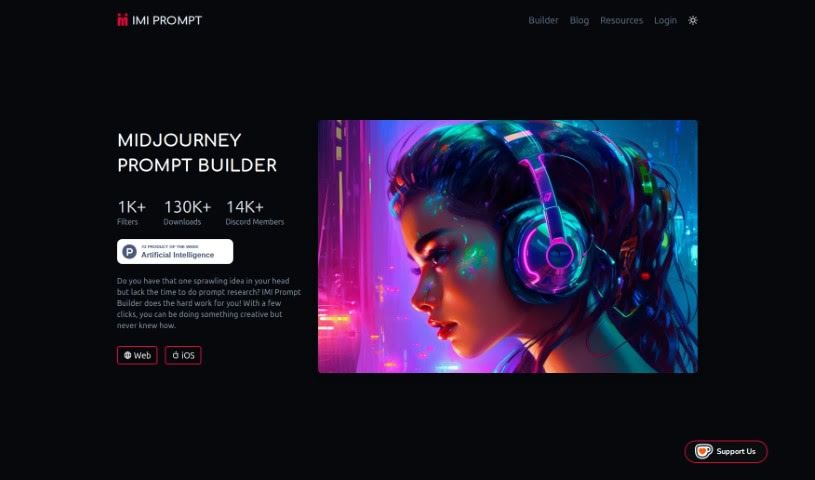
Screenshot of IMI Prompt

IMI Prompt

Freemium

IMI Prompt is a prompt generator built for Midjourney v5. It helps users craft personalized artwork with prompts across categories such as nature, fantasy, sci-fi, and abstract themes. The tool uses AI to suggest prompts based on your preferences and past creations, and its interface works for both beginners and experienced artists. It is available on the web, Android, and iOS.

Art Generation View Tool →
Screenshot of Ink With AI

Ink With AI

Freemium

Ink With AI uses artificial intelligence to design tattoos from your descriptions. You describe the tattoo you want, pick an art style, and the AI generates a unique design, usually in about a minute. Because it works from your specific input and chosen style, every design is one-of-a-kind.

Art Generation View Tool →
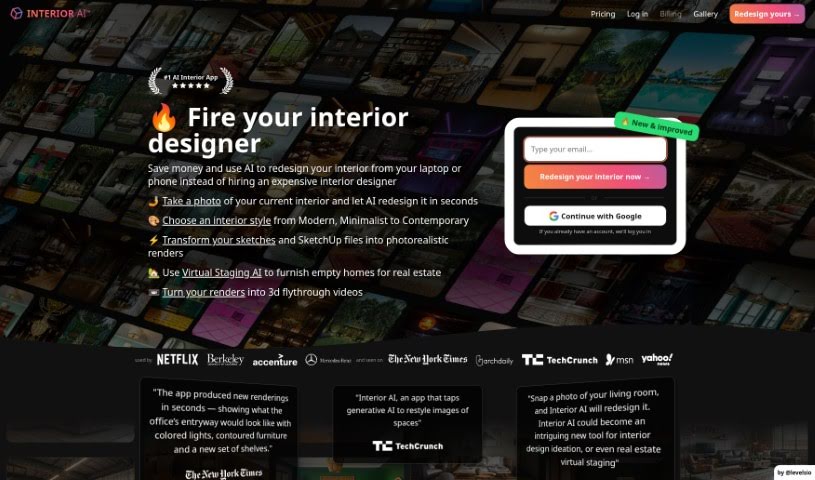
Screenshot of Interior AI

Interior AI

Freemium

Interior AI is a software tool that uses artificial intelligence for virtual staging, interior design ideas, and inspiration. It lets you see how furniture and decor would look in your own space, try out different design styles, and get realistic pictures of what your interiors could look like. It's useful whether you're redecorating a whole home or a single room, offering a wide range of design possibilities and fresh ideas for your living areas.

Art Generation View Tool →
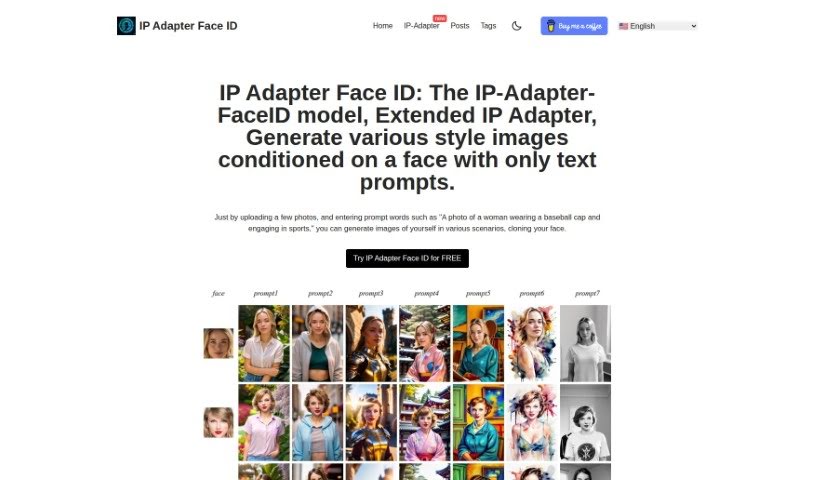
Screenshot of Ip Adapter Faceid

Ip Adapter Faceid

Freemium

IP Adapter Face ID is a model that generates images in various styles based on a provided facial image and text prompts. Users upload photos and add descriptions to produce images showing their face in new situations. The tool supports multiple styles, role changes for the subject, and generates several variations for each result.

Art Generation View Tool →
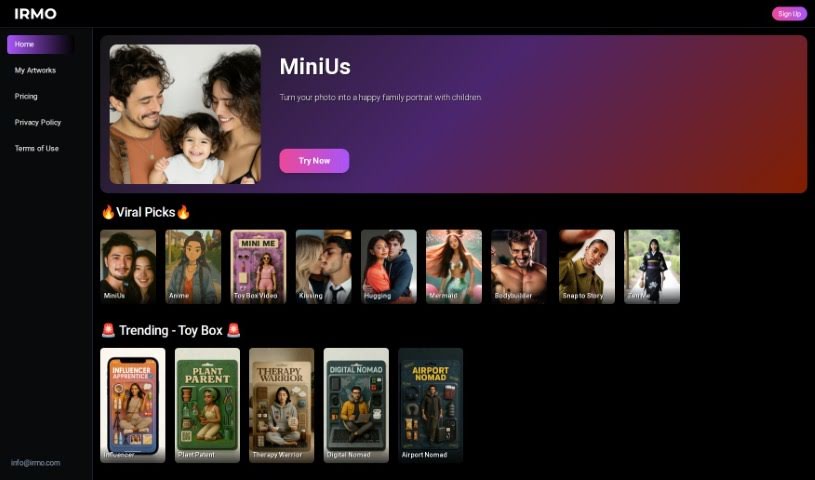
Screenshot of Irmo

Irmo

Freemium

Irmo is a platform offering a suite of AI tools for creative projects. It covers design, data analysis, and content creation, with an emphasis on AI image generation. The site is built to be easy to use, and Irmo emphasizes privacy and security, with accessible links to its Privacy Policy, Terms & Conditions, and EULA.

Art Generation View Tool →
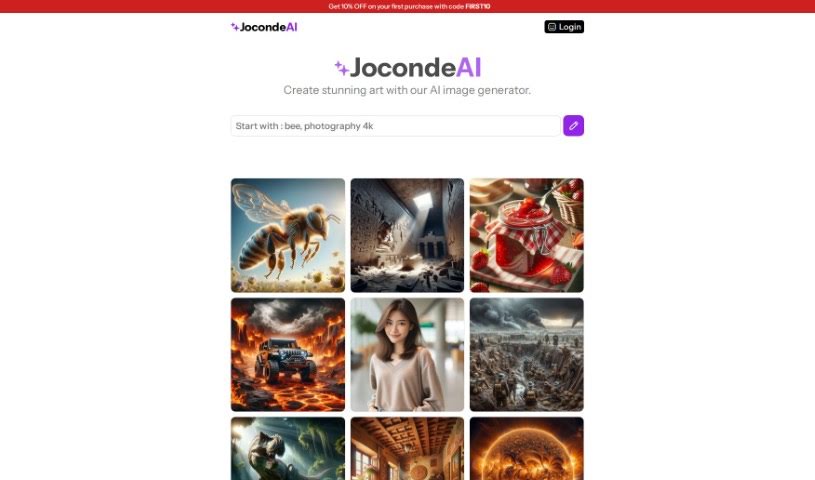
Screenshot of Jocondeai

Jocondeai

Freemium

JocondeAI is an AI art generator that creates images at a fixed 1024x1024 pixel resolution. You guide it with prompts describing specific themes, and the generated images can be used for both personal and commercial projects. You keep full rights to every image you create.

Art Generation View Tool →
Screenshot of Journey Art AI

Journey Art AI

Freemium

Journey Art AI is a tool for creating AI art from simple text descriptions. It uses the Midjourney API to generate high-quality images and supports the latest Midjourney V5 and Niji models. Unlike Midjourney itself, it works entirely through a web interface — no Discord required.

Art Generation View Tool →
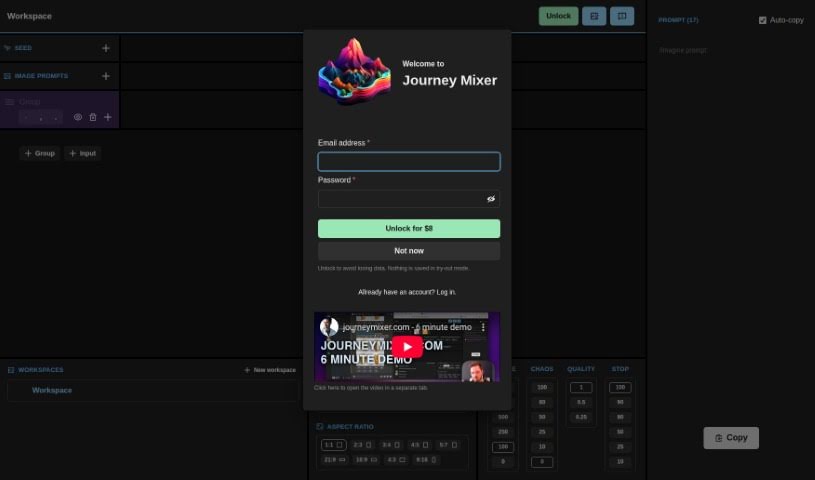
Screenshot of Journey Mixer

Journey Mixer

Freemium

Journey Mixer is a tool for creating and remixing prompts for Midjourney. It offers an easy-to-use graphical interface designed so that anyone, regardless of experience level, can jump in and use it effectively. You can tweak and combine different parts of prompts, which speeds up prompt generation and makes your creative work more efficient. The platform is flexible enough to handle a wide variety of inputs, giving you the control needed to create high-quality prompts that get the results you want in Midjourney.

Art Generation View Tool →
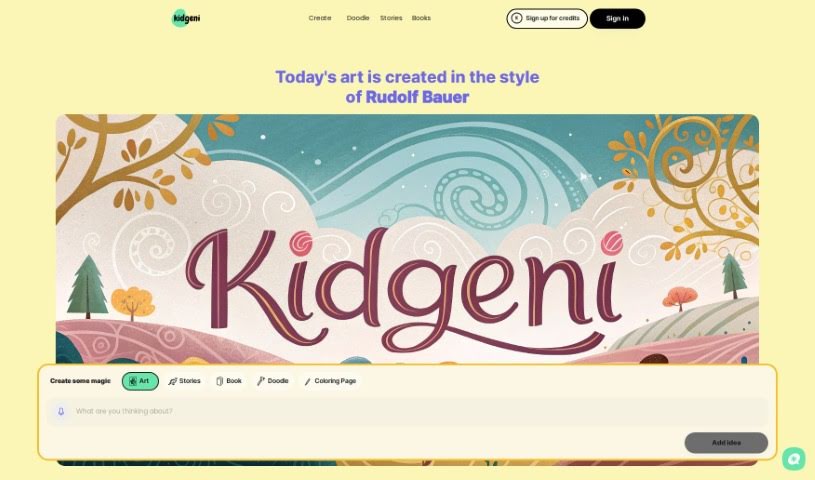
Screenshot of Kidgeni

Kidgeni

Freemium

Kidgeni is an AI art community where kids can create art using AI tools. It provides young creators with the tools and guidance to generate unique pieces of art, which can be printed on items like t-shirts and hoodies. Kidgeni offers different subscription plans so parents can give their kids access to the platform. The company also plans to expand into other creative areas such as music and video, and offers a 15-day money-back guarantee on returns and exchanges.

Art Generation View Tool →

About Art Generation tools

Staring at a blank canvas is intimidating, whether you’re a professional concept artist or someone who struggles with basic sketches. Traditionally, turning a visual idea into a finished piece meant hours of line work, color mixing, and lighting adjustments. If a client requested a style change mid-project, you often had to start over from scratch.

AI art generators act like digital sketchbooks, turning plain text descriptions or rough doodles into detailed visuals in seconds. They don’t replace artistic vision or genuine human emotion, but they make testing visual ideas incredibly fast.

Testing Visual Directions in Seconds

The biggest advantage of visual generators is how quickly they let you iterate. Imagine you’re designing a character for an indie game. Rather than spending days sketching dozens of hairstyles, outfits, and color palettes, you can type a brief prompt into an image generator. Within moments, you get several distinct visual directions to evaluate, pick your favorite elements from, and refine.

Different engines excel at different tasks:

  • Some models focus on painterly, cinematic artwork that mimics oil paintings or fantasy concept art.
  • Others specialize in photorealism, capturing camera angles, skin textures, and natural lighting with remarkable precision.
  • Newer models focus specifically on rendering readable text within logos, posters, and graphic design assets.

Image editing features have evolved just as quickly. Inpainting tools let you highlight a specific area of an image—like a plain backdrop or a character’s jacket—and swap it out using a simple text command. You don’t need complex layer masking skills just to adjust a color or fix a minor detail.

Key Capabilities to Look For:

  • Style and character consistency: Features that let you reuse character models or color palettes across multiple generations for cohesive storytelling.
  • Inpainting and canvas expansion: Tools that let you edit specific regions inside an image or extend borders to fit different aspect ratios.
  • Typography rendering: Generators built to render clear, readable text within graphic designs and banners.
  • Image-to-image conversion: Systems that transform rough pencil sketches or 3D blockouts into rendered artwork.
  • Custom model training: Software that accepts custom image datasets to match a specific brand voice or personal aesthetic.

Meaningful art will always depend on human taste, composition, and emotional intent. While generators handle computational rendering, your creative choices are what turn an image into something worth sharing.

Take a look through the tools below to find the right fit for your creative workspace.

The Best AI Art Generators

  1. Leonardo AI: Great for creating custom artwork for brands.
  2. Openart: Offers tools for making AI-powered fan art.
  3. Tensor.art: Ideal for creating abstract art.
  4. Pix AI: Perfect for designing custom anime characters.
  5. Yodayo: Use this for creating unique digital art styles.
  6. Night Cafe Creator: Lets you make unique art from text prompts.
  7. Artguru AI: Good for creating anime art from descriptions.
  8. Imagine AI Art Generator: Offers endless artistic possibilities.
  9. Playground: Useful for custom artwork for digital projects.
  10. Dezgo: Helps you generate high-quality art from text.
  11. Deep Dream Generator: Transforms photos into detailed art.
  12. Autodraft AI: Turns text into unique artworks.
  13. Apob AI: Create unique art styles for your projects.
  14. Starry AI: Focuses on digital art creation.
  15. Meta Imagine: Lets you create unique art from text prompts.
New tools, in your inbox.

Weekly picks of the best AI tools we've researched and added — no spam, unsubscribe anytime.

Join 25,000+ AI enthusiasts. No spam, unsubscribe anytime.