AI Tools for Art Generation

Discover the best Art Generation AI tools to enhance your productivity and creativity.

Page 12 of 21 • 241 total tools

Art has always been a way to express creativity, but now there’s a new player: AI art generators. These tools take your ideas and turn them into amazing visuals, really pushing what we think of as art. Thanks to advances in machine learning, making your own unique art is easier and more exciting than ever.

AI art generation isn’t just a novelty anymore; it’s seen a huge surge in innovation. Big tech companies and independent creators are working together, offering all sorts of styles and abilities. Whether you’re an artist looking for inspiration or just curious, there’s something here for you.

I took a close look at this changing field, checking out different AI art generators to find the most impressive ones available right now. You’ll find a wide range of tools here, from fun illustrations to super-realistic images, all ready to help you bring your creative ideas to life.

As these technologies keep growing, the possibilities for artists and AI to work together seem endless. Let’s explore the best AI art generators that can help you create captivating visuals and really develop your artistic skills.

The Best AI Art Generators

  1. Leonardo AI: Great for creating custom artwork for brands.
  2. Openart: Offers tools for making AI-powered fan art.
  3. Tensor.art: Ideal for creating abstract art.
  4. Pix AI: Perfect for designing custom anime characters.
  5. Yodayo: Use this for creating unique digital art styles.
  6. Night Cafe Creator: Lets you make unique art from text prompts.
  7. Artguru AI: Good for creating anime art from descriptions.
  8. Imagine AI Art Generator: Offers endless artistic possibilities.
  9. Playground: Useful for custom artwork for digital projects.
  10. Dezgo: Helps you generate high-quality art from text.
  11. Deep Dream Generator: Transforms photos into detailed art.
  12. Autodraft AI: Turns text into unique artworks.
  13. Apob AI: Create unique art styles for your projects.
  14. Starry AI: Focuses on digital art creation.
  15. Meta Imagine: Lets you create unique art from text prompts.

How Do AI Art Generators Work?

AI art generators use complex algorithms and massive datasets. At their core, these tools rely on machine learning models trained on countless images, styles, and artistic techniques. By spotting patterns and features in visual data, they learn how to create unique artwork based on what you ask for.

Most AI art generators use models called Generative Adversarial Networks (GANs) or diffusion models. These have two parts: a generator that makes images and a discriminator that judges them. They work together, improving the output bit by bit until the generated images look just right, whether that’s realistic or creative.

When you give a prompt, the AI figures out what you want and uses its vast knowledge of art. It then combines this information to create a new image, mixing elements in fresh ways. The results can be anything from abstract designs to lifelike portraits, depending on what you ask for and what the tool can do.

AI art generators have really taken off thanks to advances in deep learning and the availability of diverse training data. This data includes everything from classic paintings to modern digital art. The algorithms use this rich information to copy styles, create new ideas, and explore artistic possibilities.

Plus, platforms like DALL-E and Midjourney have made art creation accessible to anyone with an idea. Users can make amazing art without needing traditional art skills, just by describing their vision. This mix of technology and creativity opens up new ways to express yourself and collaborate.

If you’re curious about the details, learning about neural networks and machine learning can give you a better idea of how these tools function. While still developing, AI art generators show huge potential for changing creative fields and inspiring new visual stories.

Our Best AI Art Generators at a Glance

RankNameBest ForPlans and PricingRating
1Leonardo AICustom artwork creation for brandsPaid plans start at $9/month.4.73 (11 reviews)
2OpenartAI-powered fanart creation toolsPaid plans start at $84/year.4.25 (8 reviews)
3Tensor.artAbstract art creationN/A4.78 (23 reviews)
4PixAICustom anime character designN/A4.80 (5 reviews)
5YodayoCreating unique digital artwork styles.N/A4.33 (6 reviews)
6NightCafe CreatorCreate unique art from text prompts.Paid plans start at $15.99/month.4.63 (32 reviews)
7Artguru AICreate anime art from descriptionsN/A4.58 (12 reviews)
8Imagine AI Art GeneratorEndless artistic possibilitiesN/A4.80 (5 reviews)
9PlaygroundCustom artwork for digital projectsPaid plans start at $432/month.4.82 (11 reviews)
10DezgoGenerate high-quality art from textsN/A4.79 (53 reviews)
11Deep Dream GeneratorTransforming photos into detailed artN/A4.73 (26 reviews)
12Autodraft AITransforming text into unique artworksN/A4.74 (27 reviews)
13Apob AICreating unique art styles for projects.N/A4.67 (12 reviews)
14StarryAIDigital art creationN/A4.77 (43 reviews)
15Meta ImagineCreate unique art from text prompts.N/A4.70 (10 reviews)
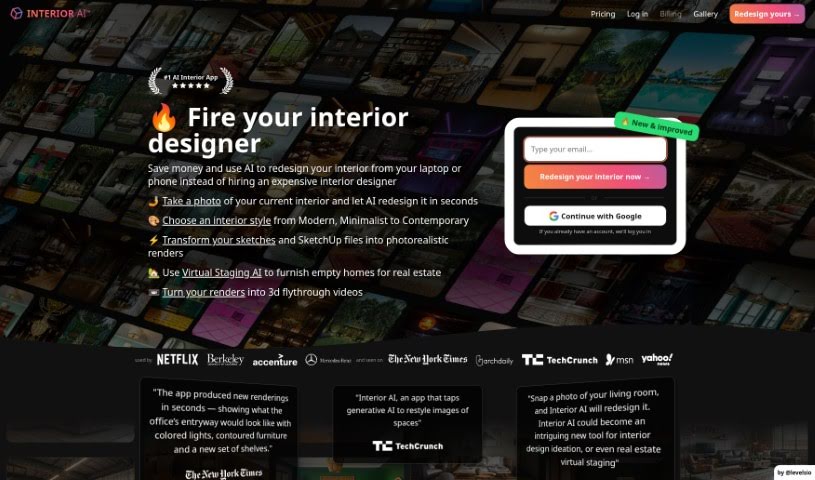
Screenshot of Interior AI

Interior AI

Freemium

Interior AI is a smart software that uses artificial intelligence to help with virtual staging, coming up with interior design ideas, and sparking inspiration. It lets you see how furniture and decor would look in your own space. You can try out different design styles and get realistic pictures of what your interiors could look like. It’s a really helpful tool if you're thinking about redecorating your home or even just a single room. It opens up tons of design possibilities and gives you plenty of fresh ideas. With Interior AI, you can quickly find design inspiration and visualize all sorts of options for your living areas.

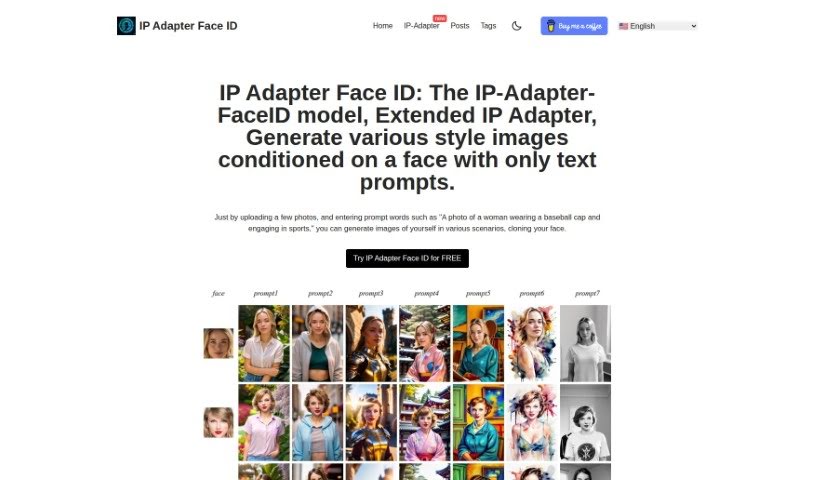
Screenshot of Ip Adapter Faceid

Ip Adapter Faceid

Freemium

The IP Adapter Face ID model is a really neat tool that lets you create all sorts of images in different styles, all based on a face you provide and some text prompts. You can upload photos of yourself, then add descriptive words like, "A photo of a woman wearing a baseball cap and engaging in sports." The tool then generates images showing your face in all sorts of new situations. Some of the cool things it does include creating images in different styles, working with text prompts, letting you change the 'role' of the person in the image, and producing a variety of image versions. Essentially, it's designed to give you a unique way to generate images, let you customize them exactly how you like, and easily switch up the style.

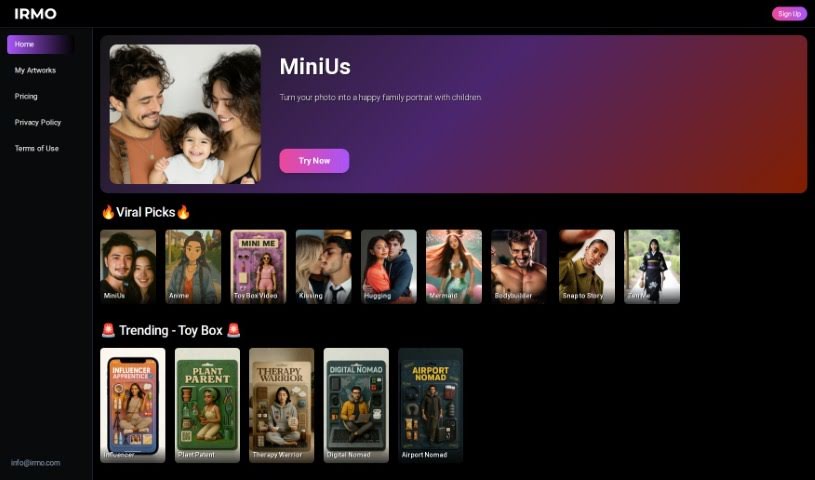
Screenshot of Irmo

Irmo

Freemium

Irmo is a really neat platform packed with all sorts of AI tools to help you out with different projects and creative ideas. It is your go-to spot for advanced artificial intelligence that can help with design, digging into data, creating content, and so much more. It's designed to be super easy to use, and they're serious about your privacy, terms of use, and keeping things secure to build your trust. Irmo's AI apps are really geared towards creation across many different fields, especially if you're into creativity and design tools. You'll find clear links on their site to their Privacy Policy, Terms & Conditions, and EULA, so you know they're looking out for you.

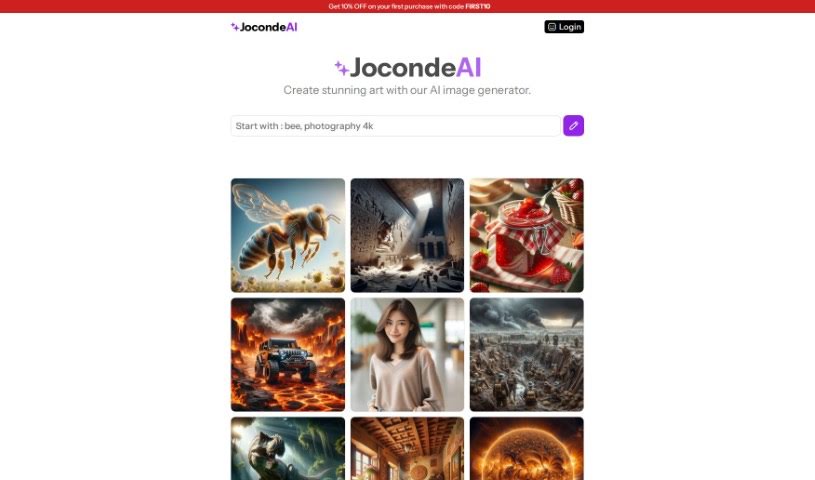
Screenshot of Jocondeai

Jocondeai

Freemium

JocondeAI is a neat AI tool that lets you create art, generating images at a crisp 1024x1024 pixel resolution. You can guide it by providing specific themes, and the cool part is, you can use these generated images for pretty much anything – both for your personal stuff and for commercial projects. When it comes to pricing, JocondeAI offers three options: the Small Pack for 9.99€, the Medium Pack for 24.99€, and the Giant Pack for 99€. Each pack gives you a set number of images and includes email support, which is handy. The tool really focuses on keeping the image quality high, and you can't actually change the quality settings yourself. Good news for creators: you keep full rights to all the images you make with JocondeAI! It's also pretty flexible with what you can input, supporting various types of prompts to get the art you envision. Payments are handled securely through Stripe, and they're there to help with any questions via email.

Screenshot of Journey Art AI

Journey Art AI

Freemium

Journey Art AI is a tool that lets you create amazing AI art using simple text descriptions. It taps into the Midjourney API, so you get really high-quality images. What's great is that it supports the latest Midjourney V5 and the Niji model, and you can use it all through a simple web interface – no need for Discord! You can try it out for free, too, getting about 10-20 free images every day. Plus, the results usually come back pretty quickly, around 40-50 seconds, because it uses Midjourney's fast mode. The team behind it has a lot of technical experience, and they've managed to get a really impressive 95% success rate for generating images.

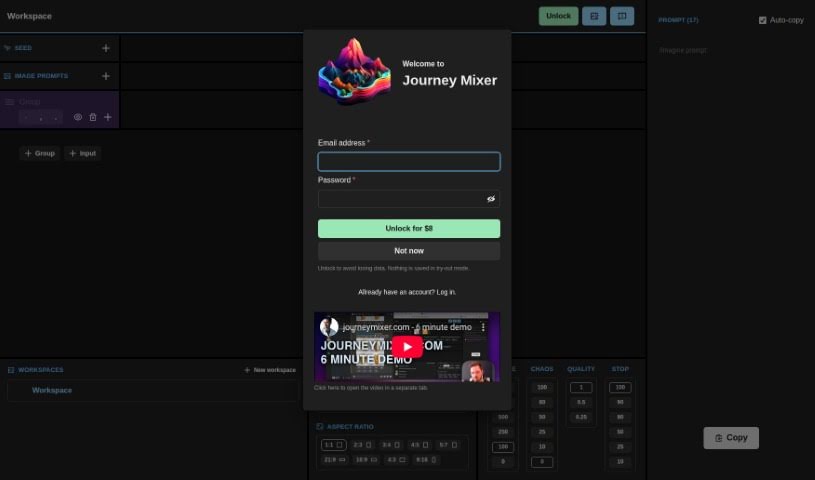
Screenshot of Journey Mixer

Journey Mixer

Freemium

Journey Mixer is a really neat tool with a super easy-to-use interface that makes creating and mixing up prompts a breeze. It's especially great if you're a Midjourney user. This platform is designed so anyone, no matter how much experience they have, can jump right in and use it effectively. You can easily tweak and combine different parts of prompts, which really speeds up how you generate them. This means you can be more efficient and productive with your creative work. Plus, it's super flexible and can handle all sorts of different inputs, so it's ready to meet whatever needs you have. It gives you the control you need to create high-quality prompts that get the results you want in Midjourney.

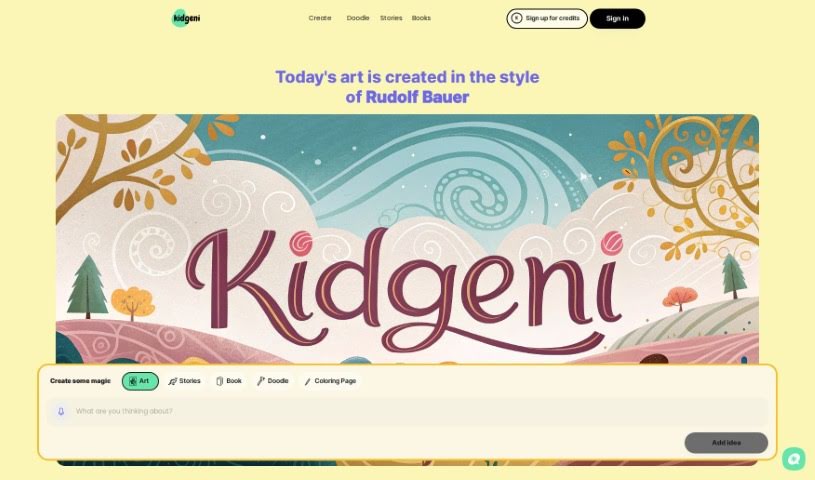
Screenshot of Kidgeni

Kidgeni

Freemium

Kidgeni is a really cool community where kids can use AI to make art, kind of like unlocking their inner artist. It gives young creators the tools and guidance they need to dream up and bring to life unique pieces of art. You can even get these creations printed on things like t-shirts and hoodies! Kidgeni offers different subscription plans, so parents can easily give their kids access to the art creator. It’s a fantastic way for them to really dive in and let their imaginations run wild. Looking ahead, Kidgeni plans to branch out into other creative areas, using AI for things like music and even making videos. Plus, they really care about making sure customers are happy, offering a 15-day money-back guarantee on returns and exchanges. It all shows their dedication to sparking kids' creativity and making art exciting.

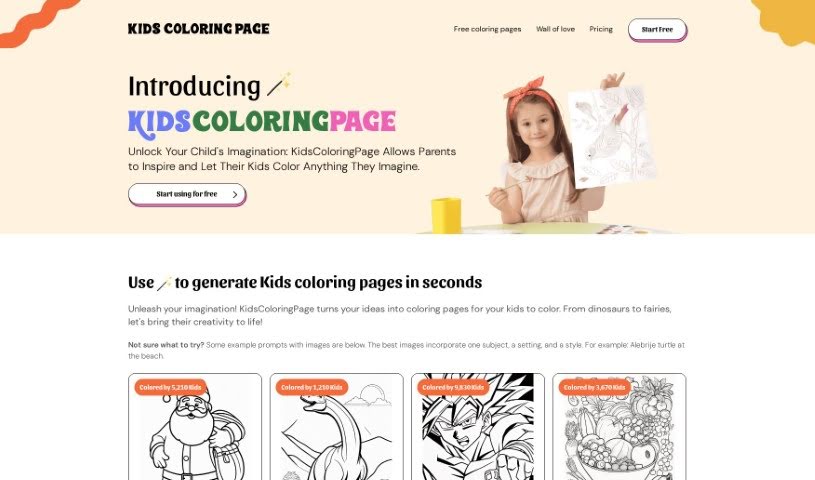
Screenshot of Kidscoloringpage

Kidscoloringpage

Freemium

KidsColoringPage is your go-to spot for endless coloring fun, perfect for kids, parents, teachers, and anyone who enjoys a creative outlet. It’s super easy to use – you can whip up custom coloring pages in no time, thanks to its straightforward design. Whether you’re looking for mystical dragons or enchanting fairies, the site has a huge variety of themes to spark your child’s imagination and help them develop their artistic skills and fine motor control. It’s not just for fun, though; it’s also a great educational tool. You can even try it out for free with your first five images, and there are affordable subscription plans if you want even more coloring adventures.

Screenshot of Kiri.art

Kiri.art

Freemium

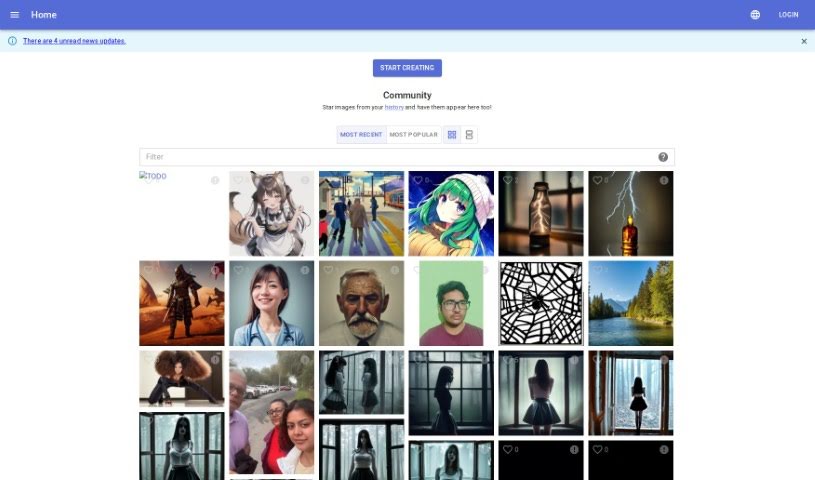
Kiri.art uses advanced Diffusion Image Generation technology, letting you create incredibly detailed and personalized images with AI. It's not like older methods; this platform uses smart algorithms to make sure every image it generates is one-of-a-kind and top-notch. The interface is really easy to use, so whether you're a pro or just starting out, you can make amazing visuals without needing a steep learning curve in graphic design. If you're an artist wanting to add new tools to your collection, a developer looking to weave AI images into your projects, or a business aiming to boost your visual content, Kiri.art's Diffusion Image Generation platform opens up a world of possibilities. You'll get high-quality images, lots of ways to customize them, new diffusion models, and it's useful across all sorts of industries.

Screenshot of Leap ML AI Image Generator

Leap ML AI Image Generator

Freemium

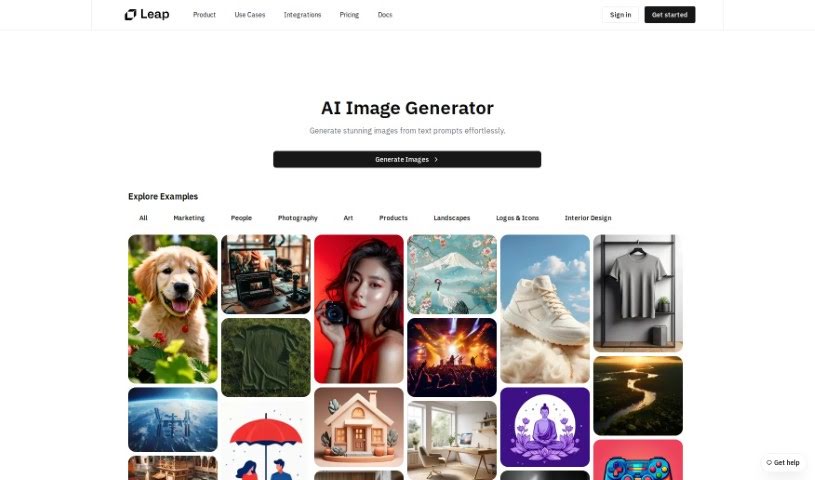
The AI Image Generator is a really smart tool that uses advanced technology and machine learning to create amazing pictures just from your words. You type in a description, or a 'prompt,' and it whips up cool visuals – maybe something artistic, a realistic photo, or even an abstract design. Whatever you describe, it tries to bring it to life visually. This makes it super handy whether you're working on marketing materials, creating content, or just tinkering with personal projects. It's a fantastic way to boost your creativity and get things done faster by easily making stunning images from text.

Screenshot of Leonardo AI

Leonardo AI

Freemium

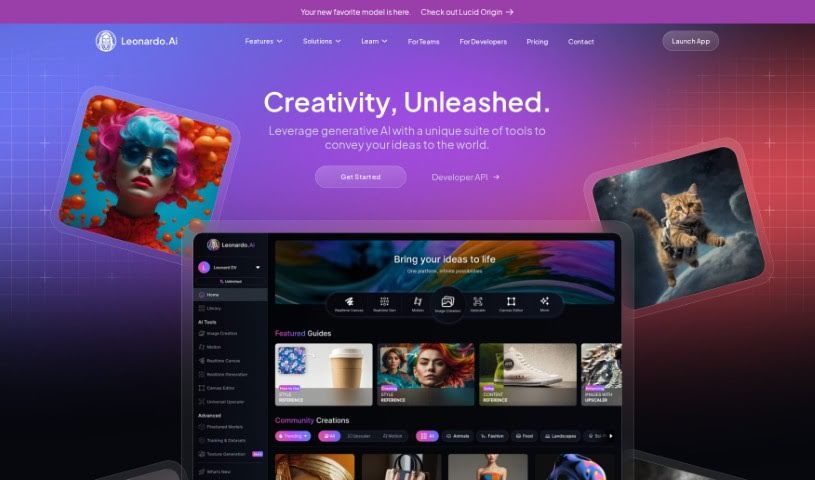
Leonardo.Ai is a really cool AI platform that's changing how creative folks make professional-quality assets for their projects. It uses smart AI algorithms to whip up high-quality visuals that are just right for what users need, whether you're a graphic designer, photographer, or filmmaker. You can do all sorts of things with it, from creating images and videos to producing audio, letting you craft stunning visuals fast and keep a consistent style throughout. Plus, Leonardo.Ai is quick, easy to use, and makes the whole creative process smooth, so you can really let your imagination run wild and get amazing results.

Screenshot of LifecastVR

LifecastVR

Freemium

LifecastVR is a platform that really lets you dive into immersive experiences. It offers volumetric VR180 videos and photos, plus 3D stable diffusion, and it works great with Quest and WebVR devices. What's really neat is that you can take regular 2D photos and even just text descriptions and turn them into something called "Holo." Think of it like a holographic-like visual that's truly groundbreaking for virtual reality. The platform also has a fantastic collection of AI-generated art. You'll find everything from super realistic paintings to really fun, imaginative pieces – like a peanut butterfly or an octopus giving a speech! They've organized these into categories like Trending, Most Viewed, and Newest, so it's easy to find something you'll enjoy. Plus, you can keep track of all your own personalized creations in "My Creations," making it a really smooth way to explore the world of volumetric content.

Stay Updated with AI Tools

Get weekly updates on the latest AI tools, trends, and insights delivered to your inbox

Join 25,000+ AI enthusiasts. No spam, unsubscribe anytime.