Top AI Assistants

AI Tools for AI Assistants

Discover the best AI Assistants AI tools to enhance your productivity and creativity.

Page 26 of 34 • 407 total tools
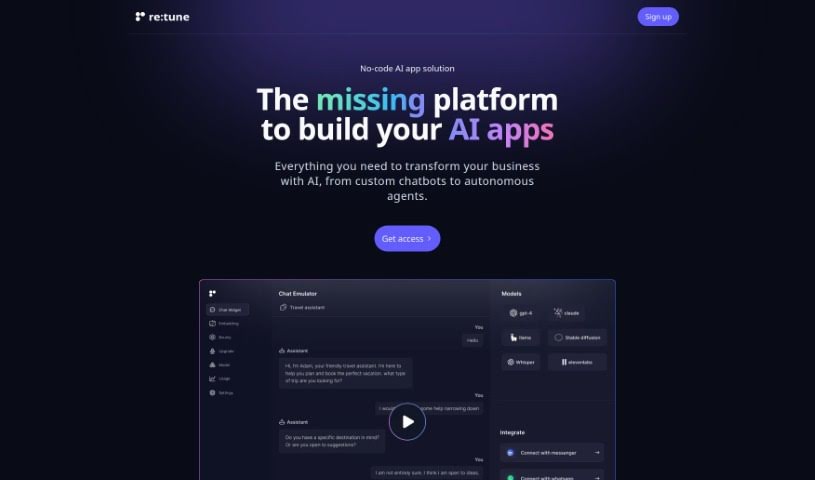
Screenshot of re:tune

re:tune

Freemium

Re:tune is a really neat no-code solution for building your own AI apps, specifically designed to meet business needs. It is a platform where you can create and customize your very own ChatGPT for all sorts of things – like handling customer support or boosting sales. What's great is that you can train these chatbots using all kinds of data, whether it's from your website or even super specific customer information. Plus, re:tune makes it easy to weave AI into your existing tools and platforms, offering a complete way to bring AI into your business operations.

AI Assistants View Tool →
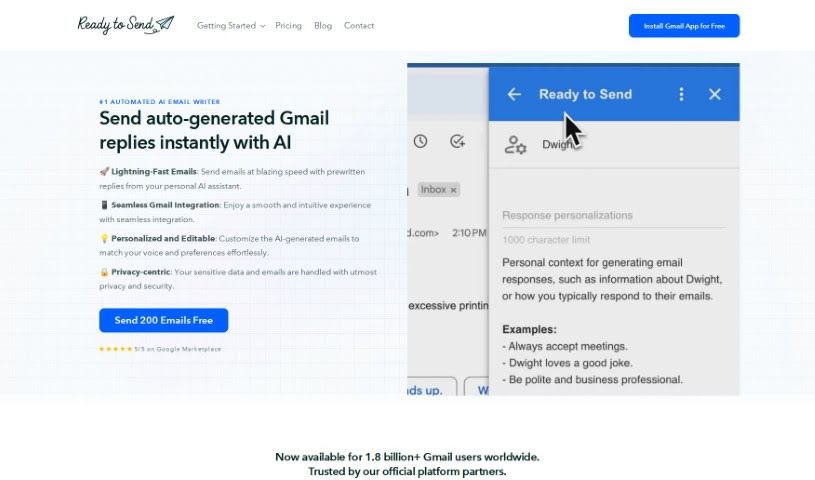
Screenshot of Ready to Send

Ready to Send

Freemium

Ready to Send is an AI-powered add-on for Gmail that drafts email replies automatically. It scans incoming emails and generates personalized draft responses, usually within minutes, cutting down the time spent typing replies manually. Every draft is fully editable, so you can review and adjust each message before sending.

AI Assistants View Tool →
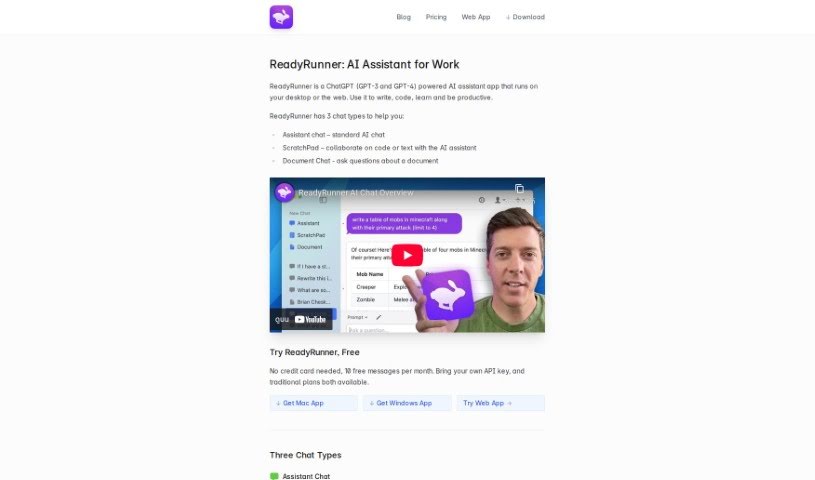
Screenshot of ReadyRunner

ReadyRunner

Freemium

ReadyRunner is a desktop application that puts OpenAI's GPT models on your computer. It works as a personal AI assistant for writing, editing, and brainstorming — drafting emails, polishing documents, fixing grammar, generating ideas, and handling technical work like writing and debugging code. It's available on Web, Mac, and Windows, with a clean interface and a built-in prompt library for tailoring AI responses.

AI Assistants View Tool →
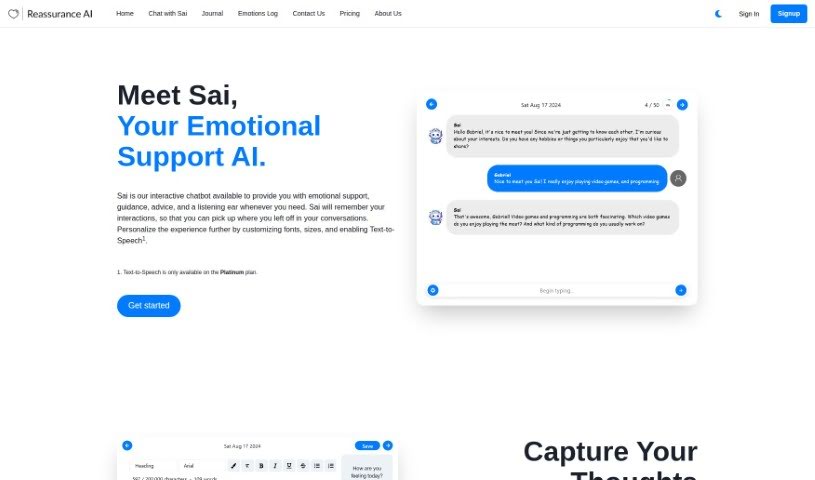
Screenshot of Reassurance AI

Reassurance AI

Freemium

Reassurance AI is a mental health service built around Sai, an Emotional Support Chatbot that offers advice, guidance, and support for emotional and mental health concerns. Alongside the chatbot, you get a virtual personal journal for recording thoughts and worries — useful for reflecting on them later and understanding yourself better.

AI Assistants View Tool →
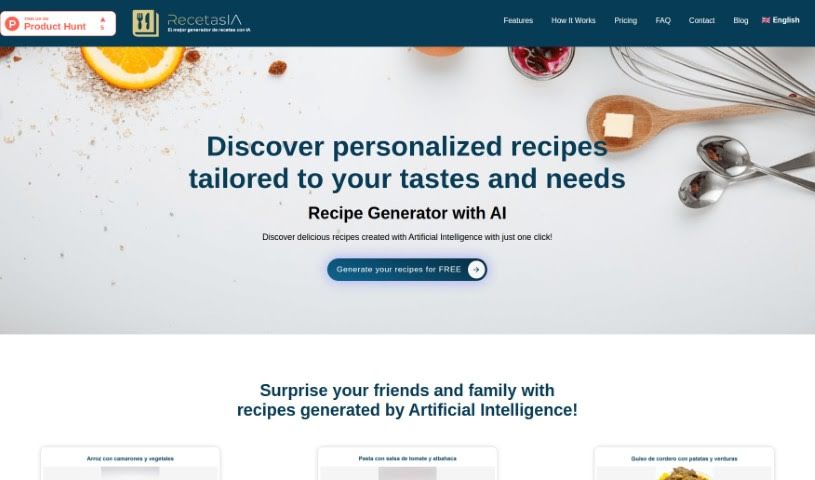
Screenshot of Recetasia

Recetasia

Freemium

Recetasia is an AI recipe generator built on OpenAI's GPT-3.5 Turbo. Enter your tastes, dietary needs, or foods you can't eat, and it produces a recipe that fits. Set your preferences, press the "Get Recipe" button, and a recipe is generated instantly. Recipes can be saved and shared; downloading is available depending on your membership plan. Plans vary in benefits, including how many recipes you can generate, downloadable recipe cards, and priority email support. The tool works in English and Spanish.

AI Assistants View Tool →
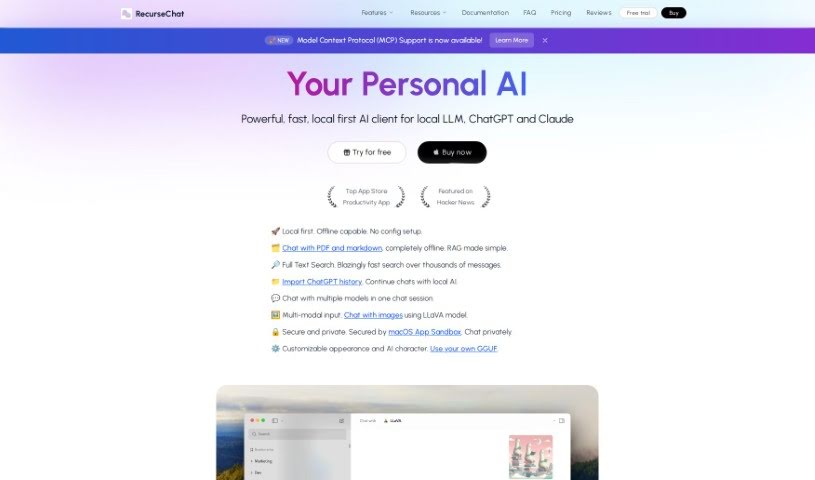
Screenshot of RecurseChat

RecurseChat

Freemium

RecurseChat is a personal AI application for chatting with AI models that run locally on your Mac. It emphasizes privacy and ease of use, runs inside the macOS App Sandbox for added security, and works fully offline with no complicated setup.

AI Assistants View Tool →
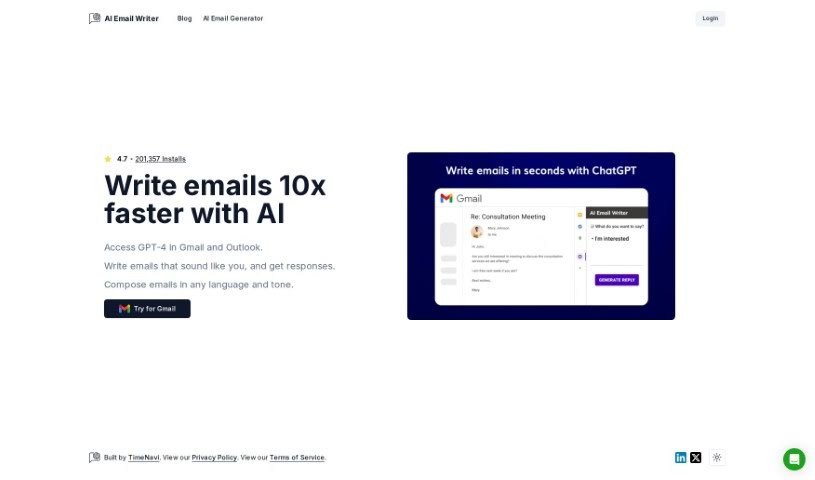
Screenshot of Replyai

Replyai

Freemium

ReplyAI is an AI-powered email writing tool developed by TimeNavi. It integrates directly with Gmail and Outlook, so you can draft replies without leaving your inbox. The tool uses an AI model similar to GPT-4 to generate responses that match your personal voice and tone, helping messages sound like you wrote them.

AI Assistants View Tool →
Screenshot of Repromptify

Repromptify

Freemium

Repromptify is a platform that simplifies creating AI prompts. It generates fully optimized prompts, particularly for advanced tools like GPT-4, and lets you test those prompts and view the ChatGPT responses directly in the app. It can also generate images using prompts that GPT-4 has fine-tuned for image models like DALLE•2 and Midjourney, helping you write prompts clearly without guesswork.

AI Assistants View Tool →
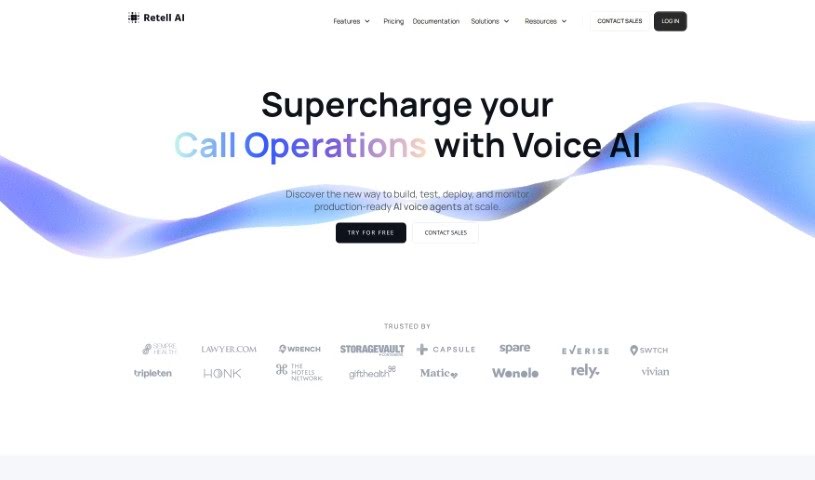
Screenshot of Retell AI

Retell AI

Freemium

Retell AI is a speech API platform that lets large language models (LLMs) interact through natural, human-like voices in your applications. It combines speech-to-text, LLMs, and text-to-speech components so developers can build Voice AI that feels like a real conversation.

AI Assistants View Tool →
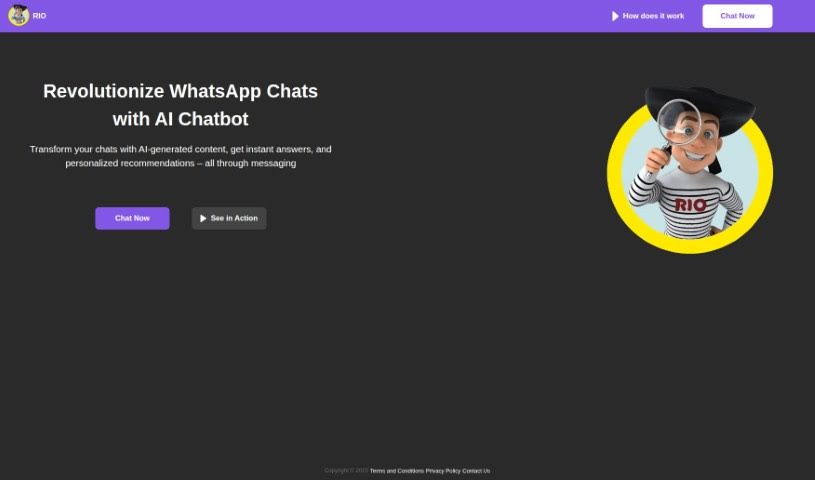
Screenshot of Riogpt

Riogpt

Freemium

RioGPT is a conversational AI chatbot built on the Generative Pre-training Transformer (GPT) model. It uses natural language processing to understand what customers type, determine their intent and context, and generate accurate answers automatically. The tool can be tailored to different businesses, with particular strengths in retail, finance, and healthcare. Its main focus is customer service, where it improves efficiency by automatically answering common questions.

AI Assistants View Tool →
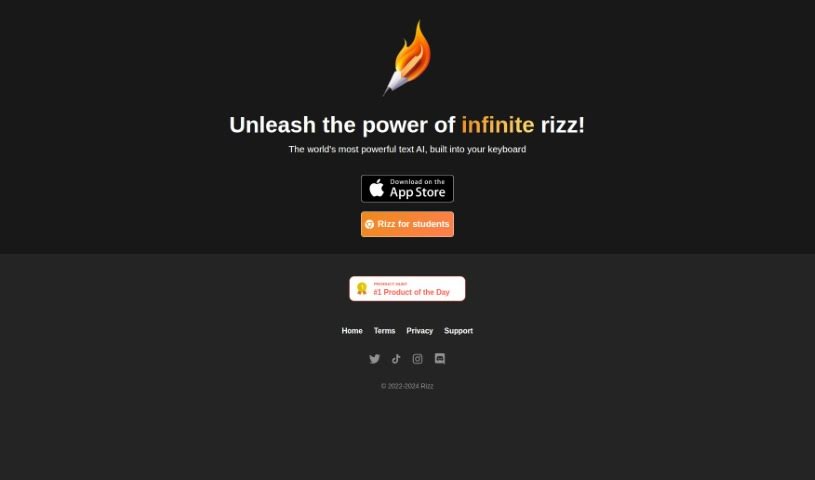
Screenshot of Rizz

Rizz

Freemium

Rizz is an AI dating assistant designed to help people navigate online dating. It acts as a personal guide through the dating process, generating engaging conversation openers and personalized reply suggestions to help users build genuine connections. By using its suggested openers and custom replies, singles can improve their communication skills and make their dating experience more successful.

AI Assistants View Tool →
Screenshot of Rizz! Keyboard

Rizz! Keyboard

Freemium

Rizz! Keyboard integrates AI text generation directly into your mobile keyboard. Instead of switching between apps, you get access to the company's text AI while typing in any app — whether you're writing an essay, drafting an email, or composing a social media post. The tool is designed to make typing more productive by putting AI assistance at your fingertips.

AI Assistants View Tool →

About AI Assistants tools

We’ve all had days where the to-do list feels completely overwhelming. Between replying to urgent emails, rescheduling meetings, summarizing notes, and jumping across a dozen open browser tabs, there’s rarely enough energy left for actual deep work. It often feels like you need a full-time assistant just to keep up with daily operational noise.

Modern digital assistants go far beyond basic chatbots that answer trivia questions. These applications handle calendar scheduling, draft email replies, summarize lengthy reports, and keep your projects moving while you stay focused on the bigger picture.

How a Digital Assistant Fits Into Your Routine

The biggest benefit of a digital helper is how much friction it removes from routine tasks. Coordinating a single meeting, for instance, used to take four or five back-and-forth emails just to find an open time slot. Smart scheduling tools connect directly to your calendar, coordinate with other participants, and lock in a time that works for everyone.

Handling information overload is another area where these platforms excel. If you get dropped into a massive email thread or handed a fifty-page PDF, an AI assistant can digest the material in seconds. You get a clear summary of core decisions, outstanding questions, and action items before your morning coffee gets cold.

There’s also a major shift in how these applications work. Older tools only responded when you asked direct questions. Newer assistants act more like proactive teammates. They can flag overdue tasks, prepare draft responses for your review, or update your project management board automatically after a sales call wraps up.

Key Capabilities to Look For:

  • Integration depth: Tools that link directly into your existing inbox, calendar, and task management apps without extra steps.
  • Action capabilities: Systems that complete real tasks like booking events or updating records, rather than just generating plain text.
  • Contextual memory: Software that remembers your preferences, communication style, and past interactions so you don’t have to repeat instructions.
  • Customization options: Features that let you set custom rules, persona voices, and explicit instructions for routine tasks.
  • Privacy controls: Strong security measures that ensure personal communications and internal business data remain strictly confidential.

No software can replace human judgment or genuine empathy. While an assistant handles routine scheduling or drafts a quick project update, you still bring creative direction, build relationships, and make final decisions. The ideal setup is a partnership where software handles background busywork while you maintain full control.

Take a look through the options below to find an assistant that matches your daily routine.

The Best AI Assistants

  1. Monica: Great for easy chats with AI chatbots.
  2. Sider: Perfect for personalized virtual assistant conversations.
  3. Abacus.ai: Offers smart responses for users.
  4. Yeschat: Helps with smart scheduling and reminders.
  5. You.com: Streamlines everyday tasks with AI help.
  6. Merlin AI: Simplifies daily task management.
  7. MaxAI.me: Provides personalized virtual scheduling assistance.
  8. Chatgpt Online: Good for smart scheduling and task management.
  9. Casetext: Streamlines legal document review.
  10. Hume AI: Offers personalized customer support chatbots.
  11. Tavus: Features personalized AI assistant video interactions.
  12. AI Power: WordPress plugin that brings GPT-3.5 and GPT-4 to content, images and chat.
  13. Retell AI: Provides smart voice control for daily tasks.
  14. Runway Research: Enhances AI assistant training data.
  15. Alexa Translations: Legal-focused translation, interpretation and localization services.
New tools, in your inbox.

Weekly picks of the best AI tools we've researched and added — no spam, unsubscribe anytime.

Join 25,000+ AI enthusiasts. No spam, unsubscribe anytime.