AI Tool Directory

Discover the best AI tools to enhance your productivity and creativity.

Page 193 of 355 β€’ 24 tools
Screenshot of Metos

Metos

Freemium

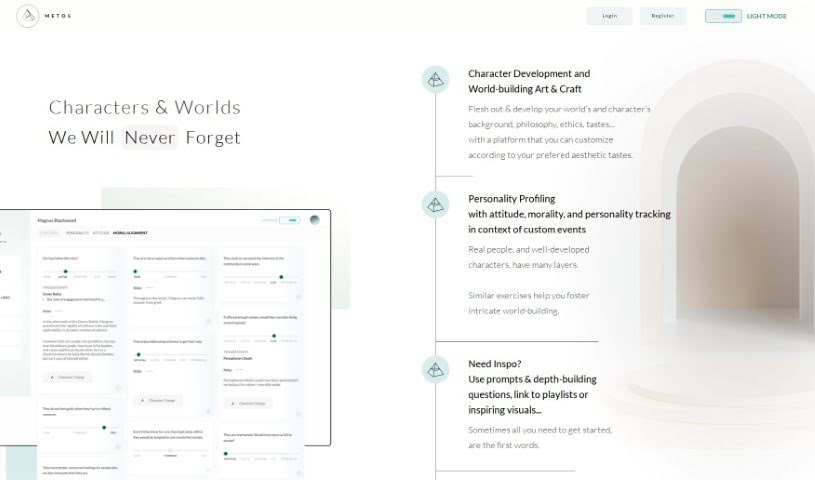
Metos is an app designed to help writers create characters and worlds that feel truly alive and detailed. It really focuses on building characters by digging into their personality traits, what they like and dislike, and their personal histories. You know, acclaimed authors like Neil Gaiman and Elizabeth Gilbert often talk about how important it is to really imagine your characters as actual people before you even start writing them into scenes. Metos is here to help you do just that – to flesh out characters that are unique and have lots of different layers, much like the memorable characters you find in books like "The Lord of the Rings" or "American Gods."

Text Generation View Tool β†’
Screenshot of Metrotechs

Metrotechs

Freemium

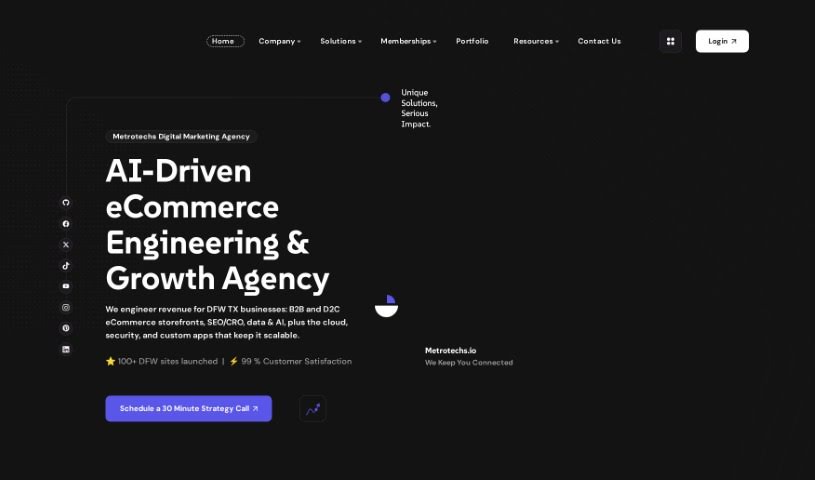
Metrotechs is a platform designed to help you launch and grow your online brands. It's packed with over 60 content creation templates powered by ChatGPT, plus an image generator using Stable Diffusion. Need to turn text into speech? It's got Amazon Polly for that. And for speech-to-text, it uses OpenAI Whisper. There's even a code bot! What's really neat is that it includes ChatGPT-powered chatbots, acting like expert digital marketing consultants ready to guide you. Through its launchpad, you can even register domain names and get WordPress websites up and running in no time. Essentially, Metrotechs aims to make developing your e-commerce business much simpler, offering personalized help every step of the way.

Sales And Marketing View Tool β†’
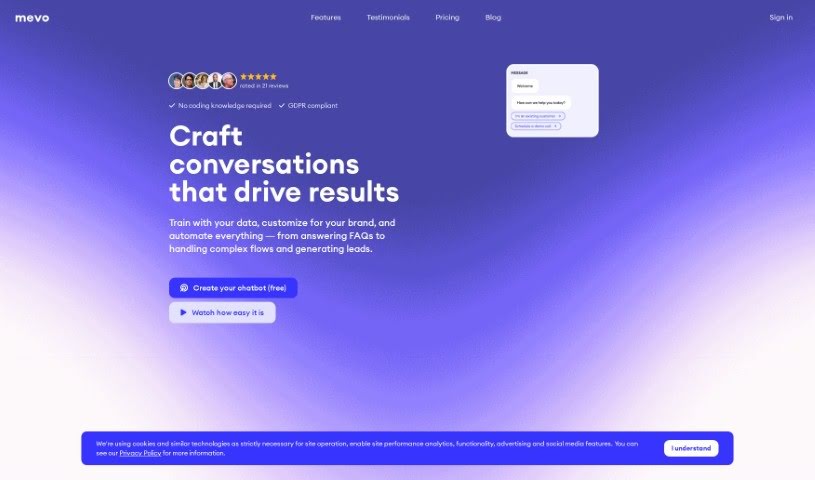
Screenshot of Mevo

Mevo

Freemium

Mevo is a really straightforward chatbot platform. It lets you build and customize your own chatbots, and the best part? You don't need to know any code to do it! You've got two main options here: rule-based chatbots and AI-powered ones. Rule-based bots are perfect for your website or landing pages – you can tweak how they look and get them published super fast. AI-powered chatbots, on the other hand, can learn from your FAQs, product details, or even just plain text and PDF files to answer questions. Mevo also keeps things clear with its pricing: there's a free plan that's yours forever with the basics, a Pro plan for more usage and quicker support, and an Enterprise plan if your company needs dedicated help and infrastructure. Basically, Mevo makes it simple for anyone to connect with their audience and collect information using chatbots.

Text Generation View Tool β†’
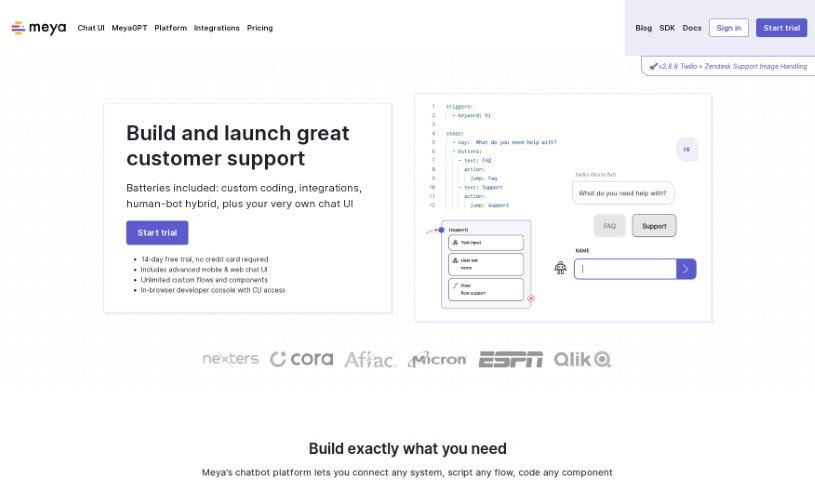
Screenshot of Meya

Meya

Freemium

Meya is a powerful chatbot platform that lets you build and launch your very own chat applications. It is a toolkit that gives you a lot of flexibility. You can add all sorts of features, like custom coding, integrations with other services, a human-bot hybrid mode, ways to customize the chat interface, natural language understanding (so it can grasp what users mean), API connections, and analytics to see how it's doing. You can really set up your apps to match exactly what you need, including your own code, data, and integrations. The platform supports advanced widgets, different modes, and customizations that work across various platforms like Android, iOS, and the web, offering a really complete chat experience. Plus, Meya offers fantastic support for its customers. This includes things like shared Slack channels, direct email access, working together on solutions, pair-programming sessions, and even proactive monitoring and help with any issues that pop up. For development, Meya provides a user-friendly environment with tools like the BFML (which uses YAML syntax), Python coding, in-browser developer consoles, visual flow editors, and analytics to track user interactions. Meya is all about making things better continuously, with easy one-click app deployments, endless extensibility, and a 3rd-gen event-oriented architecture. This architecture lets you handle custom events with asynchronous, high-performance capabilities.
Text Generation View Tool β†’
Screenshot of Mezzi

Mezzi

Freemium

Mezzi is a tool designed to help you build wealth and manage your investments. It is giving you access to the kind of insights you'd normally only get from expensive wealth advisors. It brings all your investment accounts together in one place. Plus, it offers personalized advice to help you save on capital gains taxes, cut down on fund fees, boost your passive income, and make sure your portfolio is set up just right. The platform uses smart calculators and AI technology to make complicated financial tasks feel much simpler, helping you build wealth effectively and efficiently.

Screenshot of Mi.nimax

Mi.nimax

Freemium

Mi.Nimax is a smart platform that uses AI to help you create eye-catching mini-pages, perfect for sharing all your important links. It is your personal digital hub! You can easily arrange and customize these links to create a page that truly represents your brand or personal style. Plus, Mi.Nimax generates unique AI-powered QR codes, making it super simple to share your online content offline in a really attractive way. It supports all sorts of links – from social media profiles to physical products – and gives you full control over how your mini-pages look, even letting you adjust their size. It’s designed to be user-friendly, helping you manage your online presence efficiently and really boost your personal branding.

Social Media View Tool β†’
Screenshot of Mia AI

Mia AI

Freemium

Mia AI is a really smart conversational AI tool. It is your personal voice AI companion, built using the powerful GPT technology from OpenAI. It's designed to offer you tailored feedback and suggestions, and it actually gets better over time as it learns from your interactions. The goal is to make conversations feel natural and engaging, just like talking to another person, whether you're using voice or chat.

Text Generation View Tool β†’
Screenshot of Micro1

Micro1

Freemium

Micro1 is a small, affordable microcontroller board. It's really designed to help people learn about programming and electronics, perfect for smaller projects. It comes with handy built-in features like digital input/output pins, analog inputs, and ways to communicate with other devices using UART, SPI, and I2C. Many people use Micro1 to get a handle on programming basics, dive into electronics, and learn about embedded systems. It's quite user-friendly, making it a great starting point for anyone new to microcontrollers. Because it's so versatile and doesn't cost much, Micro1 is a super convenient way to learn and play around with different ideas in embedded systems and electronics.

Human Resource View Tool β†’
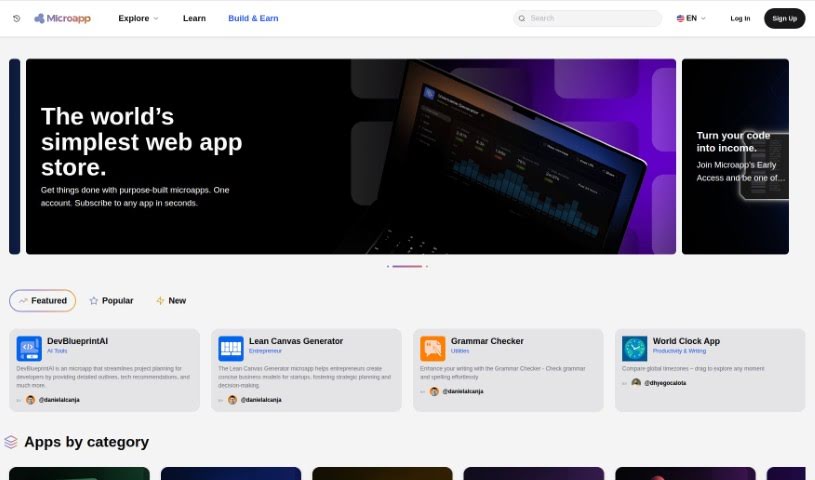
Screenshot of Microapp.io

Microapp.io

Freemium

Microapp.io is an AI-powered platform designed to transform how we build software. It really dives into artificial intelligence for software engineering, offering some neat tools specifically for developers working with React and Tailwind CSS. It is a way to code smarter and boost your productivity. Its standout feature is an AI that can generate components for you, making it super easy to create and preview them. Plus, by working hand-in-hand with Tailwind CSS, you can quickly build and tweak UI components. They also send out an engineering newsletter, which is a great way to keep up with what's new on the platform. It’s all the work of a Senior React Developer, so you know it’s built with efficiency and modern development in mind.

Web Development View Tool β†’
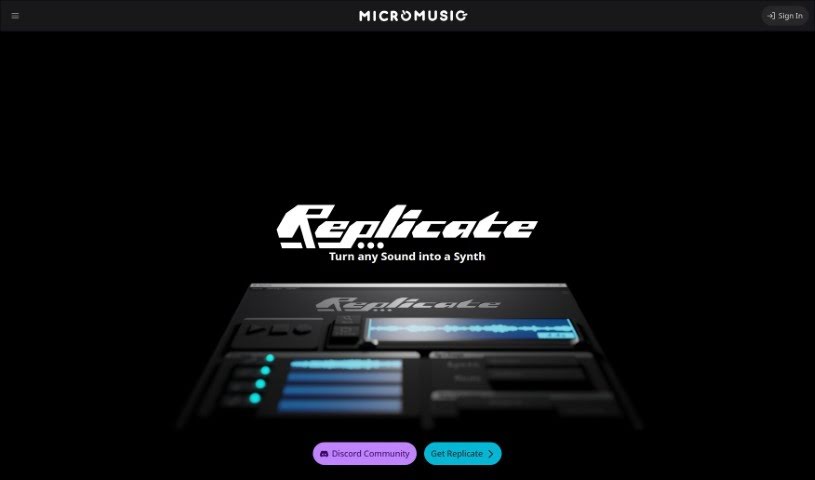
Screenshot of MicroMusic

MicroMusic

Freemium

So, what exactly is MicroMusic? Think of it as a really smart AI tool that helps you create synthesizer presets. It's designed to take the headache out of figuring out all those complex synth settings. A team of Software Engineering students from the University of Waterloo actually built it. They're using some pretty advanced machine learning to whip up synth presets super fast, just from audio samples you give it.

Screenshot of Micropay

Micropay

Freemium

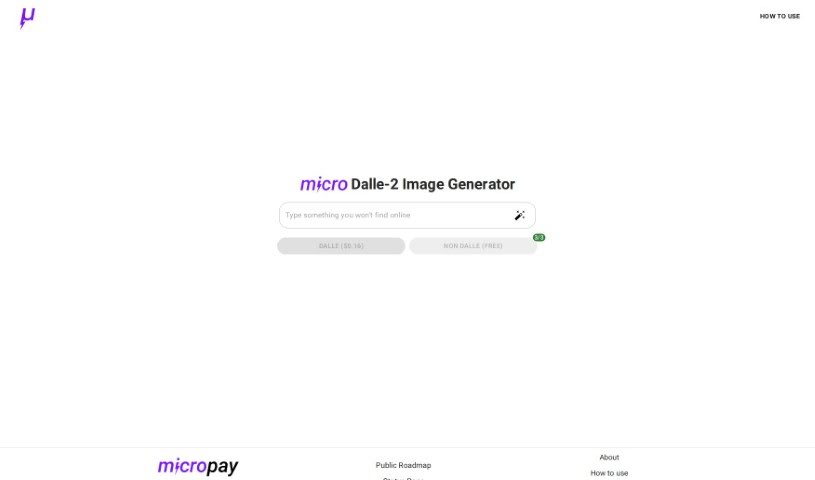
Micropay is a really interesting payment solution, created by Dillion and Haseab. They first built it because they needed a way to pay for using OpenAI's Dalle-2 text-to-image generator on a per-use basis. This setup lets you pay using the Lightning Network, which is pretty neat because it keeps things anonymous and means you don't have to prepay for a bunch of credits upfront. You know, traditional credit card companies often have a tough time with tiny payments because their fees are too high. But the Lightning Network, which is built on Bitcoin, makes it possible to do these microtransactions instantly and with very low fees, even on a massive scale. Think of Micropay like a vending machine for software – it’s a user-friendly and accessible way to pay for services exactly when you need them.

Screenshot of Microsoft Azure AI

Microsoft Azure AI

Freemium

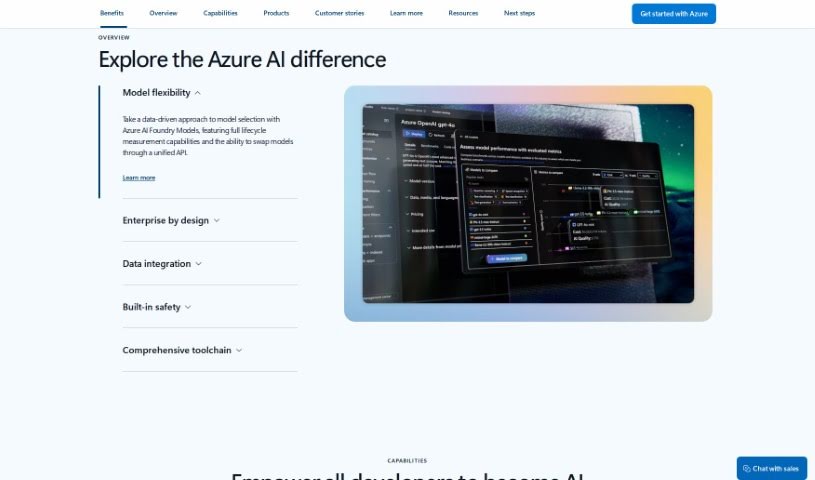
Microsoft Azure AI is a complete toolkit packed with artificial intelligence (AI) services, all designed specifically for developers and data scientists. With Azure AI, you can tap into the latest research, follow responsible AI practices, and use a variety of tools to build and launch your own AI solutions. It gives you easy access to high-quality AI models for vision, speech, language, and decision-making, all through simple API calls. Plus, you can build your own machine learning models using a powerful AI supercomputing setup, familiar tools like Jupyter Notebooks and Visual Studio Code, and popular open-source frameworks like TensorFlow and PyTorch. And, of course, everything is done with Microsoft's commitment to responsible AI principles in mind.

Web Development View Tool β†’
Screenshot of Microsoft Copilot

Microsoft Copilot

Freemium

Microsoft Copilot is a really smart AI assistant built specifically to help developers write code faster and more smoothly. It uses technology from OpenAI, specifically GPT-3, to give you suggestions right as you're typing. This means it can help complete lines of code, suggest entire functions, and even offer code snippets that fit what you're working on. The whole idea is to boost your productivity by taking care of those repetitive coding tasks, letting you focus on the more complex or creative parts. Copilot is constantly learning from a massive collection of code from all sorts of projects, so it gets better at understanding different programming languages and common patterns over time. It’s a genuinely useful tool for anyone looking to make their coding process more efficient.

Text Generation View Tool β†’
Screenshot of Microsoft Designer

Microsoft Designer

Freemium

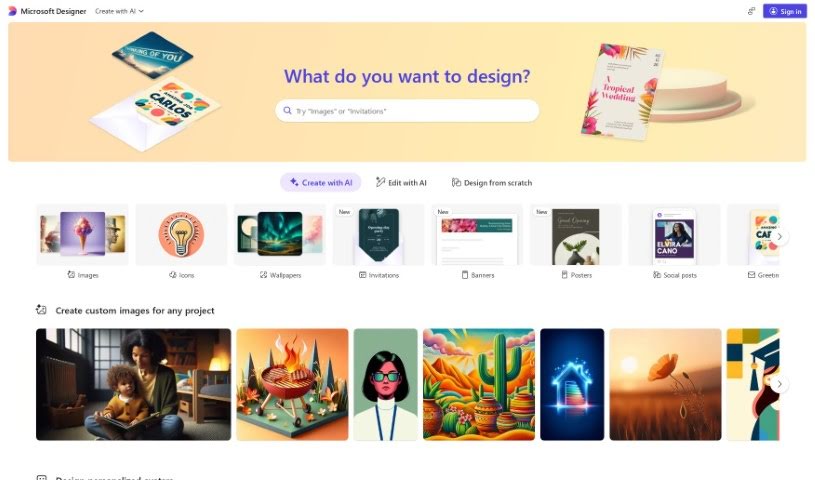
Microsoft Designer is actually a collection of tools designed to help you create great-looking content. It is a suite with different helpers, like PowerPoint Designer, Outlook Designer, and the broader Microsoft 365 Designer. PowerPoint Designer, for instance, is fantastic for making presentations look professional; it actually suggests design ideas based on what you've put in your slides. Outlook Designer helps you write emails that really grab attention by offering design tips. Then there's Microsoft 365 Designer, which is more about boosting productivity and making teamwork smoother for organizations. It provides ready-to-use templates and tools to help streamline your work. Essentially, Microsoft Designer aims to make designing easier for everyone using Microsoft apps, so you can create high-quality materials without a huge learning curve.

Screenshot of Microsoft Loop

Microsoft Loop

Freemium

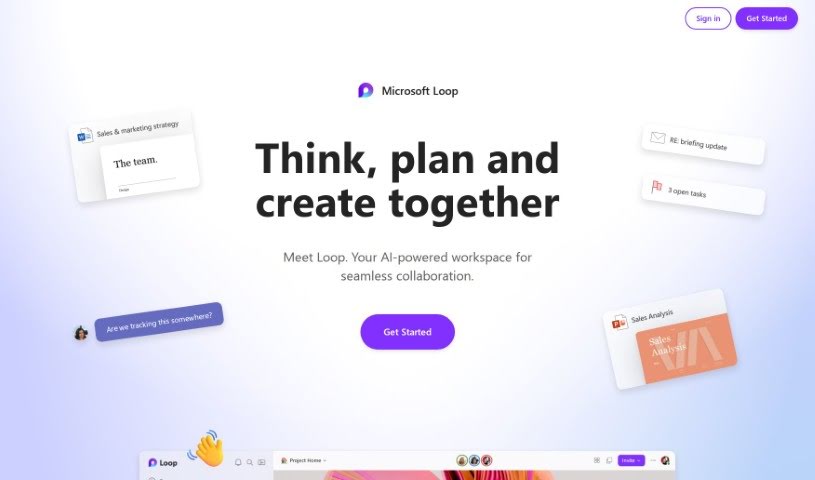
Microsoft Loop is a collaborative workspace designed to completely change how teams work together. It offers tools that make project management smoother and boost everyone's productivity. It is a shared space where documents and tasks stay perfectly in sync, no matter where your team members are – whether they're in the office or working remotely. Because it's so intuitive and easy to use, Microsoft Loop makes collaboration feel much more efficient and accessible. By bringing projects to life with these modern, professional tools, teams can build a more open and cooperative environment.

Productivity View Tool β†’
Screenshot of Microsoft Reading Coach Preview

Microsoft Reading Coach Preview

Freemium

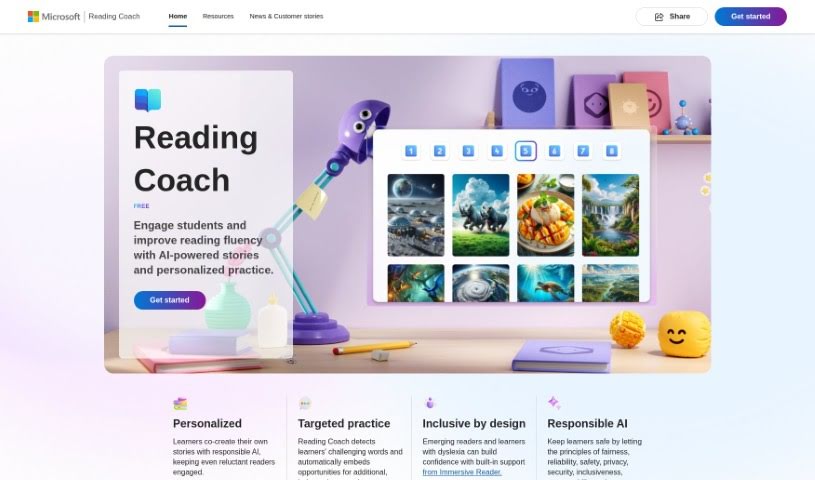
Microsoft Reading Coach Preview is a neat AI tool from Microsoft designed to make reading more engaging for students. It uses AI-powered stories and personalized practice to help kids get better at reading. It is a digital reading buddy! It lets students co-create stories with AI, which is pretty cool. It also helps identify words they find tricky, offering extra practice. Plus, it includes Immersive Reader, which is a big help for learners with dyslexia. The tool keeps track of progress, celebrates reading wins, and is built with safety and privacy in mind, following principles like fairness and reliability. You can use Reading Coach either through a web browser or a special Windows app, making it handy for learning at home or in the classroom. It's really meant to support all sorts of learning needs.

Screenshot of Microsoft Speech Studio

Microsoft Speech Studio

Freemium

Microsoft Speech Studio is a really handy tool that lets you translate videos and use AI voice dubbing in over 100 languages. You've got a huge selection of more than 400 pre-made voices to pick from, or you can even use your own voice for different languages. Plus, Speech Studio has a speech-to-text feature that quickly and accurately transcribes audio in lots of languages and dialects. If you need even better accuracy, you can create custom speech models that are great at handling specialized terms, background noise, and different accents.

Screenshot of Mida

Mida

Freemium

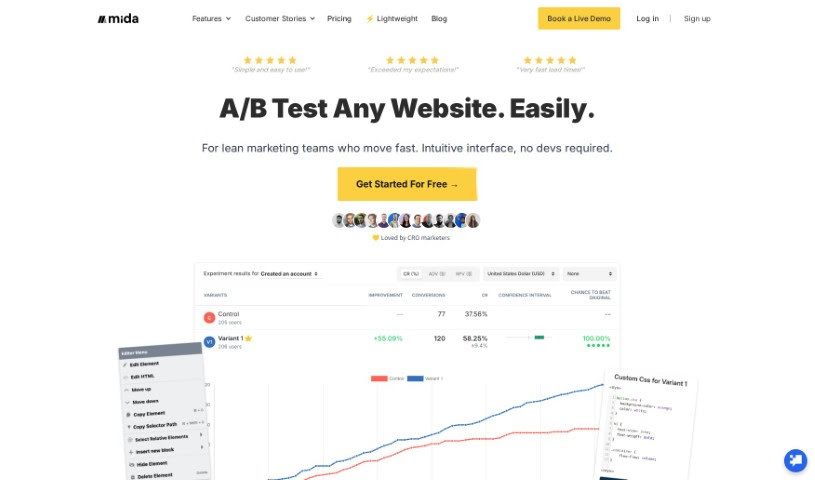
Mida is an AI-powered A/B testing platform that helps businesses fine-tune their strategies using solid data. It is a replacement for Google Optimize, built to make the whole optimization process much smoother. A really neat feature is its AI-generated A/B testing – this means you don't have to come up with test ideas or edit pages yourself anymore. Mida also focuses on boosting your copy skills with AI and offers a super user-friendly interface. It's a great fit for businesses of all sizes, and they even have a forever-free plan for sites with up to 50,000 visitors. Plus, it's known for loading really fast and working well with popular tools like WordPress, Shopify, and Google Analytics 4.

Sales And Marketing View Tool β†’
Screenshot of Middleware

Middleware

Freemium

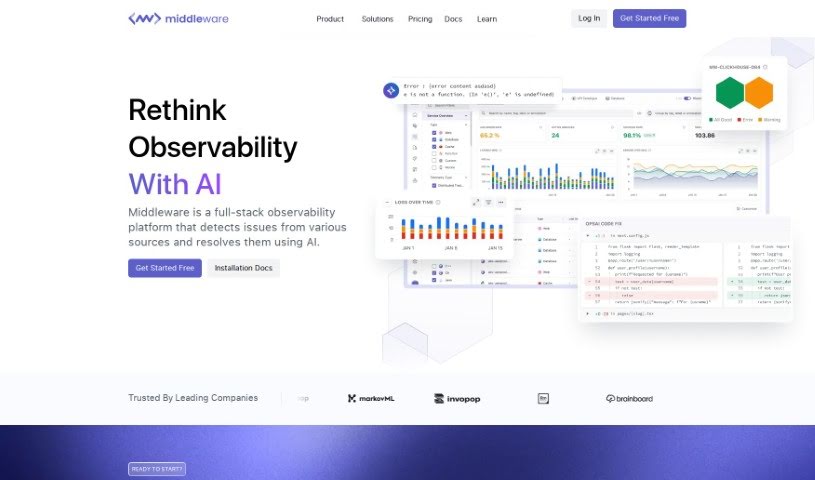
Middleware is your go-to cloud observability platform. It's designed to give you a clear picture of your entire technology stack, making complex cloud-native setups much simpler to manage. Ultimately, it helps your business achieve better results. Middleware's goal is to help organizations, no matter their size, update their infrastructure with tools that are agile, scalable, and don't hog resources. It was actually started by data experts from big names in tech. Middleware brings together logs, traces, and metrics into one place, so you can quickly spot problems in your infrastructure and fix them faster. Plus, it makes it super easy to bring in data and store it securely, even from large data warehouses like S3 and Azure Blob. By focusing on technical know-how and new ideas, Middleware really simplifies the challenges of cloud-native monitoring, giving you the power to catch system issues early and keep things running smoothly.

Productivity View Tool β†’
Screenshot of MidGenAi

MidGenAi

Freemium

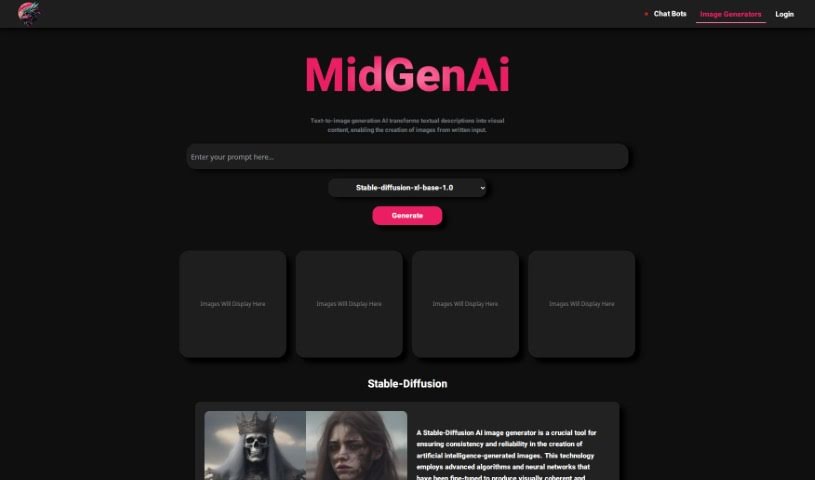
MidGen AI is a really neat AI-powered tool that turns your text descriptions into actual images. It's pretty versatile, offering five different trained models: StabilityAI, Absolute-Realism, EpicPhotoGasm, Realistic-V6, and Animagin. Each one has its own special flair, so you can pick the best fit for what you need. StabilityAI is great for getting consistent, reliable results every time you create an image. If you're aiming for super realistic images with tons of detail, Absolute-Realism is your go-to. EpicPhotoGasm is fantastic for adding cool effects and filters to make your visuals pop. Realistic-V6 is designed to generate images that look incredibly lifelike, while Animagin is perfect for creating charming cartoon-style images. What's awesome about MidGen AI is how it helps out in so many areas – think design, business, content creation, and marketing. Its interface is super user-friendly, and you can generate all sorts of different visuals just from text, without needing to sign up or pay anything.

Screenshot of Midjourney

Midjourney

Freemium

I couldn't find any specific details about Midjourney in the information you provided. Would you like me to try searching for it again, or is there something else I can help you with?

Screenshot of Midjourney Grid Splitter

Midjourney Grid Splitter

Freemium

Midjourney Grid Splitter is a really useful AI tool built to make website grid design and layout much better. It's got some advanced features that let you split, divide, and organize your grid system really effectively. One of the coolest things it does is automatically create responsive grid layouts. This means your website will look great and work smoothly on all sorts of screen sizes, giving everyone a consistent experience. The tool also comes with a huge library of pre-made grid templates, so you can customize things quickly. Whether you need a simple two-column setup or something more complex with multiple columns, it's got you covered. Plus, you can tweak things like element size, spacing, and alignment to really experiment with different looks without any hassle. Because it's so easy to use and packed with powerful features, Midjourney Grid Splitter is a top choice for web designers and developers who want to get their website grids just right.

Web Development View Tool β†’
Screenshot of Midjourney Prompt Tool

Midjourney Prompt Tool

Freemium

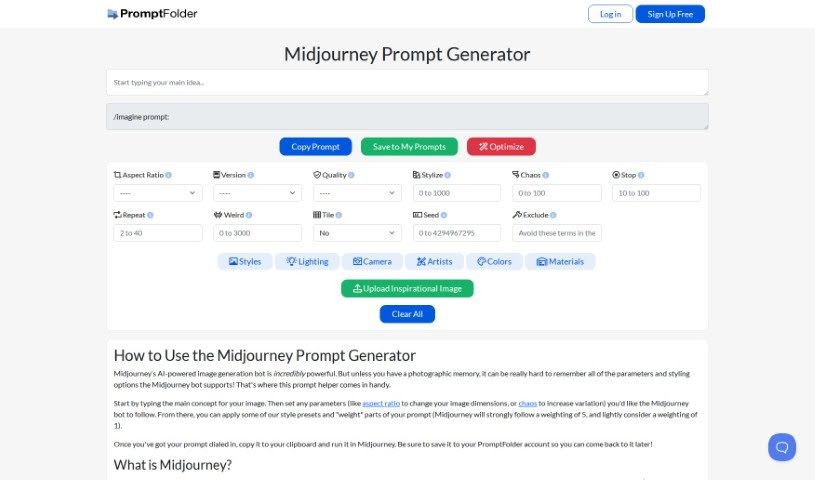
The Midjourney Prompt Tool is a really handy assistant designed to help you craft the perfect prompts for Midjourney, that amazing AI image generator. You can type in the core idea for the image you're dreaming up, then tweak settings like the aspect ratio and how 'chaotic' you want the results to be. Plus, you can apply style presets and even tell Midjourney which parts of your prompt are more important by assigning weights. Essentially, it makes creating effective prompts for the AI bot much simpler, helping you get exactly the image you're after. Don't forget to save your creations in your PromptFolder account – it's super convenient for later!

Stay Updated with AI Tools

Get weekly updates on the latest AI tools, trends, and insights delivered to your inbox

Join 25,000+ AI enthusiasts. No spam, unsubscribe anytime.