AI Writing Tools: Top Picks & How They Work

AI Tools for Writing

Discover the best Writing AI tools to enhance your productivity and creativity.

Page 12 of 13 • 147 total tools
Screenshot of Verble

Verble

Freemium

Verble is a free AI speechwriting assistant that helps you write speeches for business meetings, keynotes, weddings, and other speaking occasions. It works like a professional speechwriter and public speaking coach combined, guiding you step-by-step from the initial idea to the final draft so anyone can deliver their message with confidence.

Screenshot of Voila

Voila

Freemium

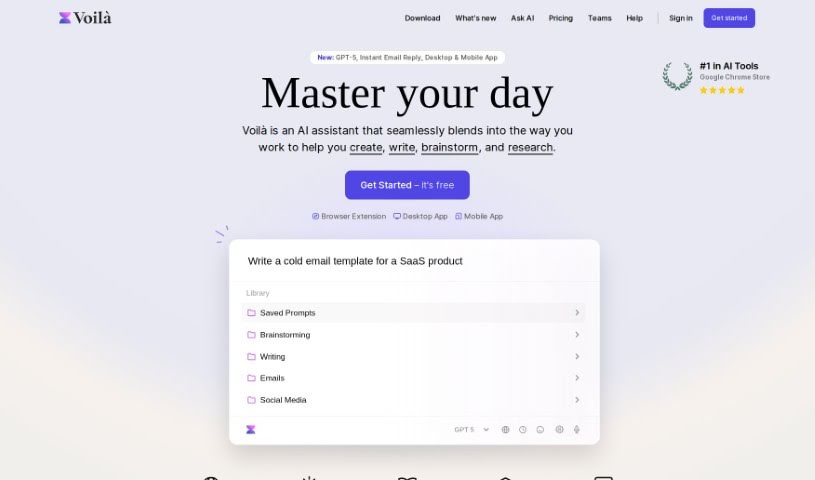
Voila works with Jupyter notebooks, turning them into interactive web applications. Instead of sharing static notebooks, you can build dashboards from your code and visualizations and publish them as standalone web apps that anyone can use. You can also adjust the layout and design so your data analysis or machine learning models look polished and feel user-friendly.

Screenshot of Whitepapergpt

Whitepapergpt

Freemium

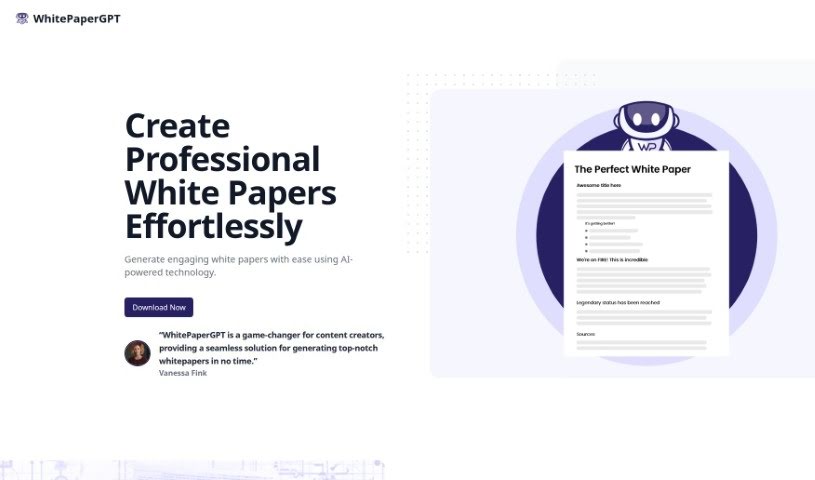
WhitePaperGPT is an AI tool for creating professional white papers. It works as a GPT-powered Chrome extension that helps you generate content, collect text snippets from the web, and organize them in one place. It includes version control for tracking revisions and customization options for how your white papers look, and it uses GPT technology to maintain content quality while guiding you on writing for your specific field.

Screenshot of Wordgenie

Wordgenie

Freemium

WordGenie is an AI tool that helps writers, editors, and content creators find the right words and phrases for their writing. It analyzes large collections of documents to deliver results that match what you're searching for.

Screenshot of WordHero

WordHero

Freemium

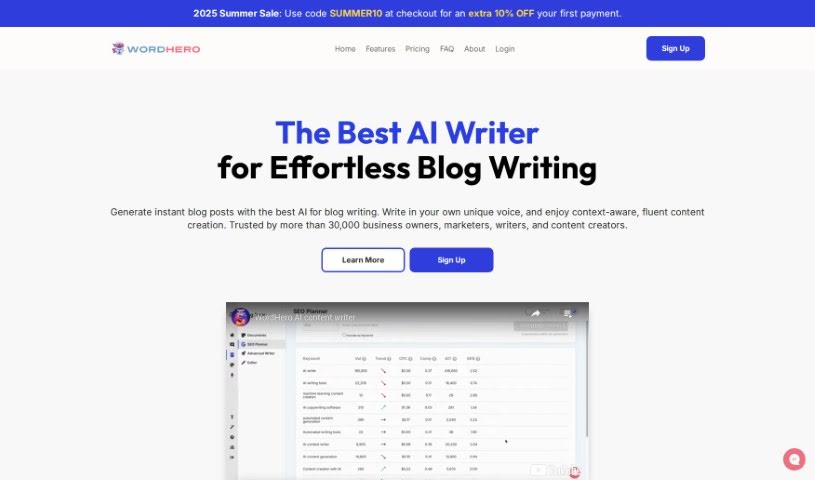
WordHero is an online AI content writing platform founded by Jeff Tay in July 2021. It helps users create content quickly, from blog posts and social media updates to emails. The platform offers over 80 writing tools and uses AI-powered content generation built on 175 billion machine learning parameters. Users can choose from three creation modes: Generator Mode, Editor Mode, and WordHero Chat.

Screenshot of Wraith Docs

Wraith Docs

Freemium

Wraith Docs is an AI assistant for Google Docs designed to help you write and edit documents faster. It can paraphrase sentences, expand on your ideas, simplify complicated text, optimize content for SEO, and quickly insert text that matches your personal writing style.

Screenshot of Write Minimal

Write Minimal

Freemium

Write Minimal is an AI-powered writing platform built around a minimalist, distraction-free design. The interface is meant to feel like writing on a fresh sheet of paper, with typography optimized for readability across screen sizes.

Screenshot of Write Tone

Write Tone

Freemium

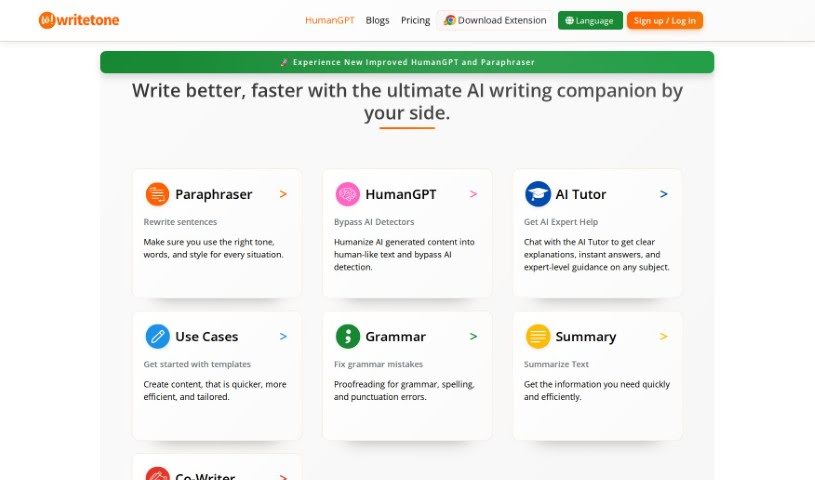
Write Tone is an AI-powered writing assistant that helps you find the right words, tone, and style for any situation. It offers a wide variety of tones so you can express your ideas in a way that sounds like you, producing content that is clear, engaging, and natural rather than generic or robotic.

Screenshot of Writekit Ai

Writekit Ai

Freemium

Writekit AI is a writing assistant that learns from your existing content to offer personalized suggestions matching your style and brand voice. It supports real-time team collaboration, adapts as your content needs change, and makes it easy to expand your writing. The platform includes an interactive editor for generating content, brainstorming ideas, and connecting thoughts, plus a dark mode to reduce eye strain during late-night sessions. These features help boost productivity whether you write solo or with a team.

Screenshot of Writely

Writely

Freemium

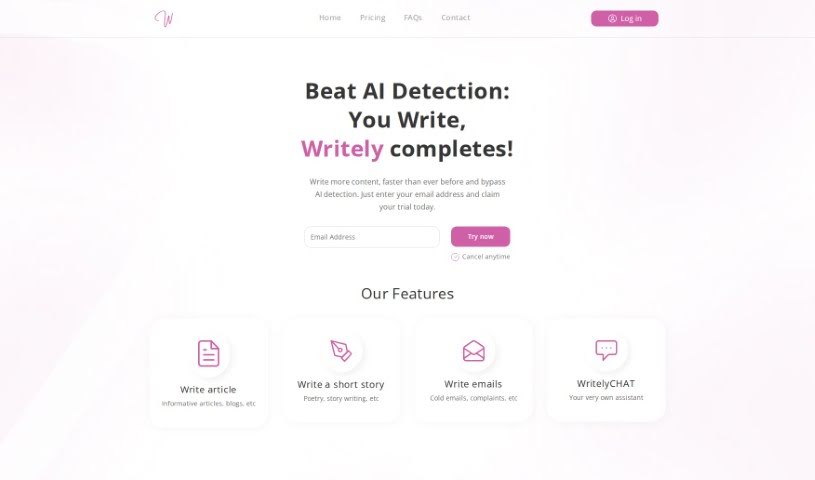
Writely is an online writing platform designed to spark creativity, help you get past writer's block, and support you in hitting your writing targets. It provides prompts, exercises, and tools for writing articles, short stories, emails, and more, with WritelyCHAT — an AI writing assistant — available to help along the way.

Screenshot of Writers Brew Ai

Writers Brew Ai

Freemium

Writers Brew Ai is a writing assistant built for Mac users. It works across browsers, native apps, and electron apps, fitting into your existing workflow. Features include a grammar checker, plagiarism checker, word suggestions, personalized writing stats, a distraction-free writing mode, and an OCR-to-text feature for extracting text from images anywhere on your Mac. It is used by people at companies and universities around the world.

Screenshot of Writeseed

Writeseed

Freemium

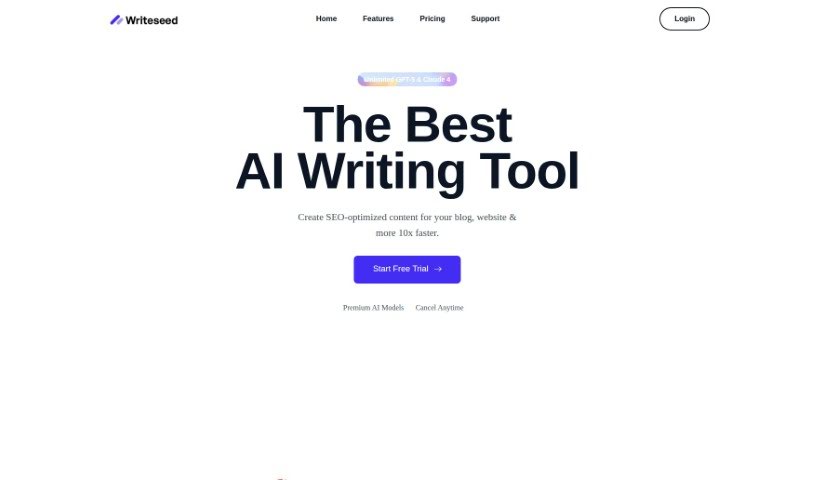
Writeseed is an AI-powered writing assistant that creates search engine optimized content quickly. You provide a keyword, and within 1-3 minutes you get content related to it — useful for blog posts, ad copy, and SEO content. It uses machine learning models trained on large datasets to produce unique, SEO-friendly content that can match your brand's voice. The tool offers over 70 templates and supports many languages, and it can also rephrase text, summarize long pieces, or write full articles.

About Writing tools

Staring at an empty screen with a blinking cursor can make any writing project feel like an uphill battle. Whether you’re drafting a blog post, working on a novel, crafting sales copy, or organizing your thoughts into an essay, finding the right words takes focus and patience. It’s easy to spend hours wrestling with sentence structure or feeling stuck before you even finish the first paragraph.

These writing platforms act as flexible editing partners and brainstorming assistants. They don’t replace human creativity or ghostwrite your work on autopilot, but they help you beat writer’s block, refine your drafts, and express your ideas clearly.

Drafting Outlines, Refining Tone, and Structuring Documents

Moving past the initial blank page is often the hardest part of any writing project. Smart writing tools analyze brief outlines or rough bullet points to generate initial drafts, chapter frameworks, or headline options in seconds. Instead of staring at a blank document waiting for inspiration, you get a solid starting point that gives you something concrete to edit and expand.

Refining your tone and improving readability also becomes far more straightforward. Self-editing can be tricky when you’ve read the exact same paragraph ten times in a row. AI assistants help spot awkward phrasing, repetitive vocabulary, and passive constructions, offering quick suggestions to make your writing tighter and more engaging while keeping your original voice intact.

Structuring long-form documents and expanding sparse outlines gets much easier, as well. When you have plenty of ideas but struggle to connect them logically, writing tools help bridge gaps between sections and suggest clear transitions. They allow you to test different structural angles, summarize background notes, and polish complex manuscripts without losing the core thread of your message.

Practical Features to Look For:

  • Tone and style customization: Controls that let you adjust formal, casual, persuasive, or creative writing tones to match your intended audience.
  • Interactive brainstorming and outlining: Features that generate topic ideas, article structures, and section breakdowns to kickstart your draft.
  • Grammar and readability editing: Real-time checkers that catch spelling errors, flag wordy phrasing, and suggest clearer alternatives.
  • Context-aware rephrasing: Tools that help rewrite sentences, shorten long paragraphs, or expand brief notes without changing your main point.
  • Document and project management: Editors with built-in organization tools, document templates, and export options for different file formats.

Great writing will always depend on your personal perspective, creative intuition, and unique human voice. Software cannot feel emotion, form original opinions, or replace authentic human connection. But handing off routine grammar checks, initial drafting, and structural polishing gives you back the time and mental space needed to share your thoughts with confidence.

Browse the general writing tools below to find the right assistant for your workflow.

The Best AI Writing Tools

  1. Chat Blackbox: For smart writing help and corrections.
  2. Ahrefs AI Writing Tools: Great for making SEO articles better.
  3. Copyleaks: Helps content creators check for plagiarism.
  4. Tiny Wow: Lets you easily create engaging paragraphs.
  5. Merlin AI: Useful for outlining engaging blog posts.
  6. Sudowrite: Perfect for brainstorming creative story ideas.
  7. Hyper Write AI: Makes content creation simple and efficient.
  8. Novelcrafter: Helps you easily organize character and lore details.
  9. Voila: Enhances your writing with smart suggestions.
  10. Copy.ai: Creates content effortlessly in just seconds.
  11. GPT for Work: Crafts engaging blog post outlines.
  12. Type AI: Offers real-time writing enhancement tools.
  13. Compose AI: Speeds up script writing.
  14. Typli.ai AI Text Generator: Creates content for blogs and articles.
  15. Handwrytten: Makes personalized notes for clients.

New tools, in your inbox.

Weekly picks of the best AI tools we've researched and added — no spam, unsubscribe anytime.

Join 25,000+ AI enthusiasts. No spam, unsubscribe anytime.