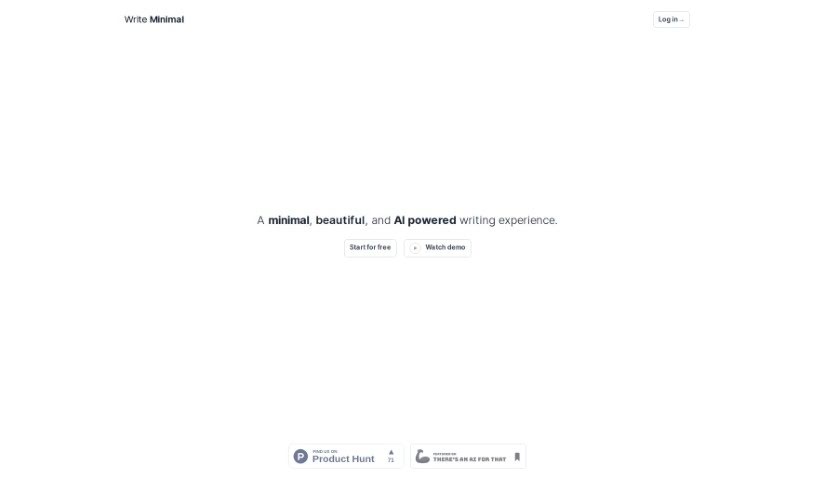
Screenshot of Write Minimal

Write Minimal

Discover Write Minimal, an AI writing tool designed for a distraction-free experience. Learn how to use its features in 2025, compare it to other content writing tools, and see who it's best suited for.

Screenshot

What is Write Minimal?

Write Minimal is an AI-powered writing platform that really focuses on making your writing experience better. It’s built with a minimalist design to cut down on distractions, giving you a clean, welcoming space that feels like writing on a fresh sheet of paper. Beyond just a nice look, it actually helps improve the quality of what you write and makes sure it’s easy to read on any screen, thanks to its thoughtful typography. The AI part is pretty neat too – it can help you organize your thoughts, summarize long pieces, and structure your content, which saves a lot of time and really boosts the quality of your final output. Plus, it’s great for taking your writing and turning it into different formats, like blog posts or even tweets, all through a handy inline editor that lets you format things just the way you like.

Who created Write Minimal?

Nitesh Sharma is the person behind Write Minimal. He launched this AI writing platform on January 6, 2024. The company’s main goal is to improve how people write by offering features like that clean, minimalist design, a writing environment free from distractions, an easy-to-use inline editor, and AI tools that help with organizing and summarizing. It also lets you repurpose your content into various formats. While it’s designed to make writing tasks quicker and better, it’s worth noting that it has some drawbacks. These include fewer customization options than some other tools, a design that’s quite simple, and no support for working with others.

Who is Write Minimal for?

  • Content writers
  • Editors

How to use Write Minimal?

Getting started with Write Minimal is straightforward. Here’s a simple guide:

  1. First, sign up for a free account on the Write Minimal website. It’s a quick process.
  2. Once you’re in, you’ll immediately notice the distraction-free writing environment, thanks to its minimalist design. It really helps you focus.
  3. Feel free to use the inline editor to format your text exactly how you want it. You can personalize it easily.
  4. Make the most of the AI capabilities. They’re there to help you organize your ideas, summarize key points, and structure your writing efficiently, saving you valuable time.
  5. Don’t forget you can repurpose your writing! Turn your work into different formats like blog posts, tweets, or even LinkedIn updates.
  6. You’ll find the readability is great across all sorts of screens because of the intentional typography design.
  7. Let the AI streamline your writing process. It’s designed to help you save time and improve the overall quality of your output.
  8. The interface is user-friendly and optimized for different screens, plus it makes content repurposing a breeze.
  9. Write Minimal is really focused on making your writing experience better by offering a welcoming space and supporting content writers.
  10. Just keep in mind that Write Minimal has its limits. You might find customization options are a bit restricted, the design is very simple, and it doesn’t offer advanced features or collaboration tools.

By following these steps, you can really make the most of Write Minimal for a smoother, more efficient writing experience.

Related AI Tools

Discover more tools in similar categories that might interest you

Stay Updated with AI Tools

Get weekly updates on the latest AI tools, trends, and insights delivered to your inbox

Join 25,000+ AI enthusiasts. No spam, unsubscribe anytime.