Video Content Tools

AI Tools for Video Content

Discover the best Video Content AI tools to enhance your productivity and creativity.

Page 2 of 6 • 61 total tools
Screenshot of Ddle.dev

Ddle.dev

Freemium

Ddle.dev is a browser-based tool that uses AI to create quick, interactive walkthroughs of your website. Unlike standard screen recorders, it adds AI-generated voices and faces to your guides, making them more engaging without requiring a live video call. Finished walkthroughs are shared instantly via a link.

Video Content View Tool →
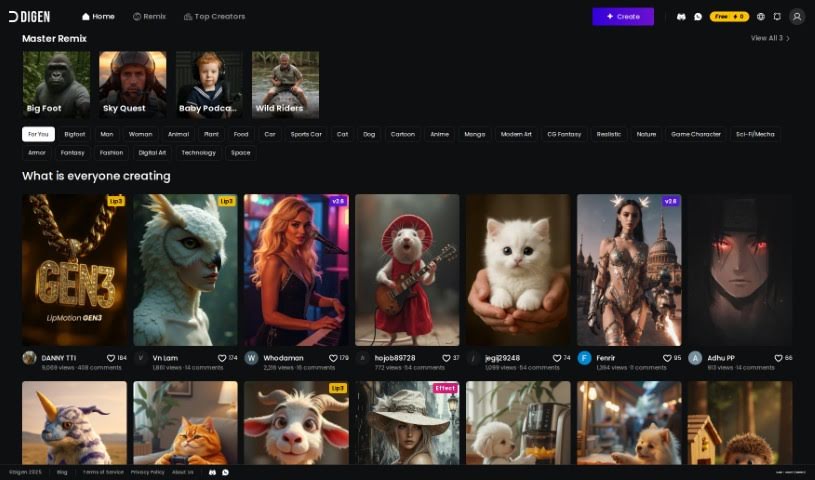
Screenshot of Digen AI

Digen AI

Freemium

Digen AI is a free generative AI tool for creating videos. It offers customizable avatars and personalized scripts, with features designed specifically for video creation. The interface is user-friendly, so it's accessible regardless of your video editing experience, and it can help speed up your video production process while adding a personal touch to your projects.

Video Content View Tool →
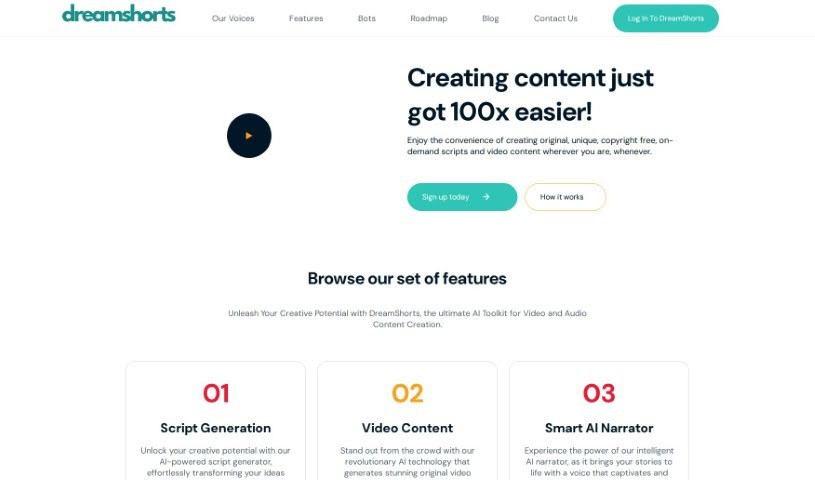
Screenshot of DreamShorts

DreamShorts

Freemium

DreamShorts is an AI toolkit for creating video and audio content. It combines a script generator for brainstorming ideas, tools that produce original video matched to your style or brand, and an AI narrator that reads scripts in a natural voice. It also handles automatic captioning, generates copyright-free content, and includes built-in social media integrations. WhatsApp and Telegram bots let you create videos and scripts on the go.

Video Content View Tool →
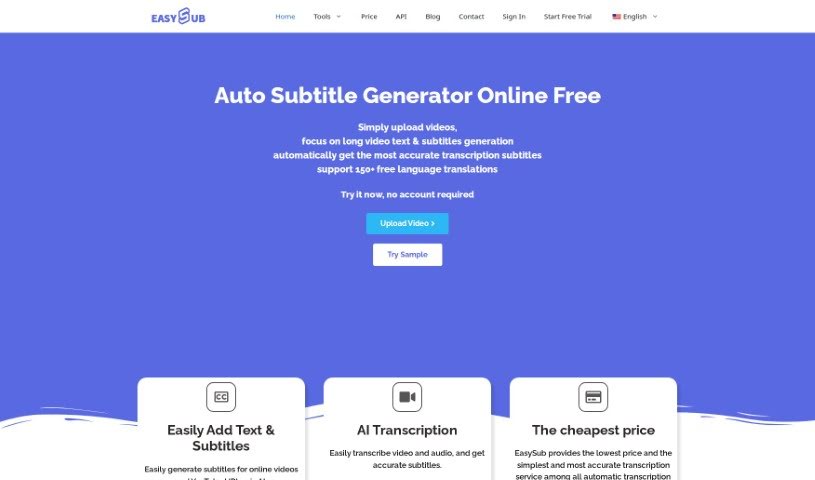
Screenshot of EASYSUB

EASYSUB

Freemium

EasySub is an online AI subtitle generator built for transcribing, translating, and exporting subtitles for long videos. Upload your video, select the original language, and choose the target language — the AI handles the rest. It claims over 95% accuracy for automatic subtitles, supports translation into more than 150 languages, and imposes no limits on video length. The platform is easy to navigate, making it a practical choice for creators working with longer content.

Video Content View Tool →
Screenshot of EasyVid

EasyVid

Freemium

EasyVid is an AI-powered tool that turns written content into videos. It handles video ads, explainer videos, and conversions of blog posts and articles into video format, with output designed for social media. Features include AI-generated background visuals and automatic translation into multiple languages. No video editing experience is required, and videos can be used for commercial purposes such as marketing and social media content.

Video Content View Tool →
Screenshot of Eazycaptions

Eazycaptions

Freemium

Eazycaptions is a video editing tool designed to help you create engaging videos. It adds eye-catching captions, sound effects, and b-roll footage to make your content look professional. Key features include:

Video Content View Tool →
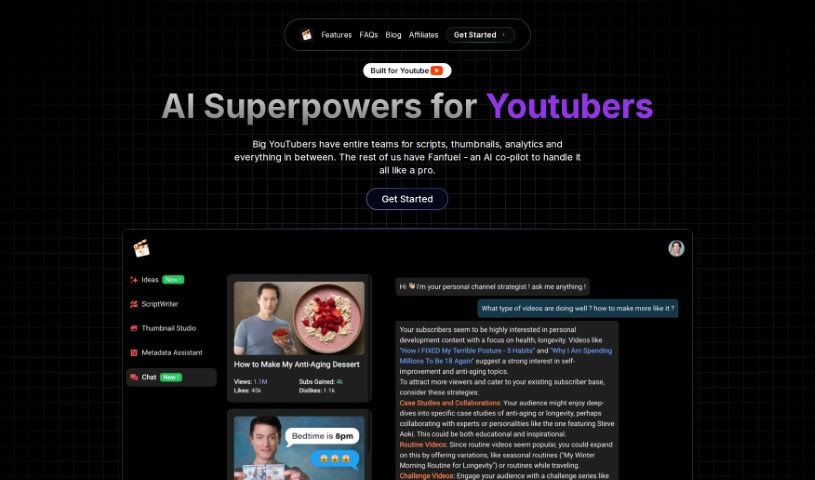
Screenshot of Fanfuel

Fanfuel

Freemium

Fanfuel is an AI platform for YouTube creators that brings channel-growth tools together in one place. More than 2,500 creators use it, with pricing plans to fit different needs. The platform focuses on AI-powered script generation, thumbnail design, and SEO to help YouTube channels grow.

Video Content View Tool →
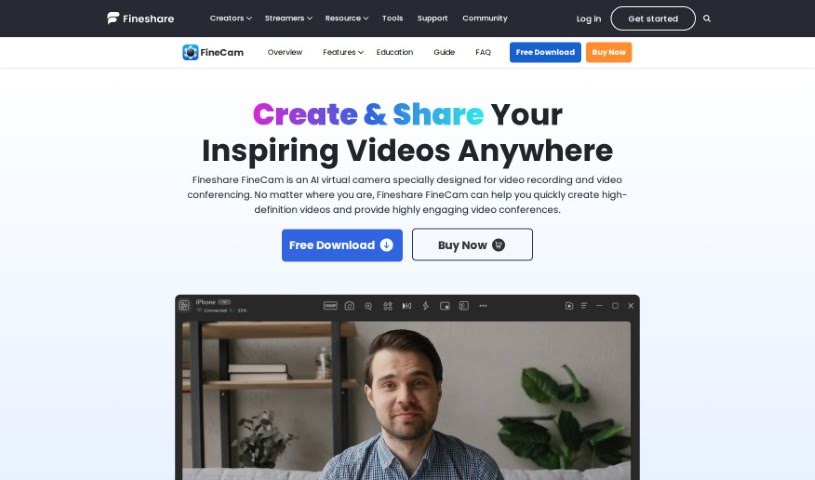
Screenshot of FineShare FineCam

FineShare FineCam

Freemium

FineShare FineCam is an AI virtual camera tool for creating high-quality webcam videos and joining video conferences. Formerly known as VibeCam, it offers features including background removal, education tools, video presentation recording and sharing, webpage capture, YouTube video playback, application window recording, and photo sharing. It is available for Windows and macOS, holds a 4.8 rating from 28 reviews, and is free to download.

Video Content View Tool →
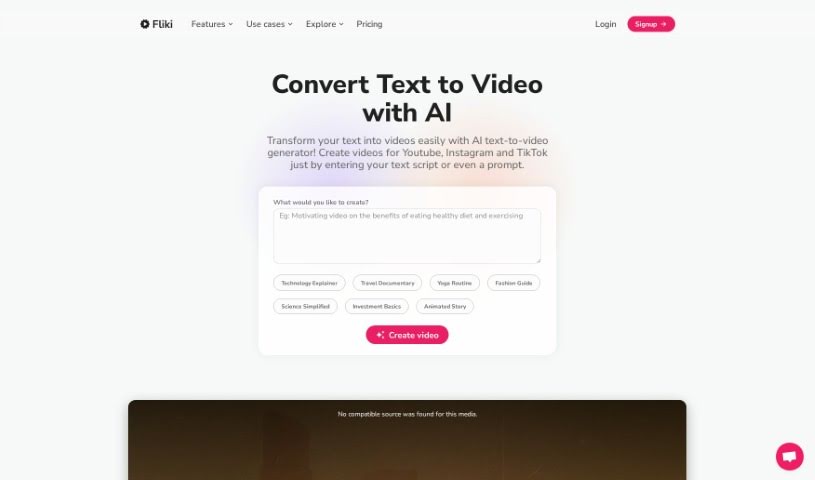
Screenshot of FlikiText to Video

FlikiText to Video

Freemium

Fliki Text to Video is an AI tool that creates videos directly from text. You paste your script into Fliki's platform, choose your settings, and the tool generates a video matching your content. It handles up to 15,000 characters for text conversion and exports videos as MP4 or MOV files. With customizable templates, ready-to-use voiceovers, and an intuitive interface, Fliki lets you produce professional-looking videos without video editing experience.

Video Content View Tool →
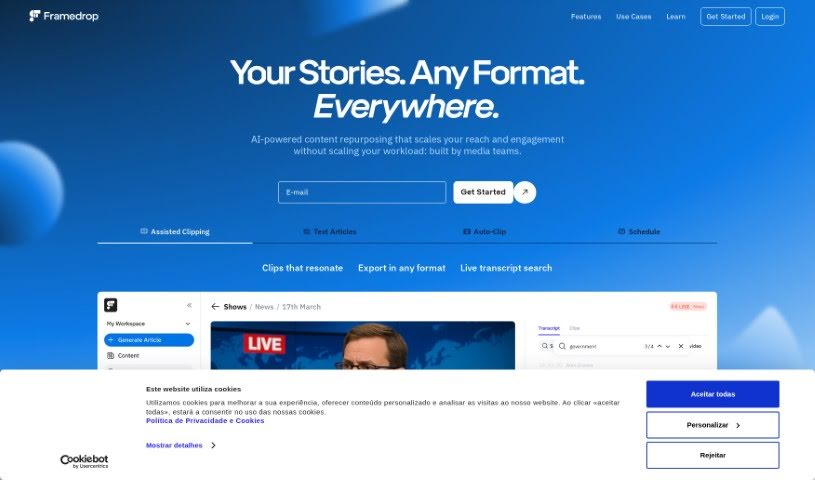
Screenshot of Framedrop.gg

Framedrop.gg

Freemium

Framedrop.gg is a platform built for gamers who want to share their best moments from live streams. It uses AI to automatically find and clip highlights from your Video on Demand (VOD) streams, making it simple to share top plays. Key features include the Highlight Detector, Smart Edits to enhance your clips, a Clip Dashboard for quick access to everything, and easy sharing options. It runs entirely in the browser — no software download required — so your PC stays optimized for gaming. Framedrop.gg works with popular games like Valorant, Call of Duty: Warzone, Apex Legends, Rocket League, and League of Legends. Basic features are free, with options to upgrade for more advanced capabilities.

Video Content View Tool →
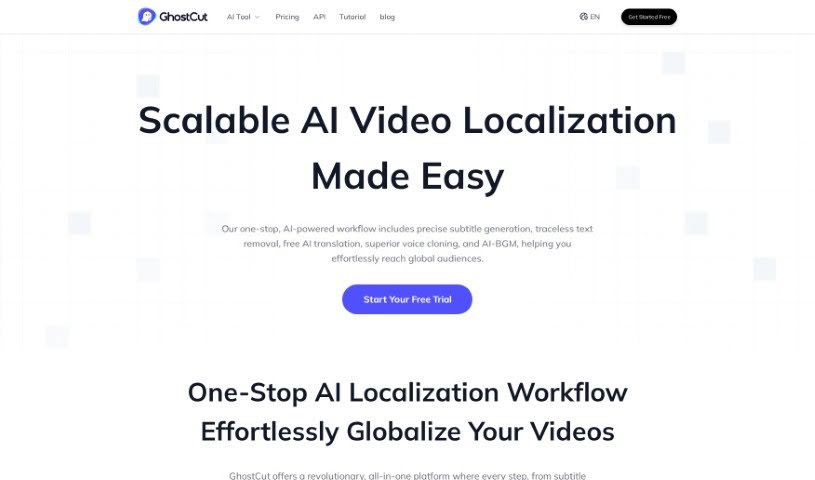
Screenshot of GhostCut

GhostCut

Freemium

GhostCut is an AI-powered video editing tool built for creators, merchants, and Multi-Channel Networks (MCNs) focused on localized video marketing. Its features target the practical needs of taking content to a global audience: video translation dubbing, hard subtitle translation, and subtitle removal.

Video Content View Tool →
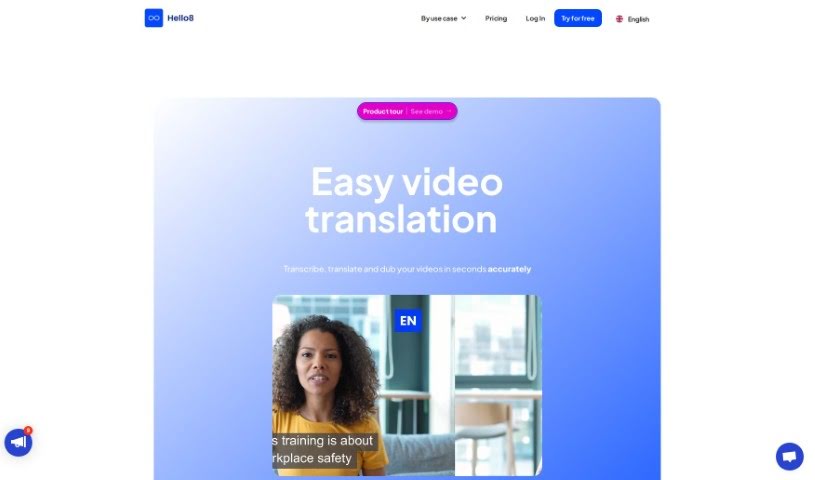
Screenshot of Hello8

Hello8

Freemium

Hello8 is an app for dubbing and lipsyncing videos. It uses AI to translate your speech into the language you choose while keeping your natural voice and speaking style, then synchronizes your lip movements with the translated audio. The result is a video where you appear to speak another language, without robotic voiceovers or mismatched mouth movements.

Video Content View Tool →

New tools, in your inbox.

Weekly picks of the best AI tools we've researched and added — no spam, unsubscribe anytime.

Join 25,000+ AI enthusiasts. No spam, unsubscribe anytime.