AI Software Development Tools

AI Tools for Software Development

Discover the best Software Development AI tools to enhance your productivity and creativity.

Page 11 of 23 • 269 total tools
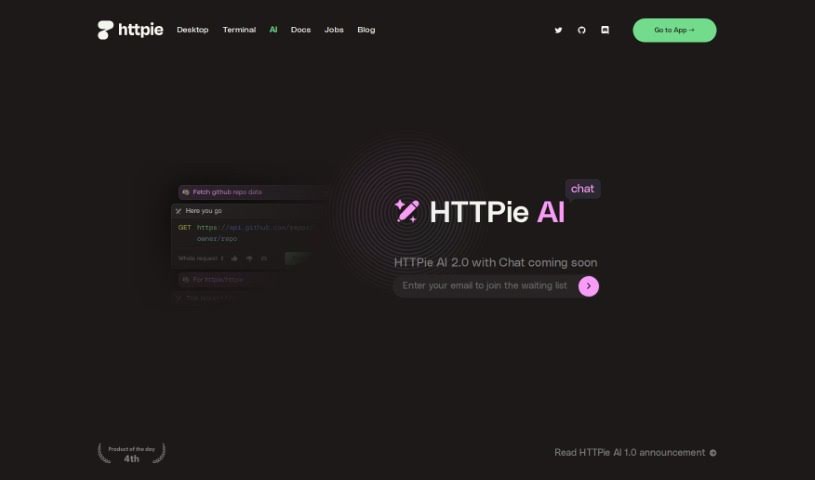
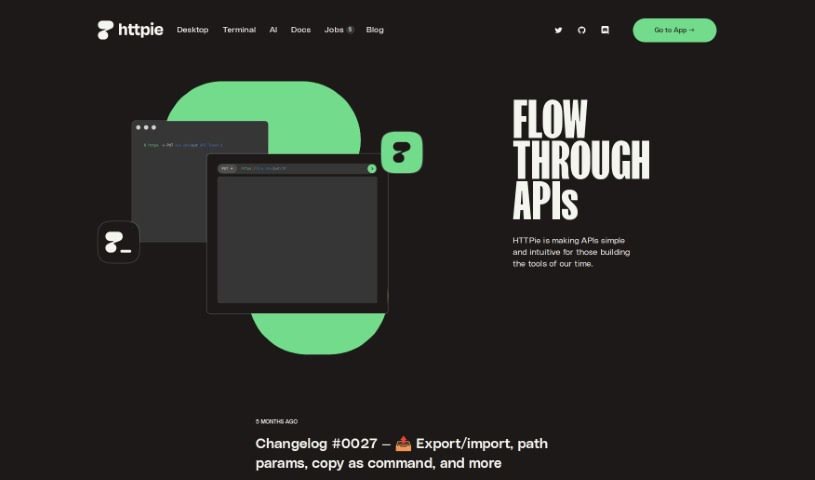
Screenshot of HTTPie

HTTPie

Freemium

HTTPie is a tool designed to make working with APIs simpler for developers. It offers a user-friendly experience for interacting with APIs, available either through a graphical interface for web and desktop, or via the original terminal version. It was created because its developers wanted a more efficient way to test APIs than what was available, and it became one of the most popular projects on GitHub. The team is now building a platform focused on collaboration for API development, with plans to use artificial intelligence to make the tool more capable. HTTPie aims to make APIs more approachable and intuitive for everyone involved in creating modern tools and applications, supporting developers and their teams throughout the API lifecycle.

Software Development View Tool →
Screenshot of HTTPie AI Chat

HTTPie AI Chat

Freemium

HTTPie AI Chat is a feature built into HTTPie AI 2.0. It acts as an AI assistant for HTTP and APIs, letting you chat with an AI to build requests and get answers about how HTTP and APIs work. You can construct requests step-by-step with guidance along the way, making it easier to understand and use HTTP and APIs. It's part of the HTTPie AI 2.0 release and offers a more interactive way to work with these tools.

Software Development View Tool →
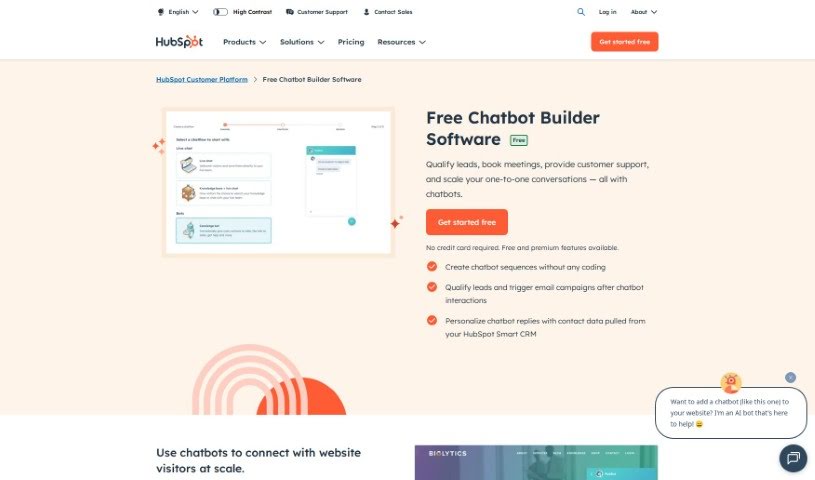
Screenshot of HubSpot Free AI Chatbot Builder

HubSpot Free AI Chatbot Builder

Freemium

HubSpot's Free AI Chatbot Builder is a tool that lets you build chatbots at no cost. It is designed to be user-friendly, so individuals and businesses alike can create and launch chatbots for customer service, lead generation, and audience engagement.

Software Development View Tool →
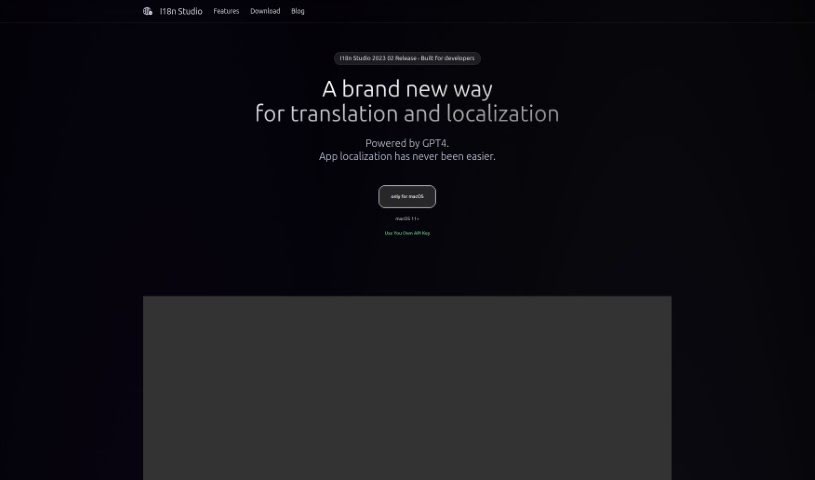
Screenshot of I18n Studio

I18n Studio

Freemium

I18n Studio is a developer tool that simplifies the internationalization (i18n) process for iOS, macOS, Android, and JavaScript projects. It integrates with existing workflows via Xcode, VSCode, and Android Studio, letting you translate JSON, XML, Localizable.strings, and String Catalog files directly. It uses GPT4 to deliver quick, accurate translations into many languages with a single click, reducing the hassle of managing translations across platforms.

Software Development View Tool →
Screenshot of IBM Watsonx.AI

IBM Watsonx.AI

Freemium

IBM Watsonx.AI is an enterprise AI studio that combines generative AI with traditional machine learning in a single platform covering the full AI lifecycle. You can train, validate, fine-tune, and deploy models, with support for open-source frameworks and a set of ready-to-use foundation models. The platform includes prompt-tuning features and operates in a secure environment.

Software Development View Tool →
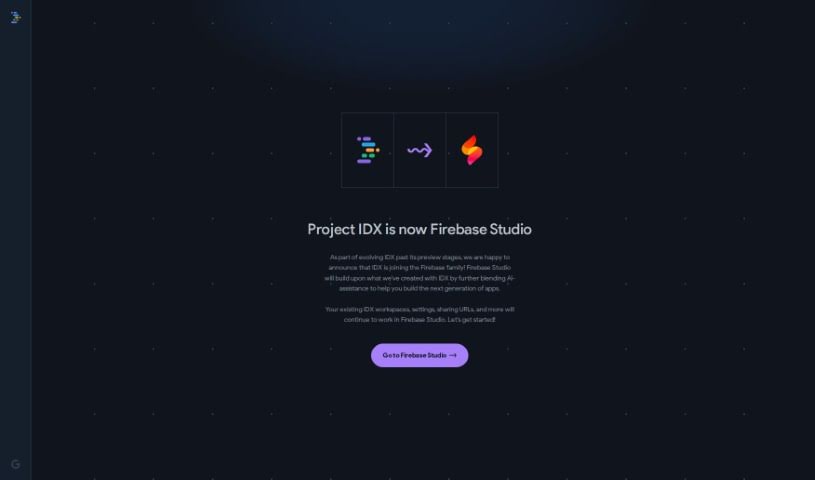
Screenshot of Idx

Idx

Freemium

Project IDX is a web-based workspace for full-stack application development, featuring generative AI to speed up the development process. It is built on Google Cloud for security and scalability.

Software Development View Tool →
Screenshot of Inferkit Ai

Inferkit Ai

Freemium

Inferkit AI is a "Cheaper & Faster" LLM router — a platform that helps developers integrate advanced AI capabilities into their products affordably. It offers APIs compatible with major models, including those from OpenAI, acting as a bridge between your application and large language models. The goal is to improve the reliability of AI-powered apps while keeping development costs down.

Software Development View Tool →
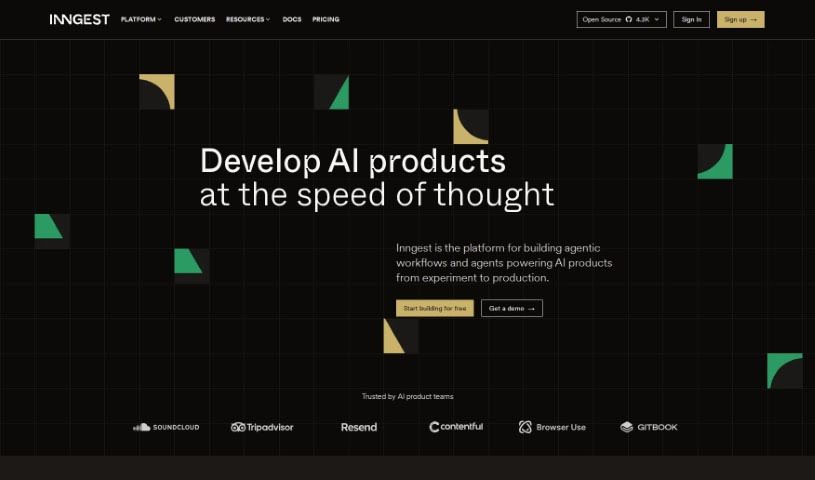
Screenshot of Inngest

Inngest

Freemium

Inngest is a developer platform that lets you build products without managing infrastructure for queues, concurrency, retries, error handling, or prioritization. It supports complex text generation, Retrieval Augmented Generation (RAG) via vector store queries, ingestion functions, and state tracking across workflows.

Software Development View Tool →
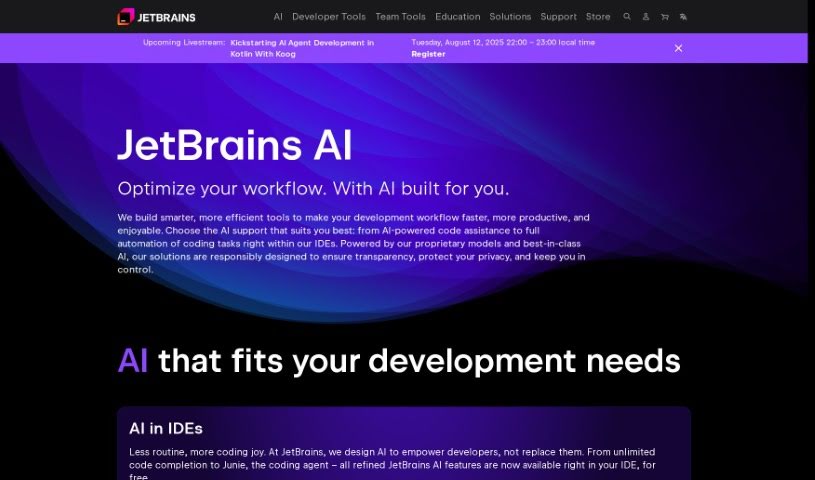
Screenshot of JetBrains

JetBrains

Freemium

JetBrains is a software company known for its Integrated Development Environments (IDEs) and other developer tools designed to help programmers work more efficiently and write better code. Founded in 2000, the company focuses on improving the everyday workflow of developers. A key part of its current offering is the JetBrains AI Assistant, a suite of AI features built into its IDEs. Powered by the JetBrains AI service, it helps with writing code, creating tests, drafting commit messages, and generating documentation — bringing AI assistance into routine development tasks.

Software Development View Tool →
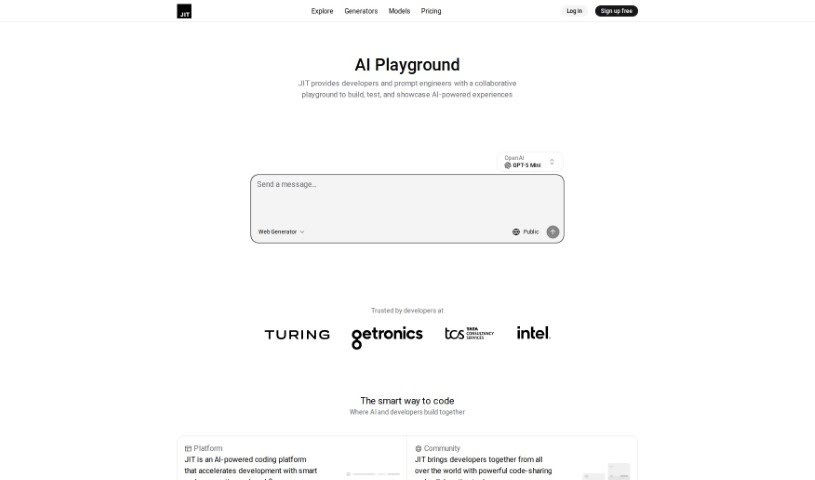
Screenshot of Jit.codes

Jit.codes

Freemium

Jit.codes is an AI-powered platform designed to speed up the coding process. It generates code snippets, templates, and algorithms from text descriptions, and pairs that with a developer community where users can connect, share code, and exchange ideas.

Software Development View Tool →
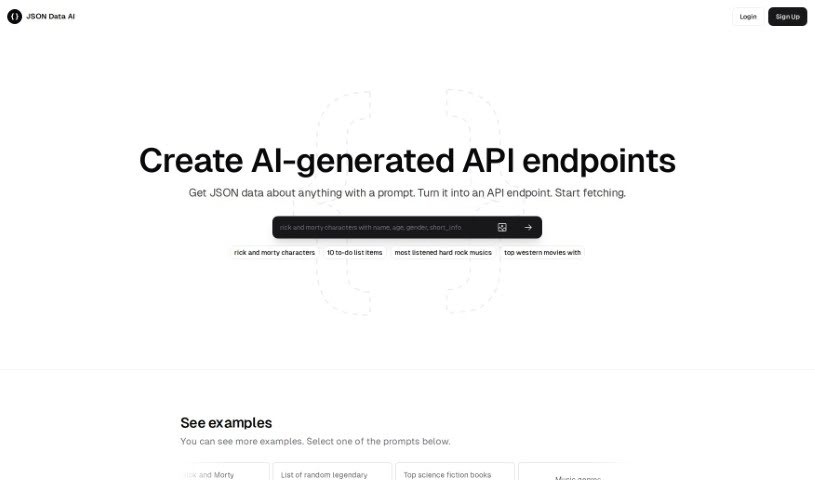
Screenshot of JSON Data AI

JSON Data AI

Freemium

JSON (JavaScript Object Notation) is a lightweight, human-readable format for exchanging data, built on key-value pairs and structures like arrays and objects. It's commonly used to send information between a server and a web app, store settings, and represent structured data across programming languages.

Software Development View Tool →
Screenshot of Jusi

Jusi

Freemium

Jusi is a DevTech platform that uses AI to make building websites and web applications up to 25% more efficient. Every project starts with a preliminary assessment, so you can evaluate scope, budget, and timelines before committing resources. Jusi also runs a curated marketplace of vetted studios and freelancers who compete for your projects.

Software Development View Tool →

About Software Development tools

Staring at a terminal screen at two in the morning while trying to trace a subtle memory leak or decipher a cryptic build stack trace can test any developer’s patience. (I once spent four straight hours hunting down a bug in an API integration, only to discover a missing comma in a JSON config file.) Between writing repetitive boilerplate, untangling legacy codebases, updating dependencies, and building out test coverage, everyday coding tasks often keep you away from solving core logic problems.

These development platforms act as high-speed pair programmers for software engineers, web developers, system architects, and open-source contributors. They write routine code, catch edge cases, and explain unfamiliar syntax in seconds without replacing human logic, algorithmic thinking, or system design choices.

Code Completion, Legacy Refactoring, and Automated Tests

Accelerating daily coding tasks and generating boilerplate code turns ideas into working software much faster. Writing repetitive CRUD endpoints, database schemas, or API wrapper functions by hand eats up valuable sprint hours. Modern AI coding assistants auto-complete functions, suggest context-aware logic based on your existing codebase, and turn plain English comments into tested functions right inside your favorite editor.

Debugging complex errors and refactoring legacy systems becomes far less tedious. Trying to trace how a massive legacy module works or figuring out why a specific build failed often leads to endless web searches. Intelligent development agents scan your repository structure, pinpoint failing lines of code, explain the root cause in simple terms, and offer clean refactoring suggestions that preserve your application’s original intent.

Writing unit tests and generating documentation keeps codebases healthy without extra overhead. Most developers love building features, but few enjoy writing test suites or updating API docs. AI development tools analyze your code pathways, generate comprehensive test cases that cover tricky edge cases, and auto-generate inline documentation, ensuring your project remains maintainable for your entire team.

Key Capabilities to Look For:

  • Context-aware code completion: Systems that read your entire project repository to suggest code that matches your existing patterns and conventions.
  • Interactive terminal and chat assistants: Tools that let you ask questions about your codebase, debug stack traces, and run terminal commands directly from your IDE.
  • Automated test and doc generation: Features that automatically create unit tests, integration scenarios, and inline docstrings for your functions.
  • Multi-language and framework support: Software that works smoothly across Python, JavaScript, TypeScript, Rust, Go, SQL, and popular web frameworks.
  • Privacy and repository security controls: Platforms built with strict security models that ensure your proprietary code remains private and is never used to train external models.

Building great software will always depend on human problem-solving, architectural vision, and a deep understanding of user needs. Software can suggest a function, flag a syntax error, or draft a unit test, but designing scalable architecture and making core system choices requires your developer brain.

Browse the software development tools below to upgrade your engineering stack.

The Best AI Software Development Tools

  1. Continue.dev: Open source assistant that brings ChatGPT into VS Code for code generation and editing.
  2. Sourcegraph Cody: AI coding assistant for writing and understanding code across a repository.
  3. CodeAssist: Works inside JetBrains IDEs and VS Code, so it fits an editor you already use.
  4. Aider Chat: Pair programming tool that edits code directly in your local git repository.
  5. Bloop: Open source assistant for searching, navigating and understanding an existing codebase.
  6. Greptile: Ask plain questions about any GitHub repository and get direct answers.
  7. Wolfia: Finds answers in codebases from plain-English questions, with automated search.
  8. DoWhile AI: Browser-based assistant for searching and understanding large codebases.
  9. CodeAnt AI: Finds and fixes code issues and reviews pull requests automatically.
  10. Codereviewbot: Reviews GitHub pull requests and flags bugs and security issues.
  11. What The Diff: Writes pull request descriptions and summaries for reviewers.
  12. Metabob: Code review tool that detects, explains and fixes coding problems.
  13. CodeThreat: SAST analysis that finds and fixes security weaknesses in code.
  14. Snyk Deepcode AI: Security engine that finds, fixes and prioritises vulnerabilities.
  15. Pixee AI: Pixeebot automatically finds and fixes code vulnerabilities.
New tools, in your inbox.

Weekly picks of the best AI tools we've researched and added — no spam, unsubscribe anytime.

Join 25,000+ AI enthusiasts. No spam, unsubscribe anytime.