R
Role Model AI
FreemiumRole Model AI is an open-source project built around four core ideas:
Game Development
View Tool →
Discover the best Game Development AI tools to enhance your productivity and creativity.
Role Model AI is an open-source project built around four core ideas:
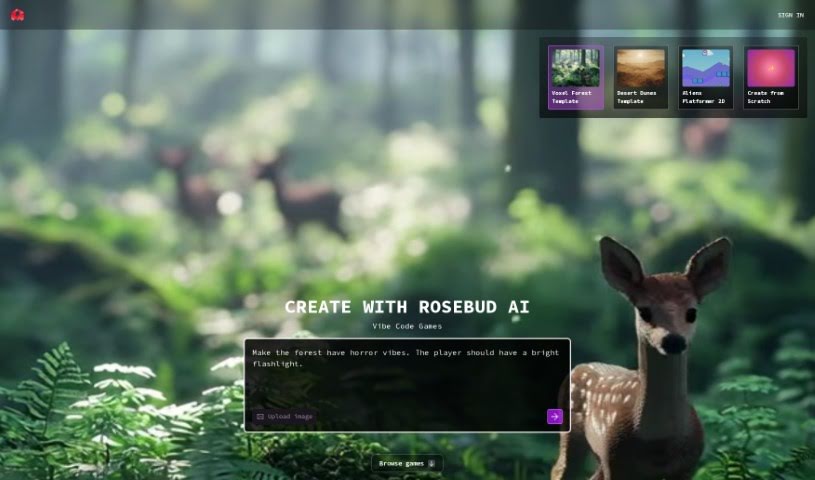
Rosebud AI is a platform that turns your game descriptions into working game code. You describe the game you're imagining, and the AI generates the code for a browser-based game you can share right away. It supports 2D, 3D, and Voxel styles, lets you design your own assets and code, and lets you flesh out AI characters by defining their personalities, backstories, and feelings through simple prompts. The goal is to give you full creative control while the AI handles the technical side of game development.
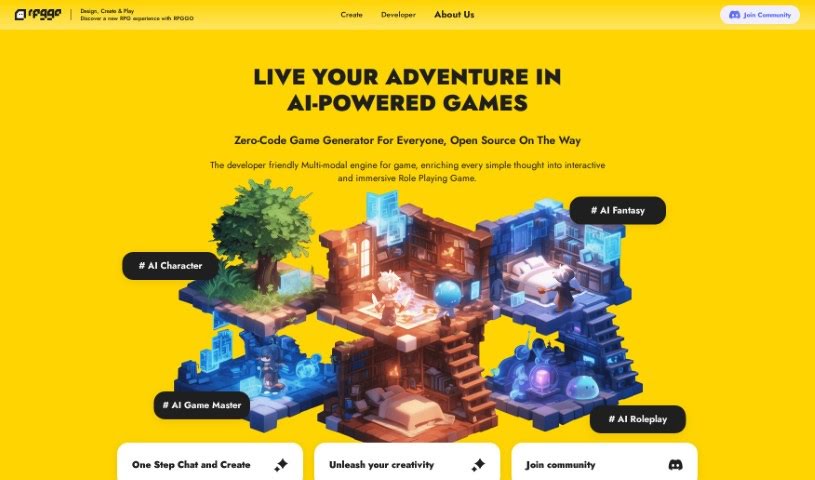
RPGGO AI is a tool that lets you create AI-powered RPG games without writing code. You describe what you want in plain English, and RPGGO AI turns those descriptions into game mechanics. It can automatically generate storylines with branching paths and triggers, and adds real-time visual and audio elements powered by AI.

Safebet is a platform that uses artificial intelligence to generate daily sports picks across popular leagues including the NBA, NFL, college football (CFB), MLB, UFC, and soccer. The AI analyzes the most likely game outcomes compared to current odds. While picks aren't guaranteed, users can decide which to follow based on the AI's Safe Score and their own betting strategy.
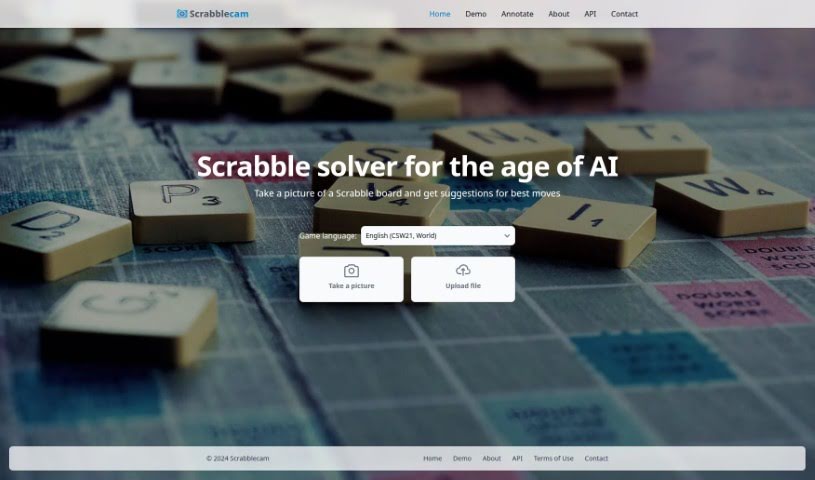
Scrabblecam analyzes photos of a real Scrabble board and suggests the best available moves. It uses deep learning to recognize the board's state, works with board designs from different manufacturers, and supports standard 15x15 boards. For valid inputs, it returns top-scoring move suggestions quickly. The tool was created by Eric Sink.
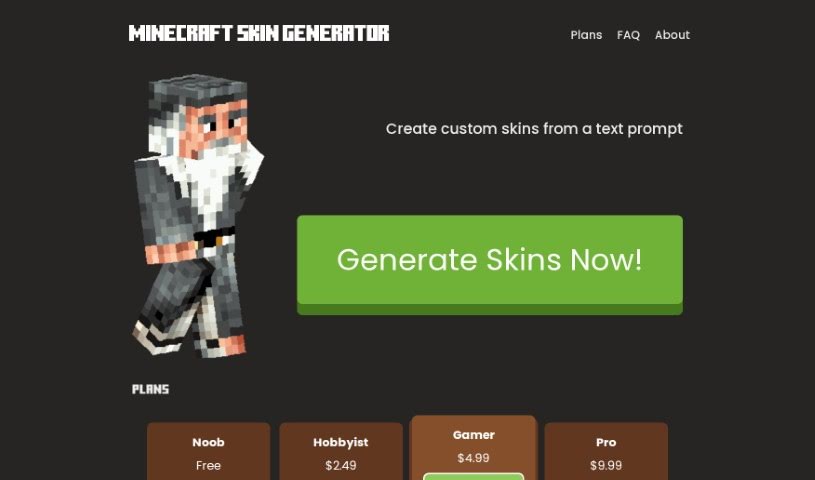
Skingenerator.io is a platform for creating custom video game skins from a text description. Describe the skin you want, and the platform generates it using its custom generative skin models. The service is not officially connected to Microsoft or Mojang, and support for additional games may be added over time. It was built by a team focused on helping players get personalized skins for their favorite games.
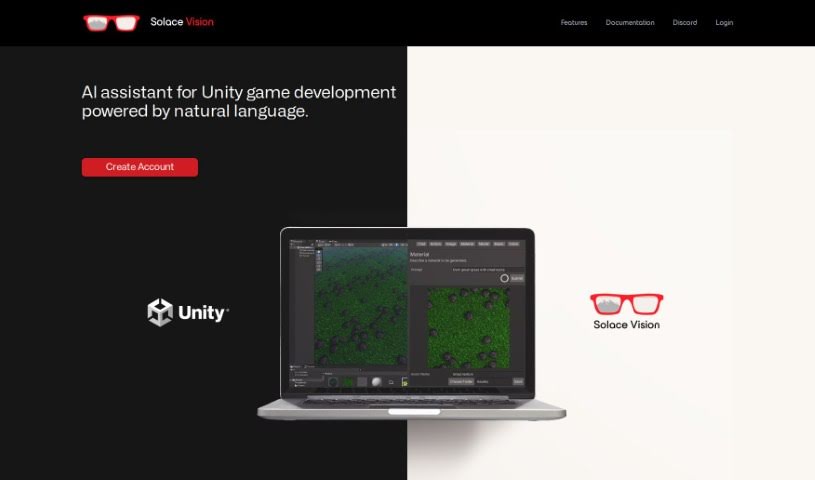
Solace Vision is an AI tool for 3D creation built on natural language processing. Describe what you want in plain English, and it generates assets and scripts to streamline Unity game development workflows.
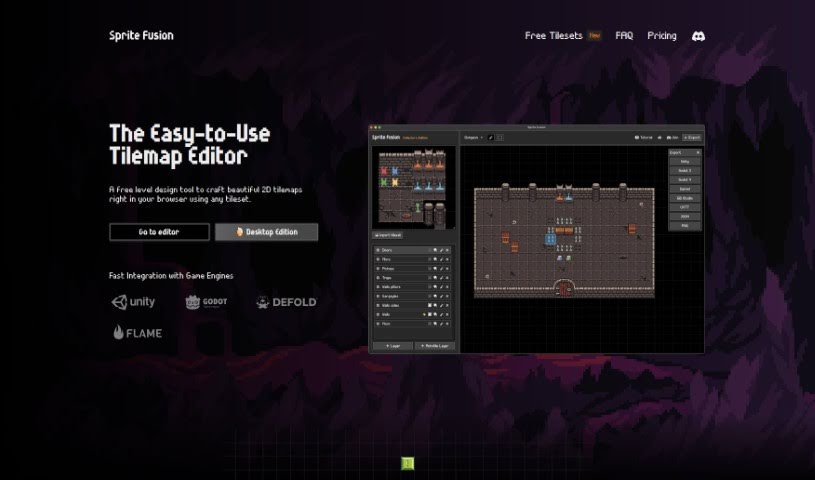
Sprite Fusion is a free tilemap editor and game design tool for creating 2D maps. Tilemaps are grids made up of small, repeating images called tiles, and Sprite Fusion lets you build these maps in the browser and export them to popular game engines like Unity and Godot, or any other engine you prefer.
Superagent is a fully managed, open-source service that lets developers add AI agents to their applications. Agents gather information, make decisions, and take actions based on user inputs or defined goals.

ToxiPets is a virtual pet game where you adopt and look after a variety of animals. You can pick your favorite pets, feed them, play with them, and keep them healthy and happy. Playing earns you virtual money through in-game activities, which you can spend on items for your pets. It's an engaging way for animal lovers to enjoy virtual companions while learning about pet care and responsibility.
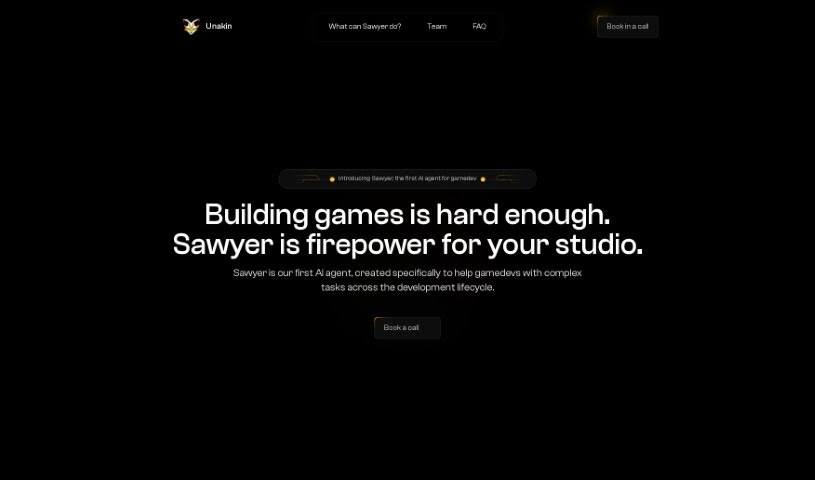
Unakin is a company focused on building AI agents that help game studios streamline their development process. Its agents can automate parts of game building, apply advanced AI for efficient creation, and provide tailored support for specific tasks. The name Unakin refers to the "unseen kin" — hidden helpers in game development — and the company emphasizes innovation, quality, and supporting each studio's creative process.
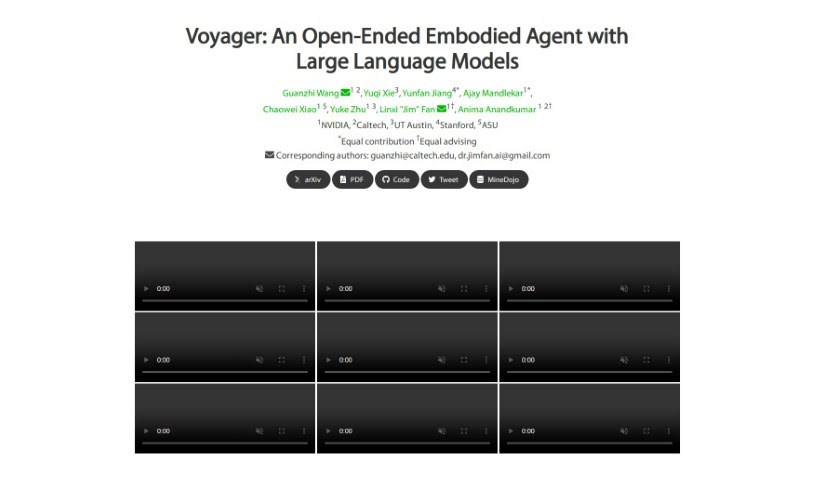
Voyager Minedojo is a self-learning explorer for Minecraft, powered by large language models such as GPT-4. It navigates the Minecraft world autonomously, acquiring new skills and making discoveries without human intervention. The system combines three core components: an automatic curriculum that guides exploration, a skill library that stores learned behaviors for reuse, and an iterative prompting mechanism that generates executable code to determine its next actions.
Building a game means wearing six hats at once. Whether you’re a solo developer or running a small studio, you’re constantly writing code, modeling 3D assets, painting textures, composing music, and tweaking level balance. When routine asset creation and bug fixes swallow your whole week, refining the actual gameplay loop gets pushed to the side.
The development tools in this category act like extra production assistants. They won’t build a finished game on their own, but they handle early asset drafts, rapid prototyping, and boilerplate code so you can focus on making your game fun.
Prototyping gameplay mechanics gets much faster when you aren’t hunting down syntax errors for hours. Smart coding tools understand game engines like Unity, Unreal Engine, and Godot. You can describe a feature in plain English, and the assistant generates C#, C++, or GDScript logic to get your inventory system or movement mechanic running in an afternoon rather than a full sprint.
Visual pre-production becomes far more doable for small teams, too. Generating concept art, 3D meshes, 2D sprites, and environment textures usually takes a dedicated art team. AI asset generators let you turn rough sketches or text descriptions into initial 3D models and sprite variations. While these assets usually need a human touch before shipping, they give your team immediate building blocks to work with.
Narrative design and voice prototyping also see big gains. Writing branching dialogue trees and recording placeholder audio for dozens of side quests takes serious time. Dialogue generators and text-to-speech platforms let you draft interactive conversations and temporary character voices for early playtests, bringing your game world to life long before official studio recording sessions begin.
Useful Capabilities to Consider:
- Engine compatibility: Tools that export clean files or connect directly to Unity, Unreal Engine, or Godot through plugins.
- 2D and 3D asset generation: Software that produces initial 3D meshes, PBR textures, 2D sprite sheets, and concept art tailored to your art style.
- Scripting and debugging support: Extensions that help write gameplay logic, convert visual scripts to text code, and fix runtime errors in your IDE.
- Procedural environment tools: Applications that help shape terrain, scatter prop assets, and generate level variations using custom rules.
- Audio and dialogue prototyping: Tools that create placeholder voice lines, adaptive music tracks, and interactive dialogue trees for NPCs.
A memorable game comes down to feel, pacing, and player experience—things an algorithm can’t judge. But handing off routine coding scripts and early asset drafts gives you the time you need to refine how your game actually plays.
Check out the tools below to speed up your game production.
Weekly picks of the best AI tools we've researched and added — no spam, unsubscribe anytime.
Join 25,000+ AI enthusiasts. No spam, unsubscribe anytime.