AI Data Analytics Tools

AI Tools for Data Analytics

Discover the best Data Analytics AI tools to enhance your productivity and creativity.

Page 3 of 28 • 334 total tools
Screenshot of Atlancer

Atlancer

Freemium

Atlancer is an AI platform offering a suite of tools for productivity, data analytics, and automation. It provides a community-driven space where users can access and contribute to a library of AI tools. Users can browse the AI tools library, join community discussions, and contribute their own tools.

Data Analytics View Tool →
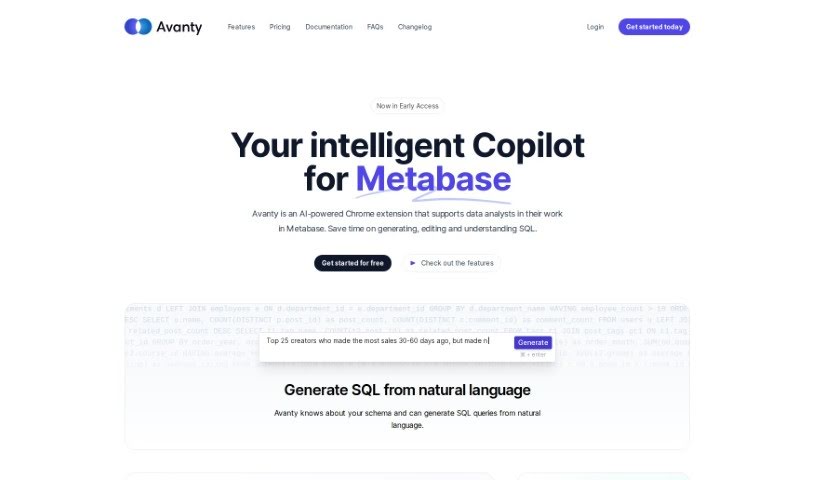
Screenshot of Avanty

Avanty

Freemium

Avanty is a Chrome extension for Metabase that helps you write, edit, understand, and comment on SQL queries. It detects SQL queries in Metabase and offers features such as generating SQL from plain English, fixing errors, and automatically editing and formatting code. It works with self-hosted Metabase and Metabase Cloud. It handles metadata securely and does not access customer data. It can also help you learn SQL by generating queries and explaining them step by step.

Data Analytics View Tool →
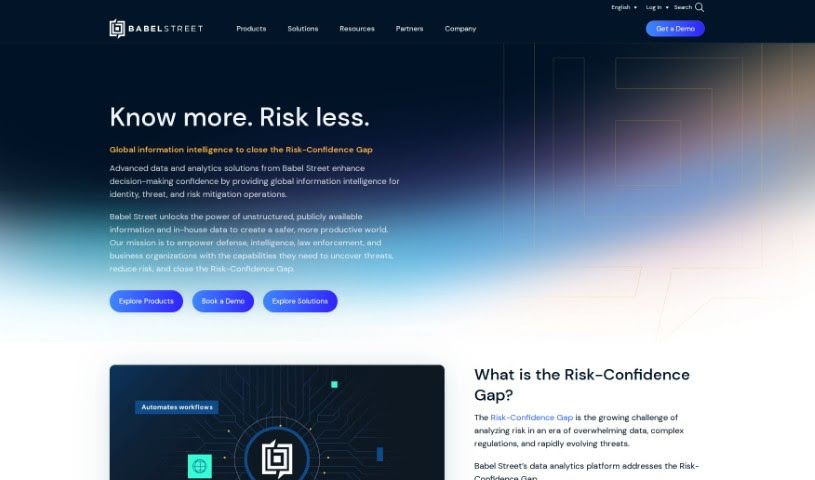
Screenshot of Babel Street

Babel Street

Freemium

Babel Street is an AI-powered data analytics company that turns raw data into actionable knowledge. It helps defense, intelligence, and business teams find, understand, and use important data in real time. The company addresses what it calls the "Risk-Confidence Gap" by providing access to data from many sources, ready for analysis in multiple languages, so organizations can make faster, more confident decisions. Babel Street emphasizes innovation, data security, and privacy, focusing on responsible knowledge extraction.

Data Analytics View Tool →
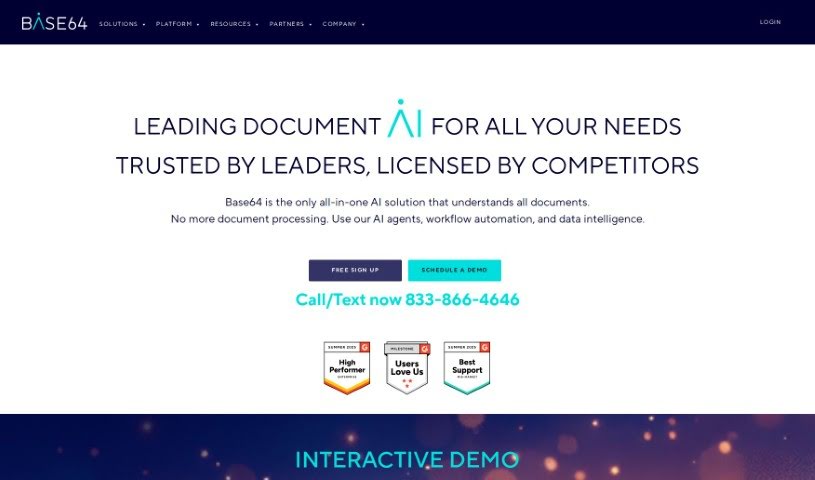
Screenshot of Base64.Ai

Base64.Ai

Freemium

Base64.ai is an AI-powered document processing platform founded by Ozan Bilgen, a Silicon Valley veteran who previously worked at IBM, Microsoft, Netflix, PayPal, Uber, and Palantir. The company launched in January 2020 to address the challenges of manual document processing. It combines cloud computing, large language models, generative AI, and transformer neural networks to understand complex documents, including PDFs containing multiple separate documents.

Data Analytics View Tool →
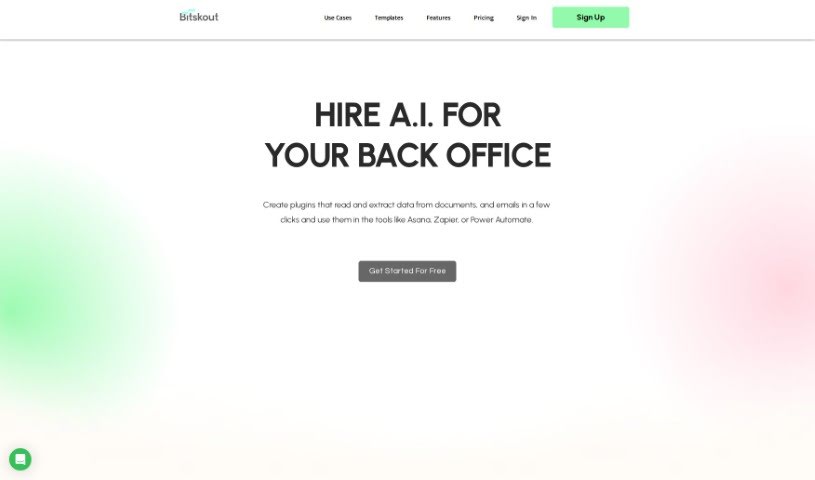
Screenshot of Bitskout

Bitskout

Freemium

Bitskout is a no-code platform that automates back-office tasks with AI. Teams build custom plugins that extract information from documents, emails, and images, then connect them to tools they already use, including Asana, Zapier, monday.com, and Power Automate. The platform ships with more than 40 ready-to-use plugin templates, and creating a custom plugin only requires a few examples of the desired output.

Data Analytics View Tool →
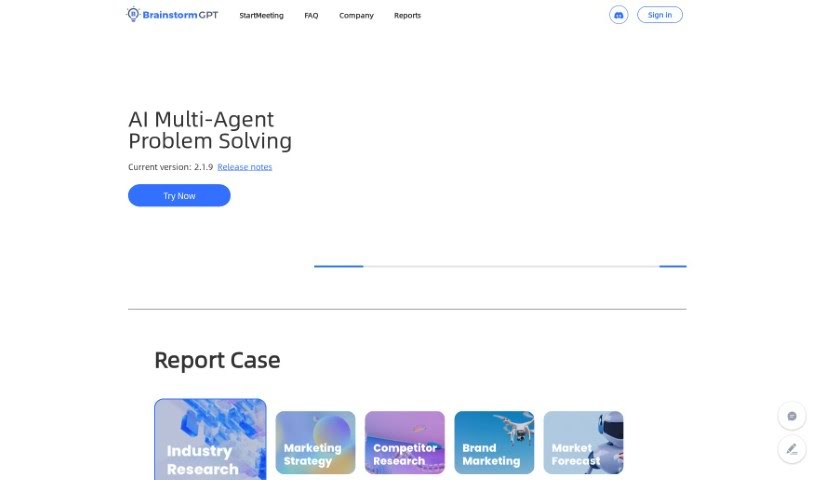
Screenshot of Brainstormgpt

Brainstormgpt

Freemium

BrainstormGPT is an AI tool designed to help businesses make better decisions. It supports brainstorming, idea generation, multiple perspectives, data analysis, and team collaboration. It can weigh pros and cons, identify opportunities, and quantify potential outcomes to support strategic planning.

Data Analytics View Tool →
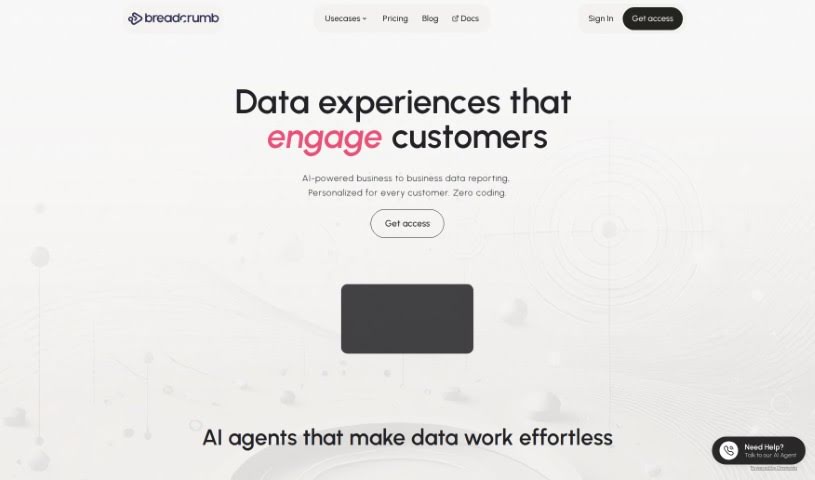
Screenshot of Breadcrumb

Breadcrumb

Freemium

Breadcrumb is a data analysis platform that turns raw data into interactive, personalized views. It uses built-in AI to analyze data immediately and transform it into understandable stories, with an interface that lets users move from a big-picture overview to specific details via clicks or dropdown menus. It includes over 418 pre-built data source connections, personalized data views, recommendations, and real-time filtering.

Data Analytics View Tool →
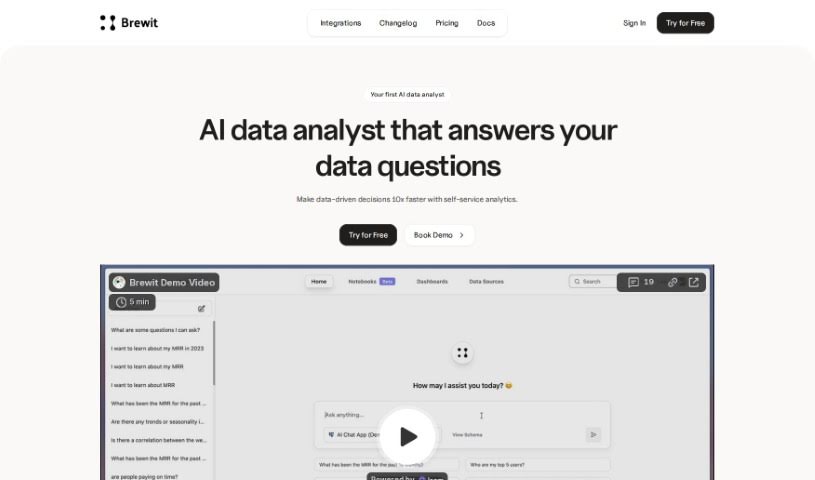
Screenshot of Brewit

Brewit

Freemium

Brewit is an AI-powered data analytics tool developed by Hubit. It provides an intelligent semantic layer, a data review workflow, and role-specific AI agents. It supports collaborative decision-making, real-time insights, and drag-and-drop dashboards for data visualization.

Data Analytics View Tool →
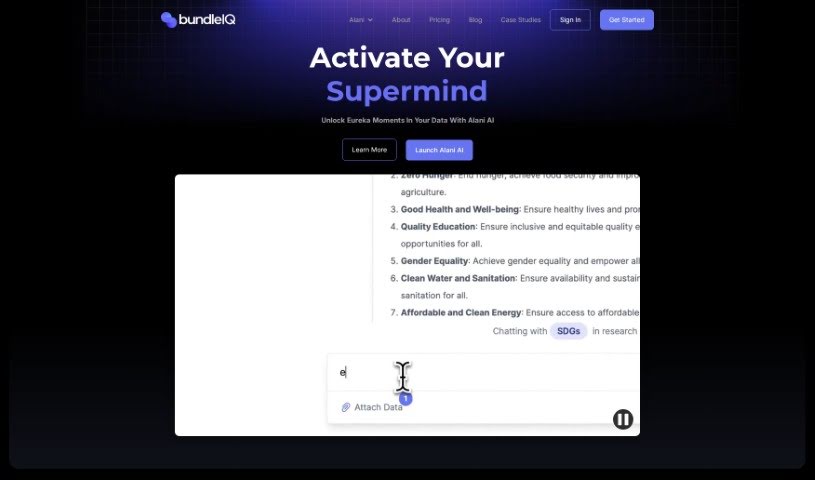
Screenshot of bundleIQ

bundleIQ

Freemium

BundleIQ is an AI-powered knowledge management platform for gathering, analyzing, and sharing information. It uses natural language processing to surface connections in data. The platform includes an AI assistant, ALANI, that answers questions, supports strategic decisions, and speeds up research. ALANI processes questions, searches data, and returns answers, and users can save and organize findings in the platform. bundleIQ also offers Semantic Search, which uses algorithms to find patterns, trends, and connections by analyzing context and meaning rather than just keywords.

Data Analytics View Tool →
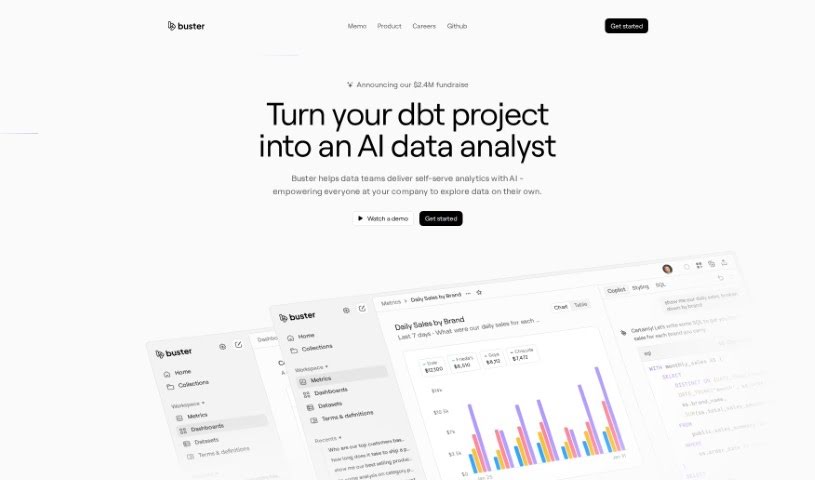
Screenshot of Buster.so

Buster.so

Freemium

Buster.so is an AI-powered data analytics tool that brings data insights into web applications. You can build dashboards by typing what you're looking for in plain language. It includes a no-code builder for custom UI components, API access for turning text into SQL queries, and connections to major databases and data warehouses. Buster's AI-driven reporting supports dashboard creation and data visualization with quick setup. The system improves model accuracy over time through continuous learning and monitors performance to spot and fix quality issues. You can customize colors, fonts, charts, and other interface elements without coding, and Buster can learn to write optimized queries based on your preferences.

Data Analytics View Tool →
Screenshot of Byterat

Byterat

Freemium

Byterat is a platform that uses machine learning to predict battery performance. Its algorithms analyze battery data to provide insights into lifespan, capacity, and overall health, helping users make informed decisions about how they use, maintain, and replace batteries. The platform offers real-time analysis for continuous performance monitoring and early issue detection, along with tools for optimizing battery usage and making more sustainable choices. It serves both large industries and individual users.

Data Analytics View Tool →
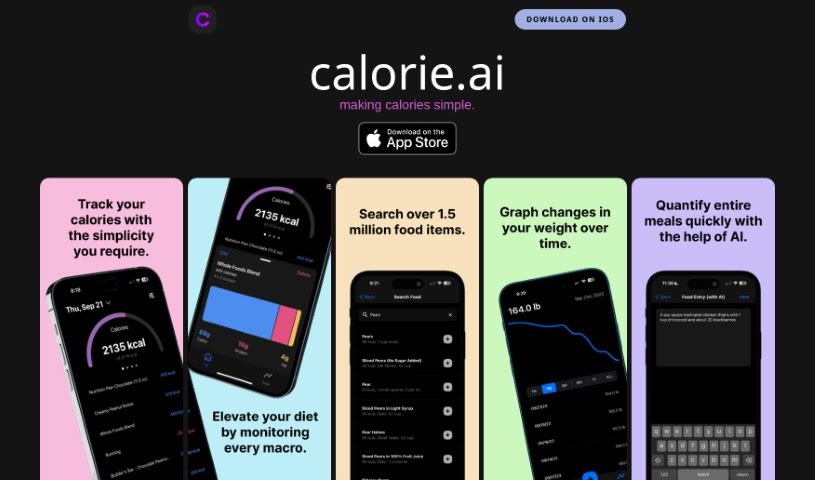
Screenshot of Calorieai

Calorieai

Freemium

Calorieai is a calorie tracking app built for iOS devices. Its goal is to make monitoring and managing daily calorie intake simpler, helping users reach their health and fitness targets. The app offers a straightforward interface and includes a database of foods with calorie counts along with macronutrient tracking. It is aimed at anyone who wants to track calories accurately, eat a balanced diet, and maintain a healthy lifestyle. A privacy policy link points to a separate site, indicating attention to data protection and transparency.

Data Analytics View Tool →

About Data Analytics tools

Pulling actionable insights from raw spreadsheets often feels like hunting for a needle in a digital haystack. You spend hours writing complex SQL queries, cleaning messy rows, and wrestling with dashboard settings just to answer a simple business question. By the time you finally build a clear chart, the data is already outdated and the meeting is over.

The tools in this category act like high-powered analytical assistants. They handle tedious data cleaning, spot hidden trends, and convert messy datasets into clear visual reports in seconds.

Asking Questions and Finding Patterns Faster

Querying databases in plain English is one of the biggest leaps in modern analytics. Instead of waiting on a specialized data team to pull a custom report, non-technical team members can type questions like “Which product category had the highest refund rate last quarter?” The software scans connected tables, writes the necessary SQL behind the scenes, and hands back a clean chart alongside a concise text summary.

Data cleaning gets much easier, too. Raw files rarely arrive neatly formatted; they’re usually packed with duplicate rows, inconsistent date formats, and missing values. Smart analytics engines spot these flaws right away, offering quick fixes to clean up messy tables before you even start analyzing. You spend less time fixing broken formulas and more time studying actual business metrics.

Machine learning models also help flag unexpected anomalies and forecast future trends. Rather than just showing what happened last month, these tools scan millions of data points to highlight emerging buyer habits and project revenue shifts—helping you adapt before competitors notice.

Practical Capabilities to Consider

  • Natural language querying: Systems that let you ask questions in plain English and deliver instant charts, tables, or SQL code.
  • Automated data preparation: Features that identify missing values, reformat inconsistent columns, and strip out duplicate entries automatically.
  • Predictive forecasting: Algorithms that analyze historical trends to project future sales, customer churn, and demand shifts.
  • Custom dashboard creation: Tools that convert raw numbers into interactive, shareable visual reports with minimal setup.
  • Enterprise data security: Platforms that connect directly to your data warehouse while enforcing strict access controls.

Software can run statistical correlations and render clean charts, but deciding what those numbers actually mean for your business still requires human judgment and domain context. Handing off routine data parsing simply gives you the clarity to make better decisions.

Explore the analytics platforms below to speed up your reporting.

The Best AI Data Analytics Tools

  1. Tableau: Great for visualizing insights to guide strategic decisions.
  2. DataCamp: Helps you get better insights through data visualization.
  3. 5-Out: Sales forecasting for restaurants, covering purchasing, staffing and profitability.
  4. Databricks: Offers real-time insights into business performance.
  5. Kaiber: Creates visualizations for insightful analysis.
  6. Scale AI: Provides real-time analytics for threat detection.
  7. Text Cortex: Simplifies the process of generating reports.
  8. Football Predictions AI: Analyzes match outcomes and makes predictions.
  9. Labelbox: Offers insights into data quality using its tools.
  10. Meta Gen AI: Helps analyze data trends with AI assistance.
  11. HubSpot Chatspot: Uncovers trends using visual data insights.
  12. Tomorrow.io: Enhances decision-making with data insights.
  13. Metaphor: Visualizes complex data relationships.
  14. Dimensions AI: Streamlines research data analysis processes.
  15. Dataminr: Identifies market trends for businesses.

New tools, in your inbox.

Weekly picks of the best AI tools we've researched and added — no spam, unsubscribe anytime.

Join 25,000+ AI enthusiasts. No spam, unsubscribe anytime.