AI Data Analytics Tools

AI Tools for Data Analytics

Discover the best Data Analytics AI tools to enhance your productivity and creativity.

Page 14 of 28 • 334 total tools
Screenshot of Kaiber

Kaiber

Freemium

Kaiber is a platform offering AI tools and resources designed to boost productivity and streamline work. It covers areas including data science and design, using AI to simplify complex tasks and automate repetitive work. The platform provides customizable workflows, automation tools, advanced data analysis options, design resources for creating graphics, and collaboration features.

Data Analytics View Tool →
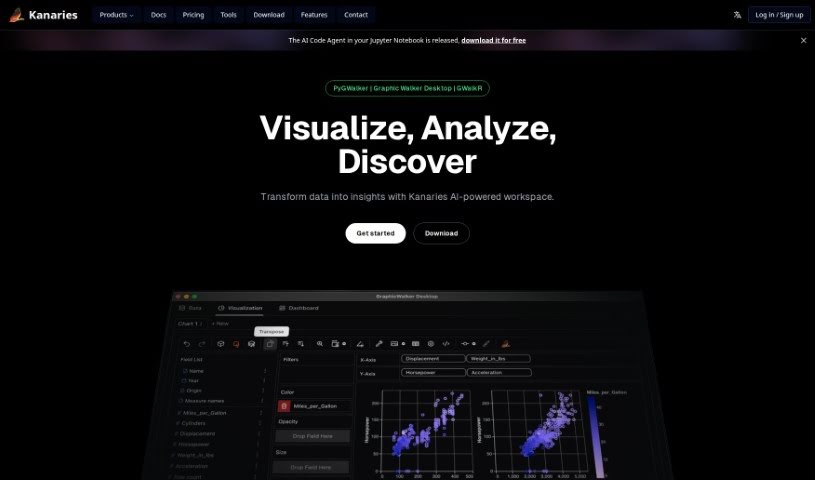
Screenshot of Kanaries

Kanaries

Freemium

Kanaries RATH is an AI assistant for data exploration. It automatically finds patterns, generates insights, and creates charts and dashboards from a wide range of data sources, simplifying the tedious work of cleaning, analyzing, and visualizing data.

Data Analytics View Tool →
Screenshot of Kater

Kater

Freemium

Kater, also known as Butler, is a data agent built to address everyday challenges organizations face with data literacy, data access, and data processing. It helps teams sort through data messes, generate hypotheses, write the queries needed to test them, and surface key insights quickly.

Data Analytics View Tool →
Screenshot of KGiSL

KGiSL

Freemium

KGiSL offers Marvel.ai, an AI-powered business intelligence platform designed to help businesses transform and automate their operations. It provides thorough data analysis to support smarter decision-making and improve customer interactions using machine learning.

Data Analytics View Tool →
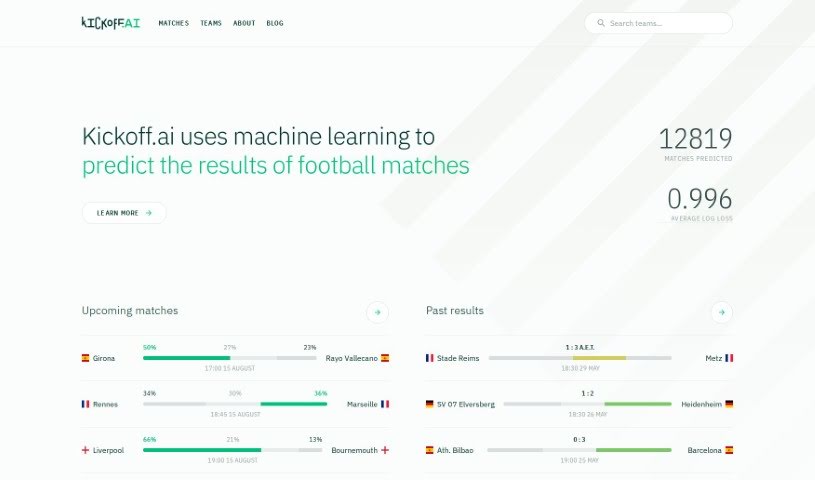
Screenshot of Kickoff.ai

Kickoff.ai

Freemium

Kickoff.ai is an AI-powered platform for football match predictions. It uses machine learning to forecast match outcomes, showing predicted percentages, match schedules, and a comparison of predictions against actual scores. This makes it useful for football fans and bettors alike. The platform tracks its own performance accurately, maintaining a low average log loss, and covers a wide range of football matches worldwide. It models team strength over time and applies Bayesian inference to produce probability-based predictions. The team acknowledges that football is unpredictable, and continues to improve its machine learning techniques through ongoing research.

Data Analytics View Tool →
Screenshot of Kindo AI

Kindo AI

Freemium

Kindo AI is a platform that helps DevSecOps teams automate their runbooks using AI. Instead of manually writing configurations, teams use Kindo to build a system of automation — a "doctrine" that defines how their infrastructure should react to events and planned projects. Gen AI automations and no-code AI Agents support this approach, allowing DevSecOps professionals to manage their infrastructure proactively and efficiently.

Data Analytics View Tool →
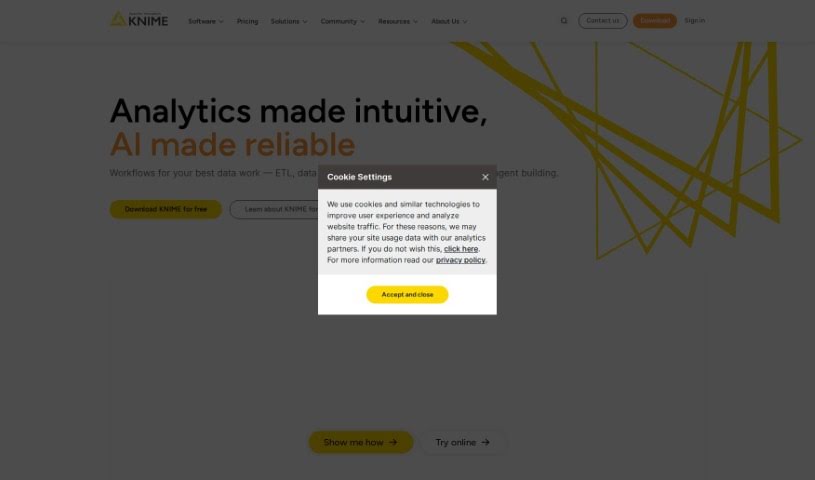
Screenshot of KNIME

KNIME

Freemium

KNIME is a comprehensive platform covering the end-to-end data science process in a single, unified environment. You build workflows — series of connected steps — to handle data tasks ranging from simple cleaning and filtering to complex analyses like geographical data, image analysis, or deep learning. KNIME also helps you monitor analytics and AI models, which matters for keeping sensitive data safe. It's suited for teams that need accurate, explainable results and want to make the most of their data and AI capabilities.

Data Analytics View Tool →
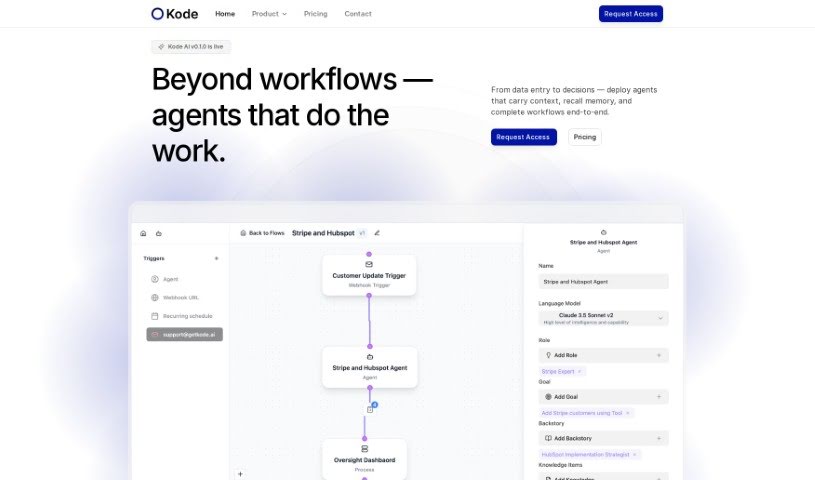
Screenshot of Kode AI

Kode AI

Freemium

Kode AI is a no-code AI automation platform that helps businesses adopt AI while keeping data secure and compliant. Its core features include:

Data Analytics View Tool →
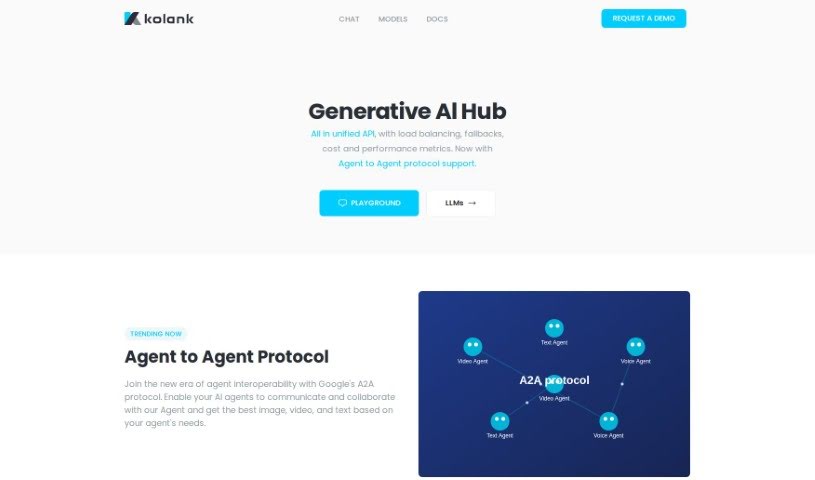
Screenshot of Kolank

Kolank

Freemium

Kolank is an AI tool for managing AI costs through pay-for-performance query routing. It sends each query to the most suitable model for the task, so you don't pay premium prices for simple requests. You can also set a default model that Kolank uses for routing. It supports a range of language models, including GPT, Claude, and Llama.

Data Analytics View Tool →
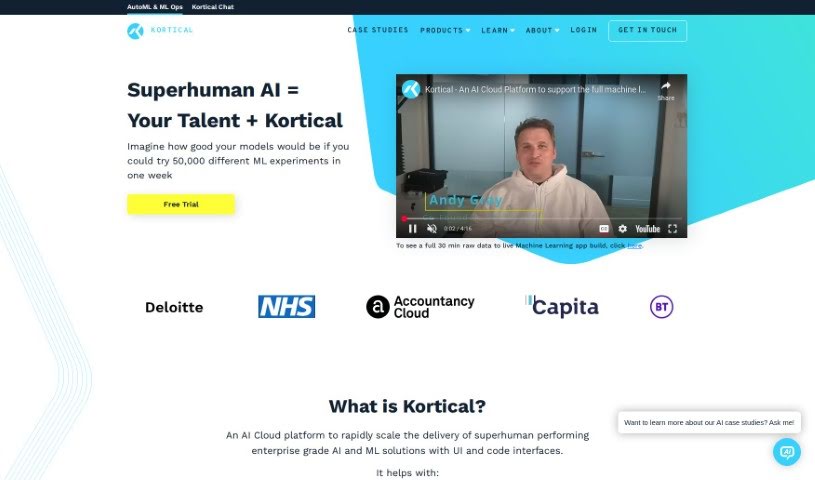
Screenshot of Kortical

Kortical

Freemium

Kortical is an AI cloud platform built to speed up the delivery of AI and ML solutions. It includes transparent AutoML, scalable deployment options, ML Ops, and auto-training for AI/ML models. It serves data scientists and coders through both a user-friendly interface and code-based access, covering everything from data exploration to cleaning and feature creation.

Data Analytics View Tool →
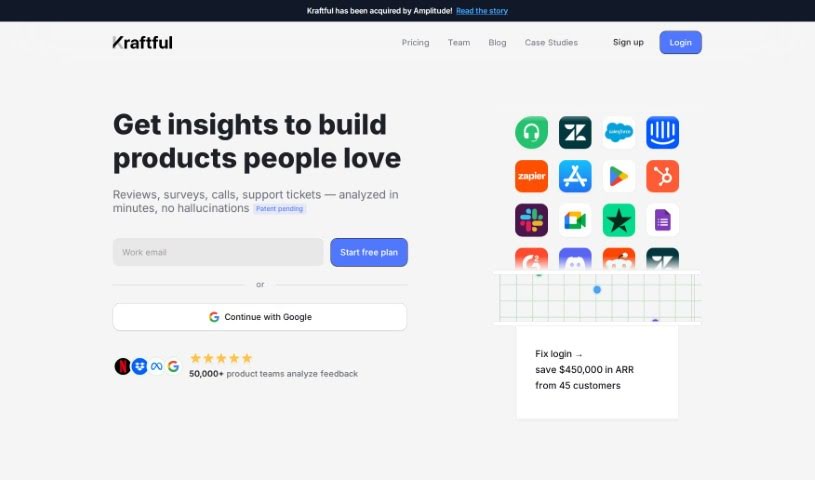
Screenshot of Kraftful

Kraftful

Freemium

Kraftful is an AI-driven platform that analyzes user feedback to help businesses understand what their users want and prefer. It provides insights into customer sentiment, enabling companies to streamline product development. Product managers can use it to make sense of customer feedback, spot opportunities to improve and innovate, and make data-backed decisions that improve the user experience.

Data Analytics View Tool →
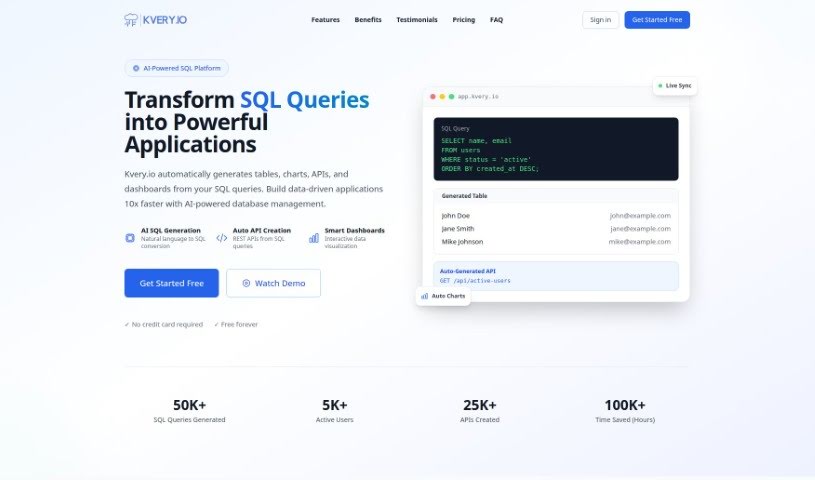
Screenshot of Kvery

Kvery

Freemium

Kvery is a SQL editor built for data professionals. It offers an easy-to-use interface with features like syntax highlighting, code completion, and advanced data management tools, all designed to boost productivity and reduce mistakes when writing SQL. Kvery supports work with large, complex datasets, saving time and improving accuracy. It serves developers, data analysts, and database administrators who want to simplify database querying and extract insights from their data faster.

Data Analytics View Tool →

About Data Analytics tools

Pulling actionable insights from raw spreadsheets often feels like hunting for a needle in a digital haystack. You spend hours writing complex SQL queries, cleaning messy rows, and wrestling with dashboard settings just to answer a simple business question. By the time you finally build a clear chart, the data is already outdated and the meeting is over.

The tools in this category act like high-powered analytical assistants. They handle tedious data cleaning, spot hidden trends, and convert messy datasets into clear visual reports in seconds.

Asking Questions and Finding Patterns Faster

Querying databases in plain English is one of the biggest leaps in modern analytics. Instead of waiting on a specialized data team to pull a custom report, non-technical team members can type questions like “Which product category had the highest refund rate last quarter?” The software scans connected tables, writes the necessary SQL behind the scenes, and hands back a clean chart alongside a concise text summary.

Data cleaning gets much easier, too. Raw files rarely arrive neatly formatted; they’re usually packed with duplicate rows, inconsistent date formats, and missing values. Smart analytics engines spot these flaws right away, offering quick fixes to clean up messy tables before you even start analyzing. You spend less time fixing broken formulas and more time studying actual business metrics.

Machine learning models also help flag unexpected anomalies and forecast future trends. Rather than just showing what happened last month, these tools scan millions of data points to highlight emerging buyer habits and project revenue shifts—helping you adapt before competitors notice.

Practical Capabilities to Consider

  • Natural language querying: Systems that let you ask questions in plain English and deliver instant charts, tables, or SQL code.
  • Automated data preparation: Features that identify missing values, reformat inconsistent columns, and strip out duplicate entries automatically.
  • Predictive forecasting: Algorithms that analyze historical trends to project future sales, customer churn, and demand shifts.
  • Custom dashboard creation: Tools that convert raw numbers into interactive, shareable visual reports with minimal setup.
  • Enterprise data security: Platforms that connect directly to your data warehouse while enforcing strict access controls.

Software can run statistical correlations and render clean charts, but deciding what those numbers actually mean for your business still requires human judgment and domain context. Handing off routine data parsing simply gives you the clarity to make better decisions.

Explore the analytics platforms below to speed up your reporting.

The Best AI Data Analytics Tools

  1. Tableau: Great for visualizing insights to guide strategic decisions.
  2. DataCamp: Helps you get better insights through data visualization.
  3. 5-Out: Sales forecasting for restaurants, covering purchasing, staffing and profitability.
  4. Databricks: Offers real-time insights into business performance.
  5. Kaiber: Creates visualizations for insightful analysis.
  6. Scale AI: Provides real-time analytics for threat detection.
  7. Text Cortex: Simplifies the process of generating reports.
  8. Football Predictions AI: Analyzes match outcomes and makes predictions.
  9. Labelbox: Offers insights into data quality using its tools.
  10. Meta Gen AI: Helps analyze data trends with AI assistance.
  11. HubSpot Chatspot: Uncovers trends using visual data insights.
  12. Tomorrow.io: Enhances decision-making with data insights.
  13. Metaphor: Visualizes complex data relationships.
  14. Dimensions AI: Streamlines research data analysis processes.
  15. Dataminr: Identifies market trends for businesses.

New tools, in your inbox.

Weekly picks of the best AI tools we've researched and added — no spam, unsubscribe anytime.

Join 25,000+ AI enthusiasts. No spam, unsubscribe anytime.