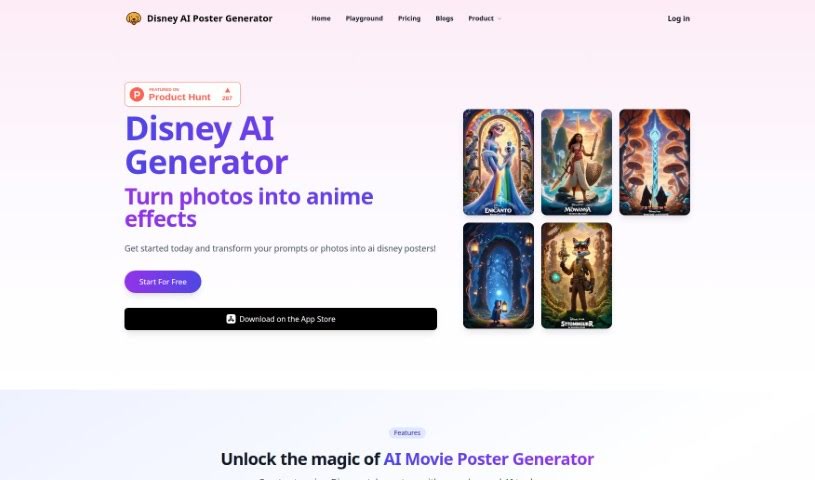
D
Disney AI Poster
FreemiumDisney AI Poster is a tool for creating images in the style of Disney Pixar movies. It requires no art or coding background and offers two main ways to generate images:
Art Generation
View Tool →
Discover the best Art Generation AI tools to enhance your productivity and creativity.
Disney AI Poster is a tool for creating images in the style of Disney Pixar movies. It requires no art or coding background and offers two main ways to generate images:
DoDoBoo is a drawing app created by a group of dads who wanted to give kids a fun and educational place to develop their drawing skills. It combines learning with AI technology, helping children create artwork that is meaningful to them.
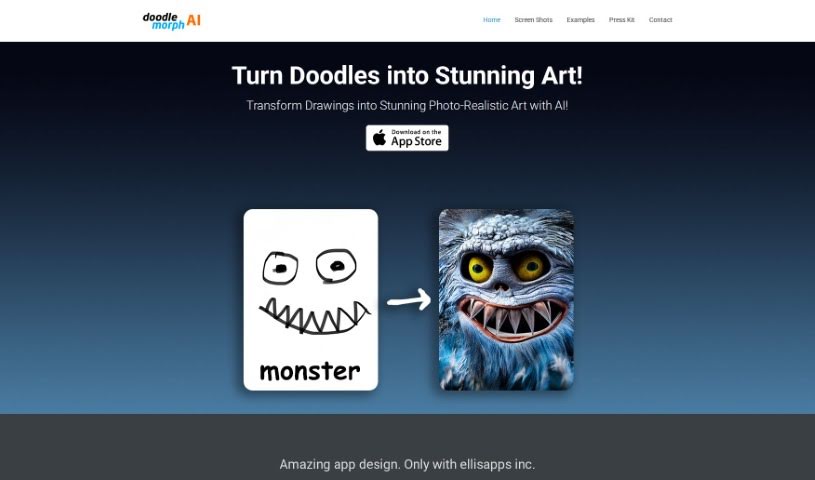
Doodle Morph AI is an AI-powered app from EllisApps Inc. that turns sketches, doodles, and drawings into high-quality, photo-realistic digital art. It processes your input as you draw, delivering results in real time, and includes audio and visual features along with security measures designed to keep your creations safe.
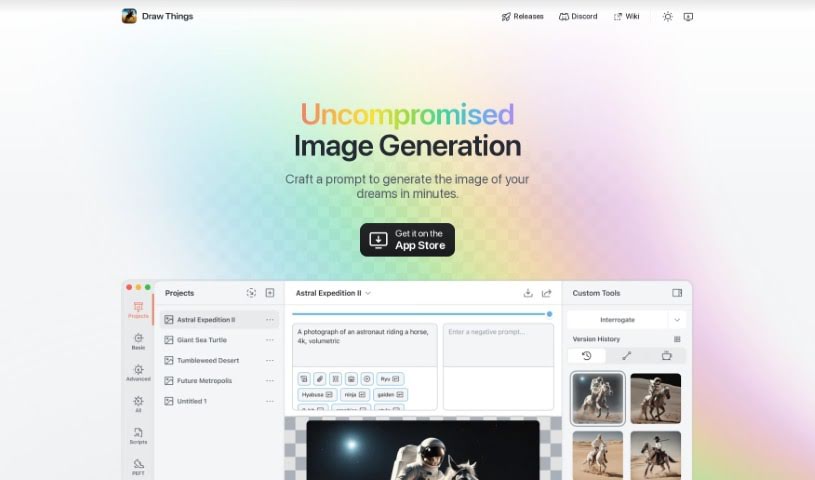
Draw Things is a free app that generates AI images directly on your phone — and it works offline. It runs Stable Diffusion models, producing images quickly from your prompts. Before downloading, check that your device is on the supported list, which is available on the app's homepage. Draw Things includes multiple models, so you can create images in styles such as anime, paintings, and sketches.
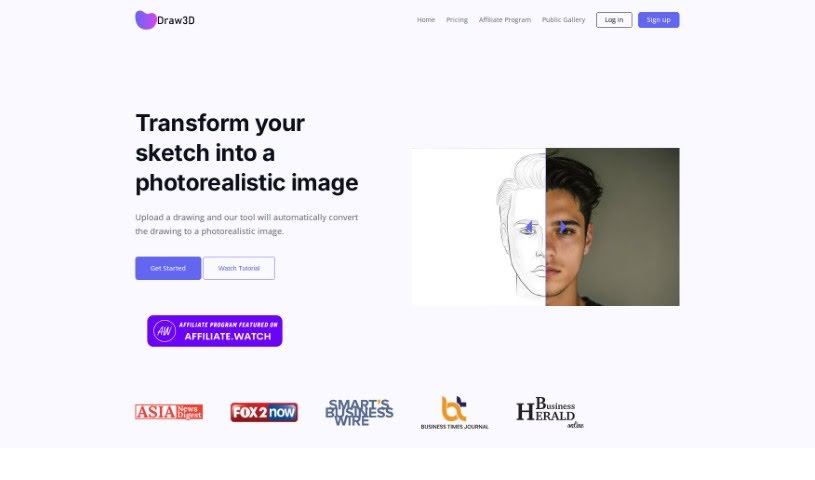
Draw3D is a digital art tool that turns sketches into photorealistic images. It handles detailed sketches while preserving the original structure, and can animate sketches of animals and other subjects. It also transforms sculptures into photos and vice versa. A built-in editor supports filtering, resizing, and other image edits. Draw3D works with AI Tools Directory and is used by creatives worldwide.
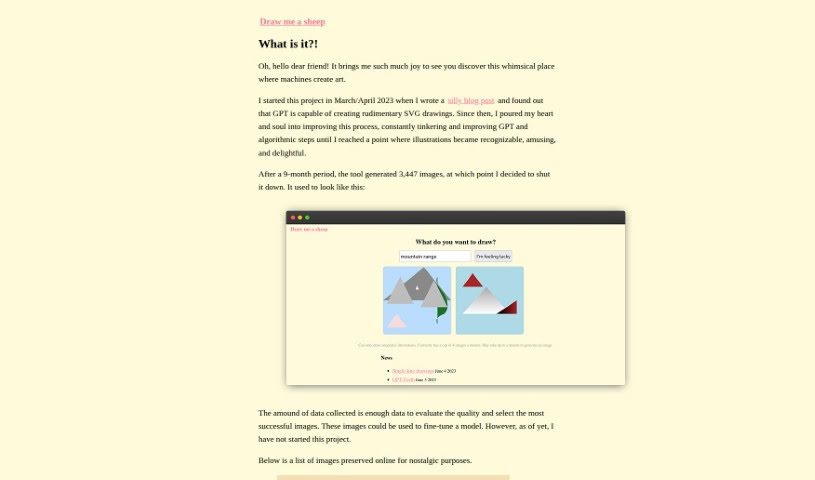
Drawmeasheep is an online platform for creating hand-drawn sheep illustrations. Users can customize the sheep's body shape, face, and accessories to produce a personalized drawing, with no drawing skills required. It is suited to creative projects and personalized gifts.
Drawww is a real-time drawing app powered by AI, built specifically for the iPad. All AI processing happens on-device, so your data stays private and you can work without an internet connection. The app is positioned as an AI Art Studio for artists, generating artwork instantly as you draw.
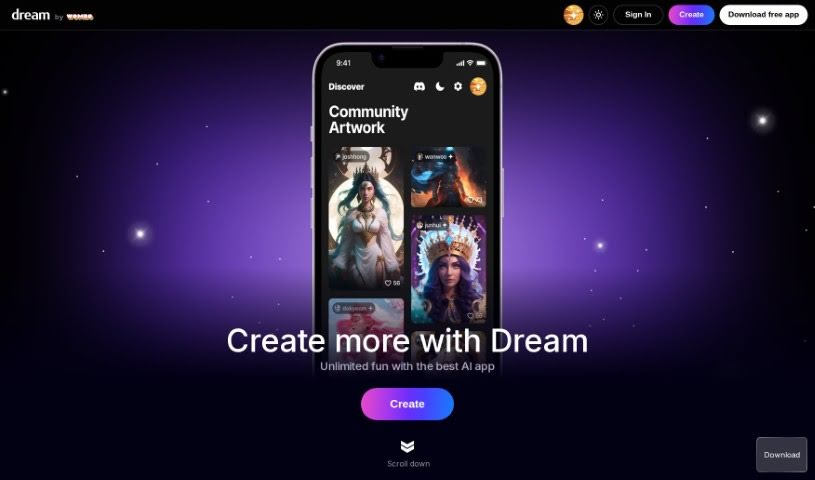
Dream AI, also known as Dream by WOMBO, is an AI tool for creating unique artwork. You provide an idea, choose an art style, and the AI generates a high-quality painting in seconds. You can also upload your own images or connect a wallet to use NFTs you own as inspiration. Style options span realistic to expressionist and vector art, including premium choices like VFX, Dystopia, and abstract fluid art. No technical skills are required — the interface is simple to use and customize.
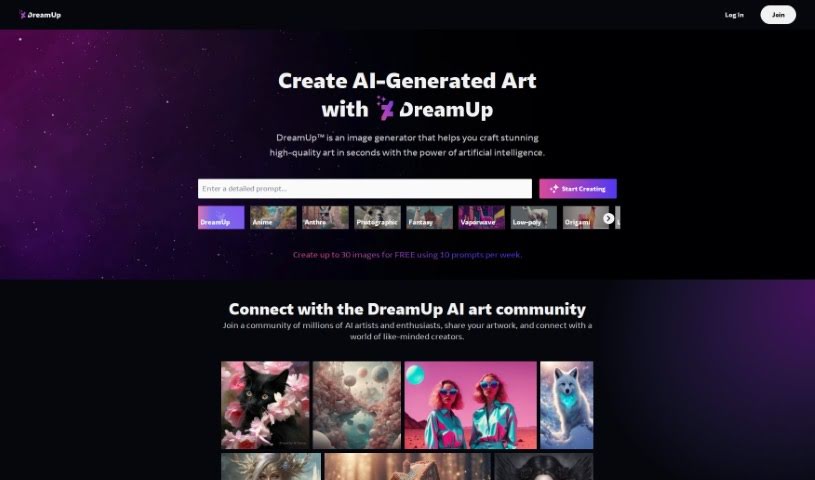
Dream Up is a feature on DeviantArt, a large online community for artists. It provides a dedicated space for creative exploration across art forms including digital painting, sketching, and writing. The feature is designed to help artists explore their own vision and share their work with a large community of art enthusiasts.
Dream Generator AI is a mobile app for iOS and Android that generates images using AI algorithms. Each image starts as random noise that the model gradually transforms, producing results with a distinct visual style. Generated images can be used in a variety of projects or applications.
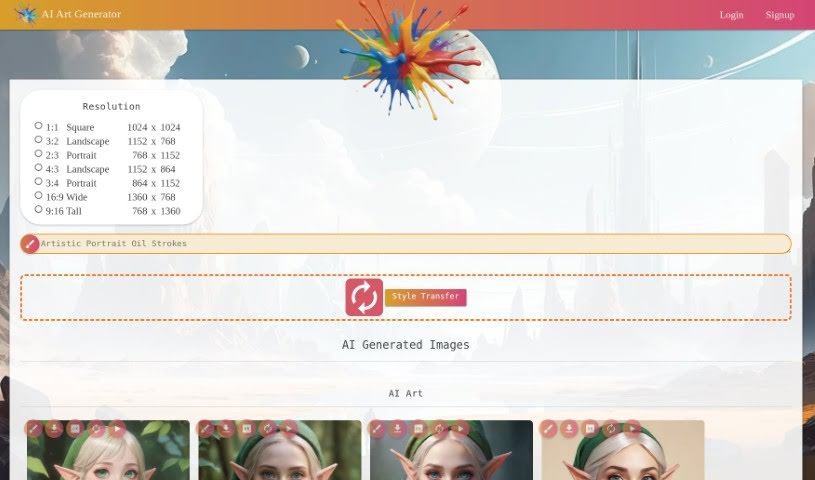
Ebank is an AI art generator that turns text prompts into themed artwork. Users enter a description, and the platform generates art pieces based on it. Styles include Anime, Photographic, Digital Art, Comic Book, and Fantasy Art, with themes covering elf characters, cartoon characters, fantasy settings, and abstract designs rendered in looks such as Anime, Neon Punk, and Line Art.
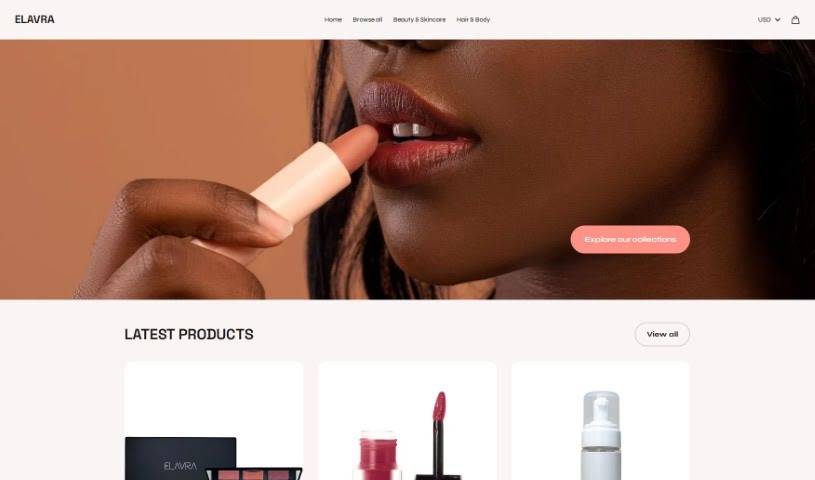
Elavra is a free AI image gallery that lets users generate unlimited images, including art, pictures, photos, and portraits. On top of generation, it adds an interactive gallery layer: users can react to images, mark favorites, and submit their own creations.
Staring at a blank canvas is intimidating, whether you’re a professional concept artist or someone who struggles with basic sketches. Traditionally, turning a visual idea into a finished piece meant hours of line work, color mixing, and lighting adjustments. If a client requested a style change mid-project, you often had to start over from scratch.
AI art generators act like digital sketchbooks, turning plain text descriptions or rough doodles into detailed visuals in seconds. They don’t replace artistic vision or genuine human emotion, but they make testing visual ideas incredibly fast.
The biggest advantage of visual generators is how quickly they let you iterate. Imagine you’re designing a character for an indie game. Rather than spending days sketching dozens of hairstyles, outfits, and color palettes, you can type a brief prompt into an image generator. Within moments, you get several distinct visual directions to evaluate, pick your favorite elements from, and refine.
Different engines excel at different tasks:
- Some models focus on painterly, cinematic artwork that mimics oil paintings or fantasy concept art.
- Others specialize in photorealism, capturing camera angles, skin textures, and natural lighting with remarkable precision.
- Newer models focus specifically on rendering readable text within logos, posters, and graphic design assets.
Image editing features have evolved just as quickly. Inpainting tools let you highlight a specific area of an image—like a plain backdrop or a character’s jacket—and swap it out using a simple text command. You don’t need complex layer masking skills just to adjust a color or fix a minor detail.
Key Capabilities to Look For:
- Style and character consistency: Features that let you reuse character models or color palettes across multiple generations for cohesive storytelling.
- Inpainting and canvas expansion: Tools that let you edit specific regions inside an image or extend borders to fit different aspect ratios.
- Typography rendering: Generators built to render clear, readable text within graphic designs and banners.
- Image-to-image conversion: Systems that transform rough pencil sketches or 3D blockouts into rendered artwork.
- Custom model training: Software that accepts custom image datasets to match a specific brand voice or personal aesthetic.
Meaningful art will always depend on human taste, composition, and emotional intent. While generators handle computational rendering, your creative choices are what turn an image into something worth sharing.
Take a look through the tools below to find the right fit for your creative workspace.
Weekly picks of the best AI tools we've researched and added — no spam, unsubscribe anytime.
Join 25,000+ AI enthusiasts. No spam, unsubscribe anytime.