AI Art Generation Tools

AI Tools for Art Generation

Discover the best Art Generation AI tools to enhance your productivity and creativity.

Page 5 of 19 • 225 total tools
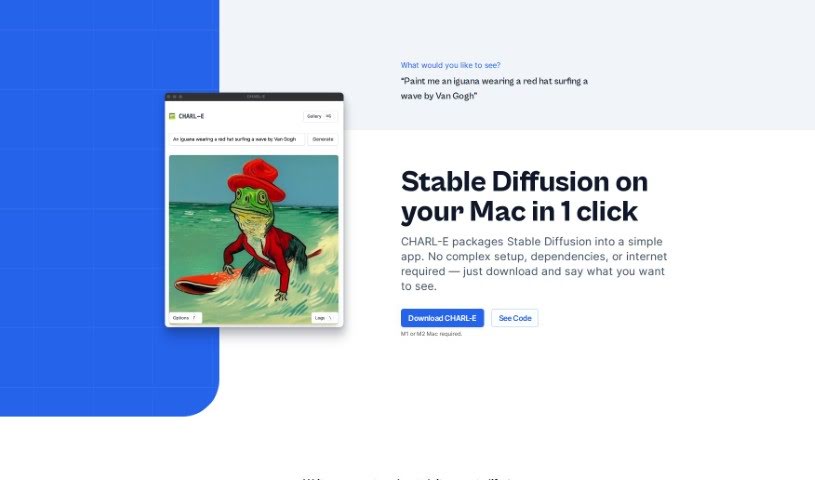
Screenshot of CHARL-E

CHARL-E

Freemium

CHARL-E is a free AI art generator for Mac, created by Charlie Holtz. It runs the Stable Diffusion model locally: you type a prompt describing the image you want, and CHARL-E generates it on your machine. The app automatically downloads the required model weights (or lets you supply your own), lets you configure parameters like samplers, number of images, seeds, and output location, and includes a gallery mode for browsing past creations. Once installed, it works fully offline — no data is sent to external servers, and no other dependencies are needed.

Art Generation View Tool →
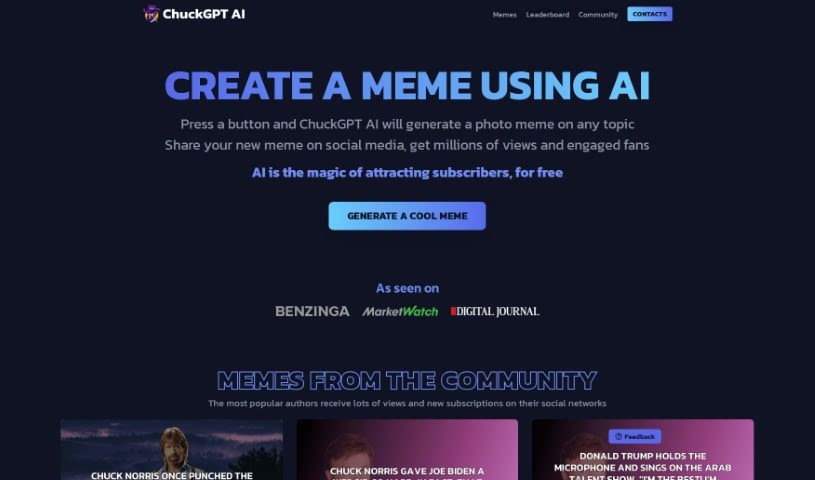
Screenshot of ChuckGPT AI

ChuckGPT AI

Freemium

ChuckGPT AI is a free, AI-powered meme generator that creates photo memes on any topic. Part of the ChuckGPT brand, it lets you produce a meme with a single click and share it directly to social platforms like Twitter, Facebook, and Reddit to grow your following. The site is built with Ant Design.

Art Generation View Tool →
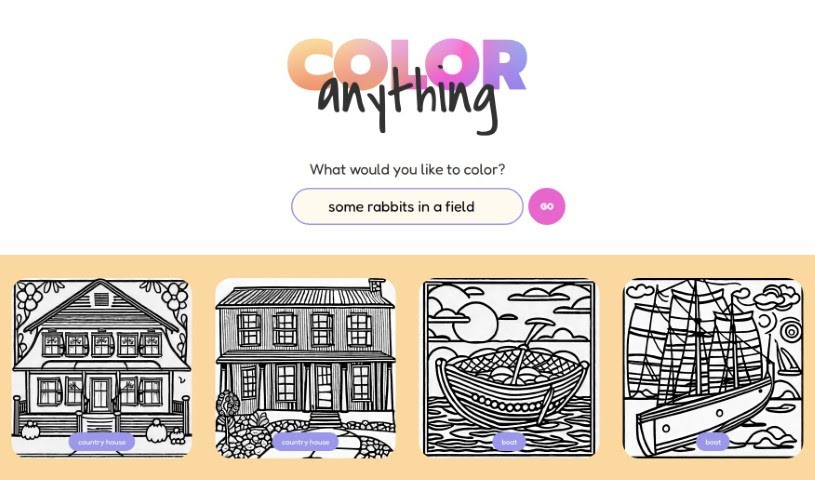
Screenshot of COLOR anything

COLOR anything

Freemium

COLOR anything is a creative platform that uses artificial intelligence to generate custom coloring pages. You describe a subject, character, or scene, and the AI turns it into a unique, printable page. It works for both kids and adults, with themes ranging from gingerbread houses and superheroes to pandas and mythical creatures like zeraora.

Art Generation View Tool →
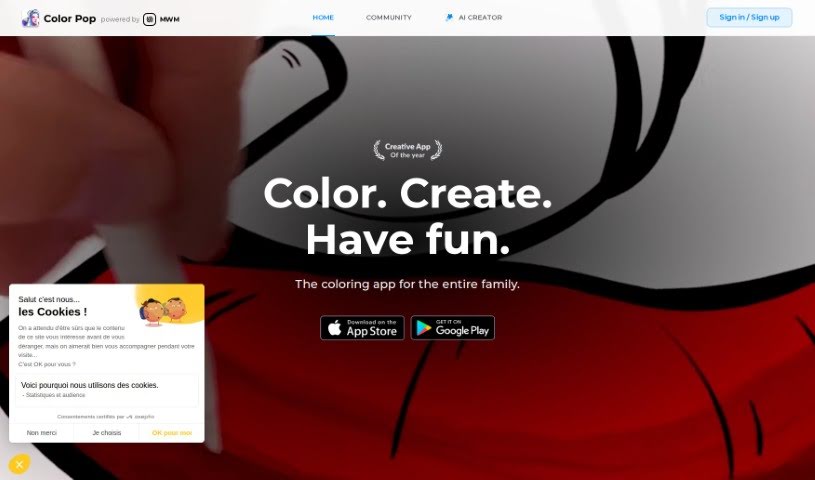
Screenshot of Color Pop

Color Pop

Freemium

Color Pop is an easy-to-use coloring app that brings the classic fun of coloring into the digital world. It offers over 600 hand-picked designs suitable for all ages, along with a realistic toolkit of pens, brushes, and spray tools. Users can enhance their artwork with more than 1,000 textures and effects, create their own coloring pages with an AI generator, and share their work with a community of over 5,000 colorists.

Art Generation View Tool →
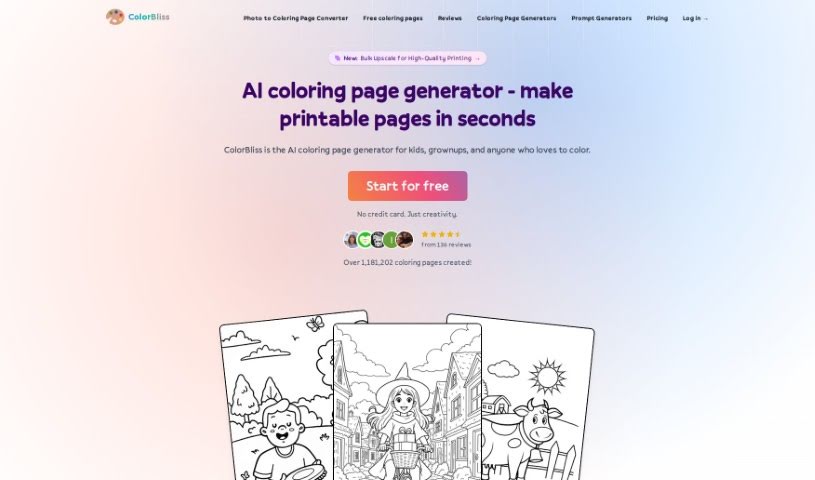
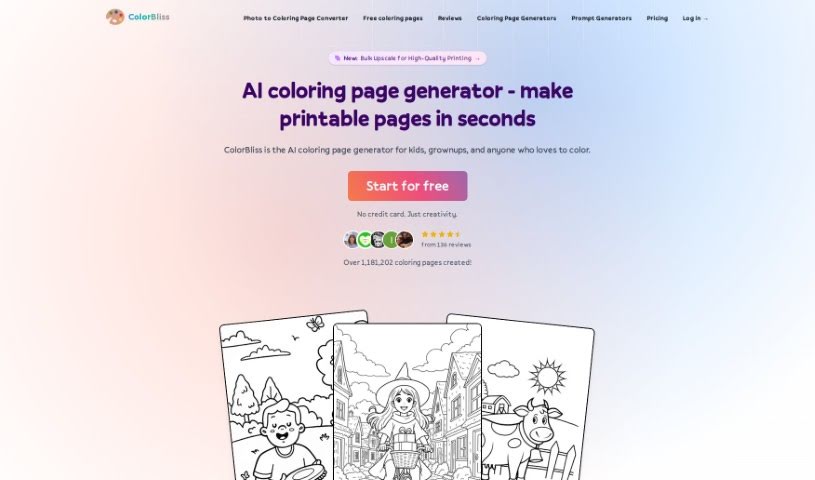
Screenshot of Colorbliss

Colorbliss

Freemium

ColorBliss is an AI tool for creating custom coloring pages from text descriptions, your own photos, or your drawings. It interprets your input and produces detailed outlines suitable for coloring.

Art Generation View Tool →
Screenshot of ColorBliss.art

ColorBliss.art

Freemium

ColorBliss.art is a platform created by Ben Robertson that uses AI to generate custom coloring sheets. You describe what you want — for yourself, your kids, or your students — and the tool produces an image ready to be printed and colored.

Art Generation View Tool →
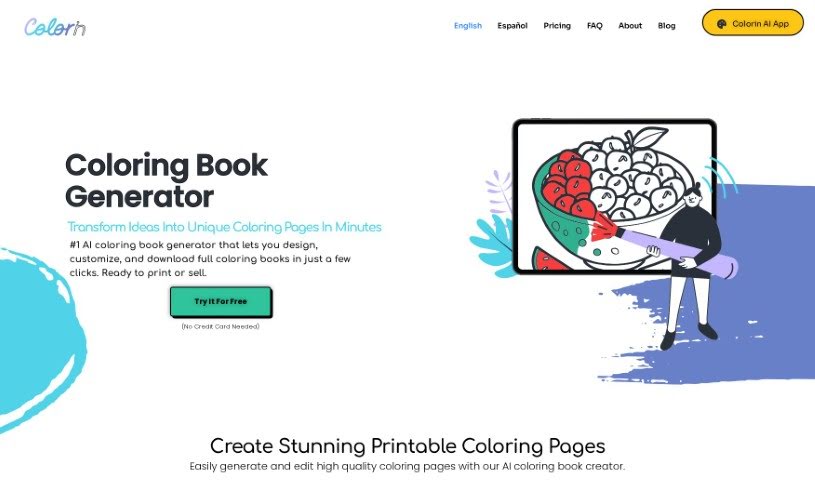
Screenshot of Colorin AI

Colorin AI

Freemium

Colorin AI is a platform that uses artificial intelligence to help you create coloring pages and entire coloring books. Designs are customizable, and the tool is simple enough for personal, educational, or commercial use. You can print your drawings from anywhere, keep projects organized, and download them whenever needed. It offers a range of pre-designed styles plus color therapy features. Users report that it has helped them boost creativity, earn money, and express emotions. Colorin AI also runs a Creative Community and offers plans with premium features and credits for AI drawings.

Art Generation View Tool →
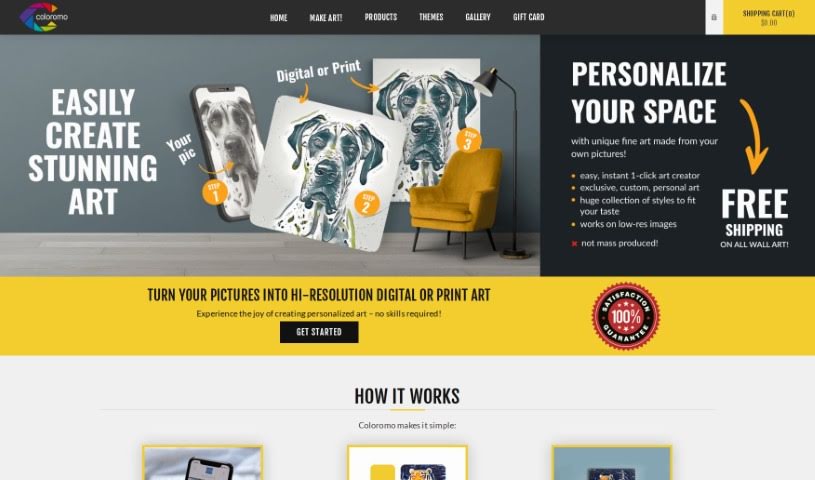
Screenshot of Coloromo

Coloromo

Freemium

Coloromo is a platform that transforms your photos into personalized artwork. The process takes three steps: upload a photo, choose from a range of artistic styles, and select your output format — a high-resolution digital download or prints on materials like canvas, wood, acrylic, metal, or decals. The system analyzes your photo and offers several interpretations, spanning classic art styles, modern looks, mixed media, patterns, and nature-inspired designs. There's also a surprise option if you'd rather let the tool pick. No special skills or software are required, and results are generated instantly. Artists can also partner with Coloromo to create and sell their own AI styles. It's a straightforward way to make personalized prints and digital art for your home or as gifts.

Art Generation View Tool →
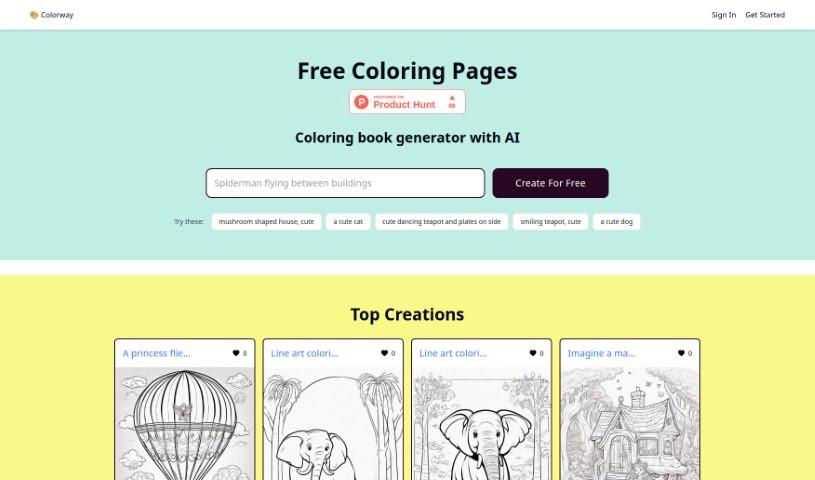
Screenshot of Colorway AI

Colorway AI

Freemium

Colorway AI is an online platform with an AI-powered coloring book generator. You can access free coloring pages or generate your own designs, covering animals, realistic scenes, intricate mandalas, and aesthetic illustrations, plus character pages such as Batman, Moana, and Spiderman. The platform has been featured on Product Hunt.

Art Generation View Tool →
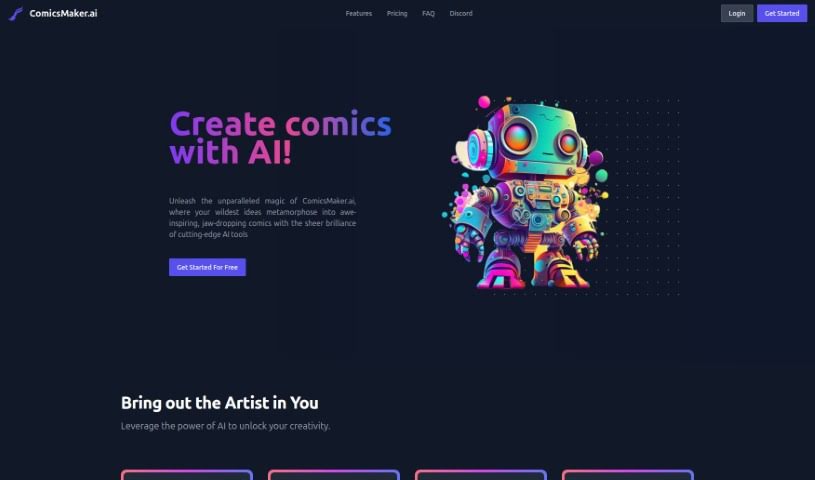
Screenshot of Comicsmaker

Comicsmaker

Freemium

ComicsMaker.ai is an online platform that uses machine learning to help you create comics. It combines an AI art generator with tools for building custom page layouts and supports a range of comic styles, including manga and anime. You can upload your own images, turn sketches into finished panels, and download your comics as PDF or CBZ files. Because it runs in the browser, you can work on your comics from anywhere with an internet connection. The platform simplifies the creation process, but you still need to supply the creative ideas behind your stories and visuals.

Art Generation View Tool →
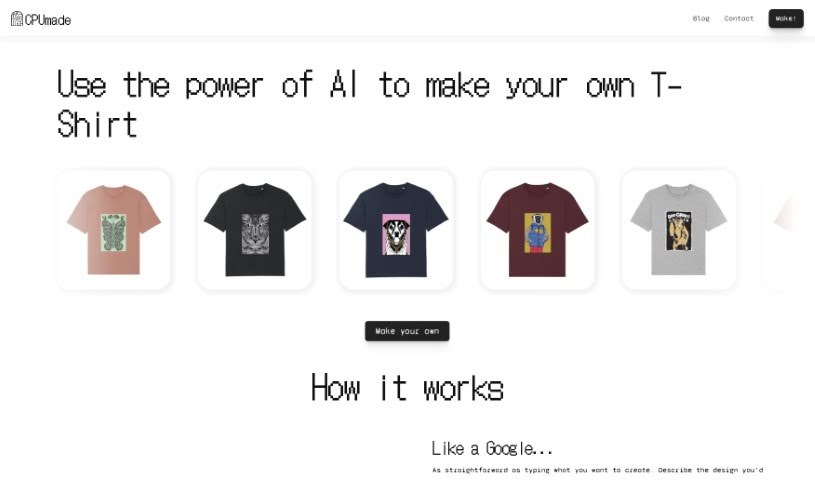
Screenshot of CPUmade

CPUmade

Freemium

CPUmade is a platform that uses artificial intelligence to make designing custom t-shirts simple. You describe the design you're picturing, and CPUmade's AI model generates a personalized t-shirt design. You then pick your t-shirt color and size and add it to your cart to buy.

Art Generation View Tool →
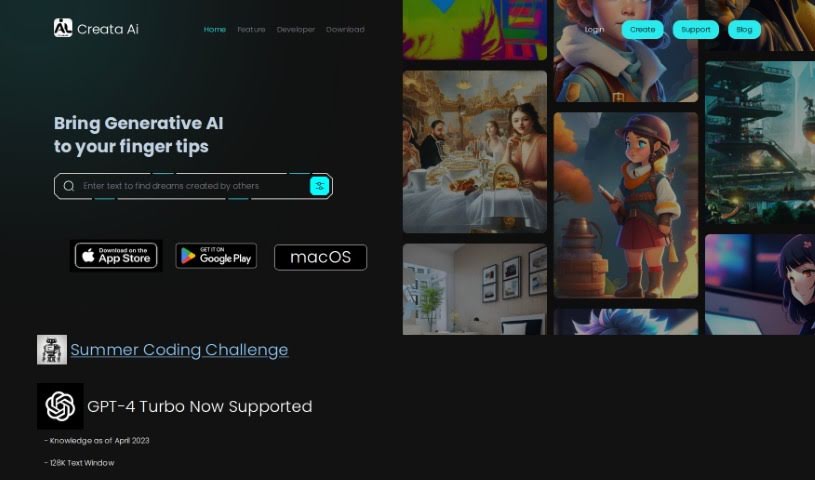
Screenshot of Creataai

Creataai

Freemium

Creataai is a web-based generative AI studio that bundles several creative tools into one platform. It runs on OpenAI's GPT-4 Turbo and includes image-to-image models, more than 600 art styles, 24 pre-set art models, and high-resolution image enlargement that preserves quality. A voice cloning feature uses machine learning to turn text into human-like speech, so you can produce realistic voiceovers without recording equipment. Multi-modal support for text, image, and voice inputs is in preparation, and the platform ships with more than 150 ready-to-use GPT-4 tasks.

Art Generation View Tool →

About Art Generation tools

Staring at a blank canvas is intimidating, whether you’re a professional concept artist or someone who struggles with basic sketches. Traditionally, turning a visual idea into a finished piece meant hours of line work, color mixing, and lighting adjustments. If a client requested a style change mid-project, you often had to start over from scratch.

AI art generators act like digital sketchbooks, turning plain text descriptions or rough doodles into detailed visuals in seconds. They don’t replace artistic vision or genuine human emotion, but they make testing visual ideas incredibly fast.

Testing Visual Directions in Seconds

The biggest advantage of visual generators is how quickly they let you iterate. Imagine you’re designing a character for an indie game. Rather than spending days sketching dozens of hairstyles, outfits, and color palettes, you can type a brief prompt into an image generator. Within moments, you get several distinct visual directions to evaluate, pick your favorite elements from, and refine.

Different engines excel at different tasks:

  • Some models focus on painterly, cinematic artwork that mimics oil paintings or fantasy concept art.
  • Others specialize in photorealism, capturing camera angles, skin textures, and natural lighting with remarkable precision.
  • Newer models focus specifically on rendering readable text within logos, posters, and graphic design assets.

Image editing features have evolved just as quickly. Inpainting tools let you highlight a specific area of an image—like a plain backdrop or a character’s jacket—and swap it out using a simple text command. You don’t need complex layer masking skills just to adjust a color or fix a minor detail.

Key Capabilities to Look For:

  • Style and character consistency: Features that let you reuse character models or color palettes across multiple generations for cohesive storytelling.
  • Inpainting and canvas expansion: Tools that let you edit specific regions inside an image or extend borders to fit different aspect ratios.
  • Typography rendering: Generators built to render clear, readable text within graphic designs and banners.
  • Image-to-image conversion: Systems that transform rough pencil sketches or 3D blockouts into rendered artwork.
  • Custom model training: Software that accepts custom image datasets to match a specific brand voice or personal aesthetic.

Meaningful art will always depend on human taste, composition, and emotional intent. While generators handle computational rendering, your creative choices are what turn an image into something worth sharing.

Take a look through the tools below to find the right fit for your creative workspace.

The Best AI Art Generators

  1. Leonardo AI: Great for creating custom artwork for brands.
  2. Openart: Offers tools for making AI-powered fan art.
  3. Tensor.art: Ideal for creating abstract art.
  4. Pix AI: Perfect for designing custom anime characters.
  5. Yodayo: Use this for creating unique digital art styles.
  6. Night Cafe Creator: Lets you make unique art from text prompts.
  7. Artguru AI: Good for creating anime art from descriptions.
  8. Imagine AI Art Generator: Offers endless artistic possibilities.
  9. Playground: Useful for custom artwork for digital projects.
  10. Dezgo: Helps you generate high-quality art from text.
  11. Deep Dream Generator: Transforms photos into detailed art.
  12. Autodraft AI: Turns text into unique artworks.
  13. Apob AI: Create unique art styles for your projects.
  14. Starry AI: Focuses on digital art creation.
  15. Meta Imagine: Lets you create unique art from text prompts.
New tools, in your inbox.

Weekly picks of the best AI tools we've researched and added — no spam, unsubscribe anytime.

Join 25,000+ AI enthusiasts. No spam, unsubscribe anytime.