AI Art Generation Tools

AI Tools for Art Generation

Discover the best Art Generation AI tools to enhance your productivity and creativity.

Page 18 of 19 • 225 total tools
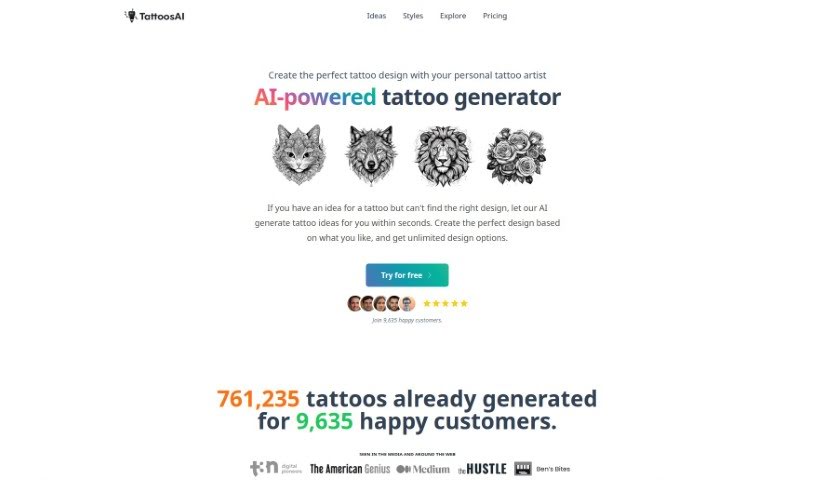
Screenshot of TattoosAI

TattoosAI

Freemium

TattoosAI is an AI-powered tool that generates unique tattoo designs. You describe what you want, pick a style and color, and the AI produces a range of original design options you can tweak as you like. It supports a wide variety of styles, including geometric, watercolor, traditional, and portraits. You can generate unlimited designs, and upgrading to the pro plan keeps your designs private. A simulator is planned so you can preview how a tattoo would look on your skin before committing. TattoosAI was created by Nick Berns, who is based in New Zealand.

Art Generation View Tool →
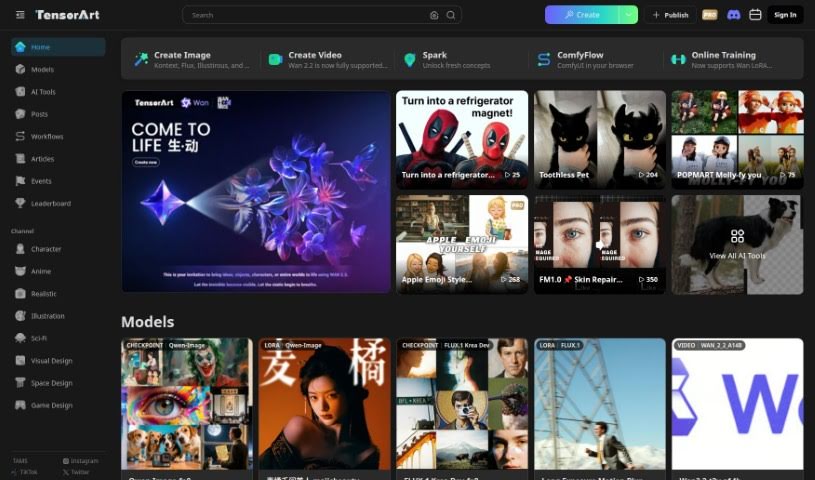
Screenshot of Tensor.art

Tensor.art

Freemium

Tensor.art is a platform for AI-driven art creation. It features TA Nodes, a node-based system where you connect different nodes to build your image creation process. One useful node is the SelectParams Node, which lets you fine-tune input parameters and control how much influence the Style Model has on the final artwork, making the output better match your creative vision.

Art Generation View Tool →
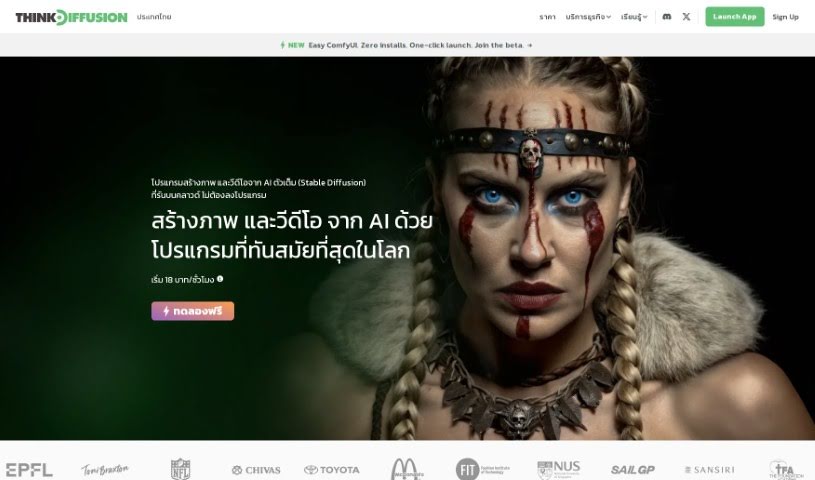
Screenshot of Think Diffusion

Think Diffusion

Freemium

ThinkDiffusion is a fully-managed cloud workspace that provides dedicated machine instances pre-loaded with popular open-source apps like Automatic1111, ComfyUI, and Kohya. You can add extensions and custom nodes, upload models and files with one click, and run multiple machines simultaneously. It requires no installation or maintenance, offers various pricing plans, and lets you use Stable Diffusion AI art tools directly from your browser. Users frequently praise its ease of use and responsive customer support.

Art Generation View Tool →
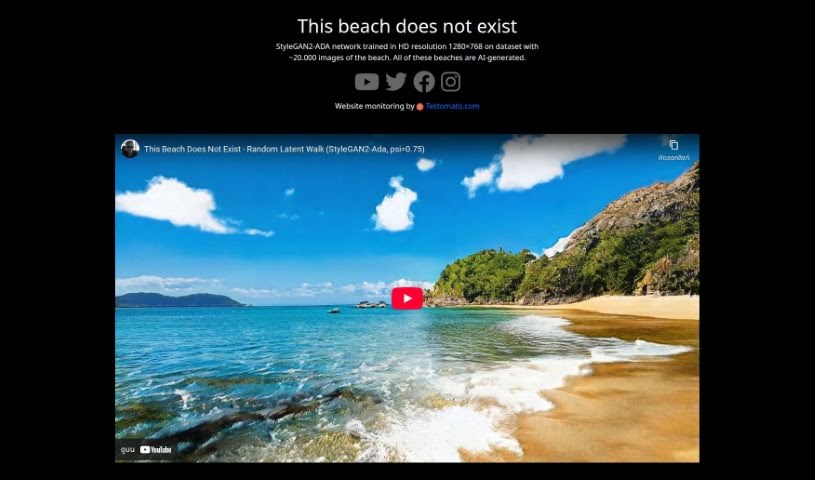
Screenshot of Thisbeachdoesnotexist.com

Thisbeachdoesnotexist.com

Freemium

Thisbeachdoesnotexist.com is a free AI tool that generates synthetic beach images. It was built by Vojtěch Semecký and runs on the StyleGAN2-ADA architecture. The network was trained on a dataset of roughly 20,000 beach images, all in high definition at 1280×768 resolution. The site holds an average rating of 4.8 out of 5 stars.

Art Generation View Tool →
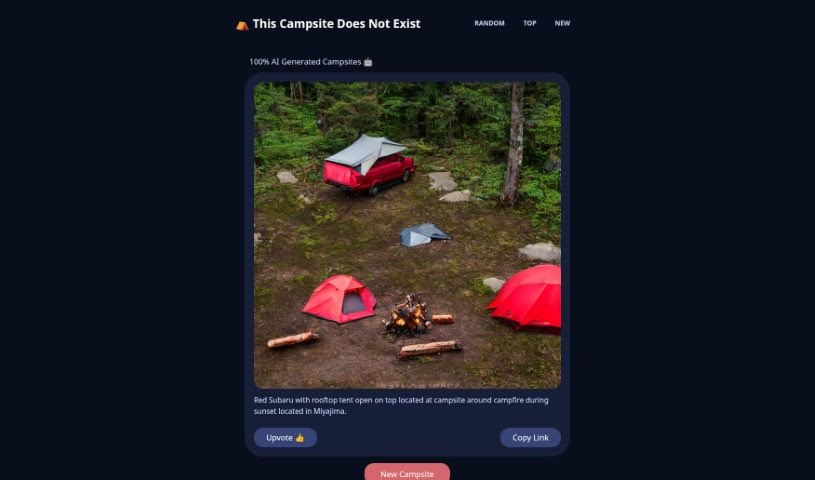
Screenshot of Thiscampsitedoesnotexist

Thiscampsitedoesnotexist

Freemium

"This Campsite Does Not Exist" is a website showcasing campsites generated entirely by AI using Stable Diffusion. New AI-generated campsites are added every hour, and users can upvote their favorites — the most popular ones get featured on the main page. The project is copyrighted under "This Campsite Does Not Exist."

Art Generation View Tool →
Screenshot of Thiscitydoesnotexist

Thiscitydoesnotexist

Freemium

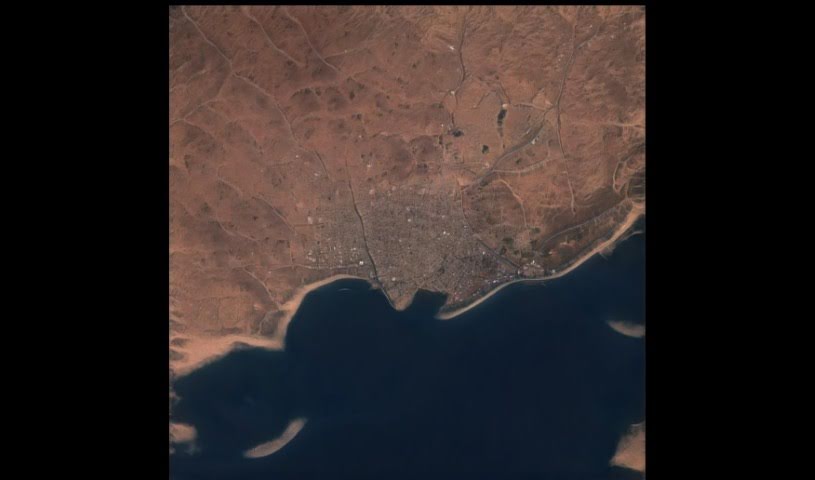
Thiscitydoesnotexist is a website that generates fictional cityscapes using artificial intelligence. The images are produced with StyleGAN-2, a generative model developed by Karras. As the name suggests, every city shown is entirely synthetic — created by an algorithm rather than a photograph of a real place.

Art Generation View Tool →
Screenshot of Thisgraffitidoesnotexist

Thisgraffitidoesnotexist

Freemium

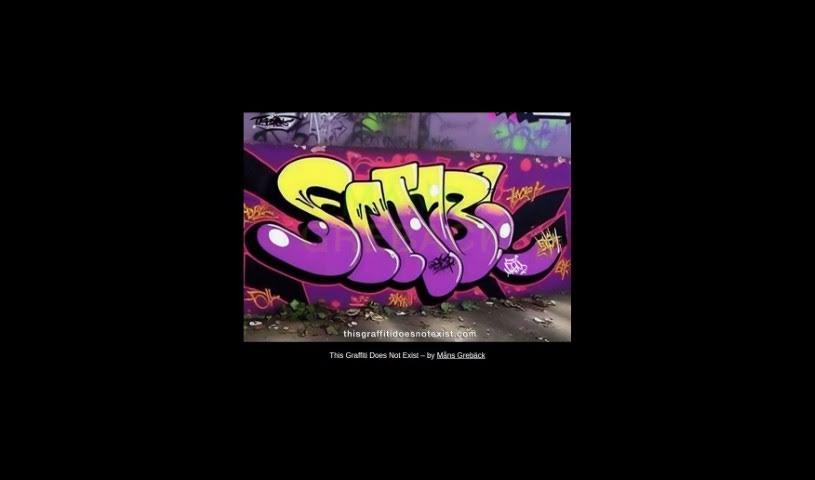
"This Graffiti Does Not Exist" is a project by Måns Grebäck that displays random graffiti images that don't actually exist — hence the name. The images are AI-generated, and the experience is interactive: clicking on any image swaps it for a different one. It's a creative way to share imaginary graffiti art digitally.

Art Generation View Tool →
Screenshot of Thismountaindoesnotexist

Thismountaindoesnotexist

Freemium

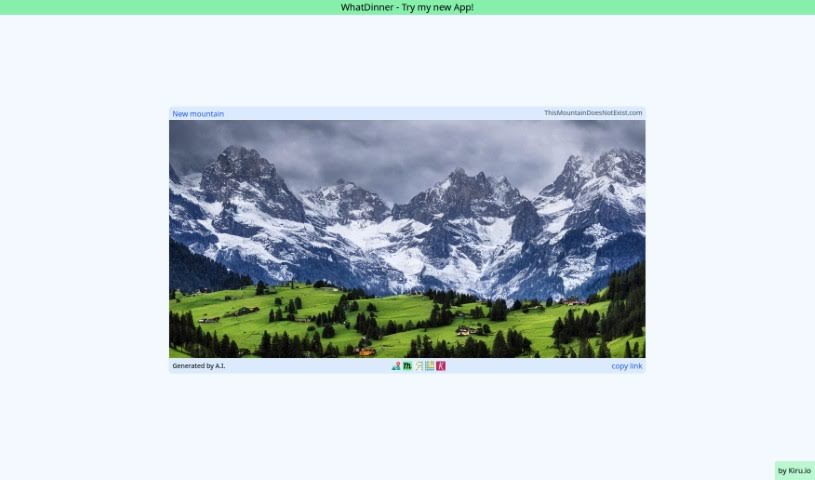
ThisMountainDoesNotExist.com creates images of mountains that don't actually exist. The pictures are generated by AI algorithms, and refreshing the page produces a brand new mountain image each time. The site's purpose is to demonstrate how convincing AI-generated imagery can be, even for subjects that don't exist in the real world.

Art Generation View Tool →
Screenshot of Turbo.art

Turbo.art

Freemium

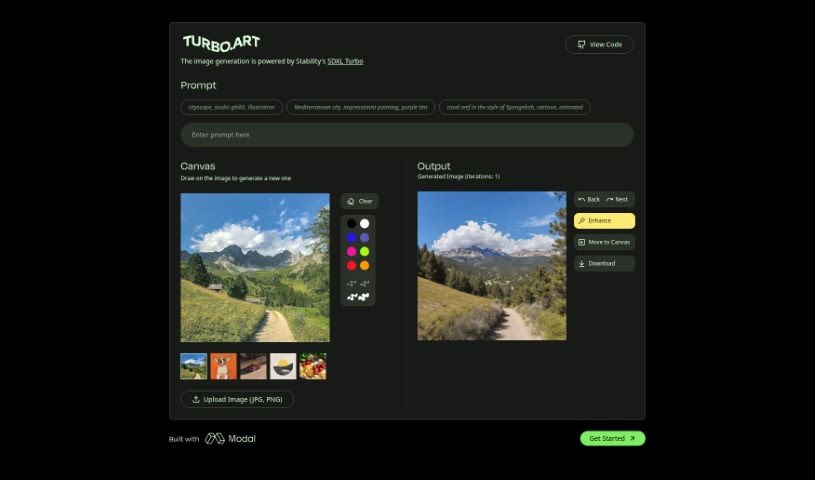
Turbo.art is an AI image generator that creates visuals in a range of styles. It runs on Stability's SDXL Turbo model, which enables fast image generation.

Art Generation View Tool →
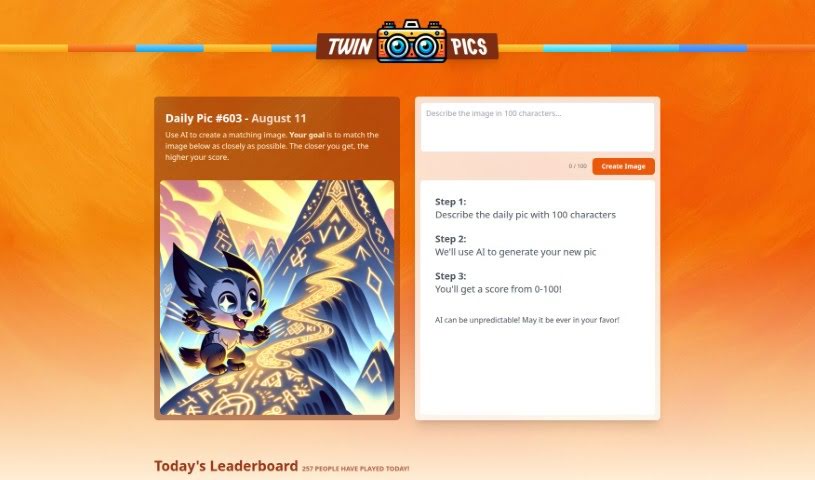
Screenshot of Twin Pics

Twin Pics

Freemium

Twin Pics is an AI image tool created by Chris Sev. You describe a reference image in up to 100 characters, the AI generates its own version, and the tool scores how closely the result matches the original. Because AI output can be unpredictable, a perfect match isn't guaranteed — that's part of the challenge. The site runs daily challenges, maintains a leaderboard of the best-scored images, and includes educational content about how AI works in creative visual fields.

Art Generation View Tool →
Screenshot of TypeDream Acrylic

TypeDream Acrylic

Freemium

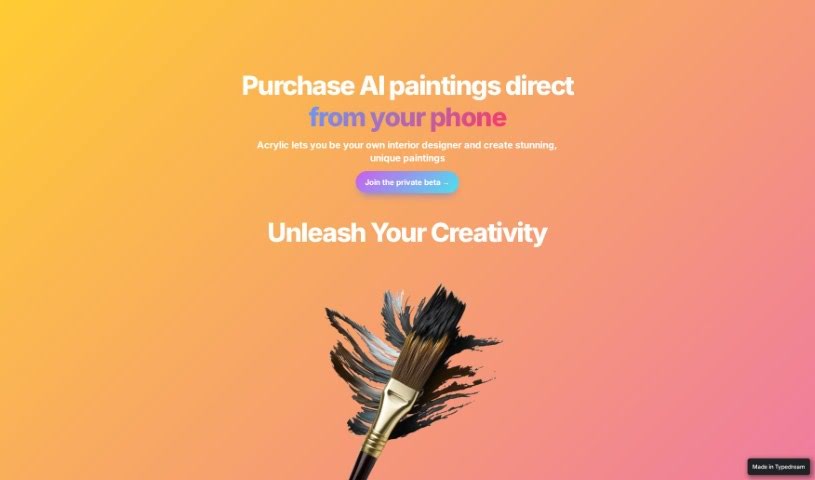
TypeDream Acrylic is an interior design tool that lets you create custom paintings for your home. It uses AI to help you design unique artwork that reflects your personal style. Features include augmented reality (AR) staging to see your artwork in your actual room, fast generation of high-quality images, and in-app purchasing with Apple Pay. You can preview how a custom painting will look in your living space before ordering a high-quality canvas version. The interface is designed to be simple for both beginners and experienced users.

Art Generation View Tool →
Screenshot of Unprompted

Unprompted

Freemium

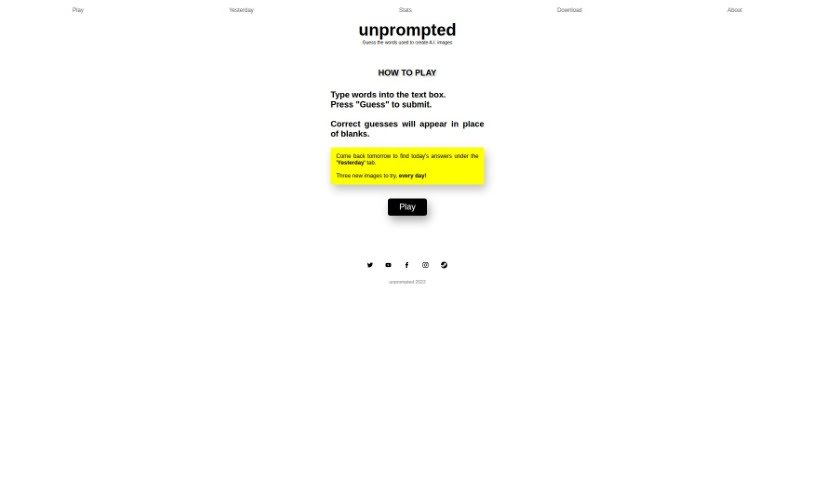
Unprompted is an AI image guessing game that challenges you to figure out the exact words used to create AI-generated pictures. The game is designed for daily play, offering three new images to guess each day.

Art Generation View Tool →

About Art Generation tools

Staring at a blank canvas is intimidating, whether you’re a professional concept artist or someone who struggles with basic sketches. Traditionally, turning a visual idea into a finished piece meant hours of line work, color mixing, and lighting adjustments. If a client requested a style change mid-project, you often had to start over from scratch.

AI art generators act like digital sketchbooks, turning plain text descriptions or rough doodles into detailed visuals in seconds. They don’t replace artistic vision or genuine human emotion, but they make testing visual ideas incredibly fast.

Testing Visual Directions in Seconds

The biggest advantage of visual generators is how quickly they let you iterate. Imagine you’re designing a character for an indie game. Rather than spending days sketching dozens of hairstyles, outfits, and color palettes, you can type a brief prompt into an image generator. Within moments, you get several distinct visual directions to evaluate, pick your favorite elements from, and refine.

Different engines excel at different tasks:

  • Some models focus on painterly, cinematic artwork that mimics oil paintings or fantasy concept art.
  • Others specialize in photorealism, capturing camera angles, skin textures, and natural lighting with remarkable precision.
  • Newer models focus specifically on rendering readable text within logos, posters, and graphic design assets.

Image editing features have evolved just as quickly. Inpainting tools let you highlight a specific area of an image—like a plain backdrop or a character’s jacket—and swap it out using a simple text command. You don’t need complex layer masking skills just to adjust a color or fix a minor detail.

Key Capabilities to Look For:

  • Style and character consistency: Features that let you reuse character models or color palettes across multiple generations for cohesive storytelling.
  • Inpainting and canvas expansion: Tools that let you edit specific regions inside an image or extend borders to fit different aspect ratios.
  • Typography rendering: Generators built to render clear, readable text within graphic designs and banners.
  • Image-to-image conversion: Systems that transform rough pencil sketches or 3D blockouts into rendered artwork.
  • Custom model training: Software that accepts custom image datasets to match a specific brand voice or personal aesthetic.

Meaningful art will always depend on human taste, composition, and emotional intent. While generators handle computational rendering, your creative choices are what turn an image into something worth sharing.

Take a look through the tools below to find the right fit for your creative workspace.

The Best AI Art Generators

  1. Leonardo AI: Great for creating custom artwork for brands.
  2. Openart: Offers tools for making AI-powered fan art.
  3. Tensor.art: Ideal for creating abstract art.
  4. Pix AI: Perfect for designing custom anime characters.
  5. Yodayo: Use this for creating unique digital art styles.
  6. Night Cafe Creator: Lets you make unique art from text prompts.
  7. Artguru AI: Good for creating anime art from descriptions.
  8. Imagine AI Art Generator: Offers endless artistic possibilities.
  9. Playground: Useful for custom artwork for digital projects.
  10. Dezgo: Helps you generate high-quality art from text.
  11. Deep Dream Generator: Transforms photos into detailed art.
  12. Autodraft AI: Turns text into unique artworks.
  13. Apob AI: Create unique art styles for your projects.
  14. Starry AI: Focuses on digital art creation.
  15. Meta Imagine: Lets you create unique art from text prompts.
New tools, in your inbox.

Weekly picks of the best AI tools we've researched and added — no spam, unsubscribe anytime.

Join 25,000+ AI enthusiasts. No spam, unsubscribe anytime.