Top AI Assistants

AI Tools for AI Assistants

Discover the best AI Assistants AI tools to enhance your productivity and creativity.

Page 30 of 34 • 407 total tools
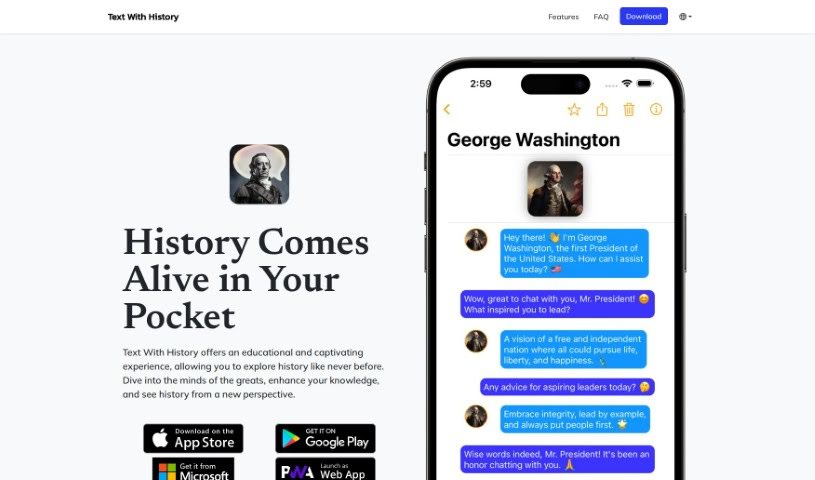
Screenshot of Text With History

Text With History

Freemium

Text With History is an AI chatbot app that lets you chat with historical figures from various eras, including politicians, scientists, artists, and world leaders. It supports over 100 languages and covers history from ancient times to the modern day, with new figures and features added regularly.

AI Assistants View Tool →
Screenshot of Textify AI

Textify AI

Freemium

Textify AI is a platform that brings a range of AI tools together under one subscription. It includes NewsGenie, a feature for real-time news analysis, and an AI membership platform designed to make AI tools more accessible. Users get access to tools for generating text, translating languages, creating images, and more, all bundled into one plan. Creators can also earn commissions when others use the AI tools they build on the platform.

AI Assistants View Tool →
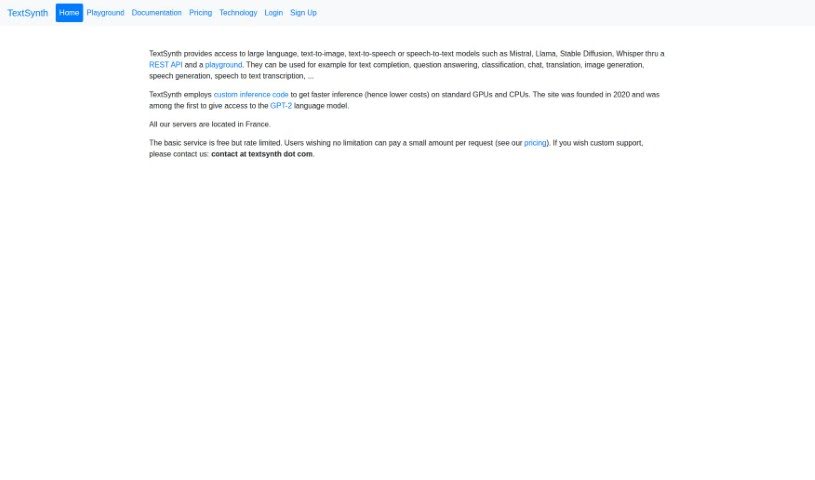
Screenshot of TextSynth

TextSynth

Freemium

TextSynth is a text generation service that uses large language models such as GPT-J, Boris, and GPT-NeoX to complete text based on your input. Each model suits different tasks and languages — for example, the Boris model is designed for languages other than English, such as French.

AI Assistants View Tool →
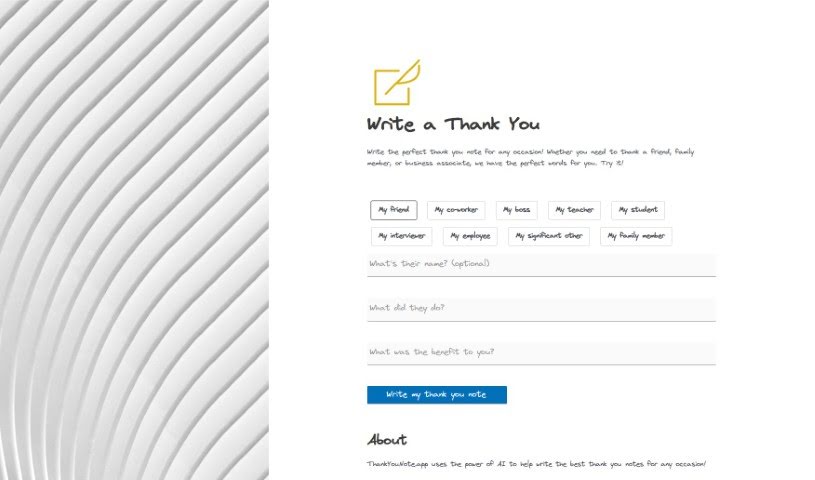
Screenshot of Thankyounote.app

Thankyounote.app

Freemium

ThankYouNote.app uses AI to write personalized thank you notes for a wide range of occasions. You specify who the note is for, why you're thanking them, and how their action helped you, and the app generates a custom note that's ready to send.

AI Assistants View Tool →
Screenshot of The Docgpt

The Docgpt

Freemium

The DocGPT is a large language model built on the GPT (Generative Pre-trained Transformer) architecture, with document creation as its core focus. It produces coherent, context-appropriate text and can summarize information, write stories, and generate content that reads naturally. The DocGPT was created by Ion-Alexandru Secara. Pricing and feature details are available on the [official website](https://www.thedocgpt.com/).

AI Assistants View Tool →
Screenshot of Therai

Therai

Freemium

Therai is an AI assistant built around personalized interactions. It learns details about you — personality traits, interests, hobbies, cognitive biases, ethical viewpoints, and wellness goals — and uses them to tailor its responses. It serves as an assistant for both personal life and work, offering tailored interactions, text-to-image generation, and data privacy controls.

AI Assistants View Tool →
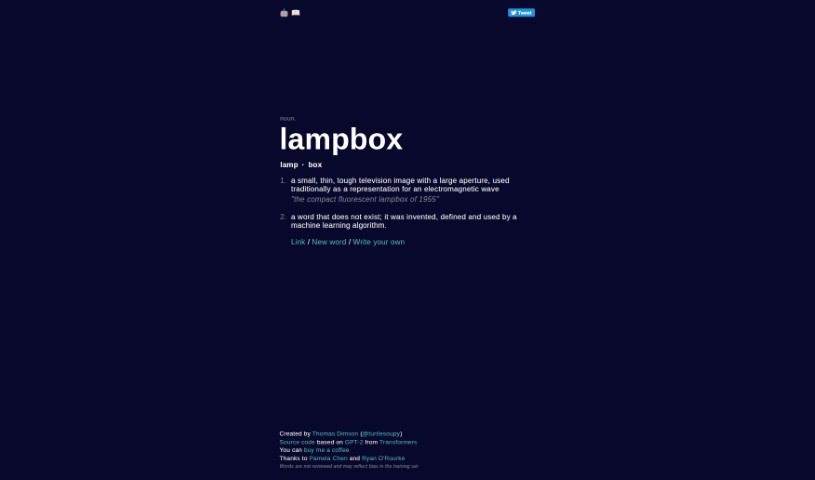
Screenshot of Thisworddoesnotexist

Thisworddoesnotexist

Freemium

'Thisworddoesnotexist' is a word invented by a machine learning algorithm — it appears in no dictionary. The term combines the prefix "This" with a phrase noting that the word itself doesn't exist. Models like GPT-2 generate these creations, which you can see in action at thisworddoesnotexist.com. The generated words demonstrate how language models can invent new terms that still follow the patterns and structures of English. In this case, "Thisworddoesnotexist" is a product of automated linguistic creativity rather than an established word with a long-standing meaning.

AI Assistants View Tool →
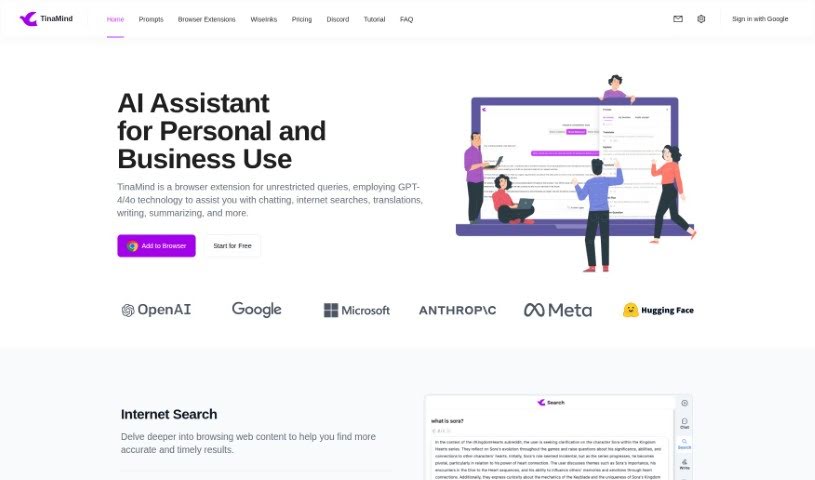
Screenshot of TinaMind

TinaMind

Freemium

TinaMind is a browser extension powered by GPT-4 and GPT-4o. It helps with chatting, internet searches, translations, writing, and summarizing. You can select any text on a webpage and get instant AI assistance with one click. It also supports content creation, YouTube video summaries, and high-quality translations.

AI Assistants View Tool →
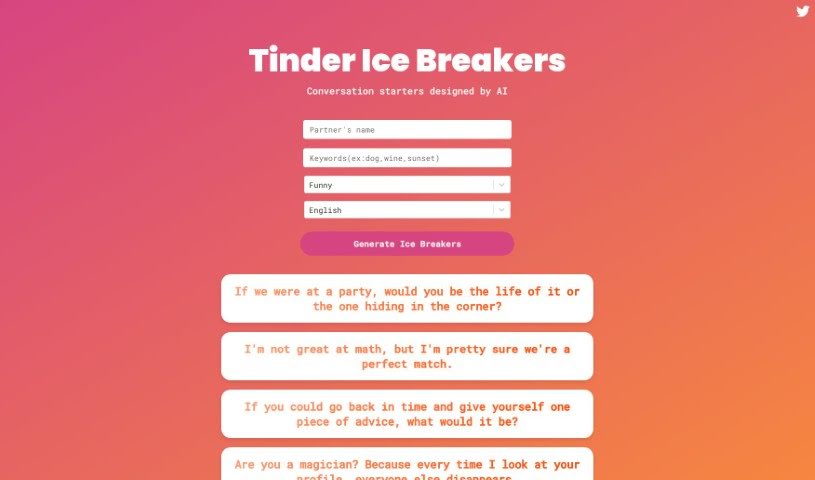
Screenshot of Tinder Ice Breakers

Tinder Ice Breakers

Freemium

Tinder Ice Breakers generates conversation starters for dating apps like Tinder and Bumble. It produces ice breakers and witty one-liners designed to grab attention, get a laugh, and lead to more genuine chats. Prompts cover a range of topics, including "what if" scenarios, personal tastes, and playful compliments.

AI Assistants View Tool →
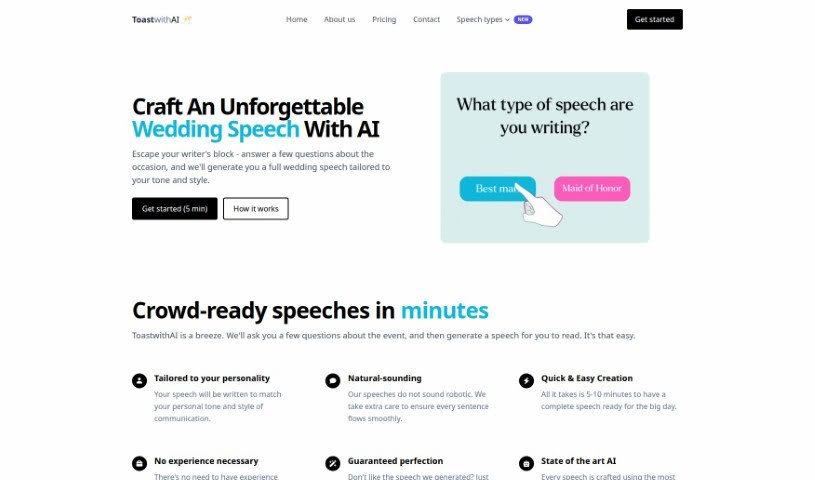
Screenshot of Toastwithai

Toastwithai

Freemium

ToastwithAI is a speechwriting tool that uses artificial intelligence to help you craft speeches in minutes instead of hours or days. It aims to make speeches sound personal and natural, whether you're giving a wedding toast or a professional presentation. Speeches can be generated in about 5-10 minutes, and the tool is usable even if you've never written a speech before. It also offers AI-powered revisions with unlimited changes until you're satisfied with the result.

AI Assistants View Tool →
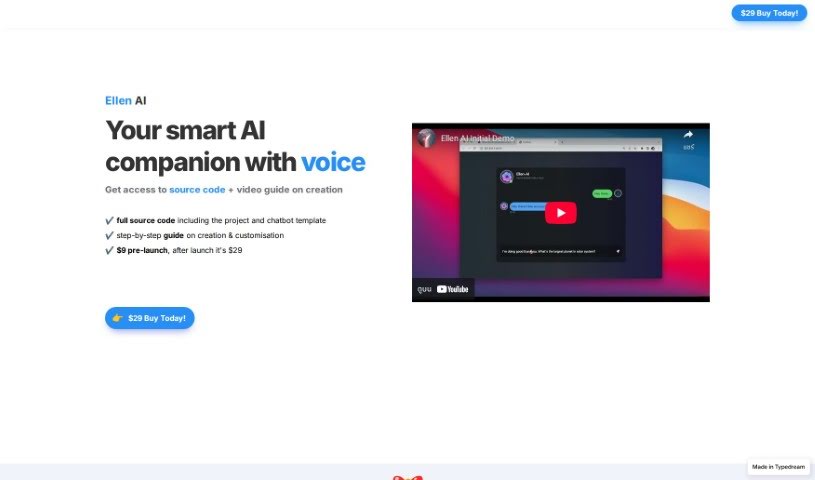
Screenshot of TypeDream Ellen AI

TypeDream Ellen AI

Freemium

Ellen AI is a voice-enabled AI companion sold with everything needed to build and customize your own AI projects. A purchase includes the full source code, ready-to-use project and chatbot templates, and a step-by-step guide for creating and modifying the product. You can adapt the templates and plug in your own API keys to make it your own.

AI Assistants View Tool →
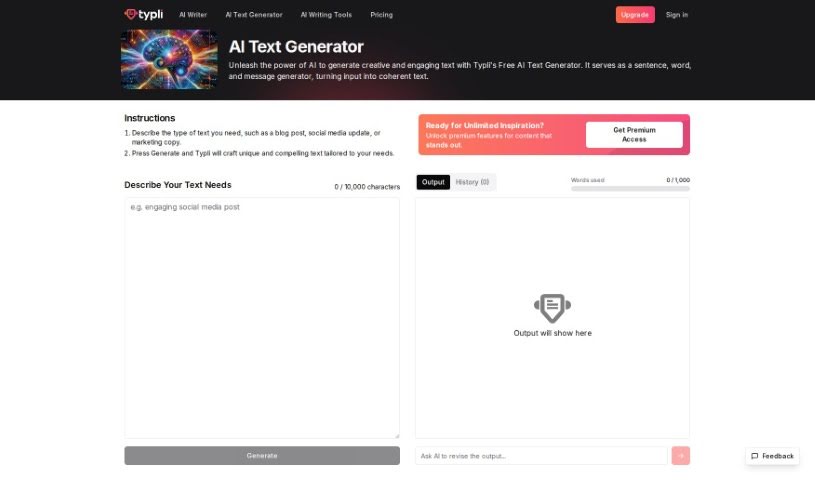
Screenshot of Typli.ai AI Text Generator

Typli.ai AI Text Generator

Freemium

An AI text generator uses artificial intelligence to help you create text. It can produce a wide range of content, from poetry and blog posts to detailed technical reports, and it does so quickly. Modern generators produce text that reads as if a person wrote it.

AI Assistants View Tool →

About AI Assistants tools

We’ve all had days where the to-do list feels completely overwhelming. Between replying to urgent emails, rescheduling meetings, summarizing notes, and jumping across a dozen open browser tabs, there’s rarely enough energy left for actual deep work. It often feels like you need a full-time assistant just to keep up with daily operational noise.

Modern digital assistants go far beyond basic chatbots that answer trivia questions. These applications handle calendar scheduling, draft email replies, summarize lengthy reports, and keep your projects moving while you stay focused on the bigger picture.

How a Digital Assistant Fits Into Your Routine

The biggest benefit of a digital helper is how much friction it removes from routine tasks. Coordinating a single meeting, for instance, used to take four or five back-and-forth emails just to find an open time slot. Smart scheduling tools connect directly to your calendar, coordinate with other participants, and lock in a time that works for everyone.

Handling information overload is another area where these platforms excel. If you get dropped into a massive email thread or handed a fifty-page PDF, an AI assistant can digest the material in seconds. You get a clear summary of core decisions, outstanding questions, and action items before your morning coffee gets cold.

There’s also a major shift in how these applications work. Older tools only responded when you asked direct questions. Newer assistants act more like proactive teammates. They can flag overdue tasks, prepare draft responses for your review, or update your project management board automatically after a sales call wraps up.

Key Capabilities to Look For:

  • Integration depth: Tools that link directly into your existing inbox, calendar, and task management apps without extra steps.
  • Action capabilities: Systems that complete real tasks like booking events or updating records, rather than just generating plain text.
  • Contextual memory: Software that remembers your preferences, communication style, and past interactions so you don’t have to repeat instructions.
  • Customization options: Features that let you set custom rules, persona voices, and explicit instructions for routine tasks.
  • Privacy controls: Strong security measures that ensure personal communications and internal business data remain strictly confidential.

No software can replace human judgment or genuine empathy. While an assistant handles routine scheduling or drafts a quick project update, you still bring creative direction, build relationships, and make final decisions. The ideal setup is a partnership where software handles background busywork while you maintain full control.

Take a look through the options below to find an assistant that matches your daily routine.

The Best AI Assistants

  1. Monica: Great for easy chats with AI chatbots.
  2. Sider: Perfect for personalized virtual assistant conversations.
  3. Abacus.ai: Offers smart responses for users.
  4. Yeschat: Helps with smart scheduling and reminders.
  5. You.com: Streamlines everyday tasks with AI help.
  6. Merlin AI: Simplifies daily task management.
  7. MaxAI.me: Provides personalized virtual scheduling assistance.
  8. Chatgpt Online: Good for smart scheduling and task management.
  9. Casetext: Streamlines legal document review.
  10. Hume AI: Offers personalized customer support chatbots.
  11. Tavus: Features personalized AI assistant video interactions.
  12. AI Power: WordPress plugin that brings GPT-3.5 and GPT-4 to content, images and chat.
  13. Retell AI: Provides smart voice control for daily tasks.
  14. Runway Research: Enhances AI assistant training data.
  15. Alexa Translations: Legal-focused translation, interpretation and localization services.
New tools, in your inbox.

Weekly picks of the best AI tools we've researched and added — no spam, unsubscribe anytime.

Join 25,000+ AI enthusiasts. No spam, unsubscribe anytime.