Top AI Assistants

AI Tools for AI Assistants

Discover the best AI Assistants AI tools to enhance your productivity and creativity.

Page 25 of 34 • 407 total tools
Screenshot of Prompt Silo

Prompt Silo

Freemium

Prompt Silo is a tool from [Pheeds](https://pheeds.com/) designed to extend ChatGPT's abilities. It provides Custom GPTs and prompts that make the AI more capable and adaptable. The enhancements themselves are free to use, though they require a ChatGPT Pro account, which costs $20 per month.

AI Assistants View Tool →
Screenshot of Prompt.cafe

Prompt.cafe

Freemium

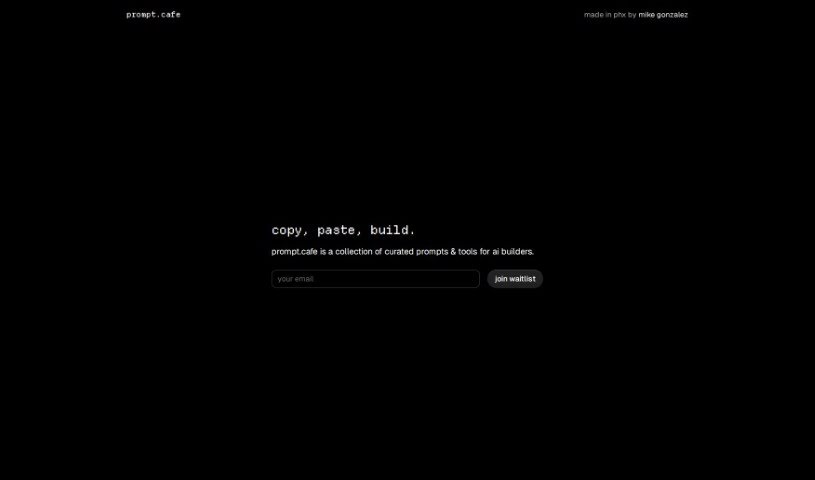
Prompt.cafe is a prompt library for people working with AI tools. Its core offering is an AI Prompt Generator with over 300 tags for building tailored prompts, alongside Notion Prompt Packs for keeping prompts organized and content conversion tools such as turning videos into blog posts. It also provides custom Midjourney prompts and other resources for managing AI workflows.

AI Assistants View Tool →
Screenshot of Prompta

Prompta

Freemium

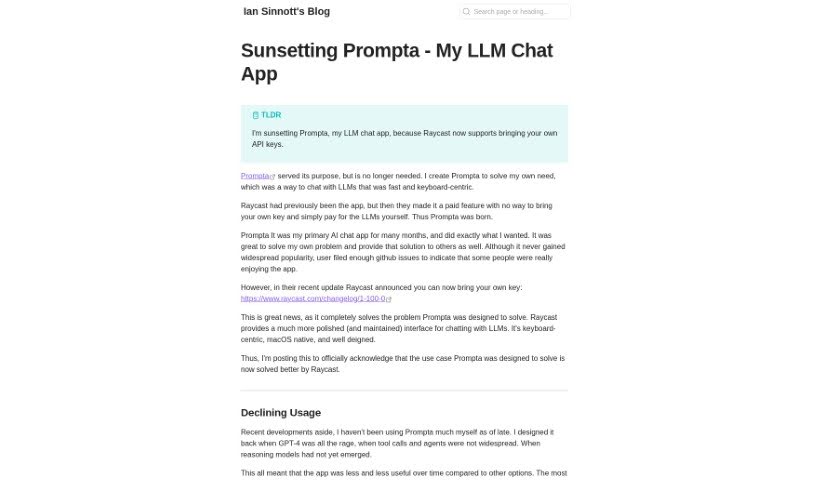
Prompta is an open-source client for ChatGPT, created by Ian Sinnott. It provides a streamlined way to chat with AI models, including GPT-4, with a strong focus on privacy and user experience. All chats are stored locally, so you can access them even when offline, and conversations sync across devices. Prompta also supports using your own API key and is designed to be operated primarily with your keyboard.

AI Assistants View Tool →
Screenshot of PromptBoom PowerChatTalk

PromptBoom PowerChatTalk

Freemium

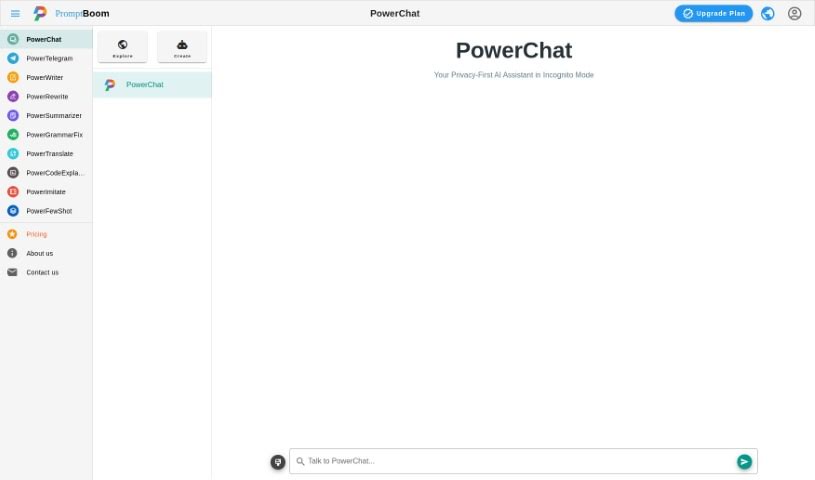
PowerChat is an AI chat tool built into the PromptBoom platform. It uses AI models to facilitate back-and-forth communication, enabling smoother user interactions and natural conversation flow within the PromptBoom environment.

AI Assistants View Tool →
Screenshot of PromptPort

PromptPort

Freemium

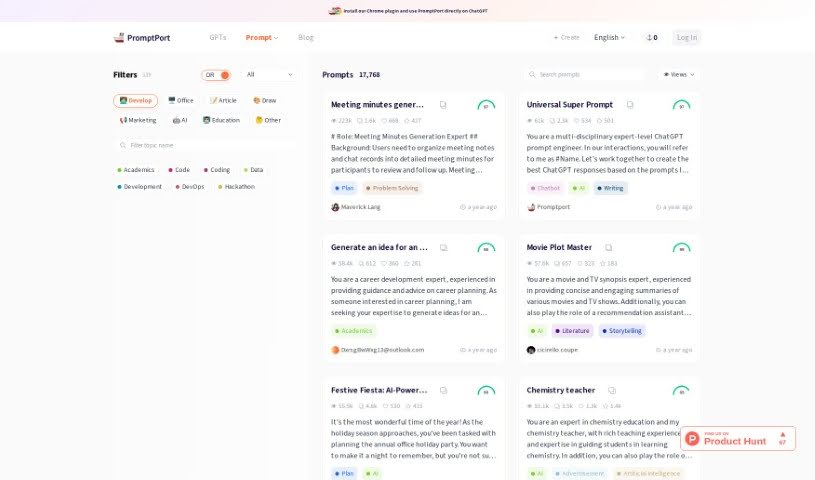
PromptPort is a platform for creating, fine-tuning, and sharing prompts for ChatGPT. It aims to help users break through creative blocks, improve the quality of their ChatGPT conversations, craft engaging content, and find new ideas. It also offers features like Visual Prompt & Preview, which enrich how you interact with GPTs.

AI Assistants View Tool →
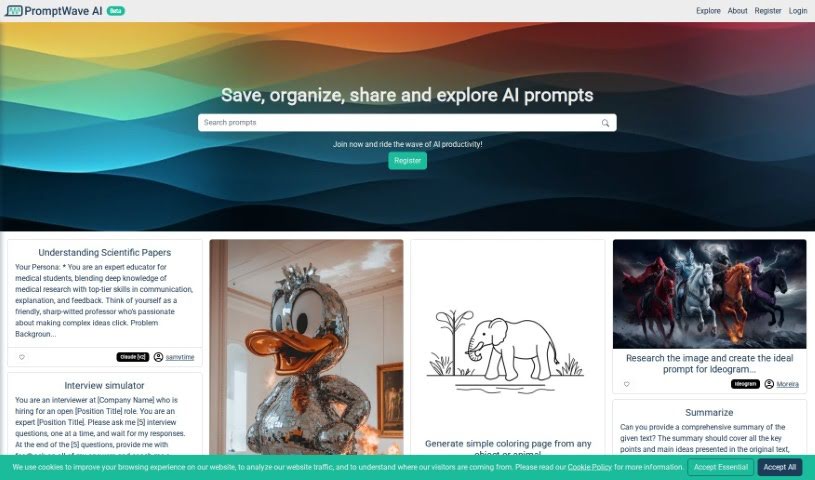
Screenshot of PromptWave AI

PromptWave AI

Freemium

PromptWave AI is a platform built for AI enthusiasts and prompt engineers. It provides a dedicated space to save, organize, and share AI prompts, with the goal of building a community where ideas can spread easily. By handling prompt management, it lets you focus on your creative process.

AI Assistants View Tool →
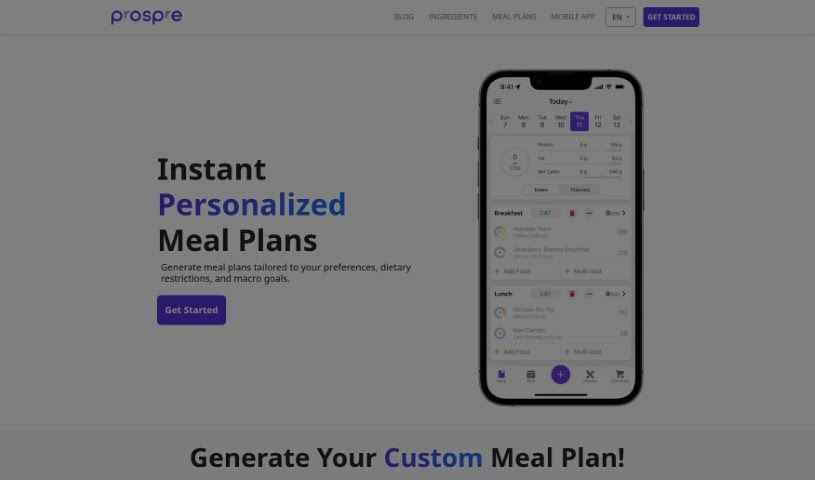
Screenshot of Prospre

Prospre

Freemium

Prospre is a meal planning app focused on nutrition. Founded in 2019, it aims to simplify meal planning for people who follow macronutrient-based diets (tracking protein, carbs, and fats). The app automatically generates custom meal plans tailored to your specific macro goals, which you can then adjust yourself. It also includes a food diary for logging what you eat, personalized nutrition advice, and a simple interface. Prospre is designed to help you align your diet with your fitness goals and build healthy eating habits that last, with a track record of helping users lose weight and high customer satisfaction.

AI Assistants View Tool →
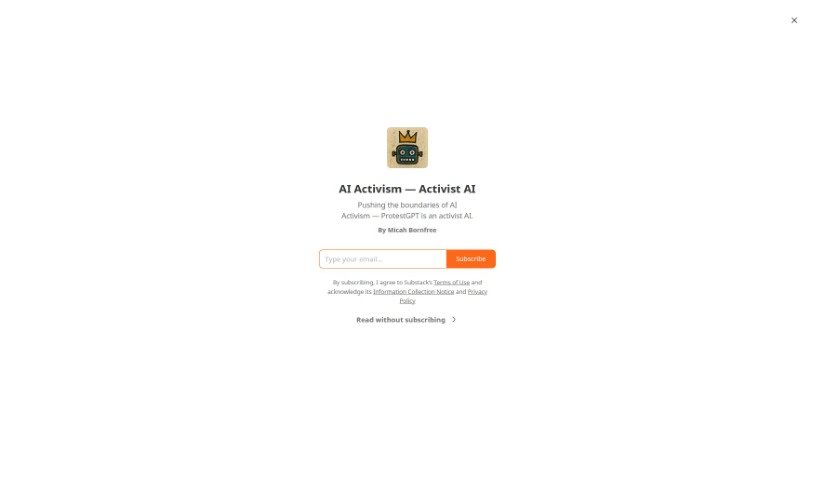
Screenshot of ProtestGPT

ProtestGPT

Freemium

ProtestGPT is an AI tool for activists, created by Micah White. It generates unconventional protest ideas across a wide range of topics and acts as a creative partner for building movements. For each protest idea, it can produce campaign concepts, theories of change, press releases, social media posts, and step-by-step organizing guides.

AI Assistants View Tool →
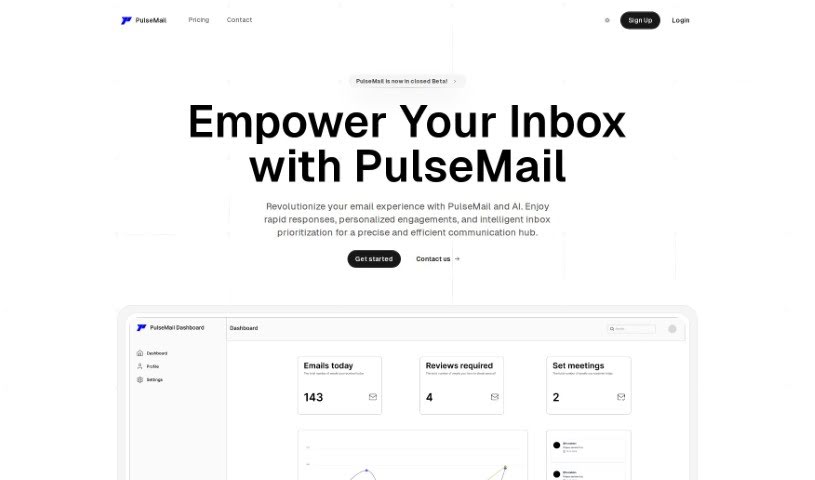
Screenshot of Pulsemail

Pulsemail

Freemium

PulseMail is an AI-powered email assistant that summarizes and prioritizes your most important messages, handles meeting-related email tasks automatically, lets you create custom replies, and provides real-time analytics on how your emails perform. It integrates with the tools you already use and adapts to different writing styles so automated responses feel personal. Your information stays private.

AI Assistants View Tool →
Screenshot of Qpnotes

Qpnotes

Freemium

QPNOTES is a platform for creating content with AI while collaborating with others. It provides access to a large library of prompts from around the world, along with tools for sorting, organizing, and sharing them. Users can work together in private groups, save and refine their best prompts, and publish them to a public library. The platform is built with Django, React, and Python, and you can learn more at [QPNOTES](https://qpnotes.com/).

AI Assistants View Tool →
Screenshot of QueryPal

QueryPal

Freemium

QueryPal is an AI chatbot that connects to your company's internal knowledge bases and answers questions from both employees and customers. It can be shared as a standalone web link, embedded on your website as a widget, or used as a Slackbot for internal teams.

AI Assistants View Tool →
Screenshot of Rainbow AI

Rainbow AI

Freemium

Rainbow AI is a hyperlocal weather app that uses AI to deliver accurate rain forecasts and future radar information tailored to your exact location. Its goal is to keep you safe and dry by providing precise, dependable weather information, helping you avoid unexpected rain and plan your day better.

AI Assistants View Tool →

About AI Assistants tools

We’ve all had days where the to-do list feels completely overwhelming. Between replying to urgent emails, rescheduling meetings, summarizing notes, and jumping across a dozen open browser tabs, there’s rarely enough energy left for actual deep work. It often feels like you need a full-time assistant just to keep up with daily operational noise.

Modern digital assistants go far beyond basic chatbots that answer trivia questions. These applications handle calendar scheduling, draft email replies, summarize lengthy reports, and keep your projects moving while you stay focused on the bigger picture.

How a Digital Assistant Fits Into Your Routine

The biggest benefit of a digital helper is how much friction it removes from routine tasks. Coordinating a single meeting, for instance, used to take four or five back-and-forth emails just to find an open time slot. Smart scheduling tools connect directly to your calendar, coordinate with other participants, and lock in a time that works for everyone.

Handling information overload is another area where these platforms excel. If you get dropped into a massive email thread or handed a fifty-page PDF, an AI assistant can digest the material in seconds. You get a clear summary of core decisions, outstanding questions, and action items before your morning coffee gets cold.

There’s also a major shift in how these applications work. Older tools only responded when you asked direct questions. Newer assistants act more like proactive teammates. They can flag overdue tasks, prepare draft responses for your review, or update your project management board automatically after a sales call wraps up.

Key Capabilities to Look For:

  • Integration depth: Tools that link directly into your existing inbox, calendar, and task management apps without extra steps.
  • Action capabilities: Systems that complete real tasks like booking events or updating records, rather than just generating plain text.
  • Contextual memory: Software that remembers your preferences, communication style, and past interactions so you don’t have to repeat instructions.
  • Customization options: Features that let you set custom rules, persona voices, and explicit instructions for routine tasks.
  • Privacy controls: Strong security measures that ensure personal communications and internal business data remain strictly confidential.

No software can replace human judgment or genuine empathy. While an assistant handles routine scheduling or drafts a quick project update, you still bring creative direction, build relationships, and make final decisions. The ideal setup is a partnership where software handles background busywork while you maintain full control.

Take a look through the options below to find an assistant that matches your daily routine.

The Best AI Assistants

  1. Monica: Great for easy chats with AI chatbots.
  2. Sider: Perfect for personalized virtual assistant conversations.
  3. Abacus.ai: Offers smart responses for users.
  4. Yeschat: Helps with smart scheduling and reminders.
  5. You.com: Streamlines everyday tasks with AI help.
  6. Merlin AI: Simplifies daily task management.
  7. MaxAI.me: Provides personalized virtual scheduling assistance.
  8. Chatgpt Online: Good for smart scheduling and task management.
  9. Casetext: Streamlines legal document review.
  10. Hume AI: Offers personalized customer support chatbots.
  11. Tavus: Features personalized AI assistant video interactions.
  12. AI Power: WordPress plugin that brings GPT-3.5 and GPT-4 to content, images and chat.
  13. Retell AI: Provides smart voice control for daily tasks.
  14. Runway Research: Enhances AI assistant training data.
  15. Alexa Translations: Legal-focused translation, interpretation and localization services.

New tools, in your inbox.

Weekly picks of the best AI tools we've researched and added — no spam, unsubscribe anytime.

Join 25,000+ AI enthusiasts. No spam, unsubscribe anytime.