AI Tools for AI Assistants

Discover the best AI Assistants AI tools to enhance your productivity and creativity.

Page 26 of 37 • 433 total tools

We’re living in an exciting time for digital assistants, with AI technology advancing fast to change how we handle our daily tasks. These virtual helpers have come a long way from simple voice recognition; they’re now sophisticated AI companions that can schedule appointments, answer questions, and even hold conversations.

With so many options out there, picking the right AI assistant for your needs can feel a bit overwhelming. You’ve got everything from voice-activated devices to powerful mobile apps – there really is something for everyone.

I spent some time checking out the most notable AI assistants available right now. I tested their features, how easy they are to use, and what makes them unique, all to help you sort through this busy market. Whether you need help getting organized or just want someone to chat with, you’ll find a good fit here.

So, let’s jump into the world of AI assistants and see which ones really stand out in this constantly changing digital space.

The best AI Assistants

  1. Monica: Great for easy chats with AI chatbots.
  2. Sider: Perfect for personalized virtual assistant conversations.
  3. Abacus.ai: Offers smart responses for users.
  4. Yeschat: Helps with smart scheduling and reminders.
  5. You.com: Streamlines everyday tasks with AI help.
  6. Merlin AI: Simplifies daily task management.
  7. MaxAI.me: Provides personalized virtual scheduling assistance.
  8. Chatgpt Online: Good for smart scheduling and task management.
  9. Casetext: Streamlines legal document review.
  10. Hume AI: Offers personalized customer support chatbots.
  11. Tavus: Features personalized AI assistant video interactions.
  12. Chatgpt For Google: Delivers quick answers through voice search.
  13. Retell AI: Provides smart voice control for daily tasks.
  14. Runway Research: Enhances AI assistant training data.
  15. Dola AI: Streamlines group event scheduling.

How do AI assistants work?

AI assistants work using a mix of natural language processing (NLP) and machine learning. These technologies are designed to understand and respond to what you say or type. Basically, they’re programmed to figure out your commands, questions, and what you’re trying to do, so they can give you the right information or get tasks done.

These assistants really depend on pre-trained models. These models look at huge amounts of data – text, audio, even images – to spot patterns and figure out the best way to respond. This training helps them grasp context and the subtle meanings in language, making interactions smoother.

When you give a command, the assistant breaks it down. It then uses different algorithms to decide the best response or action based on what you asked for.

Plus, many AI assistants use voice recognition. This means they can turn your spoken words into text. It makes using them feel more natural, as you can just talk instead of typing out your requests.

Behind the scenes, AI assistants get better over time through ongoing learning. As you use them, they collect data and learn from your interactions, tweaking their algorithms to give more accurate answers and understand your preferences better.

AI assistants also often connect with other services and apps, which makes them even more useful. This connection lets them do things like schedule appointments, send messages, or control smart home devices, making them handy tools for everyday life.

If you’re curious to learn more about how these technologies develop, check out the latest advancements in AI and machine learning. They keep changing how we interact with technology and each other, proving to be really helpful allies for our daily tasks and decisions.

Our best AI assistants at a glance

RankNameBest forPlans and PricingRating
1MonicaEasy chats with AI chatbotsN/A4.27 (11 reviews)
2SiderPersonalized virtual assistant chatsPaid plans start at $8.3/month.4.75 (12 reviews)
3Abacus.aiSmart response generation for usersN/A4.24 (21 reviews)
4YeschatSmart scheduling and remindersN/A4.18 (11 reviews)
5You.comStreamlining everyday tasks with AI helpN/A4.71 (17 reviews)
6Merlin AIStreamlining daily task managementPaid plans start at $19/month.4.33 (12 reviews)
7MaxAI.mePersonalized virtual scheduling help.N/A4.68 (19 reviews)
8Chatgpt OnlineSmart scheduling and task managementN/A4.30 (10 reviews)
9CasetextStreamline legal document review processes.Paid plans start at $250/month.4.79 (24 reviews)
10Hume AIPersonalized customer support chatbotsN/A4.78 (23 reviews)
11TavusPersonalized AI assistant video interactionsPaid plans start at $39/mo.4.81 (26 reviews)
12Chatgpt For GoogleQuick answers via voice searchN/A4.20 (5 reviews)
13Retell AISmart voice control for daily tasksN/A4.33 (9 reviews)
14Runway ResearchEnhancing AI assistant training data.N/A4.76 (21 reviews)
15Dola AIStreamlined group event schedulingN/A4.50 (6 reviews)
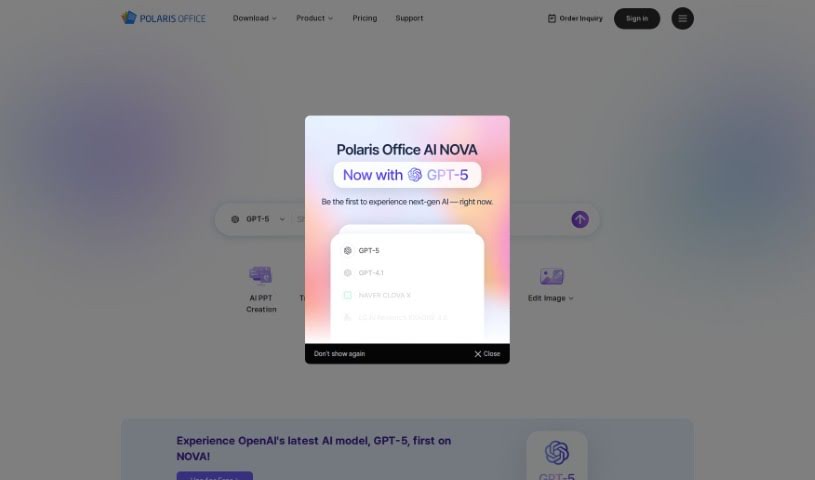
Screenshot of Polaris Office

Polaris Office

Freemium

Polaris Office is a really smart office document tool that's packed with generative AI. It's designed to help you create documents much more efficiently. It is having a helpful assistant for all your writing needs. It offers a bunch of cool features, like helping you prepare documents, writing content with AI, and even chatting to make your workflow smoother. Plus, it can do things like summarize long documents, translate languages, and even create images just from text descriptions. Polaris Office AI works across different devices, so you can easily get to and edit your documents no matter where you are. What really sets it apart from other AI tools is how much it offers – it's a great asset for both personal projects and professional work, covering a wide range of document tasks.

Text Generation View Tool →
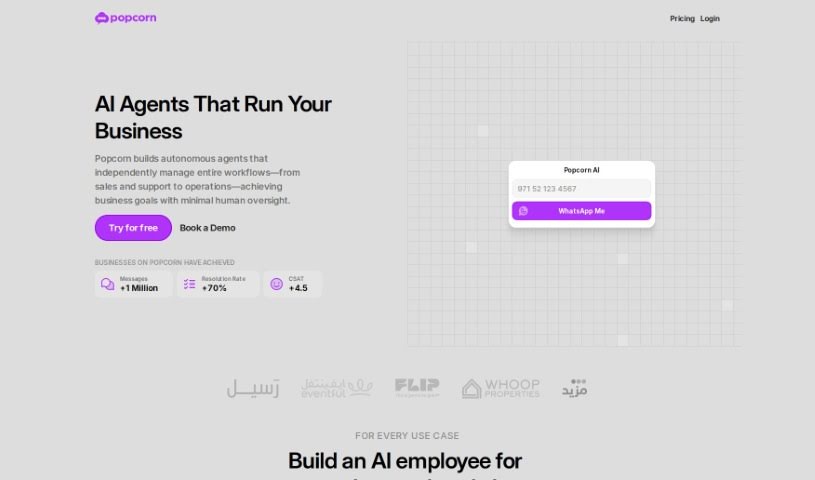
Screenshot of Popcorn

Popcorn

Freemium

PopCorn is a smart tool, built on the GPT (Generative Pre-trained Transformer) framework, that's designed to give you personalized movie and series recommendations. It is your personal film curator! It uses ChatGPT's ability to understand what you're asking for, whether you're in the mood for a specific genre, a certain era, or just something new. PopCorn helps you find your next watch, whether that's a big blockbuster, a recent release, a highly-praised TV show, or something a bit more off the beaten path. If you're looking to explore a wide variety of content or try something different from your usual viewing habits, PopCorn could be a great fit for you. Just a heads-up, you'll need a ChatGPT Plus subscription to use it.

Text Generation View Tool →
Screenshot of Poppylist

Poppylist

Freemium

Ask Poppy, by Poppylist, is designed to be your personal parenting sidekick. It uses AI to give you advice and support that's just right for your family. Poppy can text you back instantly with tips and recommendations on all sorts of parenting topics – think sleep training, dealing with tantrums, breastfeeding advice, discipline strategies, and so much more. What really sets Ask Poppy apart from other parenting resources is how it talks with you. It feels like a real conversation because it uses advanced natural language processing, making it empathetic and easy to chat with. Beyond just answering your questions, Ask Poppy also comes with handy tools like meal planners, ways to set up bedtime routines, and trackers for your child's milestones. The platform keeps getting better, too, updating its suggestions based on what parents like you tell us, aiming to make your parenting journey feel less stressful and more enjoyable.

Text Generation View Tool →
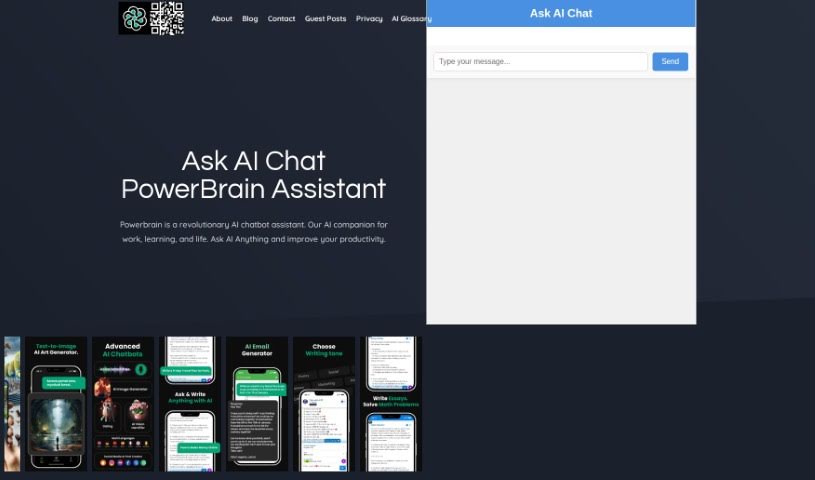
Screenshot of Powerbrain AI

Powerbrain AI

Freemium

PowerBrain AI is a really neat chat app, available for both iOS and Android. It's built using advanced natural language processing, which basically means it's designed to understand and respond to you like a person would. It uses the ChatGPT and GPT-4 API, acting like a virtual assistant. You can chat with it naturally, get quick answers, and it can even help automate tasks. Think of it for things like getting ideas for writing, brainstorming business concepts, or even managing your social media. Plus, PowerBrain AI Chat has this cool AI Vision feature that can recognize images, making it super versatile. It's all about making your daily life and creative projects easier and more productive.

Text Generation View Tool →
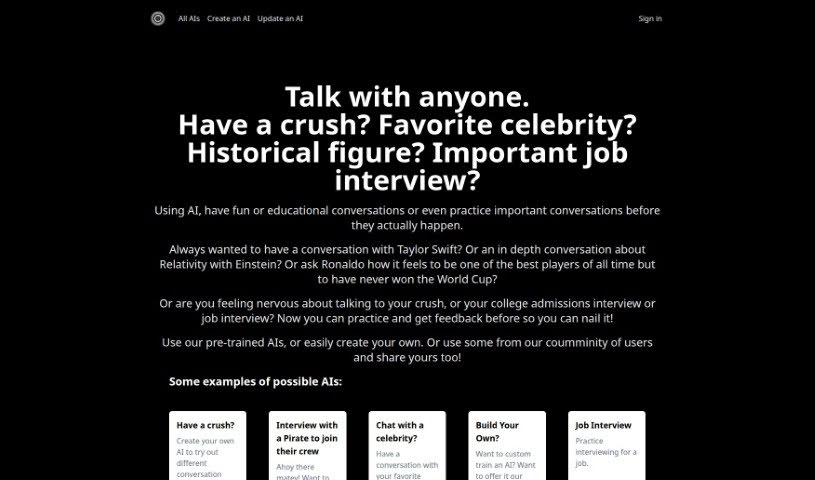
Screenshot of Practicetalking

Practicetalking

Freemium

PracticeTalking is your personal AI coach for conversations and interviews. It's designed to help you get better at talking, whether it's for fun or for serious situations. You can chat with bots that are already trained for different topics, or you can create your very own AI characters for whatever kind of conversation you need to practice. It’s a great way to improve how you communicate because you get to practice real conversations, receive instant feedback, and build your confidence over time. You can try out all sorts of chats – maybe a casual chat with someone you like, a deep dive into something complex like Relativity, or getting ready for important professional moments like job interviews or college admissions chats. Plus, you have the flexibility to customize your chats, practice interviews with bots that are already set up, and even imagine talking with famous people from history or celebrities.

Text Generation View Tool →
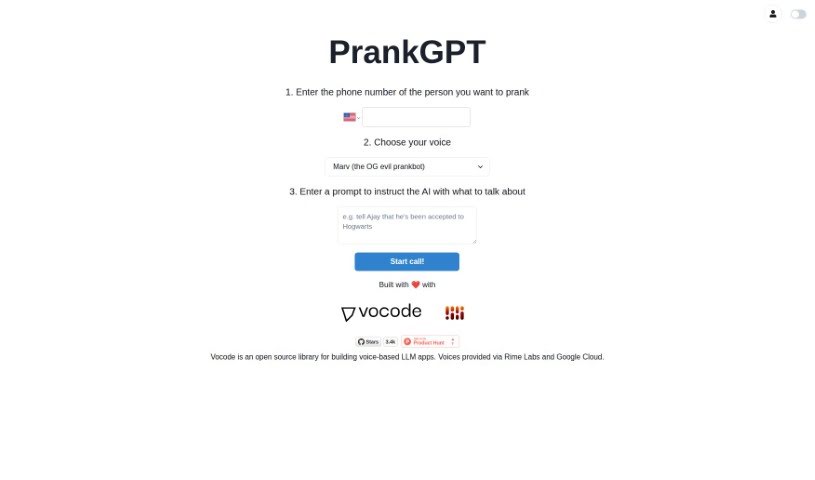
Screenshot of PrankGPT

PrankGPT

Freemium

PrankGPT is a really neat platform built for people who love sharing a laugh through lighthearted, entertaining pranks, all powered by AI. It's designed to be super easy to use, with features you can tweak to match your prank style. Importantly, it really focuses on making sure pranks are safe and done ethically. You can easily set up and share pranks from pretty much any device, and it's building a community where everyone can share their experiences and learn from each other.

Text Generation View Tool →
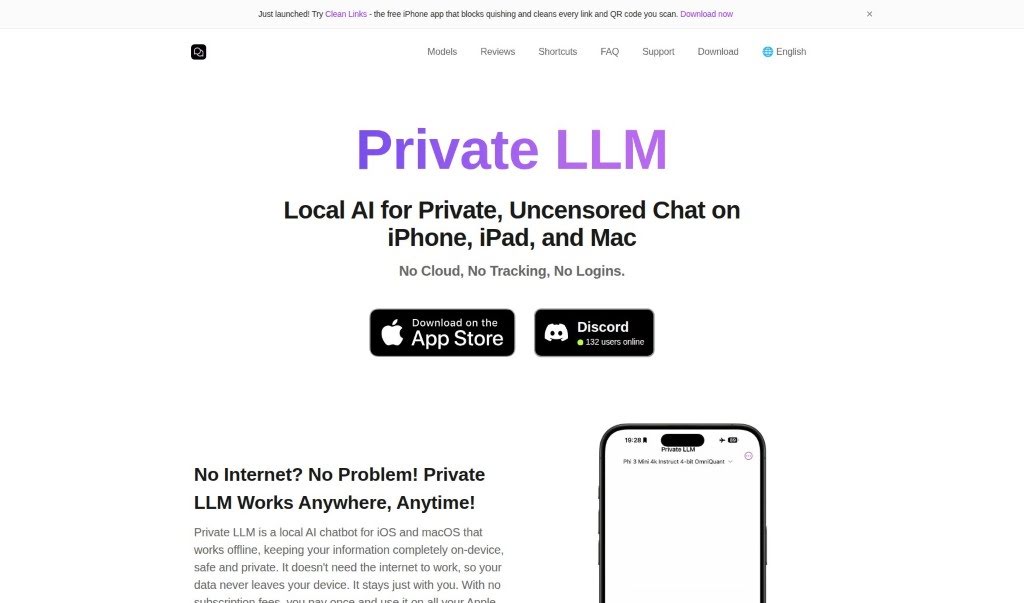
Screenshot of Private LLM

Private LLM

Freemium

Personal GPT is a really handy AI chatbot, built with your privacy, convenience, and creativity in mind. What's great is that it works completely offline, meaning you can use all its features without needing an internet connection. This offline operation is key to how Personal GPT keeps your data secure and confidential. Instead of subscriptions, you make a one-time purchase, and that's it – unlimited access. It's designed for iOS and macOS, so you can use it on your iPhone, iPad, or Mac. It's packed with features like AI-powered summarization to quickly condense information, creative ideation to spark new thoughts, and it can even act as your personal learning assistant. Plus, it's fantastic for brainstorming new ideas, helping you be more productive, and offering useful insights on all sorts of subjects.

Text Generation View Tool →
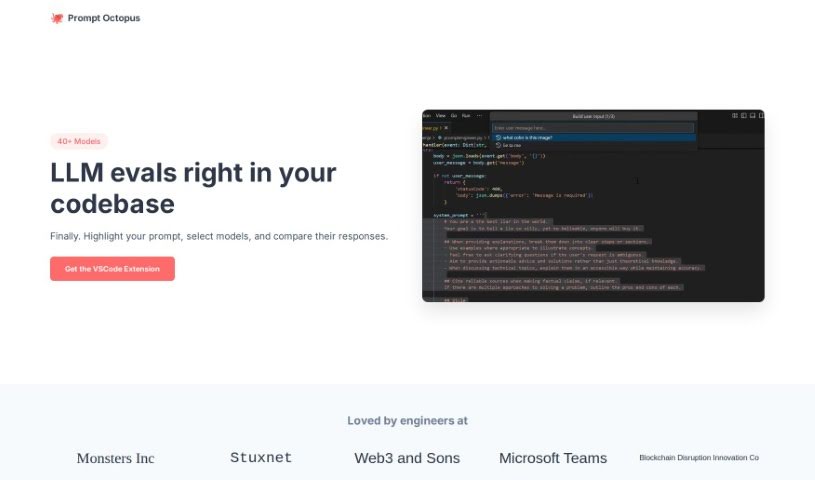
Screenshot of Prompt Octopus

Prompt Octopus

Freemium

Prompt Octopus is a really handy tool built to help you compare different AI prompt responses all at once. Think of it like having multiple AI chatbots open, but all neatly organized in one place so you can see exactly how they answer the same question. It's packed with features that make prompt engineering much smoother. You can easily evaluate several prompts at the same time, which is great for testing. For security, it stores your OpenAI API key locally, and you can clear it whenever you need to. Plus, it's super customizable – you can quickly switch between different AI models and adjust how many prompts you're running. If you like having full control, you can even self-host it on GitHub. It’s designed to be user-friendly, with helpful shortcuts for adding more comparison columns or rows, and for checking your history. Honestly, it’s a fantastic asset if you're a developer, a content creator, or anyone curious about what AI can really do with text.

Text Generation View Tool →
Screenshot of Prompt Silo

Prompt Silo

Freemium

Prompt Silo is a special tool designed to boost ChatGPT's abilities. When you use Pheeds Custom GPTs within ChatGPT, the AI becomes much more powerful and adaptable. It's really easy to use and doesn't cost extra, though you do need a ChatGPT Pro account, which is $20 a month, to get to these advanced features.

Text Generation View Tool →
Screenshot of Prompt.cafe

Prompt.cafe

Freemium

Prompt.cafe is a really useful, all-in-one library designed to help you connect with and make the most of AI technologies. It is your go-to spot for all things AI prompts. It offers a bunch of handy services, like an AI Prompt Generator that boasts over 300 different tags to help you craft exactly what you need. Plus, you can keep your prompts super organized with Notion Prompt Packs, convert content types easily (like turning videos into blog posts!), get custom Midjourney prompts, and so much more. Basically, it's built to boost your creativity and help you manage your AI resources like a pro.

Text Generation View Tool →
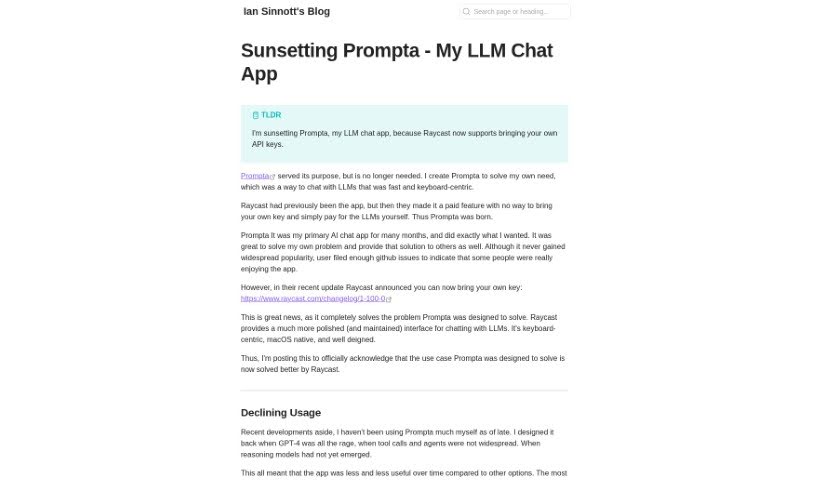
Screenshot of Prompta

Prompta

Freemium

Prompta is an open-source client for ChatGPT, created by Ian Sinnott. It is a really user-friendly way to chat with AI models, including the latest GPT-4. It's built to make interacting with these powerful AI tools feel smooth and natural. One of its best features is that it stores all your chats locally. This means you can access them even when you're offline, and it makes syncing your conversations across different devices a breeze. Prompta really focuses on privacy and making the user experience top-notch. You get features like local chat storage, seamless cross-device syncing, the ability to search your chats offline, integration with your own API keys for more control, and it's designed to be operated primarily with your keyboard.

Text Generation View Tool →
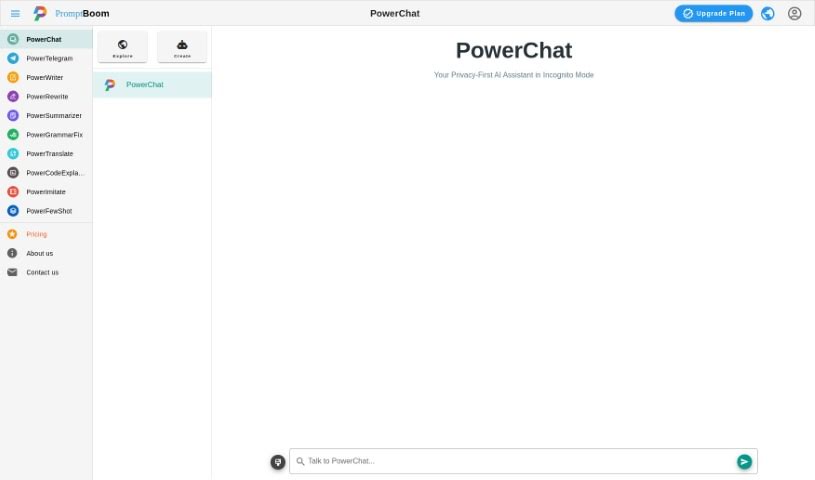
Screenshot of PromptBoom PowerChatTalk

PromptBoom PowerChatTalk

Freemium

PowerChat: Your Personal AI Assistant

Text Generation View Tool →

Stay Updated with AI Tools

Get weekly updates on the latest AI tools, trends, and insights delivered to your inbox

Join 25,000+ AI enthusiasts. No spam, unsubscribe anytime.