Top AI Assistants

AI Tools for AI Assistants

Discover the best AI Assistants AI tools to enhance your productivity and creativity.

Page 24 of 34 • 407 total tools
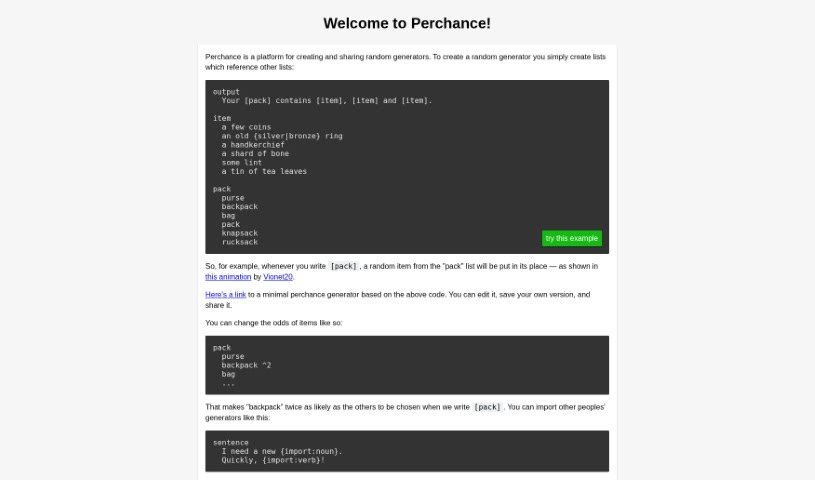
Screenshot of Perchance

Perchance

Freemium

Perchance is a flexible platform for creating, sharing, and playing text-based games, interactive stories, and random generators. You can build content like stories, character bios, and item descriptions, then tweak your creations using simple coding or visual tools. It also supports collaboration on stories and games, making it useful for writers, game designers, teachers, and hobbyists.

AI Assistants View Tool →
Screenshot of Pika

Pika

Freemium

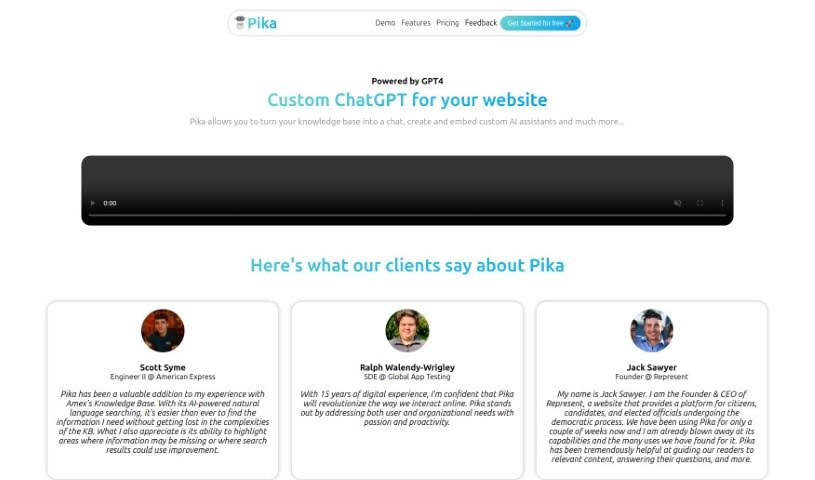
Pika is a personalized ChatGPT built for websites, optimized using GPT-4. It turns your website's information into a conversational AI chatbot that can be set up in minutes. The chatbot learns from your uploaded documents and content, uses natural language processing to pull instant answers, and can be customized to match your brand's style and your customers' needs. Pika also provides analytics so you can review chat logs, understand customer behavior, and improve performance over time.

AI Assistants View Tool →
Screenshot of Pikup AI

Pikup AI

Freemium

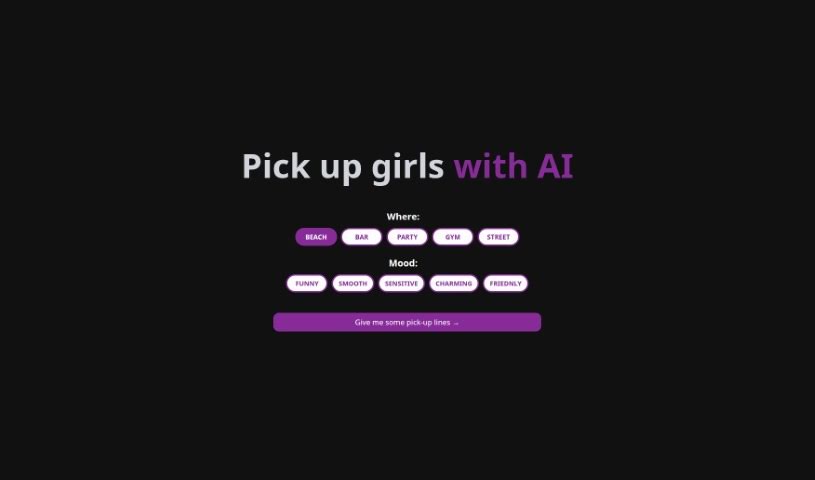
Pikup AI is a tool that uses AI to craft Twitter bios featuring dating pick-up lines. You choose a location and a vibe — funny, smooth, sensitive, charming, or friendly — and it generates lines to match. Lines can be saved for later or shared directly on social media, especially Twitter. The tool is built specifically for dating content and does not support other languages.

AI Assistants View Tool →
Screenshot of Poised

Poised

Freemium

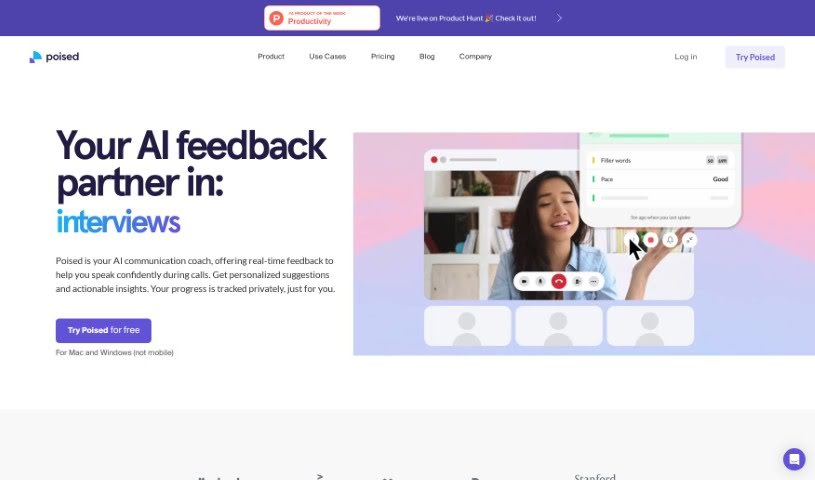
Poised is an AI communication coach that works alongside you during calls and presentations. It provides real-time feedback on how you speak, offering tailored suggestions to help you communicate more confidently. Poised analyzes your speech in meetings, gives insights into key aspects of effective communication, and tracks your progress over time. It also includes live speaker notes to keep you organized during meetings, and generates automatic summaries and action items afterward for easy follow-ups.

AI Assistants View Tool →
Screenshot of Polaris Office

Polaris Office

Freemium

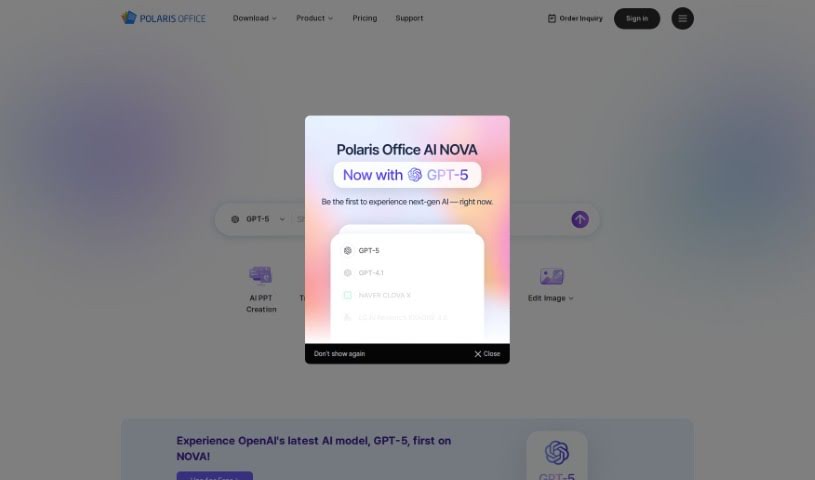
Polaris Office is an office document suite with built-in generative AI. It provides writing assistance, document preparation, and a chat function, along with tools to summarize long documents, translate between languages, and generate images from text descriptions. Documents can be accessed and edited across devices, and the suite handles both personal projects and professional work.

AI Assistants View Tool →
Screenshot of Popcorn

Popcorn

Freemium

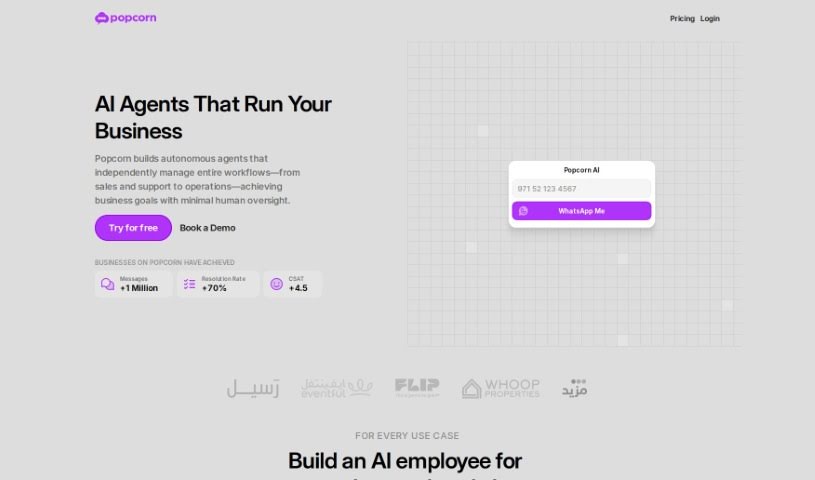
Popcorn is a movie and series recommendation tool built on the GPT (Generative Pre-trained Transformer) framework. It works like a personal film curator, using ChatGPT's ability to interpret what you're asking for — whether that's a specific genre, a certain era, or something new. Recommendations range from blockbusters and recent releases to highly-rated TV shows and lesser-known titles. A ChatGPT Plus subscription is required to use it.

AI Assistants View Tool →
Screenshot of Poppylist

Poppylist

Freemium

Ask Poppy, by Poppylist, is an AI-powered parenting assistant. It provides advice and support tailored to your family, responding instantly via text on topics like sleep training, tantrums, breastfeeding, and discipline. Ask Poppy uses natural language processing to hold empathetic, conversational exchanges rather than delivering generic answers.

AI Assistants View Tool →
Screenshot of Powerbrain AI

Powerbrain AI

Freemium

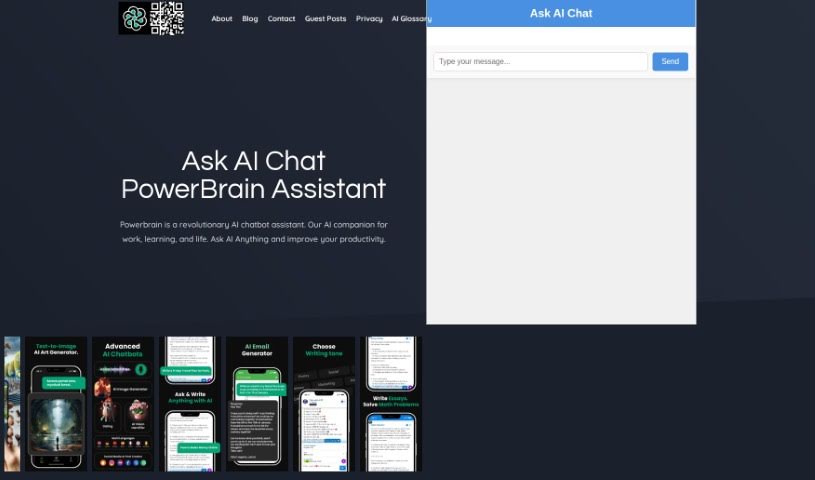
PowerBrain AI is a chat app for iOS and Android. Built on the ChatGPT and GPT-4 API using natural language processing, it acts as a virtual assistant that understands and responds conversationally. You can chat naturally, get quick answers, and automate tasks — from generating writing ideas and brainstorming business concepts to managing social media. It also includes an AI Vision feature that can recognize images.

AI Assistants View Tool →
Screenshot of Practicetalking

Practicetalking

Freemium

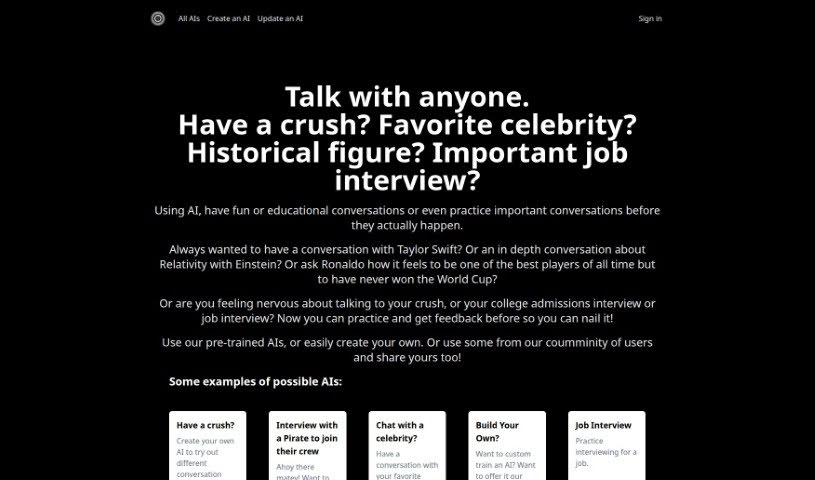
PracticeTalking is an AI tool for practicing conversations and interviews. You can chat with pre-trained bots on a range of topics or create your own AI characters for specific scenarios. The tool focuses on improving communication through conversation practice, instant feedback, and repeated sessions.

AI Assistants View Tool →
Screenshot of PrankGPT

PrankGPT

Freemium

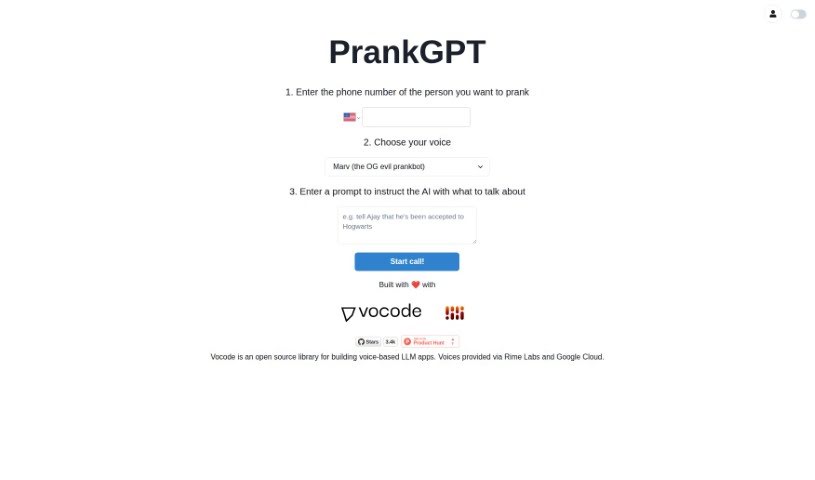
PrankGPT is an AI-powered platform built for people who enjoy sharing a laugh through lighthearted pranks. It uses AI to generate custom, harmless jokes and is designed to be simple enough that anyone can set up a prank in minutes. A core focus of the platform is keeping pranks ethical and safe, so the humor stays fun rather than hurtful.

AI Assistants View Tool →
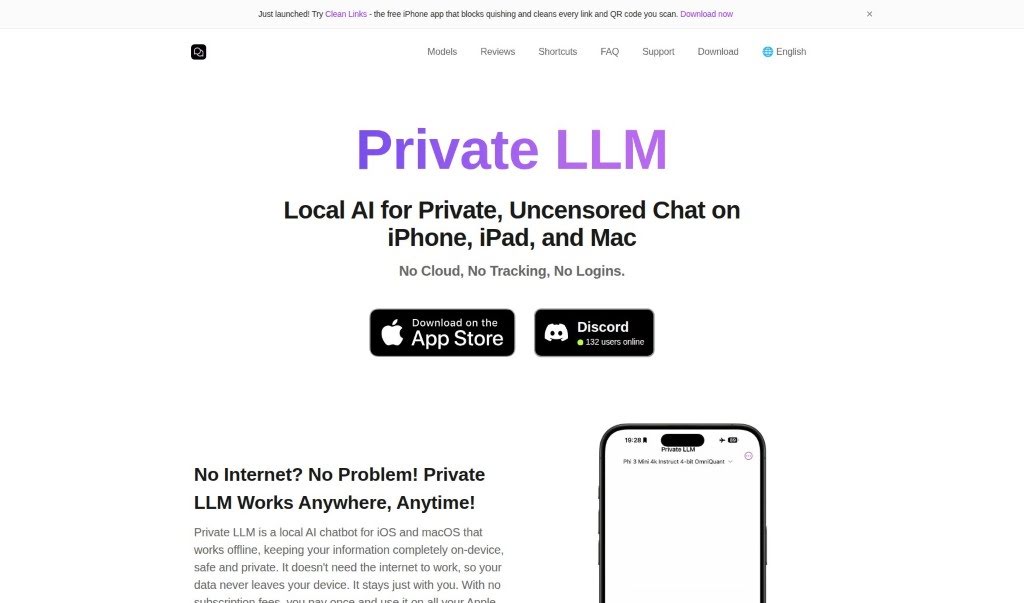
Screenshot of Private LLM

Private LLM

Freemium

Private LLM is an AI chatbot built for privacy and convenience. It runs completely offline, so every feature works without an internet connection and your data stays secure and confidential. A one-time purchase provides unlimited access across iPhone, iPad, and Mac (iOS and macOS), with no subscription fees.

AI Assistants View Tool →
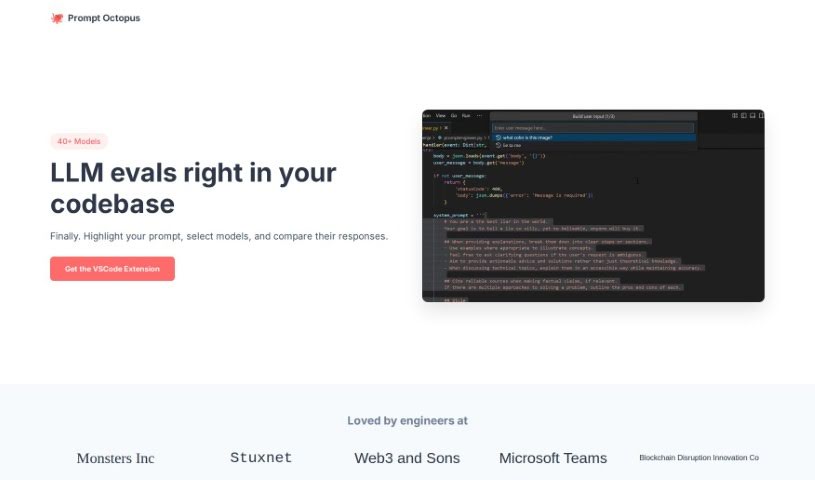
Screenshot of Prompt Octopus

Prompt Octopus

Freemium

Prompt Octopus is a tool for comparing multiple AI prompt responses side-by-side, so you can see exactly how different prompts answer the same question. You can evaluate several prompts at once, switch between AI models, and adjust the number of prompts you're running. For security, it stores your OpenAI API key locally, and you can clear it whenever needed. If you want full control, you can self-host it on GitHub.

AI Assistants View Tool →

About AI Assistants tools

We’ve all had days where the to-do list feels completely overwhelming. Between replying to urgent emails, rescheduling meetings, summarizing notes, and jumping across a dozen open browser tabs, there’s rarely enough energy left for actual deep work. It often feels like you need a full-time assistant just to keep up with daily operational noise.

Modern digital assistants go far beyond basic chatbots that answer trivia questions. These applications handle calendar scheduling, draft email replies, summarize lengthy reports, and keep your projects moving while you stay focused on the bigger picture.

How a Digital Assistant Fits Into Your Routine

The biggest benefit of a digital helper is how much friction it removes from routine tasks. Coordinating a single meeting, for instance, used to take four or five back-and-forth emails just to find an open time slot. Smart scheduling tools connect directly to your calendar, coordinate with other participants, and lock in a time that works for everyone.

Handling information overload is another area where these platforms excel. If you get dropped into a massive email thread or handed a fifty-page PDF, an AI assistant can digest the material in seconds. You get a clear summary of core decisions, outstanding questions, and action items before your morning coffee gets cold.

There’s also a major shift in how these applications work. Older tools only responded when you asked direct questions. Newer assistants act more like proactive teammates. They can flag overdue tasks, prepare draft responses for your review, or update your project management board automatically after a sales call wraps up.

Key Capabilities to Look For:

  • Integration depth: Tools that link directly into your existing inbox, calendar, and task management apps without extra steps.
  • Action capabilities: Systems that complete real tasks like booking events or updating records, rather than just generating plain text.
  • Contextual memory: Software that remembers your preferences, communication style, and past interactions so you don’t have to repeat instructions.
  • Customization options: Features that let you set custom rules, persona voices, and explicit instructions for routine tasks.
  • Privacy controls: Strong security measures that ensure personal communications and internal business data remain strictly confidential.

No software can replace human judgment or genuine empathy. While an assistant handles routine scheduling or drafts a quick project update, you still bring creative direction, build relationships, and make final decisions. The ideal setup is a partnership where software handles background busywork while you maintain full control.

Take a look through the options below to find an assistant that matches your daily routine.

The Best AI Assistants

  1. Monica: Great for easy chats with AI chatbots.
  2. Sider: Perfect for personalized virtual assistant conversations.
  3. Abacus.ai: Offers smart responses for users.
  4. Yeschat: Helps with smart scheduling and reminders.
  5. You.com: Streamlines everyday tasks with AI help.
  6. Merlin AI: Simplifies daily task management.
  7. MaxAI.me: Provides personalized virtual scheduling assistance.
  8. Chatgpt Online: Good for smart scheduling and task management.
  9. Casetext: Streamlines legal document review.
  10. Hume AI: Offers personalized customer support chatbots.
  11. Tavus: Features personalized AI assistant video interactions.
  12. AI Power: WordPress plugin that brings GPT-3.5 and GPT-4 to content, images and chat.
  13. Retell AI: Provides smart voice control for daily tasks.
  14. Runway Research: Enhances AI assistant training data.
  15. Alexa Translations: Legal-focused translation, interpretation and localization services.
New tools, in your inbox.

Weekly picks of the best AI tools we've researched and added — no spam, unsubscribe anytime.

Join 25,000+ AI enthusiasts. No spam, unsubscribe anytime.