Video Content Tools

AI Tools for Video Content

Discover the best Video Content AI tools to enhance your productivity and creativity.

Page 4 of 6 • 61 total tools
Screenshot of OneTake AI

OneTake AI

Freemium

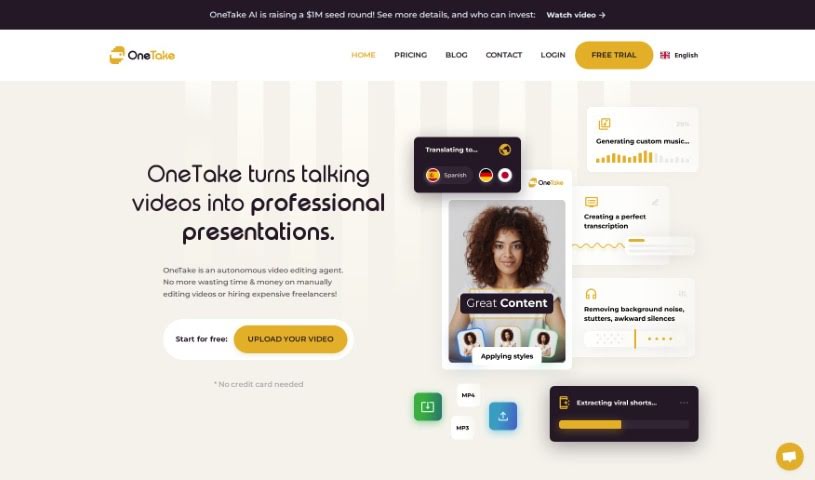
OneTake AI is a video editing tool built for entrepreneurs. It uses AI to handle transcriptions, translation into different languages, dubbing with lip sync, script writing, animations, transitions, and audio improvement. The goal is to let content creators produce polished videos without manual editing work.

Video Content View Tool →
Screenshot of Powder

Powder

Freemium

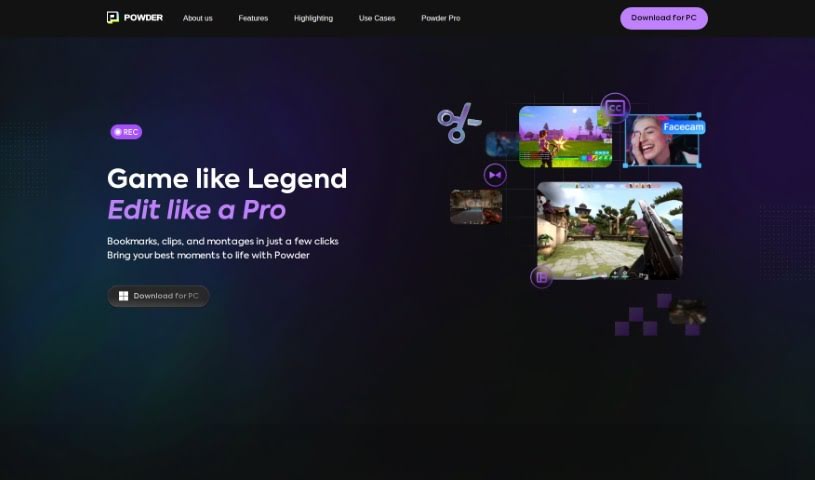
Powder is a PC app built for gamers that uses AI to turn long gaming streams and recordings into short, shareable clips for social media. It works exclusively on Windows and combines screen recording, automatic clip generation, and AI video editing tools. You can record your sessions, grab standout moments, edit clips and montages, and analyze your content without limits — all processed locally on your PC.

Video Content View Tool →
Screenshot of Ranku

Ranku

Freemium

RankU is a tool for YouTube creators who want to validate their channel or video ideas before investing time and resources. Enter a proposed title or brief description, and RankU provides insights into the competition for that idea, how the concept might rank in the market, and suggestions for improving the plan. Recommendations are tailored to your channel's statistics and current market position.

Video Content View Tool →
Screenshot of Rotor Videos

Rotor Videos

Freemium

Rotor Videos is a tool built for musicians who want to create professional-looking music videos, promo clips, Spotify Canvas videos, and lyric videos without any video editing experience. Its AI-powered editing engine listens to your music and analyzes the video clips you choose, then automatically assembles a video that fits your track.

Video Content View Tool →
Screenshot of RuneContent

RuneContent

Freemium

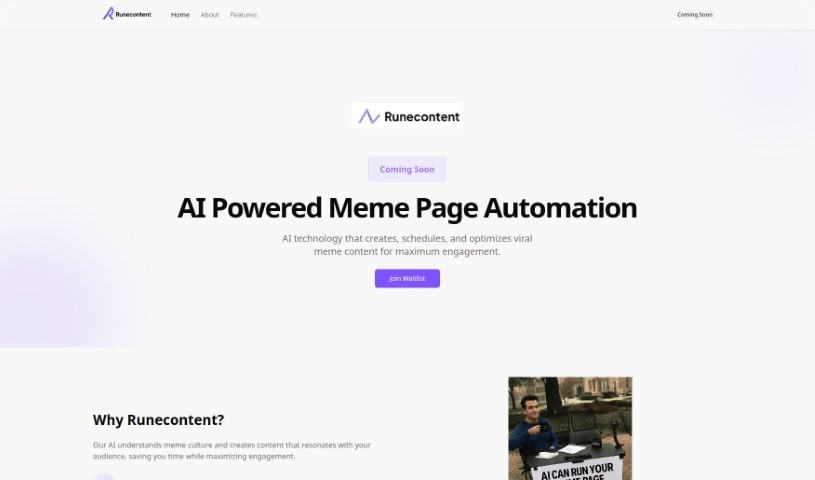
RuneContent is a platform for building comprehensive online courses quickly. It generates videos, slides, and scripts on a wide range of topics, making it easy to create courses for platforms like Udemy, Teachable, and Skillshare. Topics can range from Digital Marketing and the Future of Jobs to sleep improvement and Storytelling.

Video Content View Tool →
Screenshot of Shinefy

Shinefy

Freemium

Shinefy is an AI tool built for content creators. Its goal is to help you make AI-generated videos and earn passive income online. The team behind Shinefy aims to support creators who want to make money online using AI. Features include AI Text to Image Generation, a Website Scraper, and AI Image to Image generation, among others. Over 100,000 people worldwide use Shinefy to grow their online presence and boost their earnings.

Video Content View Tool →
Screenshot of Sora Videos

Sora Videos

Freemium

Sora Videos is a platform focused on video services and content. It offers a range of video-related features and products aimed at creating high-quality video content. For the most current details, check the platform directly at [soravideos.media](https://soravideos.media/).

Video Content View Tool →
Screenshot of StoryFile

StoryFile

Freemium

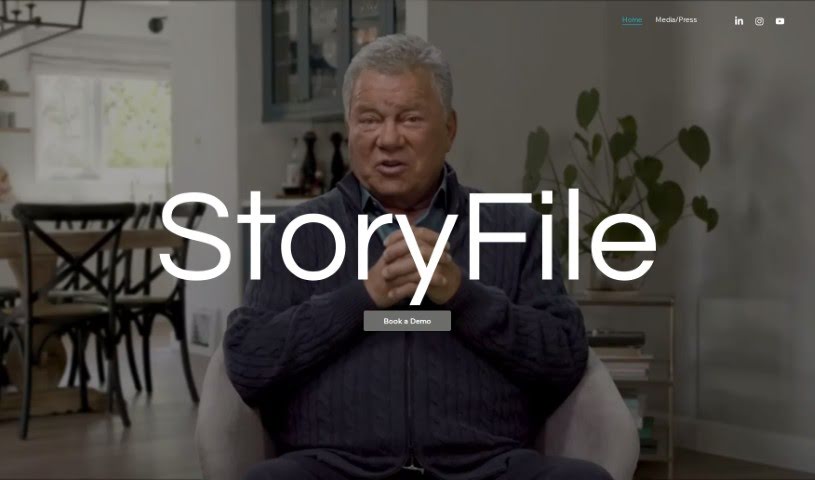
StoryFile is a company that uses Conversational Video AI to create interactive videos capable of holding simulated conversations. Its platform, Conversa, lets you gather and build video content that can respond to people in real time, using AI to mimic human-like dialogue. These videos, called "storyfiles," are used across industries to make communication more engaging and personal.

Video Content View Tool →
Screenshot of Supertranslate

Supertranslate

Freemium

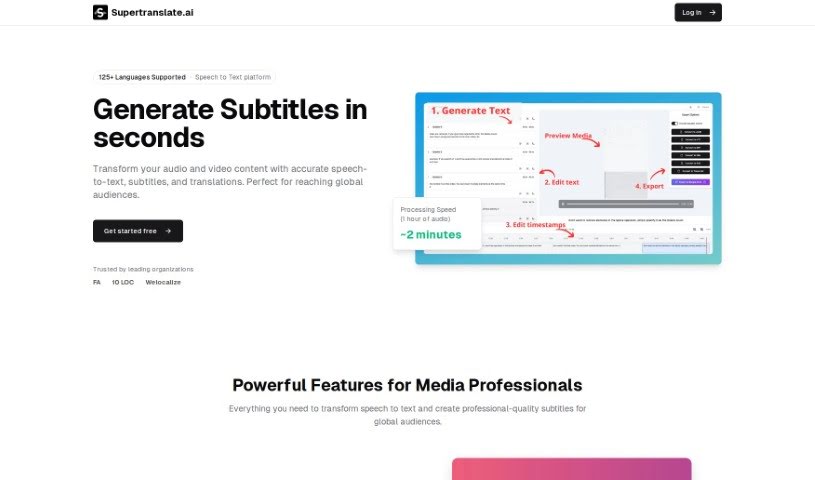
Supertranslate is a platform for adding English subtitles to videos. Upload a video in any language, and the system automatically generates English subtitles using OpenAI's Whisper technology. A built-in subtitle editor lets you split, merge, and adjust subtitle timing.

Video Content View Tool →
Screenshot of Topaz Labs Video AI

Topaz Labs Video AI

Freemium

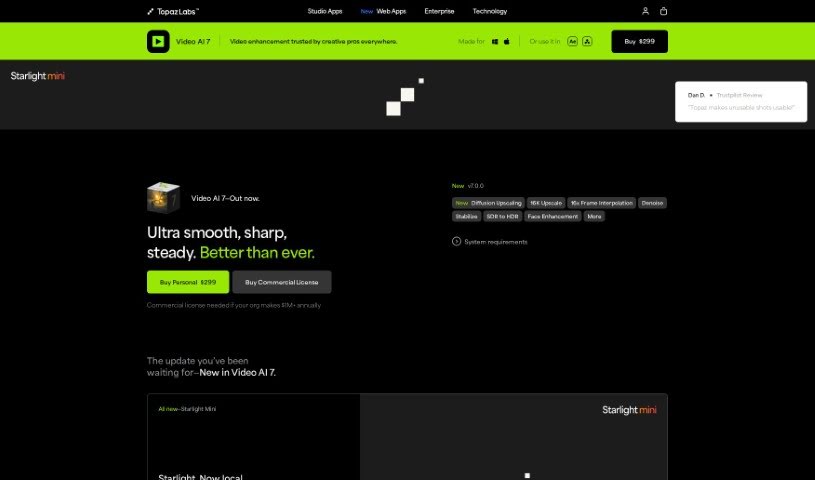
Topaz Labs Video AI is a video enhancement tool that upscales footage to 4K, 8K, or 16K resolution while preserving visual detail. It fixes artifacts common to older upscaling methods with a single click. The software includes specialized models such as Aion AI for extreme slow-motion effects and Chronos AI for smooth frame rate conversions up to 120fps. It runs directly on your Mac or PC, either as a standalone application or as a plugin.

Video Content View Tool →
Screenshot of TranslateTracks

TranslateTracks

Freemium

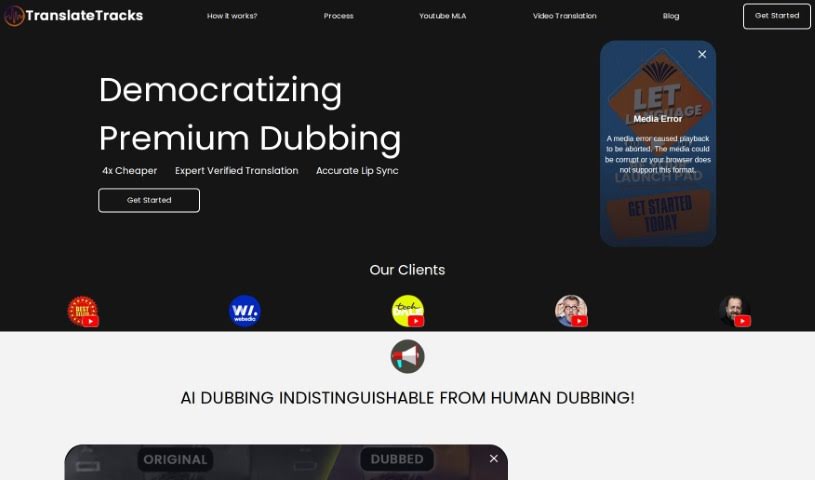
TranslateTracks is an AI-powered dubbing and translation service that helps creators reach global audiences by removing language and cultural barriers. The platform pairs its own AI models with expert localization teams to deliver accurate dubbing and translation at a lower cost than fully human workflows. It supports many languages at once, offers fast turnaround, and lets you customize subtitles and dubs to match your style.

Video Content View Tool →
Screenshot of Valoss

Valoss

Freemium

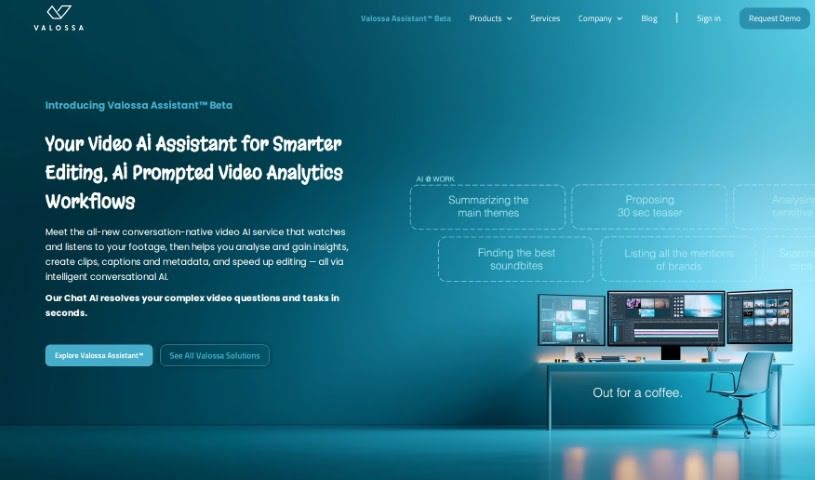
Valossa is a video intelligence and content moderation platform. It uses artificial intelligence to generate metadata for video content, helping businesses manage and secure their media libraries. Capabilities include real-time camera systems that analyze facial expressions, AI-powered moderation of video and images, and tools for creating profile videos for contextual advertising. It also automates content workflows.

Video Content View Tool →

New tools, in your inbox.

Weekly picks of the best AI tools we've researched and added — no spam, unsubscribe anytime.

Join 25,000+ AI enthusiasts. No spam, unsubscribe anytime.