Y
Yival
FreemiumYiVal is an enterprise-grade platform for building generative AI applications, aimed at businesses of all sizes. It offers three development modes: Agent, Experiment, and Production.
Software Development
View Tool →
Discover the best Software Development AI tools to enhance your productivity and creativity.
YiVal is an enterprise-grade platform for building generative AI applications, aimed at businesses of all sizes. It offers three development modes: Agent, Experiment, and Production.
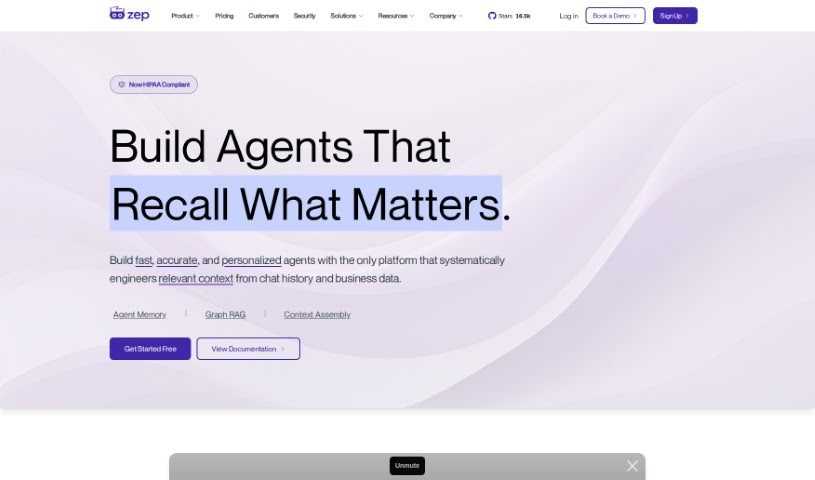
Zep is an open-source platform that provides fast, scalable building blocks for applications built on large language models (LLMs). It lets you move from prototype to production without rewriting code. Features include conversation memory, dialogue classification, data extraction, vector search, metadata filtering, named entity extraction, intent analysis, automatic embeddings, chat history recall, and archival and enrichment capabilities. Zep also supports privacy rules and runs faster than typical offerings from major LLM providers.
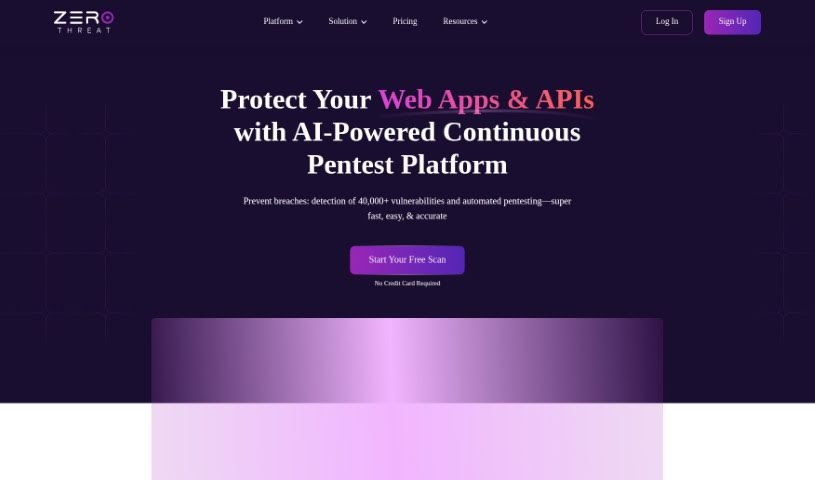
ZeroThreat is a web application and API security scanner built around AI-powered Dynamic Application Security Testing (DAST). It is designed to find security weaknesses quickly and integrate directly into CI/CD pipelines, allowing teams to catch vulnerabilities during development rather than after deployment.
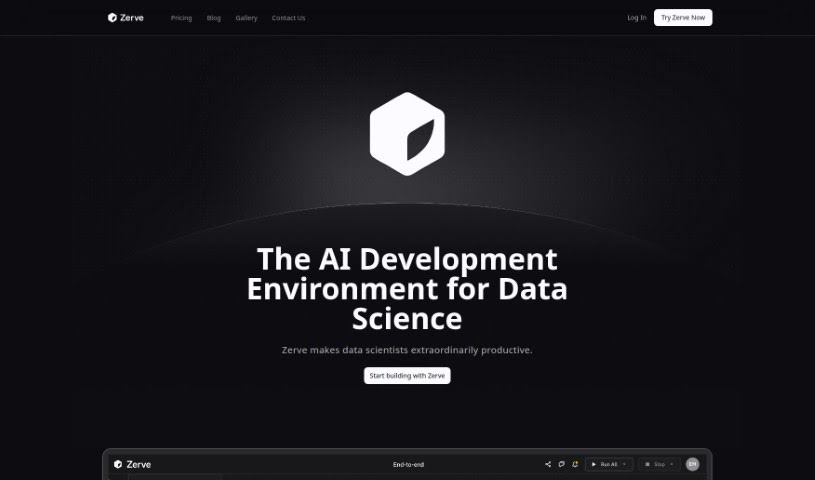
Zerve AI is an end-to-end platform for AI development. It is a complete toolkit for coders, designed to make AI development stable, secure, scalable, and affordable — from initial code review through to production. Its features include using different programming languages together, running tasks in parallel, keeping analysis artifacts in sync, optimizing compute usage, and smoothing the move from development to deployment. The goal is to make it easier for data scientists and machine learning experts to collaborate across the entire project lifecycle.
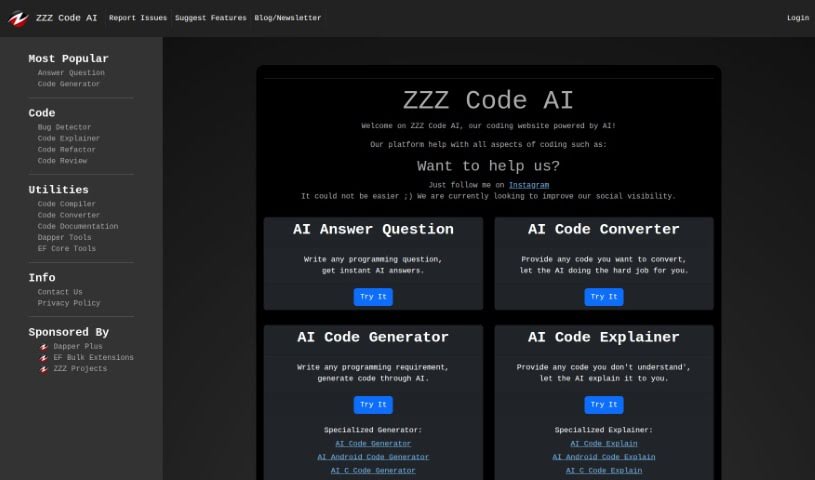
ZZZ Code AI is a free online platform that uses artificial intelligence to help with a range of coding tasks. It can answer programming questions, convert code between languages, generate code from your requirements, find and fix bugs, refactor existing code, review code quality, and create documentation. It supports many programming languages, including Python, C#, C++, CSS, HTML, Java, and SQL.
Staring at a terminal screen at two in the morning while trying to trace a subtle memory leak or decipher a cryptic build stack trace can test any developer’s patience. (I once spent four straight hours hunting down a bug in an API integration, only to discover a missing comma in a JSON config file.) Between writing repetitive boilerplate, untangling legacy codebases, updating dependencies, and building out test coverage, everyday coding tasks often keep you away from solving core logic problems.
These development platforms act as high-speed pair programmers for software engineers, web developers, system architects, and open-source contributors. They write routine code, catch edge cases, and explain unfamiliar syntax in seconds without replacing human logic, algorithmic thinking, or system design choices.
Accelerating daily coding tasks and generating boilerplate code turns ideas into working software much faster. Writing repetitive CRUD endpoints, database schemas, or API wrapper functions by hand eats up valuable sprint hours. Modern AI coding assistants auto-complete functions, suggest context-aware logic based on your existing codebase, and turn plain English comments into tested functions right inside your favorite editor.
Debugging complex errors and refactoring legacy systems becomes far less tedious. Trying to trace how a massive legacy module works or figuring out why a specific build failed often leads to endless web searches. Intelligent development agents scan your repository structure, pinpoint failing lines of code, explain the root cause in simple terms, and offer clean refactoring suggestions that preserve your application’s original intent.
Writing unit tests and generating documentation keeps codebases healthy without extra overhead. Most developers love building features, but few enjoy writing test suites or updating API docs. AI development tools analyze your code pathways, generate comprehensive test cases that cover tricky edge cases, and auto-generate inline documentation, ensuring your project remains maintainable for your entire team.
Key Capabilities to Look For:
- Context-aware code completion: Systems that read your entire project repository to suggest code that matches your existing patterns and conventions.
- Interactive terminal and chat assistants: Tools that let you ask questions about your codebase, debug stack traces, and run terminal commands directly from your IDE.
- Automated test and doc generation: Features that automatically create unit tests, integration scenarios, and inline docstrings for your functions.
- Multi-language and framework support: Software that works smoothly across Python, JavaScript, TypeScript, Rust, Go, SQL, and popular web frameworks.
- Privacy and repository security controls: Platforms built with strict security models that ensure your proprietary code remains private and is never used to train external models.
Building great software will always depend on human problem-solving, architectural vision, and a deep understanding of user needs. Software can suggest a function, flag a syntax error, or draft a unit test, but designing scalable architecture and making core system choices requires your developer brain.
Browse the software development tools below to upgrade your engineering stack.
Weekly picks of the best AI tools we've researched and added — no spam, unsubscribe anytime.
Join 25,000+ AI enthusiasts. No spam, unsubscribe anytime.