AI Tools for Software Development

Discover the best Software Development AI tools to enhance your productivity and creativity.

Page 22 of 25 • 294 total tools
Screenshot of SWE-agent

SWE-agent

Freemium

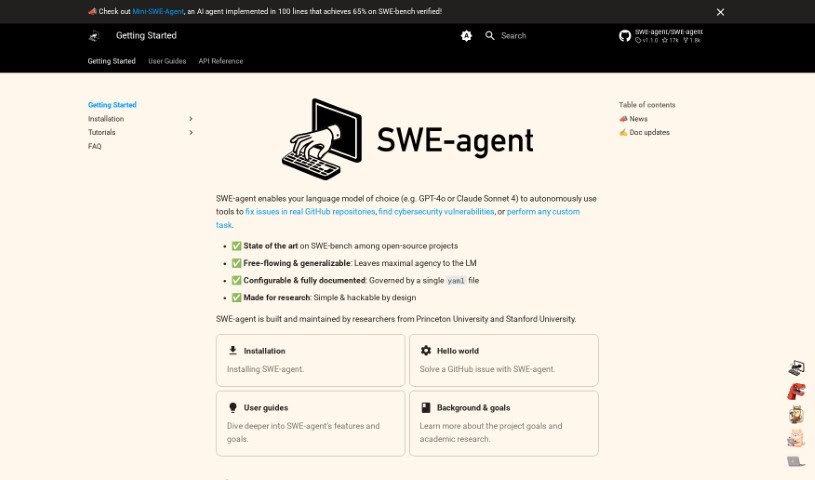
SWE-agent is a really neat tool that turns language models, like GPT-4, into actual agents. It is giving these models the ability to fix problems directly in GitHub repositories, tackle coding challenges, and even handle tricky cybersecurity tasks using its special EnIGMA mode. What's great is you can tweak it a lot without needing to dive into the code itself, offering a ton of flexibility. You can explore the project's goals, the research behind it, how the code works, and even learn how to change SWE-agent's behavior. Basically, SWE-agent lets you build your own agents by providing all the development info you need, making it super versatile for coding, cybersecurity, and a whole lot more.

Web Development View Tool →
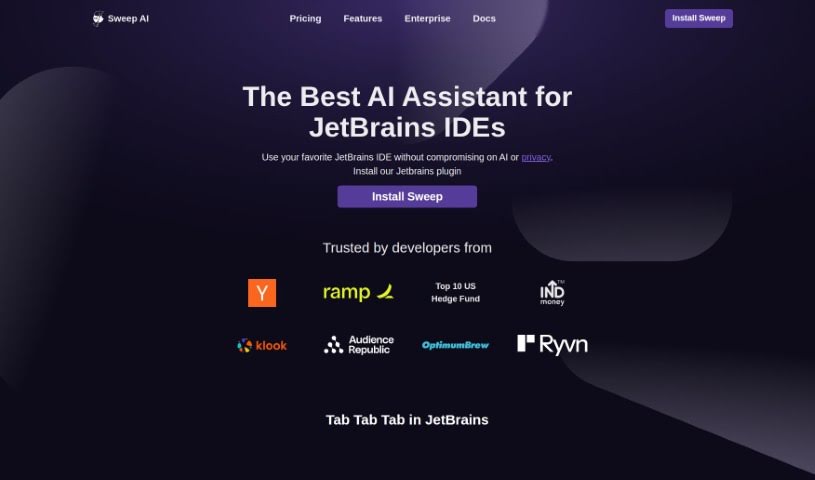
Screenshot of Sweep AI

Sweep AI

Freemium

Sweep AI is your smart coding sidekick, specifically built to help manage your GitHub tickets and make coding smoother for you and your team. It's an AI tool that can actually create code changes based on bug reports or new feature ideas. It can even generate code for your entire repository. Plus, it plays nicely with Slack, making communication a breeze, and lets you take action directly within GitHub. Big names like PyTorch-Ignite, Medplum, and even universities like Stanford, Carnegie Mellon, and Waterloo have used Sweep to keep their code in top shape, handle those tedious repetitive tasks, and get smart suggestions for their code.

Web Development View Tool →
Screenshot of Swimm

Swimm

Freemium

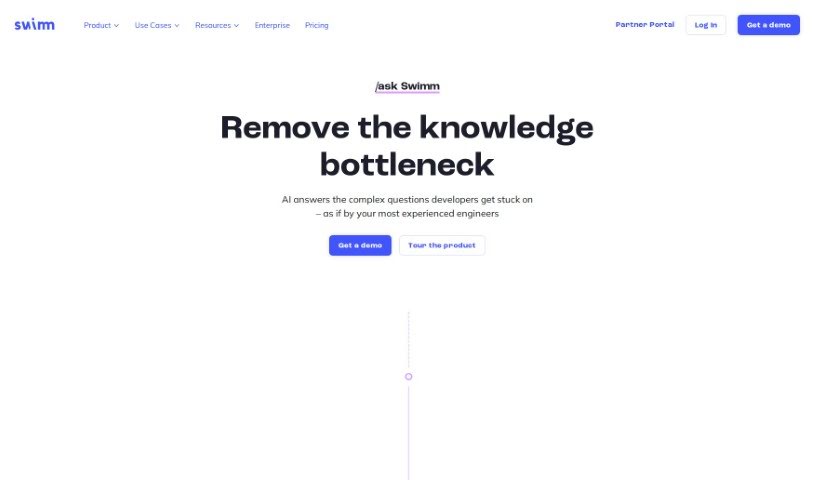
Swimm AI is a really useful tool designed to make code documentation much smoother, help teams work together better, and even automate the creation of code explanations. It is a smart assistant for your code. It has features that let you start documentation right from your pull requests, automatically generate explanations for code snippets, and it keeps everything secure with encryption. When you bring Swimm AI into your development process, your team can get a much clearer picture of code changes, keep track of how your codebase grows over time, and cut down on the time spent on manual documentation.

Web Development View Tool →
Screenshot of Symphony.run

Symphony.run

Freemium

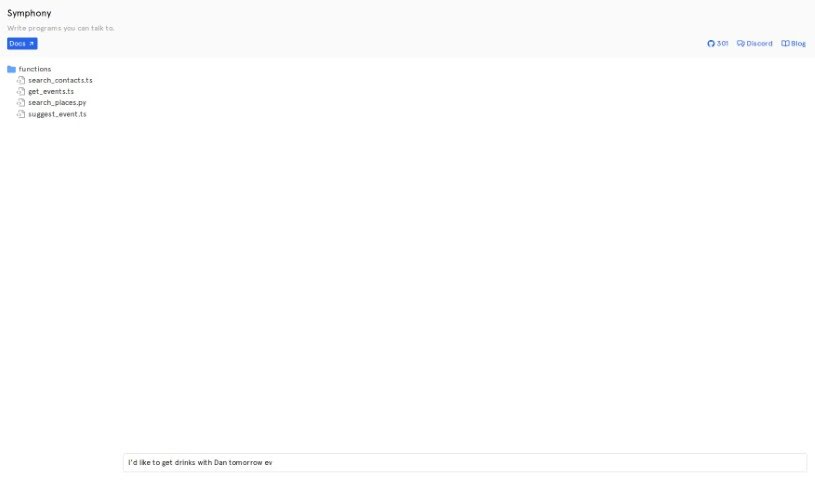
Symphony.run is a handy tool built to help you create programs that you can talk to. It is a way to build applications that understand and respond to spoken language. It's all about making natural language processing and understanding easier for developers. With Symphony, you can build apps that can process and reply to your verbal commands and requests. If you're using Symphony, you'll find really thorough documentation to guide you on how to make the most of its features. Plus, Symphony plays nicely with Discord, a super popular communication platform. This means your conversational programs can connect with the Discord community without a hitch. And if you're into sharing your work or collaborating, Symphony has you covered with its GitHub repository. You can jump in to help with its development, check out existing resources, and keep up with all the new improvements. To give you an idea of what's possible, Symphony lets you create programs like `search_contacts.ts`, `get_events.ts`, `search_places.py`, and `suggest_event.ts`. These examples really show off the variety of applications you can build with Symphony's conversational programming tools.

Web Development View Tool →
Screenshot of Tabby

Tabby

Freemium

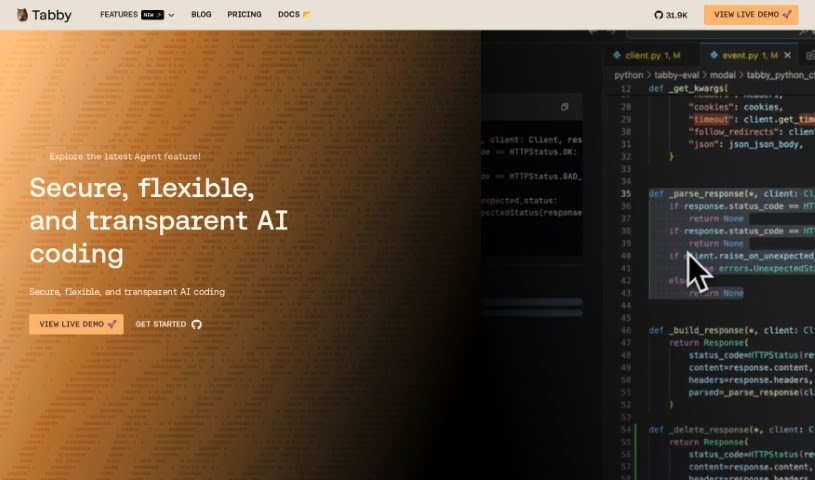
Tabby is an AI coding assistant that's open-source and you can host it yourself. Its main goal is to make coding faster, safer, and more customizable, really improving your overall experience. It's built with Rust, which is known for being super reliable and efficient. Setting up Tabby is a breeze; you just use a TOML config file to tailor the deployment exactly how you like it. Security and compliance are big priorities here. Since the codebase is open-source, you can check it out on GitHub anytime. Plus, you have the option to host your own version, giving you complete control over your coding setup. Tabby also offers plenty of helpful resources, like detailed documentation, tutorials, and a community you can connect with on Slack. You can also keep up with the latest news and updates by checking out the Tabby blog, status page, and media kit.

Web Development View Tool →
Screenshot of Taiga

Taiga

Freemium

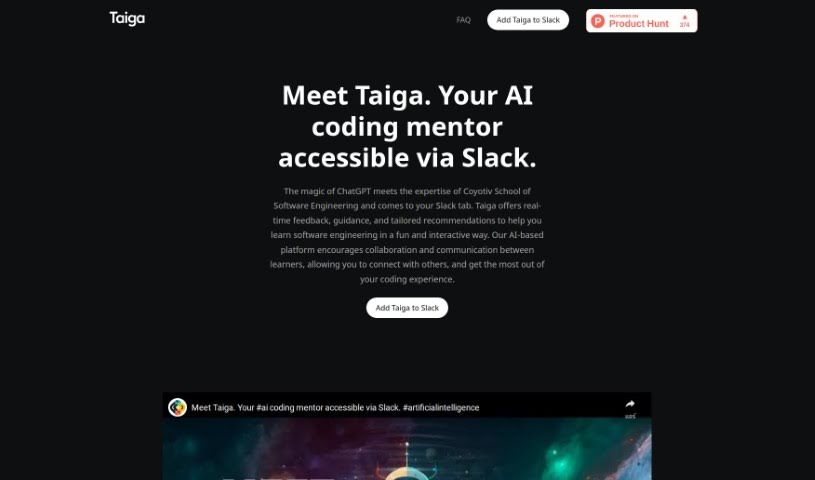
Taiga is your personal AI coding mentor. It brings together the power of ChatGPT with the practical expertise from Coyotiv School of Software Engineering. What does that mean for you? It means getting instant feedback, helpful guidance, and advice specifically tailored to software engineering, right inside your Slack conversations. Taiga is built to make learning programming topics easier, offering step-by-step help, real-time answers with practical examples, and personalized chats that feel like talking to a seasoned mentor. It fits right into Slack, works on pretty much any device you have, and really encourages everyone to learn together.

Web Development View Tool →
Screenshot of Templateai

Templateai

Freemium

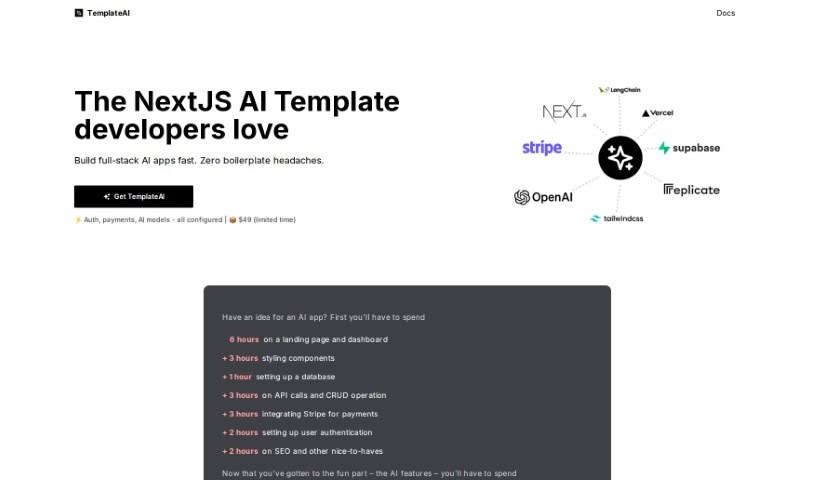
TemplateAI is a really neat tool designed to make building full-stack AI applications much simpler and faster. It cleverly combines NextJS and Supabase to give you a head start. It is having a set of pre-built components and features ready to go. This includes things like generating images, creating text, and managing your database. Essentially, TemplateAI takes care of a lot of the groundwork – like setting up your landing pages, dashboards, and handling user logins – so you can spend more of your energy on the exciting AI features you want to build. Plus, you get lifetime updates and clear documentation to make things even easier.

Web Development View Tool →
Screenshot of Teste.ai

Teste.ai

Freemium

Teste.ai is a really smart platform that uses artificial intelligence to completely change how we do software testing. It's built to help software testers out by giving them clever tools. These tools make creating test cases, scenarios, step-by-step guides, and even test strategies much faster and better. It is having an AI assistant that generates test data and plans for you. This helps testers improve their whole approach, make sure they're covering all the necessary requirements, and cut down the time spent writing and specifying tests. The result? You get a big boost in productivity and efficiency. Teste.ai is versatile too; it supports all sorts of tests, like API, Functional, Security, and Performance tests. Plus, it makes teamwork a breeze by letting you share test plans, documentation, and results easily through a user-friendly dashboard.

Web Development View Tool →
Screenshot of testRigor AI-Based Automated Testing Tool

testRigor AI-Based Automated Testing Tool

Freemium

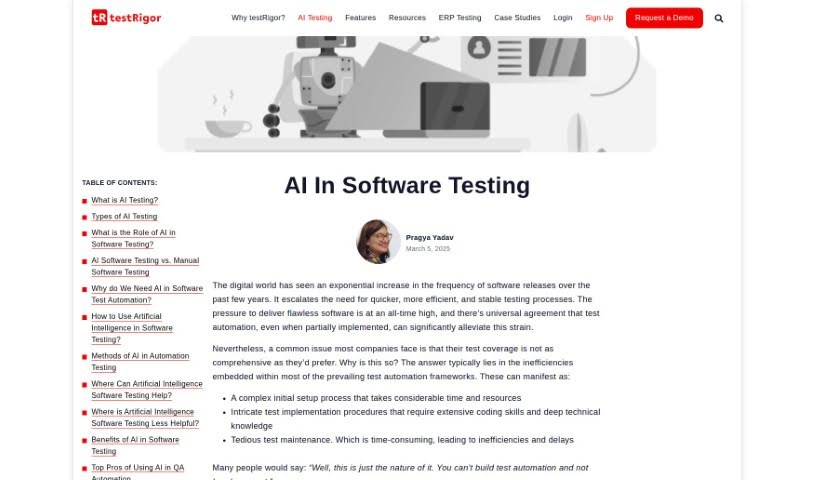
AI-powered automated testing tools, and testRigor is a prime example, are really changing the game for software testing. Unlike older testing platforms, these tools weave AI right into everything they do. This means they can actually see and understand different kinds of content – like text, images, and even the writing inside images – within your applications. This is a huge help for making sure visual interfaces work just right. Plus, the AI can figure out how to create tests all by itself. It looks at your website, sees how people use it, and then builds the right test cases based on that. It’s a much faster way to create tests, cuts down on manual work, and makes sure you’re testing more thoroughly. All in all, it makes software testing much more efficient and effective.

Web Development View Tool →
Screenshot of Text2SQL.AI

Text2SQL.AI

Freemium

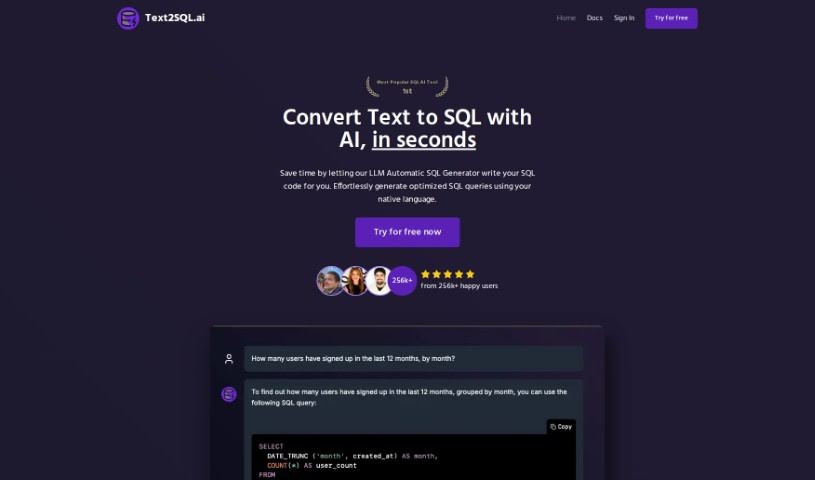
Text2SQL.AI is a smart tool that uses the power of AI, specifically the OpenAI GPT-3 Codex model, to turn your everyday English instructions into SQL queries. It is a translator for your database needs. It's pretty versatile, supporting a range of SQL languages like MySQL, PostgreSQL, Snowflake, BigQuery, MS SQL Server, and SQLite. What's really neat is that you can connect your own specific database schema to it, meaning it can adapt to pretty much any data setup you have. The goal here is to help everyone, whether you're just starting out with SQL or you're a seasoned pro. It helps you generate SQL queries quickly and accurately, which is a huge time-saver and a great way to sharpen your SQL skills. While it's not always perfect, and sometimes the results can vary a bit, Text2SQL.AI is definitely a helpful resource for anyone working with data – like data analysts, data scientists, data engineers, and software developers.

Web Development View Tool →
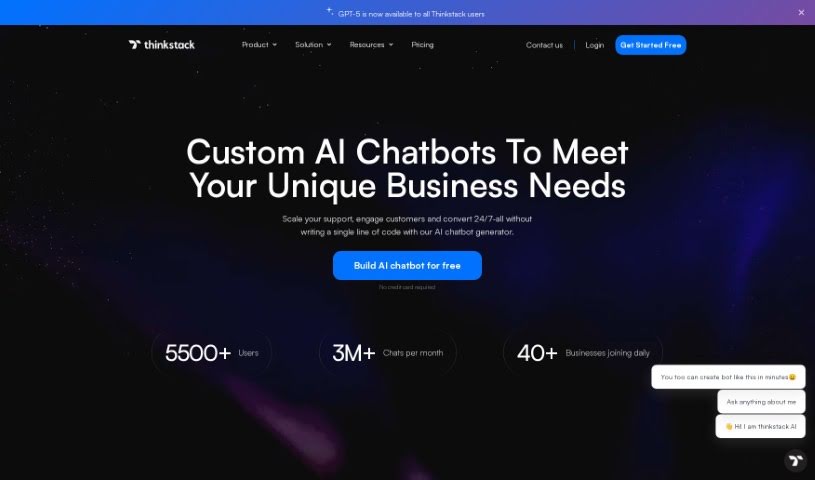
Screenshot of Thinkstack

Thinkstack

Freemium

Thinkstack is a platform that lets you build AI chatbots using GPT technology. These chatbots are fully customizable and can provide automated customer service responses across many different industries. The best part? You don't need any coding knowledge to use it, making it super accessible even if you're not tech-savvy. Thinkstack also plays nicely with other tools through platforms like Zapier, and you can tailor it for specific sectors like healthcare, SaaS, banking, and retail. Getting started is straightforward: you upload and select your secure data files, train your bot, tweak the settings, and then launch it. Plus, Thinkstack offers advanced analytics, supports over 90 languages, pulls data from various places to train your bot, and keeps your information safe with encryption and strict access rules. On top of all that, Thinkstack chatbots can handle tasks like managing CRM entries, generating leads, and communicating in a way that feels personal to your brand and what your users prefer.

Web Development View Tool →
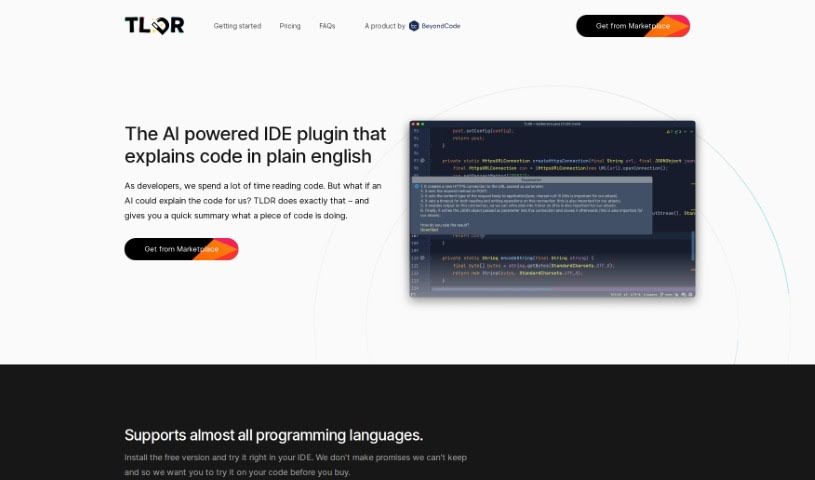
Screenshot of Tldrdev.ai

Tldrdev.ai

Freemium

Tldrdev.ai is an IDE plugin built to help developers understand code more easily, thanks to AI. It is a translator for your code. It takes complicated code and turns it into simple English explanations. It works with lots of different programming languages and fits right into your JetBrains IDE. You can use it for free, or if you need more, there are paid plans that offer things like smoother rate limiting and priority support. The AI behind Tldrdev.ai is always getting smarter, so it'll only get more accurate and capable over time.

Web Development View Tool →

Stay Updated with AI Tools

Get weekly updates on the latest AI tools, trends, and insights delivered to your inbox

Join 25,000+ AI enthusiasts. No spam, unsubscribe anytime.