AI Product Design Tools: Top Picks & How They Work

AI Tools for Product Design

Discover the best Product Design AI tools to enhance your productivity and creativity.

Page 5 of 5 • 60 total tools
Screenshot of Sprig

Sprig

Freemium

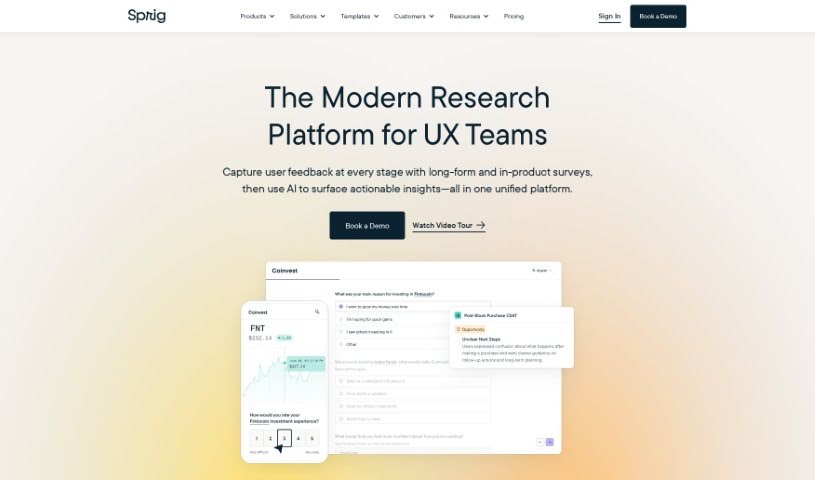
Sprig is a user research tool designed to help teams gather feedback from their users so they can improve their products. With Sprig, you can create targeted surveys, record how people use your product, and test prototypes. Sprig's AI automatically surfaces key insights, pointing out both problems and opportunities for improvement. Large tech companies use it to refine their products.

Product Design View Tool →
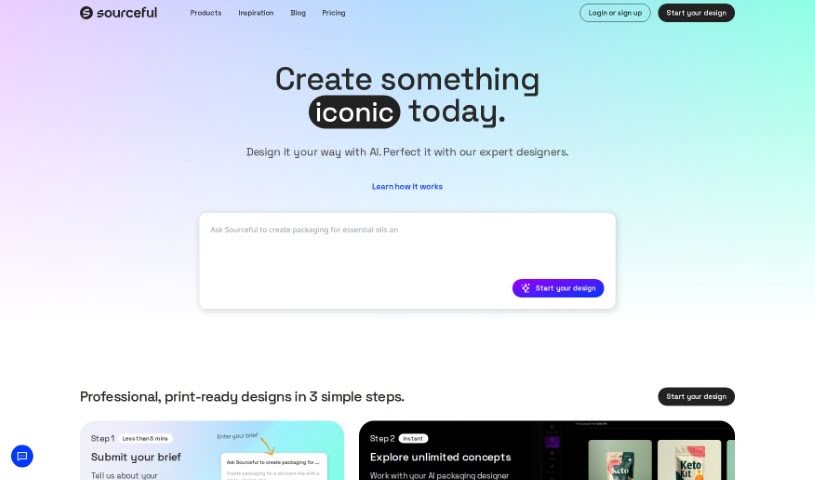
Screenshot of Spring by Sourceful

Spring by Sourceful

Freemium

Spring by Sourceful is a free platform that uses AI to generate unique packaging design ideas in minutes. You can create artwork, share your designs, and have them produced through Sourceful's services.

Product Design View Tool →
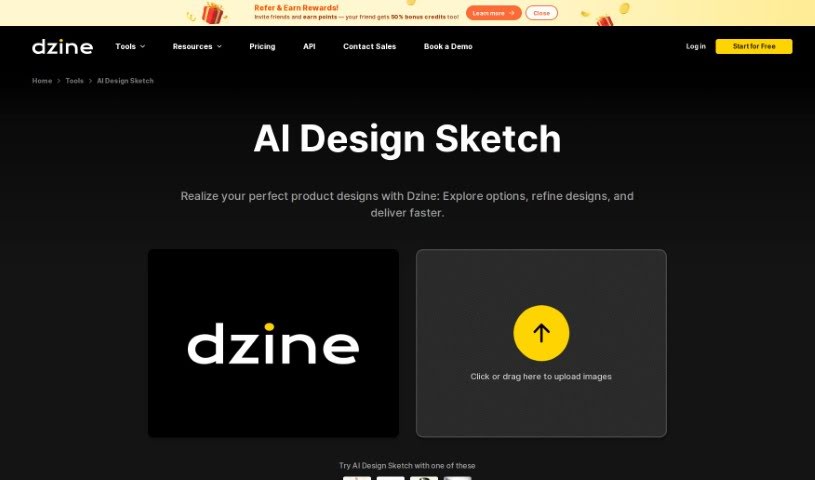
Screenshot of Stylar AI Design Sketch

Stylar AI Design Sketch

Freemium

Stylar AI Design Sketch is a tool from Dzine that turns product sketches into high-quality renderings with a single click. Upload sketches at any level of detail — from rough concepts to finished drawings — and convert them into professional-looking product images. Style options range from realistic to artistic, so you can match the output to your design vision and business goals.

Product Design View Tool →
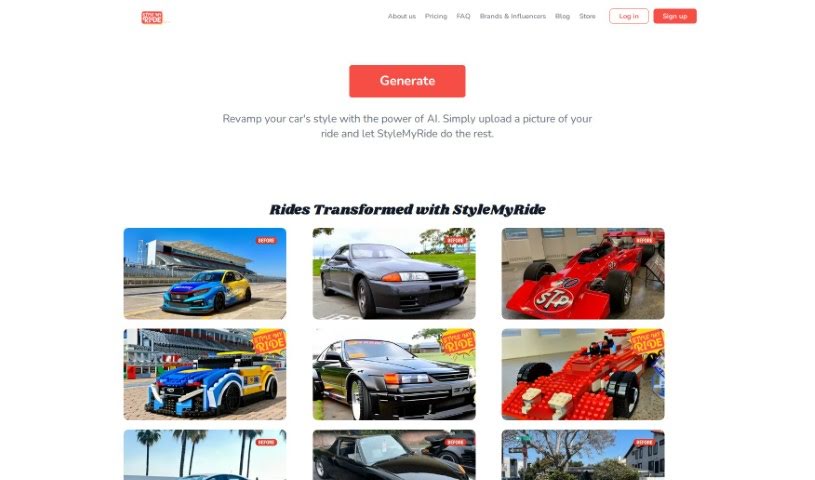
Screenshot of Stylemyride

Stylemyride

Freemium

StyleMyRide.ai is a web-based platform for car enthusiasts that uses AI to customize a car's appearance. Upload a clear photo of your car, pick a tuning style, and the AI generates several design options covering body kits, rims, and paint jobs. This makes it easy to visualize and compare customization ideas before committing to actual tuning.

Product Design View Tool →
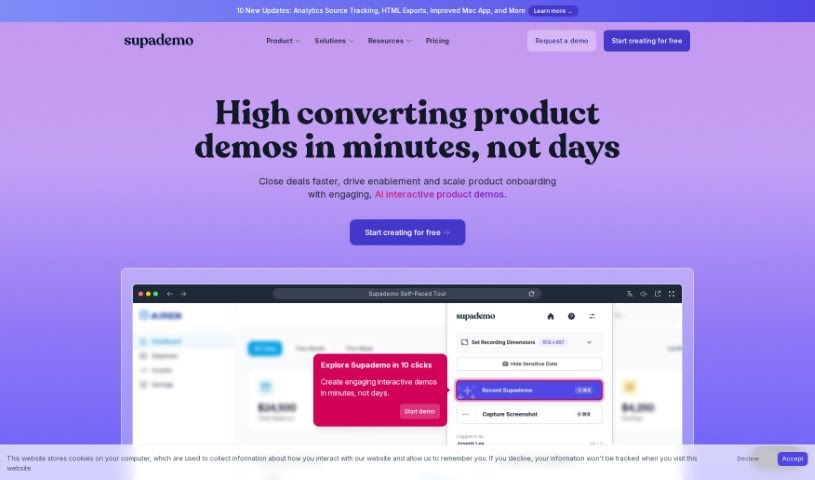
Screenshot of Supademo

Supademo

Freemium

Supademo is a tool for quickly building interactive product demos. It helps software teams show how their product works, guide new users through onboarding, or explain complex workflows for support and training. Features include branching paths, showcases, advanced analytics, team workspaces, in-app tours, AI voiceovers, and auto-translation into many languages.

Product Design View Tool →
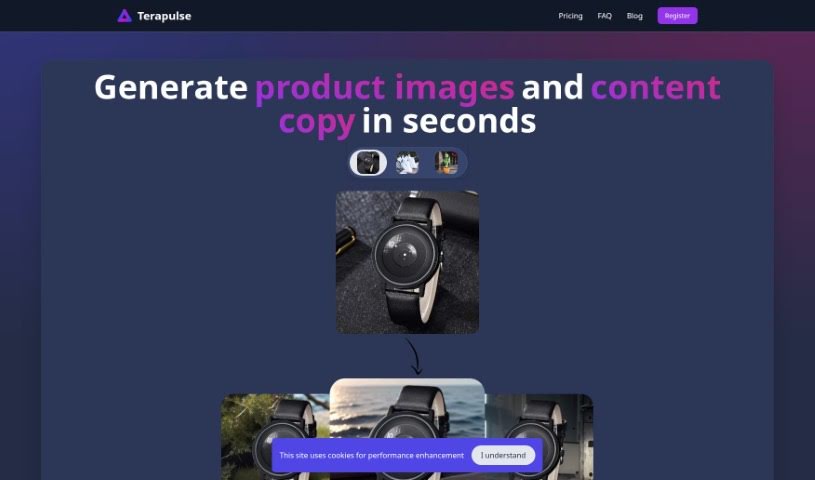
Screenshot of Terapulse

Terapulse

Freemium

Terapulse is an AI platform for generating hyperrealistic product images, with attention to details like reflections and shadows. It produces a wide range of design variations, includes a collection of selectable backgrounds, and supports styles from modern to extravagant.

Product Design View Tool →
Screenshot of Thisautomobiledoesnotexist

Thisautomobiledoesnotexist

Freemium

Thisautomobiledoesnotexist is a creative cousin to the well-known "Thispersondoesnotexist." Where that site uses AI to generate realistic images of people who don't exist, this tool does the same for cars. It uses generative adversarial networks (GANs) to produce entirely new, never-before-seen automobile designs — believable, fictional vehicles that blend technology and artistic vision. It offers a glimpse into what AI might contribute to car design in the future.

Product Design View Tool →
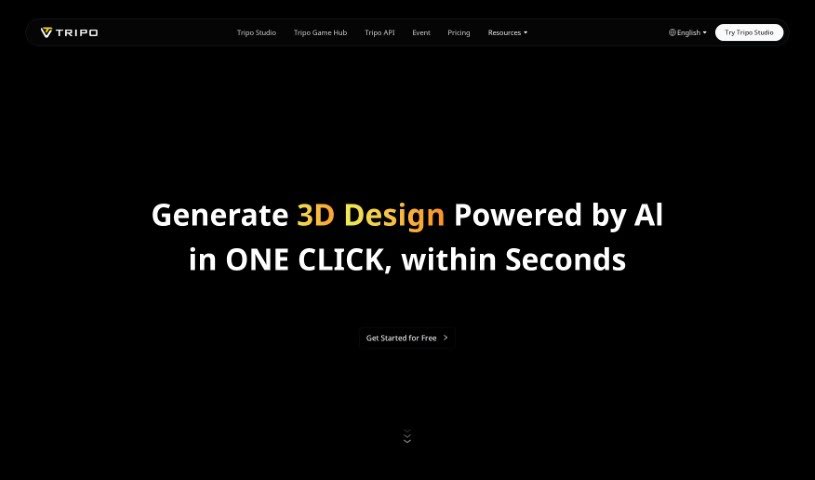
Screenshot of Tripo AI

Tripo AI

Freemium

Tripo AI is a web application that uses its own AI technology to generate 3D models from text prompts or images. Enter a description or upload a picture, and the tool produces a model quickly, making it easy to iterate on versions. It is particularly effective at converting 2D images into detailed 3D models.

Product Design View Tool →
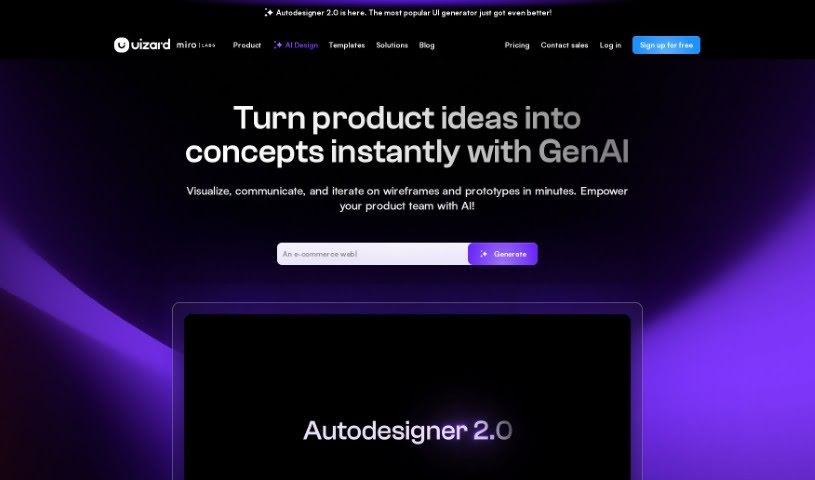
Screenshot of Uizard IO

Uizard IO

Freemium

Uizard IO is an AI-powered design tool that creates multi-screen mockups for apps and websites from a simple text description. Describe your project idea in plain English, and its Autodesigner feature generates the design. You can then customize everything in a drag-and-drop editor — editing components, adding new elements, and importing themes.

Product Design View Tool →
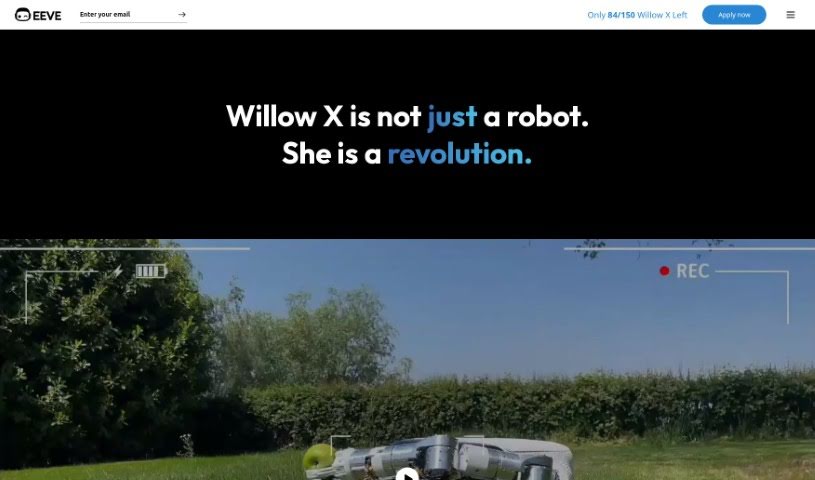
Screenshot of Willow X

Willow X

Freemium

Willow X is a robotic and AI product from EEVE, first introduced in 2019. Its core technology is vision-based artificial intelligence, which allows it to mow your lawn and handle weeding without the need to install perimeter wire. Users report that the robot performs well and is likeable, making garden maintenance more convenient and less time-consuming while keeping the lawn well maintained.

Product Design View Tool →
Screenshot of Zeg Ai

Zeg Ai

Freemium

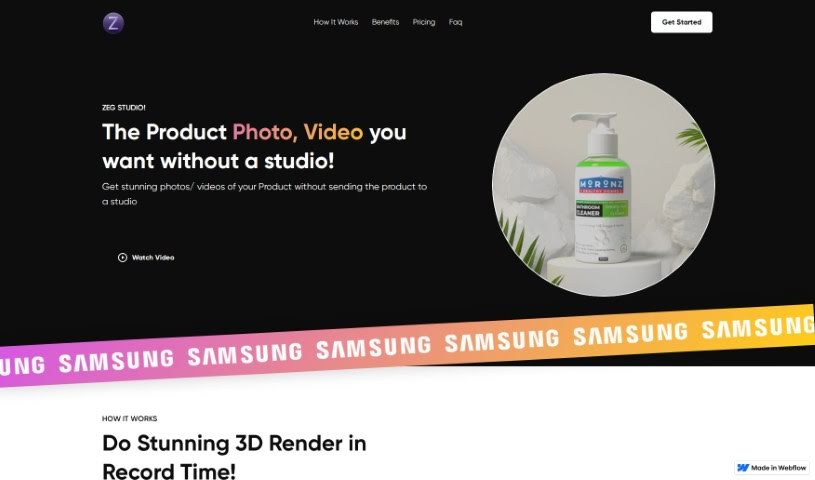
ZEG Ai is a platform for creating product photos and 3D models without learning 3D modeling software. It's billed as the world's first 3D app designed for everyone. You can build a 3D model from just 1 to 3 images of your product, then place it virtually in scenes such as beaches or mountains to create imagery that fits your brand. ZEG was built using AI technologies including MESHCODEX, opencv, and webgl.

Product Design View Tool →
Screenshot of Zolak

Zolak

Freemium

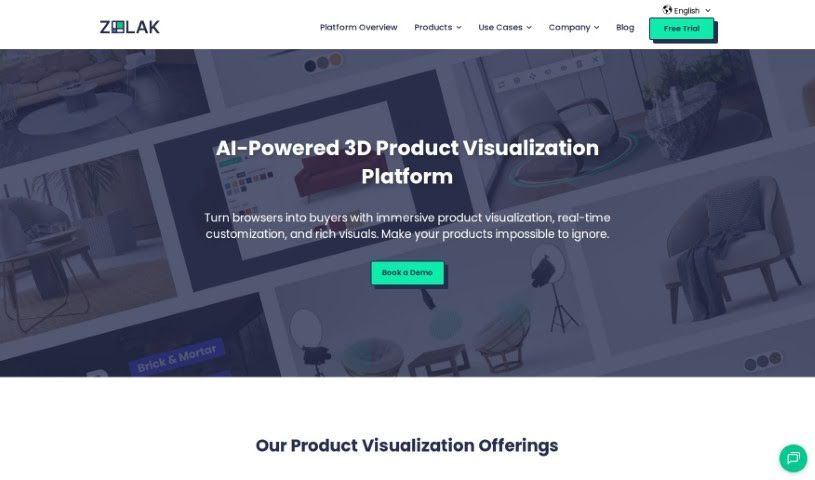
Zolak is a 3D product visualization platform built for furniture retailers. It produces photorealistic product images, supports customizable visuals, and lets shoppers virtually try out furniture in their own spaces through interactive showroom experiences. The platform uses AI and computer vision to give customers a lifelike view of how pieces will look in their homes, with the goal of helping retailers sell more, build purchase confidence, and reduce returns.

Product Design View Tool →
Previous 5 of 5 Next

About Product Design tools

Translating user needs into intuitive digital products requires constant iteration. Balancing user research, visual polish, component variants, and handoff specs can easily drain your team’s creative focus. When administrative tasks and repetitive pixel-pushing slow down your design sprints, staying focused on core user experience problems gets tough.

The product design tools in this collection act as high-speed design partners. They won’t replace human empathy, deep user research, or critical problem-solving skills, but they can draft wireframes, synthesize customer feedback, and build component libraries in moments.

Wireframing, Research Synthesis, and Developer Handoffs

Generating rapid interface ideas turns rough concepts into interactive mockups in minutes. Turning user stories into visual layouts usually means staring at a blank canvas and dragging basic shapes around for hours. Modern prompt-to-UI platforms take text descriptions or hand-drawn whiteboarding sketches and generate editable vector layouts, giving you quick layout options to test and refine.

Synthesizing user research and customer feedback takes far less manual effort, too. Digging through dozens of recorded interview transcripts, survey responses, and usability test clips can stall an entire design sprint. AI research assistants parse customer feedback, spot common pain points, and organize recurring feature requests, letting you base design choices on real user data rather than guesswork.

Automating design system components and developer handoffs keeps production moving forward. Creating light and dark mode color tokens, responsive layout variants, and accessibility-compliant UI elements by hand gets tedious fast. Intelligent design tools build UI variations automatically, check color contrast ratios, and export clean code specs for engineering teams without breaking component rules.

Capabilities Worth Exploring:

  • Prompt-to-UI generation: Systems that turn text descriptions or rough sketches into editable vector layouts and UI components.
  • Automated user research synthesis: Software that scans research transcripts, tags user pain points, and organizes findings into actionable insights.
  • Design system token management: Features that generate consistent typography scales, color palettes, and component states across large libraries.
  • Accessibility and contrast checking: Tools that review visual layouts for color compliance, readable font sizes, and screen reader compatibility.
  • Developer handoff and code export: Applications that convert design frames into clean CSS, React, or Swift code for engineering teams.

Designing digital products people love will always depend on human empathy, thoughtful problem-solving, and a deep understanding of user needs. Algorithms can generate wireframes and export tokens, but building meaningful user experiences requires your human perspective.

Check out the product design tools below to sharpen your sprint workflow.

The Best AI Product Design Tools

  1. Meshy: Great for quickly creating 3D product models.
  2. Kittl: Makes logo creation a breeze, often in just minutes.
  3. Tripo AI: Ideal for developing prototypes fast.
  4. Maze: Helps you test prototypes and gather feedback efficiently.
  5. Uizard IO: Perfect for rapidly prototyping app interfaces.
  6. Sprig: A tool to help you improve your product design process.
  7. Supademo: Lets you create interactive prototypes for user testing.
  8. Magic Patterns: Quickly prototype product ideas using AI.
  9. Color Magic: Get inspiration for colors based on keywords.
  10. Creatie: Easily design high-fidelity prototypes.
  11. Clarifai: Offers automated visual style analysis.
  12. Fireworks.ai: Provides AI-driven enhancements for prototyping.
  13. Brilliant Labs: Supports collaborative prototyping and feedback.
  14. Patterned AI: Elevate your product designs with unique patterns.
  15. Leo.ai: Speeds up CAD modeling from your sketches.
New tools, in your inbox.

Weekly picks of the best AI tools we've researched and added — no spam, unsubscribe anytime.

Join 25,000+ AI enthusiasts. No spam, unsubscribe anytime.