AI Product Design Tools: Top Picks & How They Work

AI Tools for Product Design

Discover the best Product Design AI tools to enhance your productivity and creativity.

Page 3 of 5 • 60 total tools
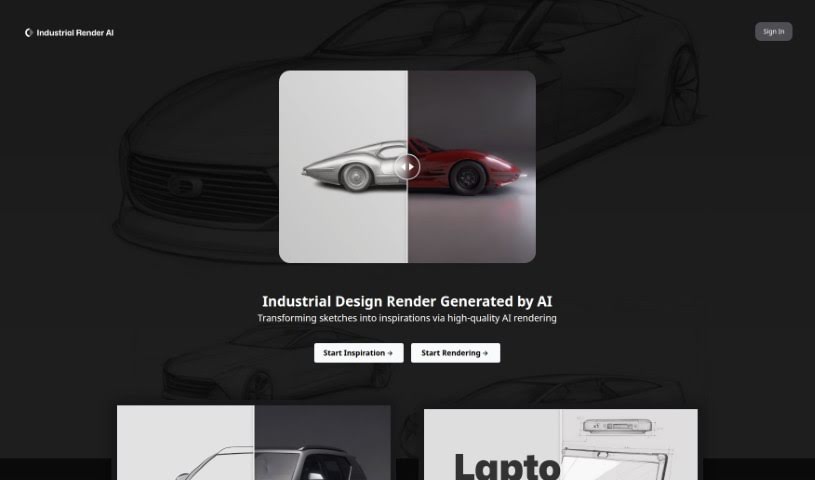
Screenshot of Industrial Render AI

Industrial Render AI

Freemium

Industrial Render AI is a tool for industrial design that converts conceptual product design sketches into high-quality renderings, using technology inspired by Generative Pretraining Transformer (GPT) models. Its stated goals are to boost creativity, improve design communication, and increase the quality and efficiency of designs.

Product Design View Tool →
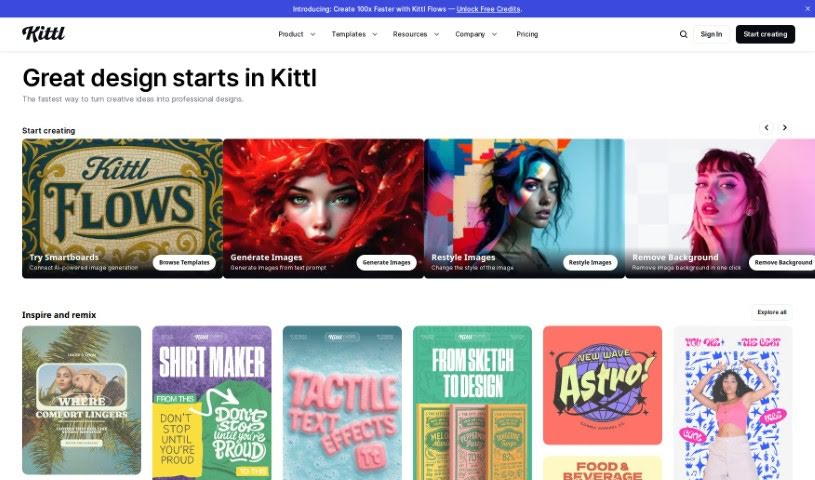
Screenshot of Kittl

Kittl

Freemium

Kittl is a browser-based design platform with AI-powered tools that make creating graphics fast and simple. You can generate vector logo icons and clipart just by typing a text prompt. It also includes advanced text editing, a "Magic Recoloring" tool that swaps colors instantly using trending palettes, and a large library of ready-to-use templates. Plans for individuals and teams include access to vector files, advanced editing, high-resolution downloads, and premium features depending on the tier. You can cancel or upgrade your plan at any time.

Product Design View Tool →
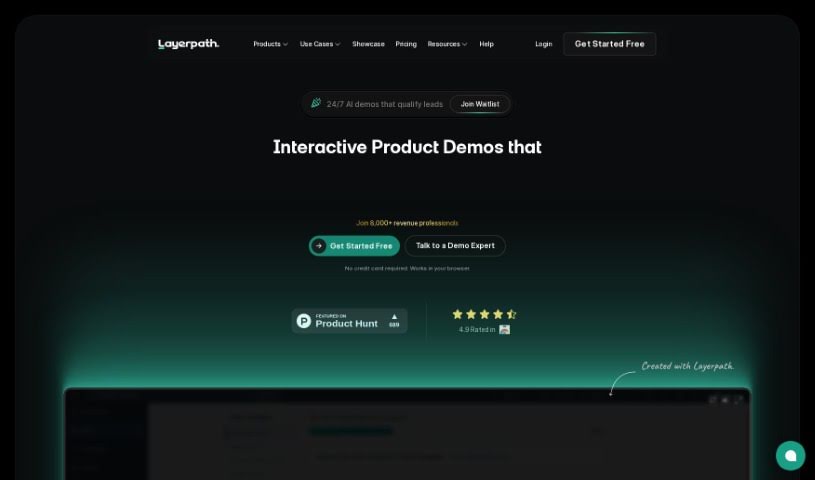
Screenshot of Layerpath

Layerpath

Freemium

Layerpath is a platform for creating interactive product demos—tours, guides, and videos—from screen recordings. You capture your screen and convert the recording into interactive product experiences without the usual complexity of producing high-quality demo assets. The platform also includes tools for organizing and understanding how users interact with your demos: Playlists, Lead Forms, and Analytics help track performance and refine engagement. Layerpath offers scalable pricing plans, including custom enterprise options, and its AI capabilities help generate step-by-step guides and how-to videos directly from your browser.

Product Design View Tool →
Screenshot of Leo.ai

Leo.ai

Freemium

Leo.AI is an engineering design copilot that uses generative AI to help engineers turn ideas into real products faster. It takes sketches, specifications, or CAD constraints and converts them into fully assembled 3D CAD models optimized for Design for Manufacturing and Assembly (DFMA).

Product Design View Tool →
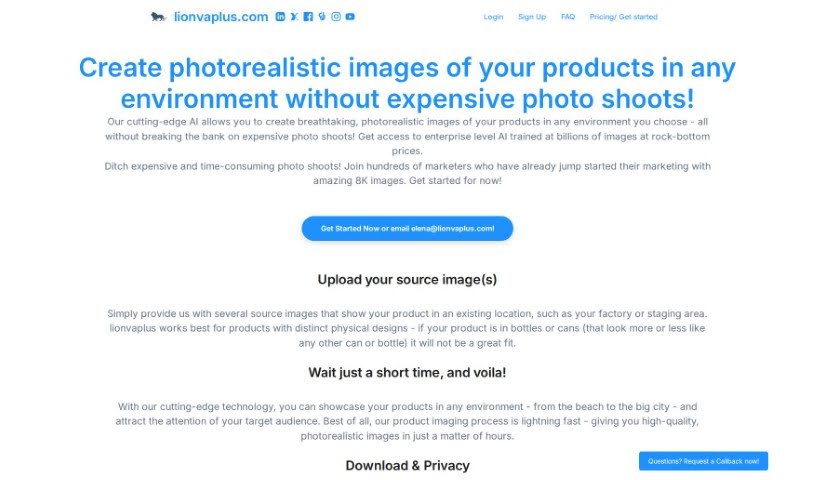
Screenshot of Lionvaplus.com

Lionvaplus.com

Freemium

Lionvaplus.com is an AI-powered platform for product visualization. It generates photorealistic images of your products in a variety of settings, blending uploaded product photos into new environments to produce high-quality 8K images suitable for marketing. The platform promises fast turnaround, private data handling, and no sharing with third parties, offering a cost-effective alternative to traditional photo shoots.

Product Design View Tool →
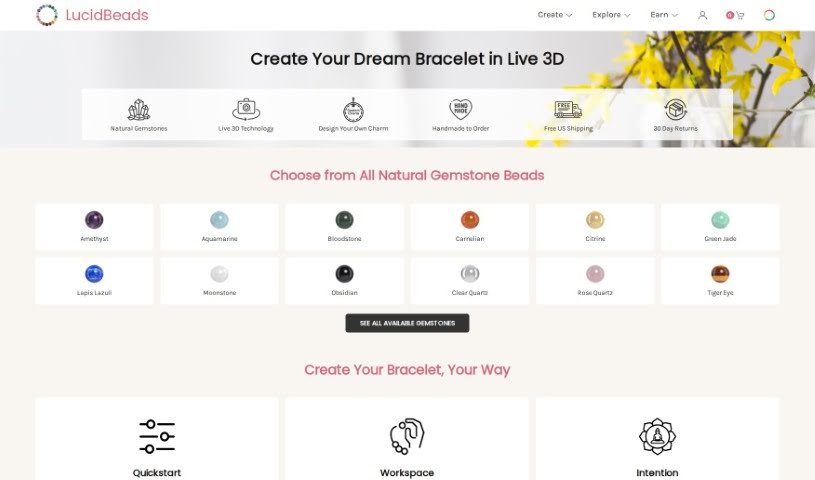
Screenshot of Lucid Beads

Lucid Beads

Freemium

Lucid Beads is a platform for designing custom gemstone bracelets. It pairs a real-time 3D design tool with an AI Assistant that helps turn your ideas into wearable art. The company uses high-quality, all-natural gemstones and skin-friendly materials, and it rewards users when other people buy the designs they create.

Product Design View Tool →
Screenshot of Lumiere3D

Lumiere3D

Freemium

Lumiere3D is an AI platform for creating 3D product videos. Its editor lets you build product animation videos in a few clicks, and a 3D scanning app turns everyday objects into 3D models you can continue working on in a web-based app. Videos can include dynamic camera moves, custom effects, and unique transitions, and a 3D environment lets you build product scenes. Pricing plans include a free demo, a starter plan, and a pro plan, with varying features such as daily scribes, render resolutions, and storage.

Product Design View Tool →
Screenshot of Magic Patterns

Magic Patterns

Freemium

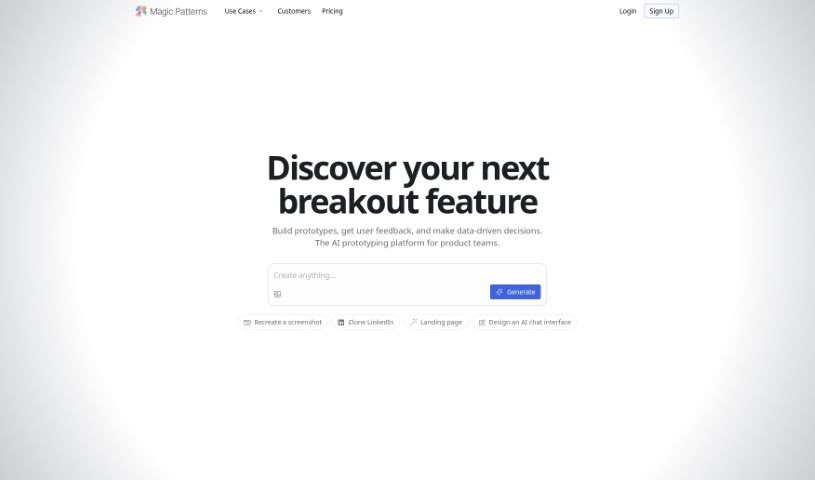
Magic Patterns is a generative UI tool for creating components for your design systems. It acts as a frontend assistant, making it easier to find the right component for whatever you're building. It works with popular frameworks and libraries, including Radix Themes, Mantine, Shadcn, Chakra UI, plain HTML, Tailwind, and Inline CSS. You can browse over 10,000 community-created patterns, each with a preview so you can see how it looks in action. The team also maintains a presence on Twitter, GitHub, and a Slack channel, and welcomes feedback through a submission form.

Product Design View Tool →
Screenshot of Magic Prints

Magic Prints

Freemium

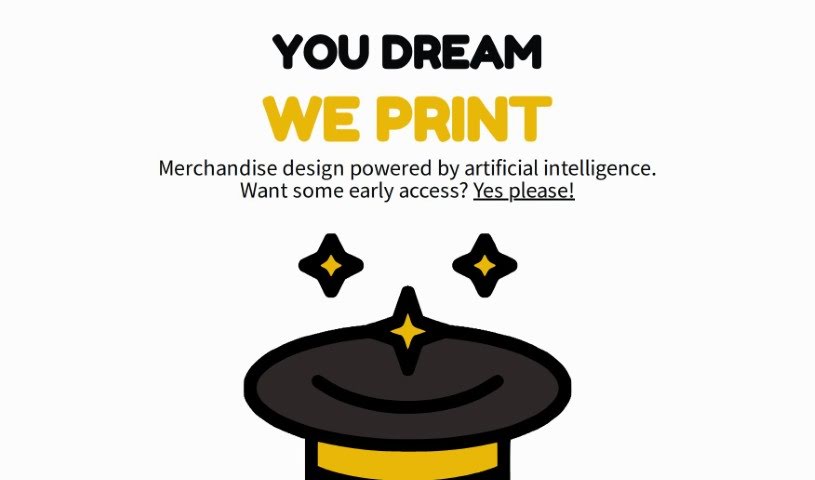
Magic Prints is a service that uses artificial intelligence to create custom merchandise designs. It lets you bring your ideas to life on a variety of products, whether you're a business owner wanting branded items, an artist looking to put your work on different materials, or someone who loves personalized, one-of-a-kind things. Features include AI-generated designs, extensive customization options, early access through a waitlist, printing on multiple item types, and new printing techniques.

Product Design View Tool →
Screenshot of Maze

Maze

Freemium

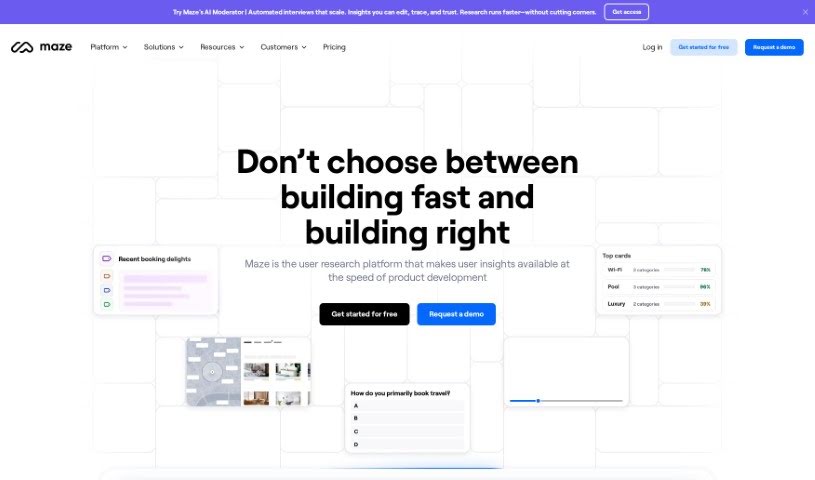
Maze is an AI-powered platform for product discovery and research. It supports teams across the research workflow with tools to build tests and analyze results, producing customizable, visually rich reports with automated analytics that help teams reach informed decisions faster.

Product Design View Tool →
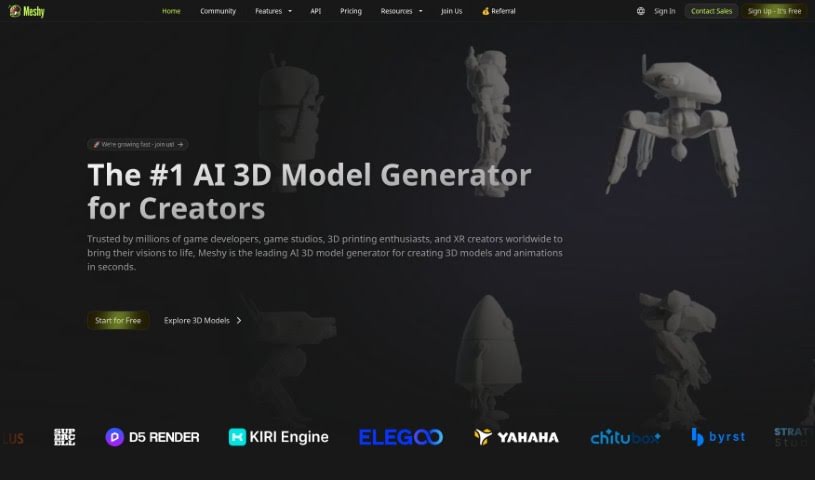
Screenshot of Meshy

Meshy

Freemium

Meshy is a generative AI tool that turns text and images into 3D models quickly, removing the need to wrestle with complex design software like Maya or Blender. Built by a team with expertise in computer graphics and AI, it lets creators of all skill levels generate and texture 3D content in seconds. You can import a model, write a prompt describing the texture you want, and it's applied almost instantly. The interface is designed to be accessible for artists and non-experts alike.

Product Design View Tool →
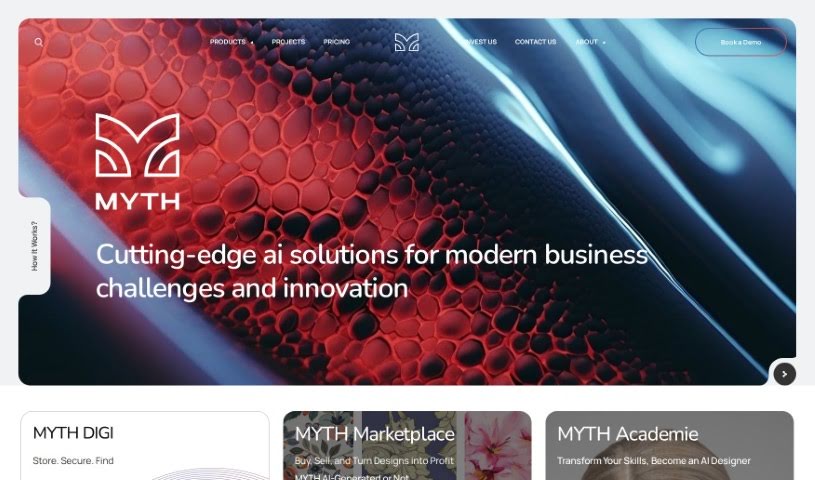
Screenshot of Myth AI

Myth AI

Freemium

MYTH is an AI tool for pattern creation, built to change how designs are made using advanced technology within a model focused on zero waste and circular design.

Product Design View Tool →

About Product Design tools

Translating user needs into intuitive digital products requires constant iteration. Balancing user research, visual polish, component variants, and handoff specs can easily drain your team’s creative focus. When administrative tasks and repetitive pixel-pushing slow down your design sprints, staying focused on core user experience problems gets tough.

The product design tools in this collection act as high-speed design partners. They won’t replace human empathy, deep user research, or critical problem-solving skills, but they can draft wireframes, synthesize customer feedback, and build component libraries in moments.

Wireframing, Research Synthesis, and Developer Handoffs

Generating rapid interface ideas turns rough concepts into interactive mockups in minutes. Turning user stories into visual layouts usually means staring at a blank canvas and dragging basic shapes around for hours. Modern prompt-to-UI platforms take text descriptions or hand-drawn whiteboarding sketches and generate editable vector layouts, giving you quick layout options to test and refine.

Synthesizing user research and customer feedback takes far less manual effort, too. Digging through dozens of recorded interview transcripts, survey responses, and usability test clips can stall an entire design sprint. AI research assistants parse customer feedback, spot common pain points, and organize recurring feature requests, letting you base design choices on real user data rather than guesswork.

Automating design system components and developer handoffs keeps production moving forward. Creating light and dark mode color tokens, responsive layout variants, and accessibility-compliant UI elements by hand gets tedious fast. Intelligent design tools build UI variations automatically, check color contrast ratios, and export clean code specs for engineering teams without breaking component rules.

Capabilities Worth Exploring:

  • Prompt-to-UI generation: Systems that turn text descriptions or rough sketches into editable vector layouts and UI components.
  • Automated user research synthesis: Software that scans research transcripts, tags user pain points, and organizes findings into actionable insights.
  • Design system token management: Features that generate consistent typography scales, color palettes, and component states across large libraries.
  • Accessibility and contrast checking: Tools that review visual layouts for color compliance, readable font sizes, and screen reader compatibility.
  • Developer handoff and code export: Applications that convert design frames into clean CSS, React, or Swift code for engineering teams.

Designing digital products people love will always depend on human empathy, thoughtful problem-solving, and a deep understanding of user needs. Algorithms can generate wireframes and export tokens, but building meaningful user experiences requires your human perspective.

Check out the product design tools below to sharpen your sprint workflow.

The Best AI Product Design Tools

  1. Meshy: Great for quickly creating 3D product models.
  2. Kittl: Makes logo creation a breeze, often in just minutes.
  3. Tripo AI: Ideal for developing prototypes fast.
  4. Maze: Helps you test prototypes and gather feedback efficiently.
  5. Uizard IO: Perfect for rapidly prototyping app interfaces.
  6. Sprig: A tool to help you improve your product design process.
  7. Supademo: Lets you create interactive prototypes for user testing.
  8. Magic Patterns: Quickly prototype product ideas using AI.
  9. Color Magic: Get inspiration for colors based on keywords.
  10. Creatie: Easily design high-fidelity prototypes.
  11. Clarifai: Offers automated visual style analysis.
  12. Fireworks.ai: Provides AI-driven enhancements for prototyping.
  13. Brilliant Labs: Supports collaborative prototyping and feedback.
  14. Patterned AI: Elevate your product designs with unique patterns.
  15. Leo.ai: Speeds up CAD modeling from your sketches.
New tools, in your inbox.

Weekly picks of the best AI tools we've researched and added — no spam, unsubscribe anytime.

Join 25,000+ AI enthusiasts. No spam, unsubscribe anytime.