Top AI Portrait Generators

AI Tools for Portrait Generation

Discover the best Portrait Generation AI tools to enhance your productivity and creativity.

Page 3 of 12 • 135 total tools
Screenshot of Avatar AI

Avatar AI

Freemium

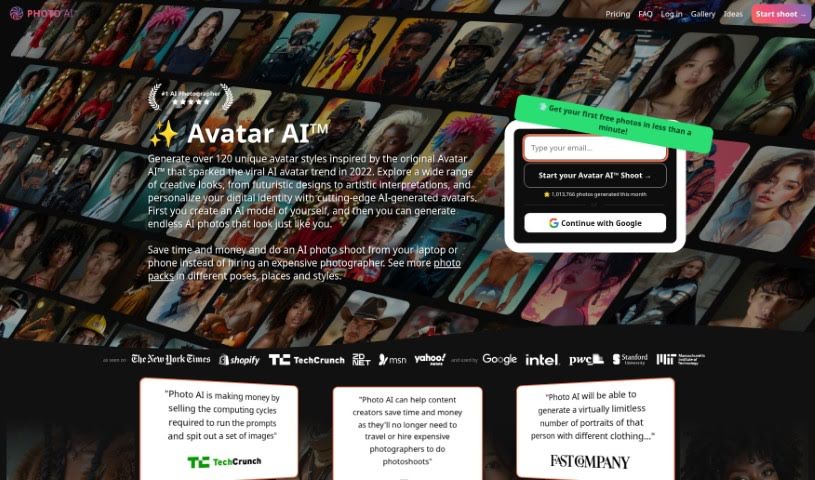
Avatar AI is a platform that uses Stable Diffusion and Dreambooth to create unique avatars and profile pictures. It acts as an AI photography studio, generating images ranging from magical avatars to pet portraits. The Avatar AI Photo Shoot service offers over 112 avatar styles and provides a faster, more affordable alternative to traditional photoshoots.

Portrait Generation View Tool →
Screenshot of Avatarify

Avatarify

Freemium

Avatarify is an AI tool for creating personalized avatars. It uses AI-powered facial recognition and deep learning to analyze facial features and generate lifelike avatars that resemble the user. The tool offers customization options such as hairstyles, facial expressions, and accessories, allowing users to create a virtual version of themselves or entirely new characters.

Portrait Generation View Tool →
Screenshot of Avatarify AI

Avatarify AI

Freemium

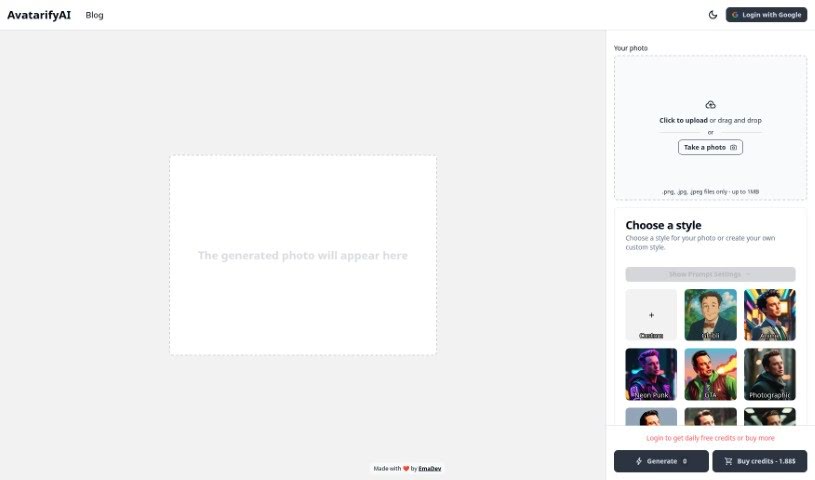
Avatarify AI is an online SaaS tool that uses AI and stable diffusion technology to create personalized avatars from uploaded photos. It accepts .png, .jpg, and .jpeg files under 1MB. Styles include Anime, Neon Punk, Photographic, Pixel Art, Cubist, and 3D Model. The platform offers light and dark modes, an Enhance feature to improve photo quality, and a Surprise Me option for random style selection. Avatars can be customized to reflect your personality or brand, and you can generate versions tailored for different digital platforms. EmaDev created Avatarify AI and launched it on January 18.

Portrait Generation View Tool →
Screenshot of Avatarize

Avatarize

Freemium

Avatarize is an AI avatar generator built on GPT-4 Vision and DALL-E 3. Upload a photo, and the platform analyzes your features to generate avatars based on its interpretation of the image. More than 50 avatar styles are available, and finished avatars can be downloaded in high resolution.

Portrait Generation View Tool →
Screenshot of Avtrs.ai

Avtrs.ai

Freemium

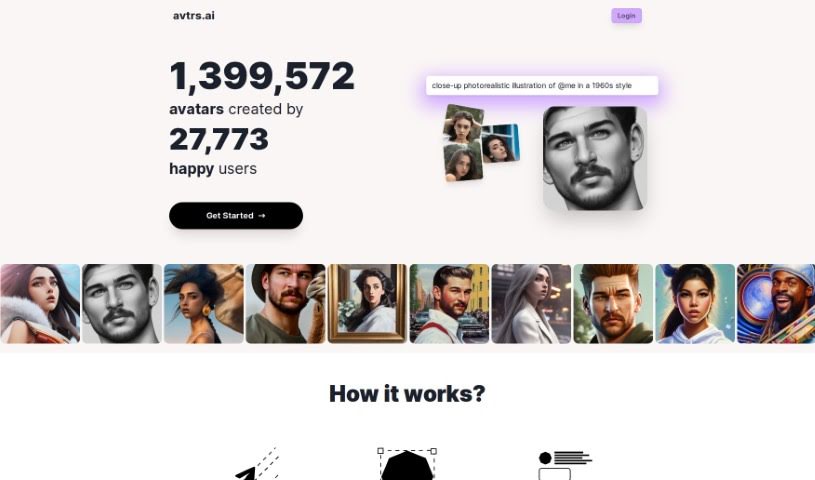
Avtrs.ai is a platform for creating custom AI avatars. It uses Dreambooth and Stable Diffusion to turn text prompts into personalized avatars that match your style. The platform is designed to be user-friendly, and the avatars can be used for personal branding, gaming, and social media profiles.

Portrait Generation View Tool →
Screenshot of Baby Lab AI

Baby Lab AI

Freemium

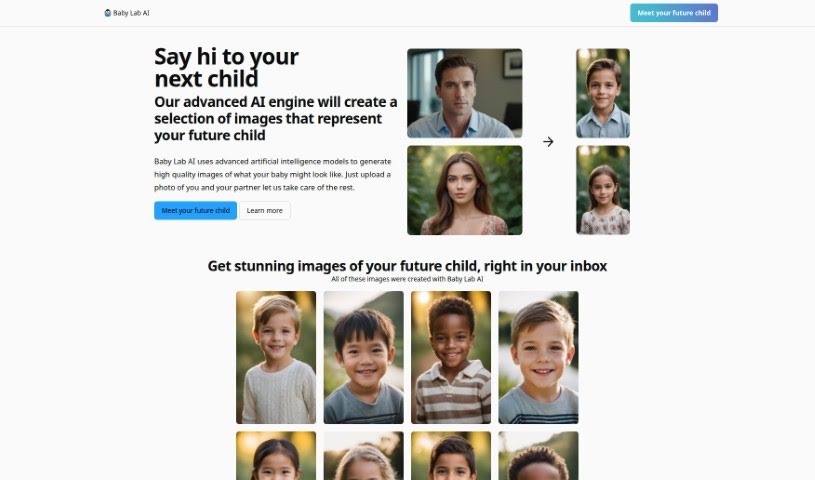
Baby Lab AI is an online service that uses AI models to generate high-quality images of what your future baby might look like. Upload two clear photos — one of yourself and one of your partner — through the order form on the website, and within 24 hours you receive an email containing 8 high-definition images: 4 of a baby boy and 4 of a baby girl.

Portrait Generation View Tool →
Screenshot of Blockode AI Photo Studio

Blockode AI Photo Studio

Freemium

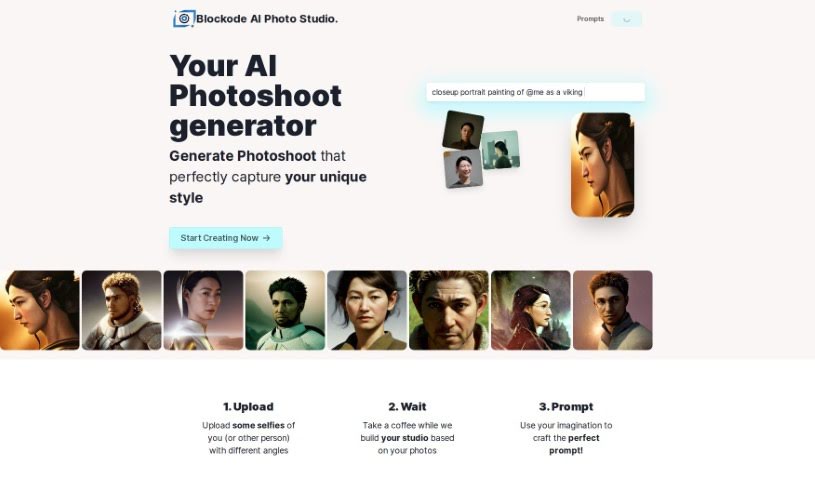
Blockode AI Photo Studio is a platform that uses AI to create custom photoshoots designed to strengthen your online presence. Personalization is central to the tool: you can adjust color themes and design elements so the resulting images match your personal style or brand. The platform integrates with other technologies to keep the workflow smooth, and it positions AI-driven photoshoots as an accessible, affordable option.

Portrait Generation View Tool →
Screenshot of Boudoir.ai

Boudoir.ai

Freemium

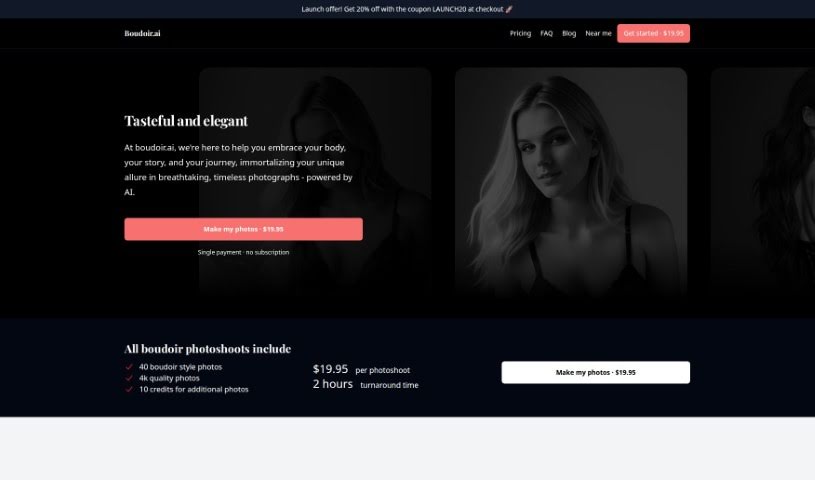
Boudoir.ai is an AI-powered photography service that transforms photos you upload into boudoir-style images with an elegant, timeless look. It was created by a team aiming to deliver professional-quality intimate photography without a studio session. There is no subscription: each photoshoot costs a fixed one-time price of $19.95, and finished photos are delivered within about 2 hours. A launch discount of 20% is available with the code LAUNCH20.

Portrait Generation View Tool →
Screenshot of Brick'd

Brick'd

Freemium

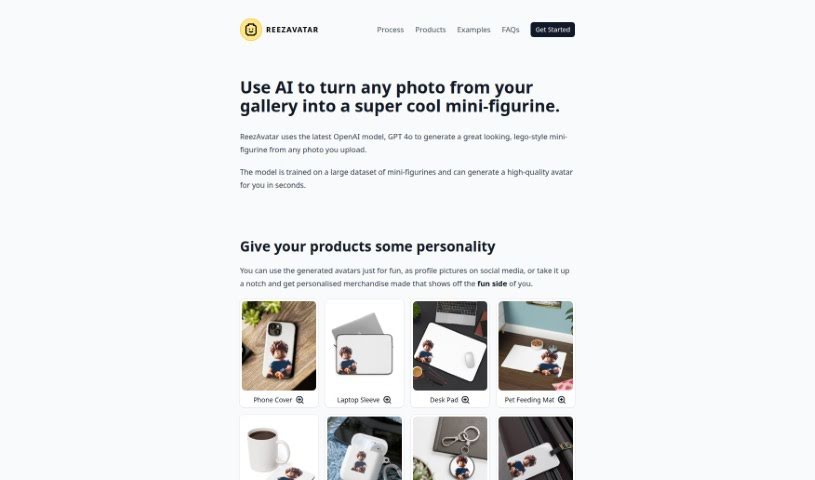
Brick'd is a service that uses OpenAI's GPT-4 to turn any uploaded photo into a Lego-style mini-figurine. The AI generates a high-quality avatar that you can use for profile pictures, social media, or custom merchandise. Brick'd does not sell physical products; it only creates the artwork. A one-time fee of $79 provides lifetime access to updates and upgrades. You need your own OpenAI API key, and Brick'd does not save your images or API key. Support is available via direct message on Twitter.

Portrait Generation View Tool →
Screenshot of Brickifyme

Brickifyme

Freemium

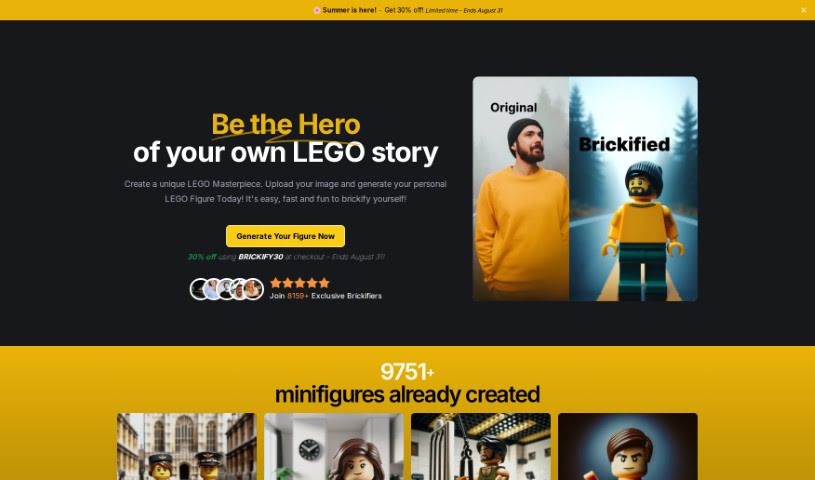
BrickifyMe is an AI tool that turns your photos into custom LEGO figures. Upload a picture, and the tool's image processing transforms it into a colorful LEGO avatar. It works for kids and adults alike, and paid plans add perks such as credit bundles for generating figures, watermark-free images, custom styling options, a referral program, and early access to new features.

Portrait Generation View Tool →
Screenshot of BrideLook AI

BrideLook AI

Freemium

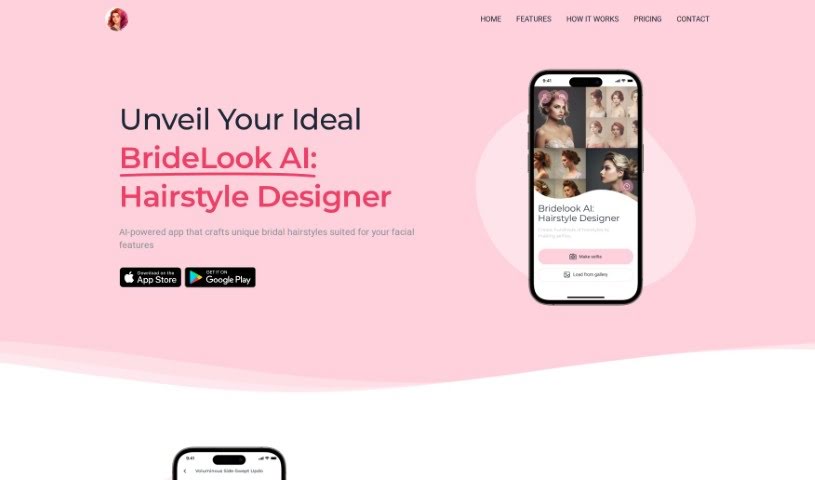
BrideLook AI is a mobile app that uses artificial intelligence to help brides-to-be find a wedding hairstyle that suits them. Upload an existing photo or take a selfie in the app, and it analyzes your face shape to recommend around 25 bridal hairstyles tailored to your features. It then generates high-quality images of you with each style, which you can view from different angles before downloading in high resolution.

Portrait Generation View Tool →
Screenshot of Business Portrait Ai

Business Portrait Ai

Freemium

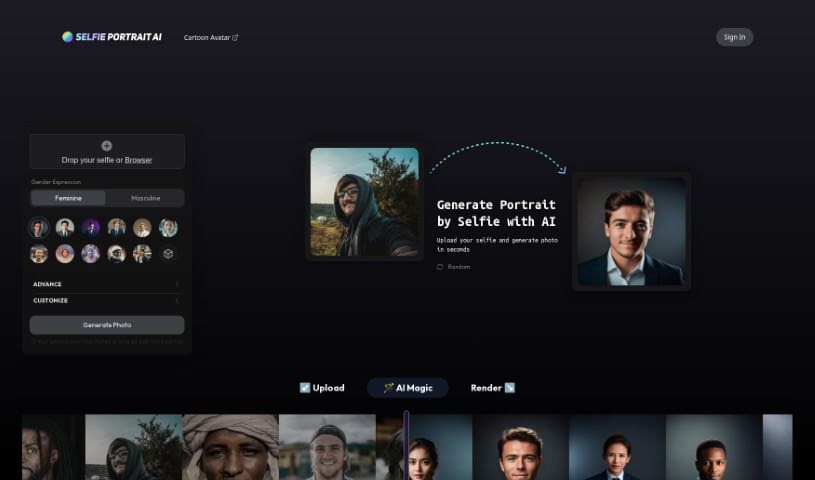
Business Portrait AI is a platform that turns selfies into professional-looking portraits in seconds. Upload a clear selfie, pick a theme — options include business professional, cyberpunk, political speaker, rapper, athlete, and Nobel Prize laureate — and the AI generates a realistic, studio-quality portrait that preserves your likeness.

Portrait Generation View Tool →

About Portrait Generation tools

Getting a polished, professional headshot or character portrait often feels harder than it should be. Between booking studio time, tweaking camera settings, and editing facial shadows, creating crisp portraits for team pages, resumes, or creative stories takes real effort.

These AI portrait generators, headshot creators, and digital art tools act as versatile studio partners. They help you render clean corporate avatars, restore old family photos, and explore artistic portrait styles in seconds without replacing human emotion or the artist’s touch.

Corporate Avatars, Character Art, and Photo Restoration

Generating professional headshots on demand turns personal photos into studio-quality portraits. Uploading casual photos or selfies lets smart headshot tools generate clean executive avatars with professional clothing and balanced lighting. Remote companies can keep employee directories uniform across hundreds of team members without coordinating individual photoshoots.

Exploring creative character art and stylized portraits takes a fraction of the usual sketching time. Digital artists, fiction writers, and game designers can quickly visualize story characters in different outfits, eras, and lighting setups. Prompt-based tools render everything from fantasy portraits and watercolor paintings to retro film styles, giving you a strong visual starting point.

Restoring facial details and fixing vintage photos becomes far simpler, as well. Enhancing low-resolution snapshots or old family photographs used to require painstaking manual retouching. Intelligent detail-restoration tools sharpen blurry facial features, clean up film noise, and balance harsh shadows while keeping the person’s likeness recognizable.

Key Capabilities to Look For:

  • Identity and face consistency: Systems that maintain a subject’s facial features and likeness across different poses, outfits, and backgrounds.
  • High-definition detail upscaling: Software that sharpens skin textures, hair strands, and eye clarity for crisp web and print displays.
  • Custom lighting and backdrop settings: Controls that let you adjust light angles, color temperatures, and studio backgrounds easily.
  • Batch headshot creation: Features designed to convert photo sets for entire teams into standardized corporate portraits at once.
  • Style preset variety: Applications offering styles ranging from photorealistic corporate headshots to digital concept art and classical oil paintings.

Real portraits will always capture something deeper: genuine personality, warm eye contact, and authentic emotion. Software can adjust lighting, generate clean studio backdrops, and render digital character art, but the real magic comes from the creative vision behind the prompt.

Take a look through the portrait tools below to find the right generator for your needs.

The Best AI Portrait Generators

  1. PicWish AI Photo Editor: Great for making unique and captivating portraits.
  2. Apob AI: Perfect for custom avatar creation for gaming profiles.
  3. PFPMaker.com: Helps you craft personalized social media profile pics.
  4. AI Avatar: Turns a single selfie into photoreal, anime or cartoon avatars.
  5. Headshot Pro: Generates AI profile pictures for online use.
  6. A1: Ideal for custom character creation for stories.
  7. AiPassportPhotos: Lets you create unique cartoon avatars instantly.
  8. Astria: Offers customizable 4K avatars and portraits.
  9. Canva AI Portrait Remover: Useful for creating custom backgrounds for portraits.
  10. Waifu Labs: For custom anime portrait design for profiles.
  11. Stability Matrix: Helps enhance portrait style consistency.
  12. Supawork AI AI Avatar Generator: Great for custom profile pictures for social media.
  13. PicSo: For custom digital art for personal avatars.
  14. Media.io AI Portrait Generator: Creates unique digital avatars for gaming.
  15. AI Face Swap Swapr: Face-swapping app with adjustable blending.
New tools, in your inbox.

Weekly picks of the best AI tools we've researched and added — no spam, unsubscribe anytime.

Join 25,000+ AI enthusiasts. No spam, unsubscribe anytime.