Looking at a blank LinkedIn post box trying to figure out what to say is a common struggle. (I once spent thirty minutes rewriting a two-sentence update, only to delete the whole draft.) Between writing regular updates, replying to comments, crafting connection requests, and building a professional reputation, staying active takes real effort. When daily posting feels like a chore, keeping up visibility with recruiters and clients gets tough.
These writing partners and scheduling assistants help you brainstorm post ideas, draft updates, and write personalized outreach messages without sounding like a corporate bot.
Drafting Posts, Profile Tweaks, and Networking
Brainstorming fresh content and drafting posts gets much faster with smart writing assistants. Coming up with relevant topics every week drains your creative energy. AI post generators turn rough notes, articles, or voice memos into clean LinkedIn drafts. They help you write strong opening hooks, format text for mobile screens, and add relevant hashtags so your posts reach the right feed.
Optimizing your profile takes far less guesswork, too. Your headline and About section serve as your digital landing page. Profile optimization tools analyze your career history and target industry, suggesting clear headlines and compelling summaries that highlight your real experience to recruiters and potential partners.
Networking and sending outreach messages also become easier to manage at scale. Sending generic connection requests usually leads to ignored messages, while customizing every note by hand takes hours. Intelligent outreach tools scan a prospect’s public profile and recent posts to draft warm, relevant intro messages so you can start meaningful conversations faster.
Key Capabilities to Look For:
- Hook and post formatting: Tools that draft catchy opening lines and format text for mobile reading.
- Profile optimization guidance: Features that analyze your headline and summary to suggest clearer wording and key skill placement.
- Personalized outreach creation: Software that scans prospect profiles to draft tailored connection requests and follow-up notes.
- Smart comment suggestions: Applications that help you write thoughtful comments on industry posts to boost feed visibility.
- Content scheduling and analytics: Systems that schedule posts for peak engagement times and track which topics perform best.
Building a strong professional brand will always depend on your real experience, unique perspective, and genuine human connection. Software can format a post, suggest a headline, or draft an intro note, but sharing authentic stories and building trust rests with you.
Take a look through the tools below to grow your LinkedIn presence.
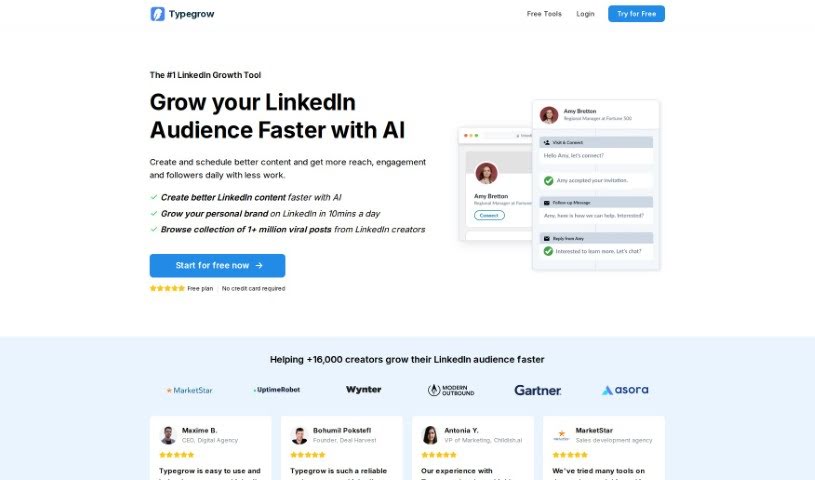
- Typegrow: Helps you create LinkedIn content more smoothly.
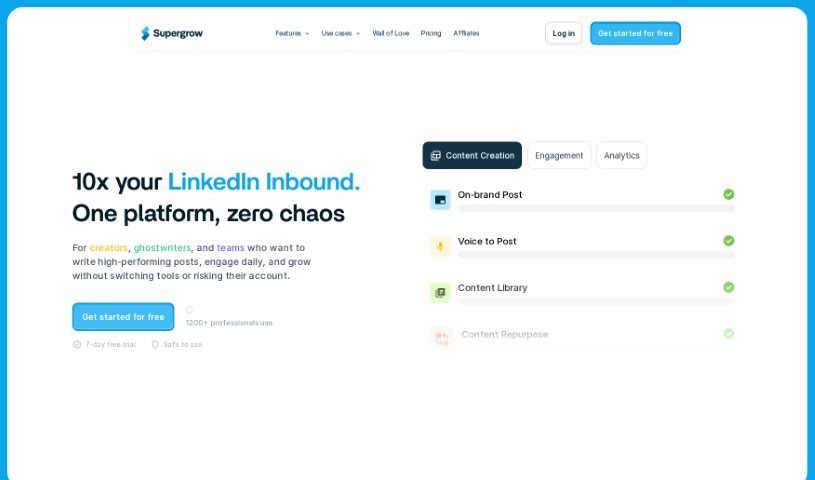
- Supergrow: Also great for making LinkedIn content creation easier.
- Magic Post: Lets you craft engaging LinkedIn content with ease.
- PowerIn: Automates LinkedIn comments to increase your visibility.
- AI Linkedin Banners: Generates a personalised LinkedIn profile banner from your resume.
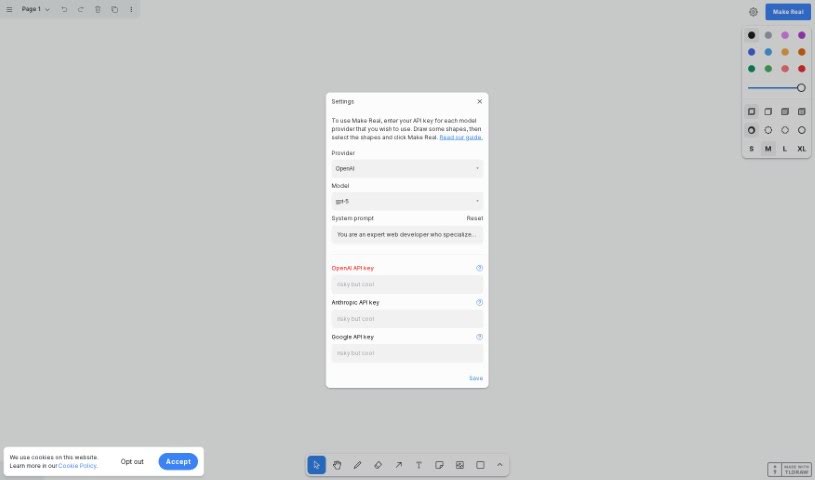
- Tldraw: Useful for visualizing professional projects on LinkedIn.
- ReachifyMe: Enhances your LinkedIn presence without the hassle.
- Buzzli: Generates content ideas and improves LinkedIn posts.
- Commenter.ai: Generates personalised LinkedIn comments to grow your presence.
- Sylphai: Helps streamline your LinkedIn networking efforts.
- ContentIn: Boosts your LinkedIn posts with AI assistance.
- Comment Generator: Enhances LinkedIn posts with custom comments.
- AI Social Bio: Creates an optimized LinkedIn bio for career growth.
- Dottypost: Offers a streamlined LinkedIn content strategy.
- LinkedIn Post Generator: Helps with professional networking engagement.