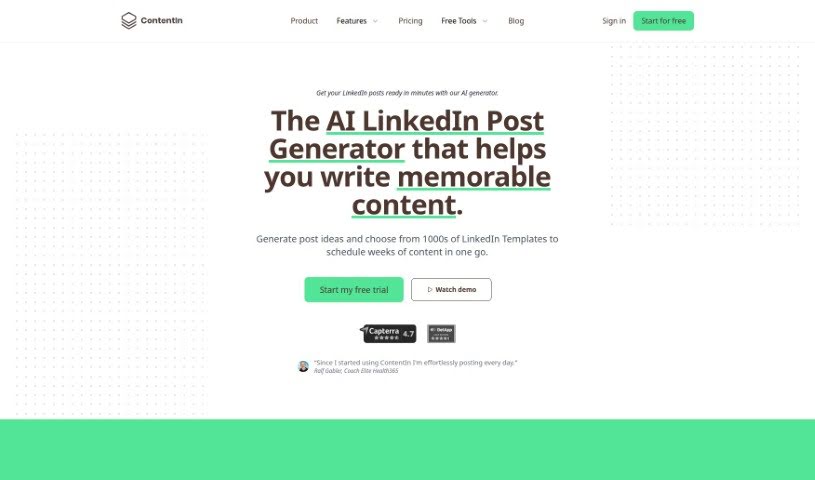
Screenshot of ContentIn

ContentIn

Discover what ContentIn is and how to use it effectively in 2025. We'll explore its features and see how it stacks up against other LinkedIn tools.

Screenshot

What is ContentIn?

ContentIn is your personal AI writing sidekick, specifically built for LinkedIn. It’s designed to help you craft really engaging LinkedIn posts, making it super easy to build your personal brand. What’s cool is that it learns your unique style and voice. This means ContentIn can help you write better LinkedIn posts about 10 times faster than you might normally. Already, over 3,000 people are using it to make their LinkedIn content shine and really stand out as experts in their fields.

Who created ContentIn?

ContentIn was started by Sebastian Kinzlinger. The company’s main thing is this Personal AI Writing Assistant for LinkedIn. It helps people write engaging posts much faster – like, 10 times faster – by using AI that’s been trained on their own writing style and voice. ContentIn’s goal is to make it effortless for entrepreneurs and professionals to boost their LinkedIn presence and build their personal brands.

What is ContentIn used for?

  • Build your personal brand easily: Become a recognized expert in your niche, even if you only have about an hour a week to dedicate to it.
  • Write LinkedIn posts 10x faster: Get help from personalized AI that’s learned your unique style and voice.
  • Make your LinkedIn content amazing: Use your AI writing assistant to really make your posts stand out.
  • Write LinkedIn posts quicker: ContentIn speeds up the whole process.
  • Boost your LinkedIn presence: Get AI-powered help to create great content.

How to use ContentIn?

Here’s a straightforward way to get the most out of ContentIn:

  1. Get into ContentIn: First, log in to ContentIn. It’s your go-to Personal AI Writing Assistant for making your LinkedIn content creation much better.
  2. Make it Yours: Customize your ContentIn profile. Train the AI so it writes just like you – in your own unique style and voice. This personal touch is key to making sure the AI creates content that really connects with your audience.
  3. Start a New Post: Go ahead and begin a new LinkedIn post right inside ContentIn. You can use the AI’s abilities to quickly whip up engaging content.
  4. Check and Tweak: After the AI drafts something based on what you’ve given it, take a good look. Make any changes you need to make it perfect for you.
  5. Get More Engagement: Use ContentIn’s features to make your post as engaging as possible. This might mean adding the right hashtags, making sure the post is a good length, and ensuring it fits with your overall brand message.
  6. Schedule or Post: You can choose to schedule your post for a specific time or publish it right away. ContentIn lets you schedule posts to help you get them out at the best times.
  7. See How It Does: Keep an eye on how your posts perform when you use ContentIn. Look at the engagement numbers to figure out what your audience likes best, and then adjust your content strategy based on that.

By following these steps, you can really use ContentIn to improve how you create LinkedIn content and build a stronger personal brand effectively.

Related AI Tools

Discover more tools in similar categories that might interest you

Stay Updated with AI Tools

Get weekly updates on the latest AI tools, trends, and insights delivered to your inbox

Join 25,000+ AI enthusiasts. No spam, unsubscribe anytime.