Top AI Game Development Tools

AI Tools for Game Development

Discover the best Game Development AI tools to enhance your productivity and creativity.

Page 2 of 4 • 37 total tools
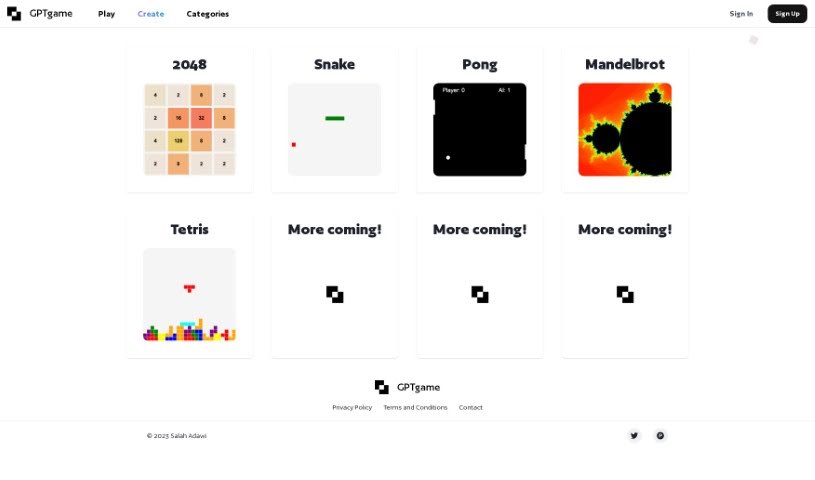
Screenshot of GPTGame

GPTGame

Freemium

GPTGame is a platform that lets you create custom games instantly, with no coding required. It uses the GPT-35 algorithm to generate small JavaScript games from simple text descriptions. You can tweak the games, share what you make, or start from a template and add your own spin. GPTGame makes it easy to prototype ideas quickly, gives you access to the full game code, and lets you play your creations right away.

Game Development View Tool →
Screenshot of Hexagram

Hexagram

Freemium

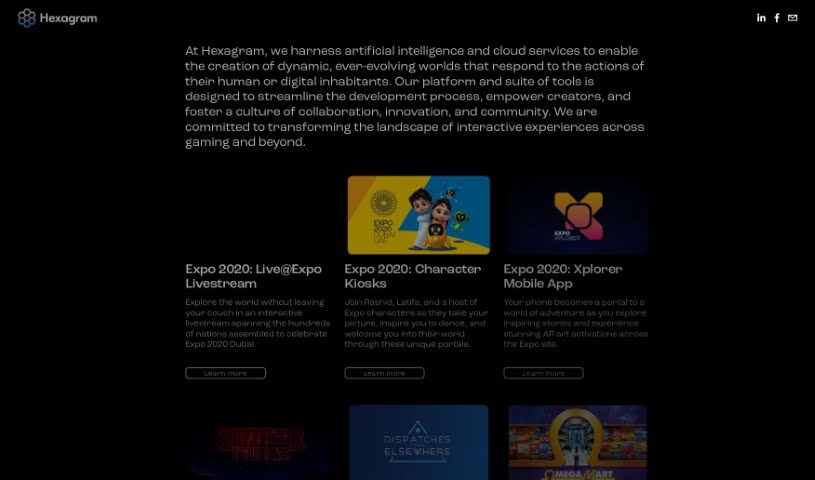
Hexagram is a platform developed by TRU Darknet Inc. It uses artificial intelligence and cloud services to build worlds that can change and grow based on how people or digital systems interact with them. The platform's stated goals are to streamline development, empower creators, and encourage collaboration, innovation, and community building within the interactive experiences industry, especially in gaming and related fields.

Game Development View Tool →
Screenshot of Infinite Adversaries

Infinite Adversaries

Freemium

Infinite Adversaries uses AI to create a unique adventure every time you play. It is built and narrated by ChatGPT, with visuals generated by DALL-E. Gameplay is procedurally generated, producing new scenarios, a wide variety of enemies, and different character skills on each run. Because the adversaries are crafted by the AI, every fight plays out differently and calls for new strategies.

Game Development View Tool →
Screenshot of Inworld AI

Inworld AI

Freemium

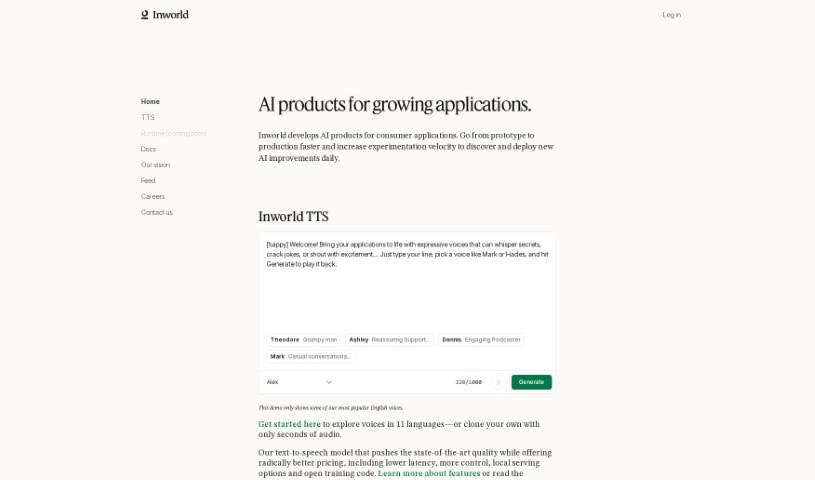
Inworld AI is a platform that provides game developers with AI characters designed specifically for games. The characters are built using natural language processing, machine vision, and speech-to-text, with the goal of making them act and interact like real people. Key features include real-time generative AI, a character engine that makes AI expressive and multimodal, and a "contextual mesh" that keeps characters consistent with your game's world or brand. APIs are available to simplify integration.

Game Development View Tool →
Screenshot of Lovelace Studio

Lovelace Studio

Freemium

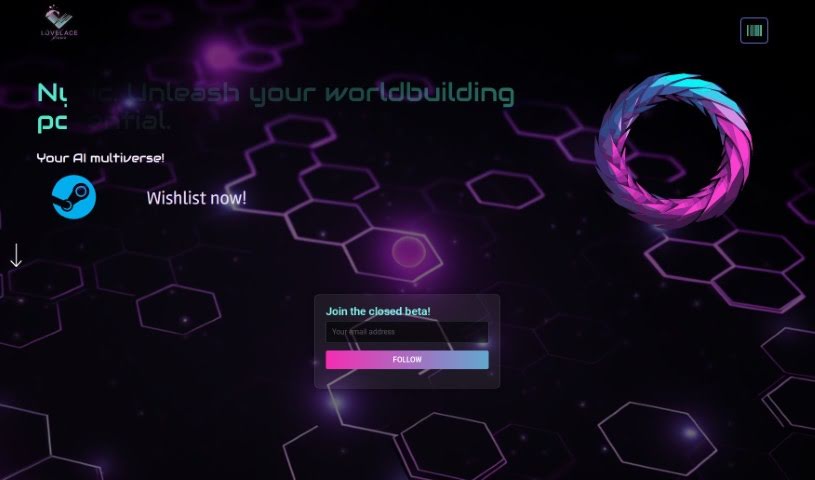
Lovelace Studio is a platform for creating, exploring, and sharing virtual reality worlds and experiences. It works as a personal VR sandbox where you can build worlds from scratch, team up with friends to form community factions, and discover player-made content ranging from fantasy lands and gundam arenas to dystopian cybercities.

Game Development View Tool →
Screenshot of Ludo.ai

Ludo.ai

Freemium

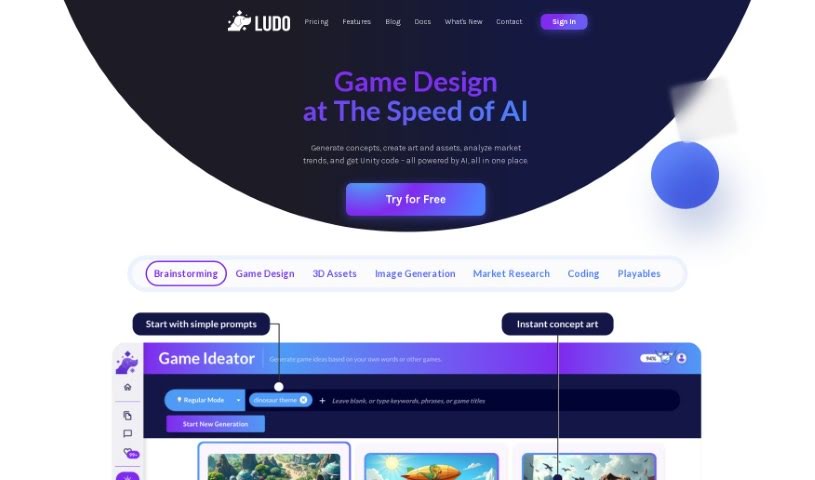
Ludo.ai is a platform for game research and design, built to boost the productivity of game developers. It offers features such as asset suggestions that fit your game concepts, improved texturing and detailing for game-ready assets, and customization options for the models it generates. With its 3D Generator, developers can create, refine, and manage 3D assets directly on the platform, streamlining the development process so creators can focus more on building their games.

Game Development View Tool →
Screenshot of Meeko

Meeko

Freemium

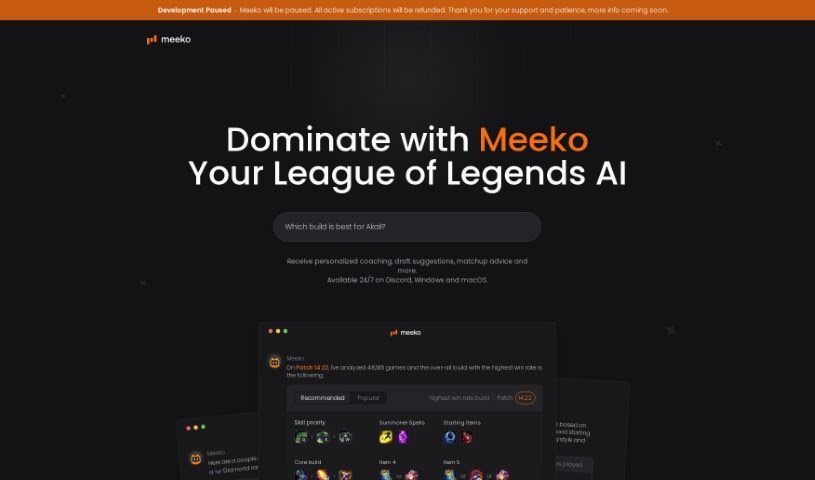
Meeko is an AI coaching tool for League of Legends. It provides draft pick advice, matchup tips, and tailored strategies, and it receives regular updates. The tool runs through Discord and is built for players at any skill level, with the goal of bringing high-level gaming intelligence to everyday players and building a community around the game.

Game Development View Tool →
Screenshot of MindScribe ai

MindScribe ai

Freemium

MindScribe is an AI-powered tool for game developers, built to help with ideation and concept building. It offers real-time assistance, generates ideas based on what you're talking about, and provides specialized AI models for game design, creative writing, and character creation. The goal is to help you come up with game ideas, refine them, and create assets — turning creative sparks into actual games.

Game Development View Tool →
Screenshot of Nunu

Nunu

Freemium

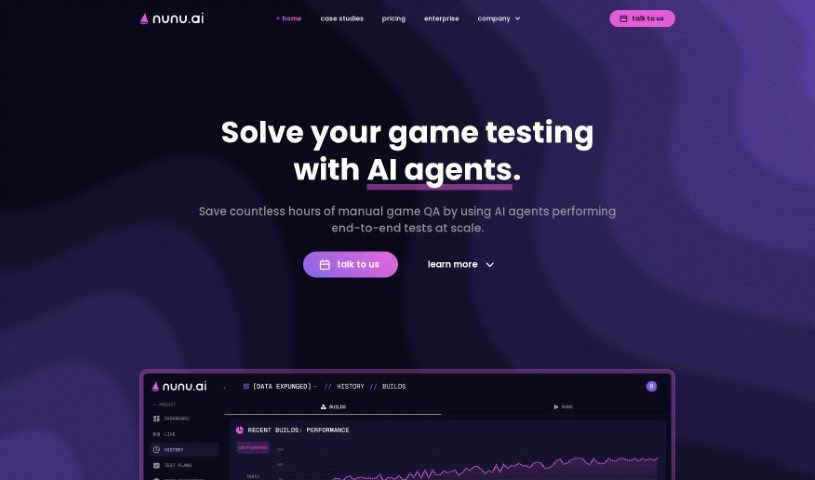
Nunu is an AI platform that builds agents capable of testing and playing games. The agents are vision-based: they "see" games the way humans do and interact with them naturally. The platform is interactive and interpretable — you can engage with the AI in real time, receive detailed reports on its tasks, and see why it made specific decisions.

Game Development View Tool →
Screenshot of Pact Monster

Pact Monster

Freemium

Pact Monster is a tool that helps players and game masters keep track of the details involved when summoning creatures to form pacts in role-playing games. It organizes and manages pacts, the creatures involved, and their terms and conditions.

Game Development View Tool →
Screenshot of PixelVibe

PixelVibe

Freemium

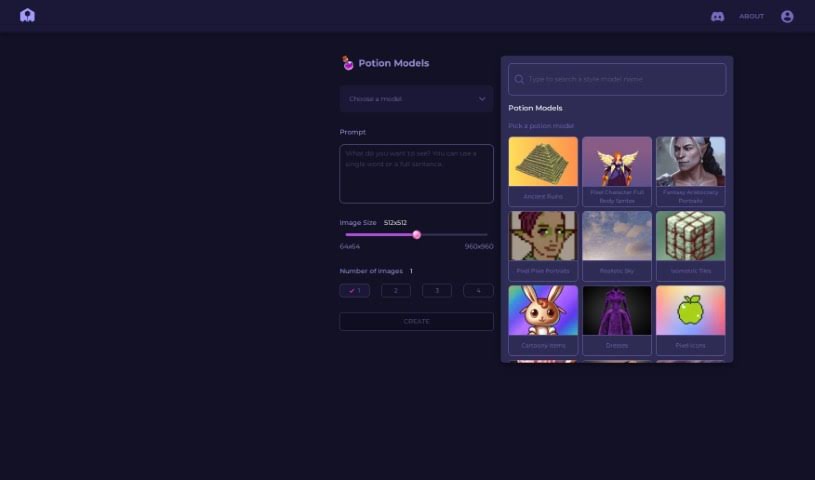
PixelVibe is a browser-based tool that uses AI to generate game assets, aimed at developers and creators who don't want to rely on complex software or deep technical skills. Asset creation is customizable: you choose the model, set the image size, and decide how many images to generate. Output supports JPG and PNG formats, and modification effects such as pixelation and outlining let you adjust the visual style of your assets.

Game Development View Tool →
Screenshot of Play Afar

Play Afar

Freemium

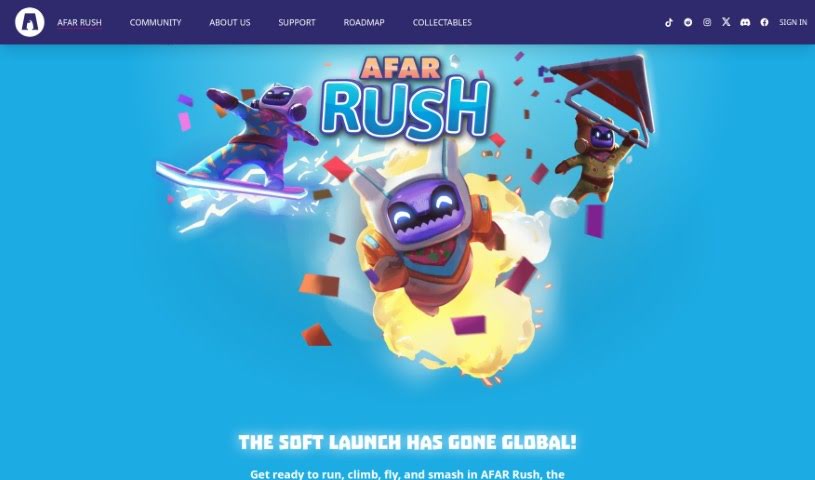
Play Afar is an idle racing game built around AFAR Rush, which features a champion named Rafa. The goal is to win races across a variety of courses by choosing the right gear to match each track. Gear ranges from common items to legendary ones, such as the Light Bike or the Laser Disintegrator.

Game Development View Tool →

About Game Development tools

Building a game means wearing six hats at once. Whether you’re a solo developer or running a small studio, you’re constantly writing code, modeling 3D assets, painting textures, composing music, and tweaking level balance. When routine asset creation and bug fixes swallow your whole week, refining the actual gameplay loop gets pushed to the side.

The development tools in this category act like extra production assistants. They won’t build a finished game on their own, but they handle early asset drafts, rapid prototyping, and boilerplate code so you can focus on making your game fun.

Speeding Up Code, Assets, and Worldbuilding

Prototyping gameplay mechanics gets much faster when you aren’t hunting down syntax errors for hours. Smart coding tools understand game engines like Unity, Unreal Engine, and Godot. You can describe a feature in plain English, and the assistant generates C#, C++, or GDScript logic to get your inventory system or movement mechanic running in an afternoon rather than a full sprint.

Visual pre-production becomes far more doable for small teams, too. Generating concept art, 3D meshes, 2D sprites, and environment textures usually takes a dedicated art team. AI asset generators let you turn rough sketches or text descriptions into initial 3D models and sprite variations. While these assets usually need a human touch before shipping, they give your team immediate building blocks to work with.

Narrative design and voice prototyping also see big gains. Writing branching dialogue trees and recording placeholder audio for dozens of side quests takes serious time. Dialogue generators and text-to-speech platforms let you draft interactive conversations and temporary character voices for early playtests, bringing your game world to life long before official studio recording sessions begin.

Useful Capabilities to Consider:

  • Engine compatibility: Tools that export clean files or connect directly to Unity, Unreal Engine, or Godot through plugins.
  • 2D and 3D asset generation: Software that produces initial 3D meshes, PBR textures, 2D sprite sheets, and concept art tailored to your art style.
  • Scripting and debugging support: Extensions that help write gameplay logic, convert visual scripts to text code, and fix runtime errors in your IDE.
  • Procedural environment tools: Applications that help shape terrain, scatter prop assets, and generate level variations using custom rules.
  • Audio and dialogue prototyping: Tools that create placeholder voice lines, adaptive music tracks, and interactive dialogue trees for NPCs.

A memorable game comes down to feel, pacing, and player experience—things an algorithm can’t judge. But handing off routine coding scripts and early asset drafts gives you the time you need to refine how your game actually plays.

Check out the tools below to speed up your game production.

The Best AI Game Development Tools

  1. AI Dungeon: Great for designing interactive stories for games.
  2. Rosebud AI: Helps you craft unique game assets and code.
  3. Friends & Fables: Offers dynamic storytelling tools for RPGs.
  4. Inworld AI: Provides AI-generated assets to simplify design.
  5. Ludo.ai: Offers solutions for interactive game prototyping.
  6. Skingenerator.io: Lets you create custom character skins for games.
  7. Google SIMA AI: Ideal for designing dynamic NPC behavior.
  8. RPGGO AI: Generates dynamic NPC dialogue.
  9. Superagent: Useful for finding and analyzing game assets.
  10. Sprite Fusion: Helps create tilemaps for platformer games.
  11. Meeko: A system for managing game assets in real-time.
  12. Chess GPT: Good for prototyping and testing chess game mechanics.
  13. Nunu: Aids in dynamic gameplay testing and interaction.
  14. Dreamlab: Lets you create multiplayer games using AI assets.
  15. Pixel Vibe: Quickly creates game character sprites.
New tools, in your inbox.

Weekly picks of the best AI tools we've researched and added — no spam, unsubscribe anytime.

Join 25,000+ AI enthusiasts. No spam, unsubscribe anytime.