R
Role Model AI
FreemiumRole Model AI is an exciting project built on a few core ideas:
Web Development
View Tool →
Discover the best Game Development AI tools to enhance your productivity and creativity.
Game development has changed a lot recently, with AI becoming a great helper for developers. These smart tools are changing how games are made, from building immersive worlds to designing complex gameplay. We’re past the days when coding and art design needed huge teams and lots of money; now, even indie developers can use advanced AI to bring their ideas to life.
As the gaming industry keeps growing, there’s a fantastic range of AI tools available to help at every step of development. Whether you’re creating characters, generating realistic environments, or making sure your game runs smoothly, there’s probably an AI solution for you. These tools don’t just spark creativity; they also simplify workflows, letting developers focus on new ideas instead of repetitive tasks.
I’ve spent a good amount of time looking into various AI tools that can really help your game development journey. In this article, I’ll share a handpicked list of the top options out there right now. From creating graphics and sound to even writing behavior scripts, these tools can help turn your game concepts into reality.
No matter if you’re a seasoned pro or just starting out, the right AI tools can make your projects shine and boost your productivity. Let’s jump into the world of AI-powered game development and explore the technologies that can transform how you create.
AI game development tools use machine learning, especially for generating content automatically, to make the gaming experience better. These tools can build complex game worlds, design characters, and even write interactive stories, often with little help from people. By looking at tons of game data, they learn how to create content that’s engaging and unique, giving developers new ways to improve their projects.
A big plus for AI in game development is its ability to adapt and learn from how players play. Using player data, these tools can change gameplay on the fly, matching experiences to what each player likes. This could mean adjusting difficulty, suggesting in-game purchases, or even altering the story based on player choices, making the game feel more personal.
AI tools can also help with game testing, taking over the boring parts of quality assurance. They can run through thousands of gameplays to find bugs, problems, and balancing issues. This makes development faster, letting teams focus on creative work while ensuring the final game is polished. Machine learning algorithms can even guess how much players will enjoy the game, helping developers make smarter choices.
Plus, AI art generation tools are making a big impact by creating visuals like textures, environments, and character models. These tools use generative adversarial networks (GANs) to produce high-quality images based on styles artists provide. This lets developers push creative limits without using up too much time or money.
So, AI game development tools are really changing how games are made and played. They automate repetitive tasks, personalize player interactions, and generate content, giving developers a powerful set of tools. As these technologies keep improving, we can expect even more creative solutions that push the boundaries of gaming creativity.
| Rank | Name | Best for | Plans and Pricing | Rating |
|---|---|---|---|---|
| 1 | AI Dungeon | designing interactive stories for games. | N/A | 4.54 (39 reviews) |
| 2 | Rosebud AI | crafting unique game assets and code. | N/A | 4.29 (7 reviews) |
| 3 | Friends & Fables | dynamic storytelling tools for RPGs. | N/A | 4.17 (12 reviews) |
| 4 | Inworld AI | AI-generated assets to simplify design. | N/A | 4.20 (5 reviews) |
| 5 | Ludo.ai | solutions for interactive game prototyping. | Paid plans start at $80/month. | 3.71 (28 reviews) |
| 6 | Skingenerator.io | custom character skins for games. | Paid plans start at $2.49/month. | 4.70 (63 reviews) |
| 7 | Google SIMA AI | designing dynamic NPC behavior. | N/A | 4.78 (27 reviews) |
| 8 | RPGGO AI | generating dynamic NPC dialogue. | N/A | 4.64 (11 reviews) |
| 9 | Superagent | finding and analyzing game assets. | N/A | 4.18 (11 reviews) |
| 10 | Sprite Fusion | creating tilemaps for platformer games. | N/A | 4.83 (23 reviews) |
| 11 | Meeko | managing game assets in real-time. | N/A | 4.76 (42 reviews) |
| 12 | ChessGPT | prototyping and testing chess game mechanics. | N/A | 4.17 (6 reviews) |
| 13 | Nunu | dynamic gameplay testing and interaction. | N/A | 4.67 (24 reviews) |
| 14 | Dreamlab | creating multiplayer games using AI assets. | N/A | 4.82 (11 reviews) |
| 15 | PixelVibe | quickly creating game character sprites. | N/A | 4.17 (6 reviews) |
Role Model AI is an exciting project built on a few core ideas:
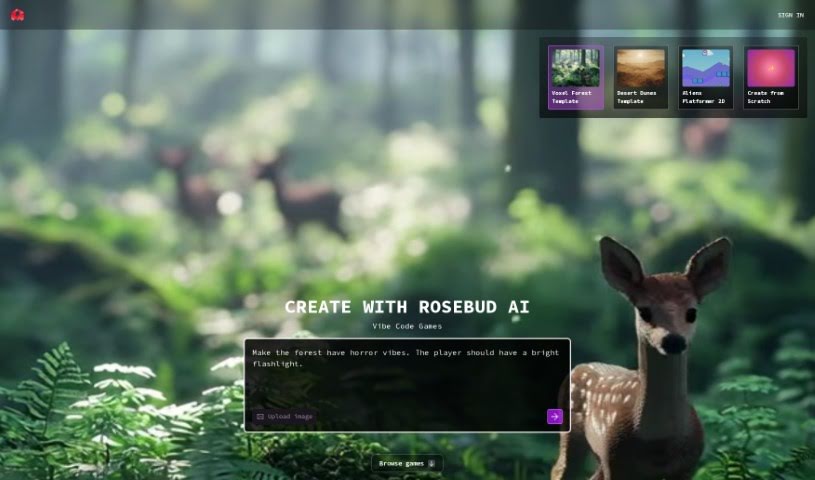
Rosebud AI is a platform designed to help you bring your game ideas to life, turning your descriptions into actual game code with AI's help. You just tell the AI what kind of game you're imagining, and it can generate the code for a browser-based game that you can share with friends right away. The platform lets you create games in 2D, 3D, and even Voxel styles, giving you the tools to design your own assets and code. Plus, you can really flesh out your AI characters by defining their personalities, backstories, and feelings through simple prompts. Essentially, Rosebud AI aims to give you full creative control while taking care of the tricky technical bits of game development.
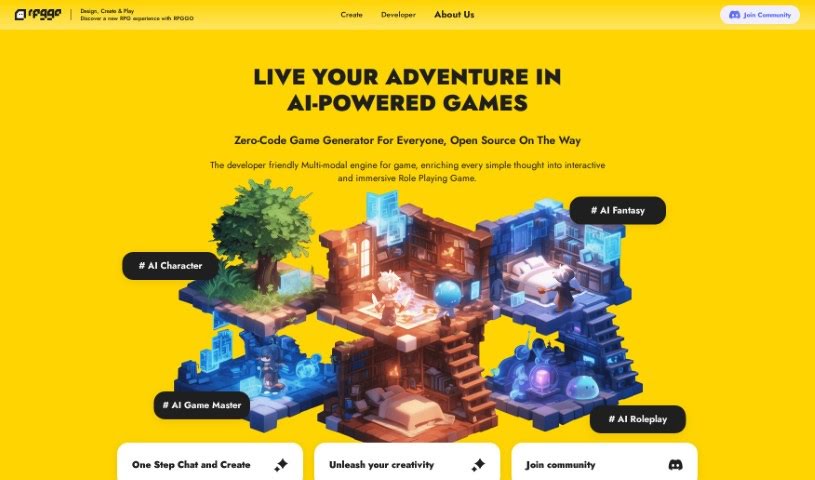
RPGGO AI is a pretty amazing tool that lets you create AI-powered RPG games without needing to write a single line of code. Seriously, you can just describe what you want in plain English, and RPGGO AI turns those descriptions into actual game mechanics. This means you can automatically generate all sorts of different storylines, complete with branching paths and triggers. Plus, it throws in real-time visual and audio elements, all powered by AI, so your games look and sound great, really pulling players in. It makes the whole gaming experience better by including smart AI characters that actually remember things, dynamic stories that evolve thanks to sophisticated AI agents, and personalized gameplay. It even handles fast visual rendering using multi-modal models. Basically, RPGGO AI gives you the power to build really engaging and dynamic stories for your games, just by talking to it.

Safebet is a platform that uses artificial intelligence to generate daily sports picks across many popular leagues like the NBA, NFL, college football (CFB), MLB, UFC, and soccer. The AI looks at the most likely game outcomes compared to the current odds. While these picks aren't guaranteed, users can decide which ones to follow based on the AI's 'Safe Score' and their own betting strategy. Safebet offers detailed reports for each pick, covers a wide range of sports, and even sends out alerts for last-minute game changes. Plus, there's a Telegram Full Access Pass for instant notifications. You can even try Safebet with a free subscription for sports picks and get a full refund if you cancel within 3 days and aren't happy with the results. It all started with two computer science students in the Netherlands who decided to use AI for making mathematically sound bets instead of letting emotions guide them. They officially launched Safebet as a company in 2021.
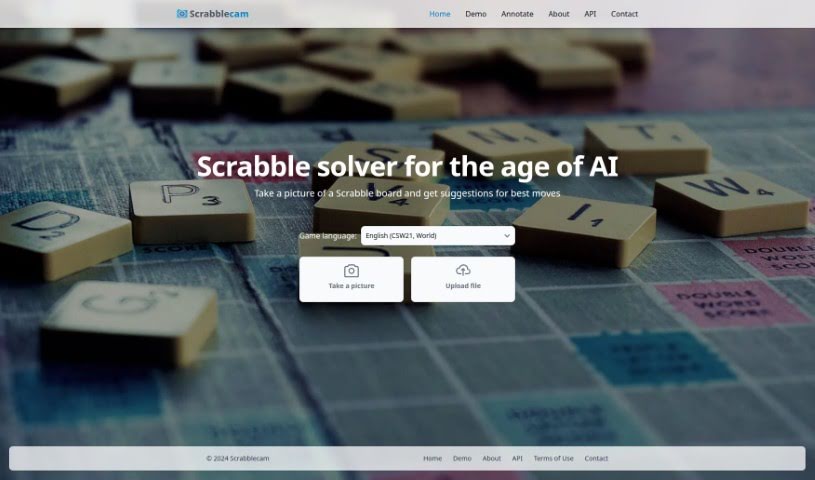
Scrabblecam is a neat app that looks at photos of your actual Scrabble board and suggests the best moves. It uses smart deep learning to figure out what's on the board, even with different board styles. It's super fast, giving you top-scoring moves for valid inputs in just a blink. Right now, it works with the standard 15x15 boards, and serious Scrabble players are saying it could really change the game. It helps you play better by suggesting moves after analyzing the board. Plus, there's a demo for new users, plans for multiple languages down the road, and an API for developers. This AI-powered tool is great for anyone looking to up their Scrabble game, whether you play casually or compete.
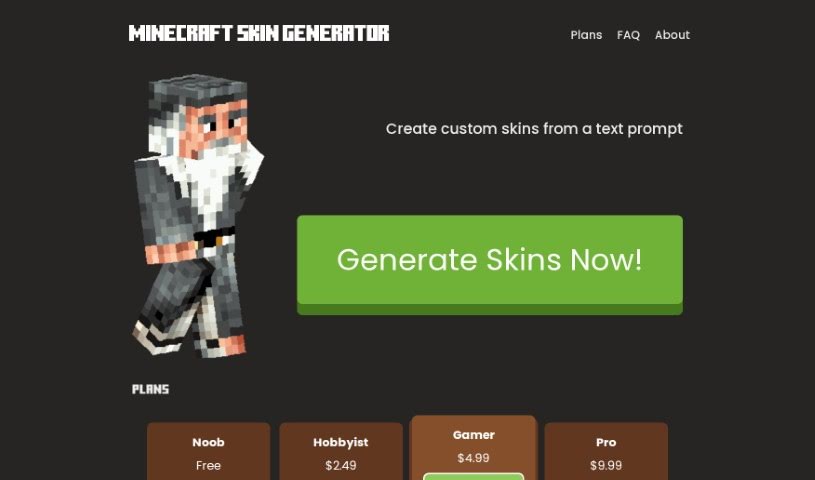
Skingenerator.io is a really neat platform that lets you create your own custom skins for video games, all just by typing in a simple text description. They offer a few different pricing options, like the Noob, Hobbyist, Gamer, and Pro plans. Each plan gives you a certain number of free skin generations, and you can buy more if you need them, all at pretty reasonable prices. Plus, you get to use their latest and most improved skin generation models, which makes the whole experience even better. Just so you know, it's not officially connected to Microsoft or Mojang, but they might add more games down the line.
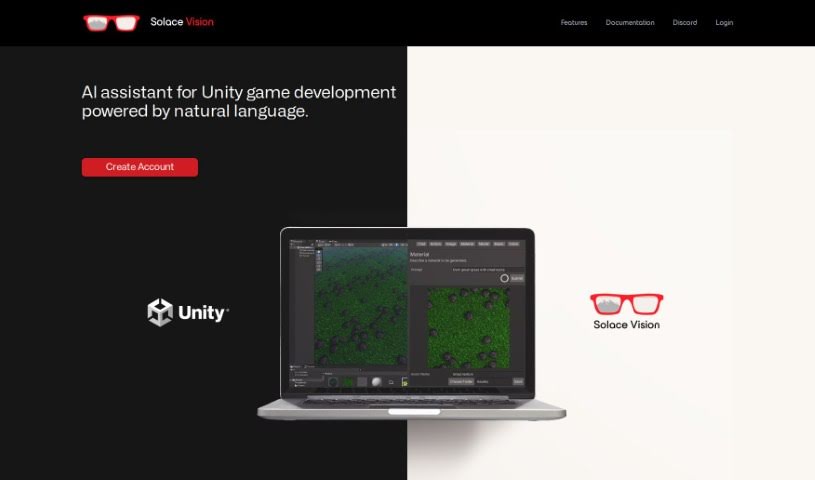
Solace Vision is a really neat AI tool that helps you create 3D stuff. It uses natural language processing, which basically means you can tell it what you want in plain English, and it'll generate 3D objects for you. It's packed with features to make game development in Unity smoother. You've got "Text-to-Action" to automate tasks, "Text-to-Code" for whipping up scripts, and "Text-to-Documentation" to get quick answers and keep your development on track. Plus, they're working on "Text-to-3D" and "Text-to-Music," which sounds pretty exciting!
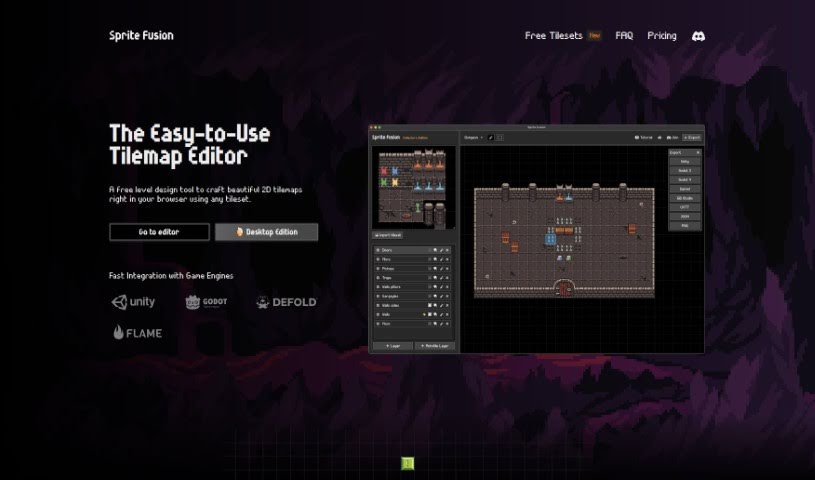
Sprite Fusion is a fantastic, free tool for anyone designing 2D games. It is a tilemap editor and a game design assistant all rolled into one. It lets you create 2D maps for your games, which are essentially grids made up of small, repeating images called tiles. What's really neat is that you can then easily export these maps to popular game engines like Unity and Godot, or really any engine you prefer. It's super handy for all sorts of game styles, whether you're building a platformer with jumping challenges or an RPG with sprawling worlds.
Superagent is a fully managed service that makes it easy for developers to add AI agents to their applications. These agents are smart assistants that can gather information, make decisions, and take actions based on what you tell them or the goals you set. It's designed to be super user-friendly, no matter your skill level, and it's built by an open-source community. Superagent comes with handy features like built-in memory, the ability to retrieve documents, integrate with third-party tools, and a scalable hosting solution. You can easily plug Superagent into your apps using its SDKs or API. This opens up possibilities for tasks like market research, digging into legal documents, creating content, building personalized learning experiences, and even figuring out betting strategies.

ToxiPets is a fun virtual pet game where you get to adopt and look after all sorts of animals. You can pick your favorite pets, feed them, play with them, and make sure they're always healthy and happy. As you play, you can earn virtual money by joining in on game activities, which you can then use to buy cool stuff for your pets. It's a really engaging way for anyone who loves animals to enjoy having virtual companions. Plus, it offers a playful way to learn about what it takes to care for pets and the importance of responsibility.
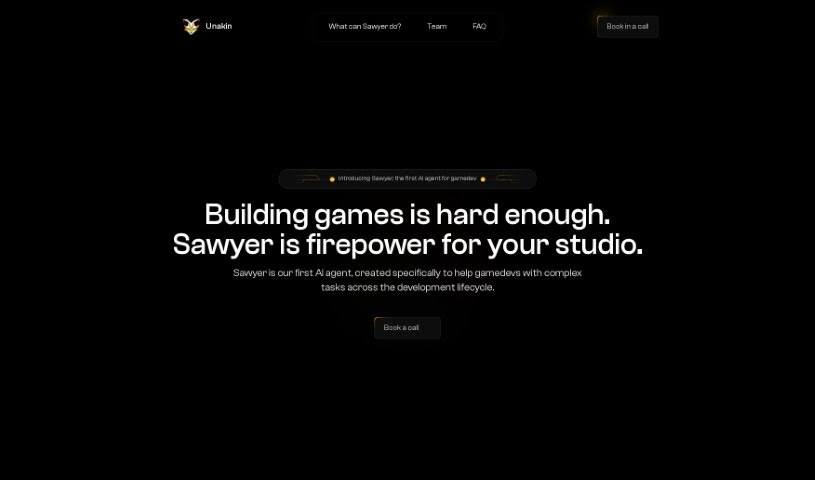
Unakin is a company that's really focused on AI, specifically creating AI agents designed to help game studios make their development process smoother. They are smart assistants that can automate parts of game building, use advanced AI for efficient creation, and even offer special help for particular jobs. They're also giving early access to new game development solutions and boosting creativity in the gaming world.
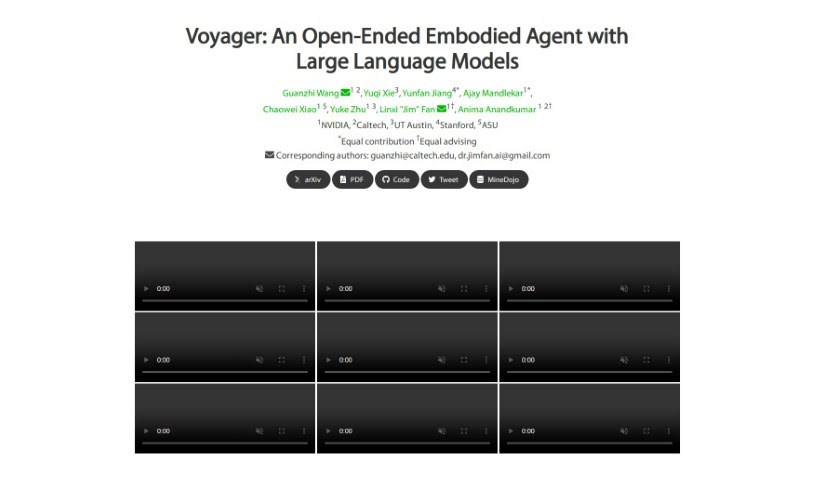
Voyager Minedojo is a smart, self-learning explorer for Minecraft. It's powered by advanced AI, like GPT-4, and it's designed to wander around the Minecraft world all by itself, picking up new skills and making discoveries without any help from people. It has a built-in system that guides its exploration, a library to store all the cool behaviors it learns, and a clever way of using code to figure out its next actions. Voyager really shines when it comes to finding unique items, mastering all the different stages of the game, covering huge areas of the map, and quickly learning how to do new things in a fresh Minecraft world. It's definitely a step up from previous methods.
Get weekly updates on the latest AI tools, trends, and insights delivered to your inbox
Join 25,000+ AI enthusiasts. No spam, unsubscribe anytime.