Top AI Assistants

AI Tools for AI Assistants

Discover the best AI Assistants AI tools to enhance your productivity and creativity.

Page 28 of 34 • 407 total tools
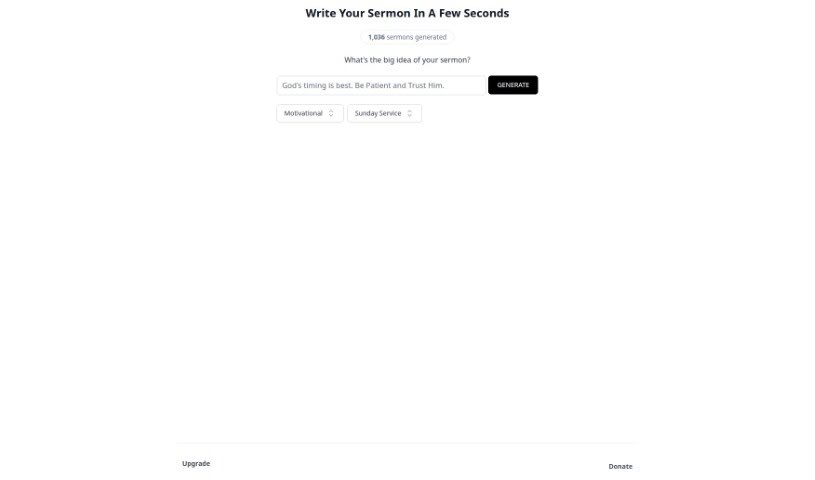
Screenshot of SermonGPT

SermonGPT

Freemium

SermonGPT is an app that uses machine learning and AI to automate sermon writing. You provide the basics — your sermon topic, key Bible verses, and the main points you want to cover — and it generates a complete sermon, including introductions, illustrations, application points, and suggestions for relevant Bible passages and quotes.

AI Assistants View Tool →
Screenshot of Shako

Shako

Freemium

Shako is an AI chat tool that answers questions in natural language. It understands requests without requiring exact keywords and adjusts the length and detail of its responses to match each question's complexity. It handles both technical and everyday queries, with fast response times as one of its strengths.

AI Assistants View Tool →
Screenshot of Shortcircuit

Shortcircuit

Freemium

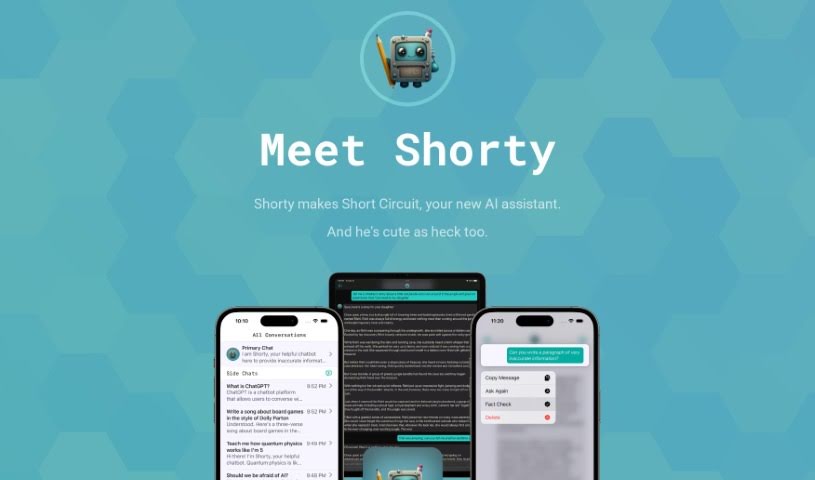
Short Circuit is a premium ChatGPT app for Apple devices, built around an AI assistant named Shorty. It runs on Mac, iPhone, and iPad, is available on the App Store, and integrates with Siri, Shortcuts, and other built-in Apple features.

AI Assistants View Tool →
Screenshot of Sibyl AI

Sibyl AI

Freemium

Sibyl AI is a platform positioned as a personal oracle, offering access to knowledge in metaphysics, spiritual wisdom, personal growth, and regenerative systems. Its language models are trained on thousands of years of metaphysical and spiritual insights, allowing it to provide recommendations tailored to the individual user.

AI Assistants View Tool →
Screenshot of Sidechat

Sidechat

Freemium

SideChat is a free browser extension that brings ChatGPT to any website. Built on OpenAI's ChatGPT API, it provides access to the latest, fastest model without leaving the current page. Responses stream in real time, so answers appear as they're generated. The extension opens via click or keyboard shortcut (Ctrl+Y on Windows, Cmd+E on Mac) and includes different assistants tailored to specific tasks. SideChat does not collect or share additional data.

AI Assistants View Tool →
Screenshot of Sider

Sider

Freemium

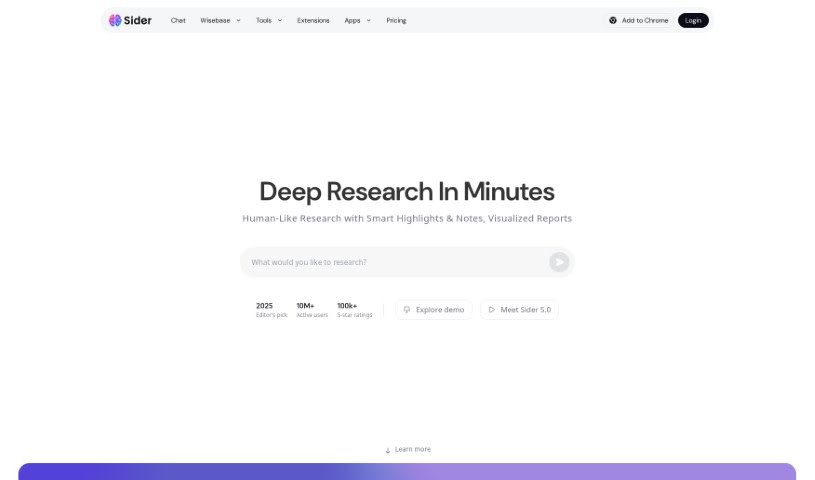
Sider is an AI assistant that helps with reading, writing, and chatting directly on any webpage you visit. It supports a range of AI models, including GPT-4o and GPT-4o mini, Claude 3.5, Gemini 1.5 Flash/Pro, and Llama 3.1 70B/405B, giving users access to multiple AI capabilities from one tool. It also integrates with version control systems like GitHub as an automated code reviewer, scanning source code for potential bugs, security weak spots, and coding style issues, with detailed reports that help teams keep their codebase reliable. Sider was created by Teppei Sato, a software engineer based in Japan, and the company behind it offers automated code review solutions to customers worldwide while focusing on helping developers work more efficiently.

AI Assistants View Tool →
Screenshot of SigmaOS

SigmaOS

Freemium

SigmaOS is an operating system built to deliver a smooth and efficient computing experience. It features a friendly interface, strong security, and solid performance, with a focus on simplifying tasks and boosting productivity through an easy-to-understand design. It is also customizable and adaptable, so it can fit a range of preferences and computing needs.

AI Assistants View Tool →
Screenshot of SimpleGen

SimpleGen

Freemium

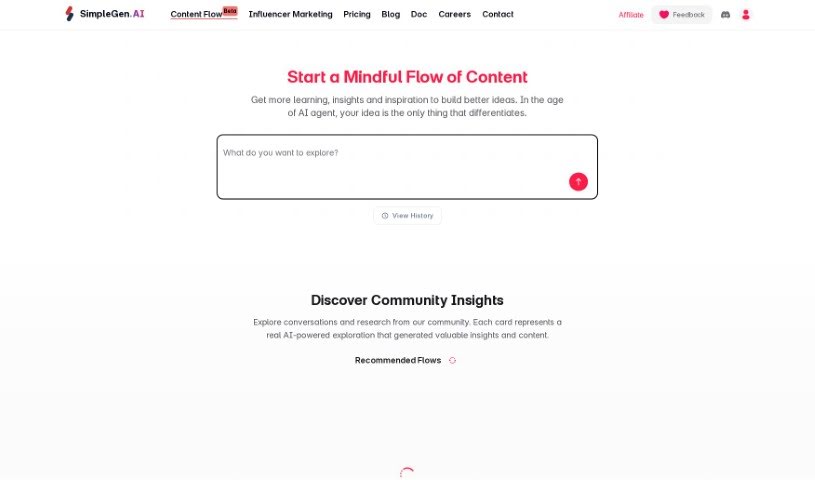
SimpleGen AI enhances GPTs (Generative Pre-trained Transformers) with "Domain Knowledge Actions" — specialized knowledge packs that users can plug into their GPT models. The integration produces more accurate and helpful generated content.

AI Assistants View Tool →
Screenshot of Sindre Sorhus

Sindre Sorhus

Freemium

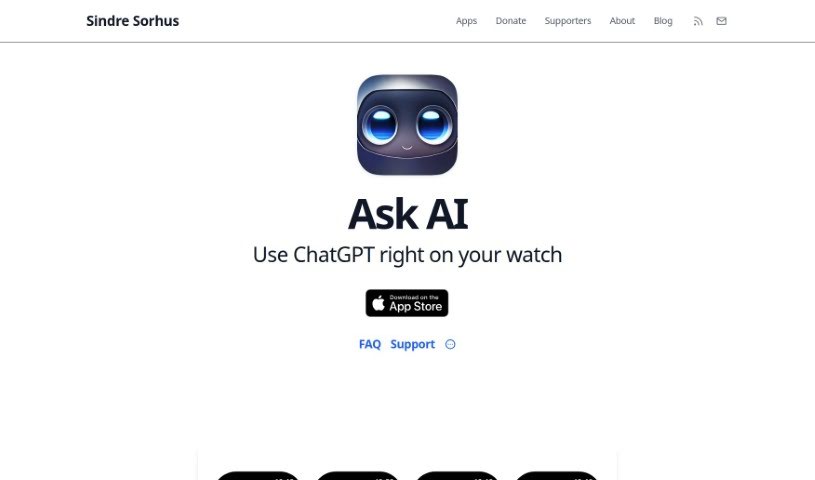
Ask AI is a ChatGPT-powered assistant for Apple Watch, created by developer Sindre Sorhus, who is known for his contributions to open-source projects. It delivers instant answers, explanations, language translations, recommendations, math help, and writing tips — all from your wrist.

AI Assistants View Tool →
Screenshot of Skelet AI

Skelet AI

Freemium

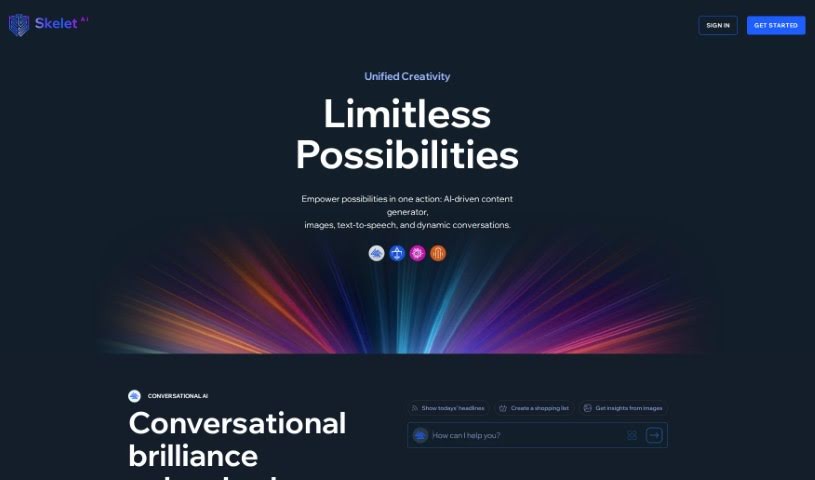
Skelet AI is a content creation platform that combines several AI-powered tools: a content generator, an AI image creator, a text-to-speech converter, and a chat assistant. You can produce content in multiple formats and languages, generate images from text descriptions, and hold natural-sounding conversations with the assistant. Subscription options include a free plan, flexible paid tiers, and custom plans for different needs.

AI Assistants View Tool →
Screenshot of Slang

Slang

Freemium

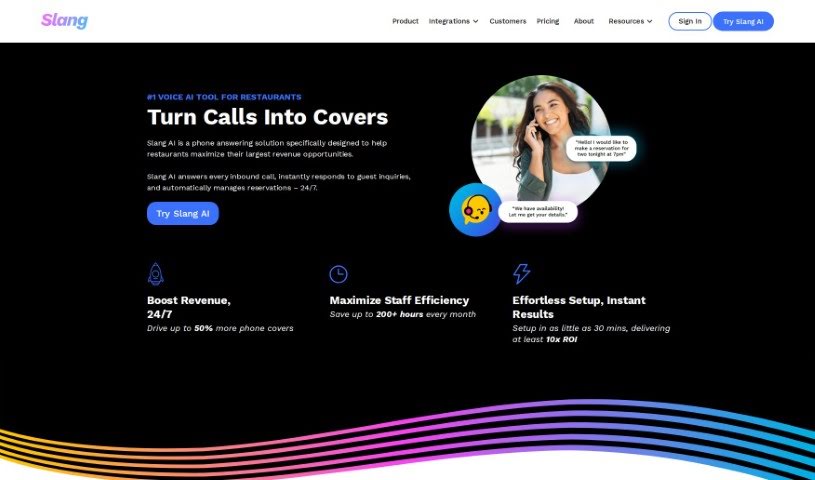
Slang.ai is an AI-powered virtual phone agent that handles calls for businesses 24/7. It greets callers, answers frequently asked questions, and transfers calls to a human when needed. The platform emphasizes customization, quick setup, and customer satisfaction through fast replies and improved phone service.

AI Assistants View Tool →
Screenshot of SnapMeasureAI

SnapMeasureAI

Freemium

SnapMeasureAI is a computer vision tool that produces 3D body measurements and clothing size recommendations from a couple of photos or a short video. It measures 16 key body dimensions with about 99% accuracy and an average error of 7.0 mm (0.27 inches). No specific pose or special clothing is required. The goal is to reduce clothing returns for online shoppers by helping them get the right fit — which also means lower costs, stronger brand loyalty, and less waste sent to landfills.

AI Assistants View Tool →

About AI Assistants tools

We’ve all had days where the to-do list feels completely overwhelming. Between replying to urgent emails, rescheduling meetings, summarizing notes, and jumping across a dozen open browser tabs, there’s rarely enough energy left for actual deep work. It often feels like you need a full-time assistant just to keep up with daily operational noise.

Modern digital assistants go far beyond basic chatbots that answer trivia questions. These applications handle calendar scheduling, draft email replies, summarize lengthy reports, and keep your projects moving while you stay focused on the bigger picture.

How a Digital Assistant Fits Into Your Routine

The biggest benefit of a digital helper is how much friction it removes from routine tasks. Coordinating a single meeting, for instance, used to take four or five back-and-forth emails just to find an open time slot. Smart scheduling tools connect directly to your calendar, coordinate with other participants, and lock in a time that works for everyone.

Handling information overload is another area where these platforms excel. If you get dropped into a massive email thread or handed a fifty-page PDF, an AI assistant can digest the material in seconds. You get a clear summary of core decisions, outstanding questions, and action items before your morning coffee gets cold.

There’s also a major shift in how these applications work. Older tools only responded when you asked direct questions. Newer assistants act more like proactive teammates. They can flag overdue tasks, prepare draft responses for your review, or update your project management board automatically after a sales call wraps up.

Key Capabilities to Look For:

  • Integration depth: Tools that link directly into your existing inbox, calendar, and task management apps without extra steps.
  • Action capabilities: Systems that complete real tasks like booking events or updating records, rather than just generating plain text.
  • Contextual memory: Software that remembers your preferences, communication style, and past interactions so you don’t have to repeat instructions.
  • Customization options: Features that let you set custom rules, persona voices, and explicit instructions for routine tasks.
  • Privacy controls: Strong security measures that ensure personal communications and internal business data remain strictly confidential.

No software can replace human judgment or genuine empathy. While an assistant handles routine scheduling or drafts a quick project update, you still bring creative direction, build relationships, and make final decisions. The ideal setup is a partnership where software handles background busywork while you maintain full control.

Take a look through the options below to find an assistant that matches your daily routine.

The Best AI Assistants

  1. Monica: Great for easy chats with AI chatbots.
  2. Sider: Perfect for personalized virtual assistant conversations.
  3. Abacus.ai: Offers smart responses for users.
  4. Yeschat: Helps with smart scheduling and reminders.
  5. You.com: Streamlines everyday tasks with AI help.
  6. Merlin AI: Simplifies daily task management.
  7. MaxAI.me: Provides personalized virtual scheduling assistance.
  8. Chatgpt Online: Good for smart scheduling and task management.
  9. Casetext: Streamlines legal document review.
  10. Hume AI: Offers personalized customer support chatbots.
  11. Tavus: Features personalized AI assistant video interactions.
  12. AI Power: WordPress plugin that brings GPT-3.5 and GPT-4 to content, images and chat.
  13. Retell AI: Provides smart voice control for daily tasks.
  14. Runway Research: Enhances AI assistant training data.
  15. Alexa Translations: Legal-focused translation, interpretation and localization services.
New tools, in your inbox.

Weekly picks of the best AI tools we've researched and added — no spam, unsubscribe anytime.

Join 25,000+ AI enthusiasts. No spam, unsubscribe anytime.