AI Tool Directory

Discover the best AI tools to enhance your productivity and creativity.

Page 229 of 355 β€’ 24 tools
Screenshot of Pixelicious

Pixelicious

Freemium

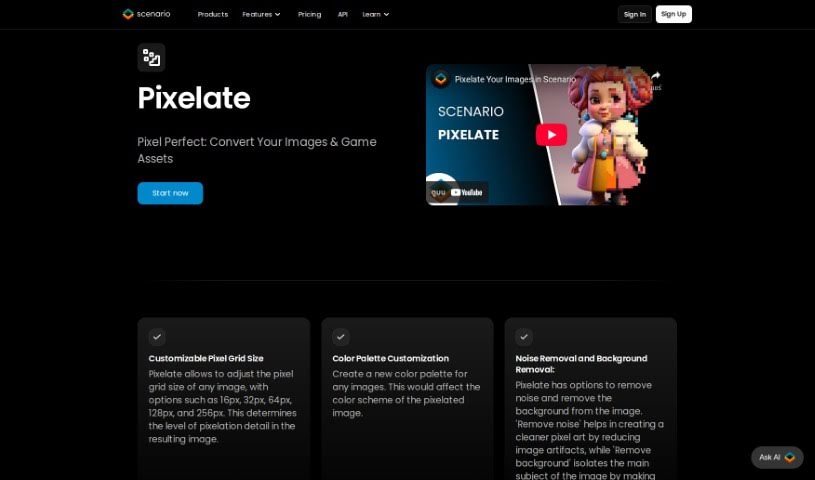
Pixelicious is a handy website packed with tools for anyone working on image editing or game development. If you've ever wanted to turn a regular image into cool pixel art, their online Image-to-Pixel Art Converter is perfect for that. Plus, it makes removing backgrounds from your pictures super simple. Beyond that, the platform offers tools to make your images look even better, all wrapped up in an interface that's really easy to get around. Once you're done, you can just download your converted or edited files to use however you like. It's a great service for game developers needing that retro look or for anyone who just wants to give their images a visual boost.

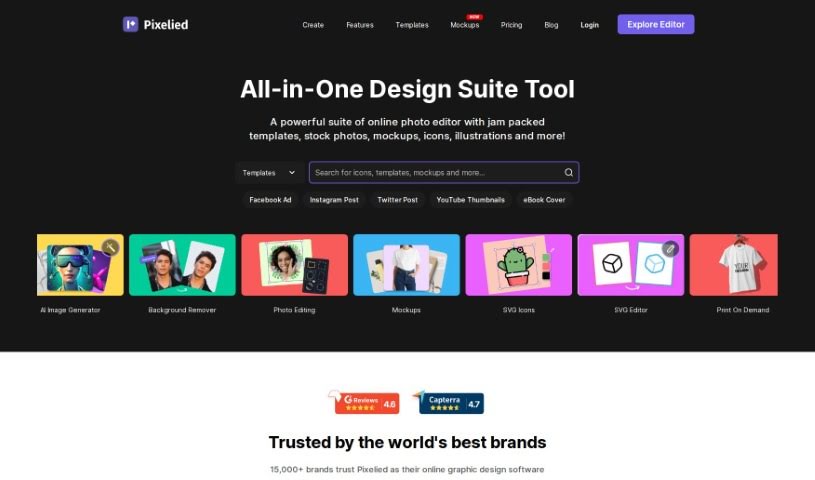
Screenshot of Pixelied

Pixelied

Freemium

Pixelied is a really handy online graphic design tool. It's packed with features that let you create all sorts of visuals – think social media posts, eye-catching e-commerce images, marketing flyers, and so much more. It’s like a complete graphic design studio right in your browser. You get easy-to-use editing tools, access to thousands of professional templates, a massive library of over 4 million royalty-free stock photos, and specialized tools like an SVG editor, an icon maker, and a background remover. Plus, you can even work with your team in dedicated workspaces and whip up product mockups super easily. The whole platform is designed to be super user-friendly, whether you're just starting out or you're a seasoned pro. It helps you create amazing visuals quickly and without a fuss.

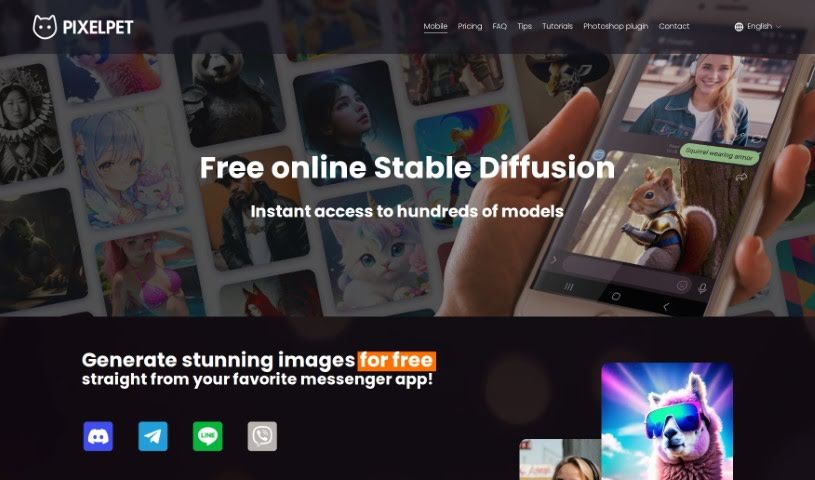
Screenshot of PixelPet

PixelPet

Freemium

PixelPet is a cloud-based AI tool that makes generating high-resolution images super easy, right within Photoshop. It's built for artists, marketers, and designers who want to speed up their creative process. You get over 20 different image generation models to play with, plus handy features like inpainting. The whole idea behind PixelPet is to let you create images quickly and efficiently, giving you more freedom to be creative with its simple interface. You can even pop it right into your Photoshop workflow using a plugin, so you don't have to leave the program you already know and love. It works on a pay-as-you-go basis, meaning you only pay for the images you generate, which is a smart way to manage costs for all sorts of creative projects.

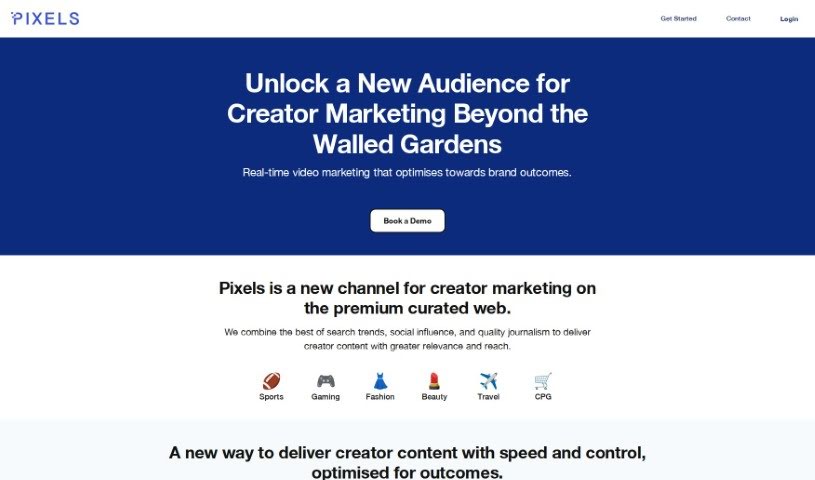
Screenshot of Pixels AI

Pixels AI

Freemium

Pixels AI is a smart, AI-powered tool designed to help photographers make their images look even better, and do it fast. It uses machine learning to really dig into your photos, process them, and boost their quality. Think of it like having a super-smart assistant that knows exactly how to reduce noise, sharpen details, fix colors, and generally make your pictures pop. This means you can spend less time fiddling with settings and more time creating. It’s a big step forward in photo editing, making it easier than ever for photographers to really elevate their work.

Screenshot of Pixels2Flutter

Pixels2Flutter

Freemium

Pixels2Flutter is a really neat tool that makes app development smoother. It's designed to turn your UI screenshots directly into working Flutter code. It is a smart assistant for your design-to-code process. This handy software is great for experienced Flutter developers who want to speed things up, and it's also perfect for beginners trying to figure out how to get their visual designs into actual code. You just upload a picture of the user interface you want, and Pixels2Flutter does the heavy lifting, intelligently creating the Dart code you need for Flutter. It really saves time and helps make sure everything is accurate and efficient.

Web Development View Tool β†’
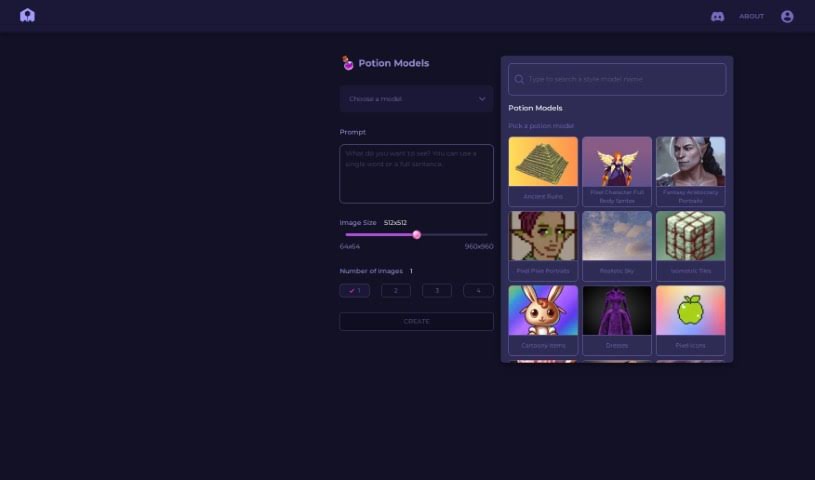
Screenshot of PixelVibe

PixelVibe

Freemium

PixelVibe is a really handy, flexible tool that runs right in your browser and uses AI to help game developers and creators. It makes it simple to create great-looking game assets without needing complicated software or a ton of technical know-how. You can easily generate assets by picking the options you like – think choosing models, setting image sizes, and deciding how many images you want. It supports JPG and PNG formats, and you can even tweak your assets with effects like pixelation or outlining. Plus, there's a cool 're-vibe' feature that lets you create masks from your own images, opening up even more creative avenues for your assets. Once you sign in and pick your images, PixelVibe can really speed things up, like making background removal a breeze so you can easily isolate foreground elements. Honestly, with all the ways you can customize it, PixelVibe is a fantastic asset for anyone making games.

Web Development View Tool β†’
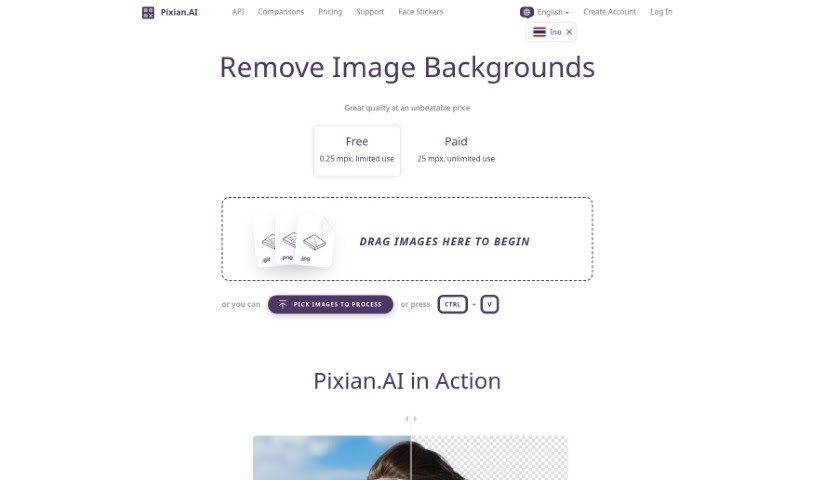
Screenshot of Pixian

Pixian

Freemium

Pixian.AI is a really straightforward tool that lets you remove backgrounds from images for free. You can just upload your pictures without needing to sign up or subscribe to anything, and it promises high-definition results. Plus, it offers some neat extras like API integration for developers, ways to tweak your image output, and even a tool to compare its results with other services. Pixian.AI works with common file types like JPEG and PNG, which is super handy for all sorts of things – think eCommerce product shots, marketing materials, or even your latest social media posts. If you're looking at pricing, it's based on credits, calculated by image dimensions. Don't worry, these credits don't expire, but you do need to have made a purchase within the last two years to keep them active. The whole idea behind Pixian.AI is to offer a quality service at a good price by embracing how quickly AI technology is becoming more accessible.

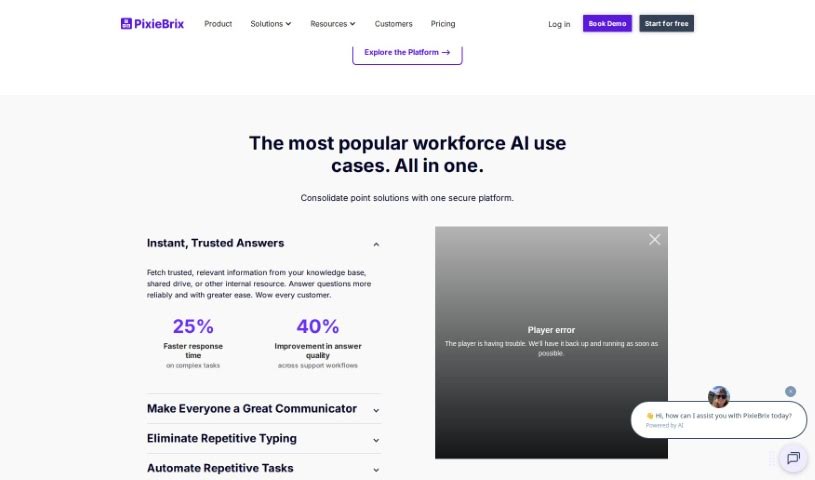
Screenshot of PixieBrix

PixieBrix

Freemium

PixieBrix is a browser extension that many users say really boosts their workflow efficiency and productivity. People have found it super helpful for all sorts of things, like automating Trello tasks, building AI tools, and automating web processes in general. It's described as a game-changer, packed with features that benefit everyone, whether you're an individual looking to simplify your tasks or a business aiming to streamline operations and improve user experiences. PixieBrix was actually started back in 2020 by Todd Schiller and Michael Mirandi. Their core idea was to let people use basic coding skills to make big productivity gains and improve their daily lives. The platform lets you create custom tweaks for SaaS apps and web pages using common coding knowledge, with the long-term goal of making customization easy for absolutely everyone.

Productivity View Tool β†’
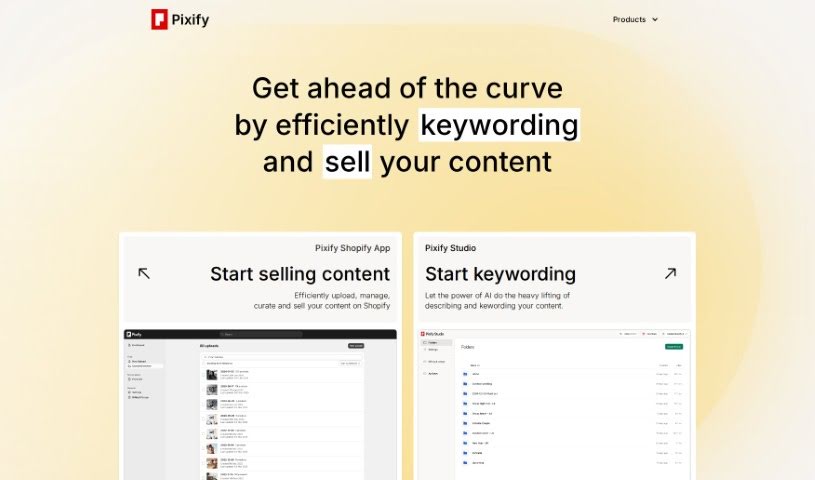
Screenshot of Pixify

Pixify

Freemium

Pixify, also known as Pixify Studio, is a really handy tool built to make keywording images and videos much more efficient. It's great because it can generate descriptions for your images, automatically pull out relevant keywords, and even connect smoothly with Shopify. Some of its standout features include options you can adjust to fit your needs, super-fast data access, support for video content, and secure storage using Amazon S3 cloud storage. What's even better is that it's completely free to use, doesn't store your data, and you don't need any coding skills to get started. However, it's worth noting a few limitations: it only works with Shopify, it doesn't store your data (which can be a pro or con depending on your needs), and the customization options are a bit limited. You'll also need to manually edit keywords, and there isn't an API provided, with everything relying on Amazon S3 for storage.

Screenshot of Pixify

Pixify

Freemium

Pixify, also known as Pixify Studio, is a really handy tool built to make keywording images and videos much more efficient. It is your go-to for generating descriptions for your images, automatically pulling out relevant keywords, and it even plays nicely with Shopify. Some of its standout features include options you can tweak to your liking, super-fast data availability, support for video content, and secure storage using Amazon S3 cloud storage. What's great is that it's completely free to use, doesn't store your data, and you don't need any coding skills to get started. On the flip side, it's worth noting that it only works with Shopify, doesn't store your data (which can be a limitation for some), and the customization options are a bit limited. You'll also need to edit keywords manually, and there's no direct API provided, with everything relying on Amazon S3 for storage.

Screenshot of Pixis

Pixis

Freemium

Pixis is a company that provides a codeless AI infrastructure specifically for growth marketing. Essentially, they help brands scale up their marketing efforts by using AI solutions. Pixis' AI tools are built to help brands boost demand generation. They do this by using neural networks for smart targeting, generative AI models to make creative content even better, and their own special AI models to fine-tune performance. Brands like CARSOME, Klar, and DHL Express have already used Pixis to hit their campaign targets and make their marketing work smarter.

Sales And Marketing View Tool β†’
Screenshot of Pixite

Pixite

Freemium

Pixite is an exciting new company that sits right at the intersection of fashion, online shopping, and artificial intelligence. It was started in the lively city of Baku, Azerbaijan, by four forward-thinking individuals. Their big goal? To completely change the fashion world. They're using AI to make it super easy for anyone to design and personalize their own t-shirts. Pixite's platform is really user-friendly, letting people show off their personal style and individuality. It's a move away from the usual mass-produced clothes and a step towards more sustainable fashion choices.

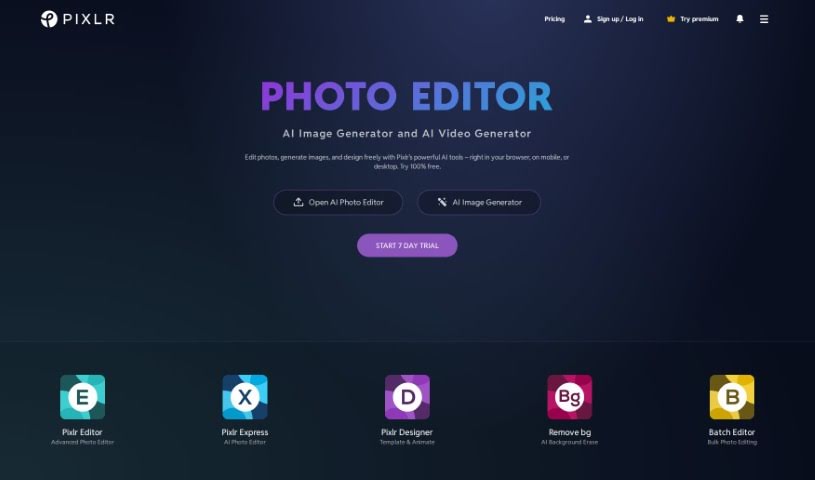
Screenshot of Pixlr

Pixlr

Freemium

Pixlr is a really popular online tool for editing images, first launched way back in 2008 by Ola Sevandersson. It started out with just basic photo editing through a web browser, but it quickly became a hit because it was so easy to use and had features that anyone could access. Over the years, Pixlr has brought in AI technology to make creating things even better for users, helping them work faster and more simply. Based in Singapore, Pixlr's goal is to make photo editing accessible to everyone, no matter their skill level, by offering tools that are both easy to use and powerful. Millions of people around the world use Pixlr's apps, which offer a wide range of editing, animation, and design features, all supported by professionally designed elements and templates.

Screenshot of Pixlr AI Background Remover

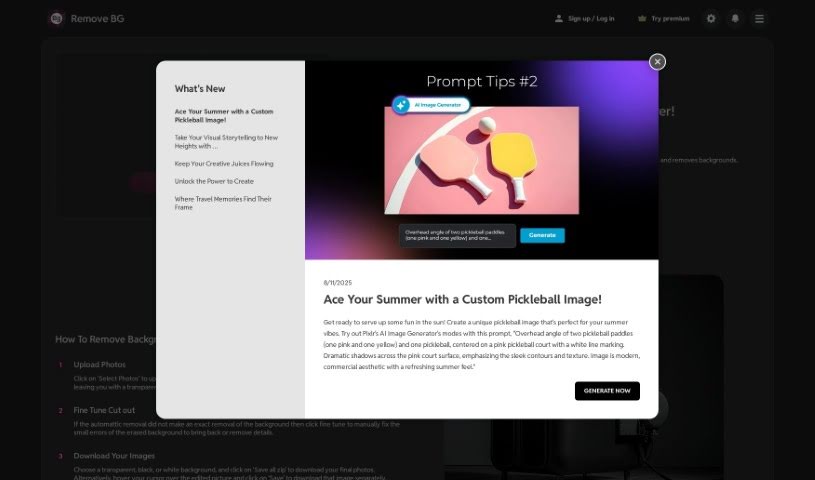
Pixlr AI Background Remover

Freemium

Pixlr's AI Background Remover is a really neat tool that uses artificial intelligence to automatically take out backgrounds from your photos. It's built with smart machine learning that can tell the difference between the main subject in your picture and whatever's behind it. This means you can easily grab just the object you want. It makes editing so much simpler because you don't have to mess around with manual selections or complicated software. It's a real time-saver! This handy tool is especially great for graphic designers, photographers, and anyone creating content who needs to quickly and easily remove backgrounds for things like product shots, digital art, or just making graphics look better.

Screenshot of Pixlr AI Image Generator

Pixlr AI Image Generator

Freemium

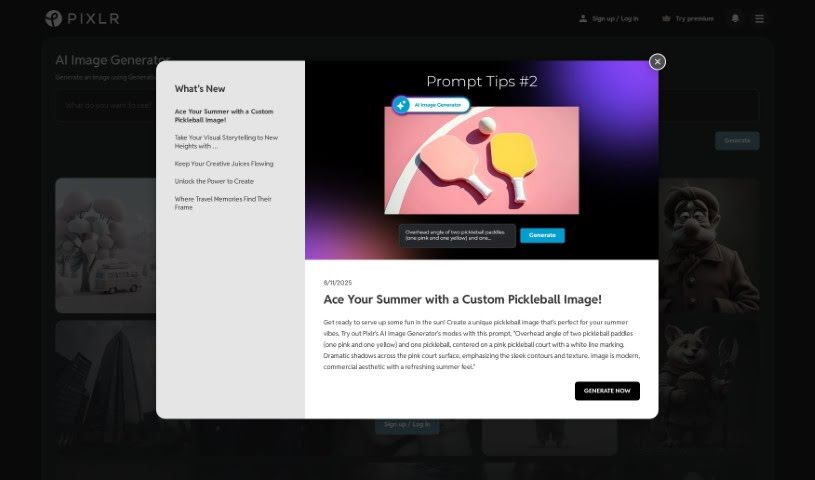
An AI image generator is essentially a smart tool that uses artificial intelligence to create or generate images. It like a digital artist powered by AI. These generators use sophisticated algorithms, often involving deep learning or neural networks, to automatically produce visual content. You, is the user, can guide this process by providing specific instructions, like telling it what style you want, what colors to use, or simply typing in keywords that describe your idea. AI image generators are super handy for all sorts of things – graphic design, creating digital art, making content for social media, and much more. They offer a really convenient way to quickly come up with unique, custom visuals without needing to be a seasoned designer yourself. All in all, these AI tools are a fantastic way to generate all kinds of creative images efficiently.

Screenshot of Pixly.app

Pixly.app

Freemium

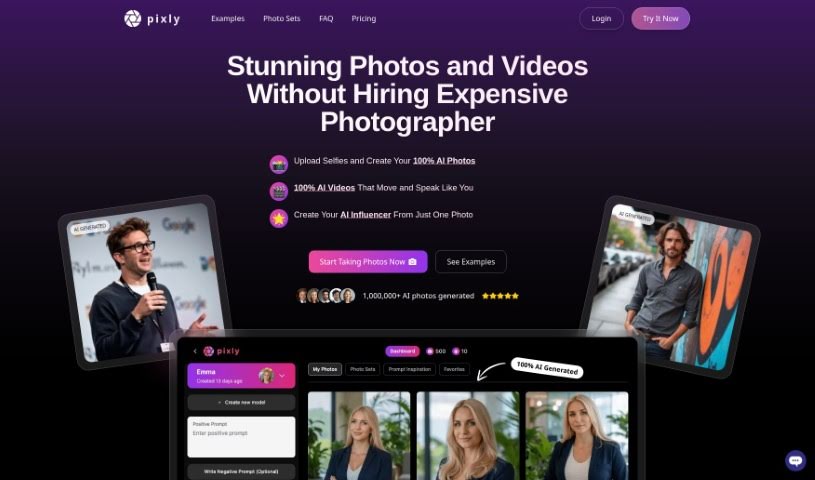
Pixly.app is an AI tool designed specifically for creating professional, photo-realistic images. It lets you upload your own photos, like selfies, to train a personalized AI character. This character can then generate a variety of photo styles based on what you prefer. You can even specify details like clothing and hairstyles for your AI character to produce high-quality results. Pixly.app also prioritizes data safety and privacy, offers some free photo generation options, and has different pricing plans to suit everyone's needs. Plus, it includes advanced features such as custom model training and generating images with even better resolution.

Screenshot of Pixop

Pixop

Freemium

Pixop is a service designed to make video enhancement and upscaling straightforward and accessible for everyone. Founded by Morten and Jon, Pixop harnesses the power of AI, machine learning, and cloud computing to automate the entire video enhancement process. Essentially, it's built to boost the quality and resolution of your videos, making them look great whether for personal projects or professional broadcast media. The platform itself is really user-friendly, using artificial intelligence and machine learning to instantly improve your video quality.

Video Generation View Tool β†’
Screenshot of PixVerse AI

PixVerse AI

Freemium

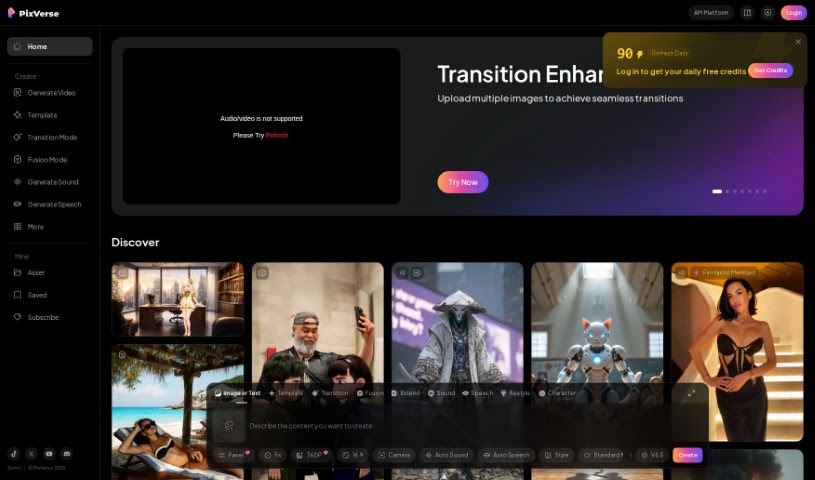
PixVerse is a really cool generative AI tool that lets you make amazing videos just by typing in what you want. It is a way to bring your ideas to life with video. This neat tool, created by the PixVerse team, works right through Discord. You just hop into one of their special 'generate-room' spaces, type `/create`, and off you go! It's pretty straightforward. What's great is you can pick the look you're going for – maybe something super realistic or a cool anime style. You can also tweak things like the video's shape (aspect ratio) or add 'negative prompts' if there's something you definitely don't want in the video. Basically, PixVerse makes it easy for anyone to get creative and produce good-looking videos without a lot of fuss.

Video Generation View Tool β†’
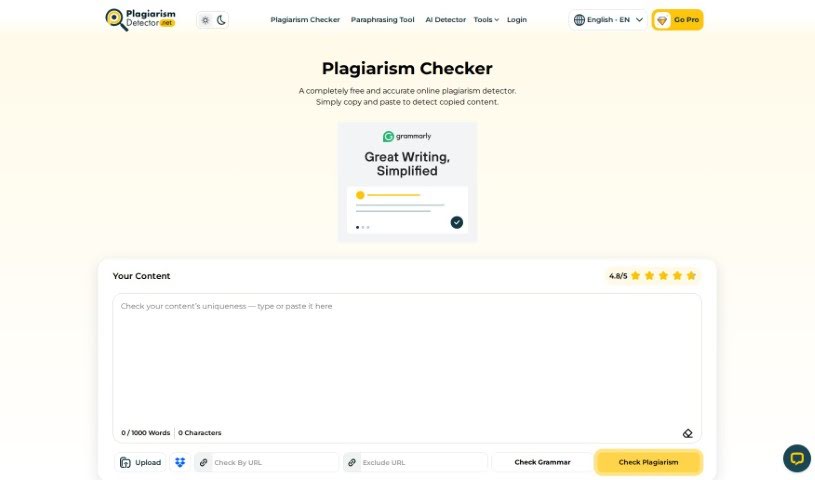
Screenshot of Plagiarism Checker Free

Plagiarism Checker Free

Freemium

Plagiarism Checker Free is your smart, free assistant for making sure your writing is original. It's designed for students and professionals who need to confirm their content is unique before they share it. Why is this so important? Well, having a lot of duplicated content can really hurt your authority on search engine results pages (SERPs), potentially leading to a lower page rank. This tool works by carefully looking at your text – it checks word patterns, how you choose your words, and any phrases that match what's already out there. It compares your writing against vast databases and the entire internet to give you accurate, reliable results. If it finds any plagiarized sentences, it'll highlight them and show you where they came from. Plagiarism itself can cause serious problems, whether you're in school, your career, or even facing legal issues, so using a tool like this is a smart way to avoid those headaches.

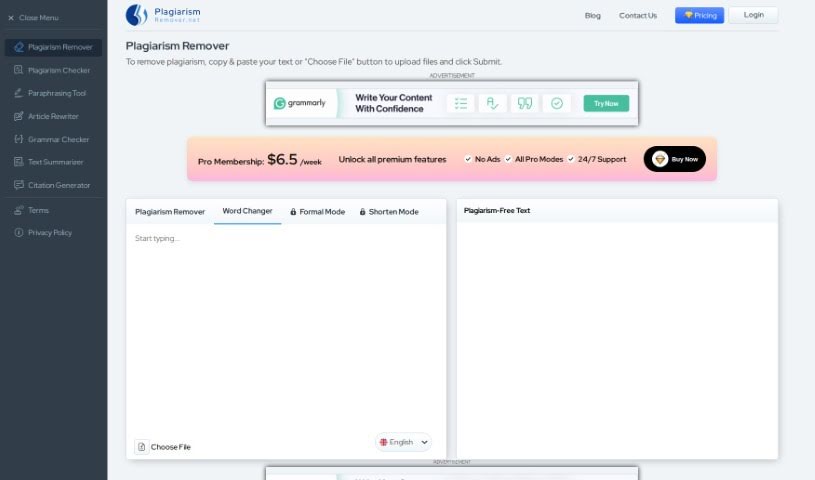
Screenshot of Plagiarism Remover

Plagiarism Remover

Freemium

Plagiarism Remover is your AI-powered partner for creating original content. It's designed to tackle plagiarism head-on and rewrite text so it sounds completely natural and human-written. It uses modern algorithms, along with Natural Language Processing (NLP) and Deep Learning, to make sure the content is rewritten accurately, all while keeping the original meaning intact. You've got four handy modes to choose from: "Plagiarism Remover" itself, "Word Changer" for tweaking specific words, "Formal" to give your writing a more professional edge, and "Shorten" to condense text without losing its unique, plagiarism-free quality. It's pretty versatile, supporting over 15 languages and delivering that human-level touch for plagiarism removal. Plus, it even shows you your word count. It’s a great tool for anyone who writes, whether you're a blogger, a student working on assignments, a content writer, or a freelancer needing to ensure your work is 100% original.

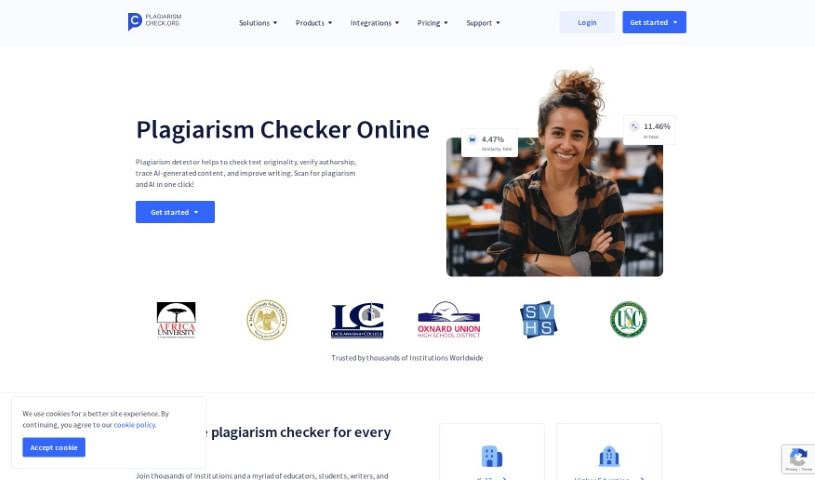
Screenshot of Plagiarismcheck.org

Plagiarismcheck.org

Freemium

Plagiarismcheck.org is a really thorough online tool built to help everyone, from students to big organizations, spot and stop plagiarism in their writing. It uses smart algorithms and handy tools, making it easy for users to scan documents and texts for any signs of copied content. This way, you can be sure your work is original and honest. Just upload your files, and Plagiarismcheck.org will give them a good once-over, providing detailed reports that point out any copied bits. Using Plagiarismcheck.org helps you keep your academic and professional life honest by confirming your work's originality and preventing accidental plagiarism.

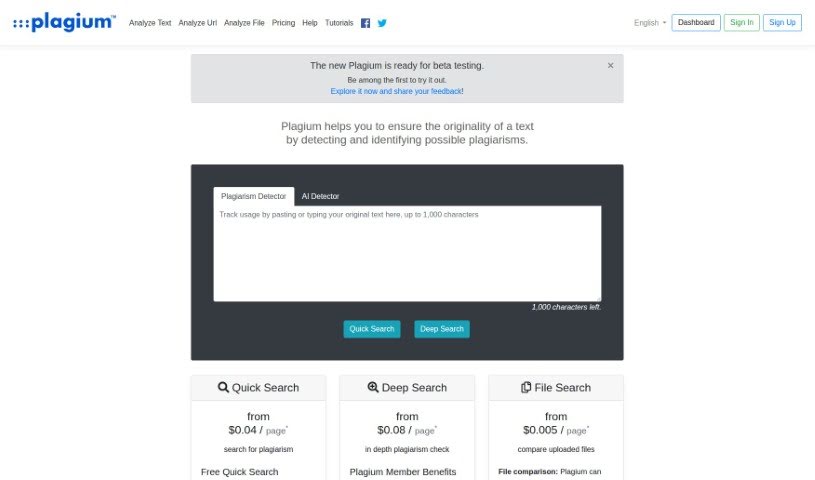
Screenshot of Plagium

Plagium

Freemium

Plagium's Originality AI Detector is a handy tool designed to spot text that might have been written by AI or plagiarized from elsewhere. It uses a special GPT-based system to check for originality. It is a sophisticated way to compare your text against a huge collection of AI-generated content. By using advanced algorithms and machine learning, Plagium can analyze text and give you a good idea of how likely it is that the text was created by a machine. You'll get reports that show this likelihood, and the tool can even be connected to other services through its API. Just keep in mind, it's not perfect – sometimes it might flag human-written text by mistake. Plagium also supports many languages, lets you compare texts directly, and helps verify the authenticity of your content, even if it's been rephrased.

Screenshot of PlainScribe

PlainScribe

Freemium

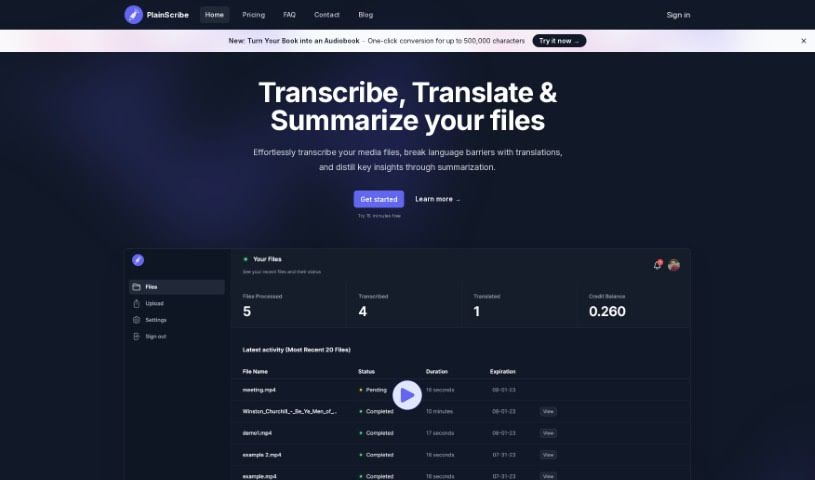
PlainScribe is a really versatile platform that can handle a few key tasks for your audio and video files: transcription, translation, and summarization. It's designed to be user-friendly, letting you upload files up to 100MB. If you need translations, it primarily converts them into English from over 50 different languages. Once you upload your media, the system takes care of all the processing. For your peace of mind and data security, files are automatically deleted after 7 days. Need to get the gist of a long recording quickly? The summarization feature breaks down your content into 15-minute segments, giving you the key insights without having to listen to everything. Plus, it operates on a Pay-As-You-Go model, which is a great way to keep costs down. You can also download your transcripts in handy formats like CSV or SRT/VTT, perfect for creating subtitles.

Screenshot of Plan By Ixigo

Plan By Ixigo

Freemium

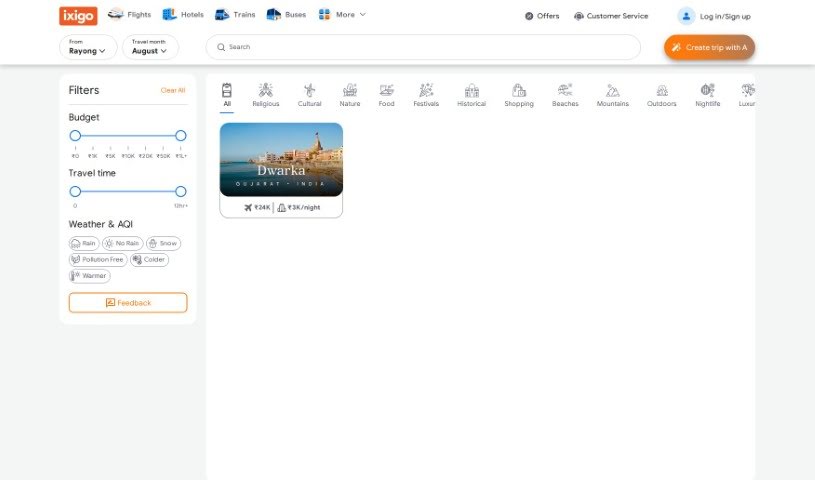
PLAN by Ixigo is a smart travel planning tool that uses AI to help you craft your perfect vacation, tailored just for you. It's designed to make planning a breeze by offering personalized travel suggestions. You can also get help with group bookings and visas. Plus, it takes into account things like the weather and air quality index, and it even suggests different travel themes to match your interests. Basically, you get custom itineraries, an idea of how much things might cost, and help organizing your whole trip.

Professionals View Tool β†’

Stay Updated with AI Tools

Get weekly updates on the latest AI tools, trends, and insights delivered to your inbox

Join 25,000+ AI enthusiasts. No spam, unsubscribe anytime.