Top AI Tools for Students

AI Tools for School

Discover the best School AI tools to enhance your productivity and creativity.

Page 2 of 3 • 31 total tools
Screenshot of Krizmi

Krizmi

Freemium

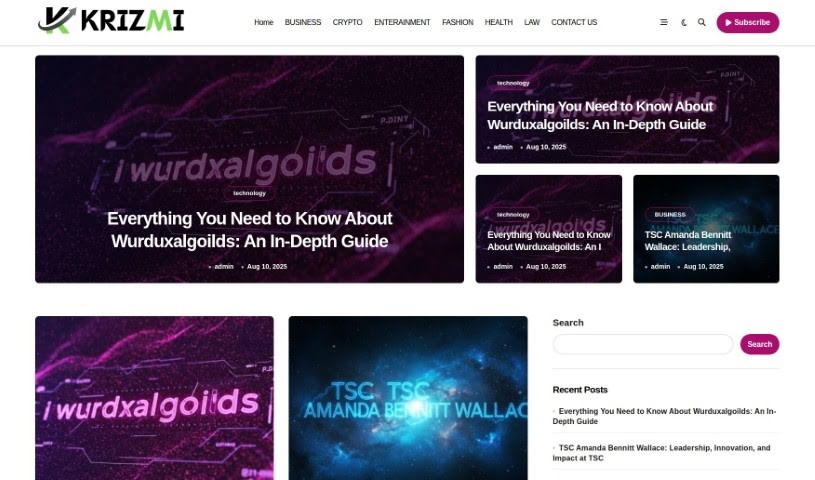
Krizmi is a platform for organizing daily tasks and routines. It offers a straightforward interface for managing schedules, setting reminders, and collaborating with others, bringing your important information together in one clear view.

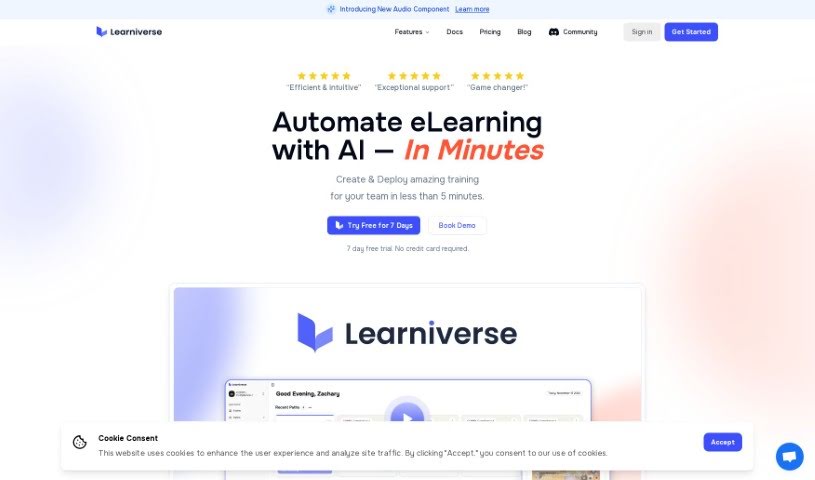
Screenshot of Learniverse Ai

Learniverse Ai

Freemium

Learniverse Ai is a platform offering AI-powered tools and analytics across several pricing tiers, aimed at educators, individuals, and growing businesses. Its stated mission is helping users connect with their audiences, build customer relationships, and boost sales through adaptable, user-friendly solutions.

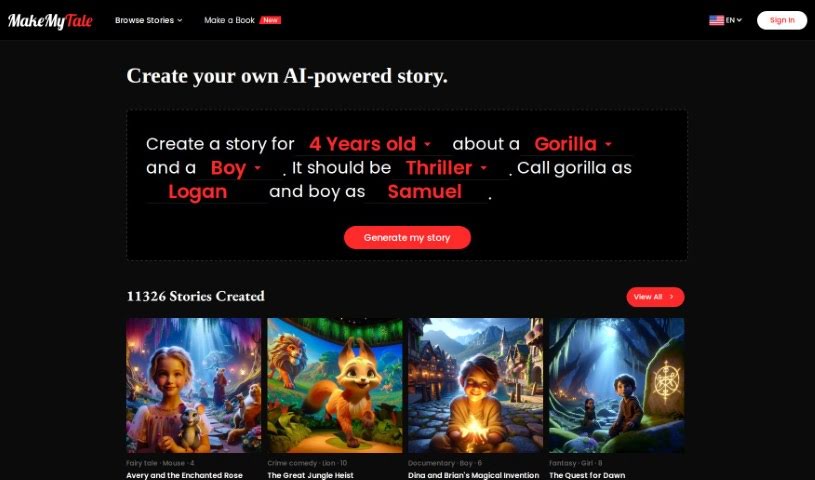
Screenshot of MakeMyTale

MakeMyTale

Freemium

MakeMyTale is a website and app designed to spark kids' creativity and imagination through stories. It provides an interactive space where children can create and share their own short stories. The platform includes customizable characters, different story settings, story prompts to get started, and story templates, making it simple for kids to develop their ideas and improve their writing.

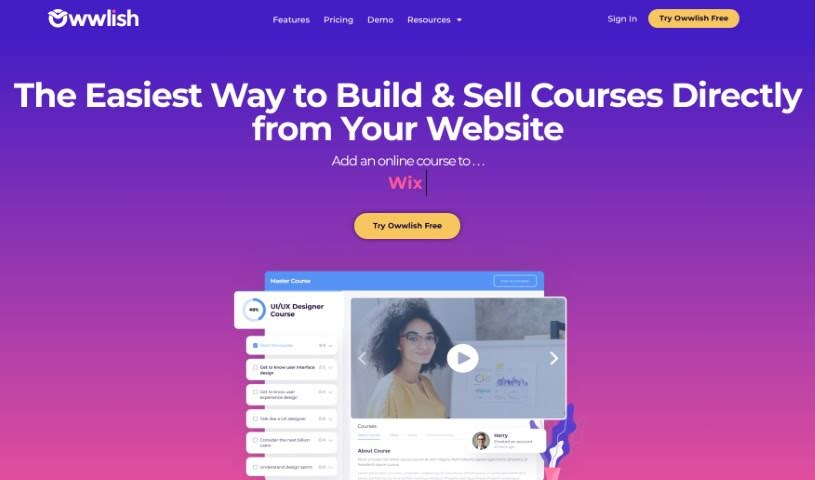
Screenshot of Owwlish

Owwlish

Freemium

Owwlish is an online course platform that lets you add courses to your existing website, regardless of the platform you use. It works with popular website builders including WordPress, Squarespace, Webflow, Shopify, and Weebly, among others.

Screenshot of Puzzicle

Puzzicle

Freemium

Puzzicle is a puzzle platform designed to challenge the mind and sharpen problem-solving skills. It offers a wide variety of puzzles suited to different interests and skill levels, from quick brain teasers to more involved challenges. The interface is easy to navigate, making it accessible whether you're a puzzle pro or just starting out, and new puzzles are added regularly.

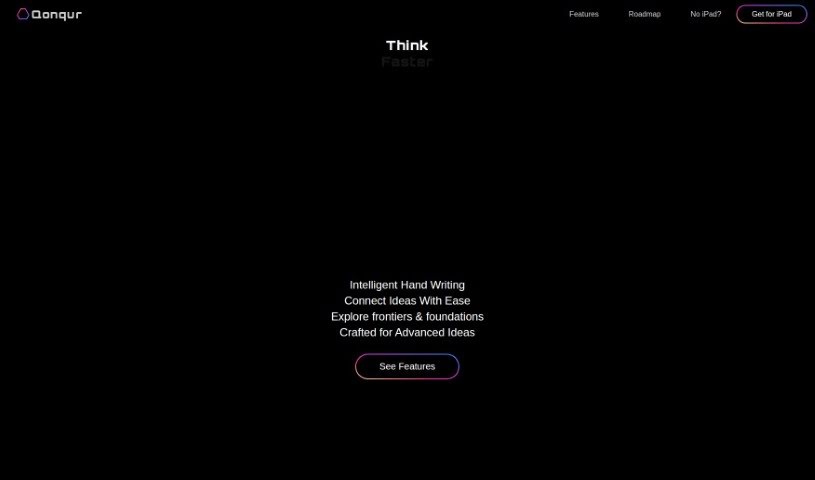
Screenshot of Qonqur

Qonqur

Freemium

Qonqur is a software solution that brings virtual hands into digital learning and research. It supports presentations, brainstorming, learning new subjects, and research — all controlled through hand gestures. The tool is designed to hold an audience's attention, help develop ideas, uncover new knowledge, and keep research articles organized. No VR headsets or expensive equipment are required; a standard webcam and a display are enough. Qonqur is currently available at a special beta price.

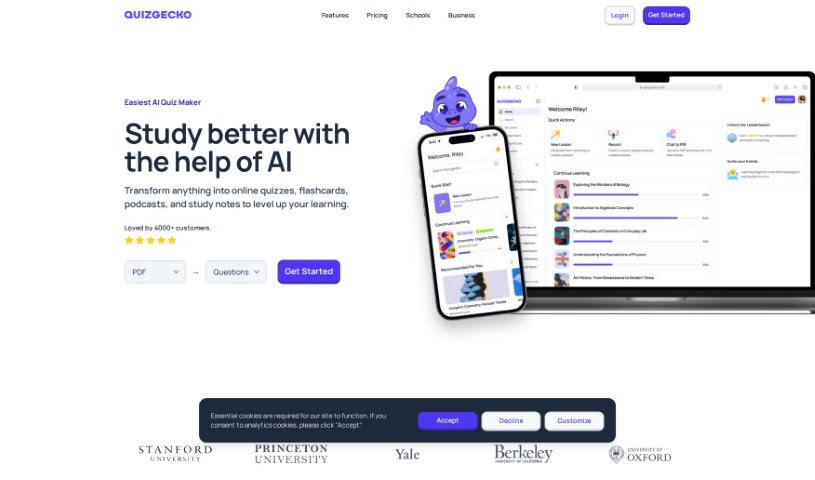
Screenshot of Quizgecko

Quizgecko

Freemium

Quizgecko is an AI tool that simplifies quiz creation. It generates questions directly from text sources you provide — an article, a presentation, your own notes, or a web link. You can choose from multiple question formats, including multiple-choice, fill-in-the-blanks, true/false, and short answer. The AI analyzes your text to produce relevant questions, and you control the number of questions, their difficulty, and their appearance.

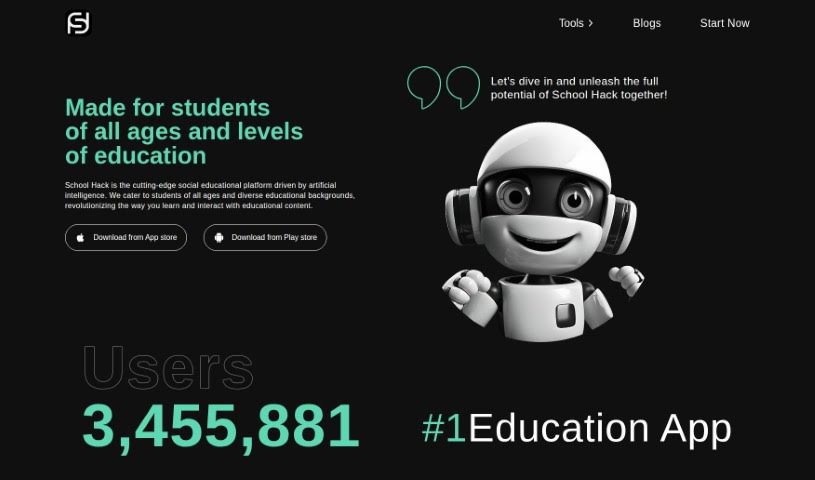
Screenshot of School Hack

School Hack

Freemium

School Hack is an AI-powered social learning platform for students of all ages and backgrounds. It combines task management, structured goal setting, and interactive learning tools to help students stay organized and engaged with their studies.

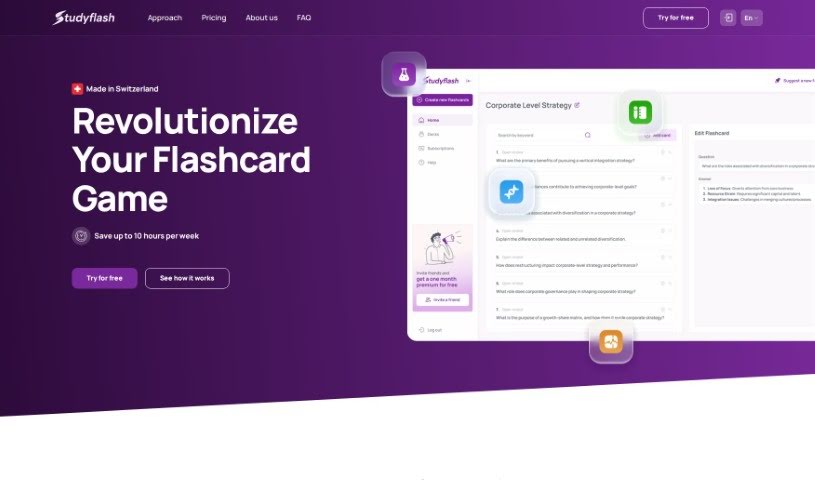
Screenshot of Studyflash AI

Studyflash AI

Freemium

Studyflash AI is a study tool that uses artificial intelligence to create flashcards and plan study sessions automatically. Upload your lecture slides and the AI generates flashcards for you — no manual card-making required. The process takes three steps: upload your slides, receive your AI-generated flashcards, and practice with active recall and spaced repetition to retain the material.

Screenshot of StudyMonkey

StudyMonkey

Freemium

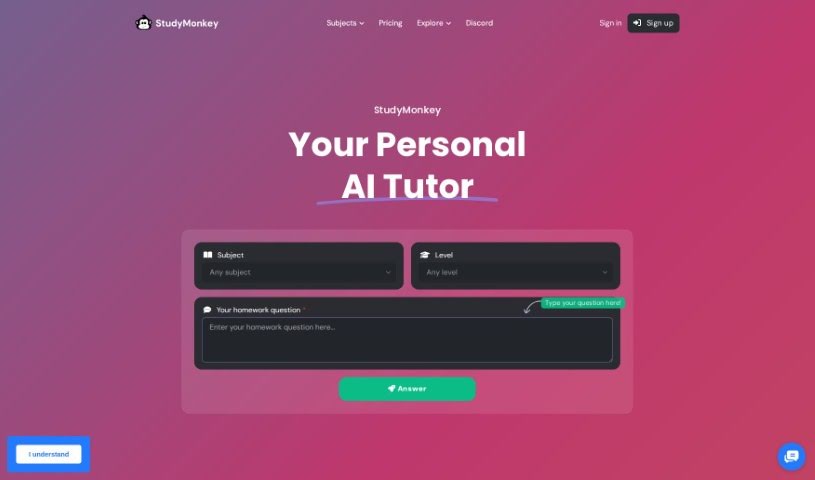
StudyMonkey is an online learning tool that uses AI to help students with their homework. It offers personalized guidance and step-by-step solutions across a wide variety of subjects, from 1st grade through master's-level work. It's available 24/7 and is designed to improve grades and overall academic performance.

Screenshot of Super Teacher

Super Teacher

Freemium

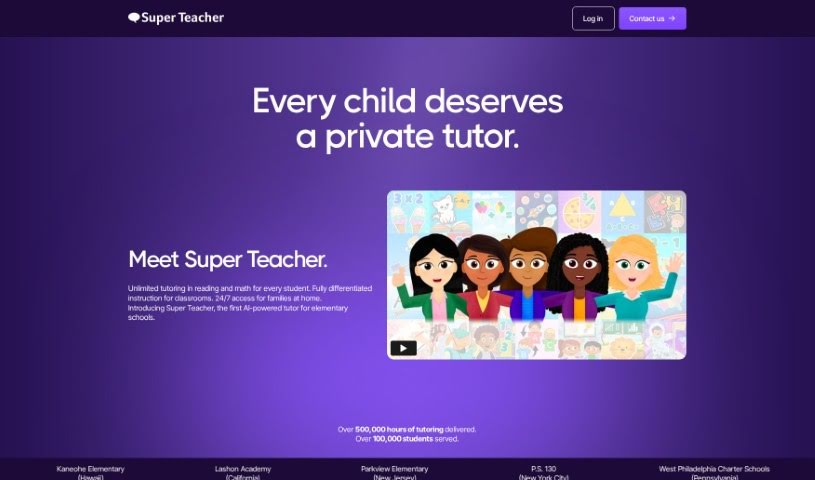
Super Teacher is an interactive learning platform used by parents, kids, teachers, and principals. It provides personalized tutoring in reading and math, adjusting to each child's skills and abilities, and covers hundreds of subjects — from kindergarten prep and reading comprehension to fractions, multiplication, and social-emotional learning. Lessons use a conversational format and adaptive learning techniques, and tutoring sessions are unlimited.

Screenshot of Superquiz

Superquiz

Freemium

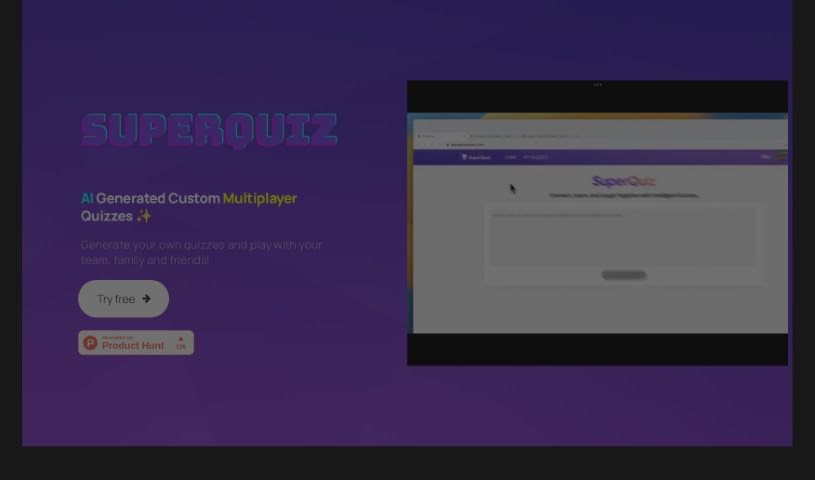
Superquiz is an AI-powered tool for creating, presenting, and playing multiplayer quizzes. It targets three main audiences:

About School tools

Balancing lesson plans, grading piles, study schedules, and endless reading assignments can make academic life feel like a non-stop sprint. I remember sitting at a desk littered with highlighted textbooks at midnight, trying to condense three chapters of history notes into something readable before an 8 AM exam. Between organizing curriculum standards, writing practice quizzes, parsing research papers, and drafting emails to parents or professors, routine academic prep drains your energy.

These platforms act as high-speed academic assistants for students, K-12 teachers, university professors, and administrators. They won’t replace critical thinking, genuine study habits, or the human connection in the classroom, but they draft lesson outlines, generate practice quizzes, summarize complex readings, and organize study schedules in seconds.

Accelerating Prep Time, Study Habits, and Feedback

Generating tailored lesson plans and classroom activities takes a fraction of the usual prep time. Building engaging worksheets, discussion prompts, and differentiated assignments for varied learning needs often takes hours of evening work. Modern education platforms read subject topics or state standards to generate complete lesson outlines, interactive discussion decks, and tiered practice activities—giving teachers a solid foundation to personalize for their classroom.

Transforming dense study materials into active learning tools keeps students prepared without the overwhelm. Staring at pages of lecture notes and trying to figure out what will be on the test can feel intimidating. Intelligent study assistants parse lecture slides, reading assignments, and class notes to generate flashcard decks, practice quizzes, and clear chapter summaries so students can test their knowledge before exam day.

Streamlining grading feedback and administrative communication frees up precious hours. Writing meaningful, individual feedback on dozens of essays or drafting weekly class updates usually leads to major review fatigue. AI grading assistants review student submissions against custom rubrics to draft initial feedback and grammar suggestions, while communication tools help teachers and students draft clear, professional emails in seconds.

Key Features to Look For:

  • Standards-aligned lesson generators: Tools that build structured unit plans, rubrics, and classroom activities mapped to specific curriculum standards.
  • Interactive study and flashcard builders: Systems that convert lecture notes and PDFs into self-testing quizzes, summary outlines, and flashcard sets.
  • Rubric-based feedback assistants: Software that analyzes student drafts against custom rubrics to suggest targeted feedback and grading notes.
  • Differentiated instruction controls: Features that adapt reading levels, translate materials, or adjust assignment complexity for diverse learning needs.
  • Privacy and compliance: Enterprise platforms built with strict data privacy protections (like COPPA/FERPA) to ensure student data remains completely secure.

Achieving success in education will always depend on human curiosity, critical analysis, and dedicated mentorship. Software can outline a lesson plan or draft a quiz, but inspiring a love of learning requires a human spark. Letting smart tools handle routine lesson prep and study formatting simply gives teachers and students back the time they need to focus on genuine education.

Ready to simplify your school week? Take a look through the options below to find the right educational assistant for your workspace.

The Best AI School Tools

  1. TurboLearn AI: for interactive study aids
  2. Quizgecko: for creating student practice exams
  3. CourseMind: Admin template for running online schools, with AI content editing.
  4. Studyflash AI: for automates flashcard creation
  5. Flint: for tailoring classroom activities for all levels
  6. Conch AI: for interactive study notes generator
  7. Study Monkey: for 24/7 homework help
  8. Course Mind: for streamlining school administration tasks
  9. Integra: for enhancing student engagement through courses.
  10. Zu AI: for personalized quizzes for classroom learning.
  11. Yippity: for interactive quizzes for student assessment
  12. School Hack: for optimized study planner
  13. Unschooler: for create and embed engaging courses for schools.
  14. Historica: for educational resource for history classes
  15. Owwlish: for streamlined course creation for schools
New tools, in your inbox.

Weekly picks of the best AI tools we've researched and added — no spam, unsubscribe anytime.

Join 25,000+ AI enthusiasts. No spam, unsubscribe anytime.